Format (important)1920×1080this is how it downloads
Preview doesn't change the file
You'll download 1920×1080, 3.5 s, with no background (.mov).
You'll download 1920×1080, 3.5 s, with no background (.mov).
A glass panel with a title and a list that fills itself in: each item comes in and its box fills with color as the tick draws itself, while the counter («3/5») goes up. With boxes or numbers, and an option to strike through what's done. For «before publishing», steps, requirements or what goes in the suitcase. Over your video the clip shows blurred through it; without a background the panel comes out solid.
Plus the typeface and an optional letter outline, in every template.
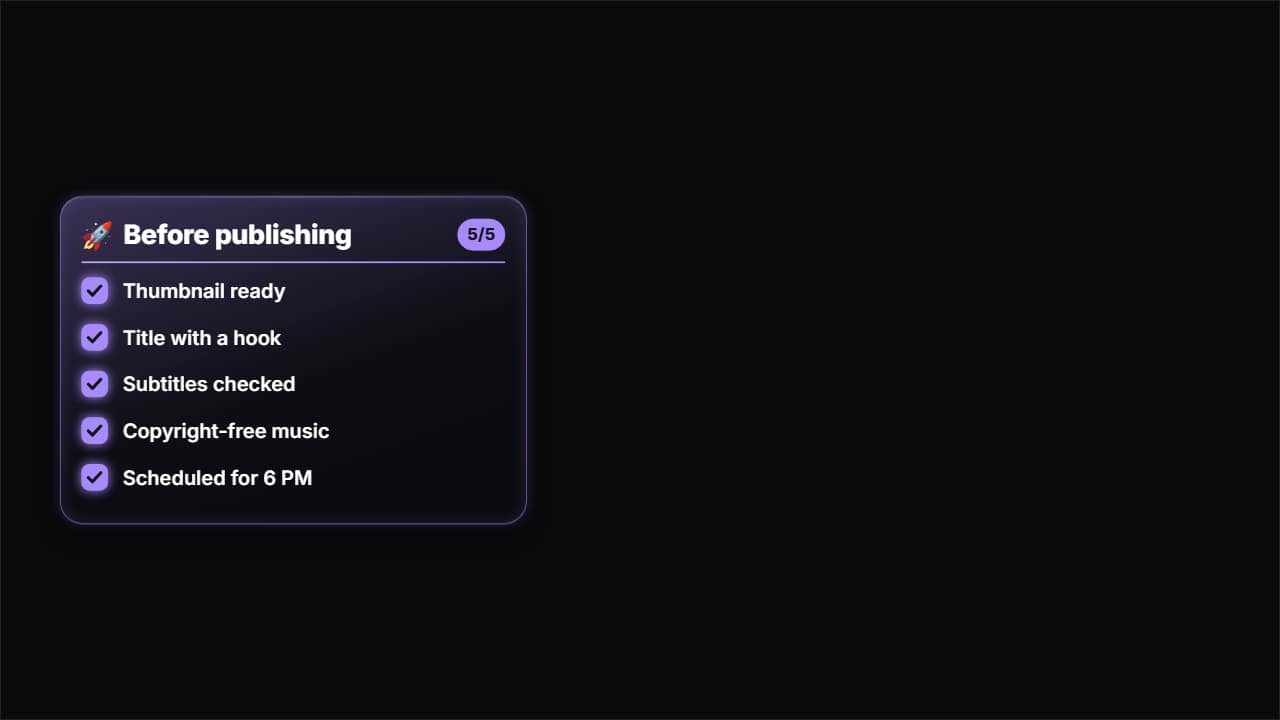
Export it without background and put it on a track above your clip: the animation plays over your video.
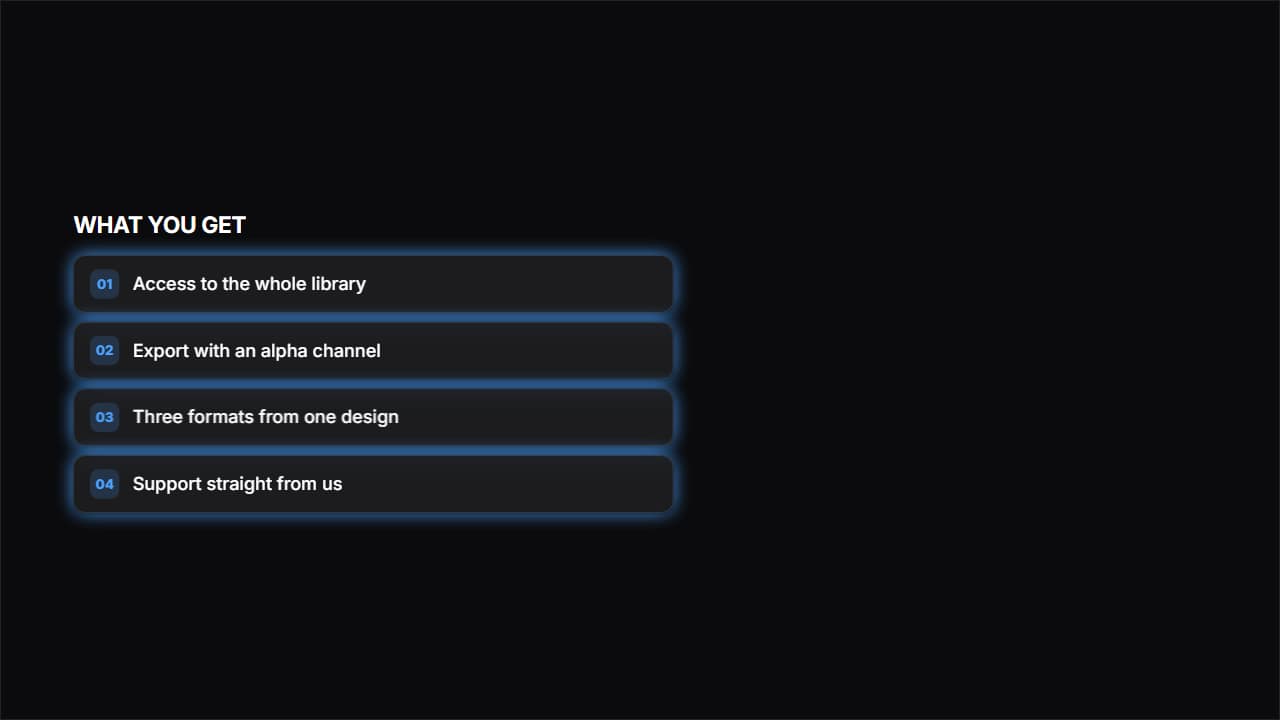 Frosted glassGlass cards with a blur behind them, the look of product websites.
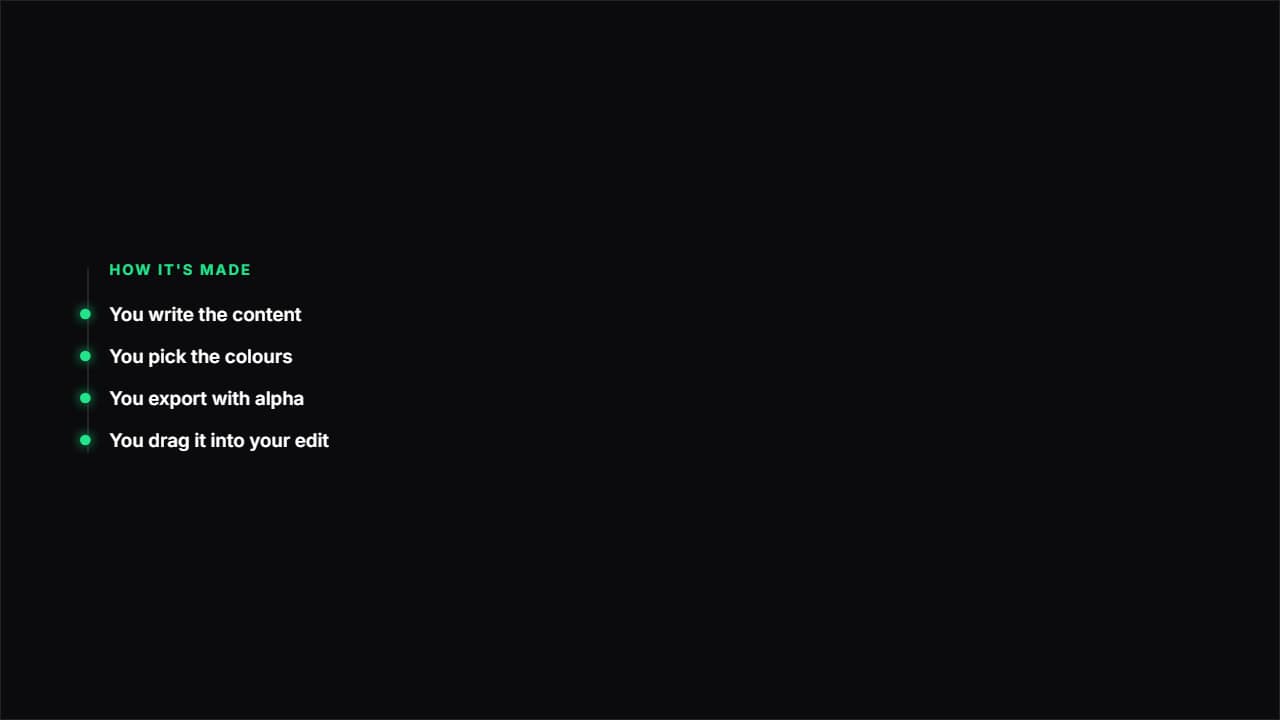 Path with nodesA vertical line drawing itself and a node bursting at each point.
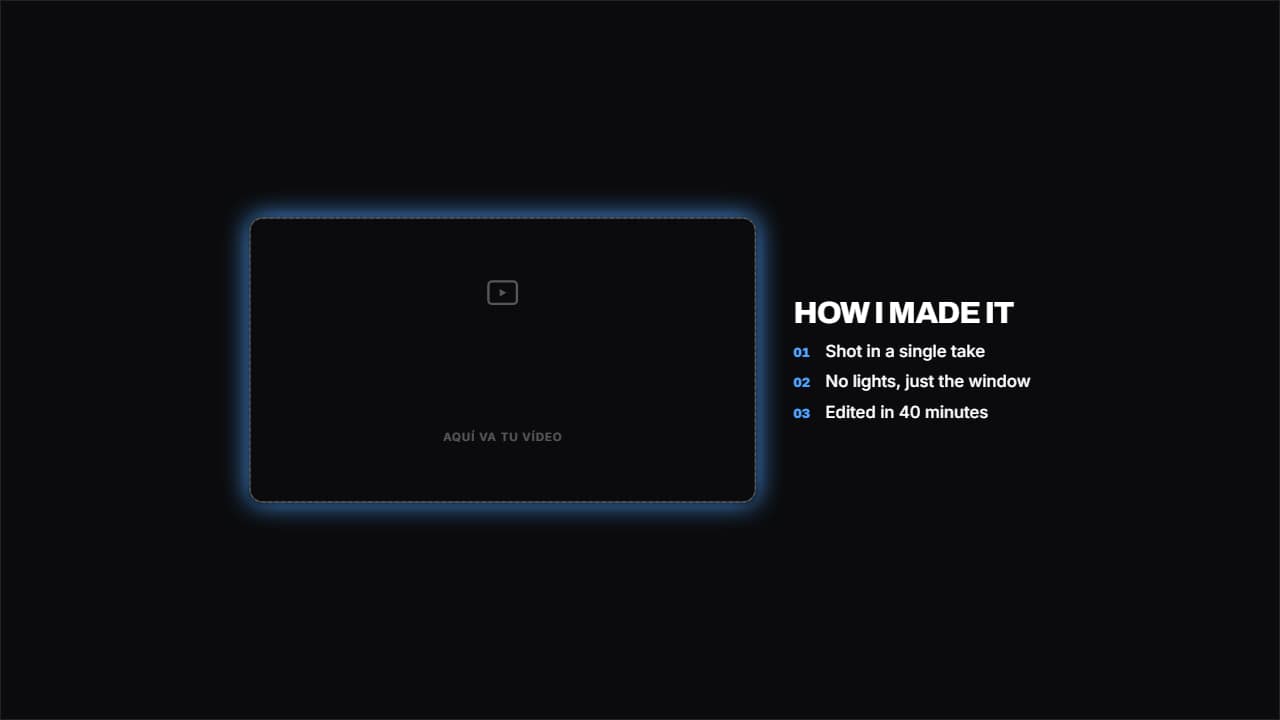 Your video beside the listYour clip in a frame on the left and the list on the right.
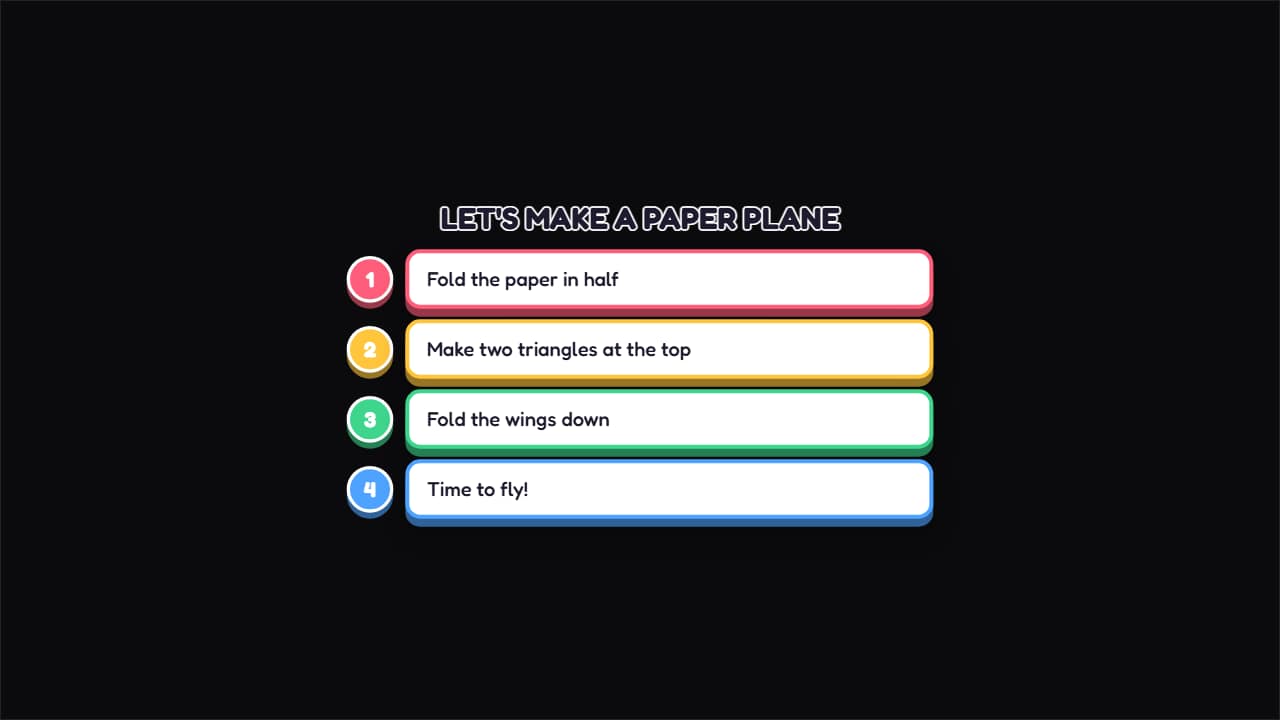 Craft stepsA numbered circle and a colored bubble for each step, coming in from the left.
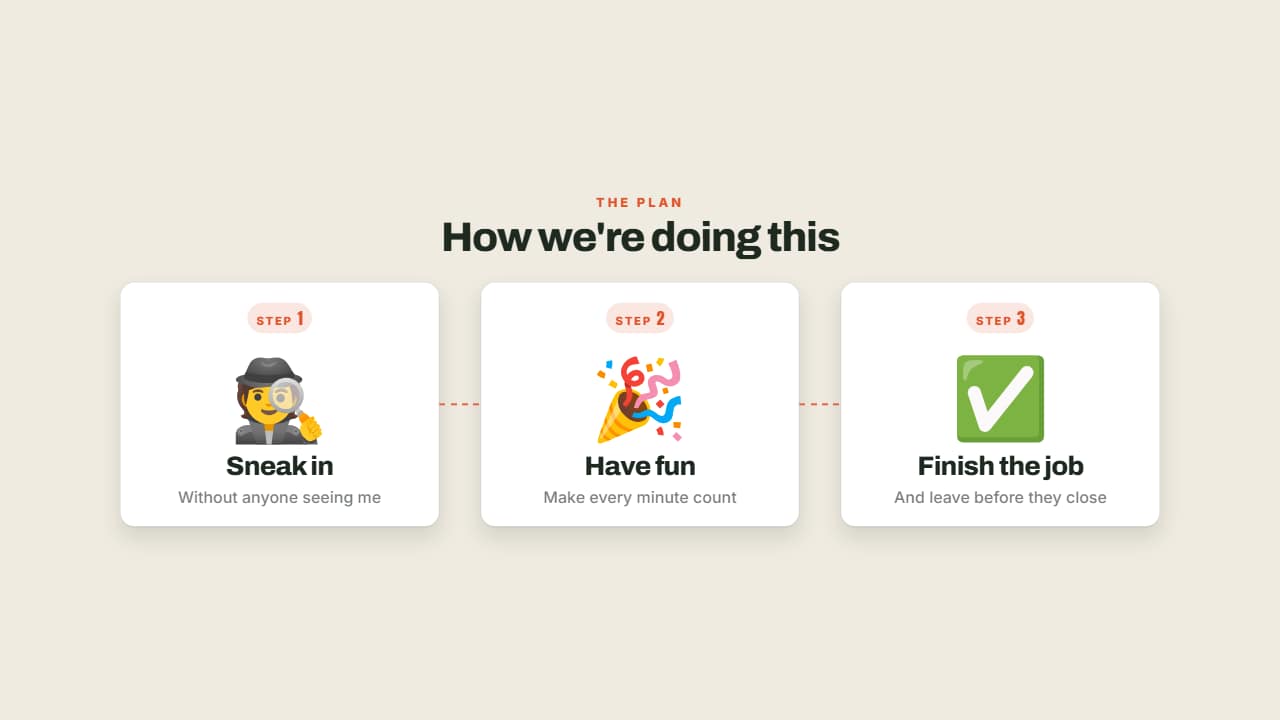 Steps with emojiStep 1, step 2, step 3: each with its big emoji, its numbered badge and its title.
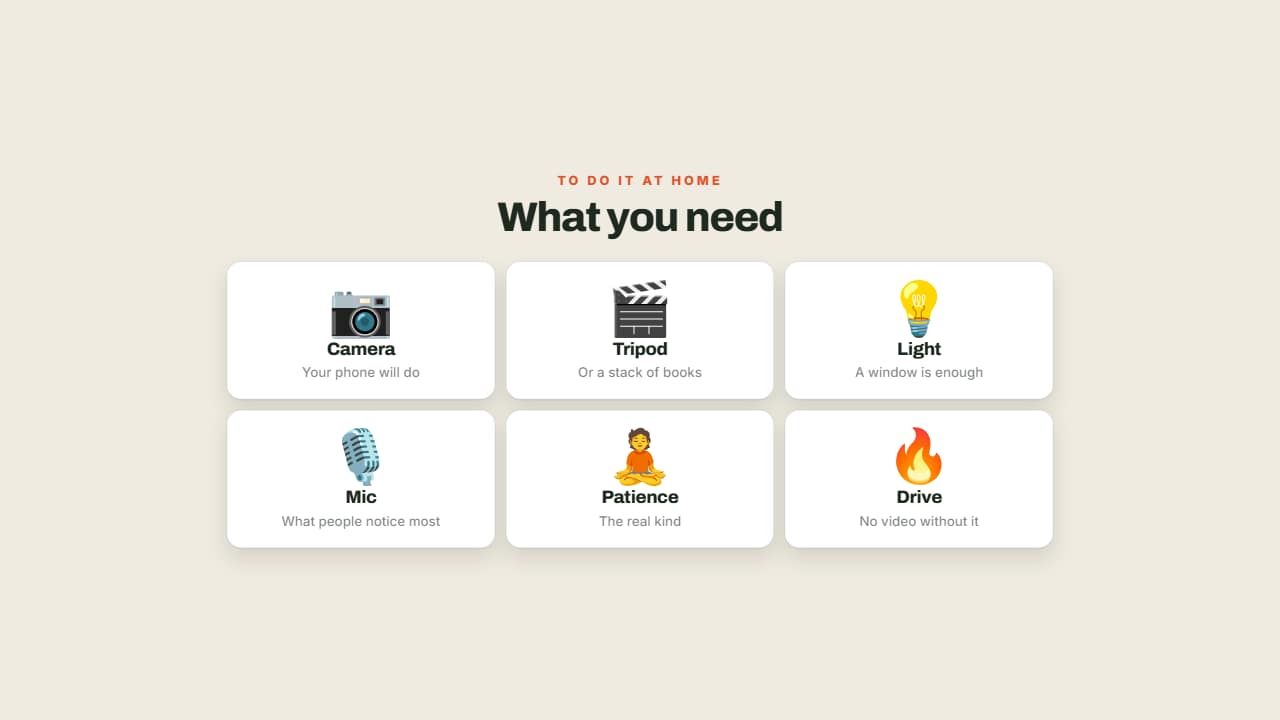 What you needA grid of cards with an emoji, a name and a note: what's in your bag, what the recipe needs, the kit for the…
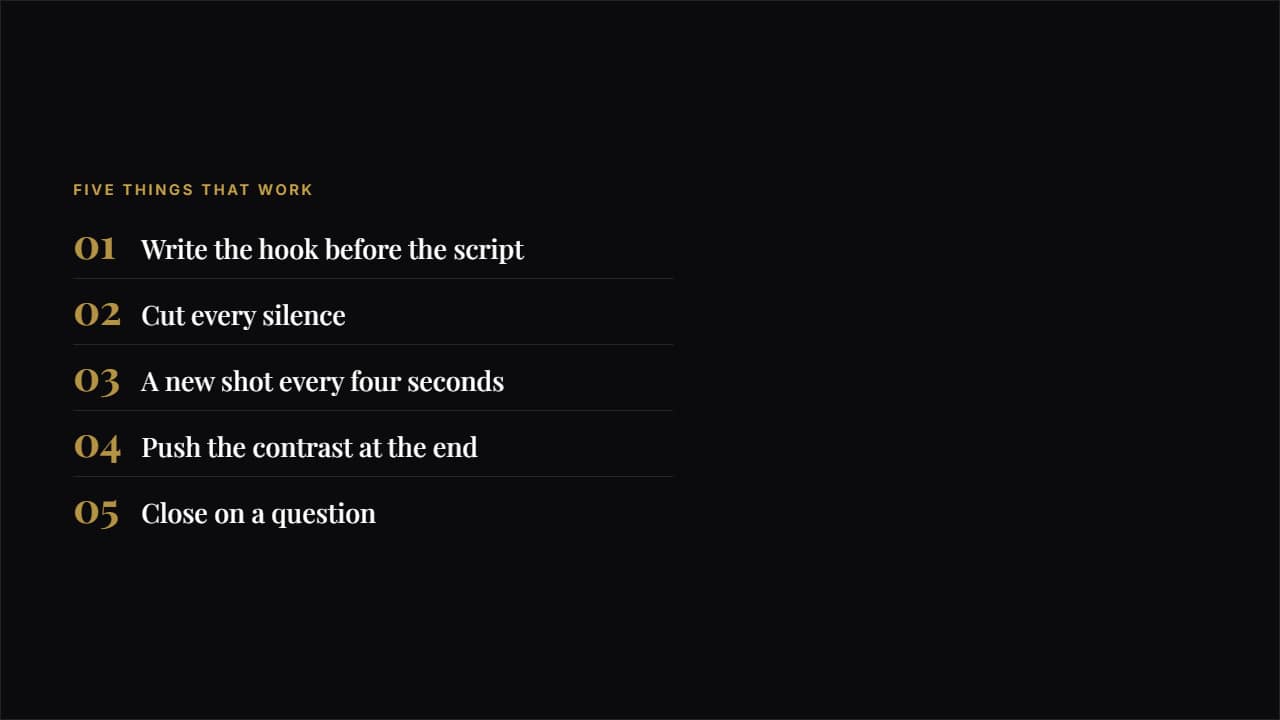 EditorialA big number in magazine type, a hairline rule and plenty of air.
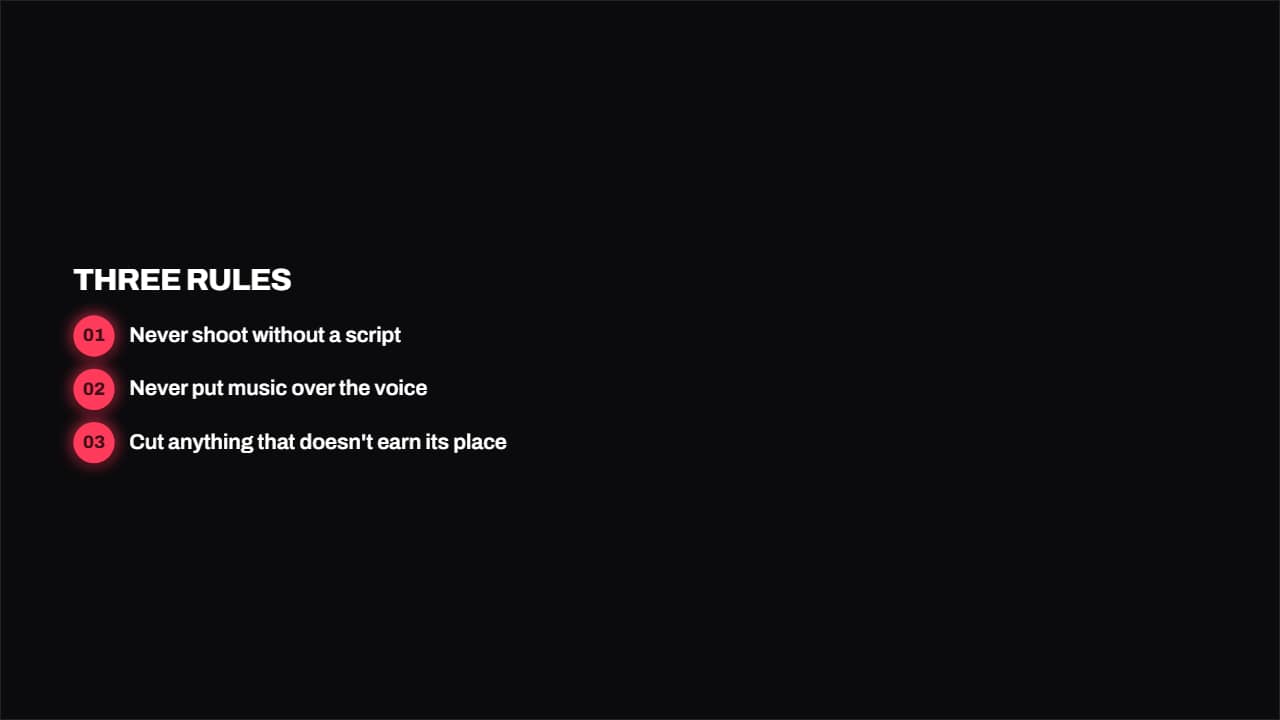 Numbered badgesA round colored badge with the number and the text in bold beside it.