Format (important)1920×1080this is how it downloads
Preview doesn't change the file
You'll download 1920×1080, 3.5 s, with no background (.mov).
You'll download 1920×1080, 3.5 s, with no background (.mov).
Lyrics split into syllables with hyphens («Sing a-long with me») and a ball that hops from syllable to syllable, landing on each one right when it's sung; the syllable lights up as it lands and the next line shows small underneath. For kids' channels, choirs, churches and karaoke. Three styles: kids, neon and classic.
Plus the typeface and an optional letter outline, in every template.
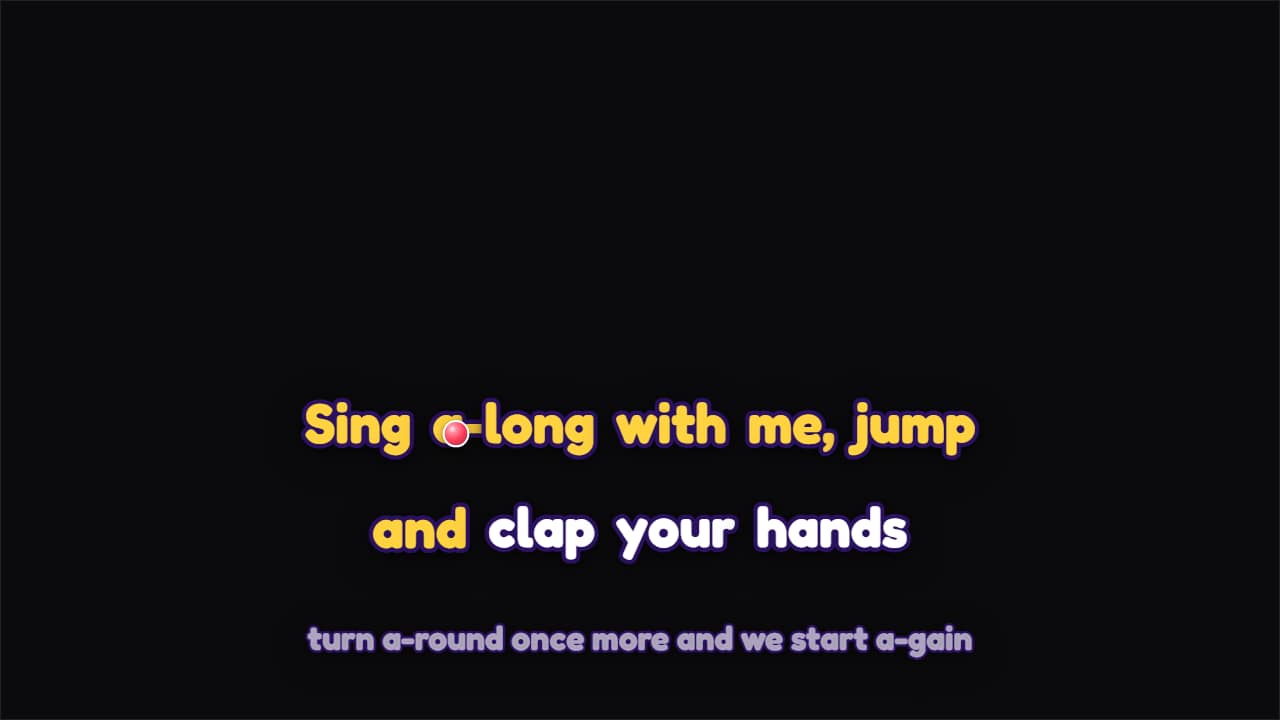
Export it without background and put it on a track above your clip: the animation plays over your video.
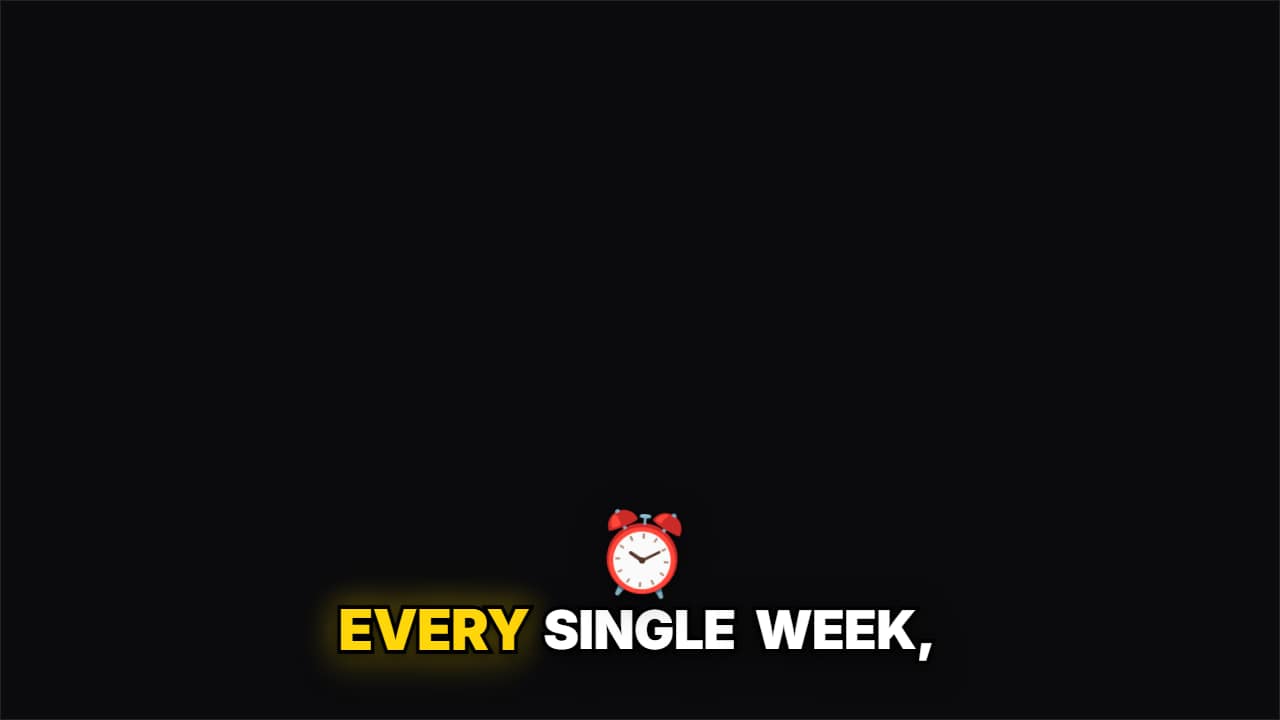 Emoji pop captionsThe classic word-by-word Shorts caption, and when you say a word from your list («money», «time»…) its emoji…
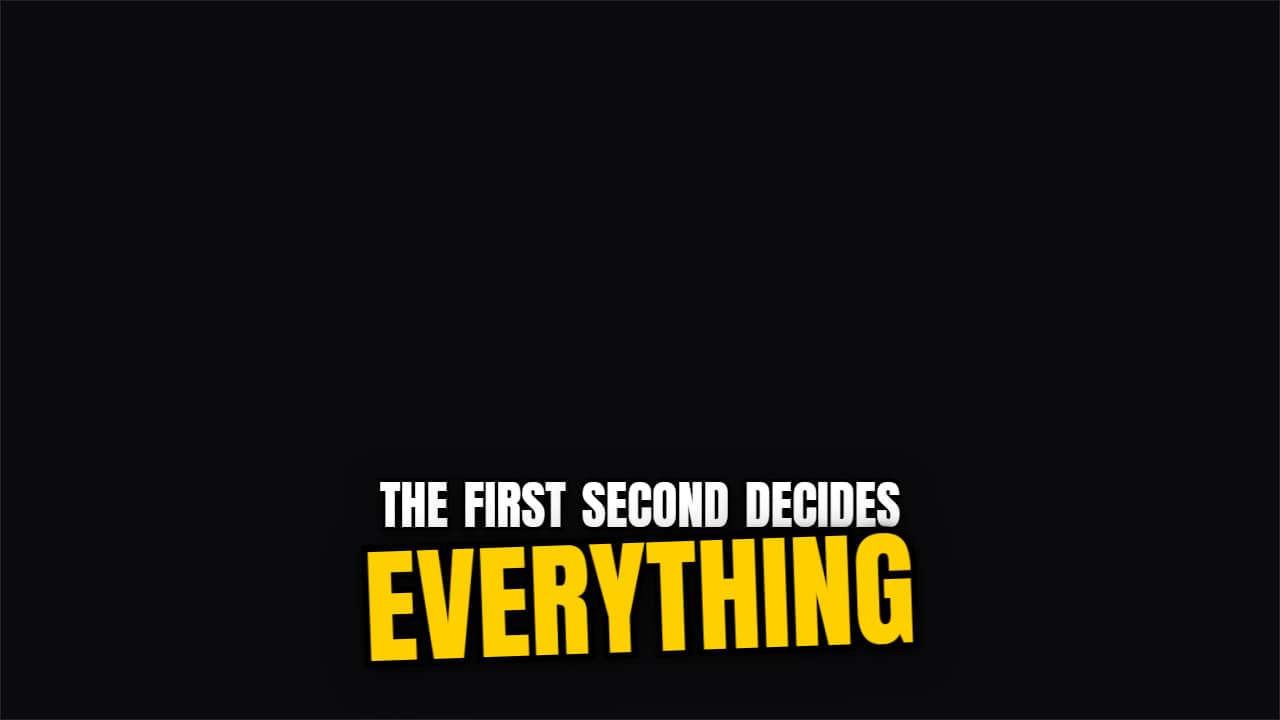 Keyword slam captionsA caption that writes itself word by word and, when the word you mark with *asterisks* arrives, it slams in…
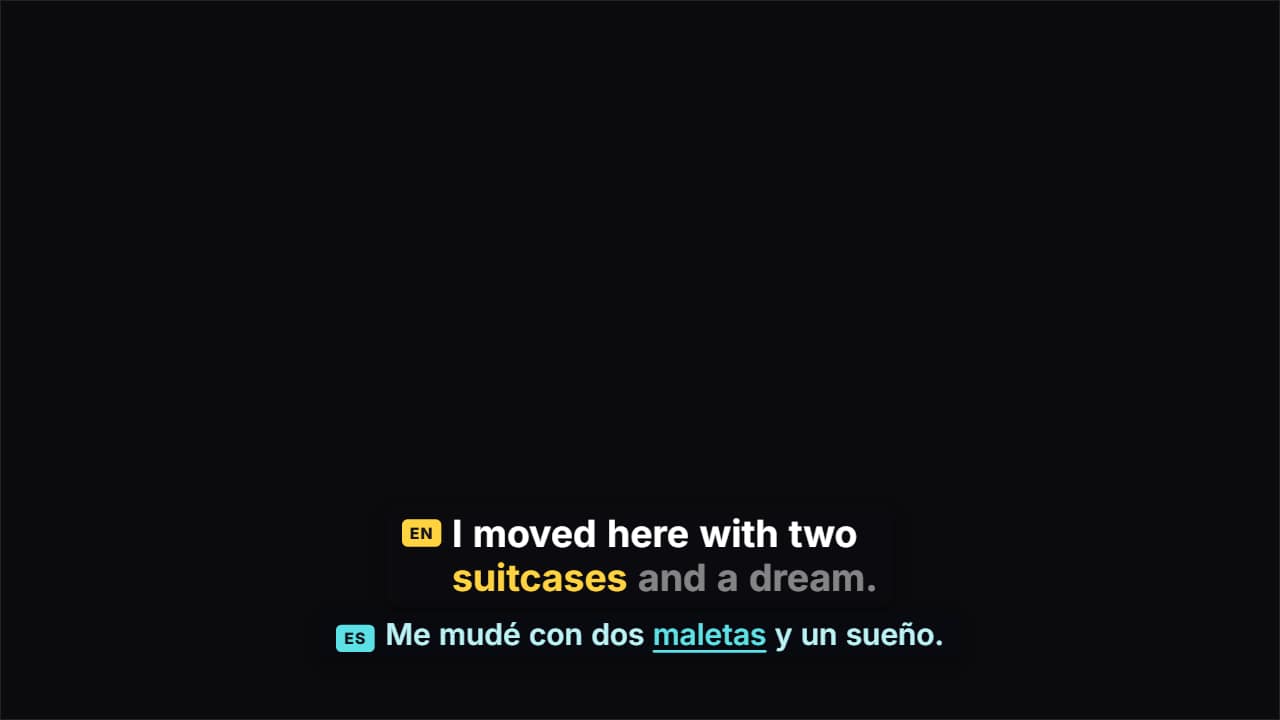 Dual-language captionsTwo lines at once: what you say, word by word, and its translation underneath, moving at the same pace with…
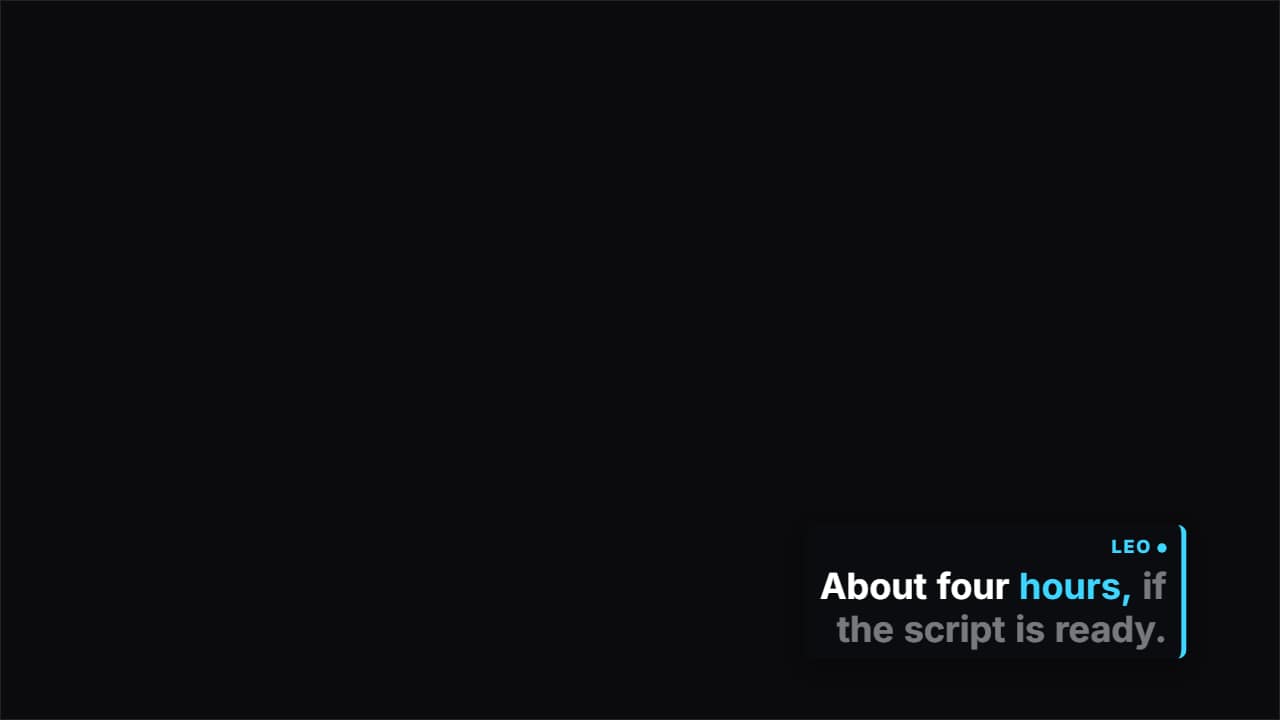 Two-speaker captionsFor podcasts and interviews: write each turn as «NAME: what they say».
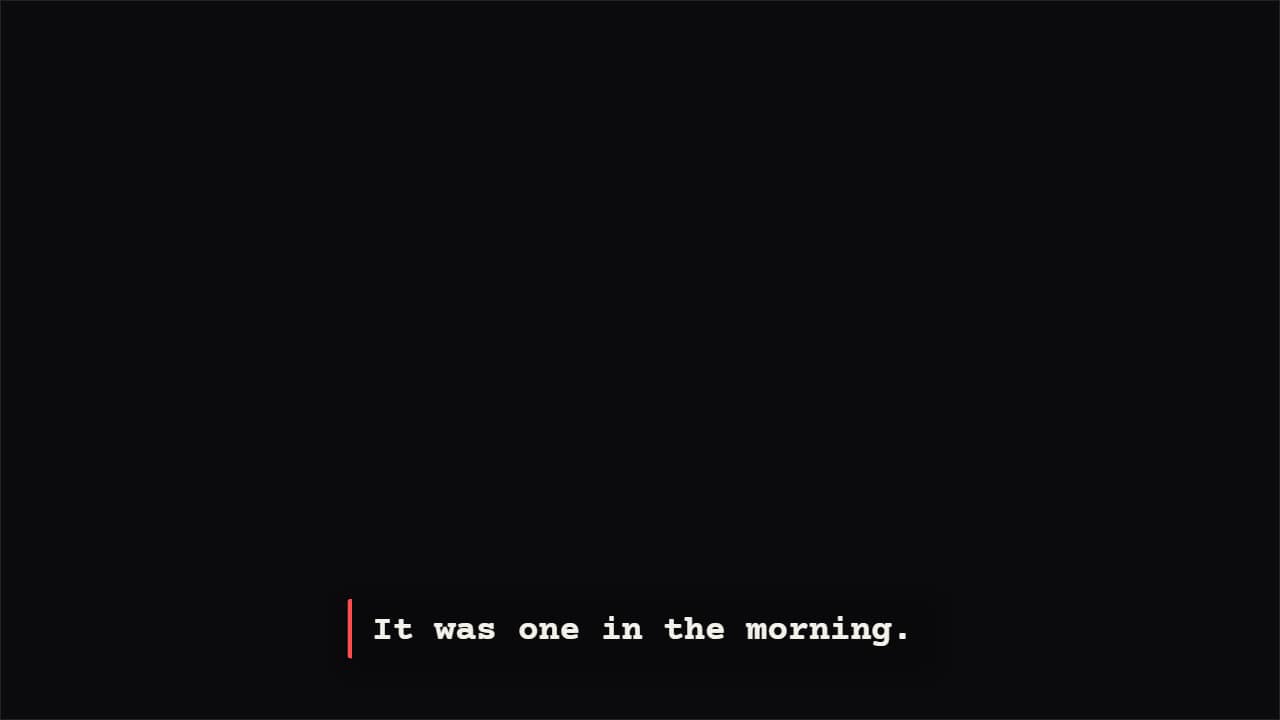 Typewriter captionsLetter by letter at the pace of your voice, with a cursor that blinks in the pauses.
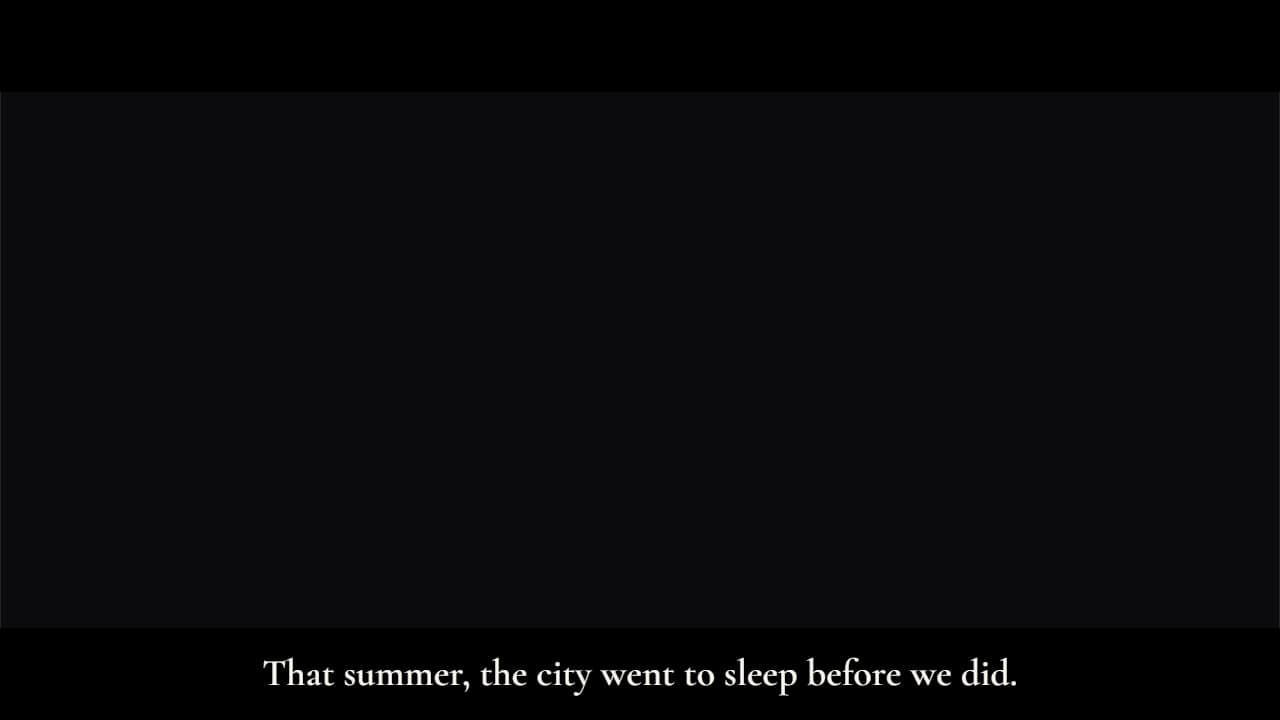 Cinematic subtitlesLike a film: the whole sentence at once, with slow fades, and black letterbox bars that slide in (in 16:9…
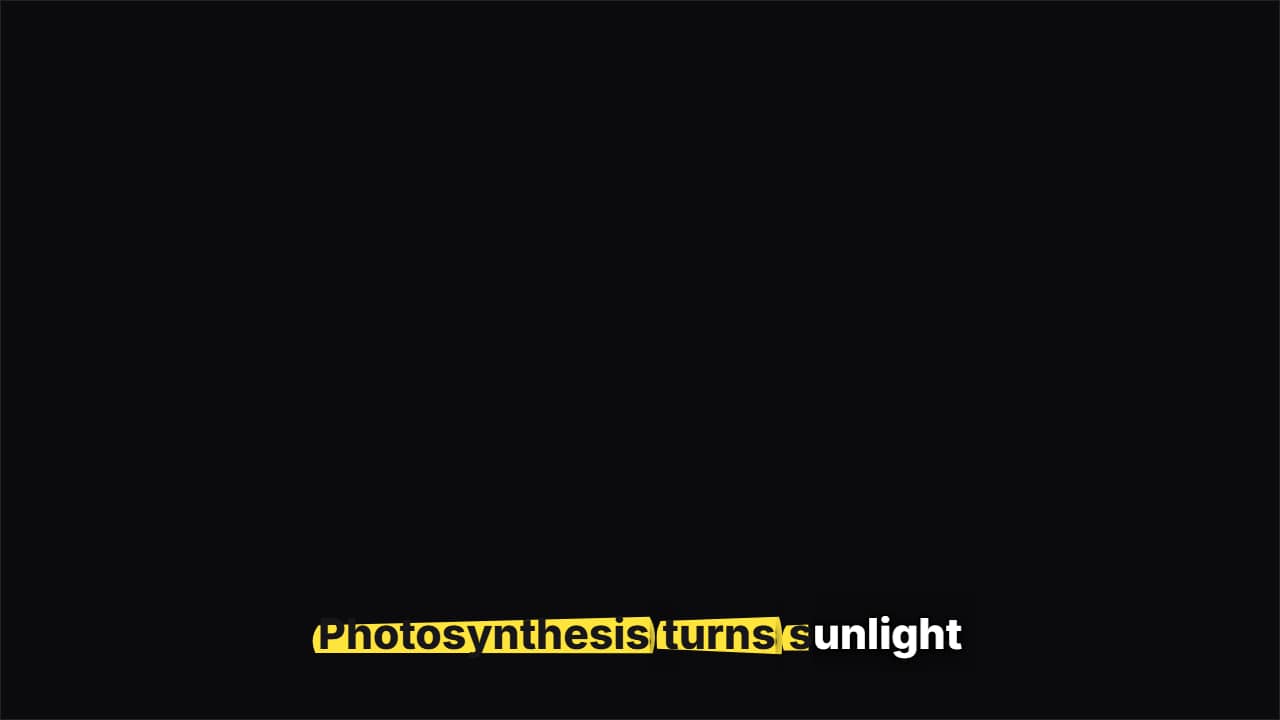 Highlighter captionsA highlighter swipes under each word as you say it and the letters turn to ink, like study notes.
 Sticker captionsEvery phrase is a tilted sticker that slaps onto the screen; the previous one stays underneath for a moment…