Format (important)1920×1080this is how it downloads
Preview doesn't change the file
You'll download 1920×1080, 3.5 s, with no background (.mov).
You'll download 1920×1080, 3.5 s, with no background (.mov).
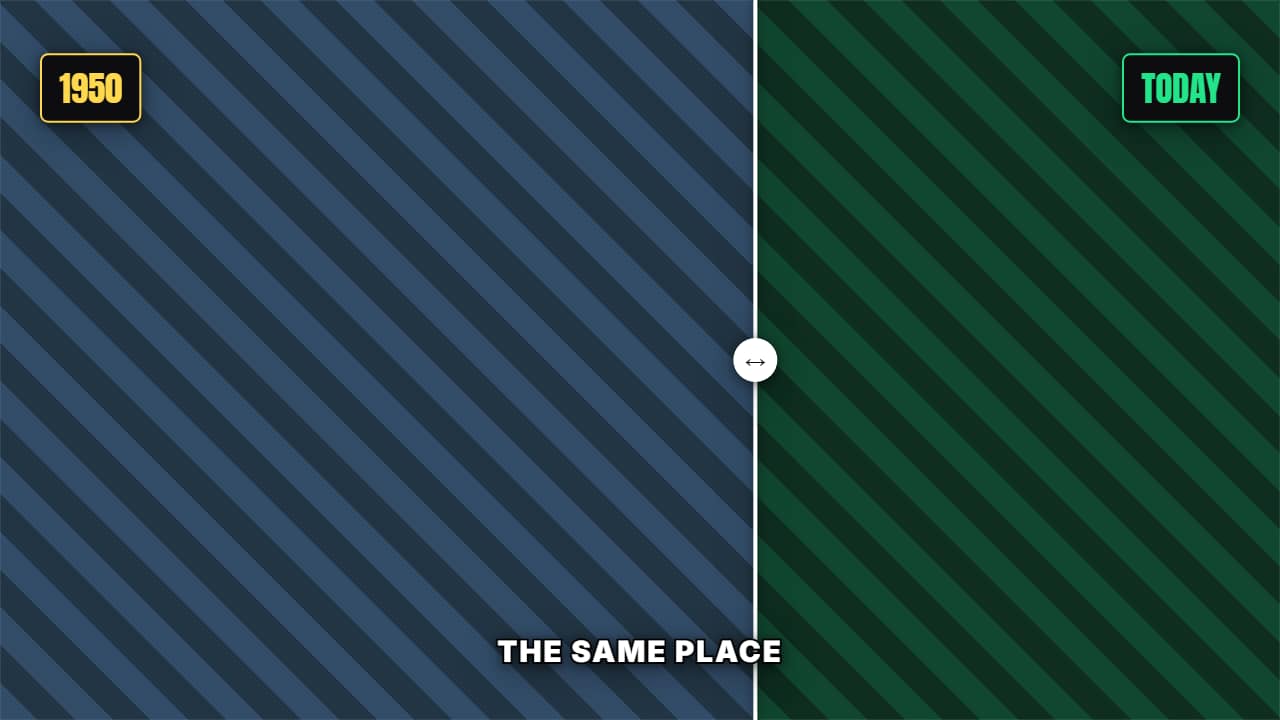
A curtain sweeping across the frame between two images with their dates. If you don't upload images it works just the same with panels for you to build on in your editor.
Plus the typeface and an optional letter outline, in every template.
Export it without background and put it on a track above your clip: the animation plays over your video.
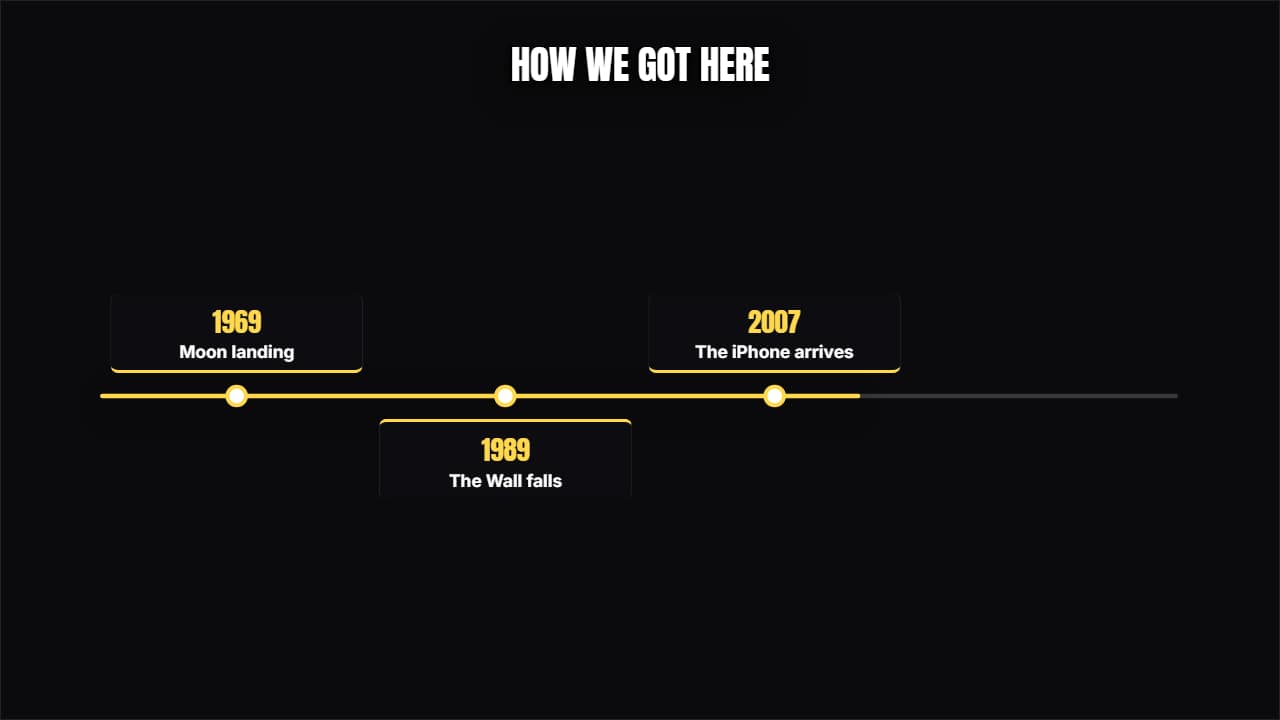 TimelineThe line advances and each milestone opens its card above and below, alternating.
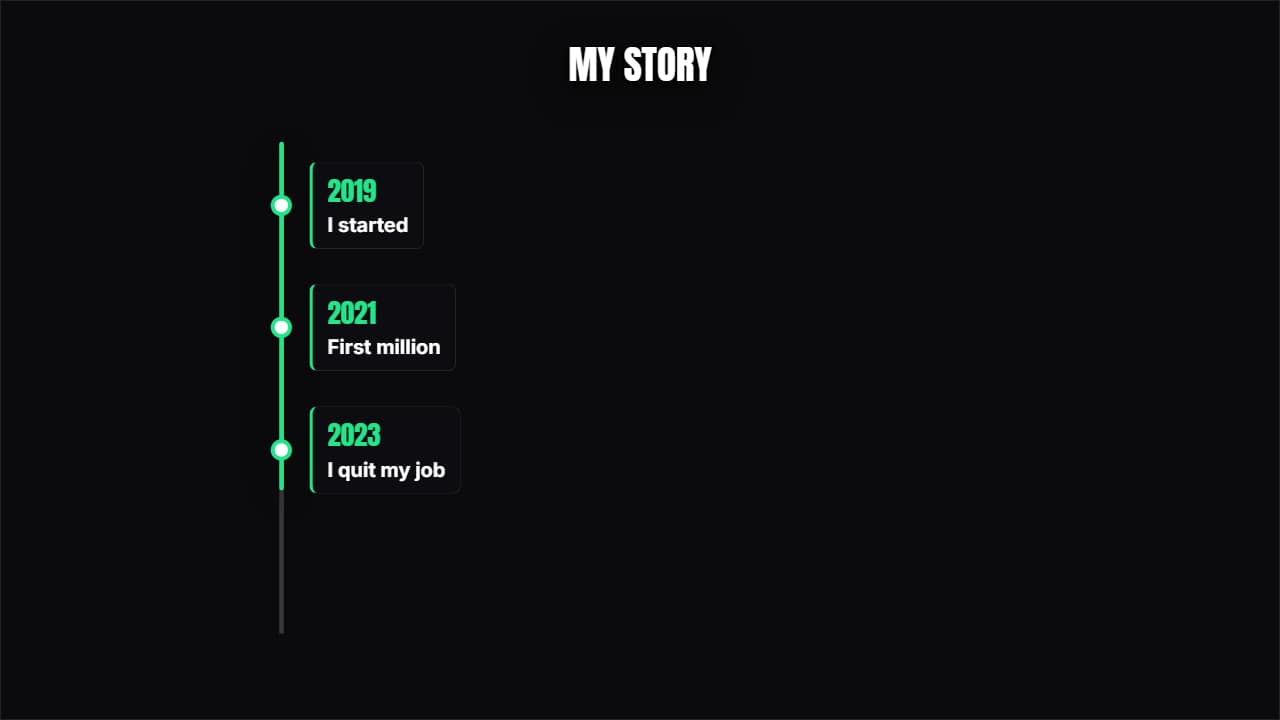 Vertical timelineThe years come down one side and each one opens its card. Built for 9:16 but it works anywhere.
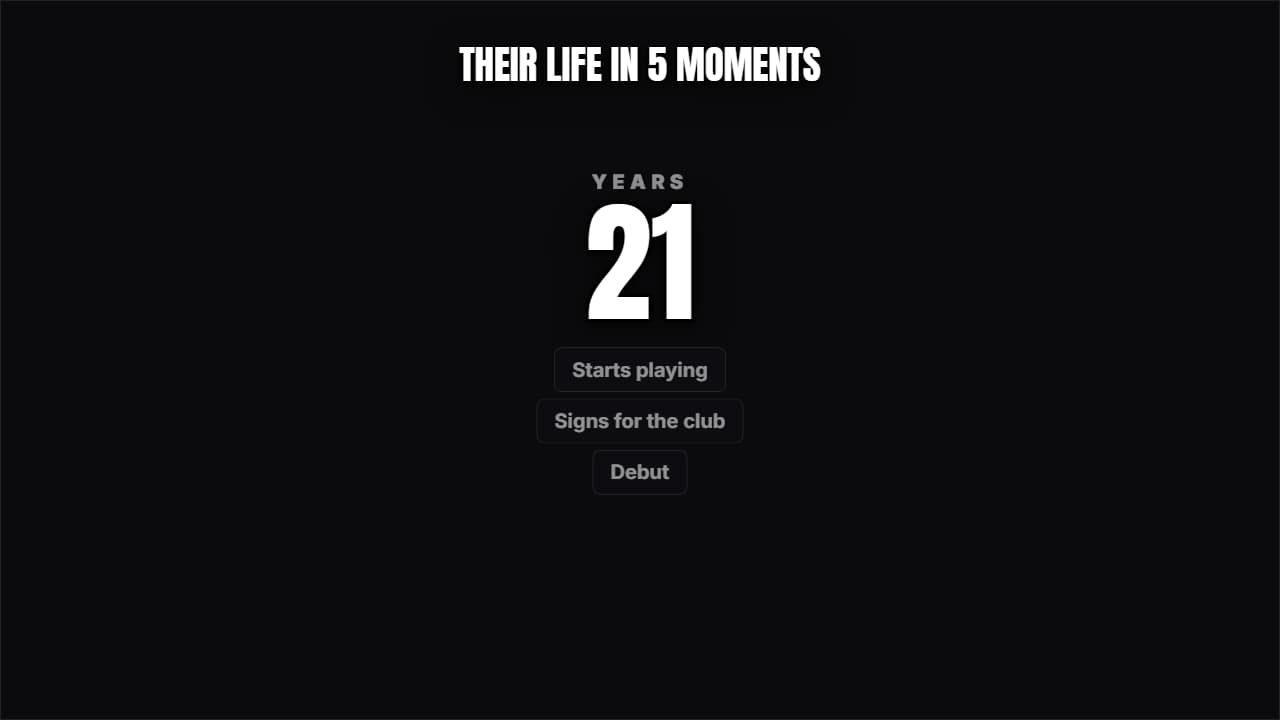 Someone's lifeA giant number (the age or the year) climbing while the milestones pile up underneath.
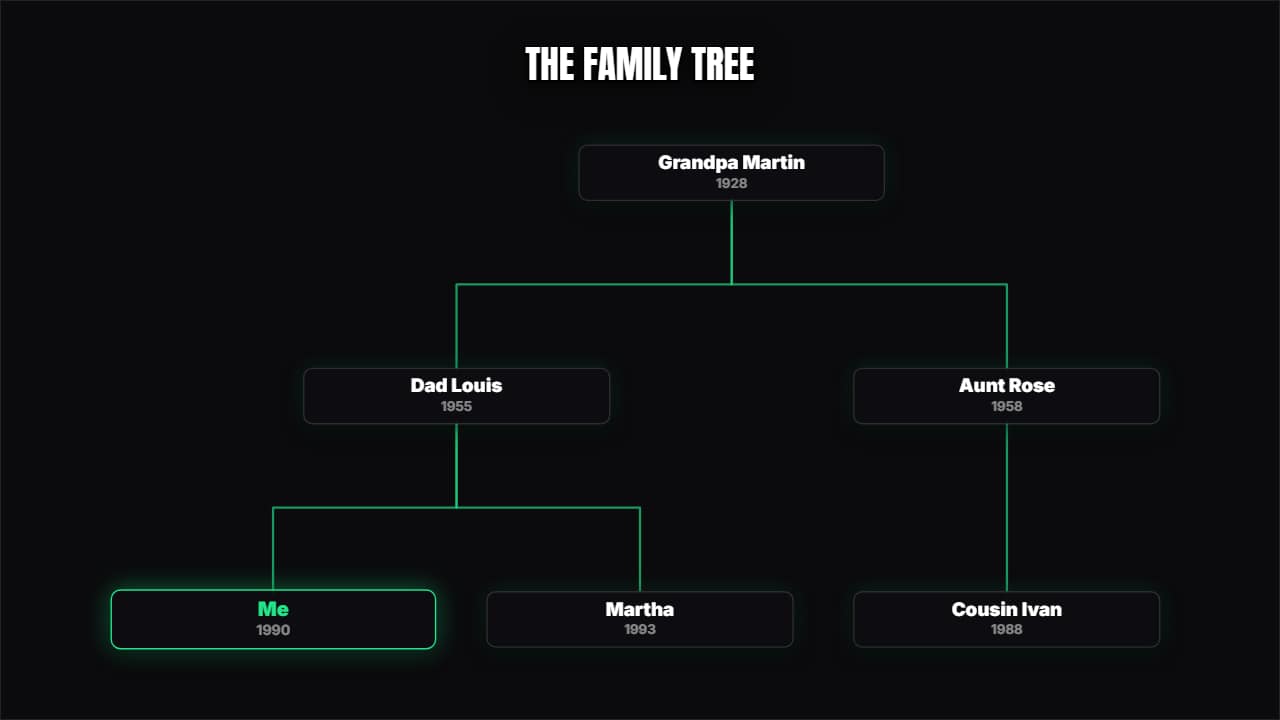 Family tree / org chartYou type with indentation and the tree lays itself out, with the branches drawing themselves.
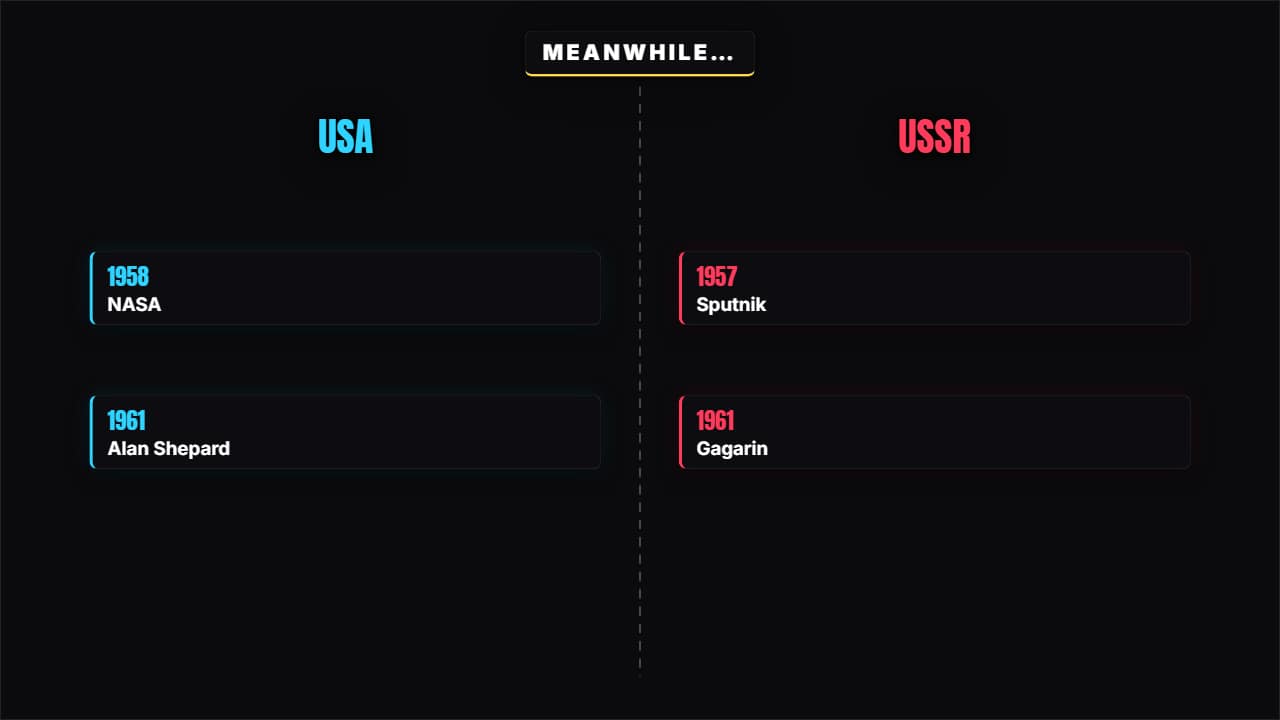 Meanwhile in…A split screen with two timelines advancing at once. For two sides, two companies or two lives in parallel.
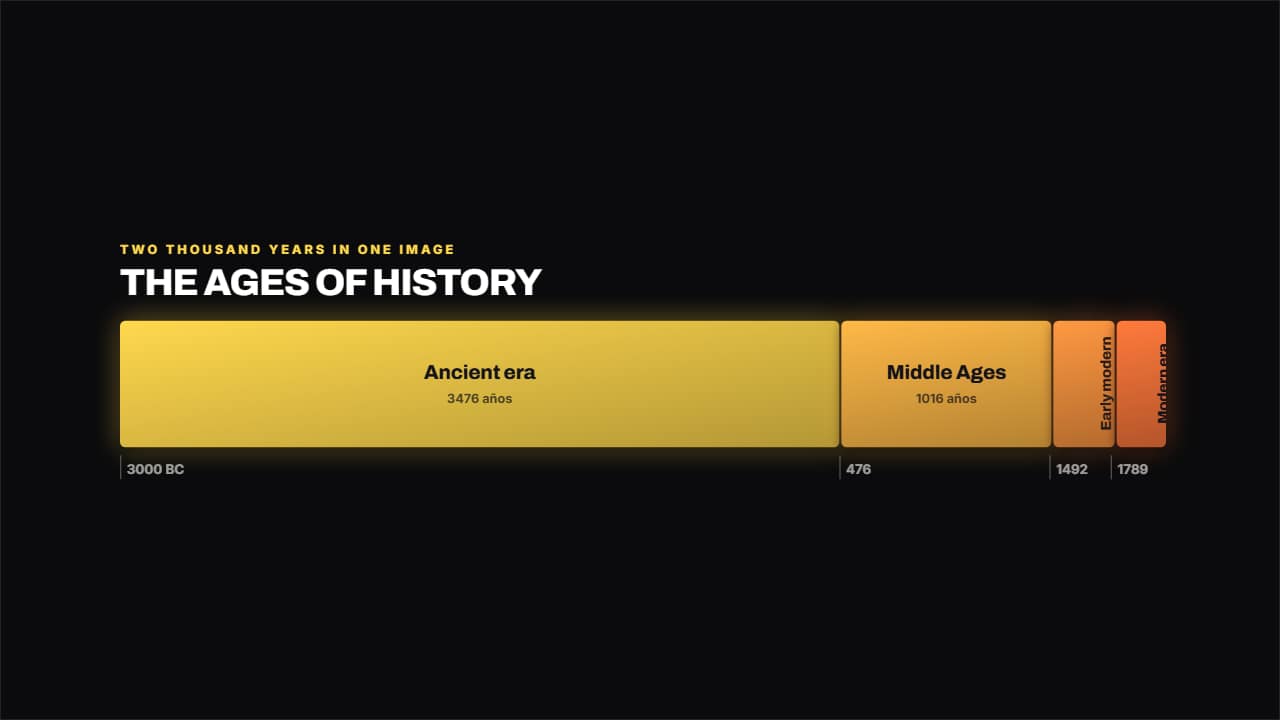 Band of erasEach era takes up exactly as long as it lasted, so at a glance you see that the Middle Ages ran a thousand…
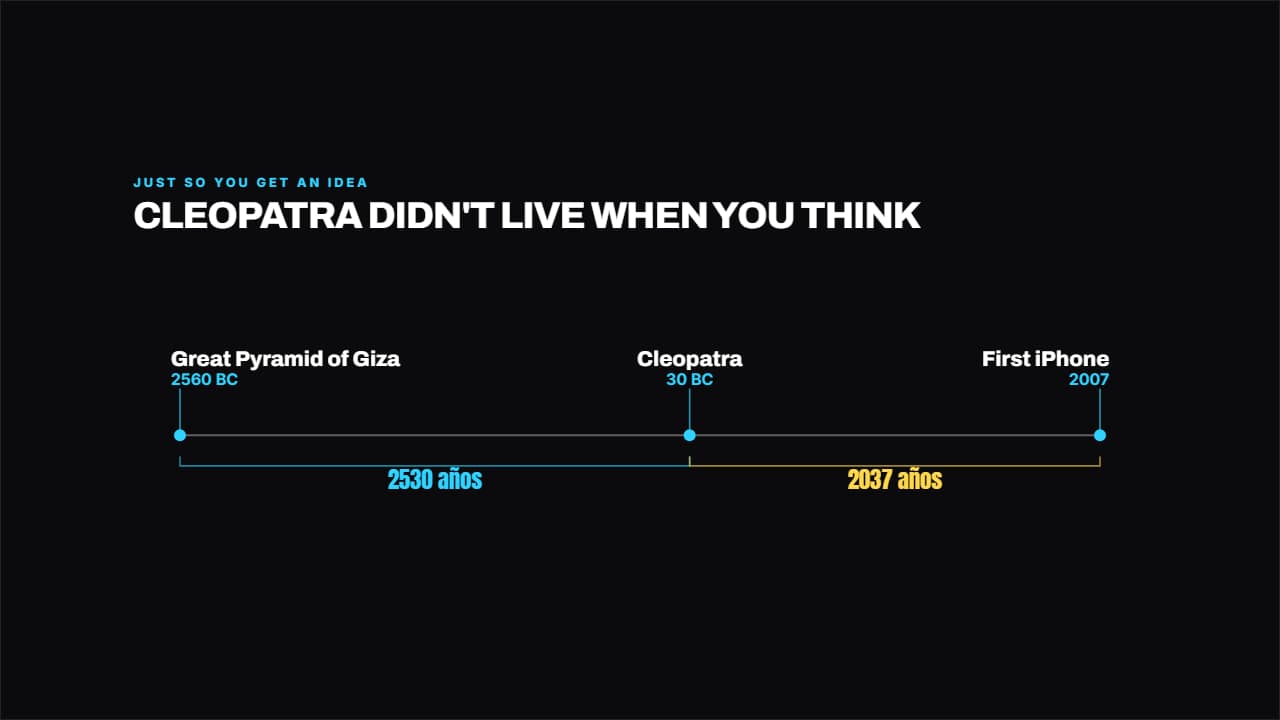 The distance in timePuts two or three dates to scale and measures the years in between.
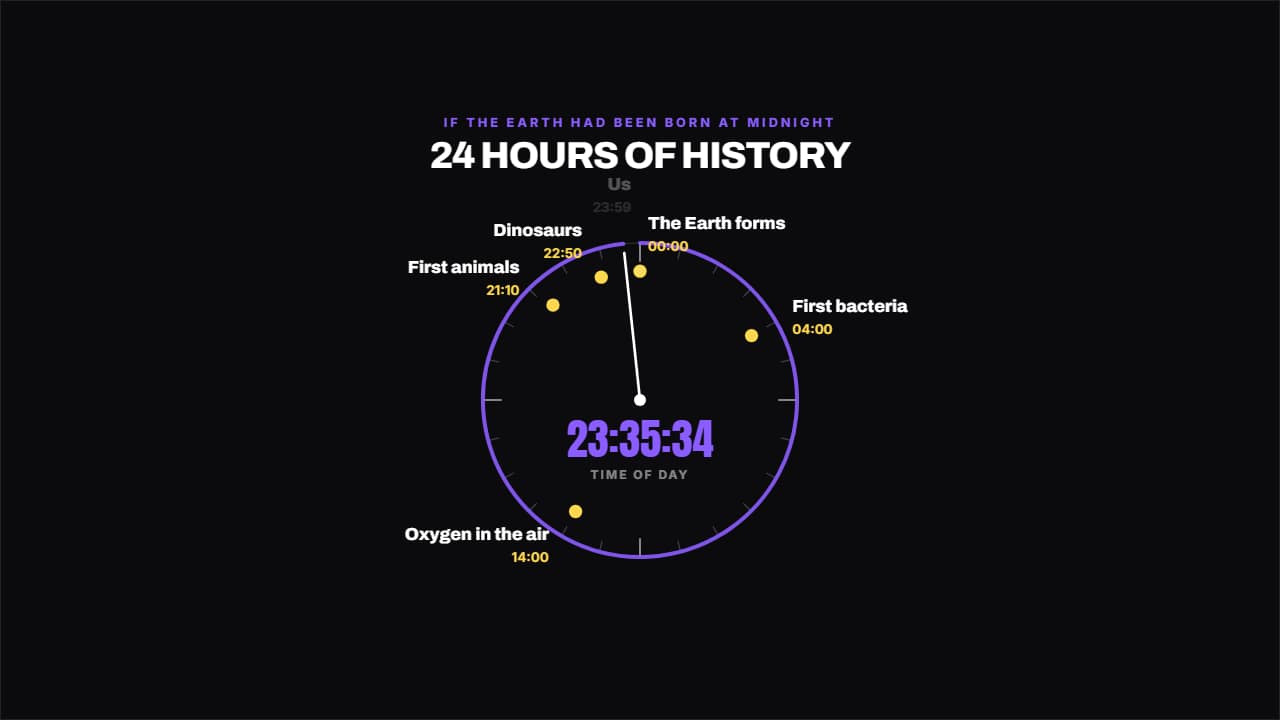 The clock of historyIf it all fitted into 24 hours, what time do we show up?