Format (important)1920×1080this is how it downloads
Preview doesn't change the file
You'll download 1920×1080, 3.5 s, with no background (.mov).
You'll download 1920×1080, 3.5 s, with no background (.mov).
«New sale!» notifications from an online store dropping in one after another, each with its product, city and amount, and the day's total rolling up with every sale. For entrepreneurs and «how I sell online» videos. Generic: no platform's logo or interface; sample products and amounts. Three styles: stacking glass notifications with a total capsule, a dark «today's sales» panel with a bar per sale, and white bubbles rising with a coin that pops out.
Plus the typeface and an optional letter outline, in every template.
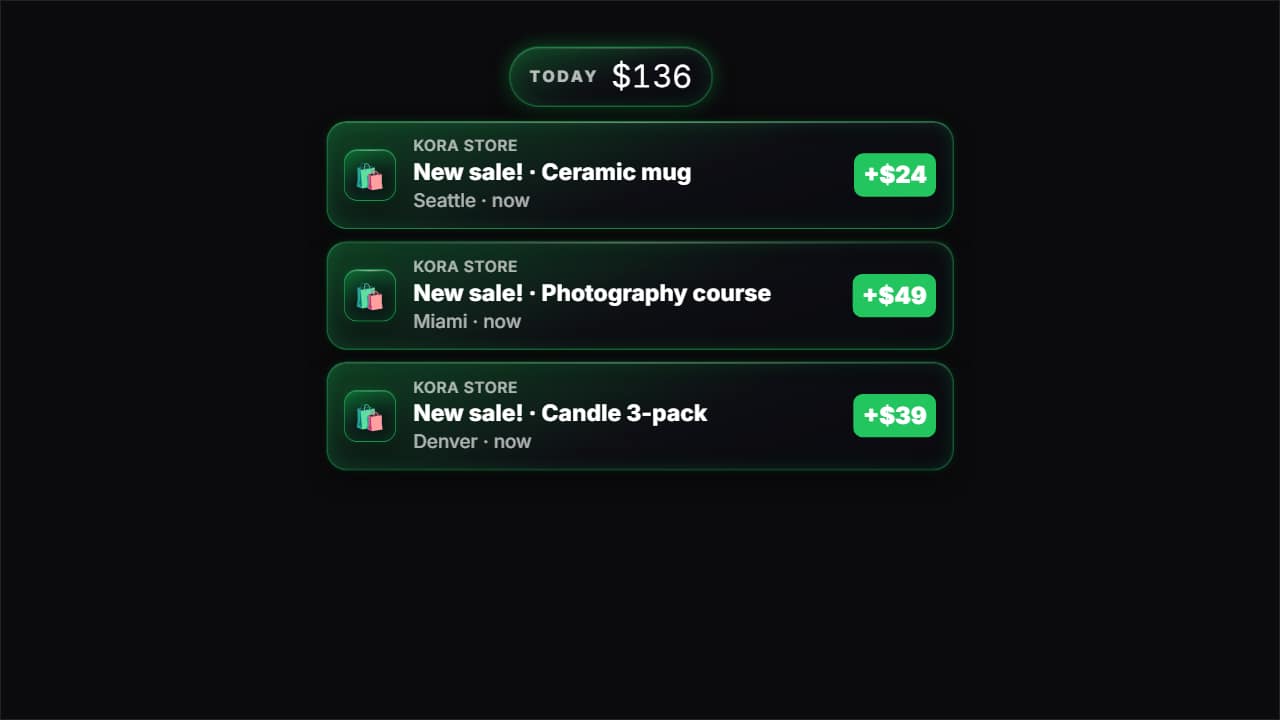
Export it without background and put it on a track above your clip: the animation plays over your video.
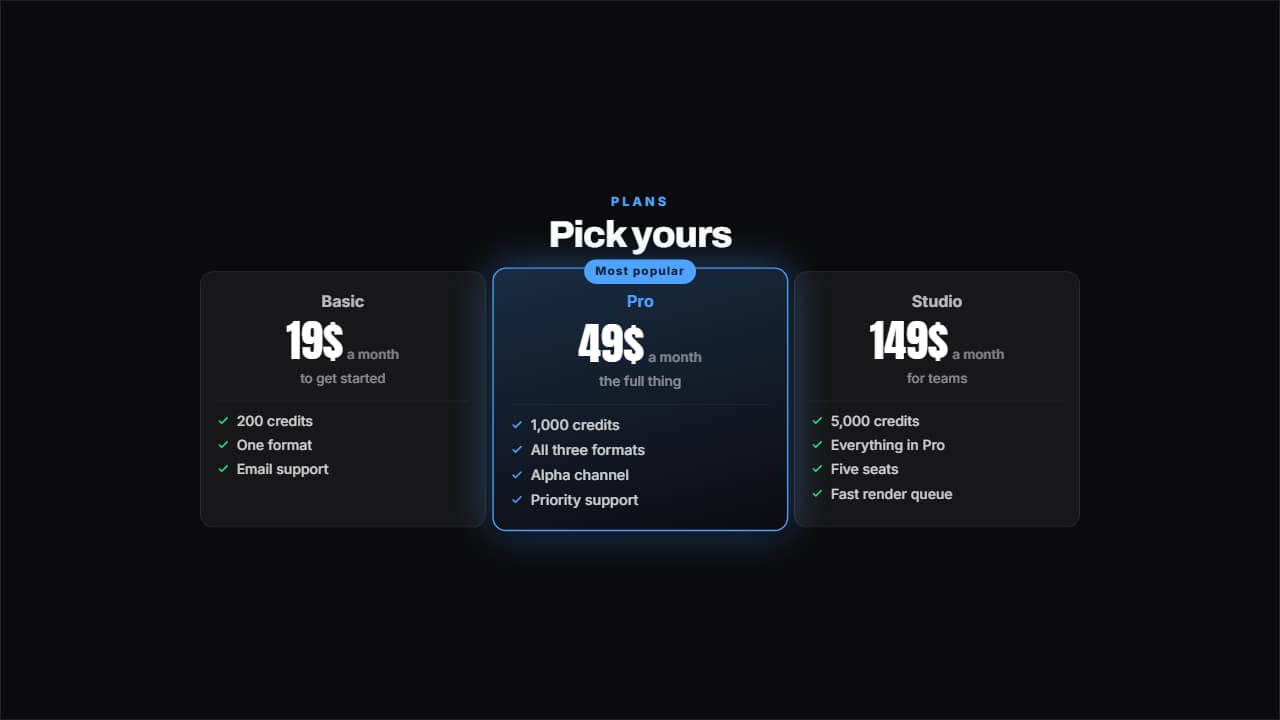 Pricing tableTwo, three or four plans with their price counting, their benefits ticked and one featured with its badge.
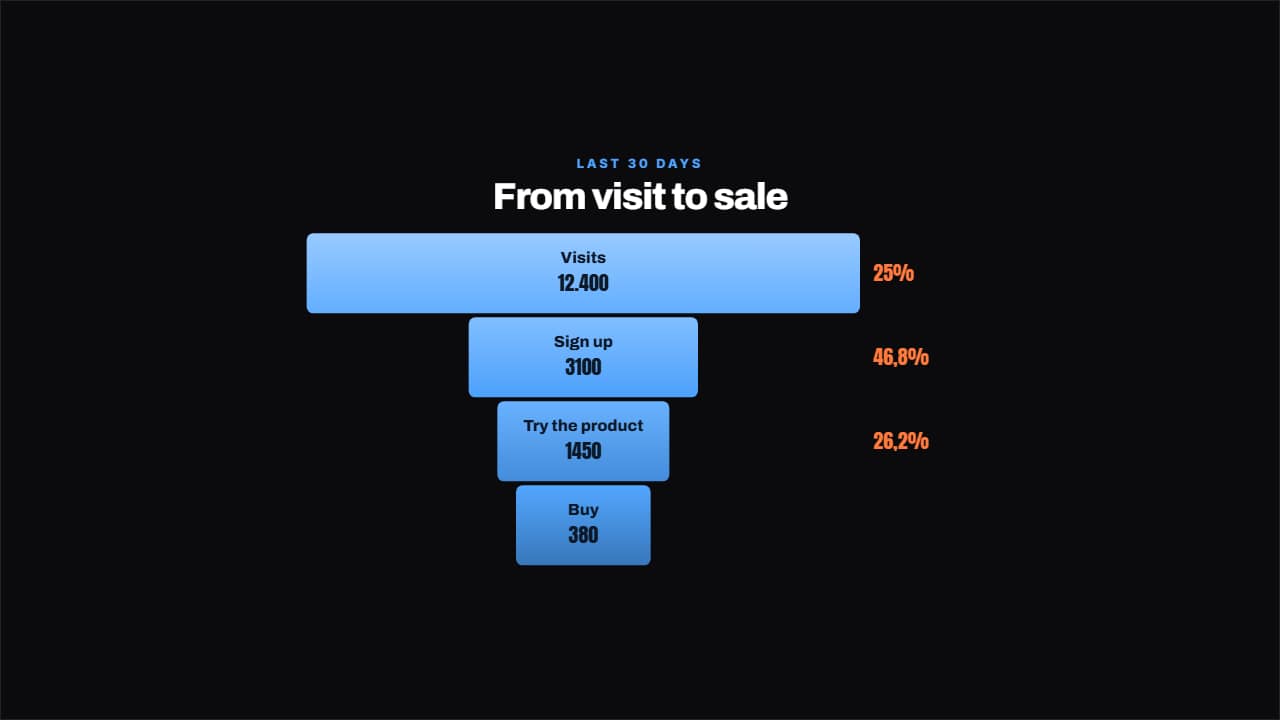 Conversion funnelEach step narrower than the last and, beside it, the percentage that makes it through, worked out for you.
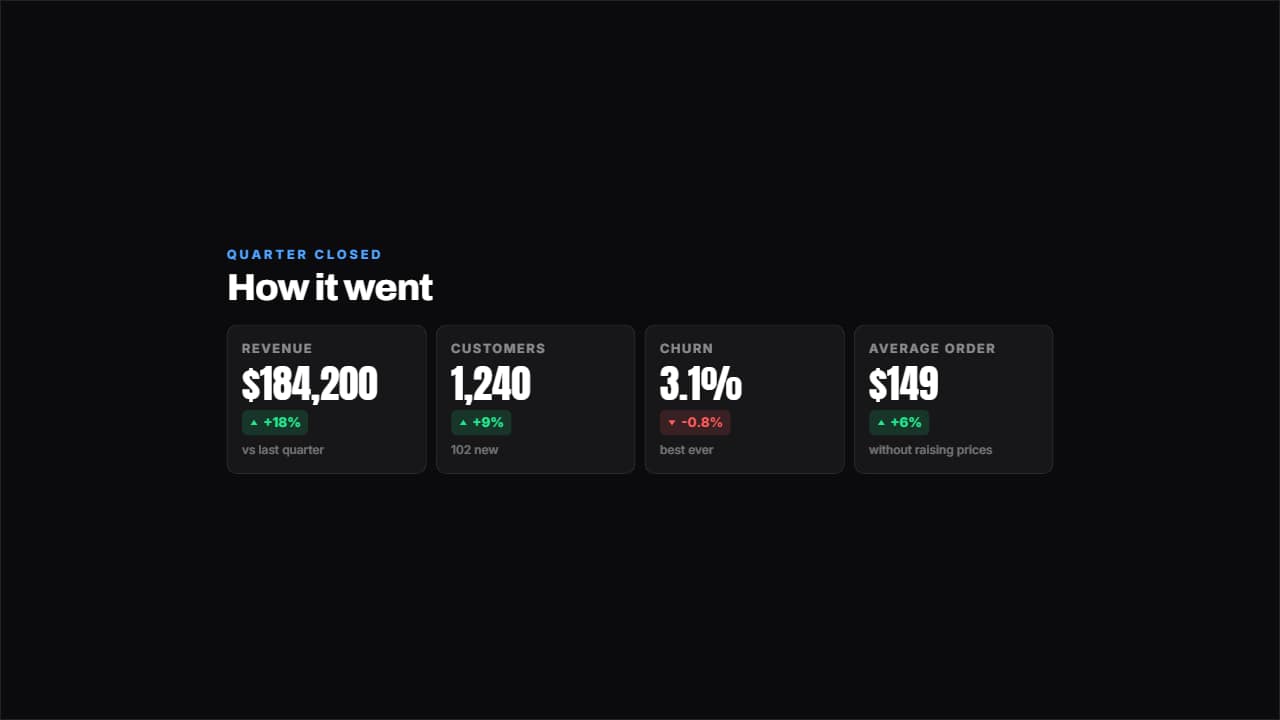 Results dashboardFour figures with their change in green or red and a footnote each.
 Customer reviewThe stars come in one at a time, the quote after and the signature last, with an avatar if you have one or…
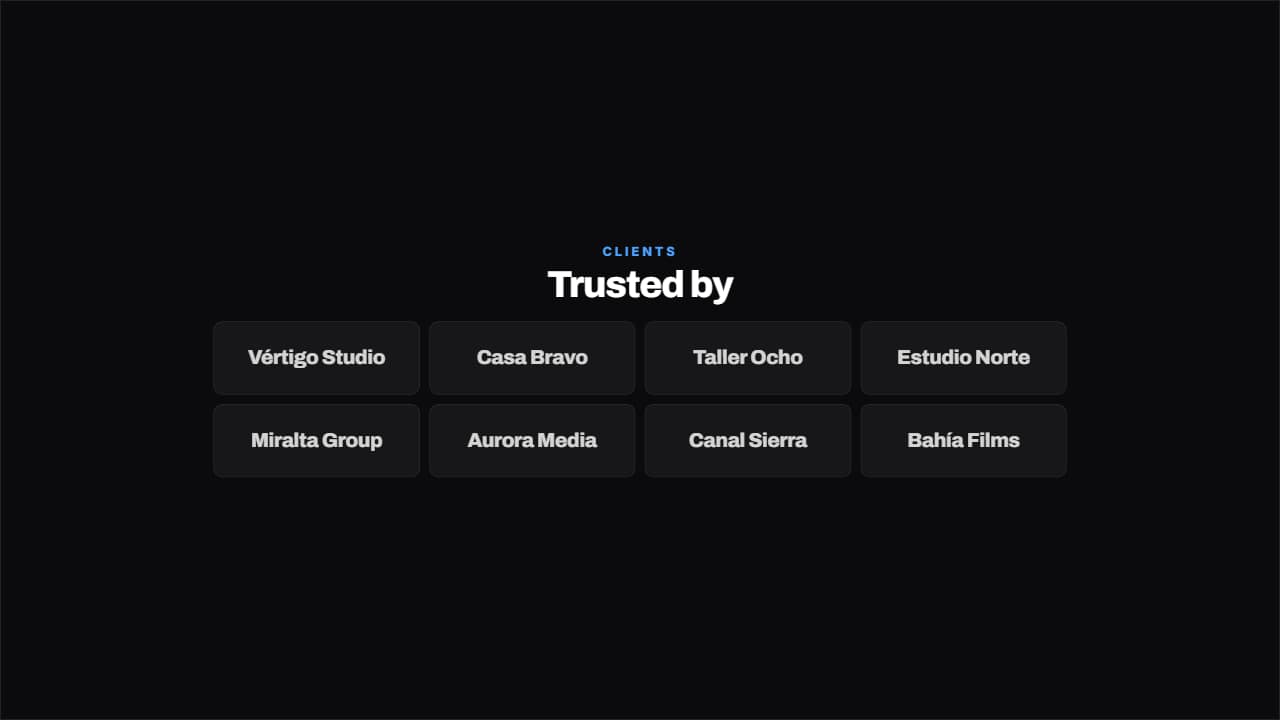 Trusted byA grid of clients bouncing in one after another. Takes either the name typed out or the path to the logo…
 RoadmapThe quarters on a line with their dot: done in green, in progress lit and upcoming dimmed.
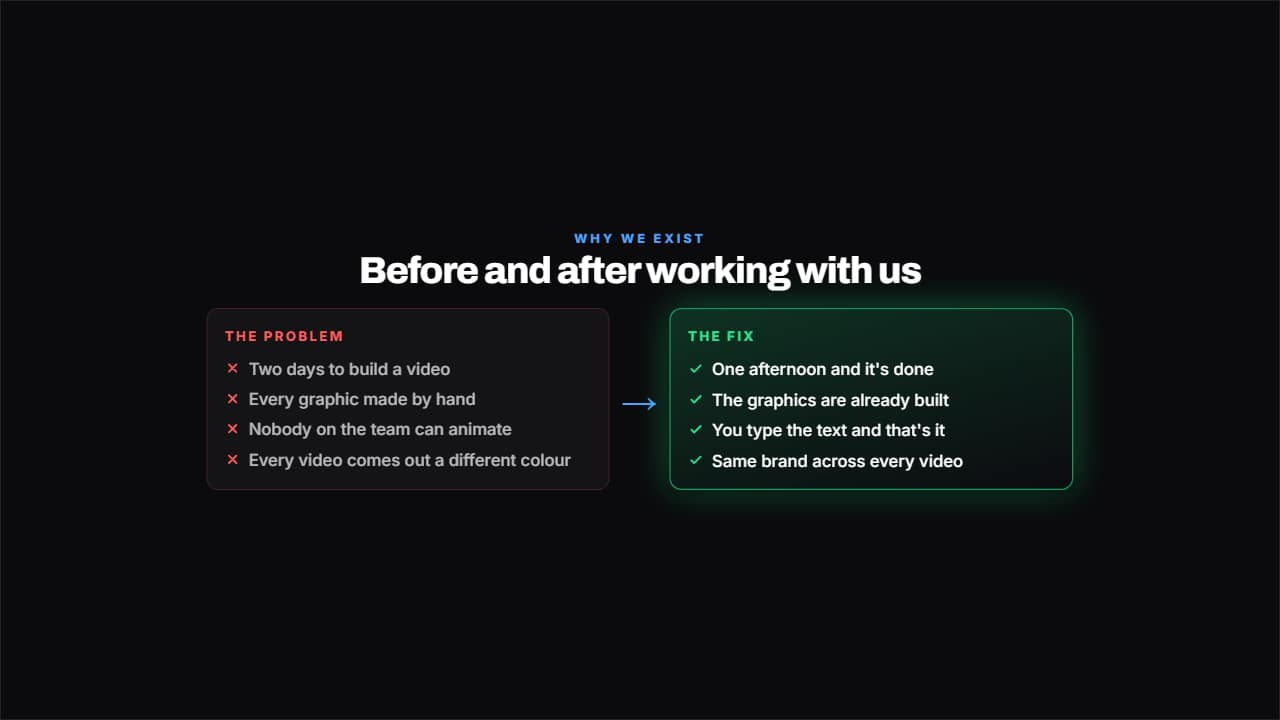 Problem and solutionTwo columns facing off: on the left what hurts, with crosses; on the right what fixes it, with ticks and lit…
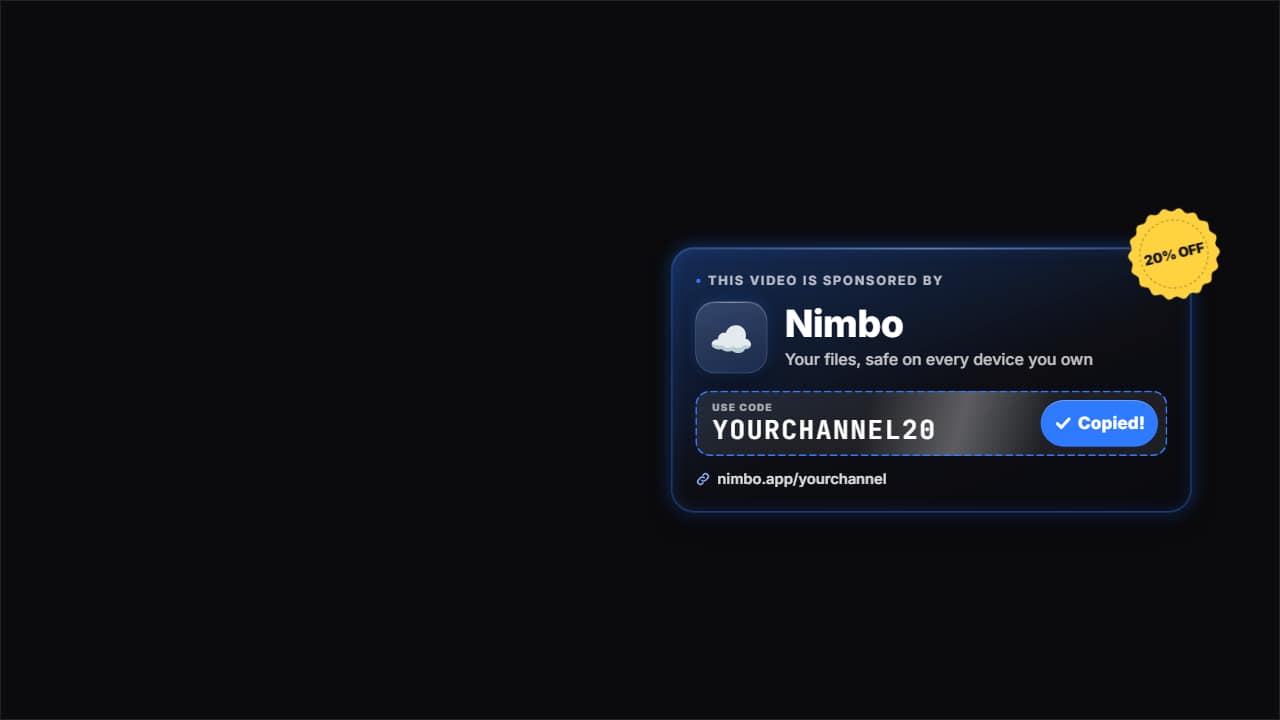 Sponsor with discount codeThe sponsor moment: «This video is sponsored by», the brand's logo and name, a short tagline and the…