Aspect ratio1920×1080this is how it downloads
Preview doesn't change the file
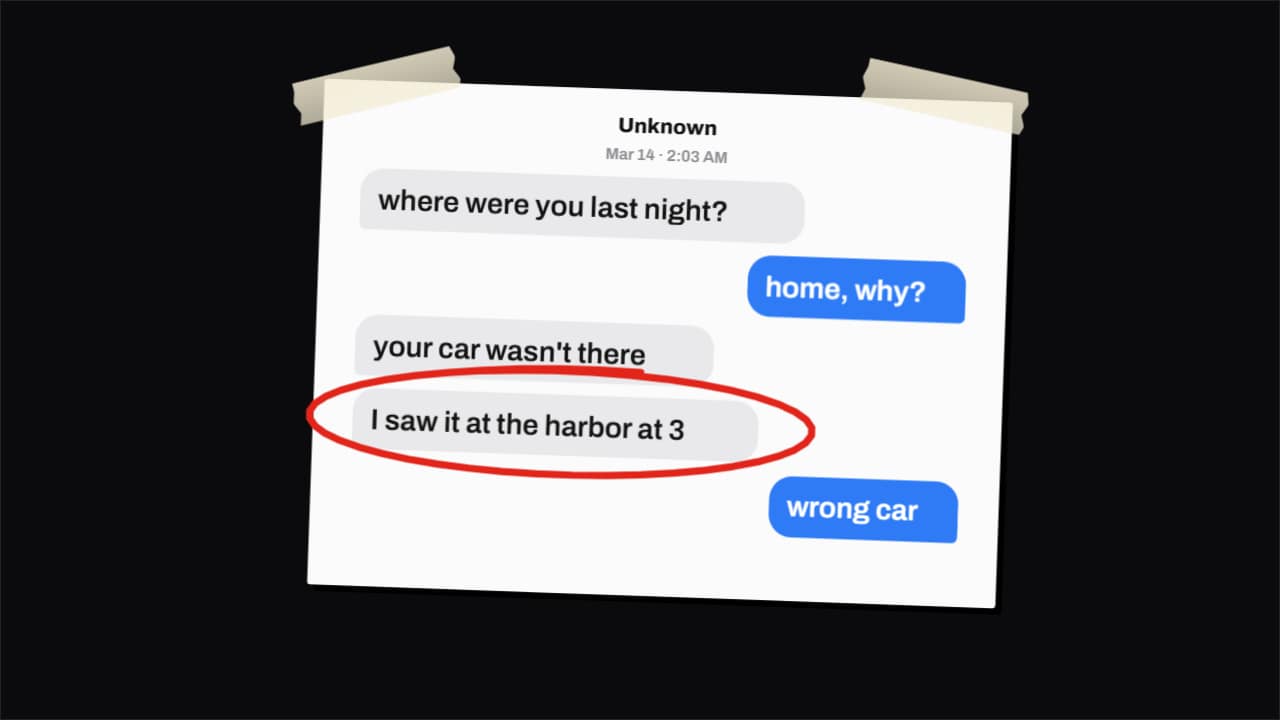
You'll download 1920×1080, 3.5 s, with no background (.mov).
BetaFree during the beta: create an account and export at no cost. No credit card.How it works →Free during the beta · no card →
You'll download 1920×1080, 3.5 s, with no background (.mov).
The screenshot from true crime documentaries and drama videos: the PRINTED conversation drops onto the desk, the red marker circles the key message and the camera pushes in on it. Three styles: paper with tape, evidence folder with its «EXHIBIT A» sticker, or a clean card with the message highlighted in yellow. Name, date, messages («A | …» them, «B | …» you) and which message gets marked. Works transparent too.
Collection: Text message animations
Plus the typeface and an optional letter outline, in every template.
Export it without background and put it on a track above your clip: the animation plays over your video.
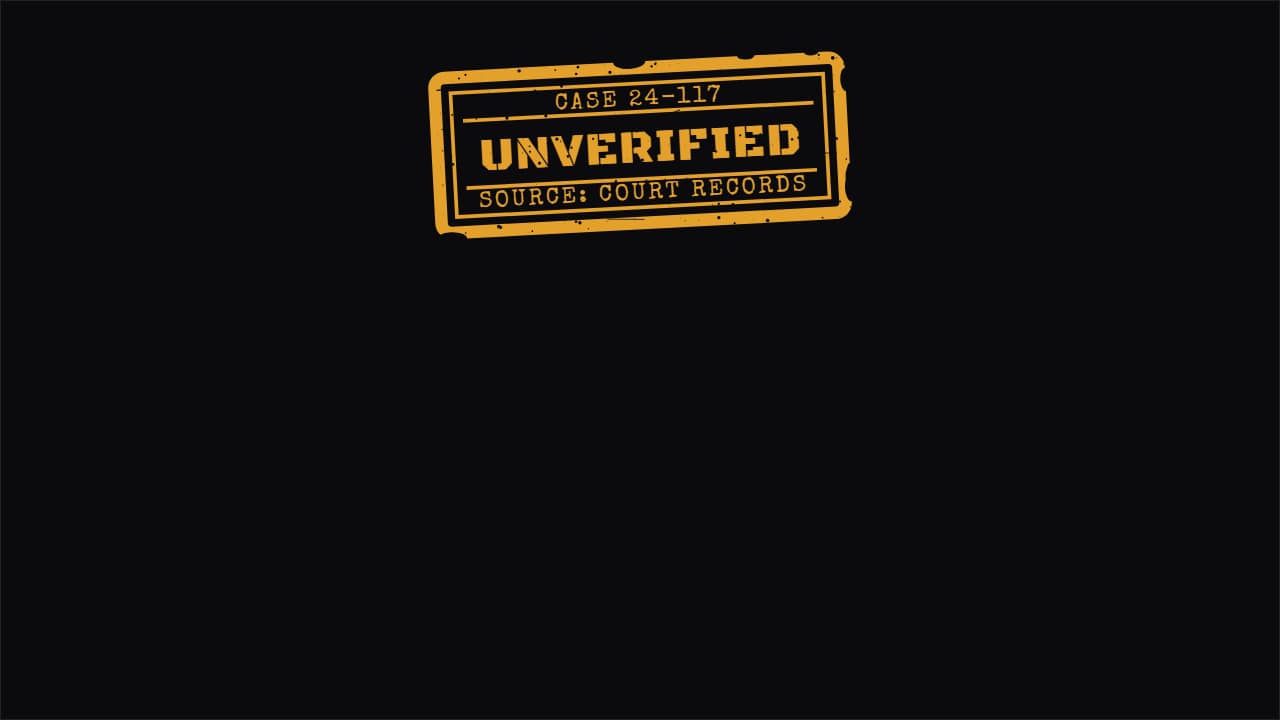 Verified / unverified labelThe status label for true crime and news: it sits in a corner saying what's confirmed and what isn't, and it…
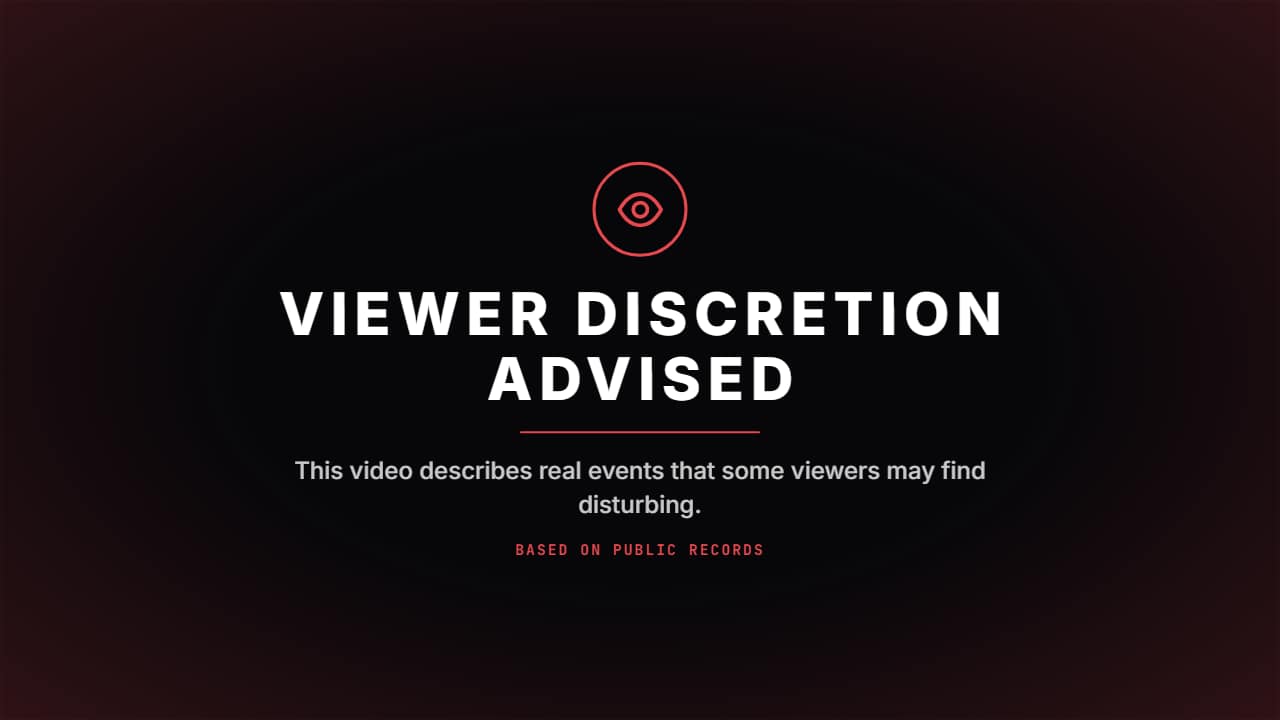 Viewer discretion advisedThe card true crime and documentary channels put before they start: the eye draws itself inside its ring…
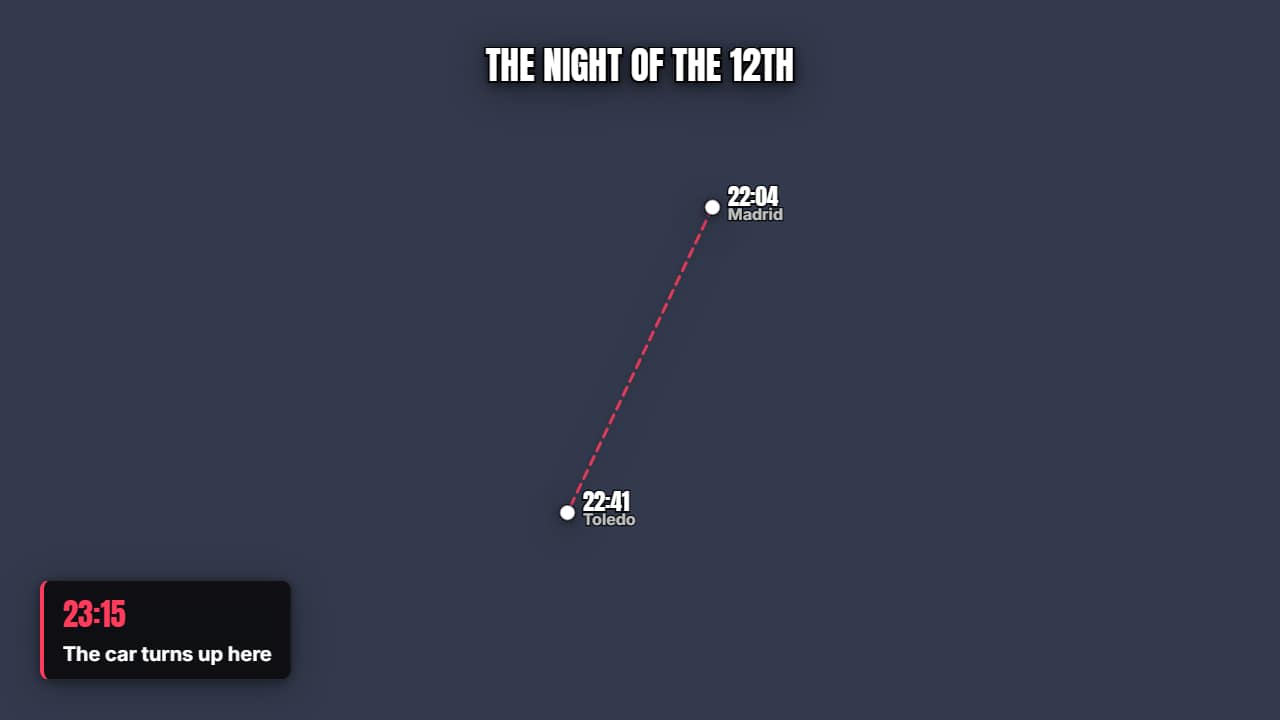 Timeline over the mapThe points mark themselves in order with their time and the route joining them.
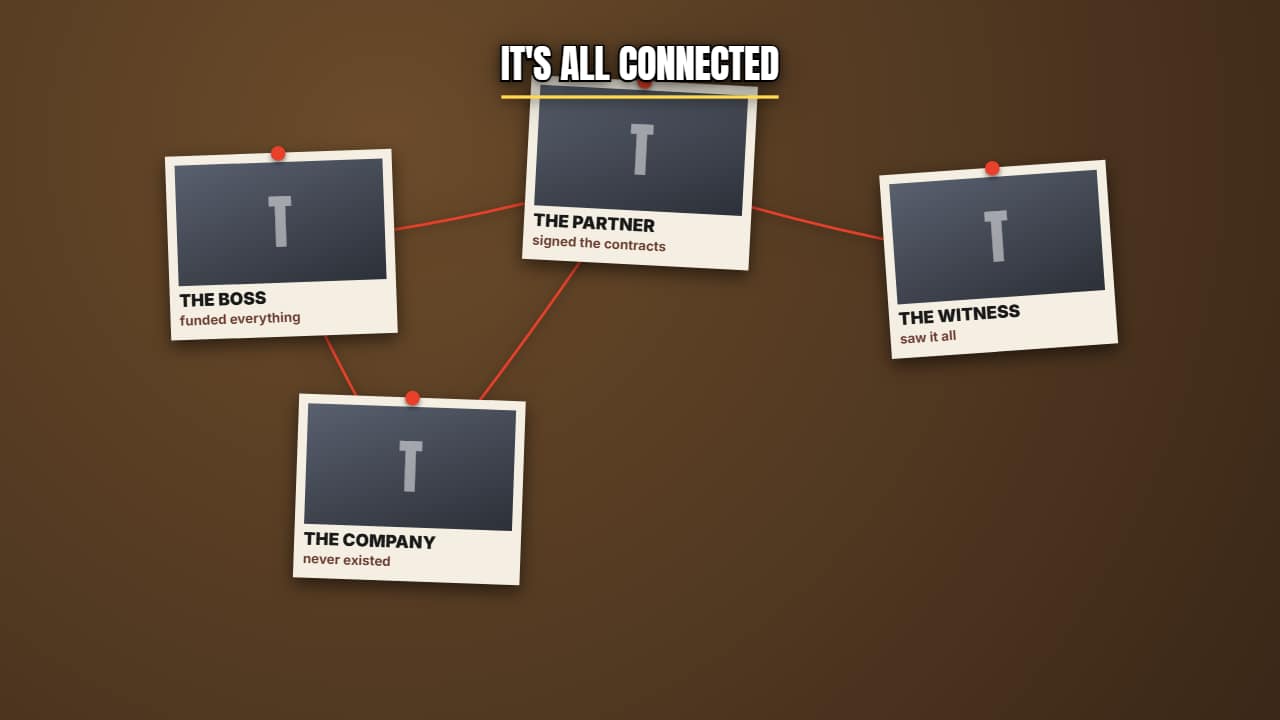 Evidence board with stringCards pinned up with red string connecting them, appearing one by one.
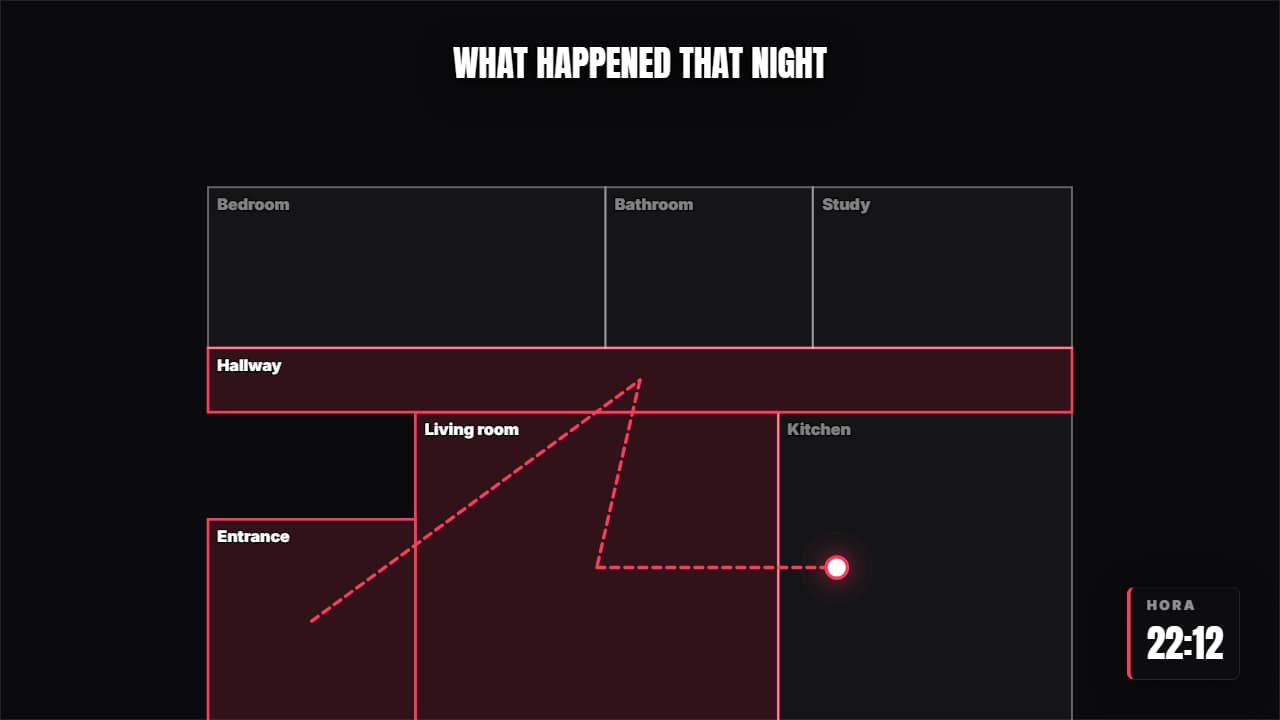 Floor plan with a routeA floor plan where someone moves through, the rooms lighting up as they pass and the time advancing.
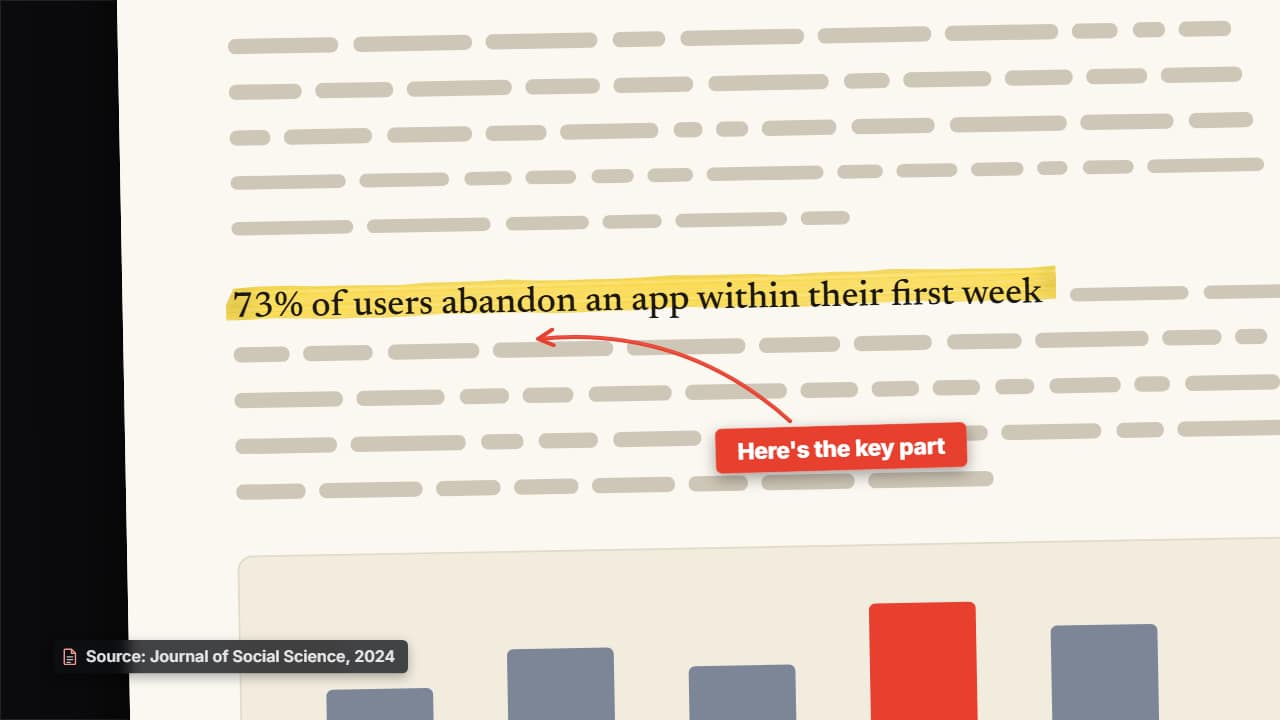 Your screenshot, highlightedUpload a screenshot of a study, an article, a document or a tweet: it comes in as a sheet with a shadow and…
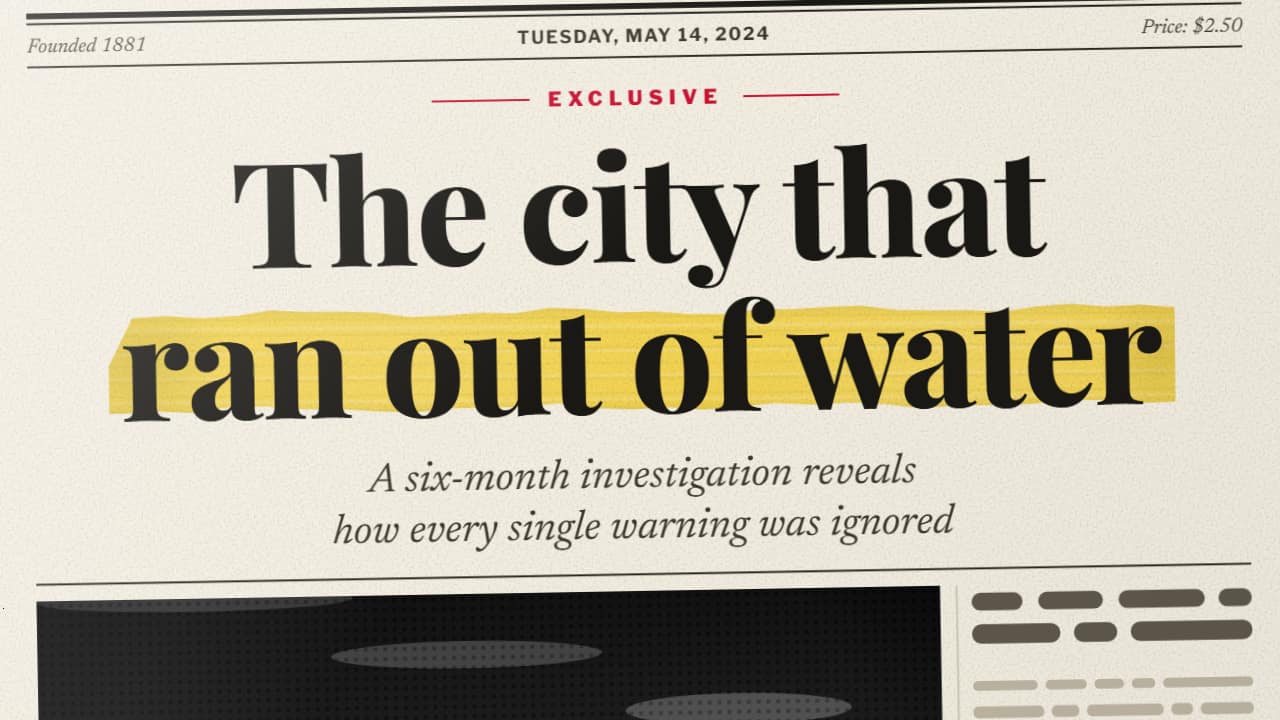 The spinning newspaperA newspaper front page made to measure —masthead, date, headline, subheadline, columns and your photo— spins…
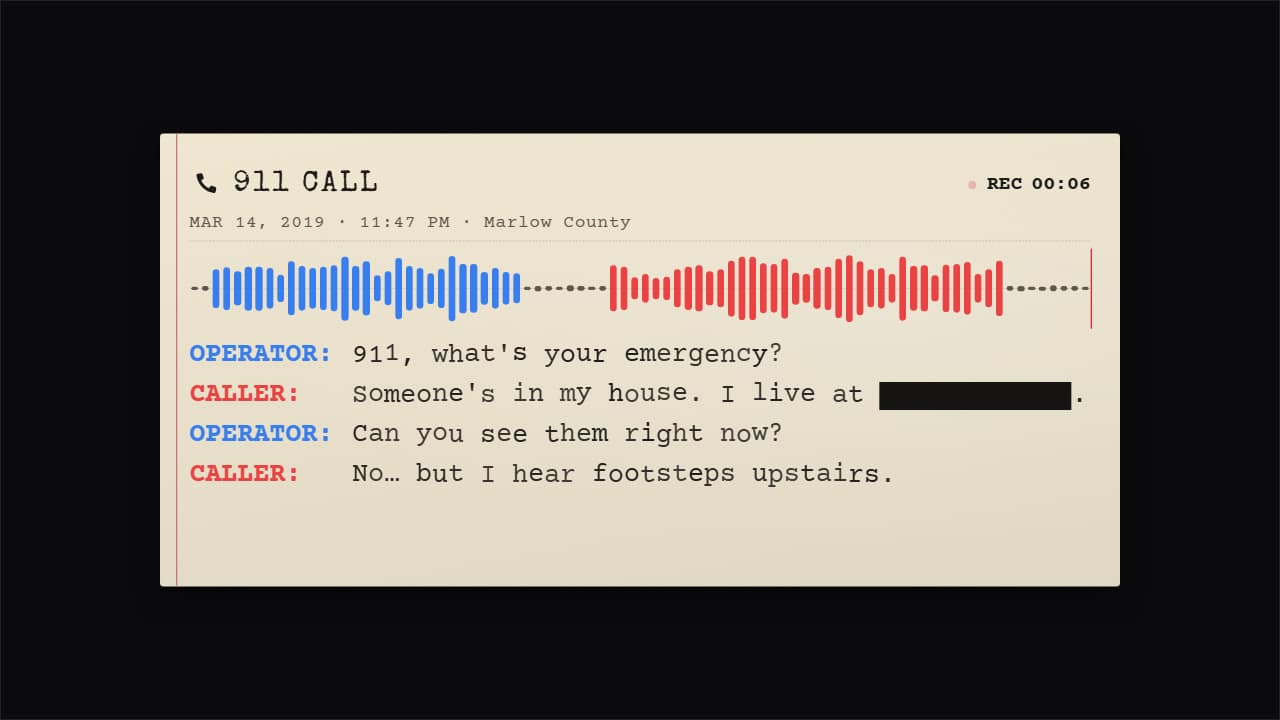 The 911 call (true crime)The emergency call with its transcript, in a serious tone: header («911 CALL»), date, time and place, a…