Format (important)1920×1080this is how it downloads
Preview doesn't change the file
You'll download 1920×1080, 3.5 s, with no background (.mov).
You'll download 1920×1080, 3.5 s, with no background (.mov).
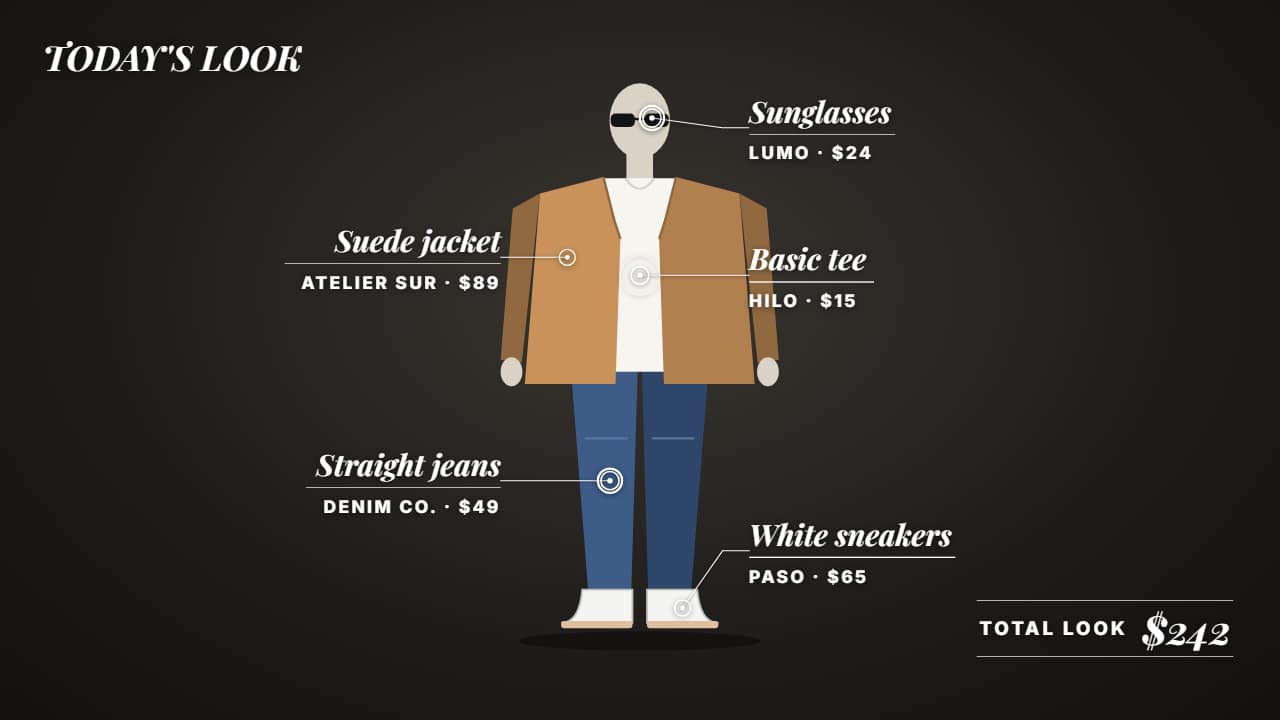
For fashion: each piece of your outfit pointed out over your video with its name, price and where to buy it, and at the end the total for the look, added up on its own with your currency symbol. Labels place themselves without overlapping. Three styles: editorial (magazine italics and fine rules), card price tags hanging from a string, and stickers with a marker arrow. With no photo or clip, a sample mannequin.
Plus the typeface and an optional letter outline, in every template.
Export it without background and put it on a track above your clip: the animation plays over your video.
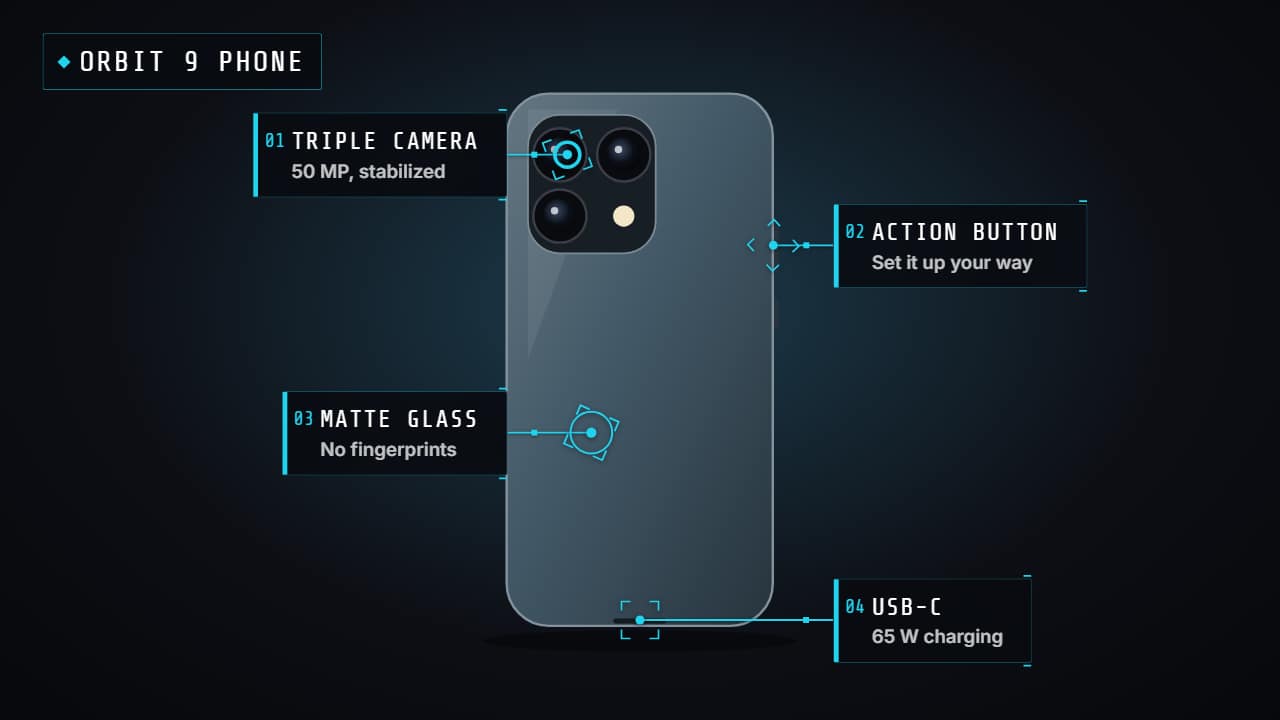 Product hotspotsPoints that pulse over your video (or the product photo) and open their label one by one with a line: the…
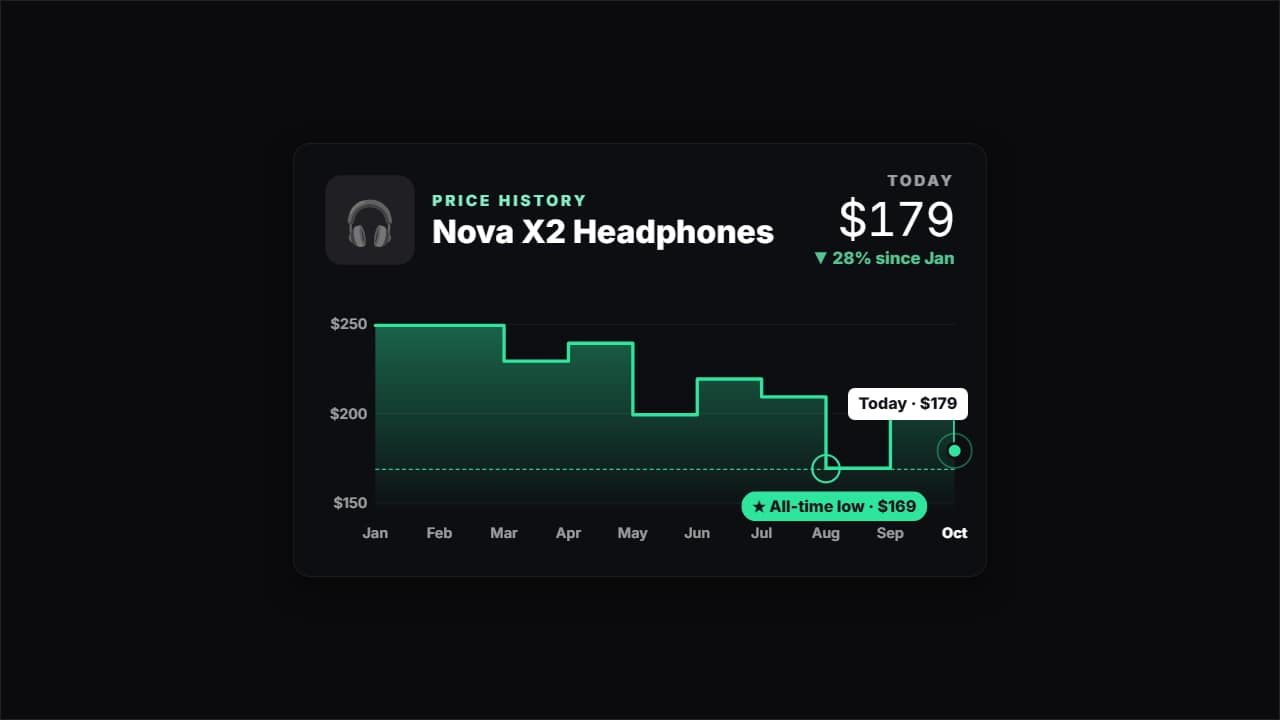 Price historyHow much a product has cost month by month, for deal and tech channels: the line draws itself, the all-time…
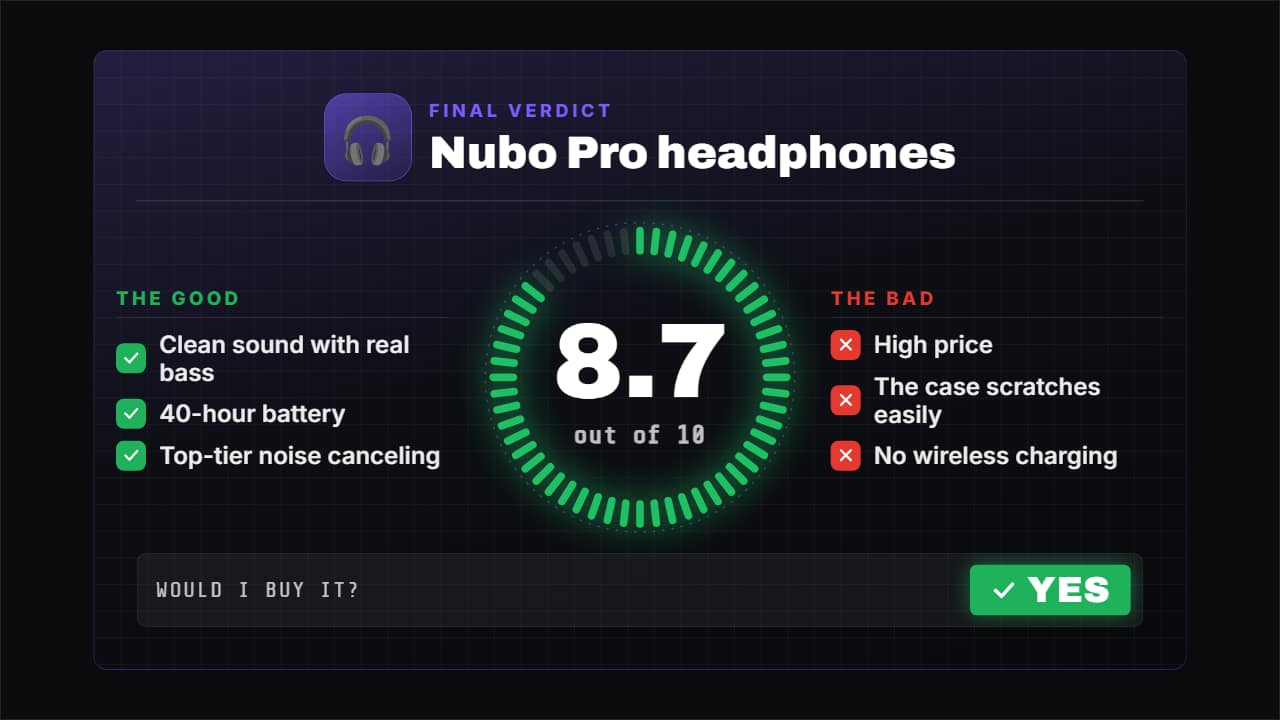 Review verdict with scoreThe closer for your review: the score fills its ring while the number rolls («8.
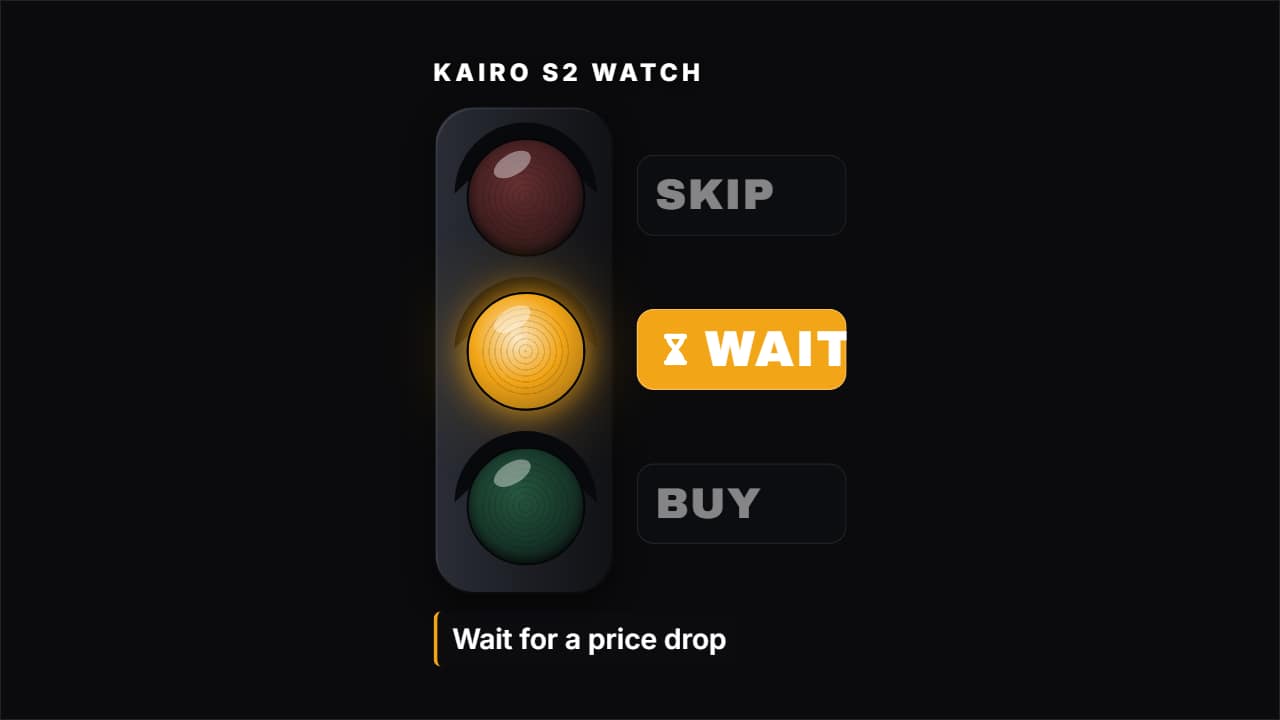 Buy, wait or skipThe short verdict of a review: three options (BUY, WAIT, SKIP) and one lights up, with the product and the…
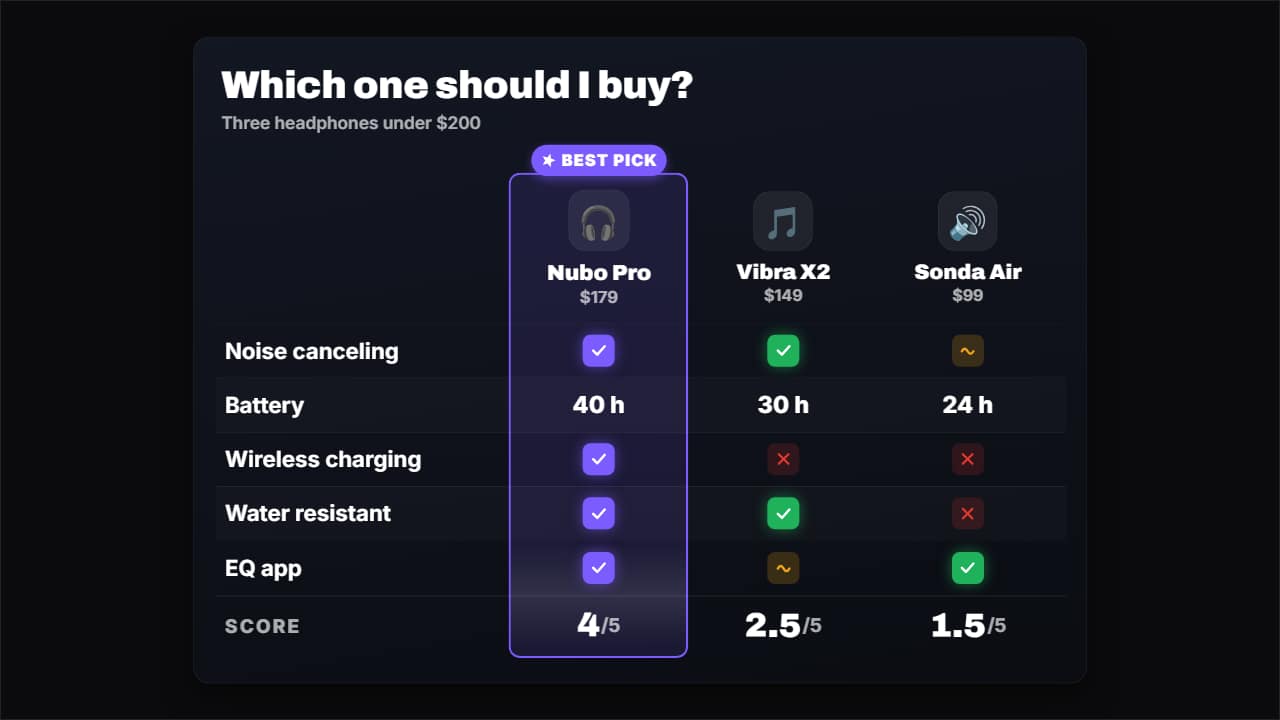 Comparison tableCompare 3 or 4 products (or plans, or apps) in a table: the columns come in with their photo or emoji and…
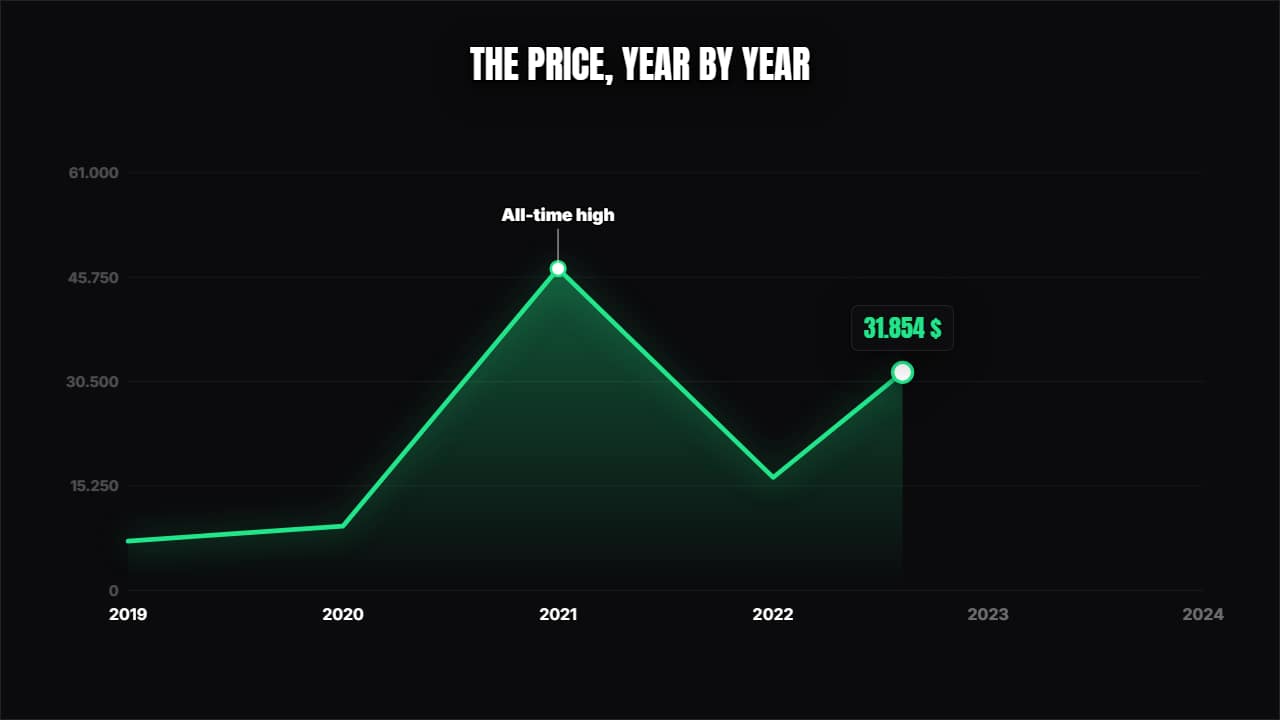 Line chartThe curve draws itself over its axes, a dot travels along showing the value and the annotations pop at the…
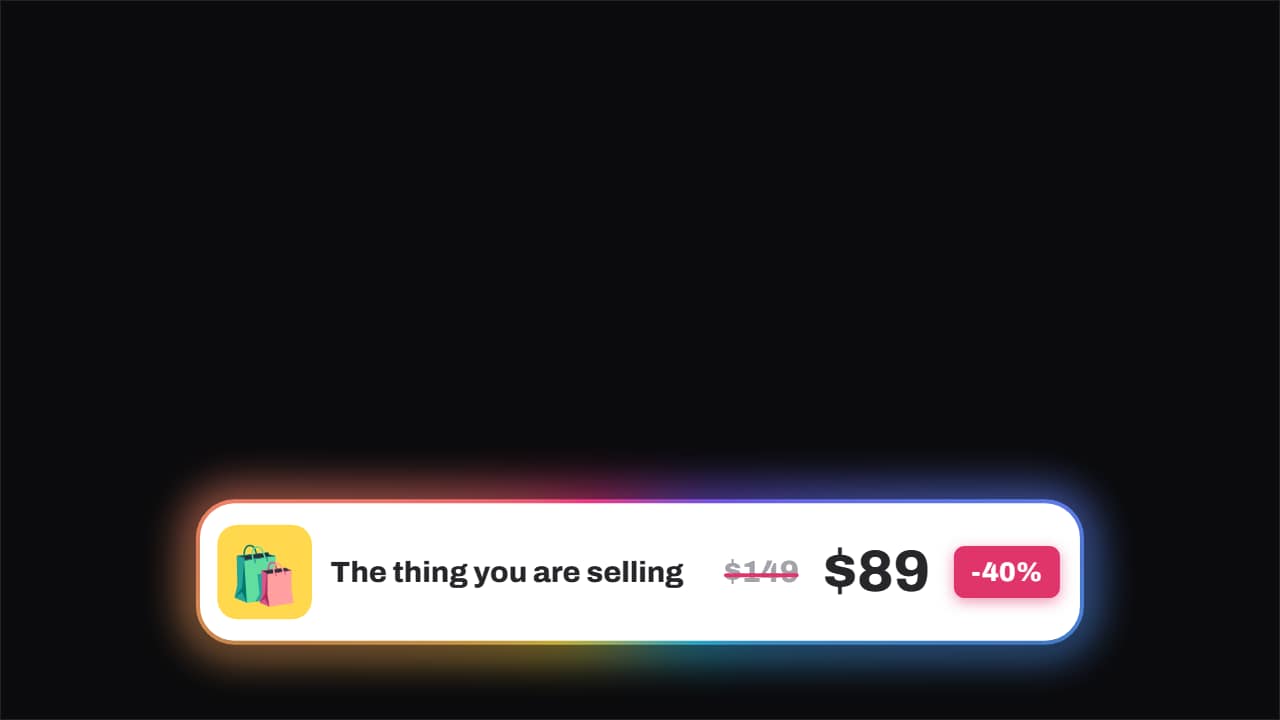 Price · struck through, and the new one slamsThe old price gets struck through by a line that draws itself and, a beat later, the new one slams in beside…
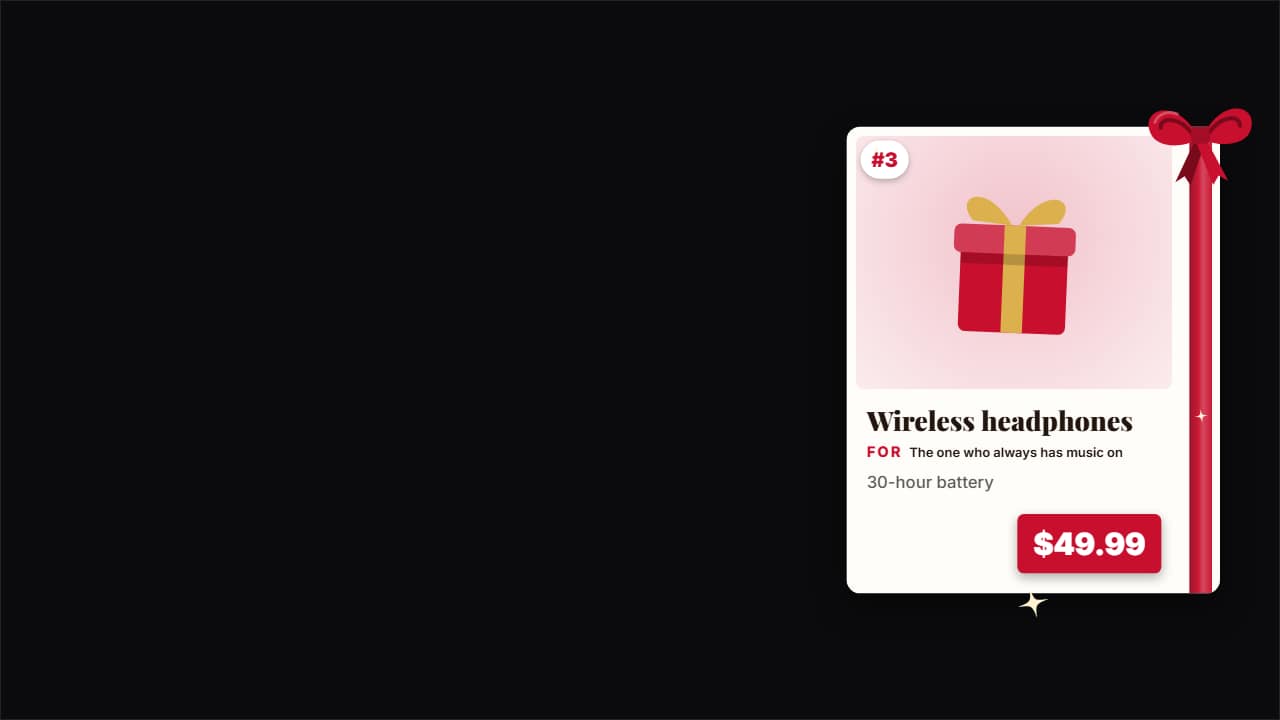 Gift guide cardThe product card for your «10 gifts for…» videos: the product photo, its number on the list, the name, «For…