Format (important)1920×1080this is how it downloads
Preview doesn't change the file
You'll download 1920×1080, 3.5 s, with no background (.mov).
You'll download 1920×1080, 3.5 s, with no background (.mov).
«FALSE», «TRUE», «EXAGGERATED»… it lands like a rubber stamp over your video right when you give the verdict: it comes in big, slams, splatters ink and shakes. The ink is worn like a real stamp. Four styles: rubber (rectangular, double border), round seal with text along the rim, neon that flickers on, and glass with the icon. The color comes from the verdict (red, green, orange…) or from yours.
Plus the typeface and an optional letter outline, in every template.
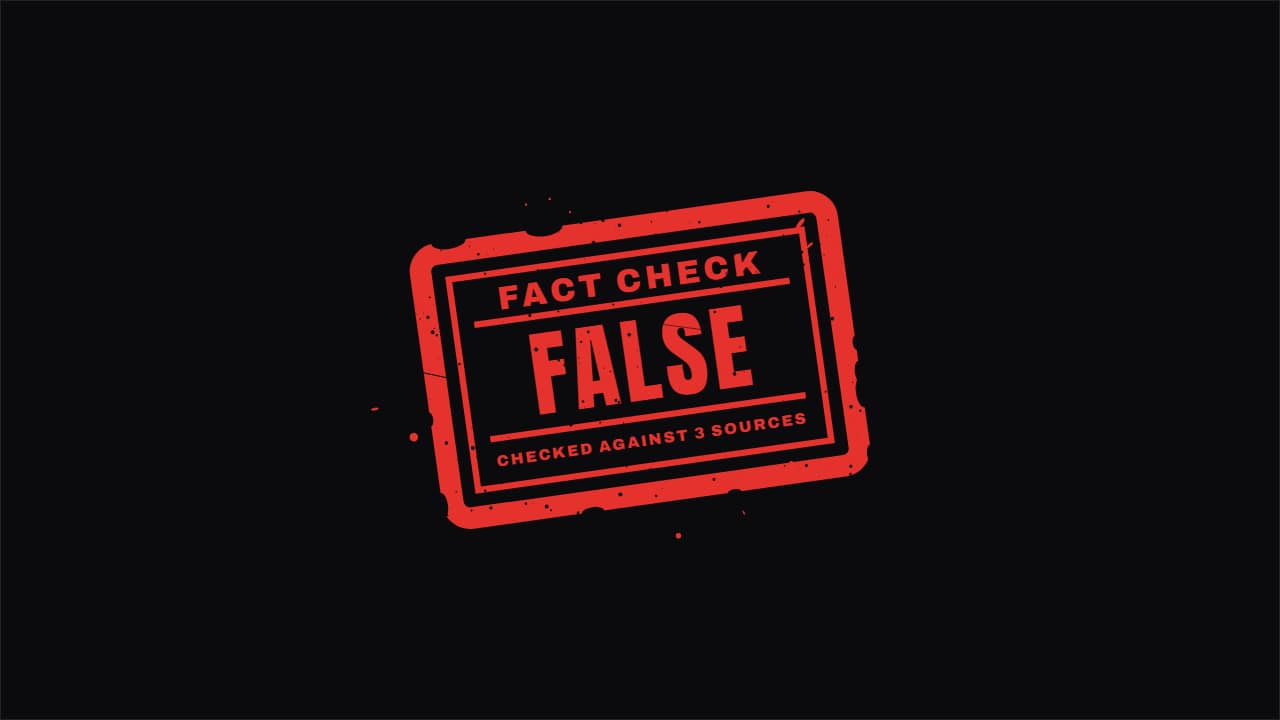
Export it without background and put it on a track above your clip: the animation plays over your video.
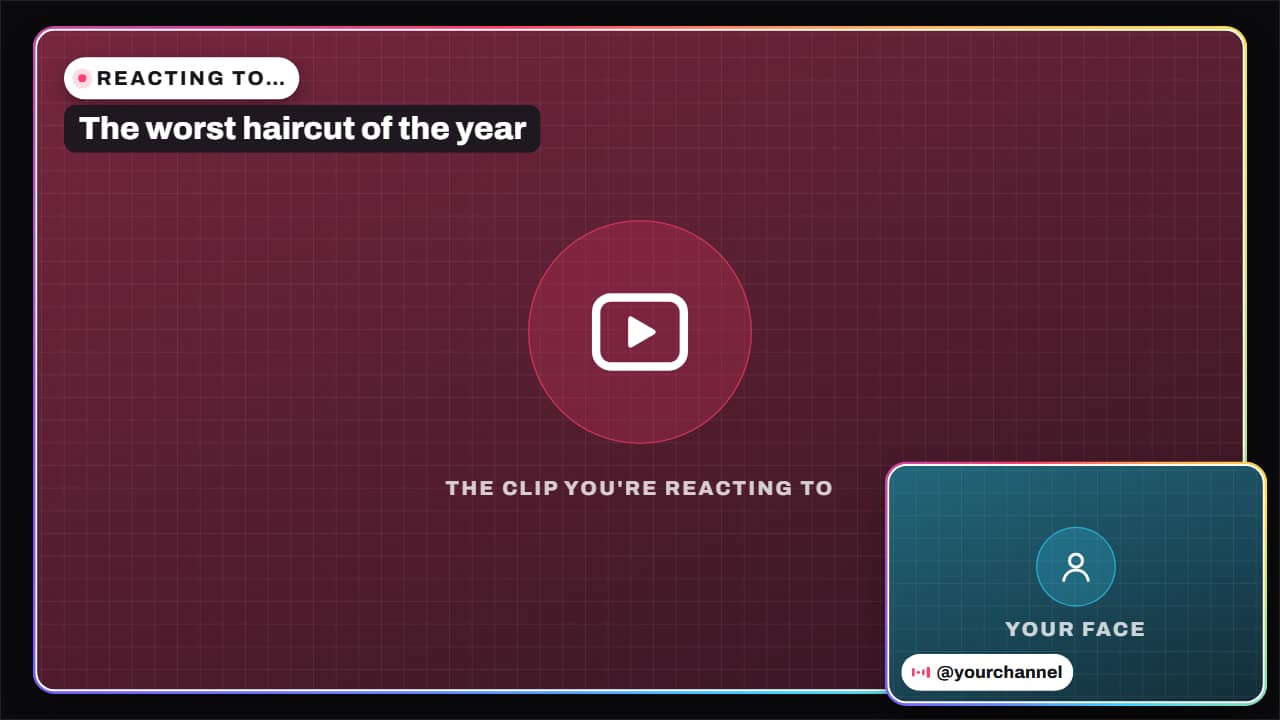 Reaction layoutThe reaction video layout: the clip you're commenting on, big, and your face in a corner, with «REACTING…
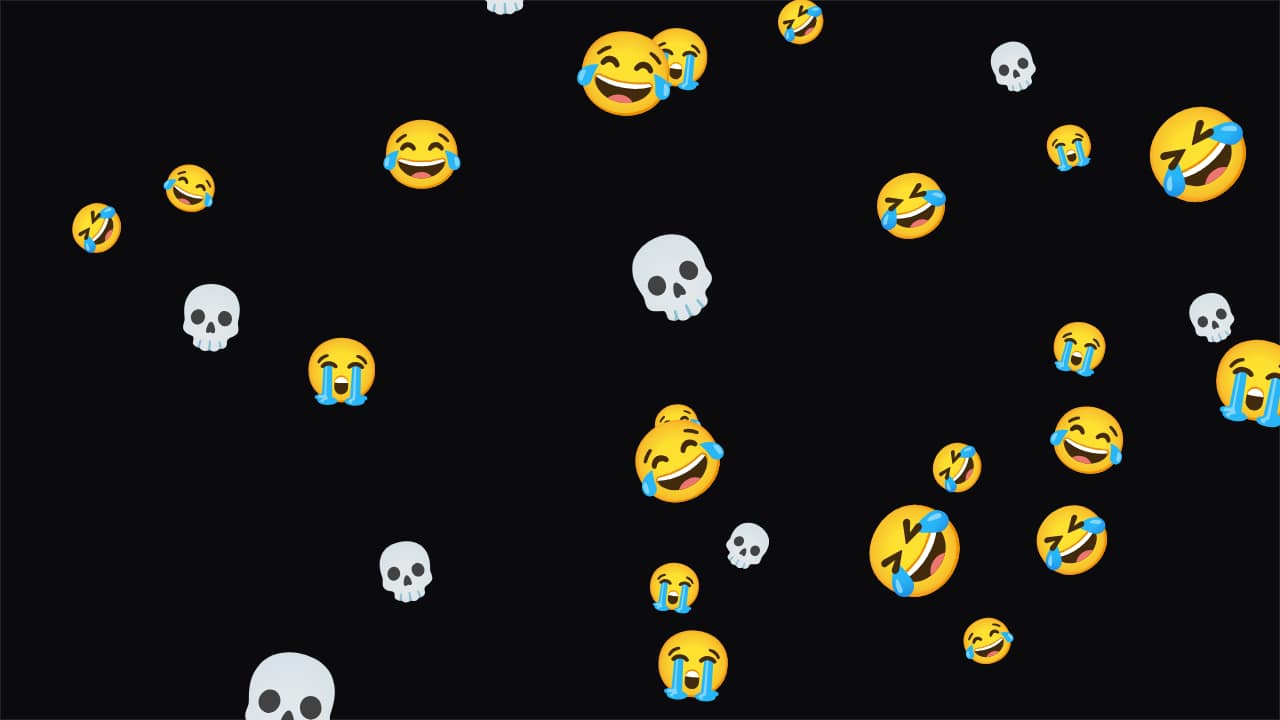 Emoji rainThe emojis you choose (😂💀😭) or your own images rain down over your video.
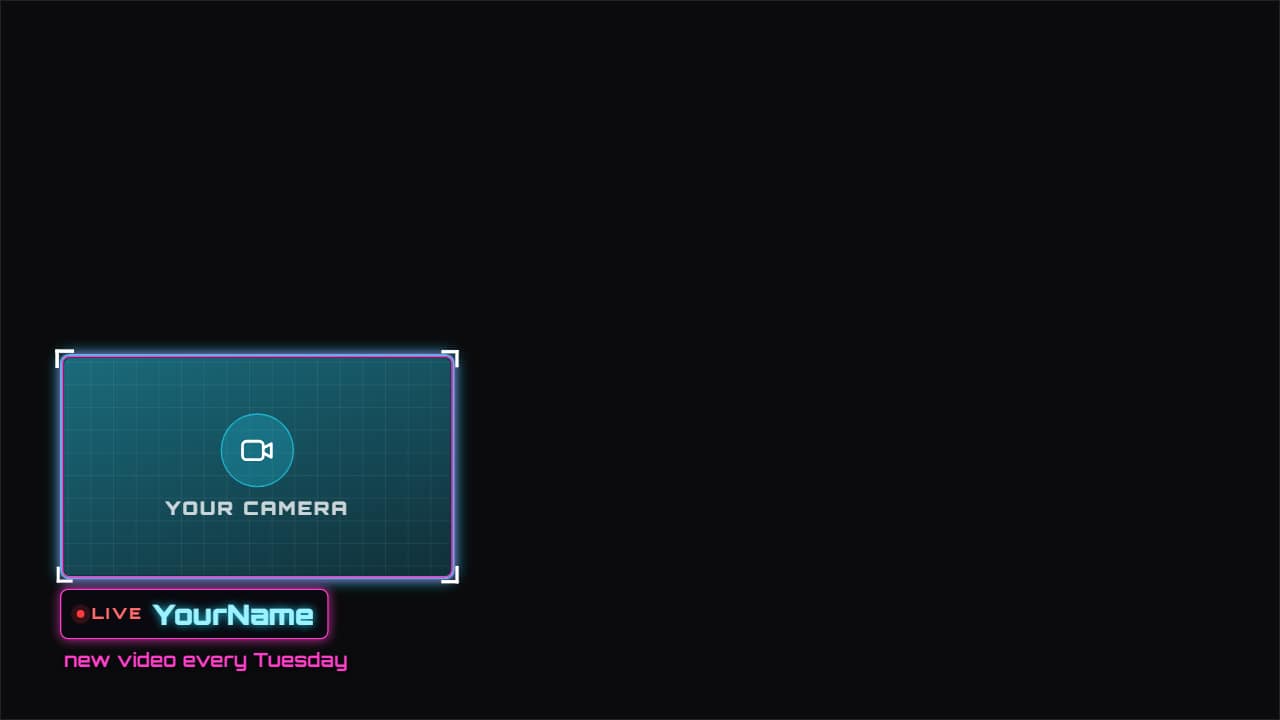 Facecam frameAn animated frame for your camera, in whichever corner you want, with your name, «LIVE» and a line of…
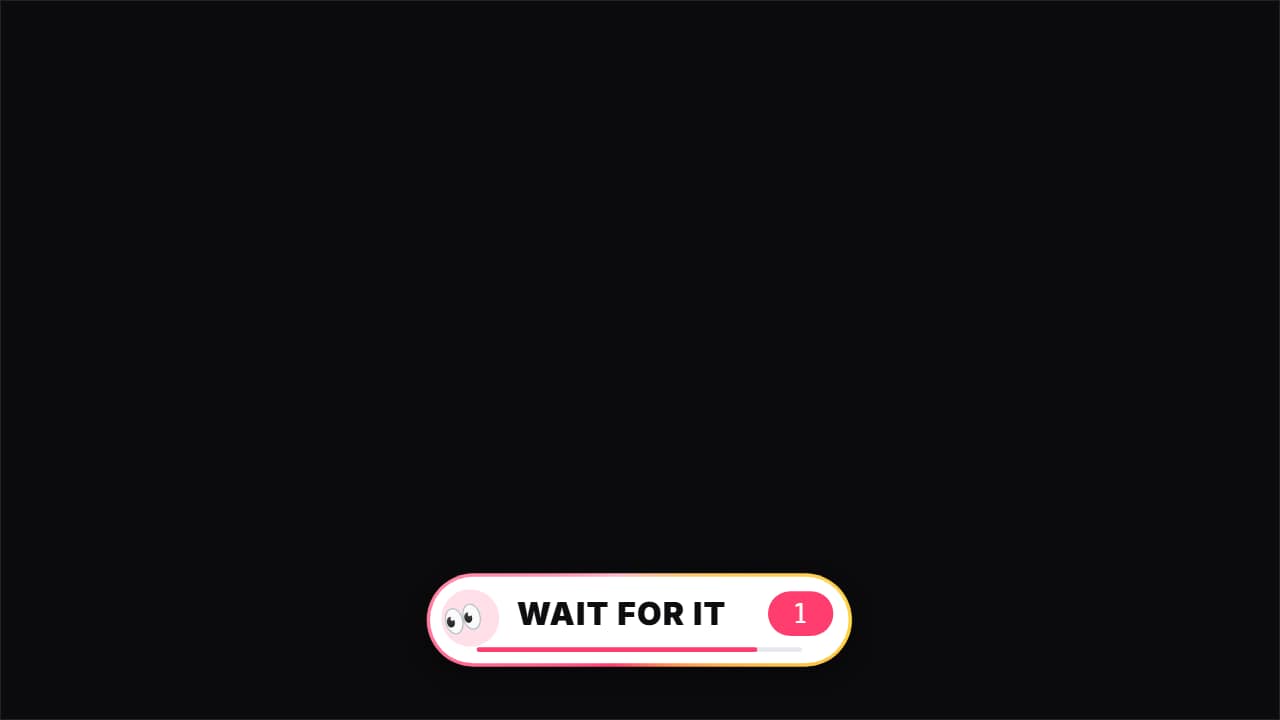 Wait for it«👀 Wait for it…»: a bar that fills up to THE second of the key moment (the fail, the twist, the hit), with…
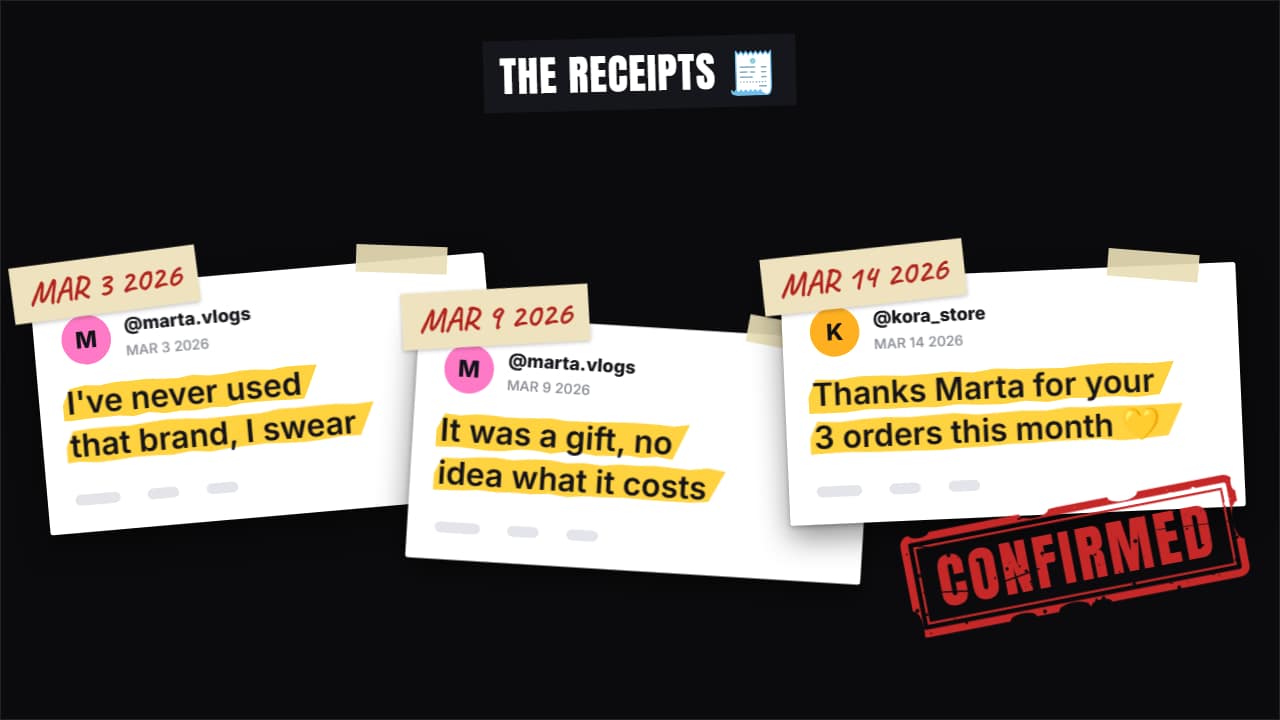 Receipts stack«Here are the receipts»: up to four screenshots drop in one after another and stack up (fanned out in…
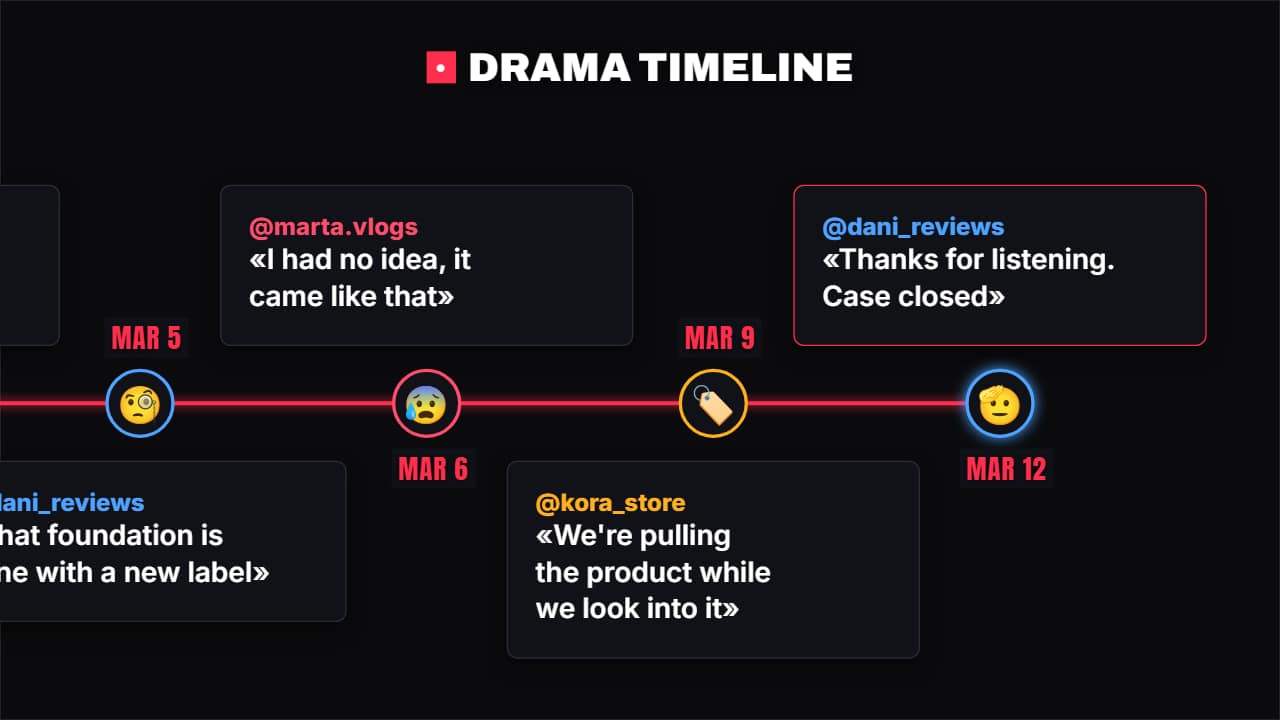 Drama timelineWho said what and when: each point has the date, the @, what they said and their avatar (emoji or photo)…
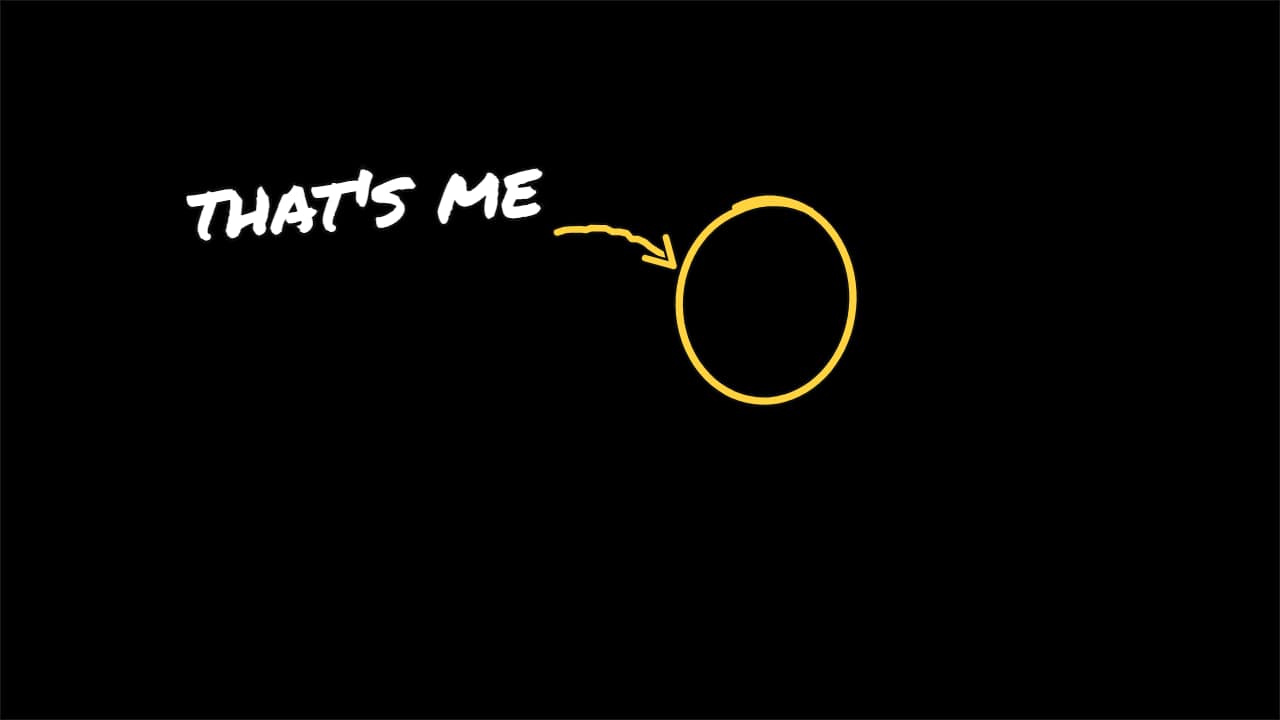 «That's me» arrowThe vlog and comedy move: a circle goes around the person, a hand-drawn arrow comes out of the label and…
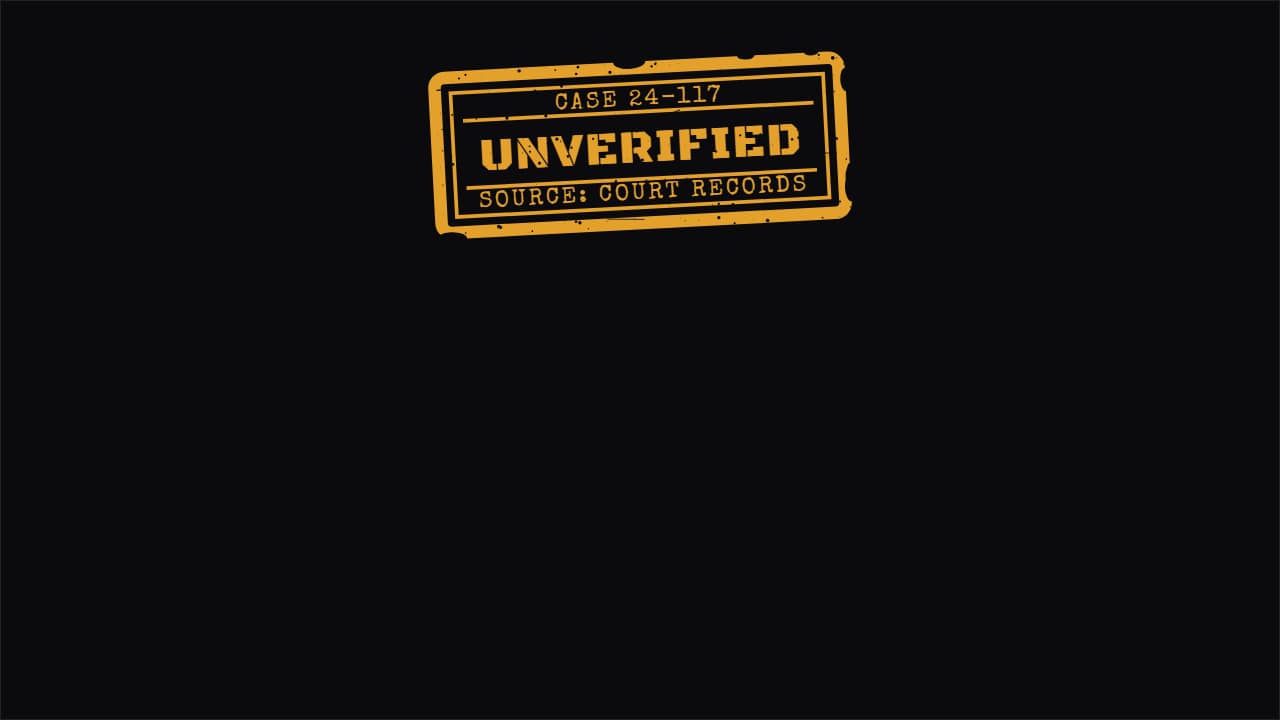 Verified / unverified labelThe status label for true crime and news: it sits in a corner saying what's confirmed and what isn't, and it…