Format (important)1920×1080this is how it downloads
Preview doesn't change the file
You'll download 1920×1080, 3.5 s, with no background (.mov).
You'll download 1920×1080, 3.5 s, with no background (.mov).
The names blur past and then stop dead on the winner: crown, spinning rays and the figure counting up. Below, the ones who came close. It's the closer of a top list, the shot you build the moment on.
Plus the typeface and an optional letter outline, in every template.
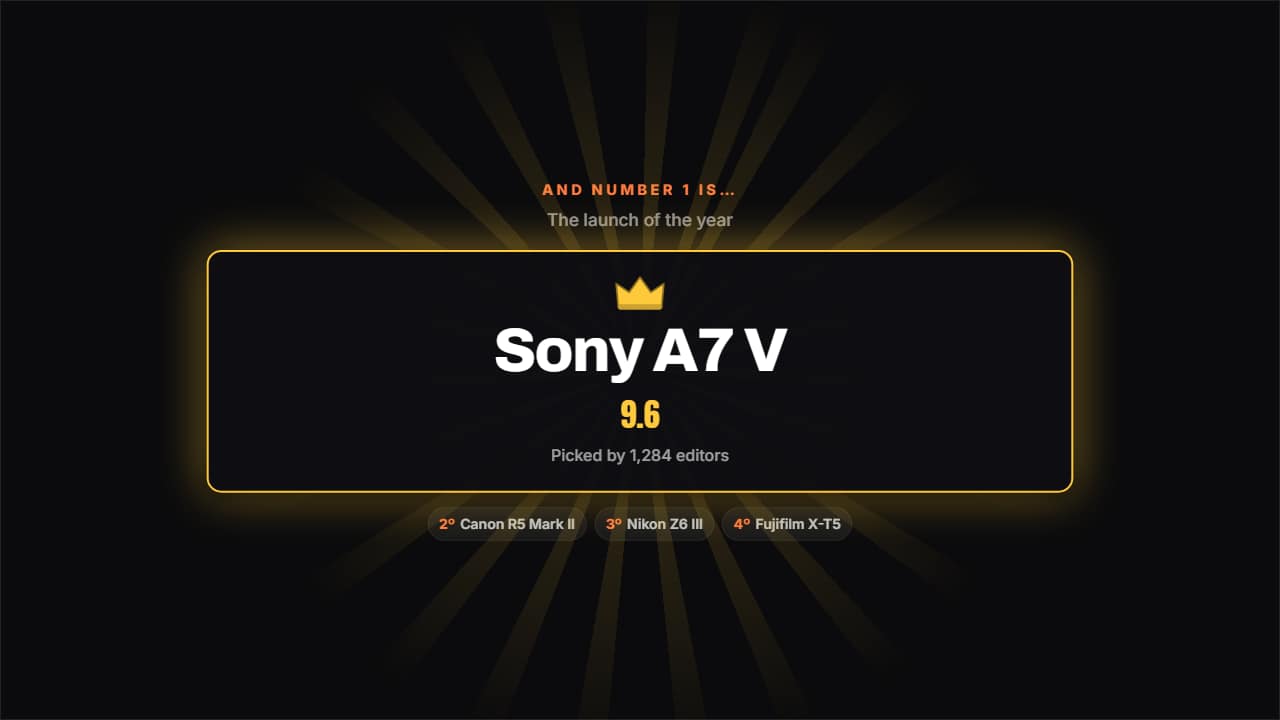
Export it without background and put it on a track above your clip: the animation plays over your video.
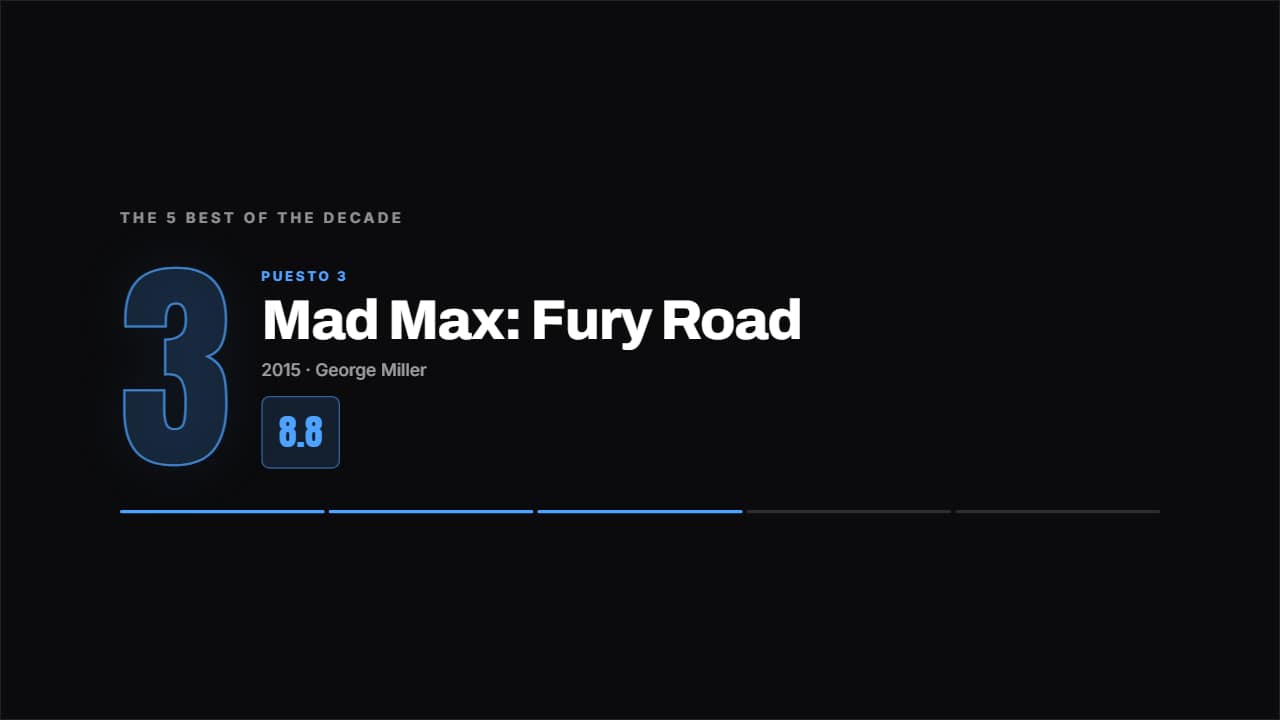 Top countdownOne place per screen, from last to first, with the giant number behind and the figure counting up.
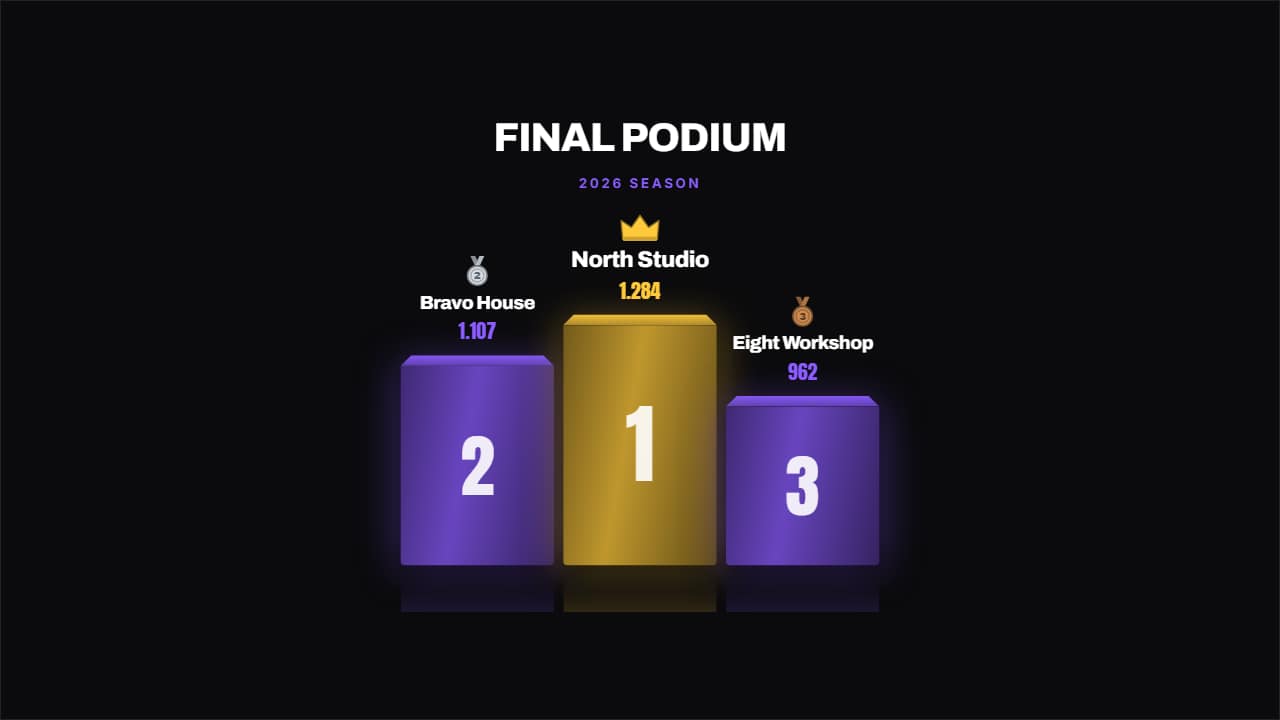 Championship podiumA podium with real depth: perspective on the top face, reflection on the floor, a drawn medal and a crown on…
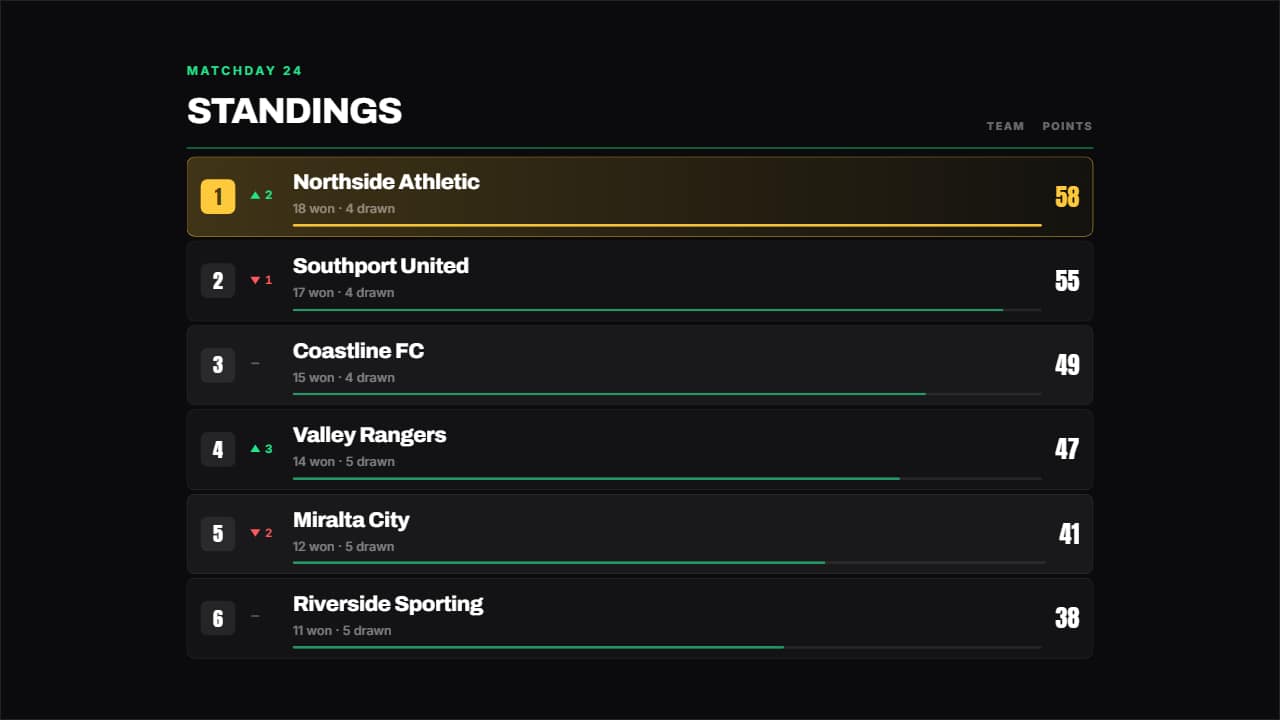 League tableA league table: place, up or down arrow, name, a bar in proportion to the figure and the number counting.
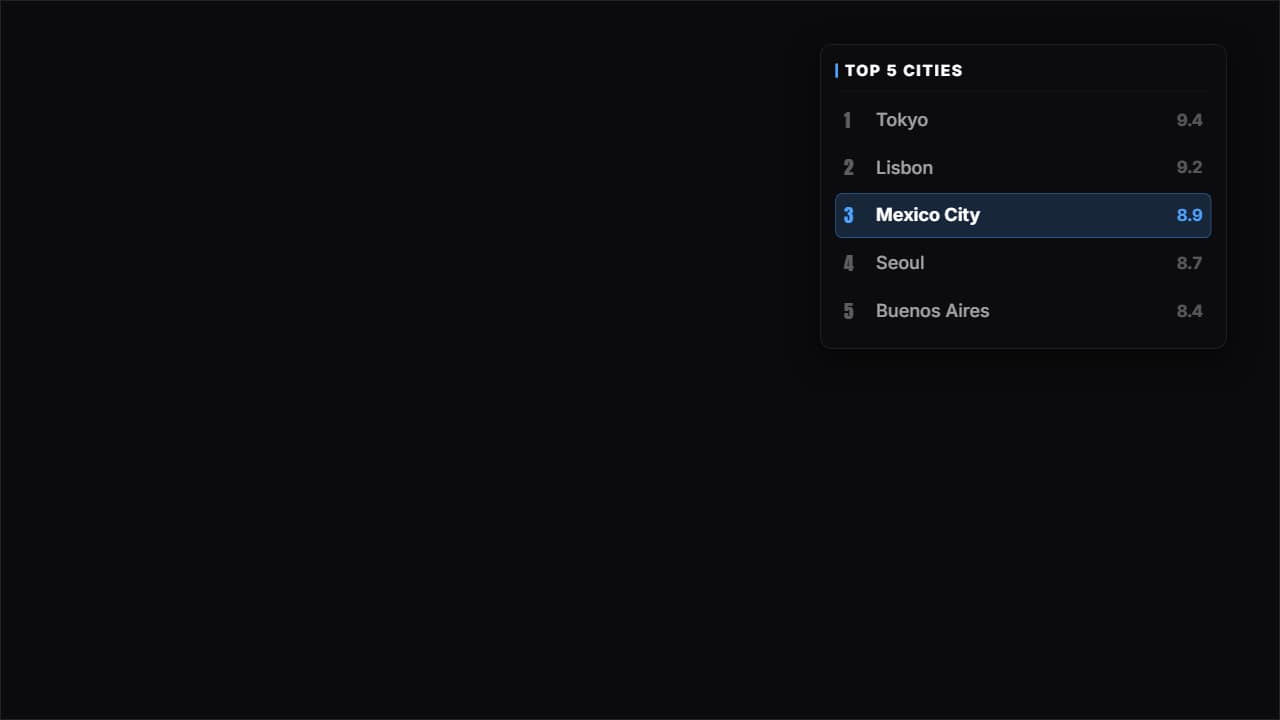 Corner panelThe whole top list on a glass panel in a corner, with the place you're talking about lit and the rest dimmed.
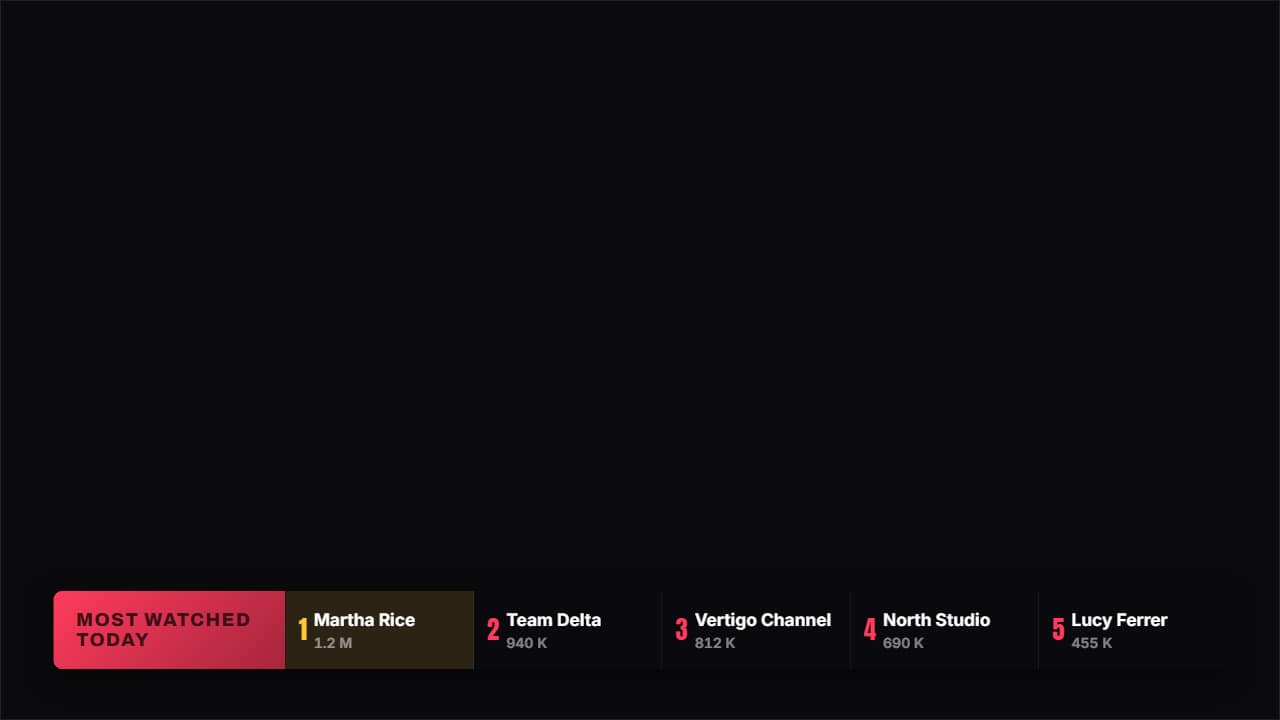 Broadcast bandA sports channel band: a colored tab with the title and the places in a row, each with its figure.
 Place badgeA badge with ONE single place: big number, name, figure and a line drawn underneath.
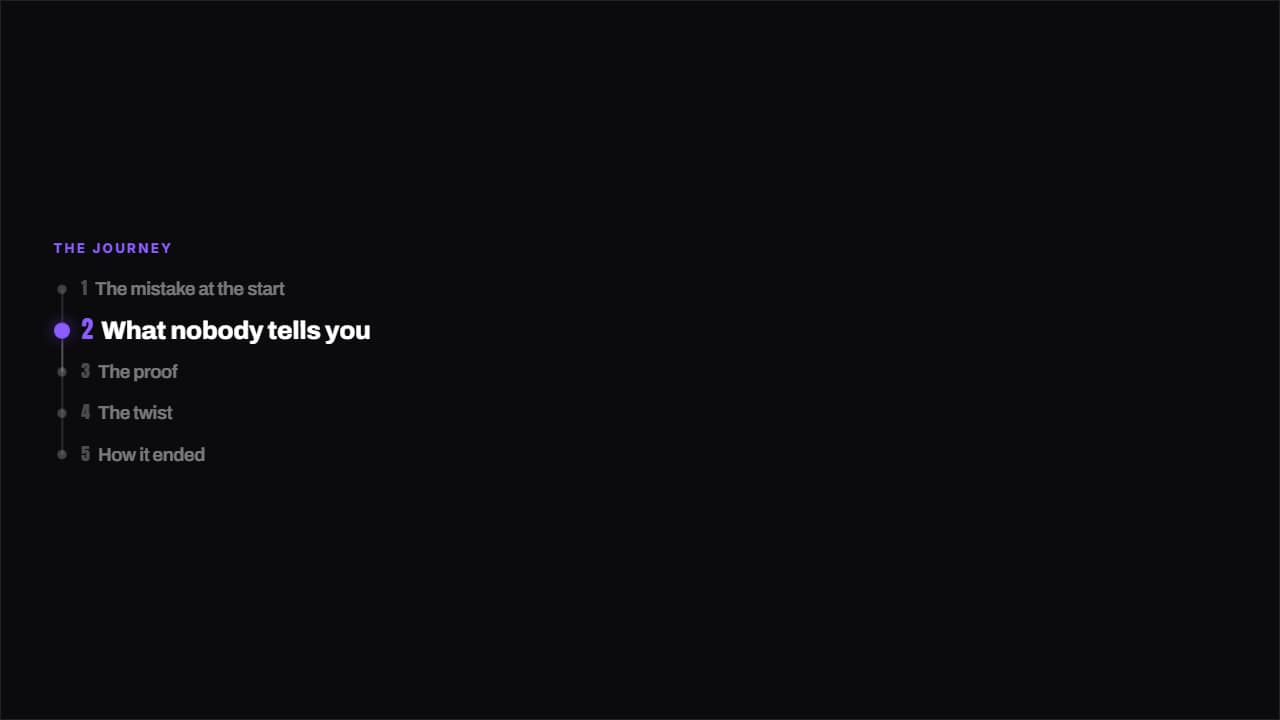 Running columnA thin column down one side with every place joined by a line; the active one grows, takes color and shows…
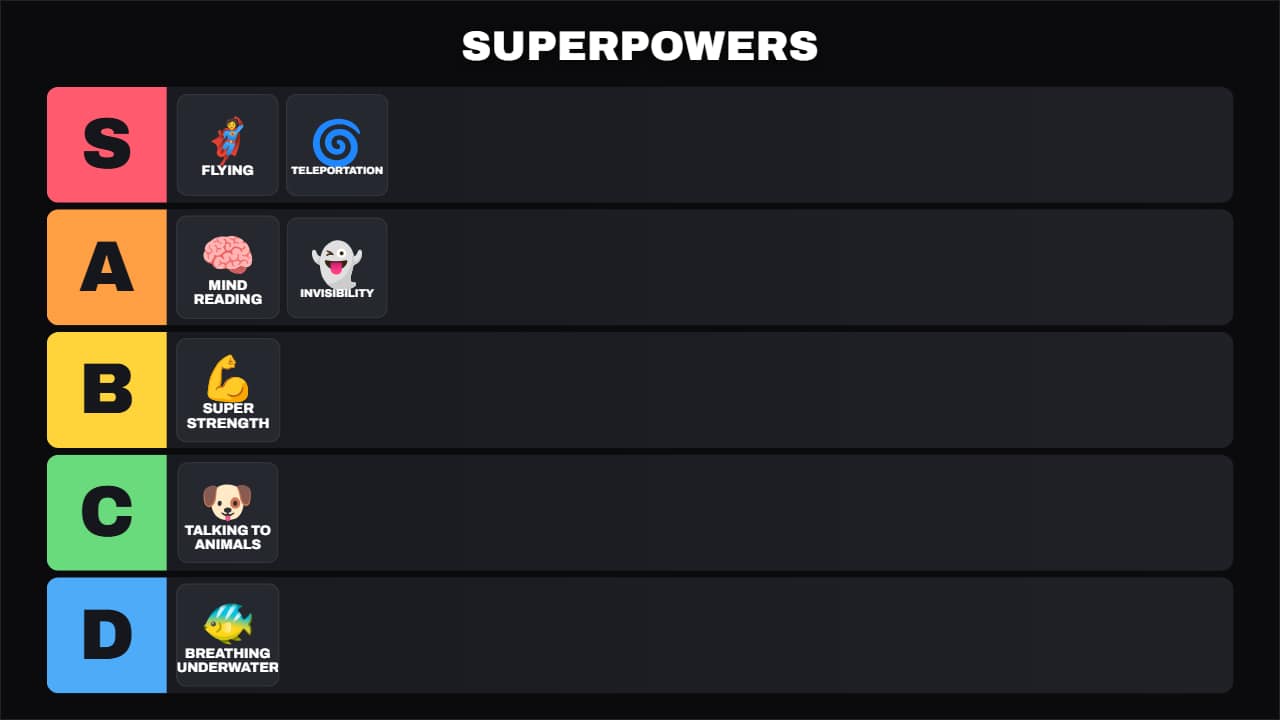 Universal tier listThe S-A-B-C-D tier board for any topic: food, video games, movies, gadgets, travel… Each item first shows up…