Format (important)1920×1080this is how it downloads
Preview doesn't change the file
You'll download 1920×1080, 3.5 s, with a background (.mp4).
You'll download 1920×1080, 3.5 s, with a background (.mp4).
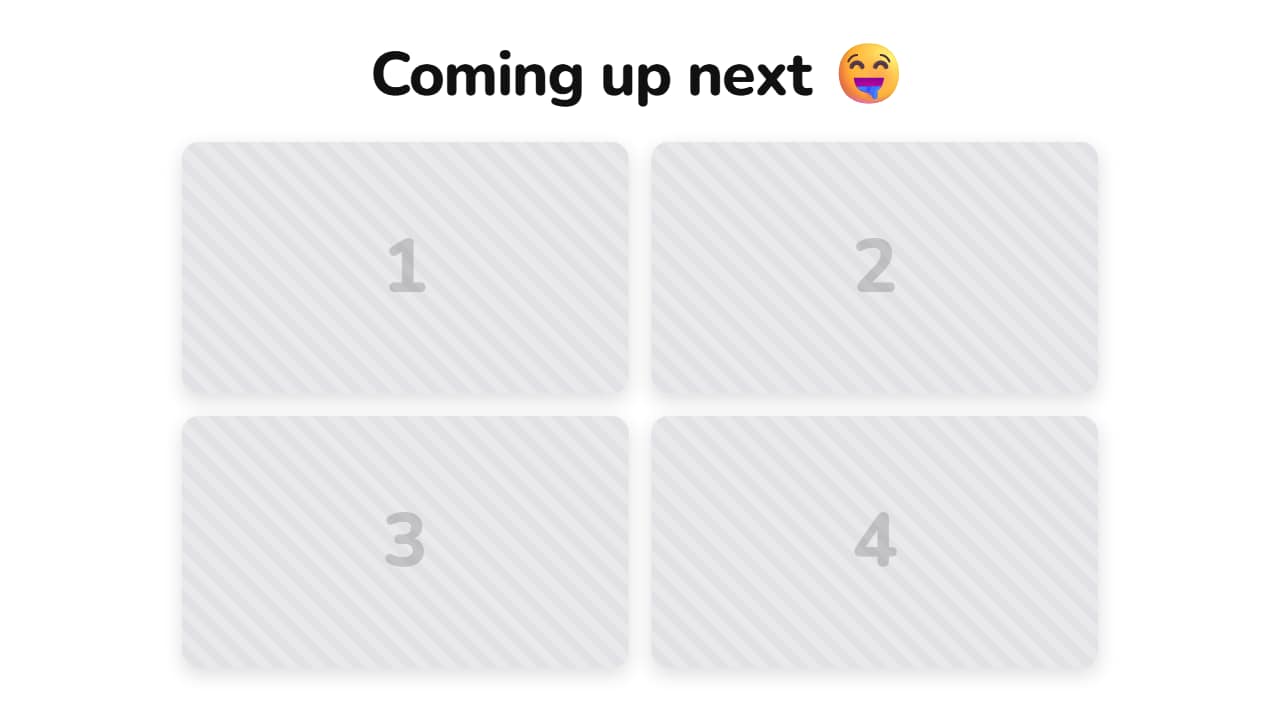
A headline on top and your videos in cards, like the "what's coming" teasers all over Shorts. You upload the clips right here, one per slot, and they come out blurred on purpose: what sells a teaser is the intrigue, not the content. Want them sharp? Set the blur to zero and the same template works as a recap.
Plus the typeface and an optional letter outline, in every template.
This template is exported with its background, as a regular video.
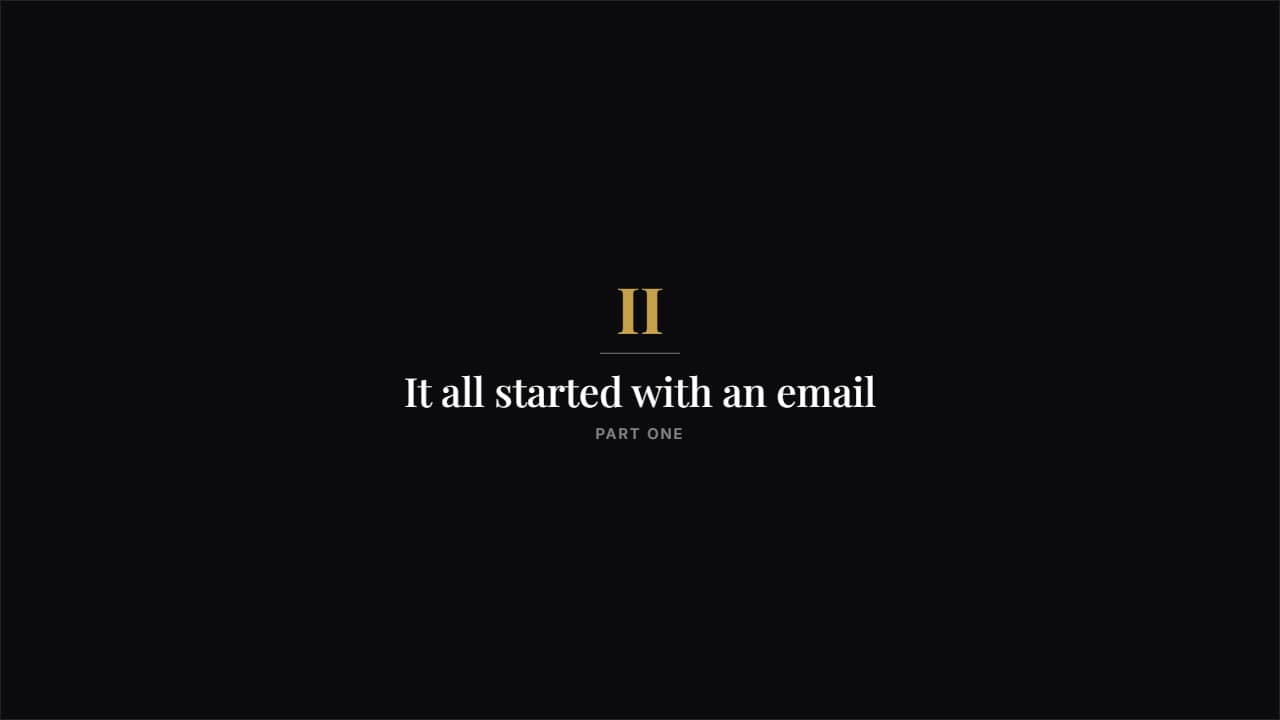 Story chapterA big roman numeral, a rule and a serif title. Understated and airy: the one that separates the parts of a…
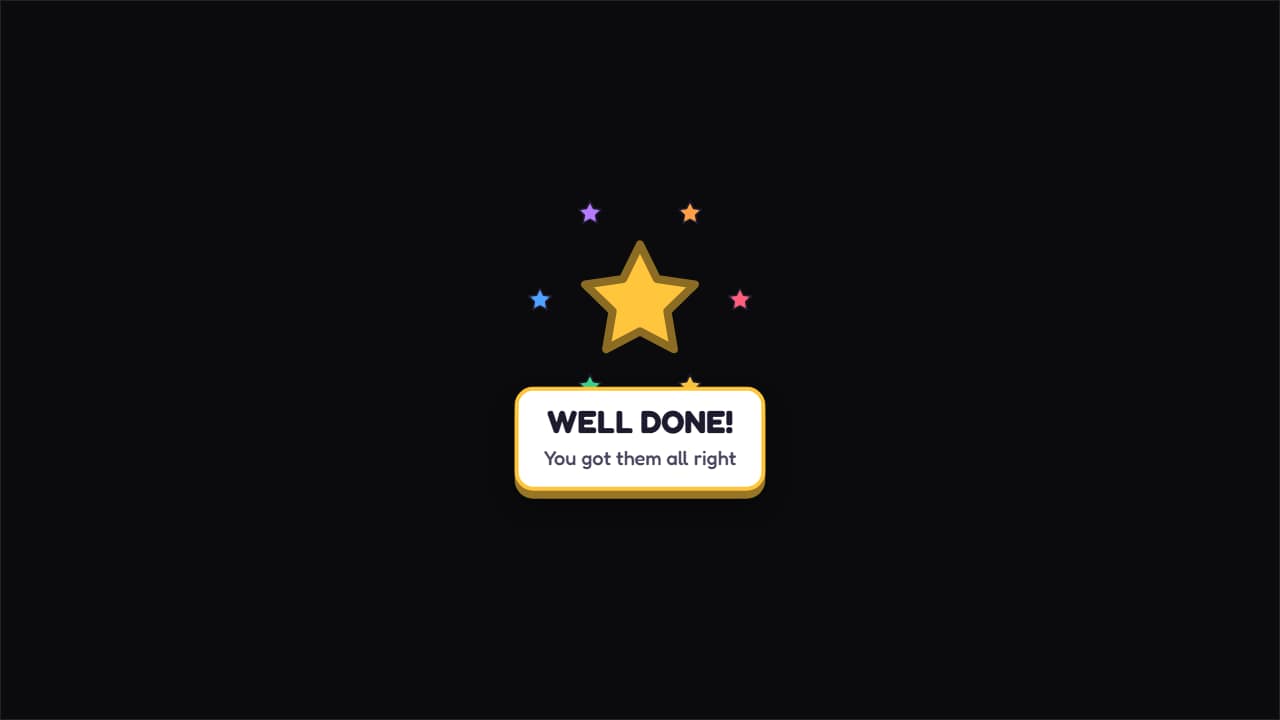 Prize unlocked!A big star spinning as it lands, with colorful sparkles around it and the message underneath.
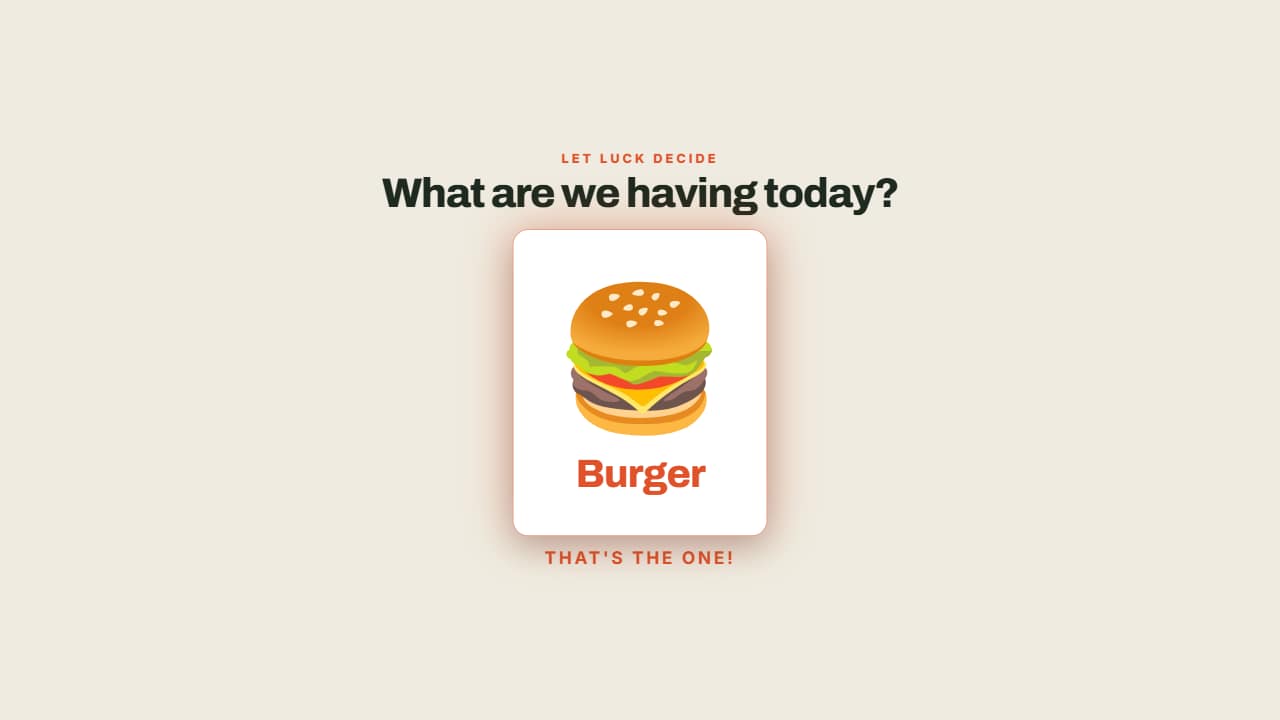 The wheel decidesThe options fly past and the wheel SLOWS DOWN until it stops on one, which lights up.
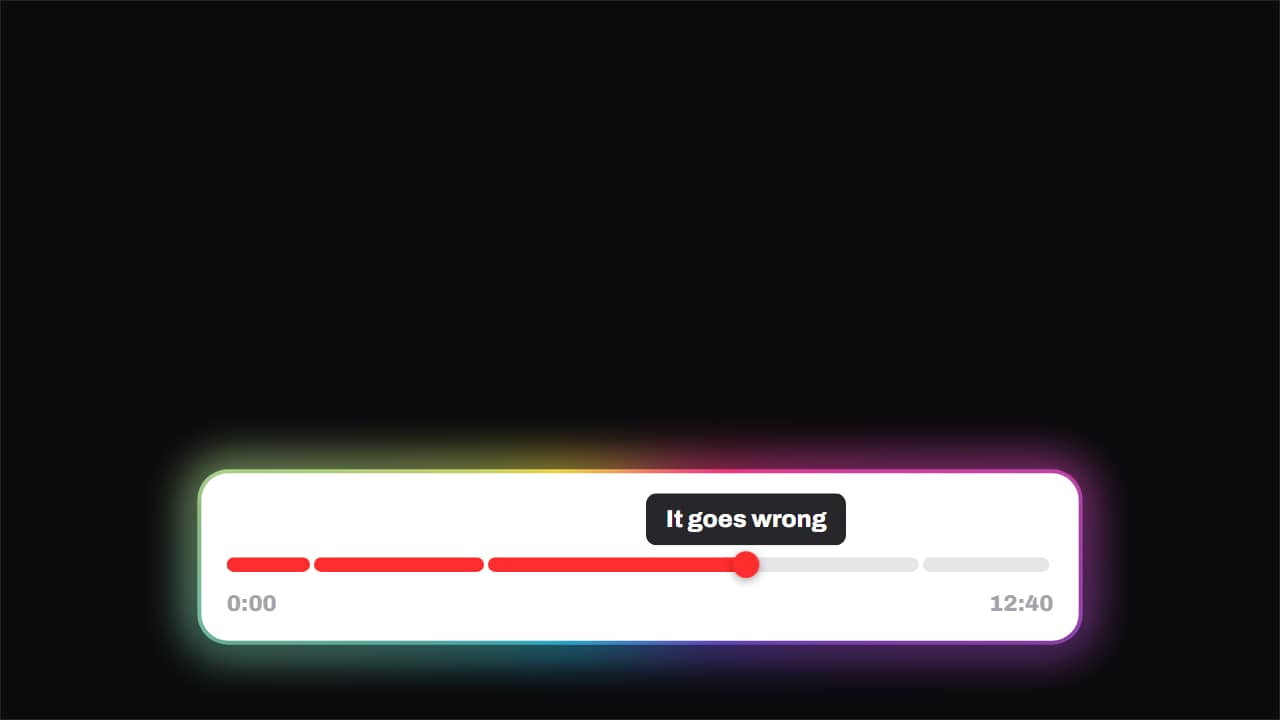 Chapters · the playhead runs the videoThe progress bar split into chapters, with the playhead genuinely crossing it and a tooltip above naming the…
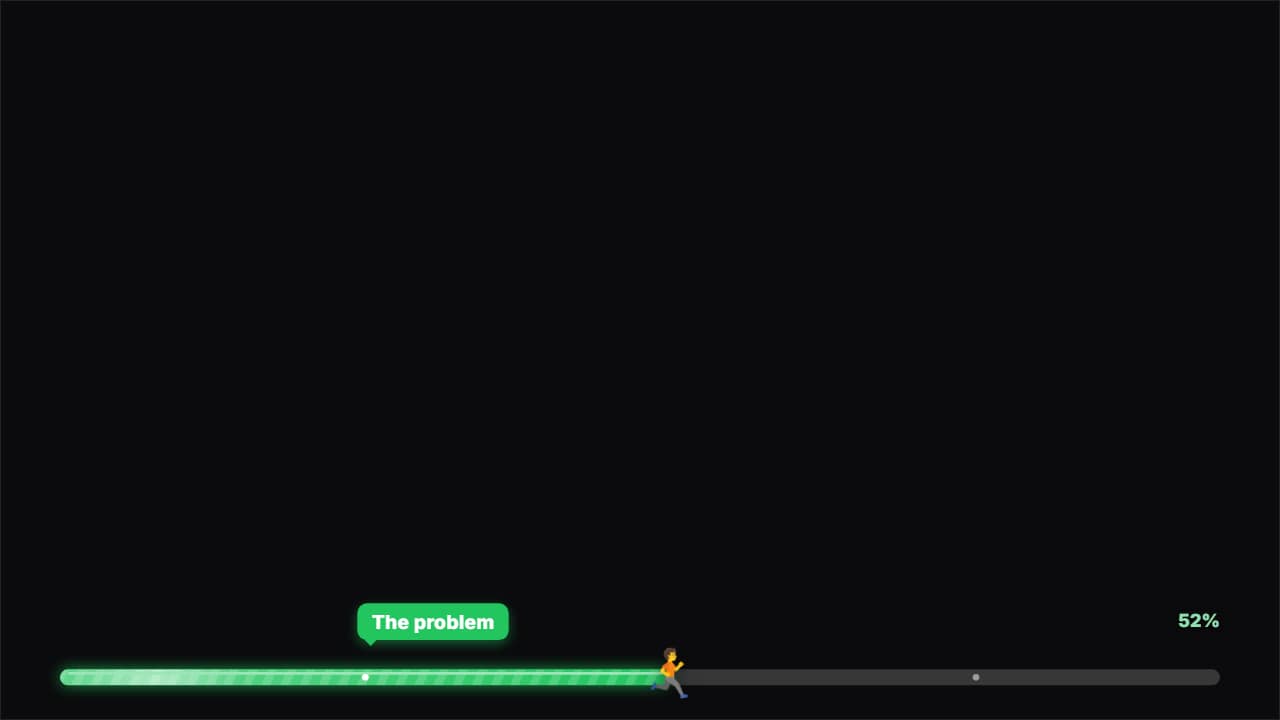 Progress barA bar at the top or the bottom that fills across the WHOLE video at a steady pace (it never slows down: it…
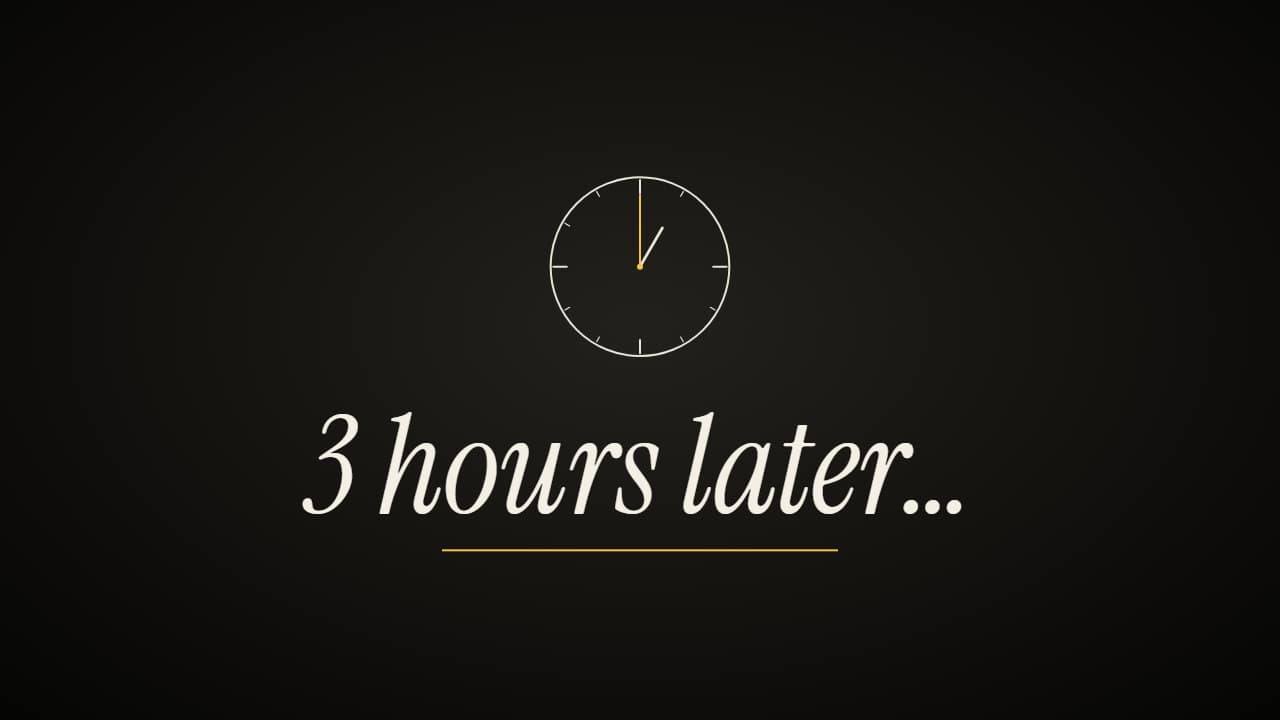 «Hours later» time-skip cardThe time-skip card: «3 hours later…» full screen (or in a band over your clip), with a clock that spins and…
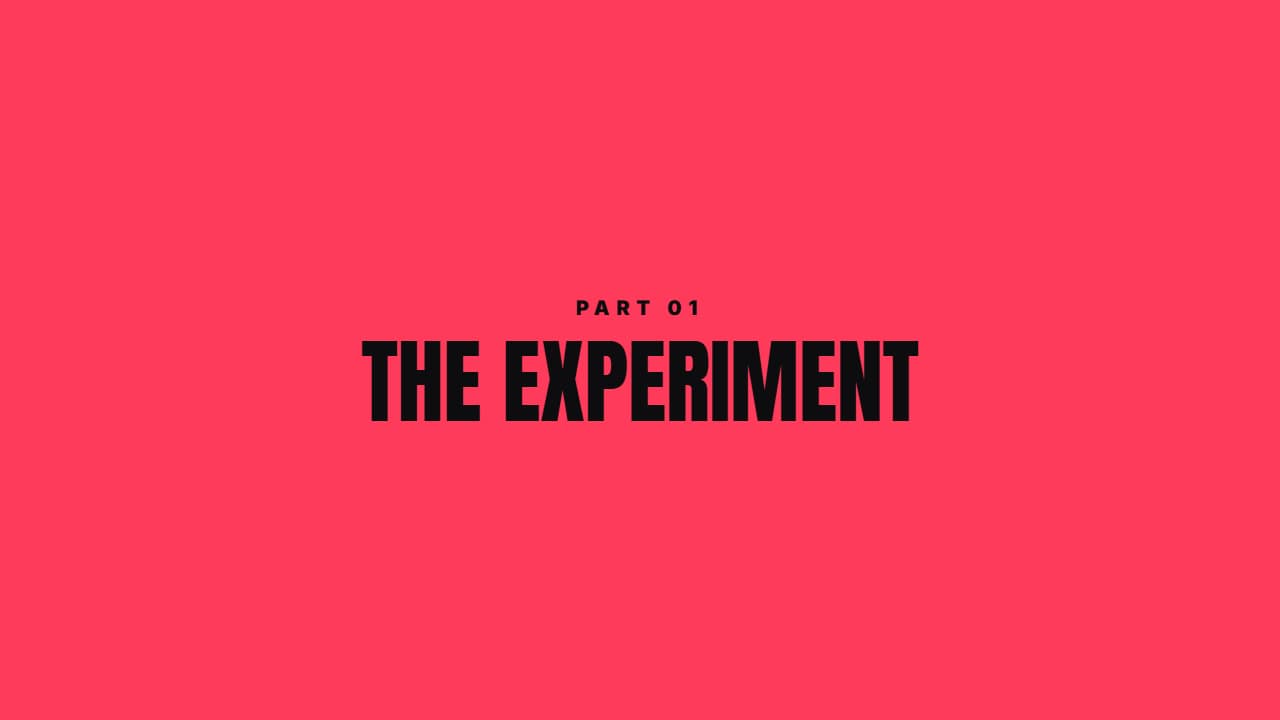 Color sweepA color panel crosses the screen, reveals the section title and leaves. Covers any ugly cut.
 Diagonal barsFive angled bars crossing in a stagger in two tones. A transition with energy for fast cuts.