Format (important)1920×1080this is how it downloads
Preview doesn't change the file
You'll download 1920×1080, 3.5 s, with no background (.mov).
You'll download 1920×1080, 3.5 s, with no background (.mov).
A bar at the top or the bottom that fills across the WHOLE video at a steady pace (it never slows down: it tells the truth about how much is left). With optional chapter marks («second | name»): as it passes each one, the mark pops and its name appears. An emoji or your icon runs at the tip and, if you want, the percentage, the time left or the time elapsed. Four styles: thin, thick with shine, segmented by chapters and glass. In vertical it stays inside the safe zones.
Plus the typeface and an optional letter outline, in every template.
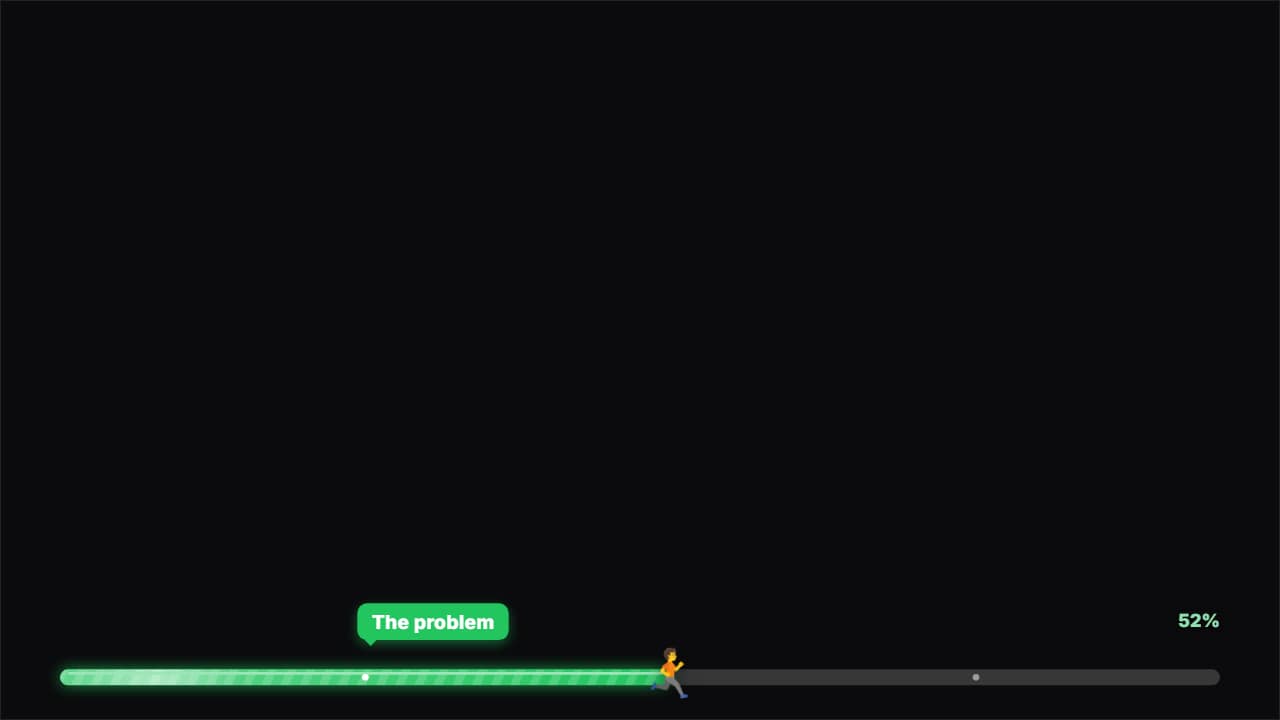
Export it without background and put it on a track above your clip: the animation plays over your video.
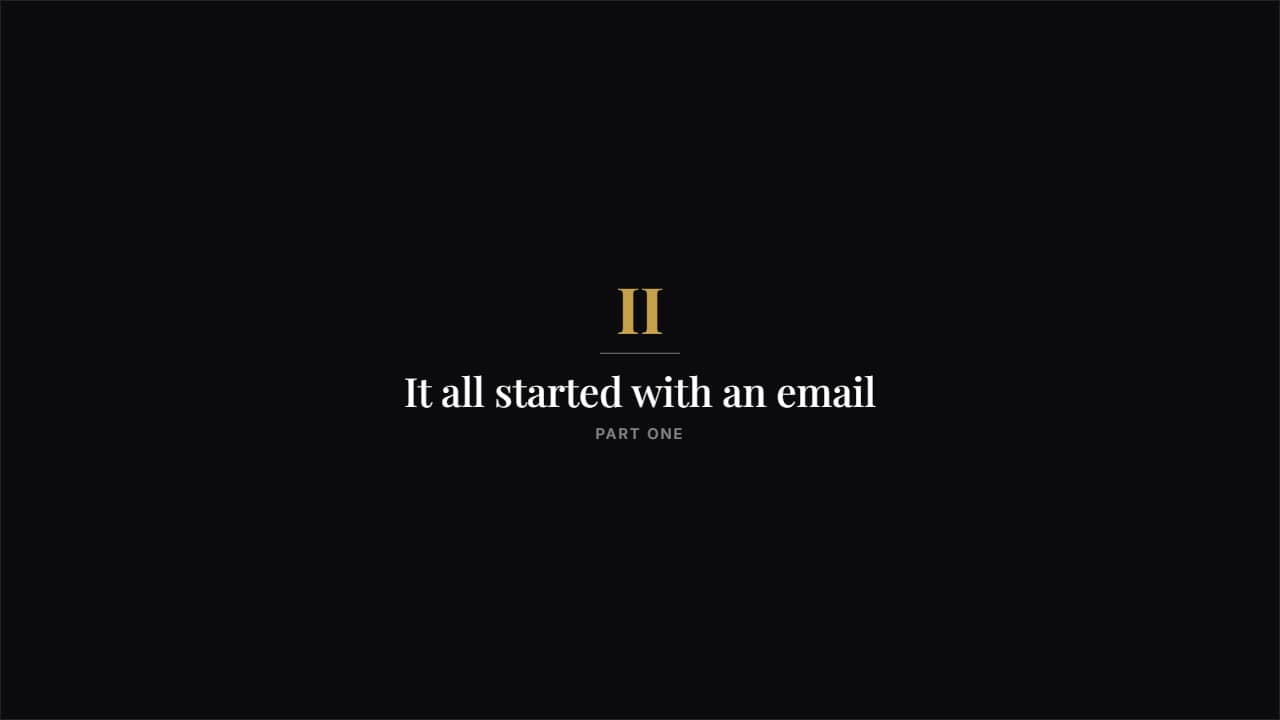 Story chapterA big roman numeral, a rule and a serif title. Understated and airy: the one that separates the parts of a…
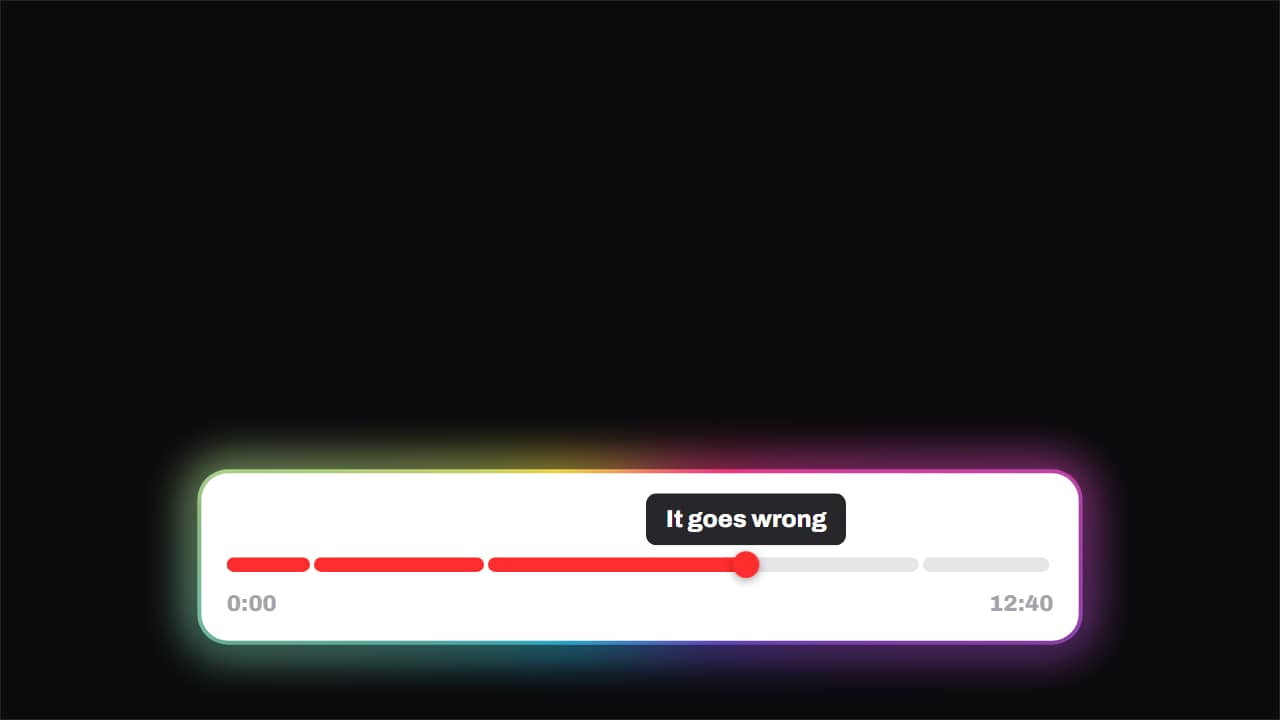 Chapters · the playhead runs the videoThe progress bar split into chapters, with the playhead genuinely crossing it and a tooltip above naming the…
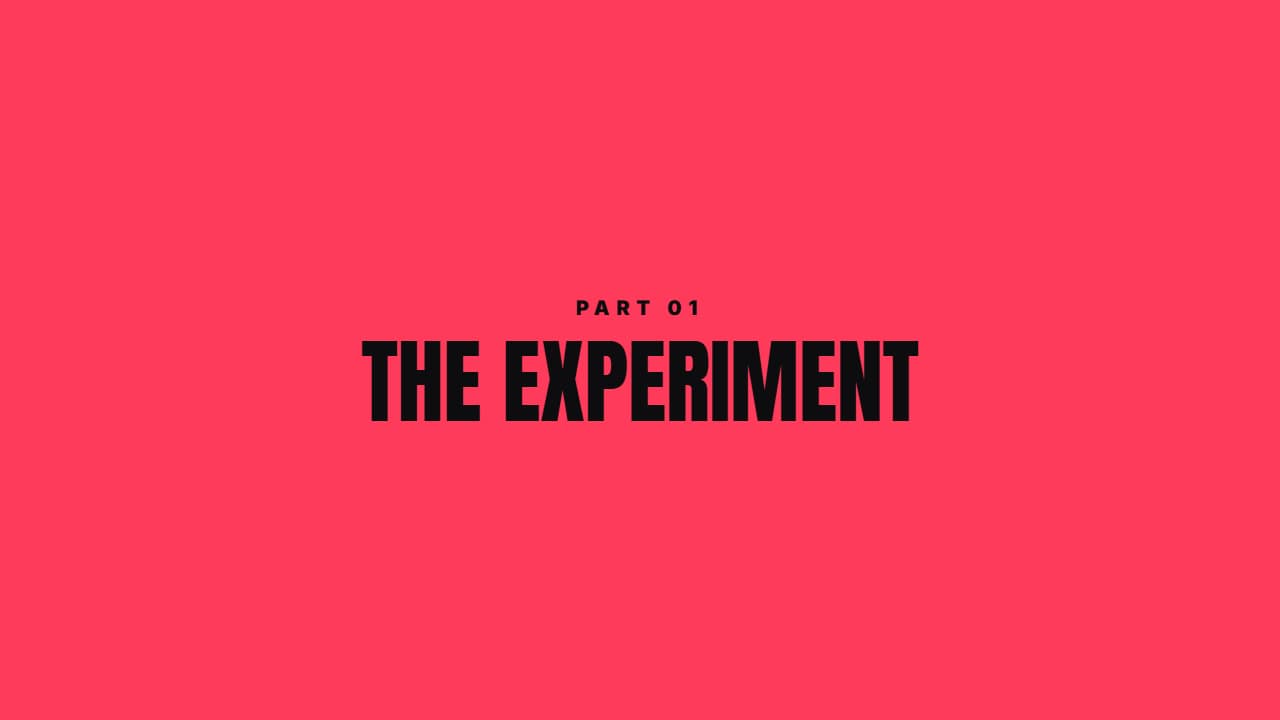 Color sweepA color panel crosses the screen, reveals the section title and leaves. Covers any ugly cut.
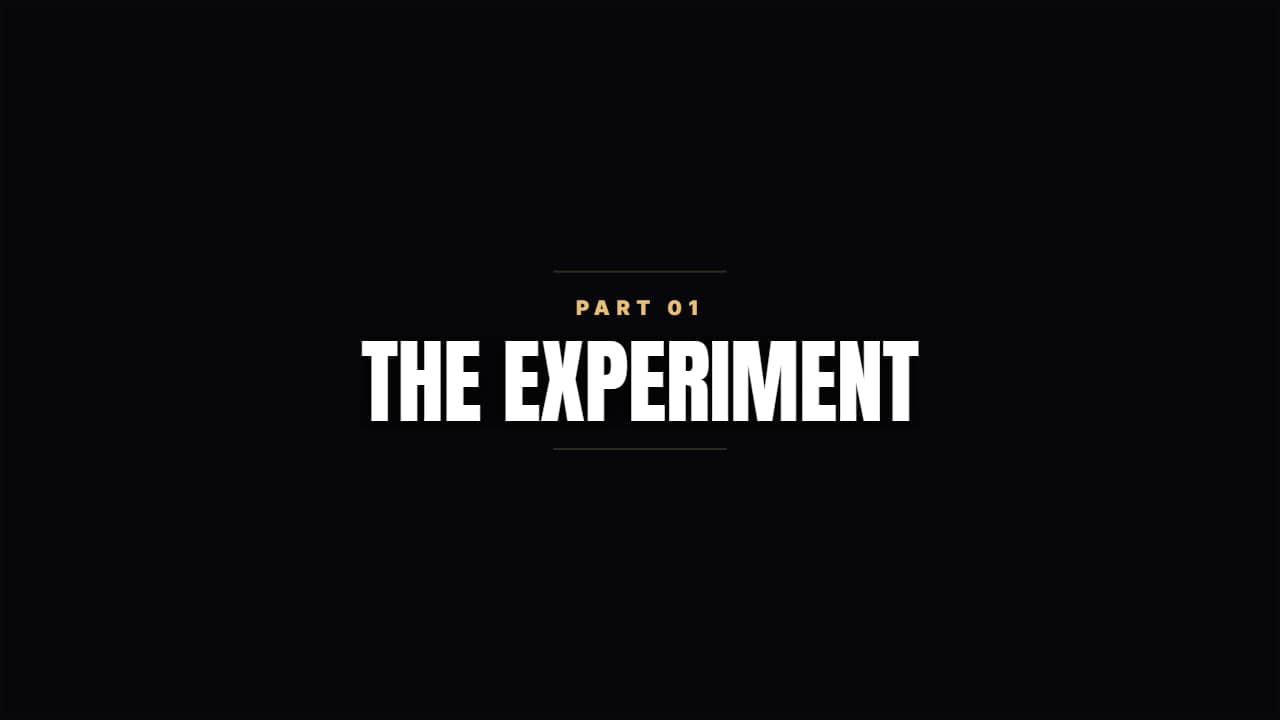 Quiet chapterA dark veil, two thin rules and condensed type. For documentary or training.
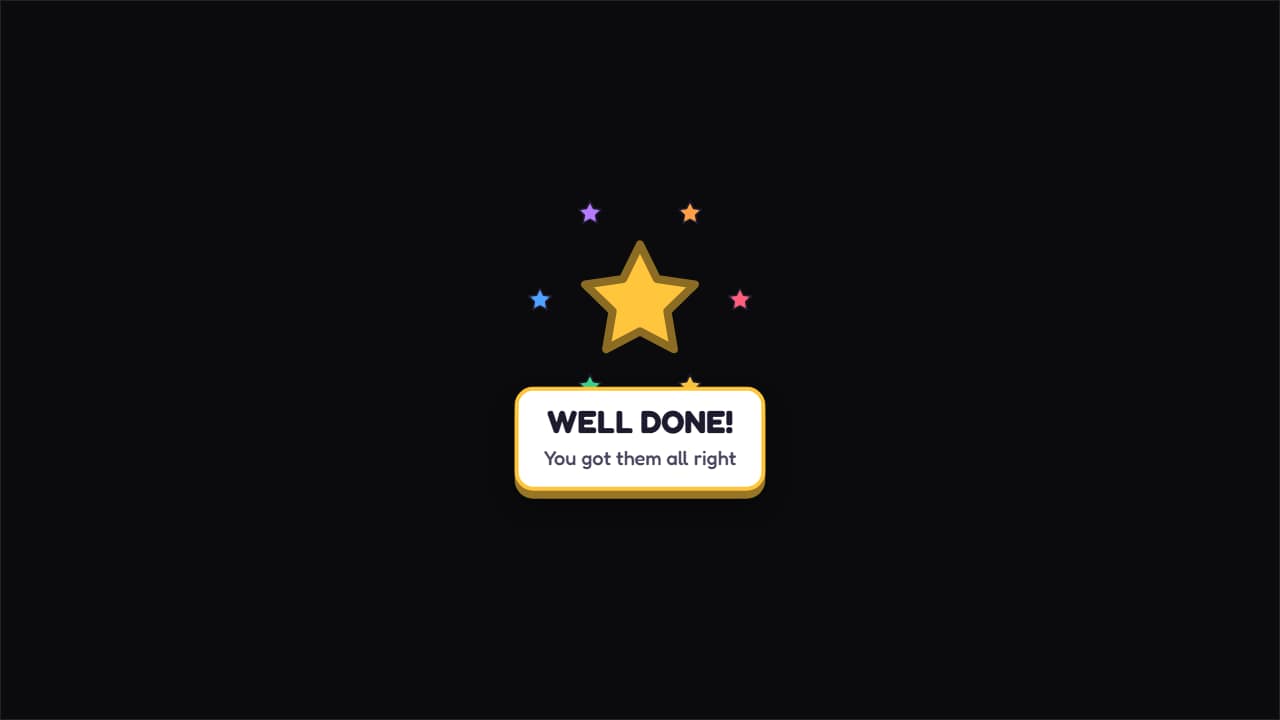 Prize unlocked!A big star spinning as it lands, with colorful sparkles around it and the message underneath.
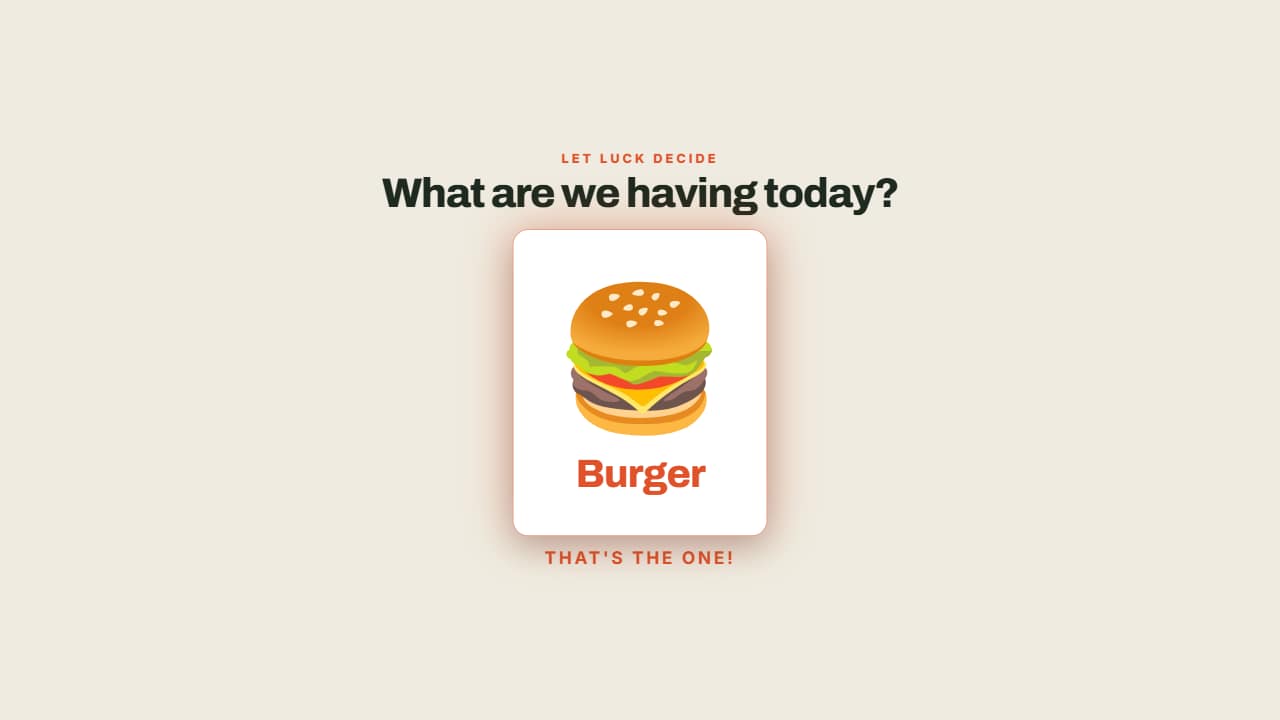 The wheel decidesThe options fly past and the wheel SLOWS DOWN until it stops on one, which lights up.
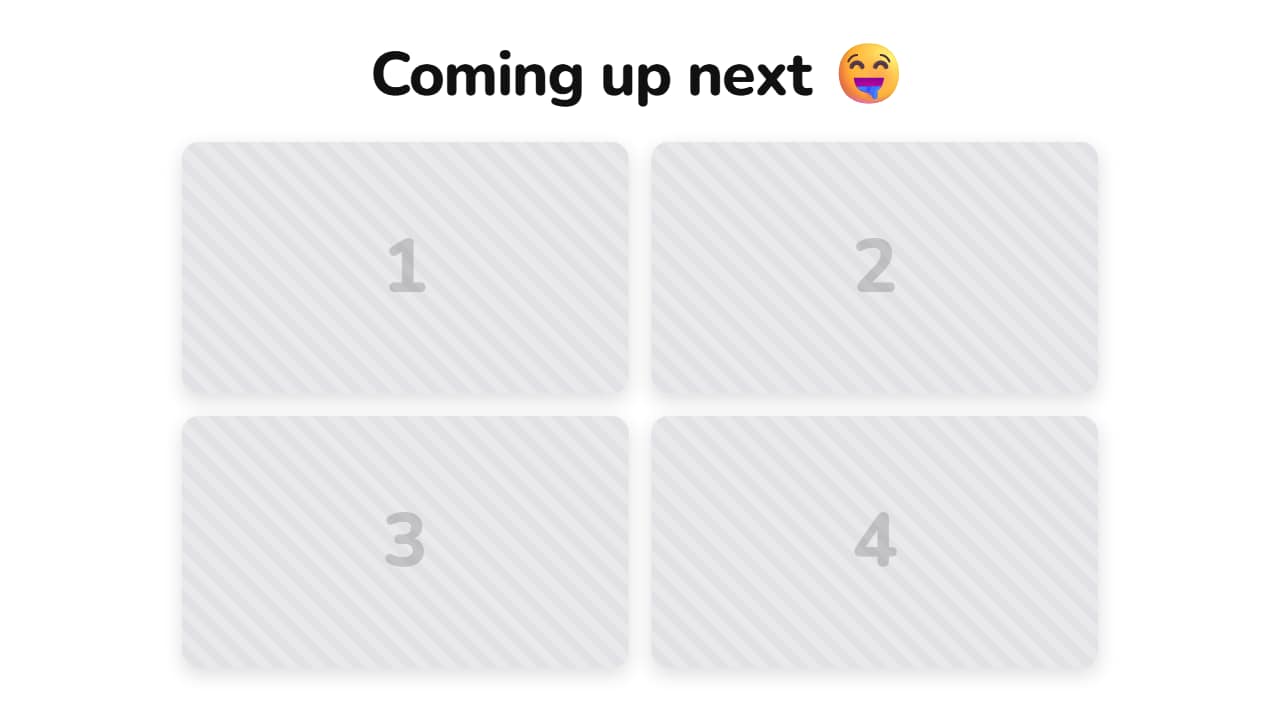 A teaser of your clipsA headline on top and your videos in cards, like the "what's coming" teasers all over Shorts.
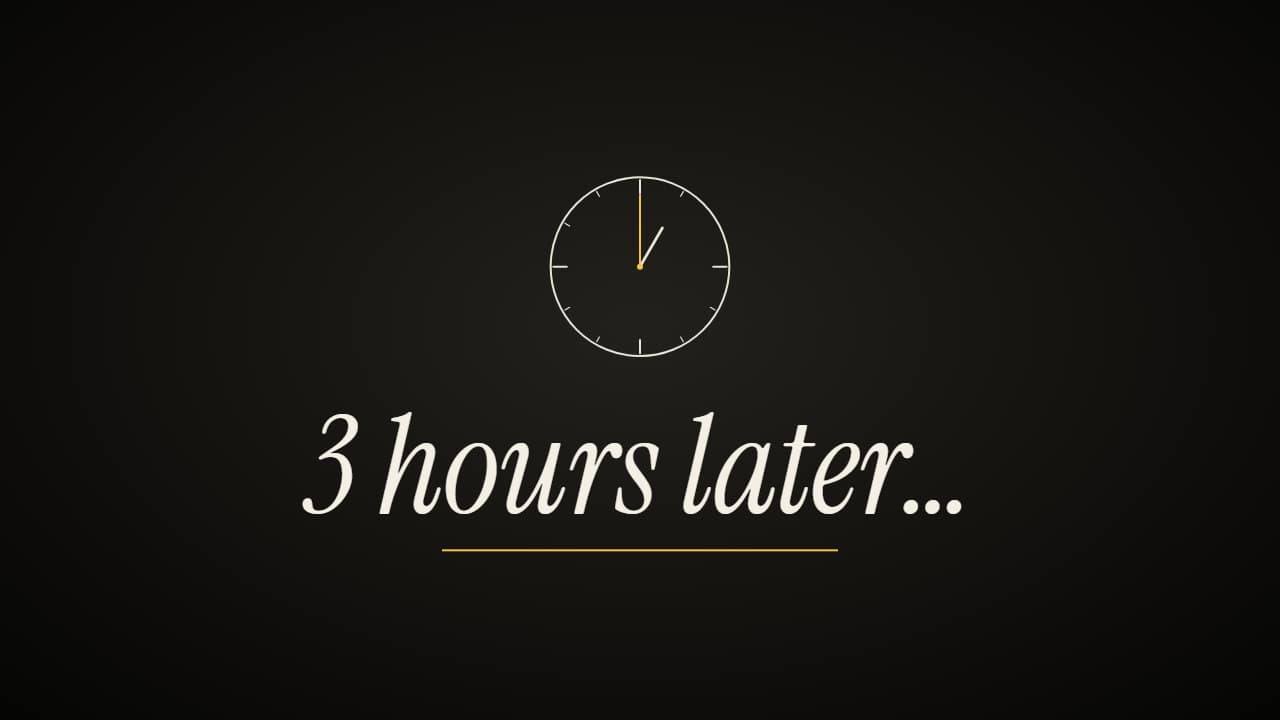 «Hours later» time-skip cardThe time-skip card: «3 hours later…» full screen (or in a band over your clip), with a clock that spins and…