Format (important)1920×1080this is how it downloads
Preview doesn't change the file
You'll download 1920×1080, 3.5 s, with no background (.mov).
You'll download 1920×1080, 3.5 s, with no background (.mov).
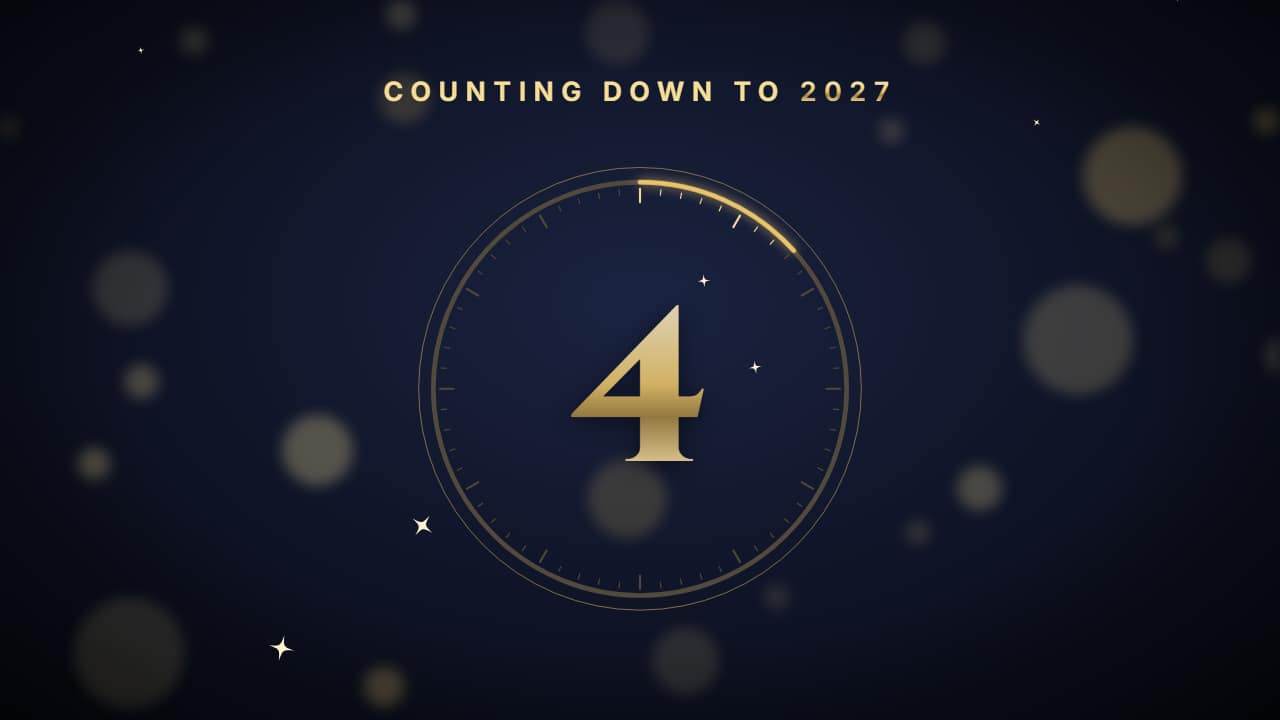
The midnight countdown: 10… 9… 8… big in the middle, inside a ring that drains every second like a clock, with «Counting down to 2027» on top. The last three seconds tighten up and, at zero, the ring bursts into confetti, fireworks go up and «Happy New Year!» comes in with the giant year. Every number lasts one real second, so you can cut it over the live broadcast.
Plus the typeface and an optional letter outline, in every template.
Export it without background and put it on a track above your clip: the animation plays over your video.
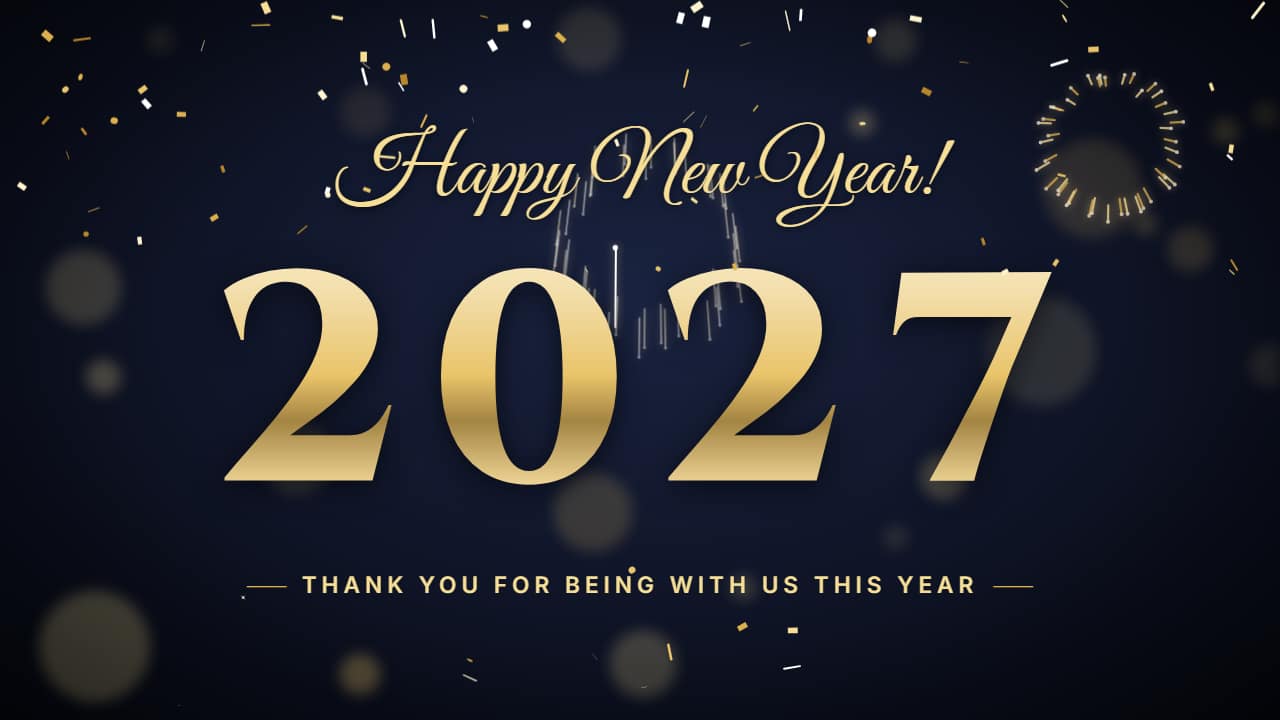 Happy New Year titleThe giant year built with fireworks: one rocket per digit goes up, bursts right where the digit goes and the…
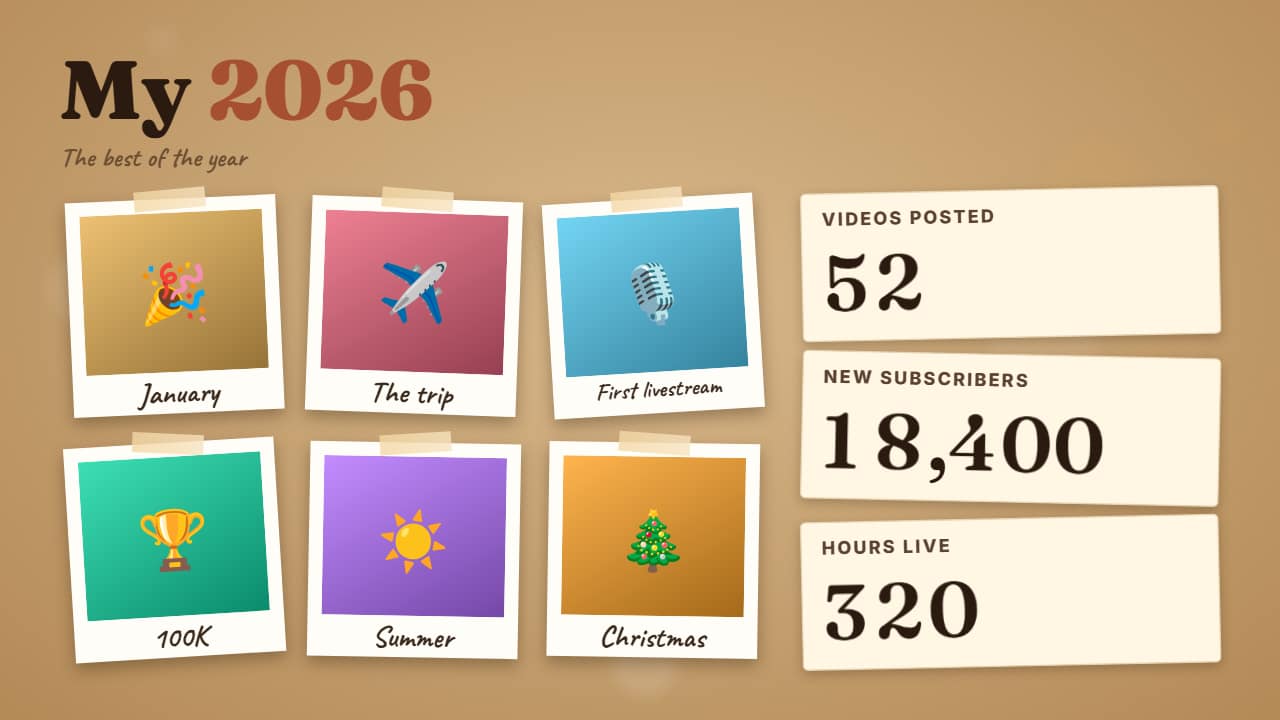 Year in review«My 2026»: a grid of 4 to 6 of your photos or clips, each with its caption («January», «The trip»…), and…
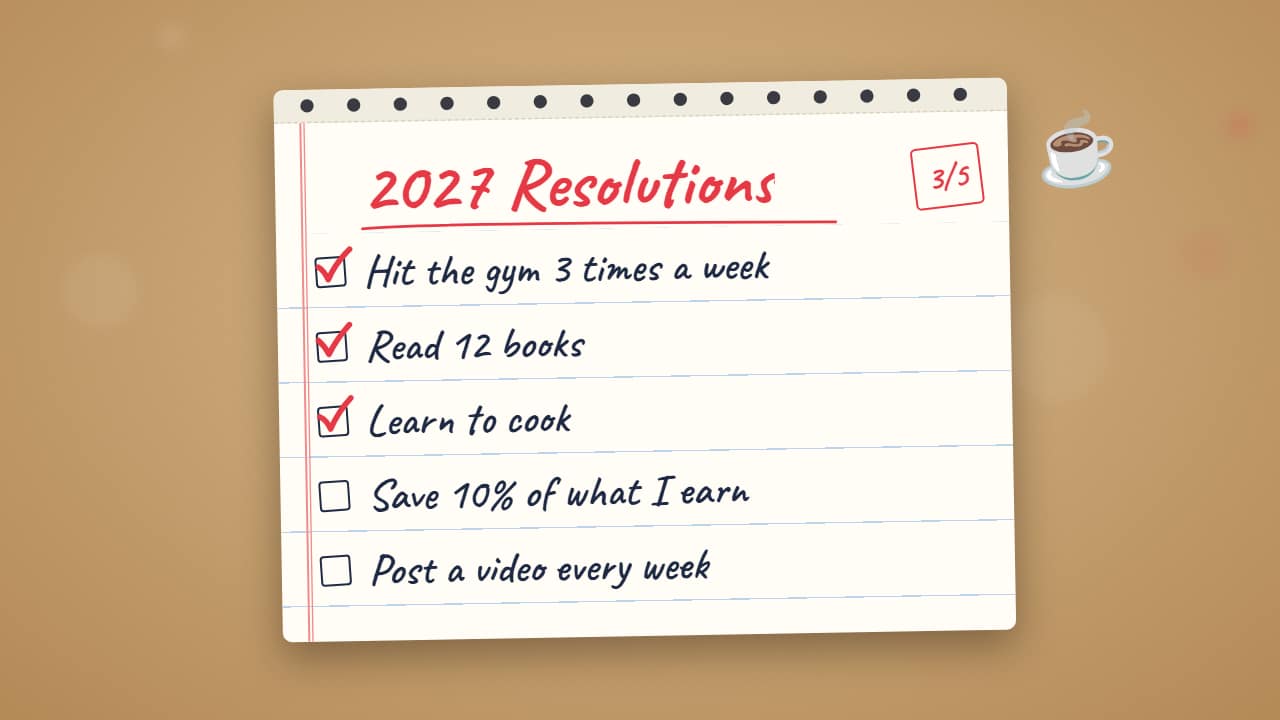 New Year's resolutions«2027 Resolutions» and your list: each one writes itself and, once they're all there, the ones you choose…
 Best of the yearThe end-of-year ranking: «THE BEST OF 2026» and five spots revealed from 5 to 1, each with its emoji or…
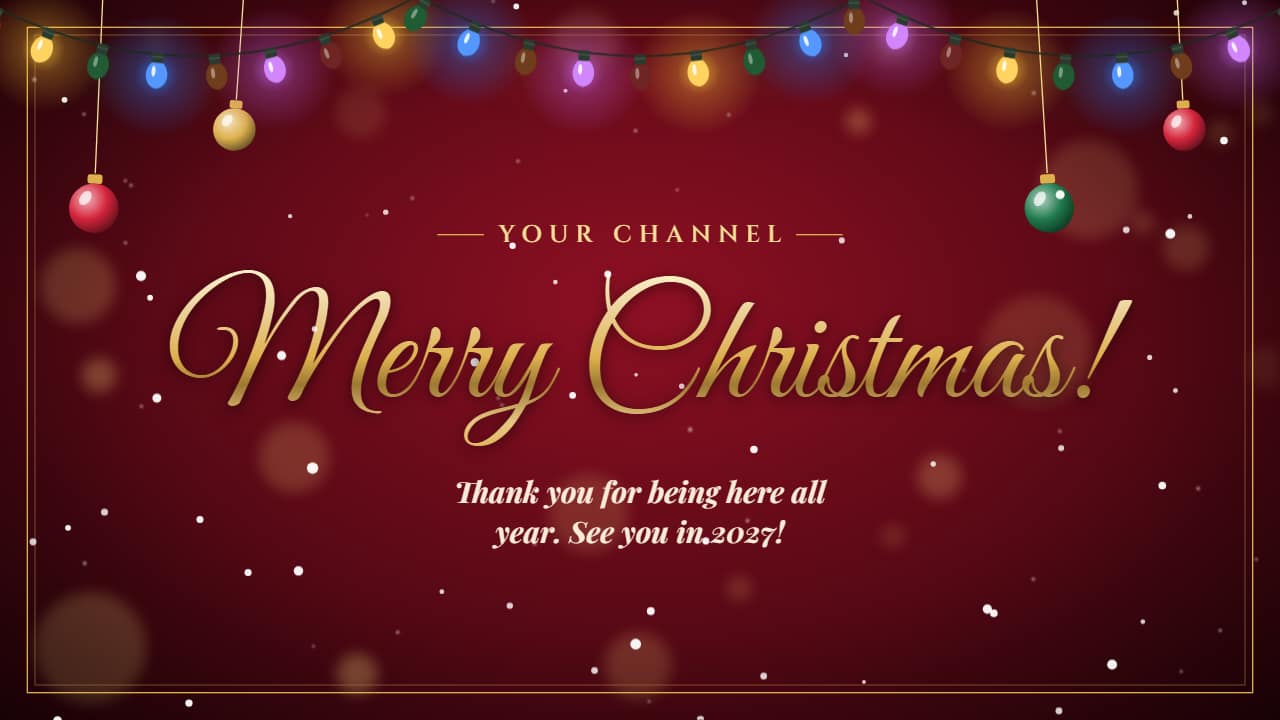 Christmas greetingYour Christmas greeting: your channel name and the greeting, which writes itself like a pen stroke, with…
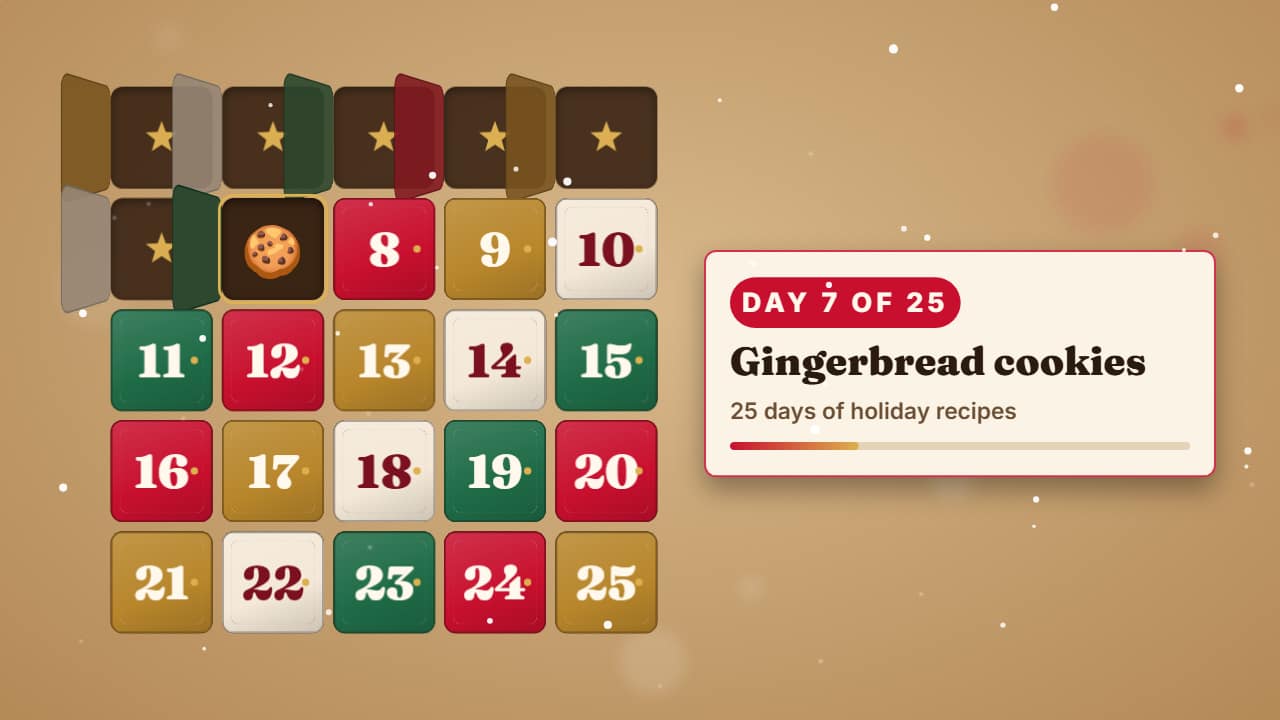 Advent calendar day counterFor your «25 days of…» Shorts series: the calendar builds door by door, past days are already open and…
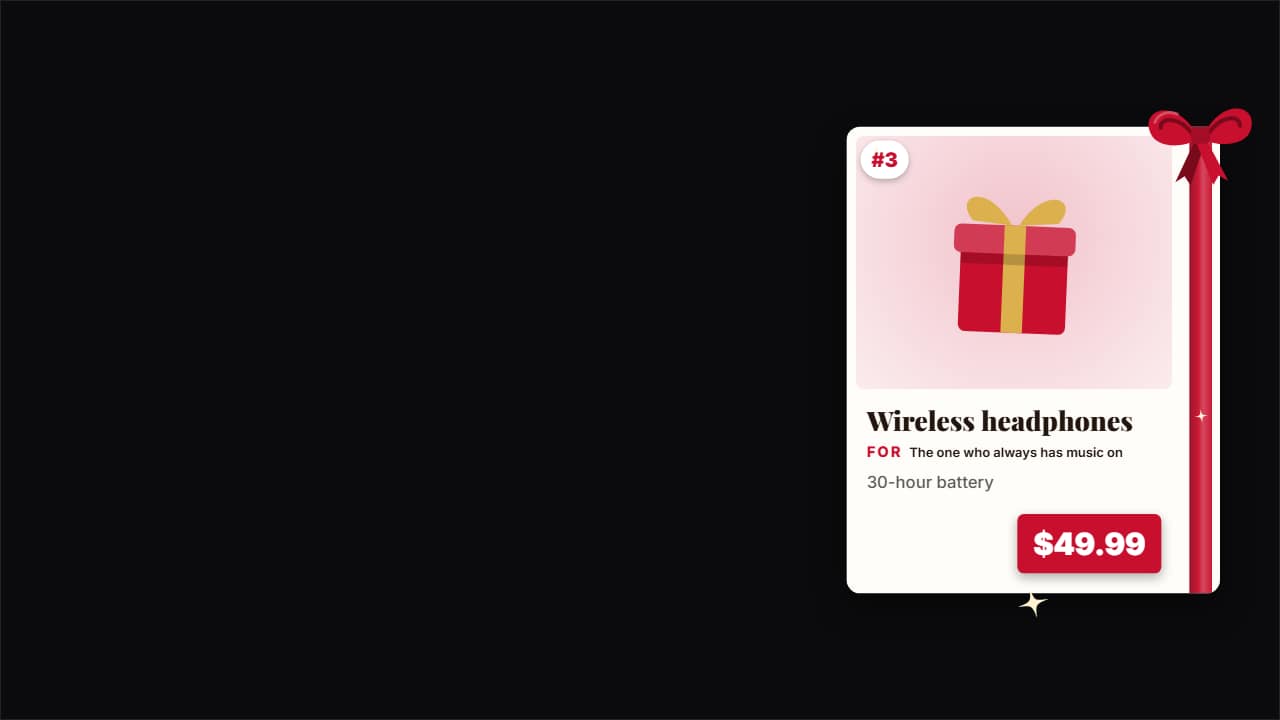 Gift guide cardThe product card for your «10 gifts for…» videos: the product photo, its number on the list, the name, «For…
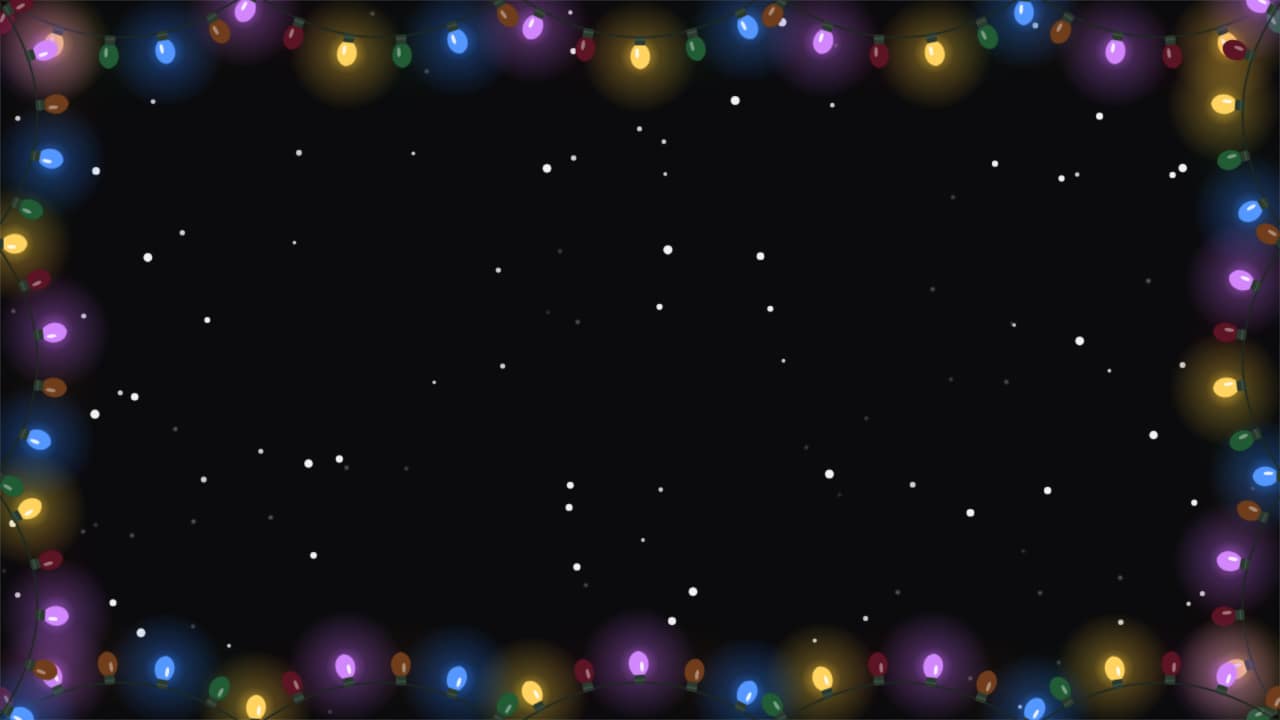 Holiday frameA frame of lights that stretches around your video and twinkles, with snow falling over the clip.