Format (important)1920×1080this is how it downloads
Preview doesn't change the file
You'll download 1920×1080, 3.5 s, with no background (.mov).
You'll download 1920×1080, 3.5 s, with no background (.mov).
The comparison tech and car channels use: several tests in a row (FPS, seconds to export, battery hours, 0-60…) and in each one the bars re-sort themselves from best to worst, with your product highlighted, its rank and how far ahead of second place it is, or how far behind first. Each test says whether higher or lower is better. Three styles: tech with thin bars on a ruler, sporty with slanted bars and the name inside, and glass with pill bars.
Plus the typeface and an optional letter outline, in every template.
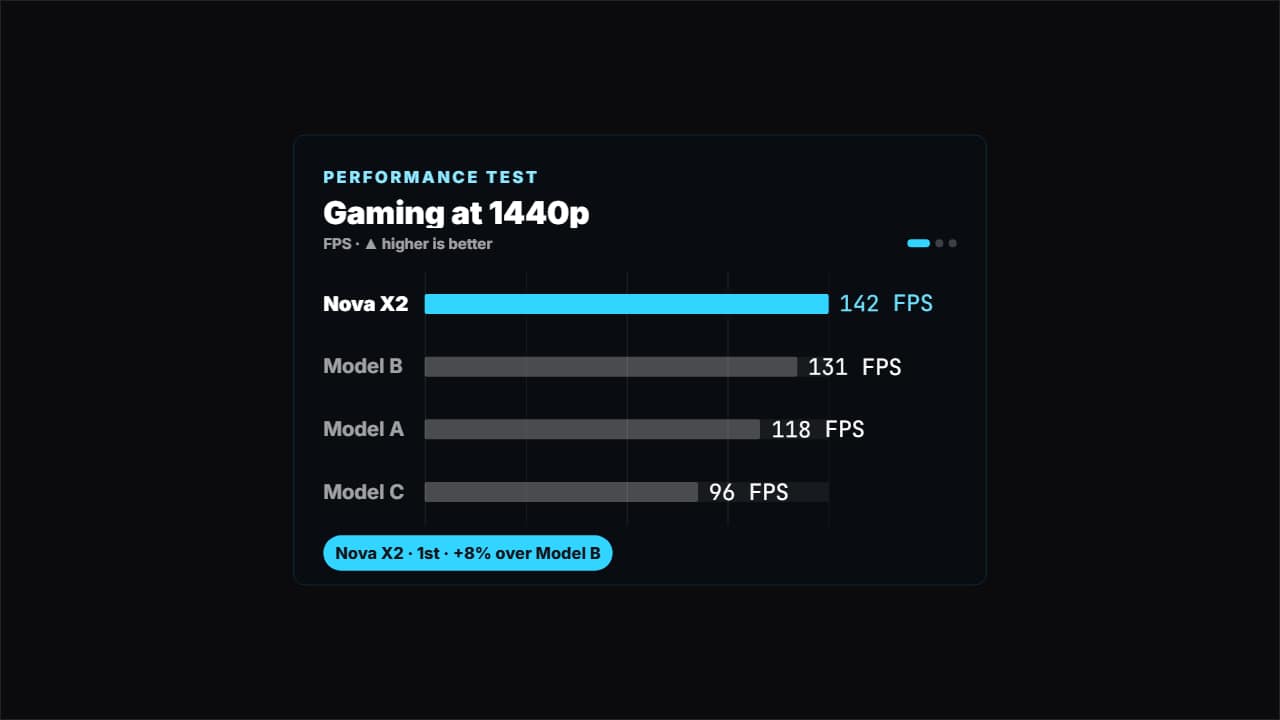
Export it without background and put it on a track above your clip: the animation plays over your video.
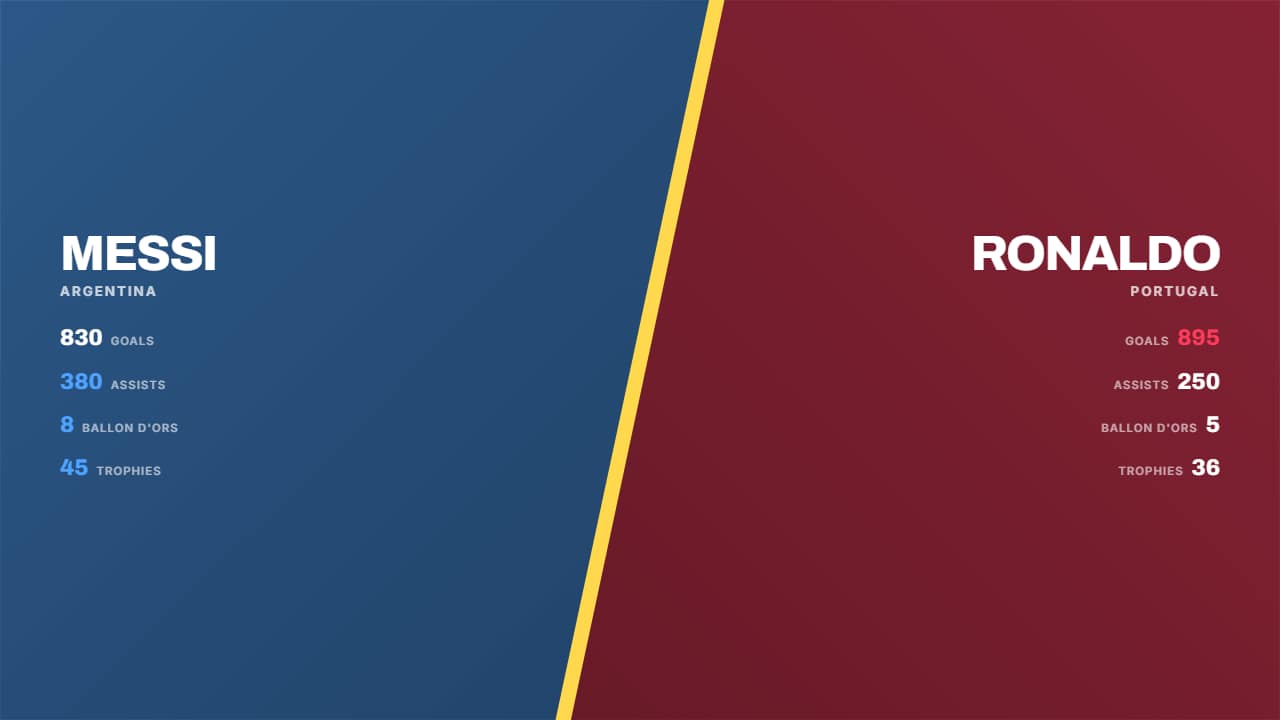 Split screenThe screen splits on the diagonal with a glowing seam: each half carries its color, its background photo and…
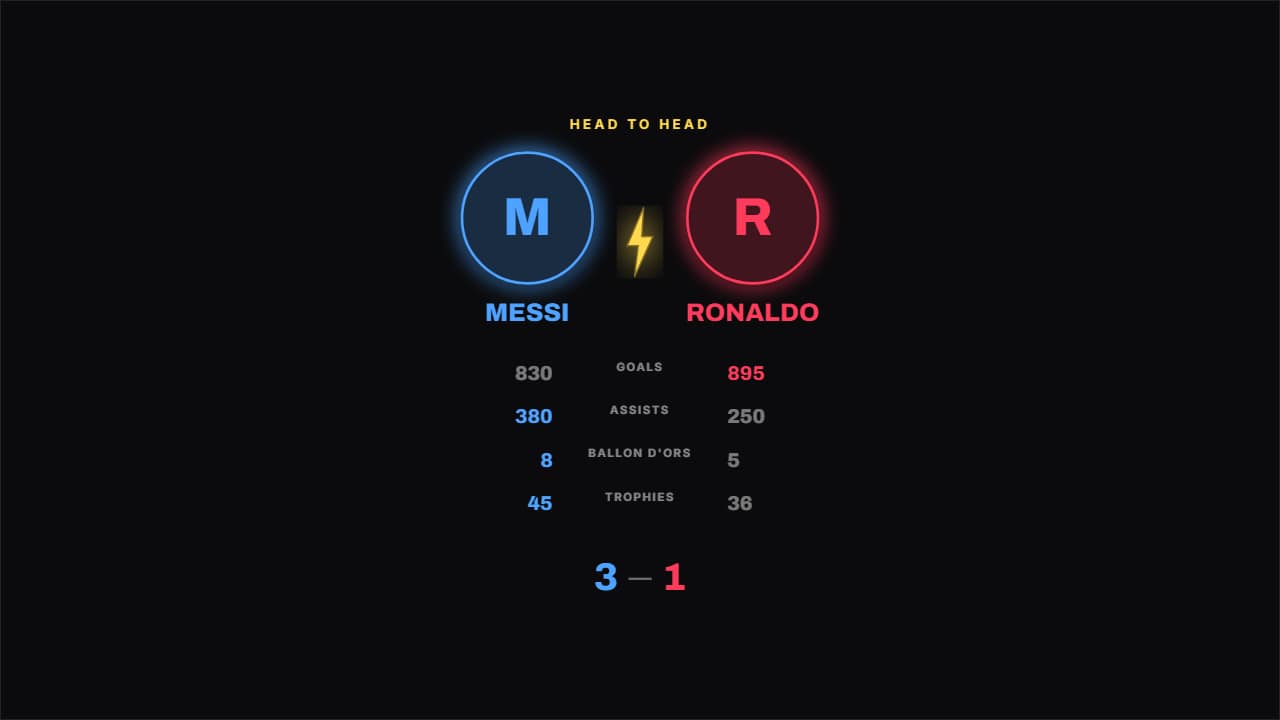 Crests head to headTwo round crests coming in from the sides with a bolt between them, and the figures underneath.
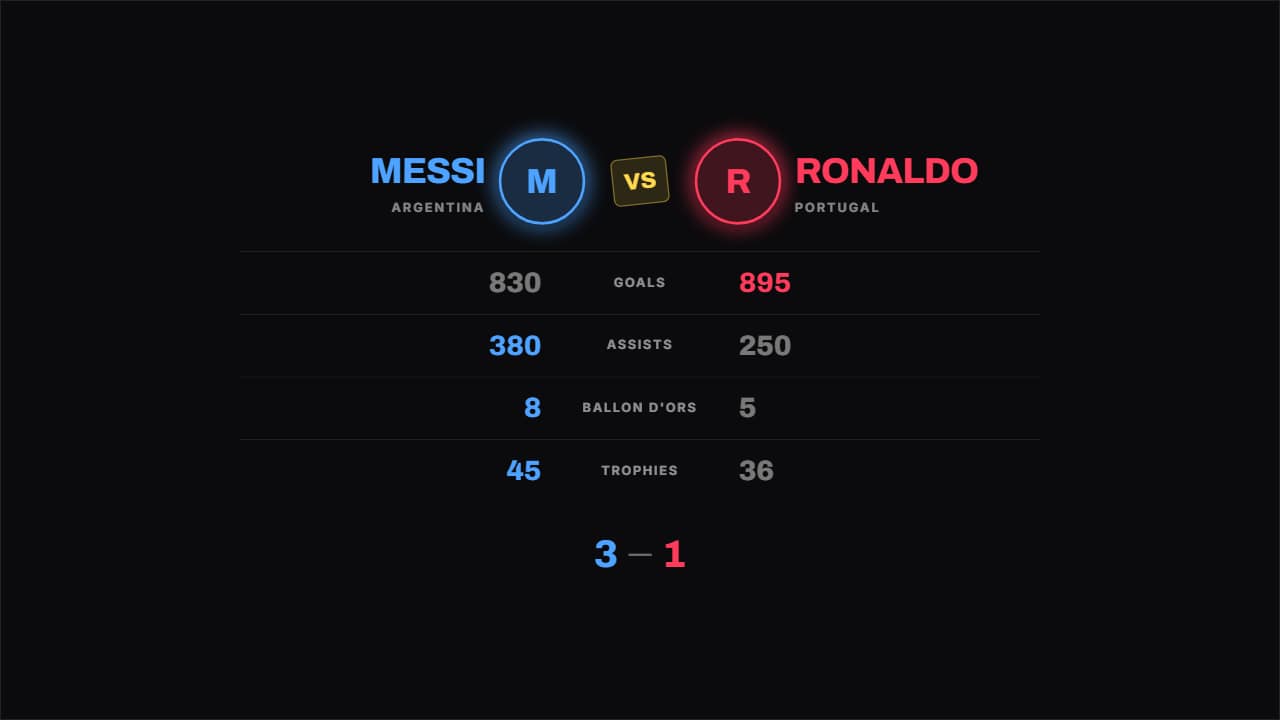 Boxing tale of the tapeThe tale of the tape from a fight night: figure on the left, what's being compared in the middle, figure on…
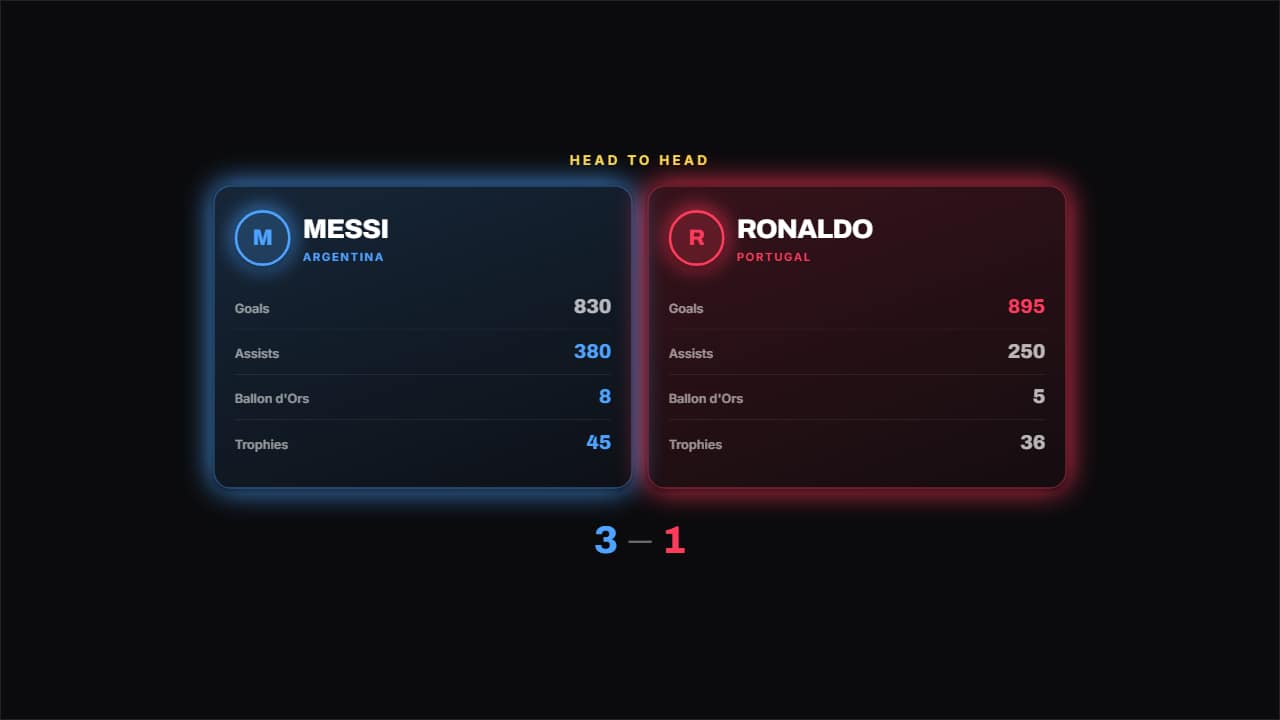 Two cardsOne card per side with its logo, its name and its list of figures, and the better of each row highlighted.
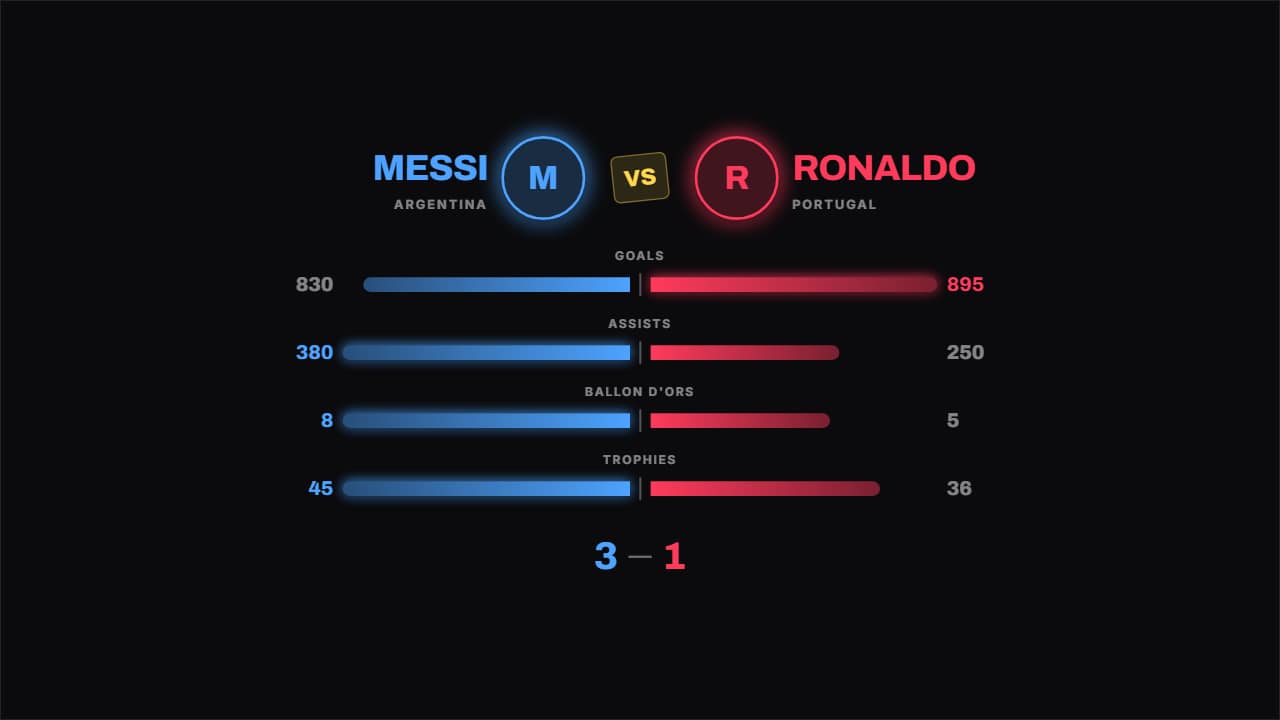 Bars head to headThe bars grow from the middle out to each side, so the difference reads without looking at the numbers.
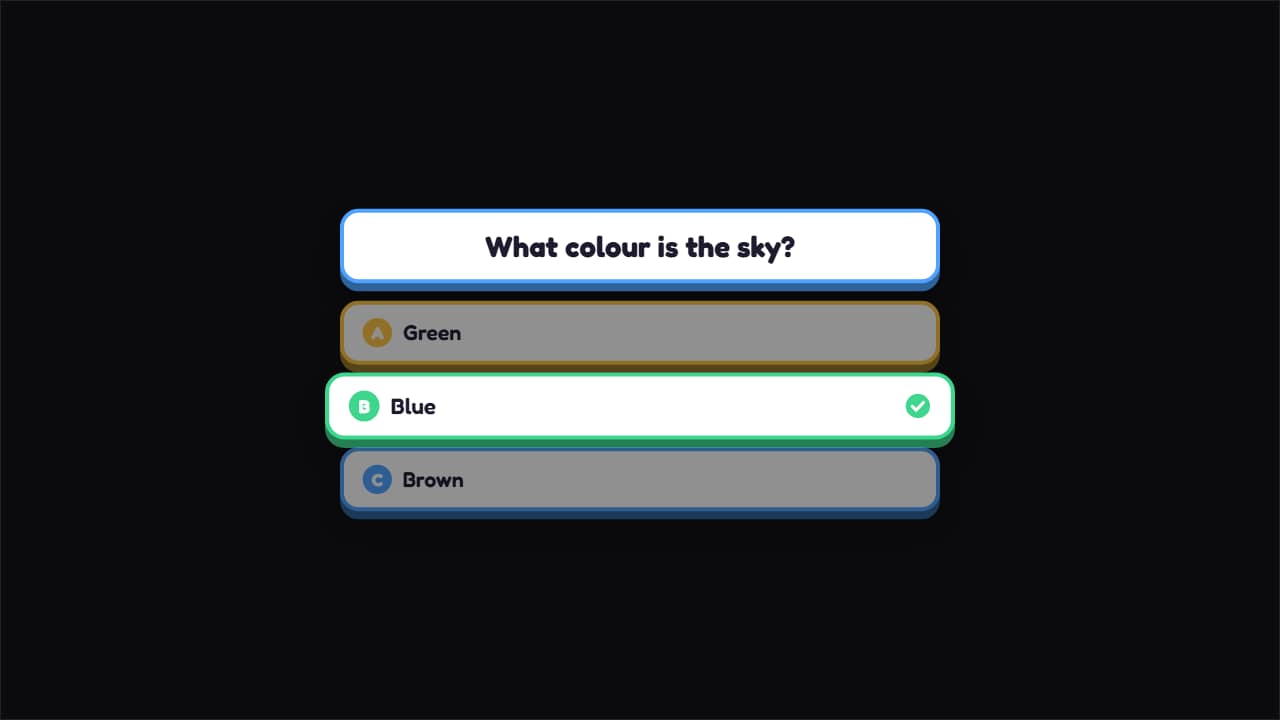 Guess the answerThe question up top and three options bouncing in; at the end the right one lights up with its tick drawing…
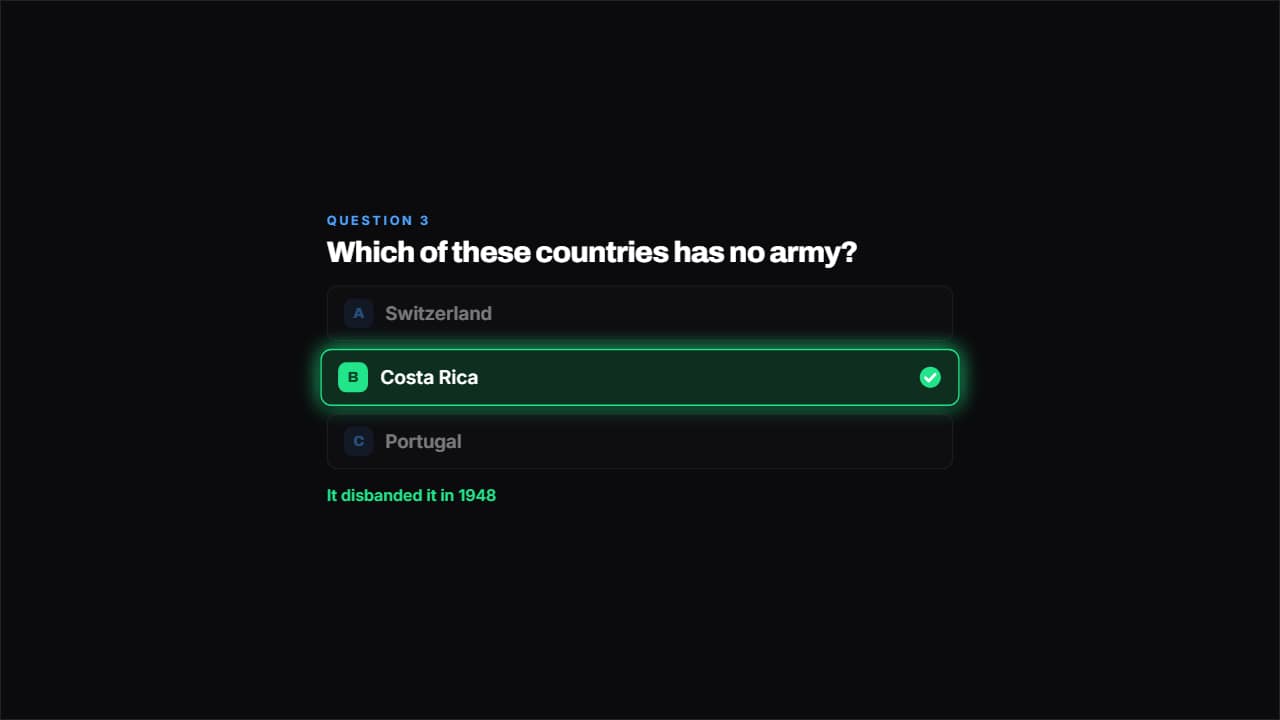 Question with optionsPlain cards with their A, B, C. The options come in one at a time, there's a pause so you have time to…
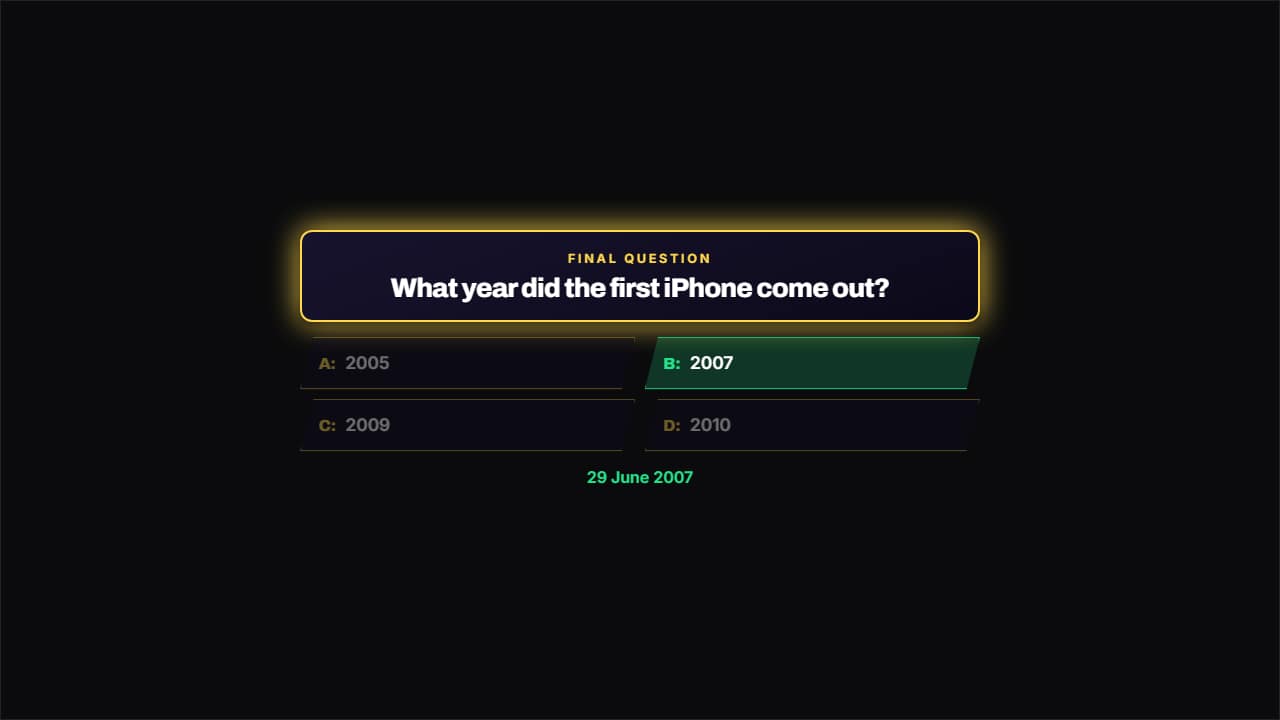 TV game showA frame with a colored border, the question on a panel and the options in two columns with the cut bevel of…