Format (important)1920×1080this is how it downloads
Preview doesn't change the file
You'll download 1920×1080, 3.5 s, with no background (.mov).
You'll download 1920×1080, 3.5 s, with no background (.mov).
They come in one after another from below and the previous ones dim and shrink, so attention always lands on the latest. It's the "look what they wrote me" one.
Plus the typeface and an optional letter outline, in every template.
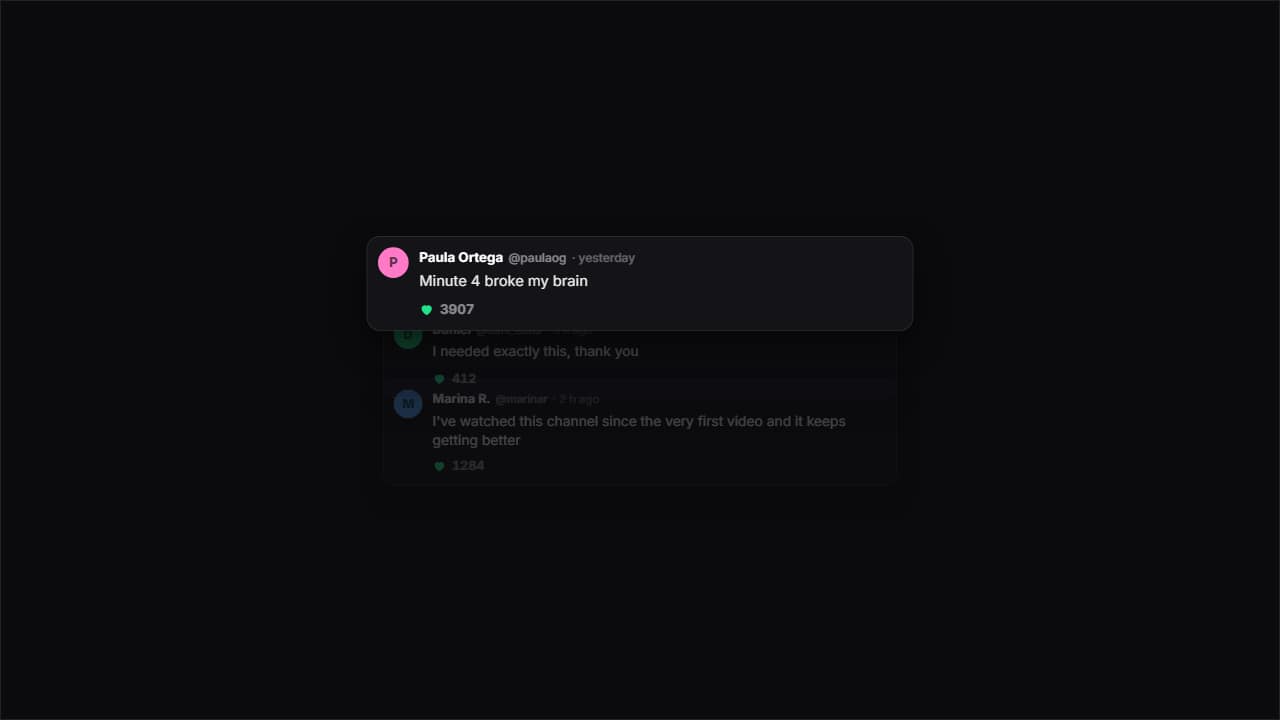
Export it without background and put it on a track above your clip: the animation plays over your video.
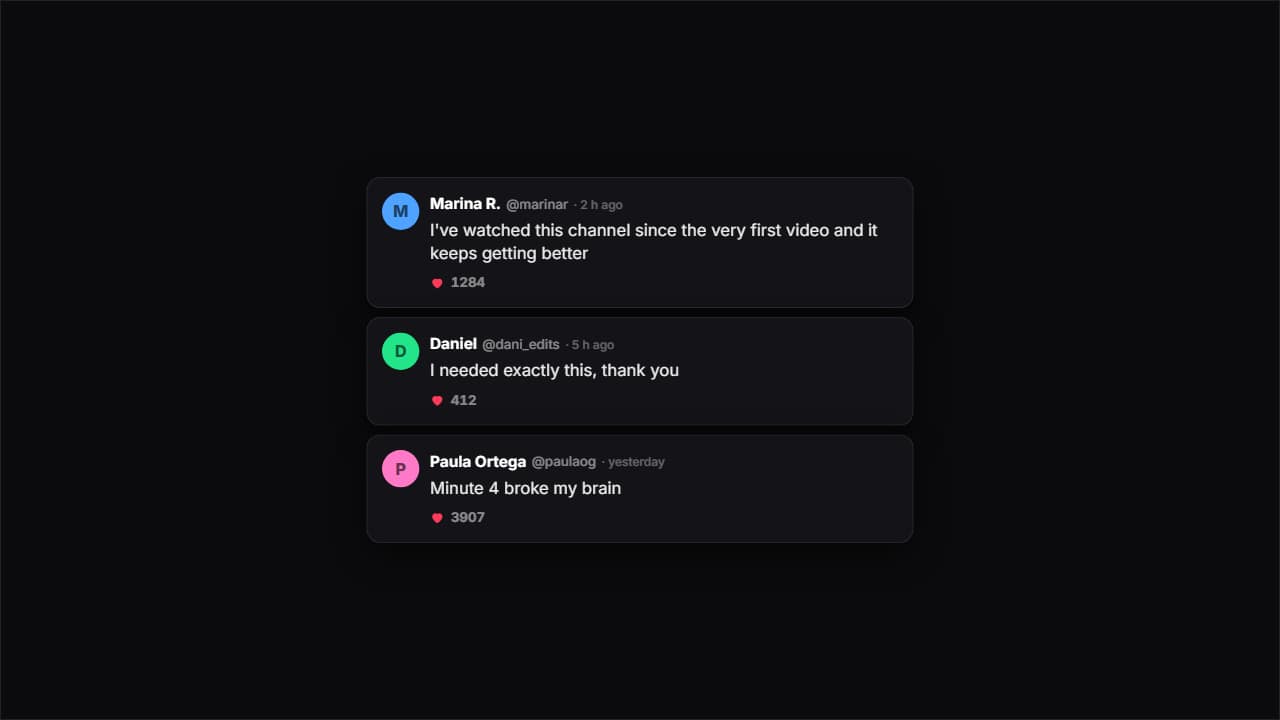 Comments on a dark cardDark cards with an avatar, a handle, a time and likes. Each one bounces in and the heart counter climbs on…
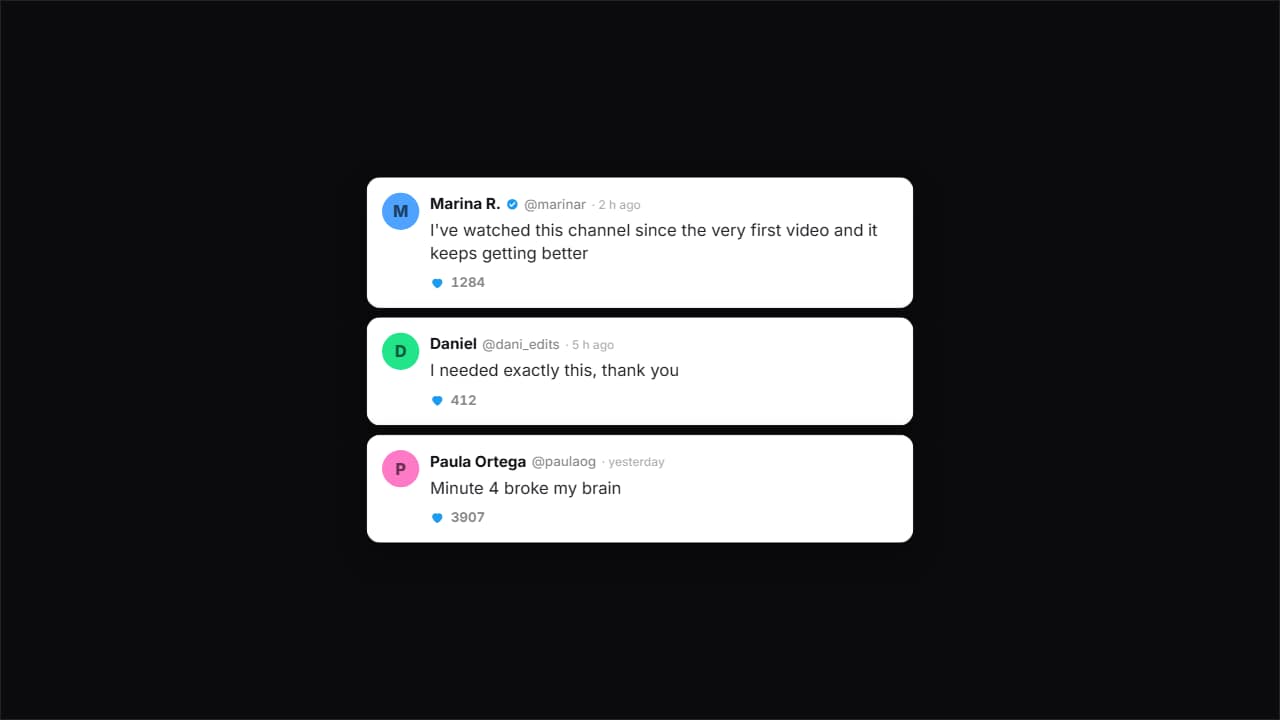 Comments on a light cardThe same idea on white, with more air and the verified tick.
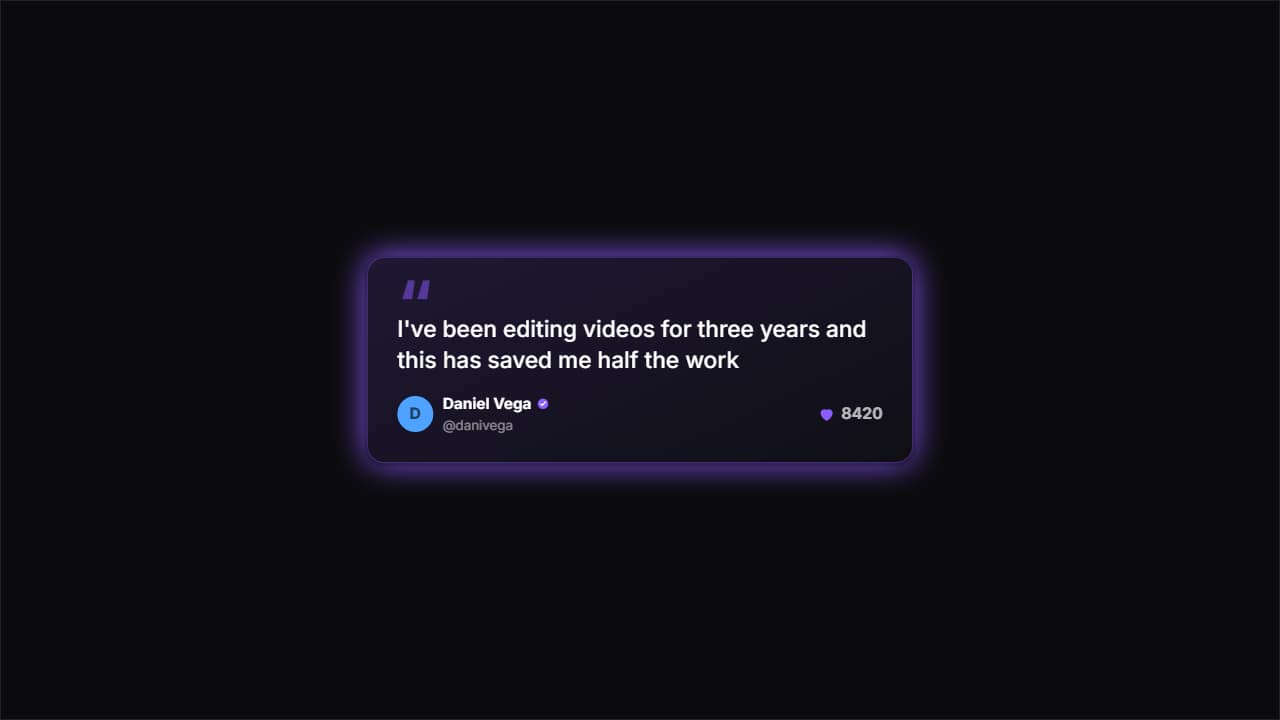 One featured commentA big card with huge quote marks for ONE single comment — the one you really want read.
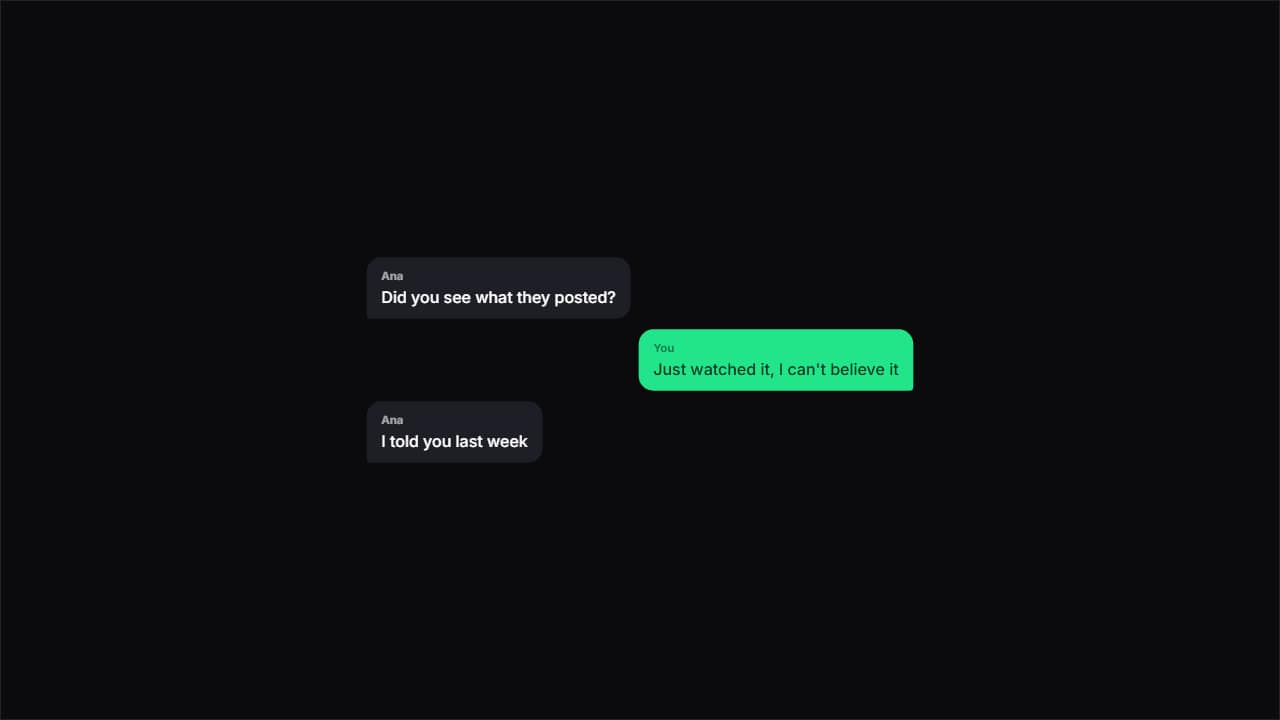 Chat bubblesChat bubbles alternating sides, with the tail pointing at whoever's talking.
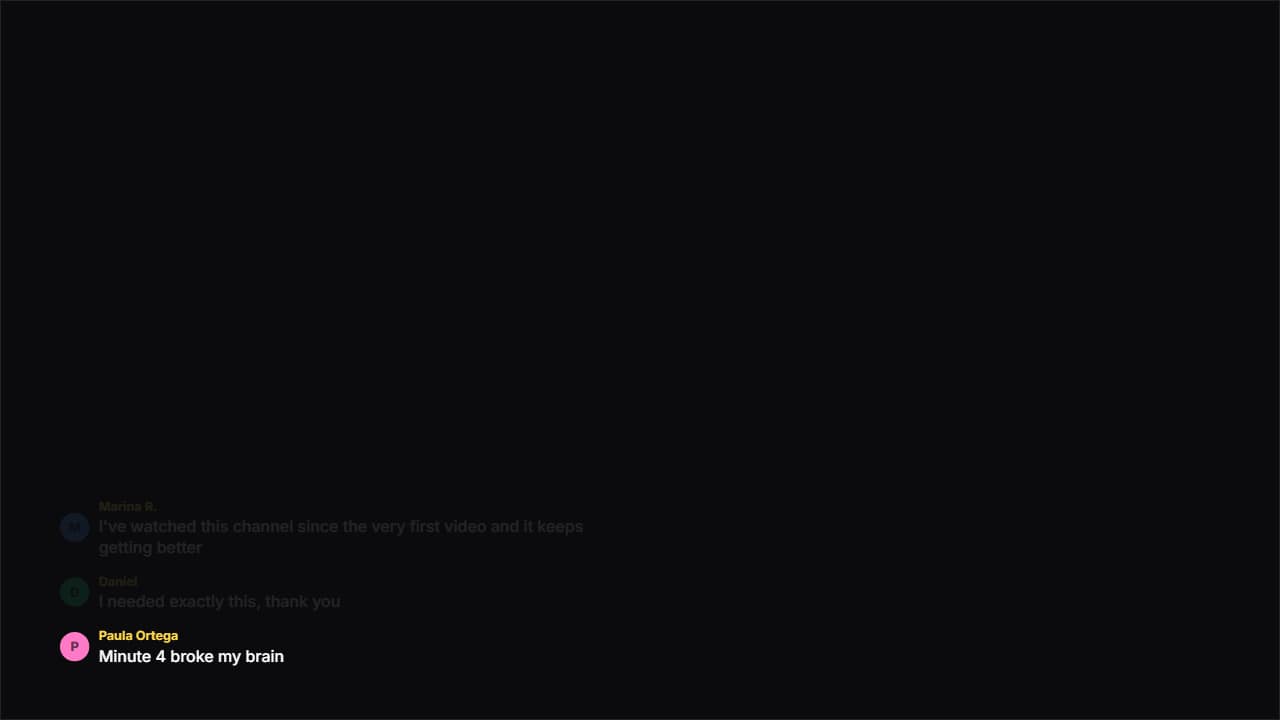 Floating commentsNo box: just an avatar and text over your video, appearing and fading like on a livestream.
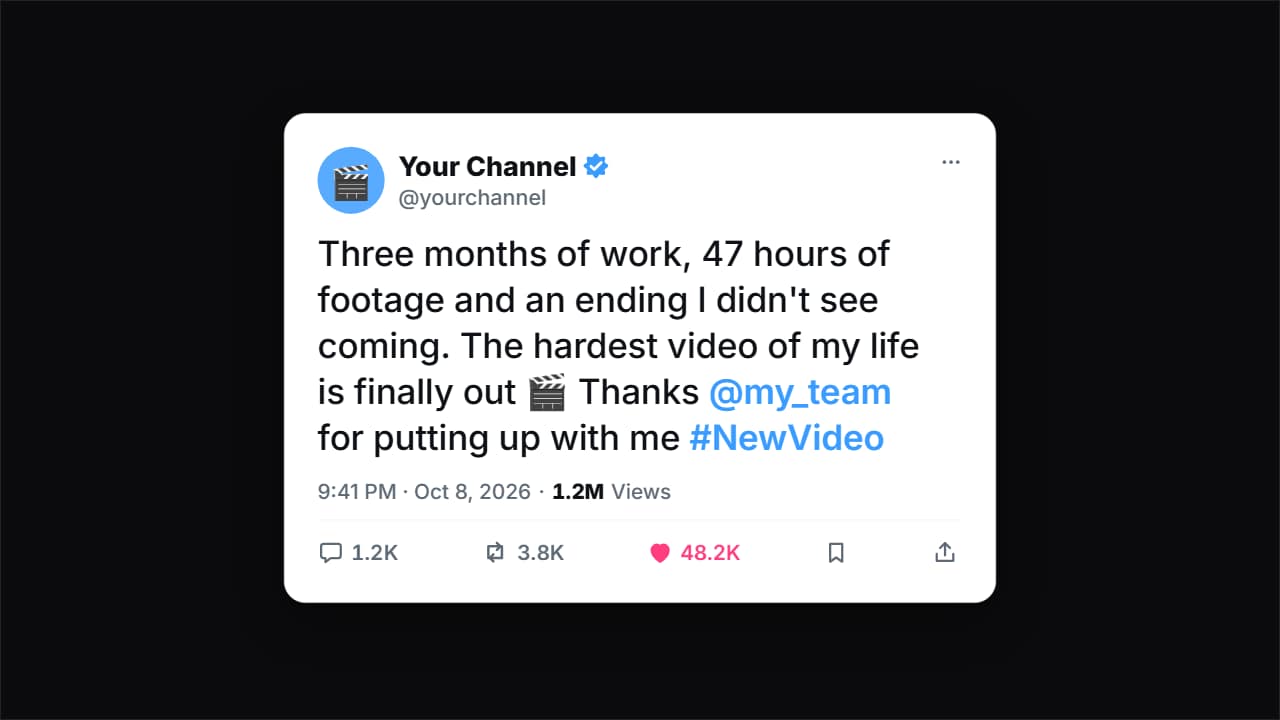 Social post cardA tweet card (X/Twitter style) with a generic look: your avatar, your name with the verified badge (editable…
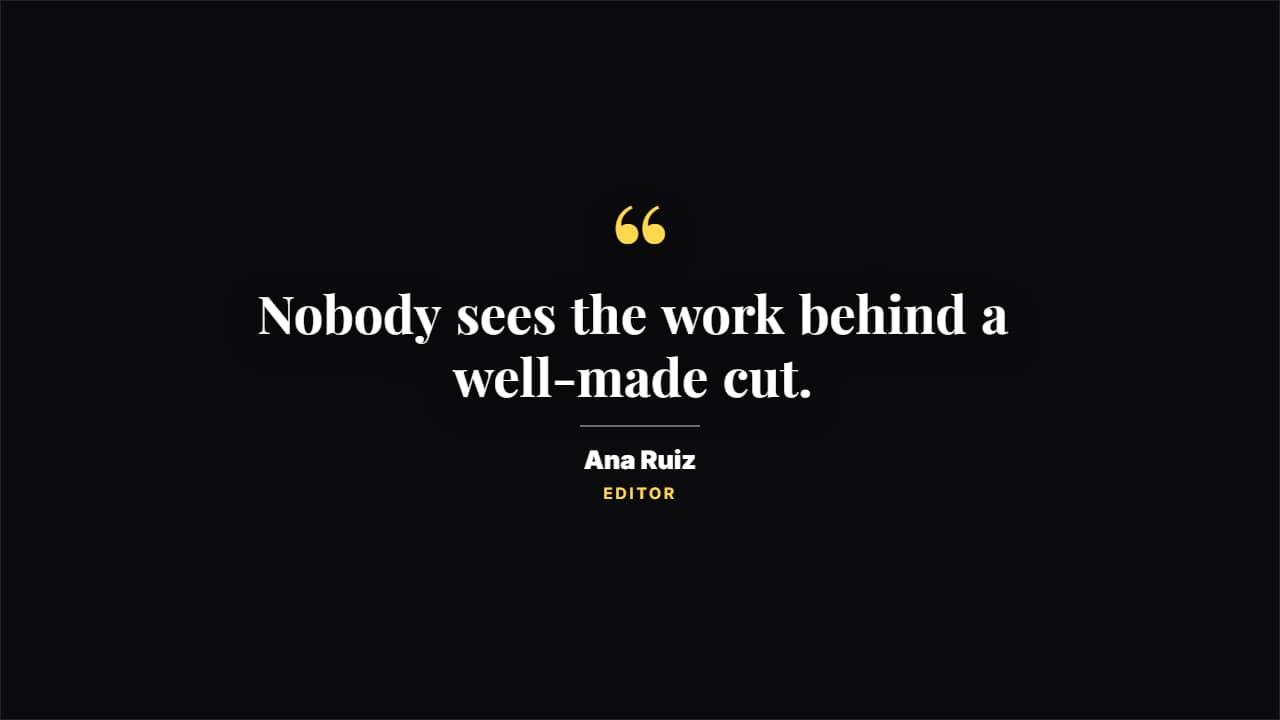 Editorial quoteGiant quote marks, a magazine serif and the signature under a rule. For a line that needs weight.
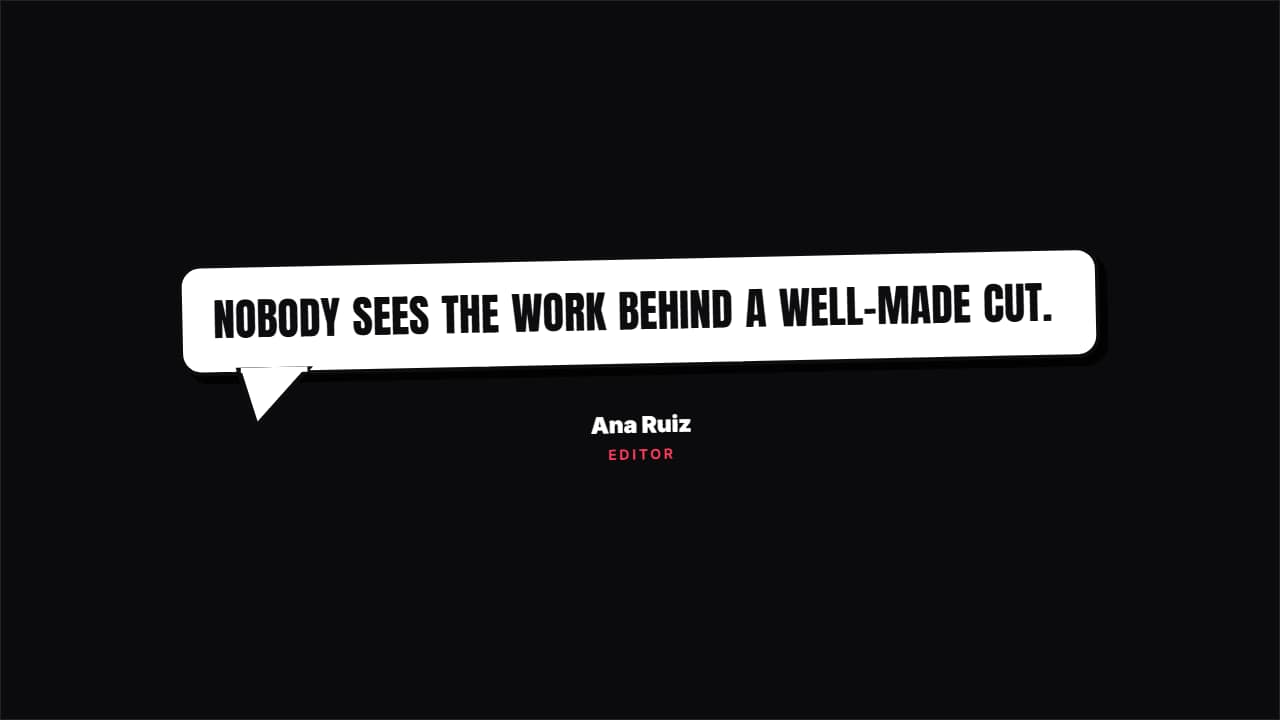 Speech bubbleA comic speech bubble with a thick border and a tail, springing in. For what someone thinks or says.