Format (important)1920×1080this is how it downloads
Preview doesn't change the file
You'll download 1920×1080, 3.5 s, with no background (.mov).
You'll download 1920×1080, 3.5 s, with no background (.mov).
Your title, made by hand: every line on its own strip of paper with a torn edge and white fibers showing, masking tape, a paper shadow and a slight tilt. It comes in in jumps, like stop-motion, and then a marker doodle draws itself on top (an arrow with its note, an underline or a circle). Four styles: taped strips, ransom-note magazine letters, sticky note and cardstock. Paper, lettering, tape and marker in your colors.
Plus the typeface and an optional letter outline, in every template.
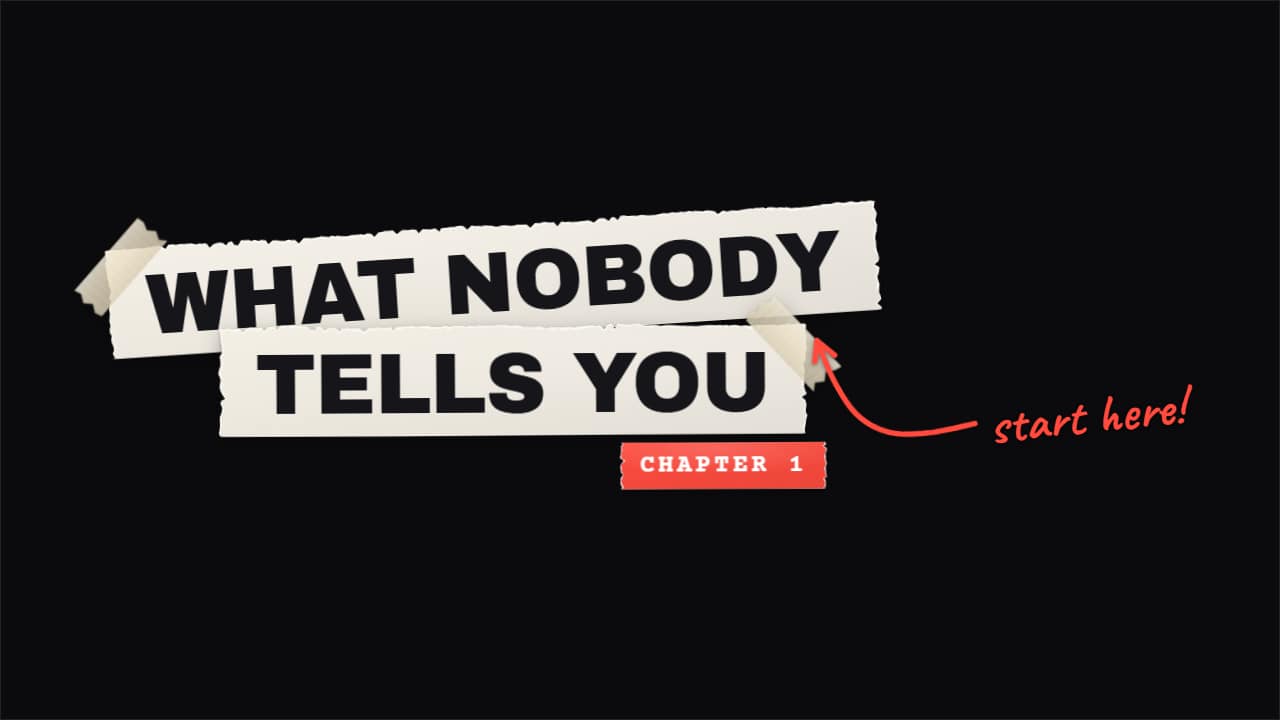
Export it without background and put it on a track above your clip: the animation plays over your video.
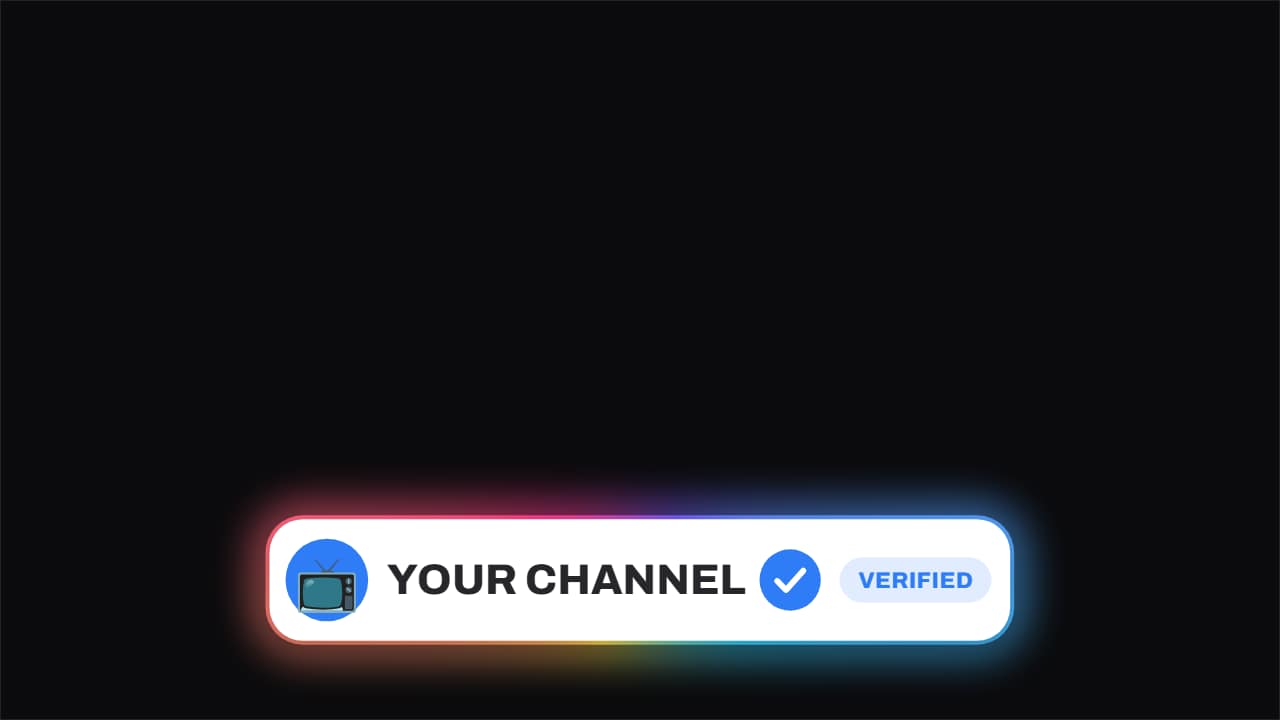 Verified · the badge slams onThe channel name, and beside it the check that stamps on: it arrives rotated and small, plants itself, and a…
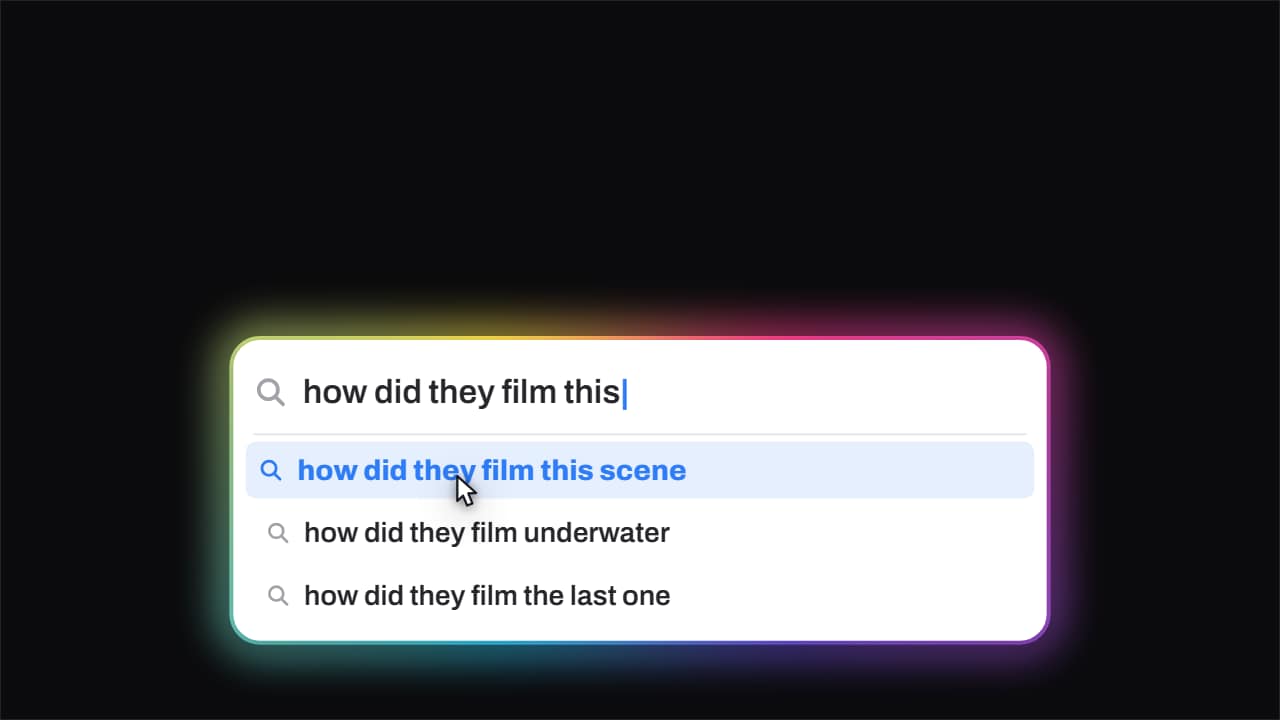 Search · it types itselfThe search field types the question out letter by letter with a blinking caret, and the suggestions drop in…
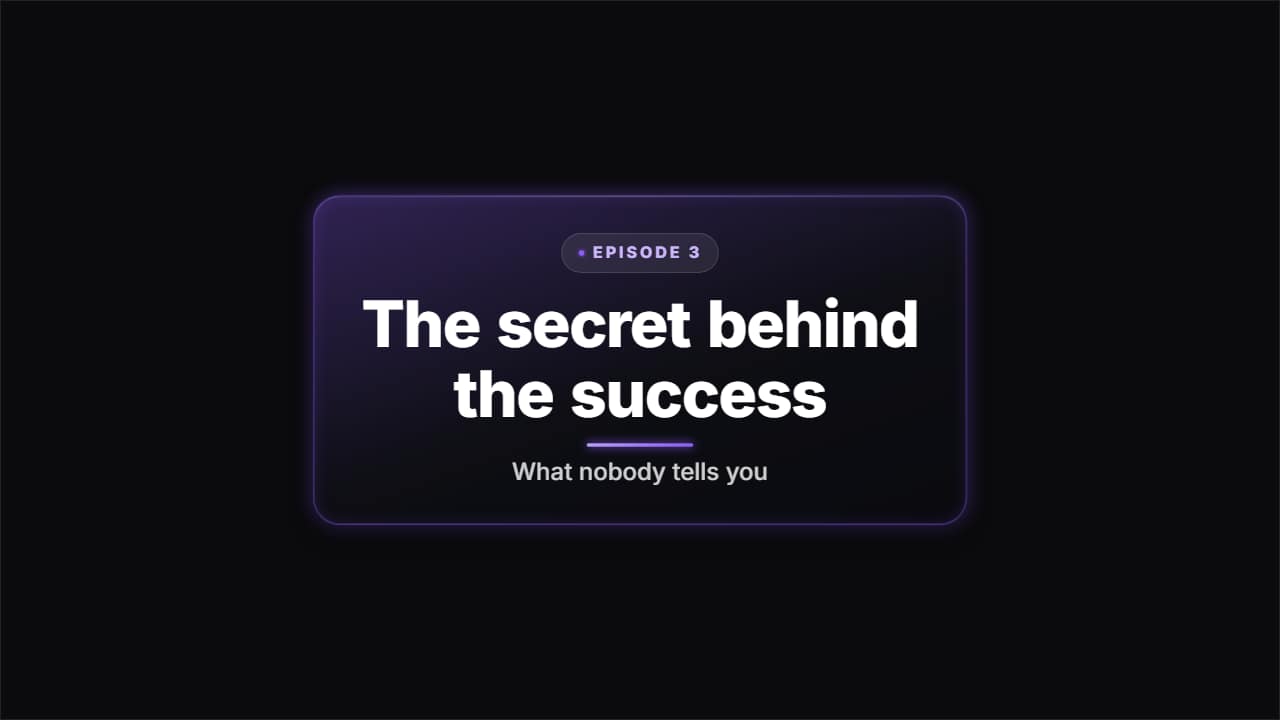 Glass title cardA glass slab to open a section or a chapter: the kicker badge, the title coming in word by word as it…
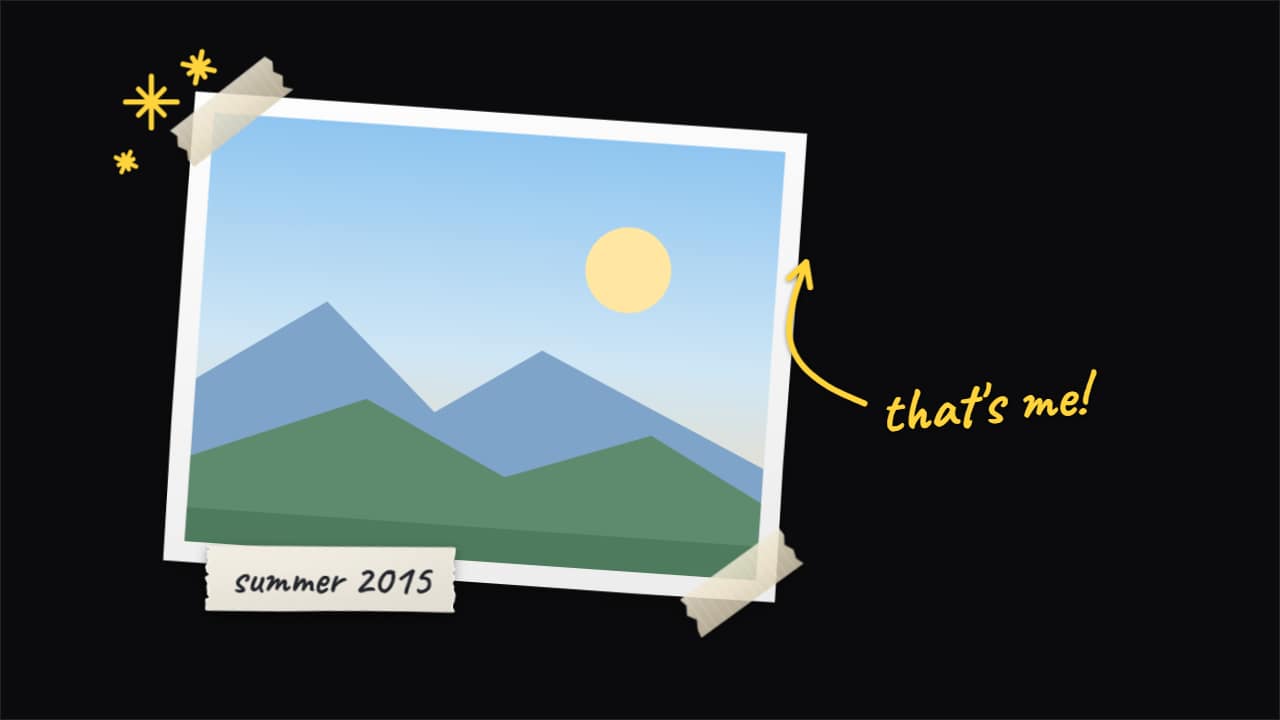 Paper cut-out photoYour photo or clip, stuck on top of your video by hand: with a cut-out border, tape on the corners and a…
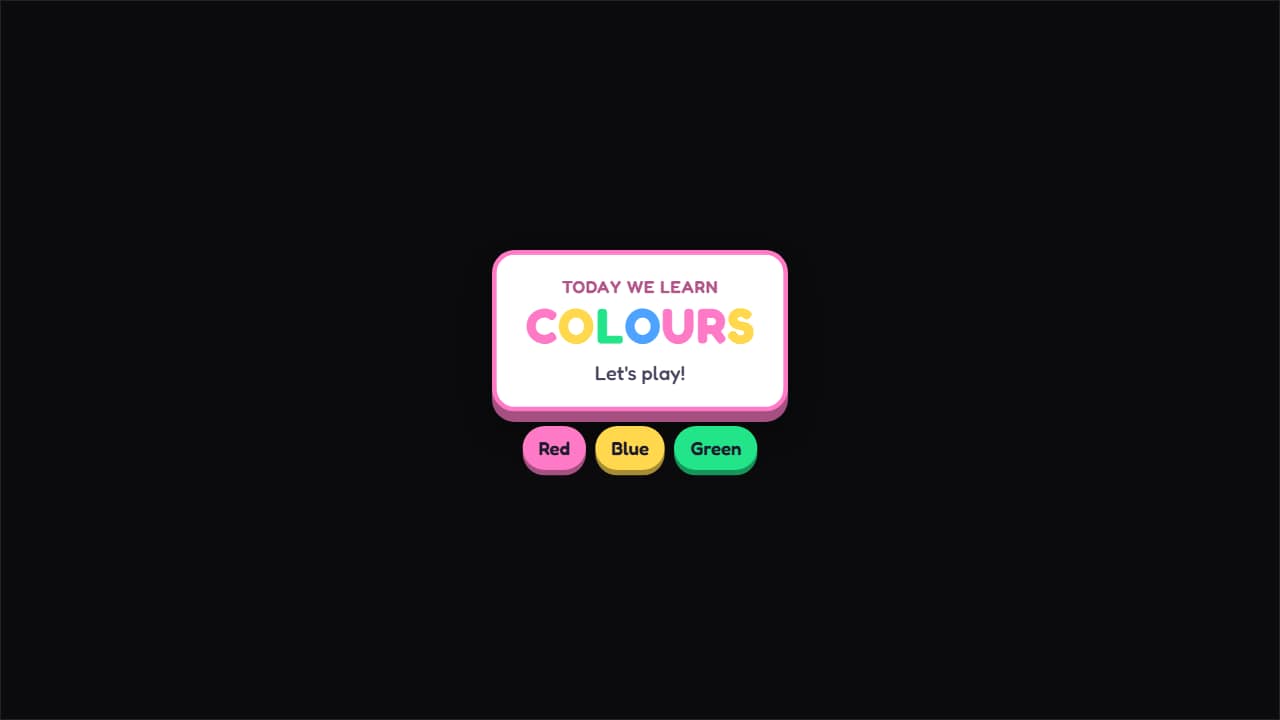 Kids' title cardA card with a thick border and a solid shadow, letters bouncing in one at a time in different colors and…
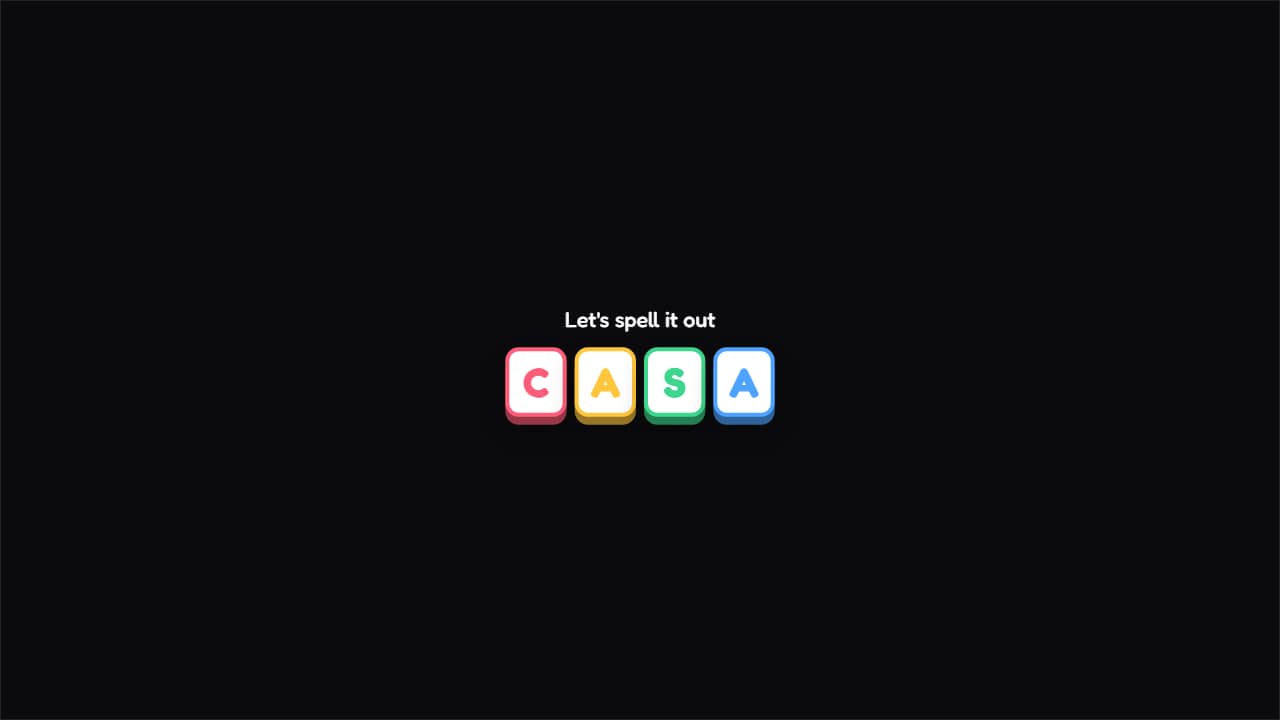 Letter by letterEach letter on its own colored tile, falling and spinning into place.
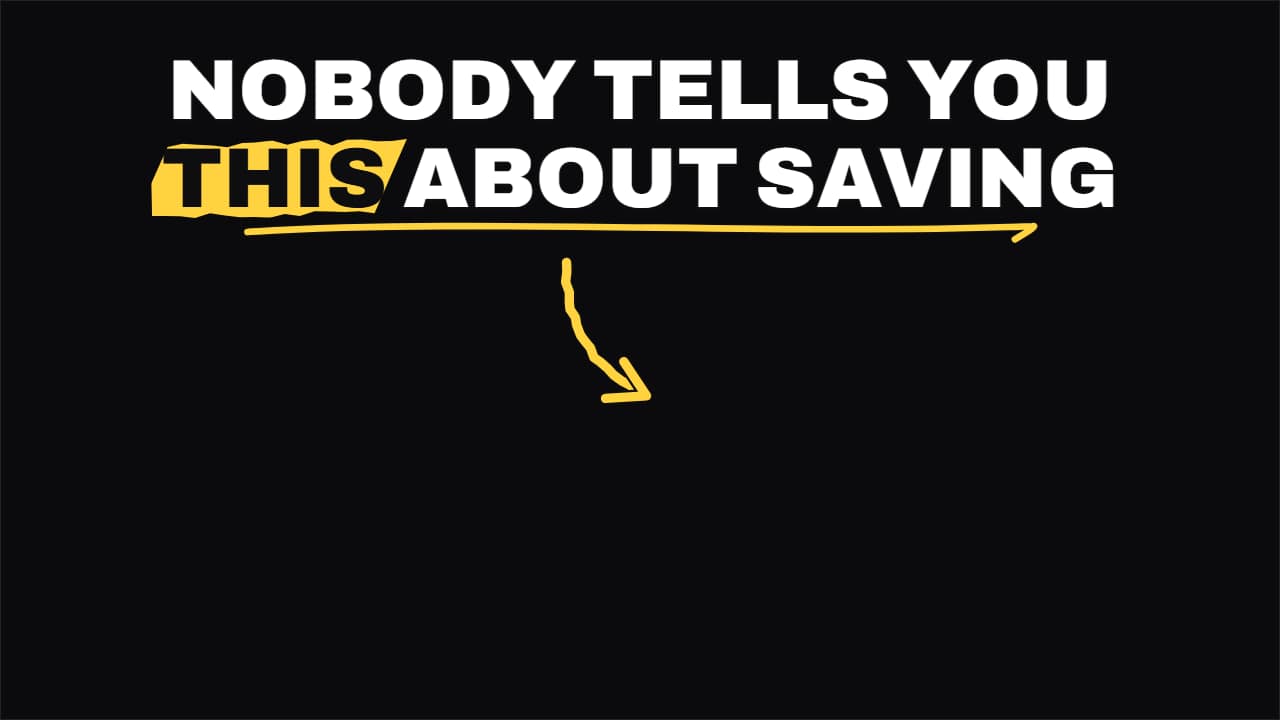 Shorts hook headlineThe headline for the first two seconds of a Short: it comes in word by word in the top safe zone, the key…
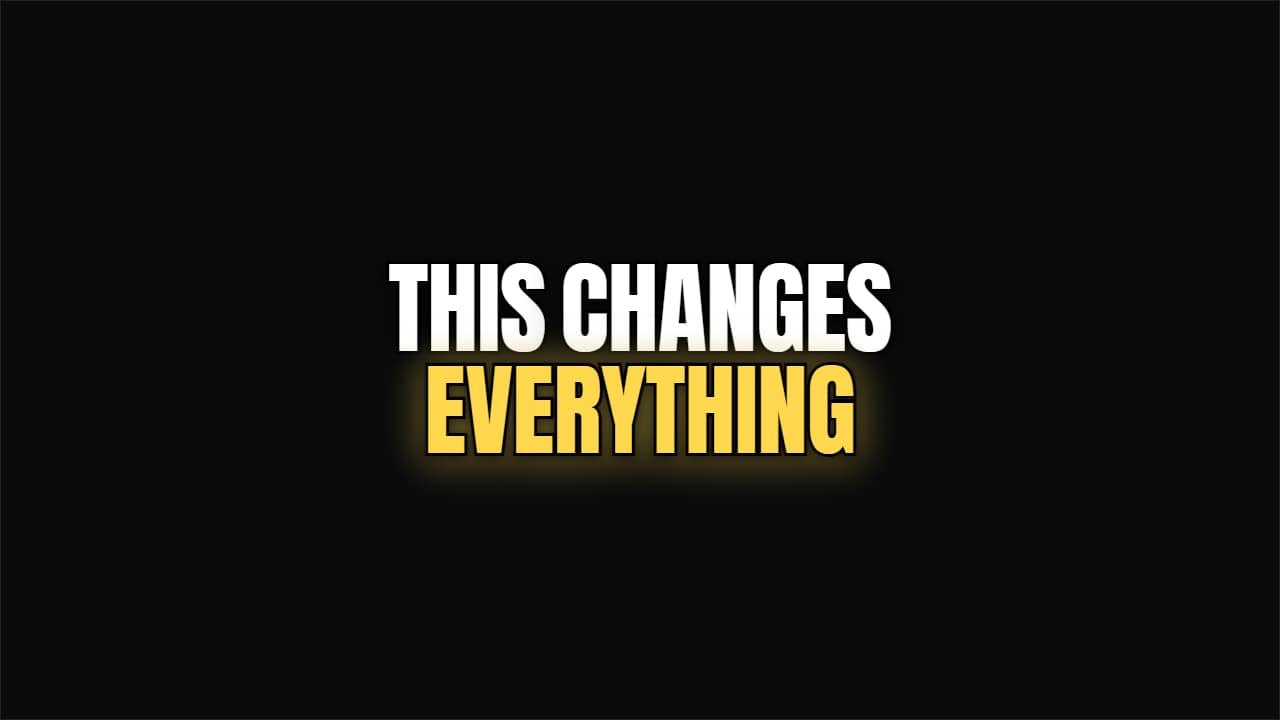 Kinetic BoldWord by word, condensed and outlined. The headline the big channels use to open without losing anyone.