Stick figure explainer
Stick Figure Explainer Maker — meet Stix
Stix is a stick figure that explains things with your voice. He talks, blinks, points, gives a thumbs up and makes a fist on the words you stress, on a clean graph-paper or whiteboard-style background. Paste your script, record, and export him in any format.
Free during the beta · preview without an account · MP4 or transparent .mov
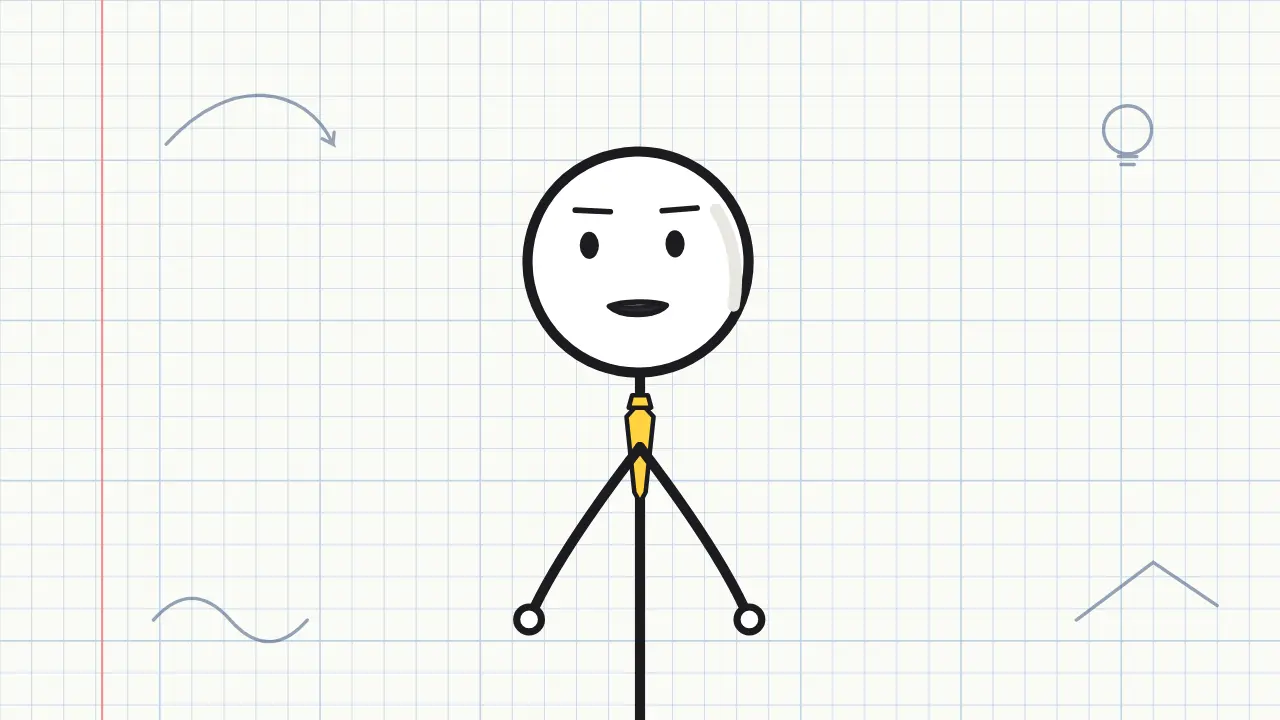
7 expressions, one Stix

- Neutral
- Happy
- Excited
- Surprised
- Serious
- Sad
- Thinking
Why stick figures work for explainers
Stick-figure explainers are one of the most recognisable formats on YouTube for psychology, self-improvement and 'how things work' topics. The reason is simple: a stick figure is nobody in particular, so the viewer projects themselves onto it, and the drawing never competes with the idea you are explaining.
The hard part has always been the animation. Stix removes it: his mouth follows the sounds of your script, and his arms gesture on the stressed syllables by themselves — an open hand, a point, a thumbs up — with rest time in between so it never looks frantic. You choose an accent colour and the expression for each video.
You can also dress him up. The "Customize Stix" panel gives him a hat (cap, beanie, top hat, cowboy, party hat, graduation cap, crown or chef hat), a mustache or beard, glasses, an outfit (T-shirt, hoodie, suit and tie or lab coat) and something to hold: a pointer, a coffee mug, a book or a phone. Everything is drawn in the same clean line as Stix and moves with him, and nothing ever covers his eyes or mouth, so the lip-sync stays readable. A graduation cap for a study channel or a lab coat for science facts turns one stick figure into a recognisable mascot.
3 script ideas for Stix
Psychology in 40 seconds
“Ever notice you remember unfinished tasks better than finished ones? It has a name: the Zeigarnik effect. Your brain keeps open loops running in the background. Use it: start a task for two minutes, and you'll want to finish it.”
Say this with Stix →Self-help explainer
“Motivation is not what gets you started. Action is. You don't wait to feel like running; you put your shoes on, and the feeling shows up halfway down the street.”
Say this with Stix →How-it-works hook
“Why does ice float? Almost every solid is heavier than its liquid. Water is the weird one: when it freezes, it spreads out. And that is why lakes freeze from the top down.”
Say this with Stix →
How it works
- Paste your script. Stix reads it from a karaoke-style teleprompter.
- Record your voice in the browser, or upload an MP3, WAV or M4A.
- Pick a scene, framing and subtitles, then download the video.
Tips for a clean stick-figure explainer
Write the way you speak, and put the key word at the end of the sentence: that is where your voice naturally stresses and where Stix gestures. One concept per scene keeps the video easy to follow; cut to a definition card or a step list when you introduce a term.
Graph paper and the classroom scenes keep the classic whiteboard look. For a channel brand, keep the same accent colour on Stix in every upload. Exporting with a transparent background lets you place him next to your own diagrams in the editor.
Templates that pair with Stix
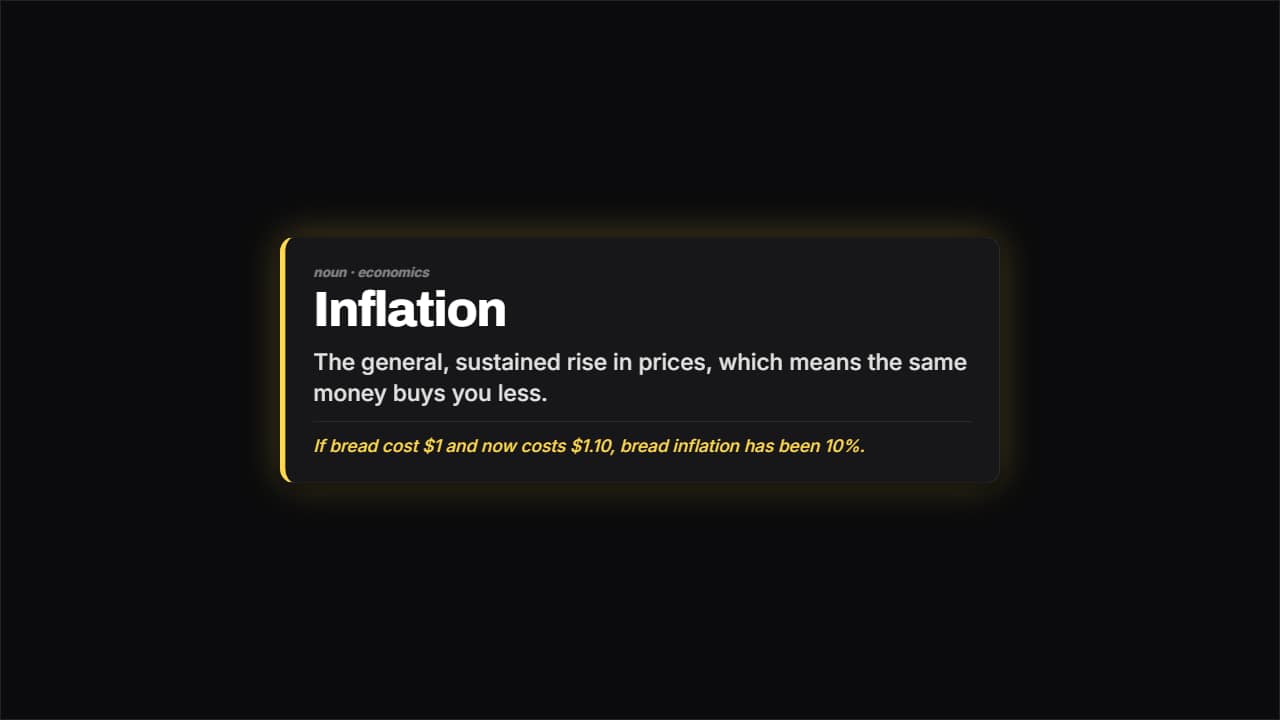 Definition cardThe word large, the meaning underneath and an example separated by a rule.
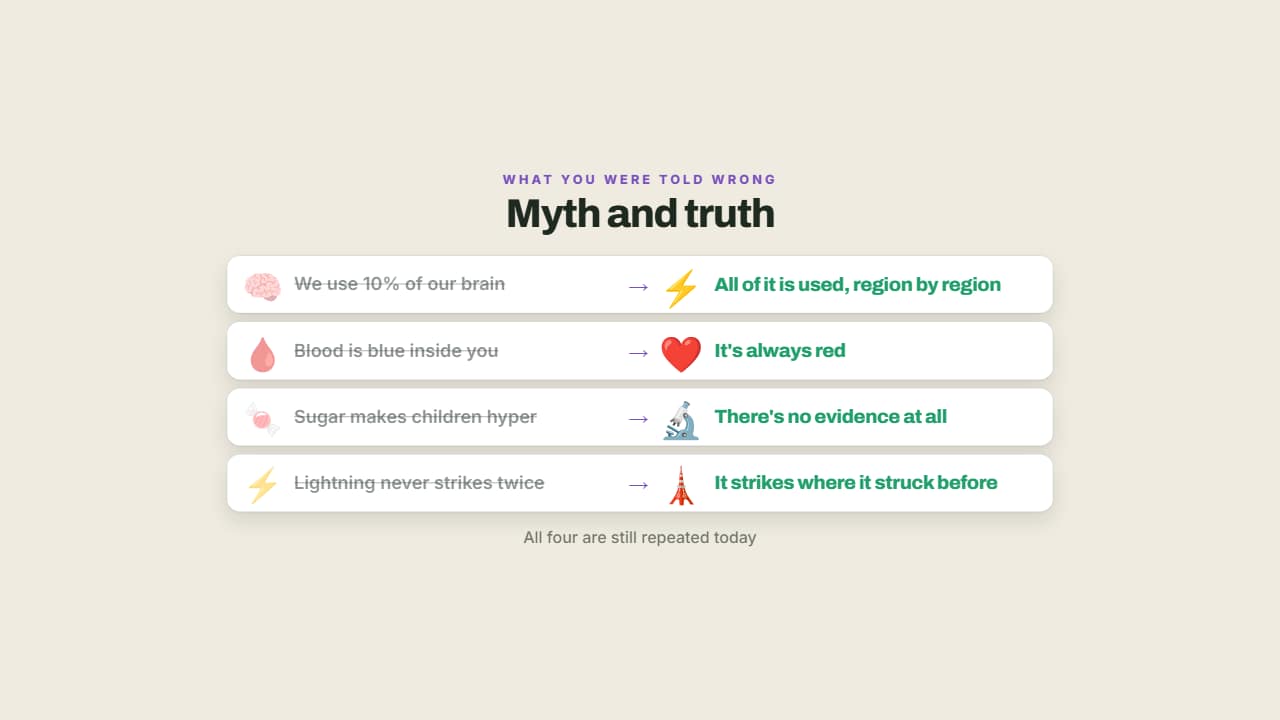 Myth and truthThe myth crossed out on the left and what actually happens lit up on the right.
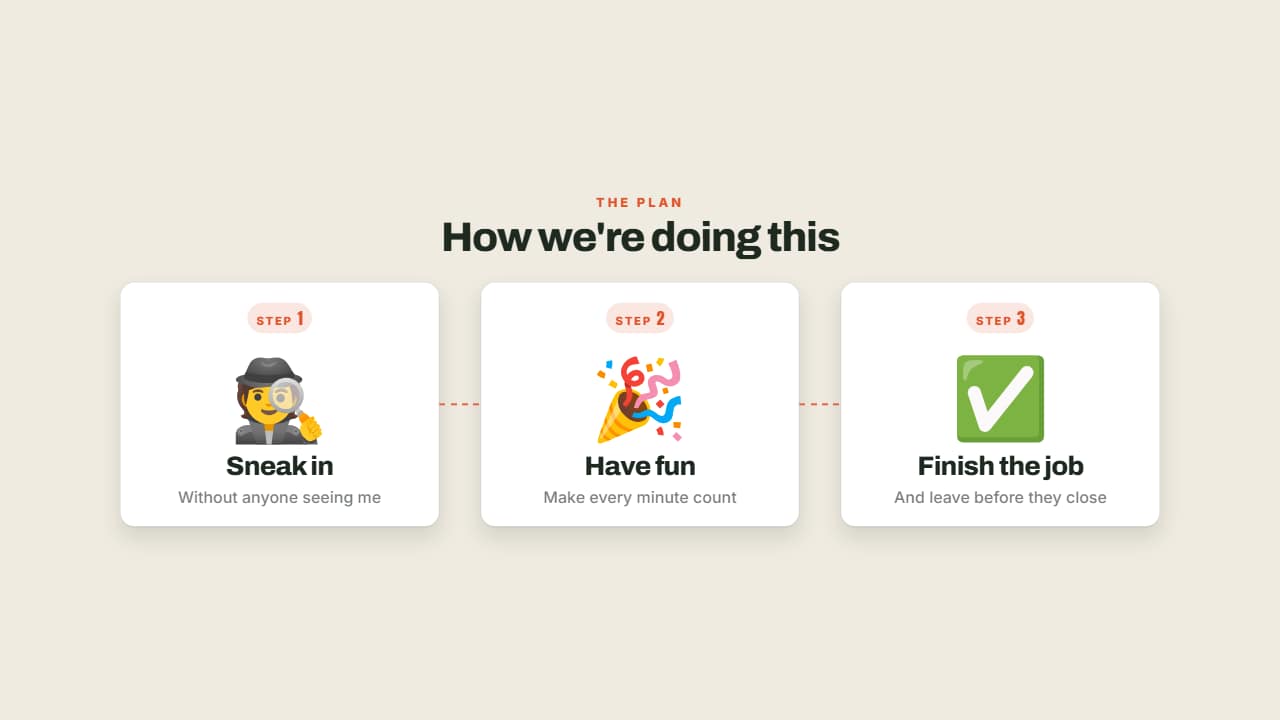 Steps with emojiStep 1, step 2, step 3: each with its big emoji, its numbered badge and its title.
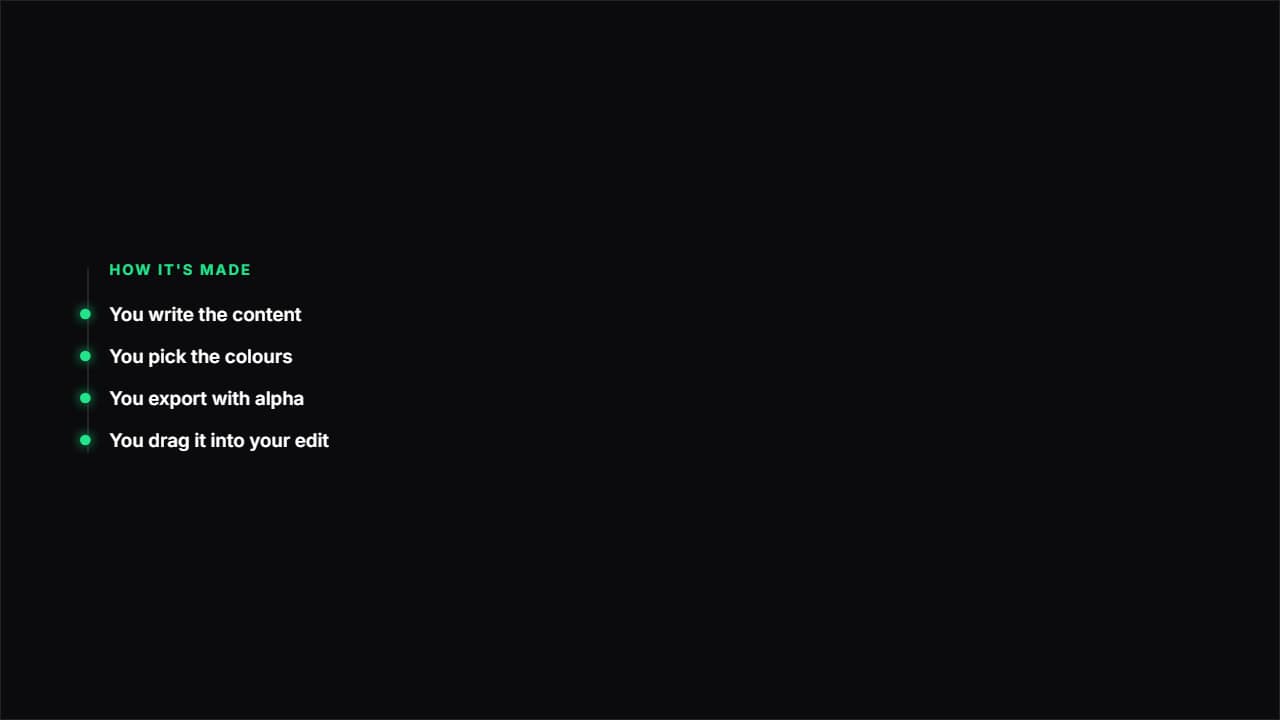 Path with nodesA vertical line drawing itself and a node bursting at each point.
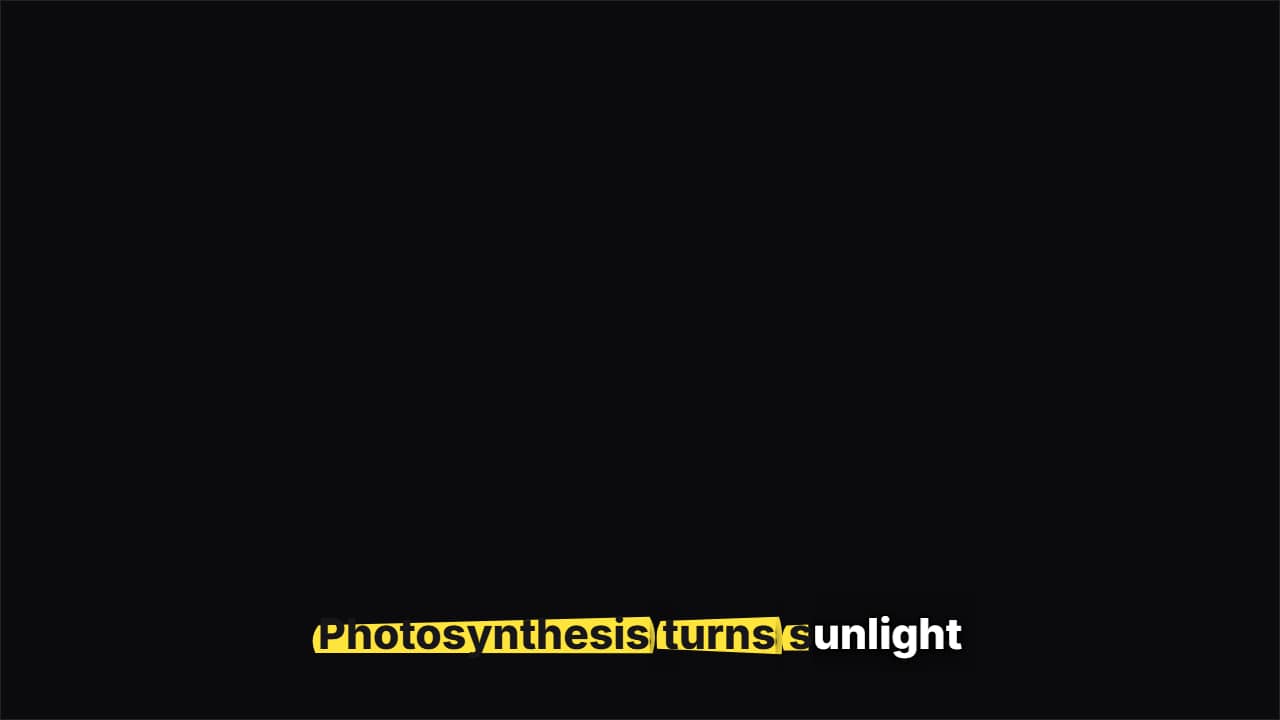 Highlighter captionsA highlighter swipes under each word as you say it and the letters turn to ink, like study notes.
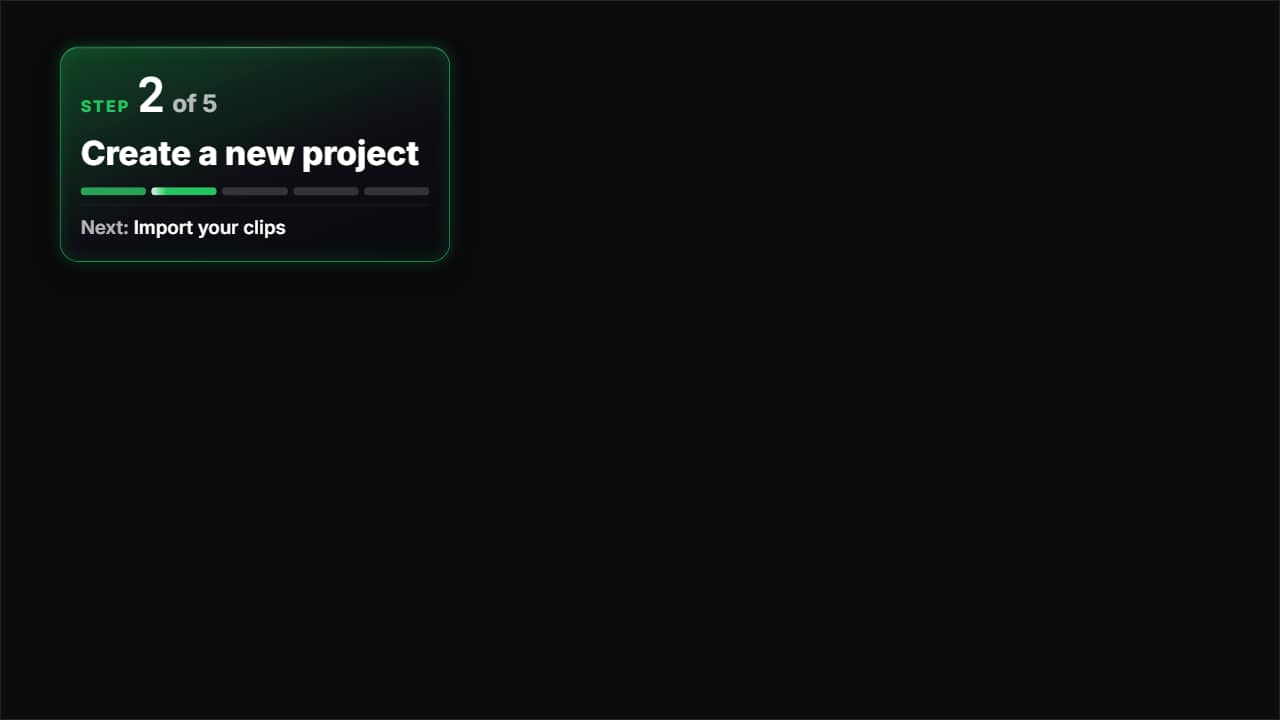 Step 2 of 5The badge for tutorials and recipes: the step number, how many there are, this step's title and a bar split…
More free tools
Questions
- Do I need to animate the stick figure frame by frame?
- No. You record or upload your voice and the mouth, blinks and hand gestures are generated from it. You only pick the expression, framing and background.
- Can I change Stix's outfit and add a hat or mustache?
- Yes. Pick a hat, facial hair, glasses, an outfit and a prop in "Customize Stix", choose their colours, or press "Surprise me" for a random look. The preview updates instantly and the export uses exactly that look.
- Can Stix point at things on screen?
- Stix points and gestures on the stressed words of your script. To point at a specific diagram, export him transparent and place him next to it in your editor.
- Can I monetize stick figure explainer videos?
- Yes, the video file is yours to publish and monetize. What YouTube's Partner Program does not pay for is inauthentic content: mass-produced or repetitive uploads with little original work. Your own script, voice and point of view are what make a channel eligible, not the drawing.
Meet the other characters
 BonesDark humor
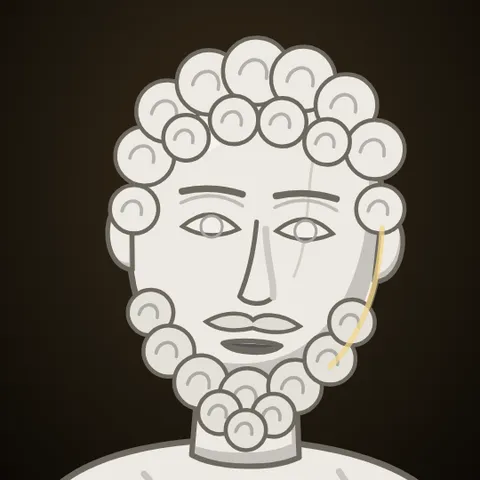 MarcusStoicism
 KikoAnime & storytime
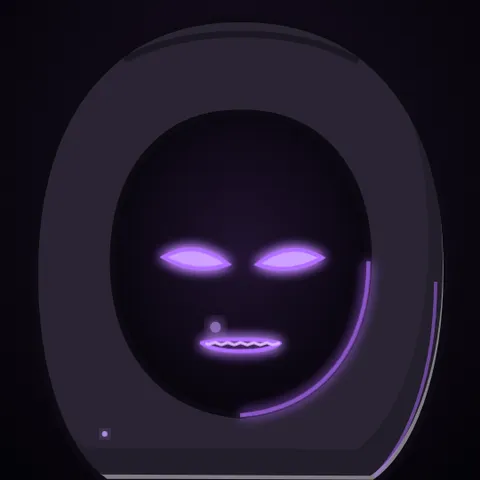 WhisperHorror
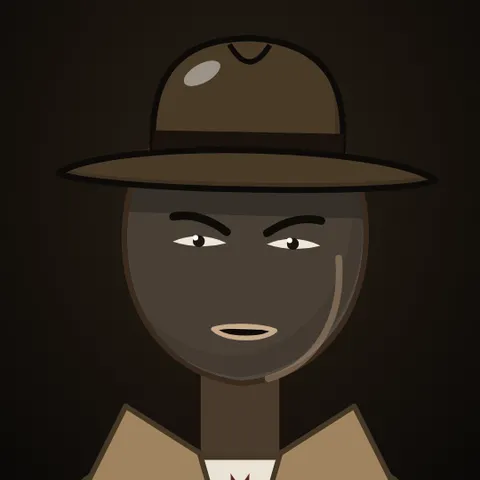 GrayTrue crime
 JoeReddit stories
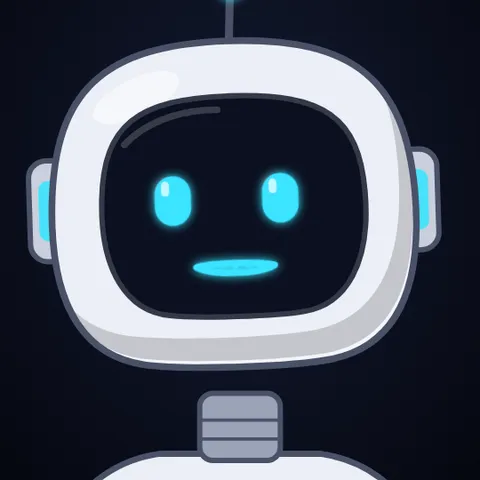 NovaTech & AI news
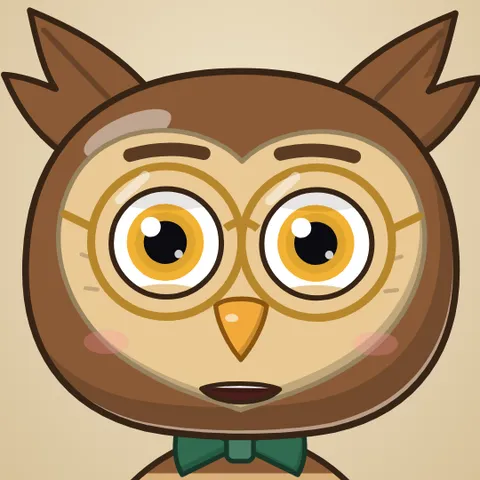 HootEducation
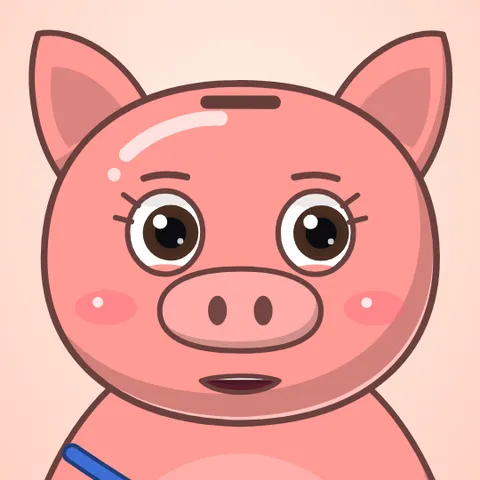 PennyPersonal finance
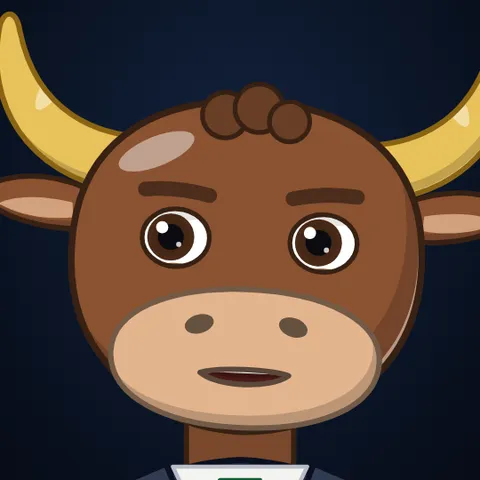 MarksInvesting
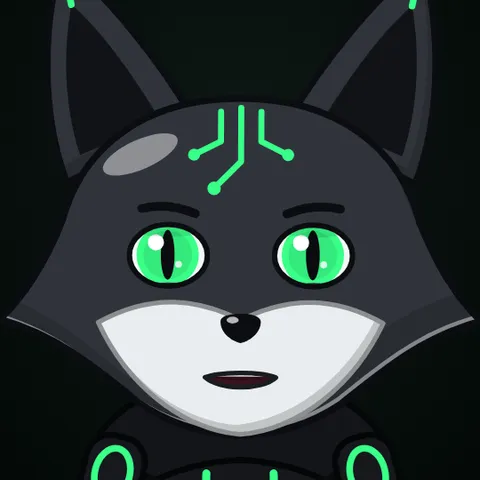 GlitchCybersecurity
 LunaSleep & calm
 AtlasHistory & travel
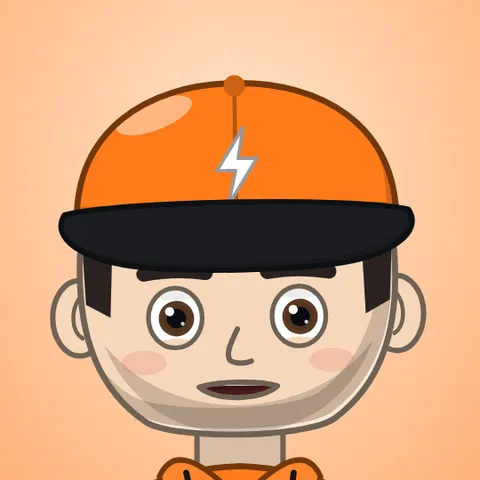 Coach BoltFitness
 RexKids & science
 ByteGaming
 MochiStorytime
 NarratorAny niche
 JelliFacts & kids