Piggy bank saver
Piggy Bank Mascot for Personal Finance Videos — meet Penny
Penny is a glossy ceramic piggy bank with a coin slot on her head, a little coin purse across her chest and a practical, upbeat attitude. Every few seconds a coin drops into the slot. She talks budgeting, saving challenges and money basics in your own voice, so beginner finance videos feel friendly instead of stressful.
Free during the beta · preview without an account · MP4 or transparent .mov
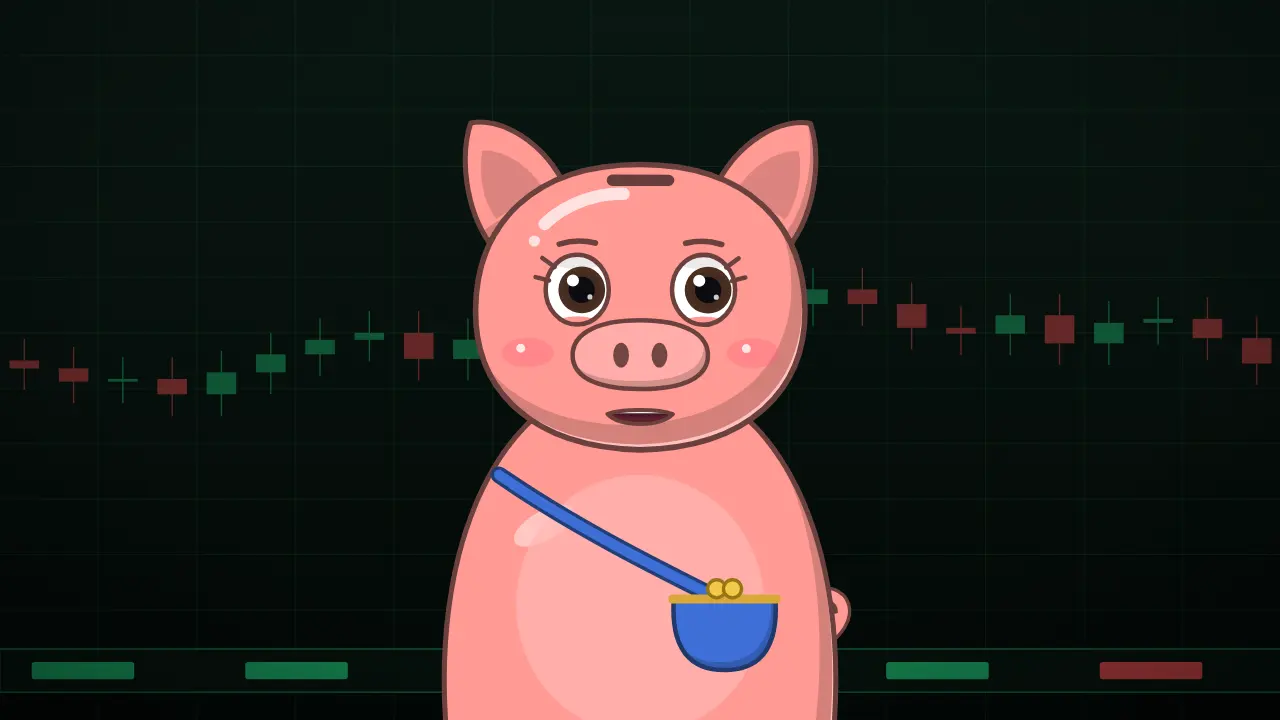
7 expressions, one Penny

- Neutral
- Happy
- Excited
- Surprised
- Serious
- Sad
- Thinking
A friendly face for money advice
Money is a topic people avoid because it feels judgmental. A cheerful piggy bank lowers the guard: the viewer is listening to Penny, not to someone lecturing them about their spending. That makes her a good fit for budgeting tutorials, '50/30/20' explainers, saving challenges, frugal living, side-hustle ideas and money tips for students.
Finance is also one of the best-paying niches on YouTube, and channels there live on trust and consistency. A recognizable host helps a new channel look like a brand from the first upload. Pair Penny with the savings-goal, expense-breakdown and interest templates to put the numbers on screen while she explains them.
3 script ideas for Penny
Budget rule explainer
“Half your pay for needs, thirty percent for wants and twenty percent for future you. It's called the 50/30/20 rule, and here's how to try it this month.”
Say this with Penny →Saving challenge hook
“Save one dollar on day one, two on day two, and keep going. By the end of the year you'll have more than six hundred dollars. Want to start today?”
Say this with Penny →Spending mistake
“Subscriptions are the quiet leak in your budget. Open your bank app, search for every monthly charge, and cancel the one you forgot you had.”
Say this with Penny →
How it works
- Paste your script. Penny reads it from a karaoke-style teleprompter.
- Record your voice in the browser, or upload an MP3, WAV or M4A.
- Pick a scene, framing and subtitles, then download the video.
Tips for finance content that builds trust
Show the math. Put every number you say on screen with a template, and round nothing that matters. Avoid promising returns: explain how something works and let the viewer decide. Use Penny's 'Surprised' face for the hidden fee and 'Happy' for the money saved.
Add a short disclaimer that the video is education, not personal financial advice. Speak at a calm pace — numbers spoken too fast make the mouth hard to follow and the point easy to miss.
Templates that pair with Penny
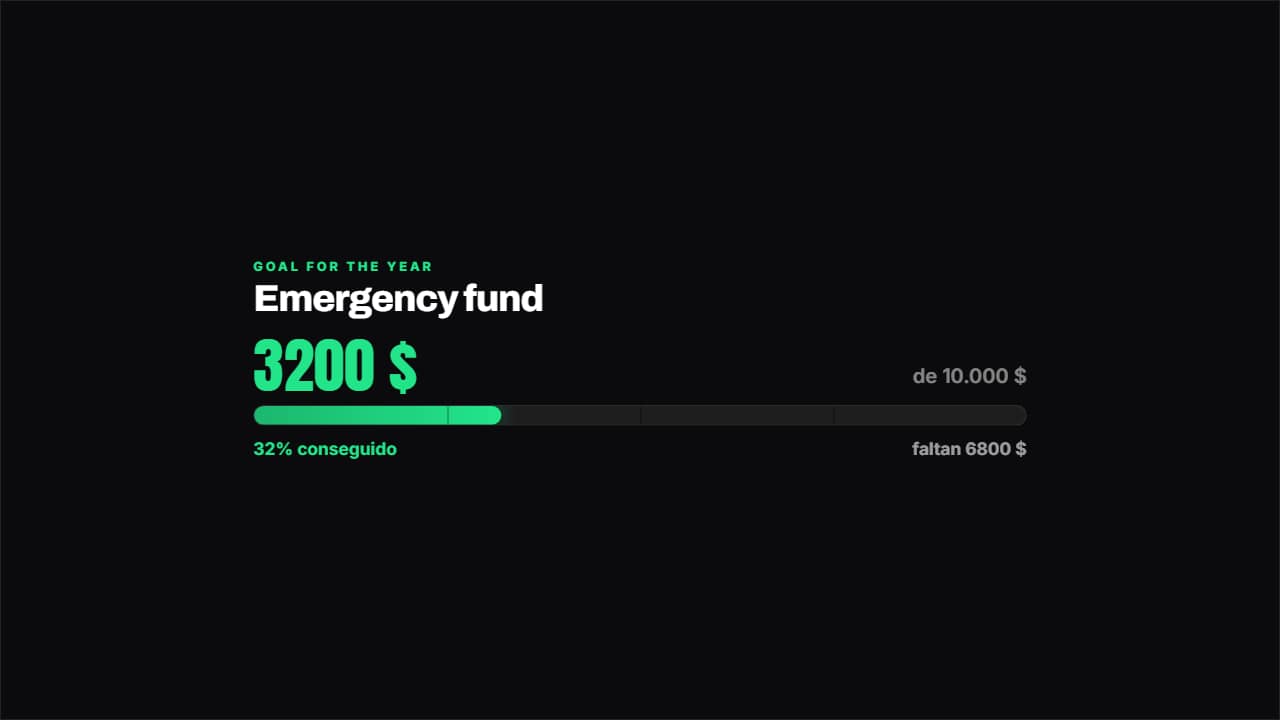 Savings goalHow much you've got, how much is left and what percentage that is, with the bar marked in quarters.
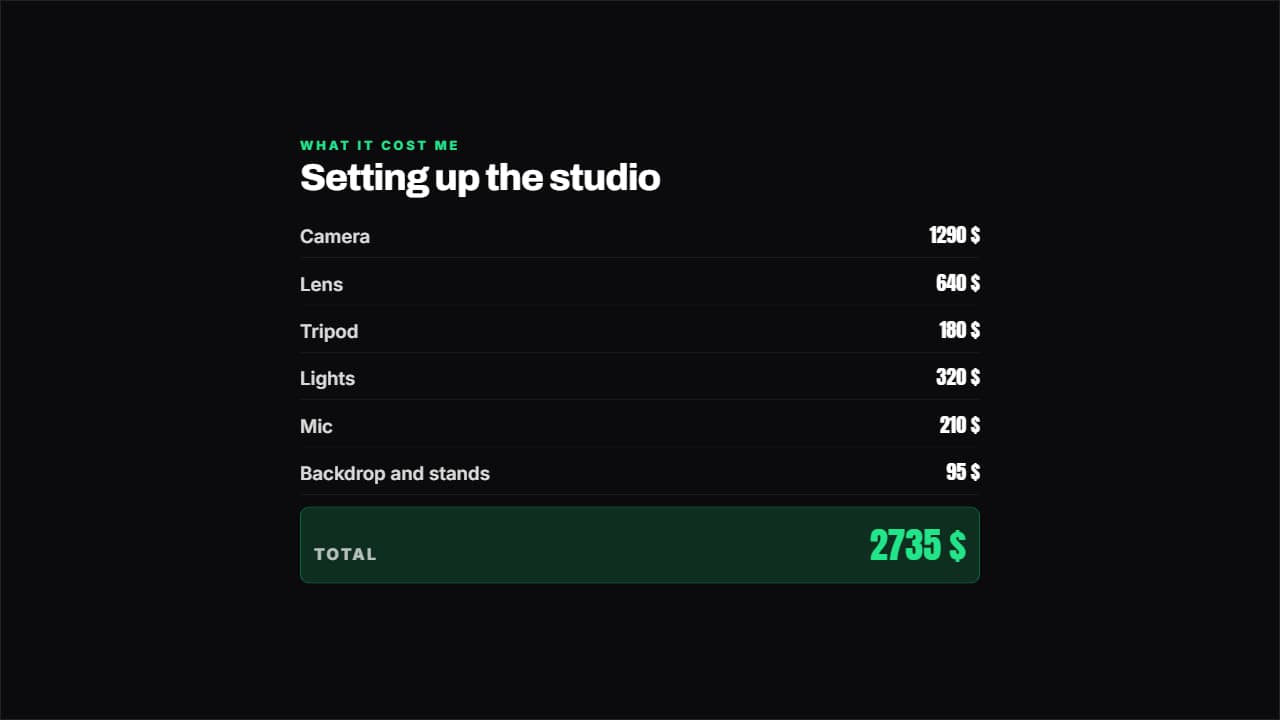 Breakdown with totalItems and amounts like an invoice, and the total ADDS ITSELF UP.
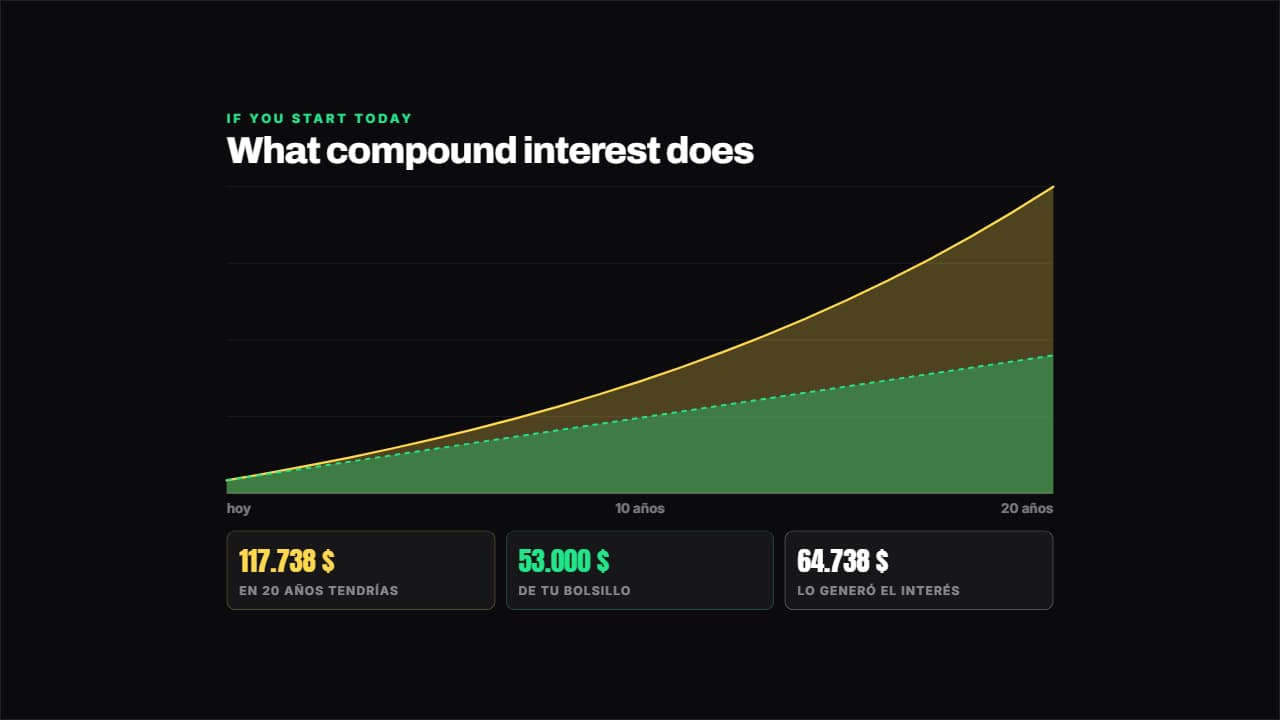 Compound interestWorked out year by year from your numbers: what you put in out of your own pocket goes in one layer and what…
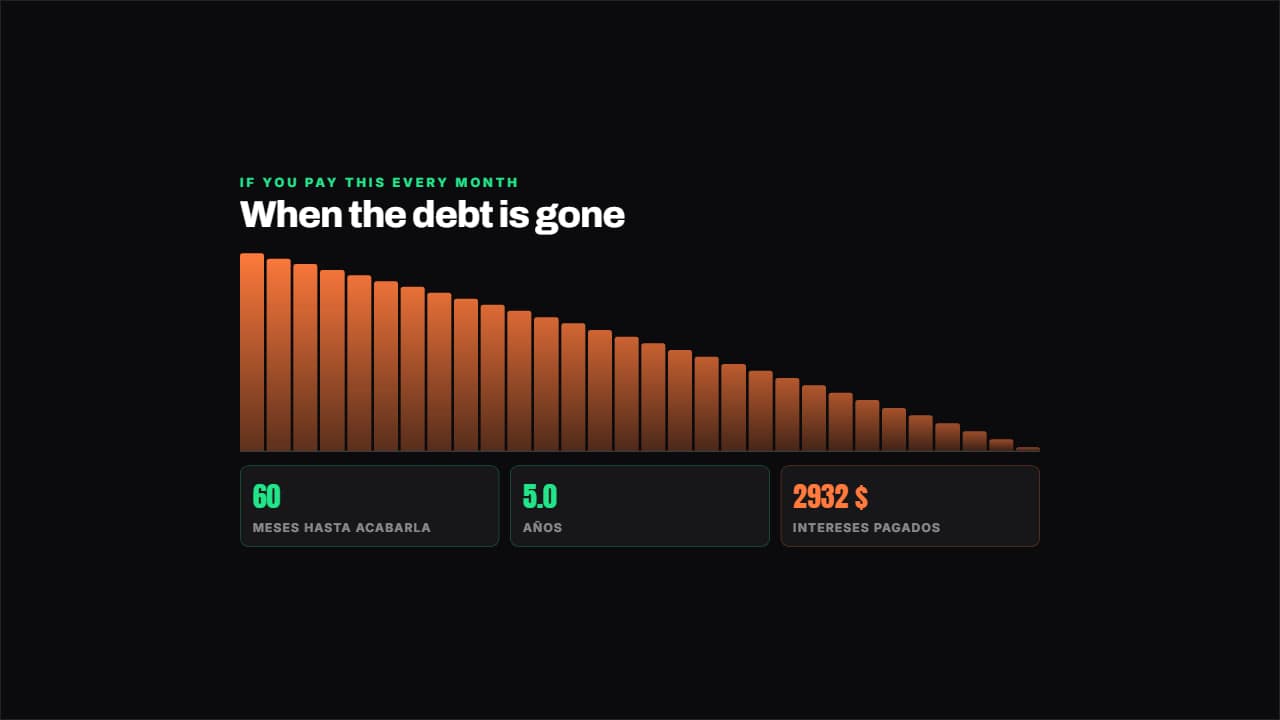 Plan to clear a debtSimulates the payments month by month with the real interest: how many months are left, how many years that…
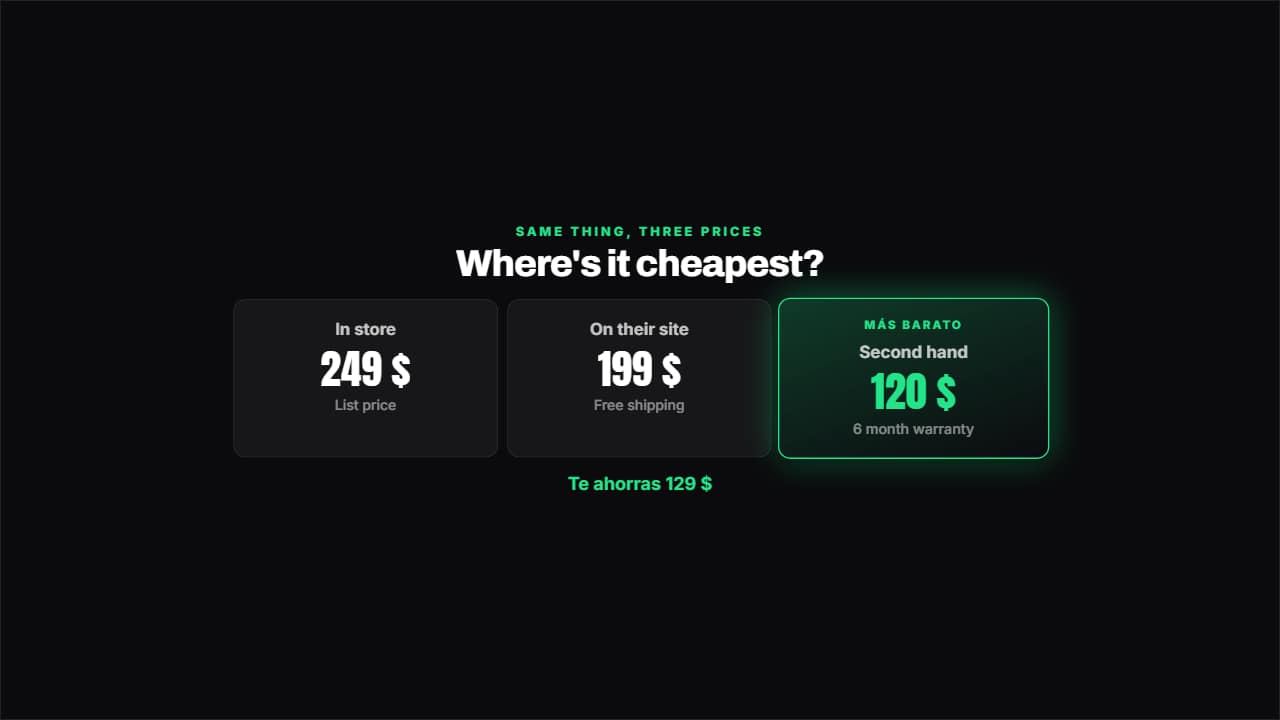 Price comparisonTwo, three or four options side by side: the cheapest lights up on its own and underneath you get how much…
 How much you've spentThe corner badge that keeps adding up while you buy: you show the plate, the total climbs.
More free tools
Questions
- Is Penny good for a personal finance channel?
- That is exactly what she was drawn for: budgeting, saving and money basics for beginners. Her friendly style suits people who are new to managing money.
- What colors does Penny come in?
- Coral pink, gold, mint and sky blue, each with a different coin purse. She has seven expressions and works as a bust, half body, full body or a round corner badge.
- Can I monetize a finance channel made with a character?
- Yes, the video file is yours to publish and monetize. What YouTube's Partner Program does not pay for is inauthentic content: mass-produced or repetitive uploads with little original work. Your own script, voice and point of view are what make a channel eligible, not the drawing.
Meet the other characters
 BonesDark humor
 MarcusStoicism
 StixPsychology
 KikoAnime & storytime
 WhisperHorror
 GrayTrue crime
 JoeReddit stories
 NovaTech & AI news
 HootEducation
 MarksInvesting
 GlitchCybersecurity
 LunaSleep & calm
 AtlasHistory & travel
 Coach BoltFitness
 RexKids & science
 ByteGaming
 MochiStorytime
 NarratorAny niche
 JelliFacts & kids