Friendly skeleton
Talking Skeleton Video Maker — meet Bones
Bones is a cartoon skeleton whose jaw actually drops on every syllable you say. Paste your script, read it like karaoke while the browser records your voice, and download Bones talking — in 16:9, 9:16 or square, with a scene behind him or on a transparent background for your editor.
Free during the beta · preview without an account · MP4 or transparent .mov
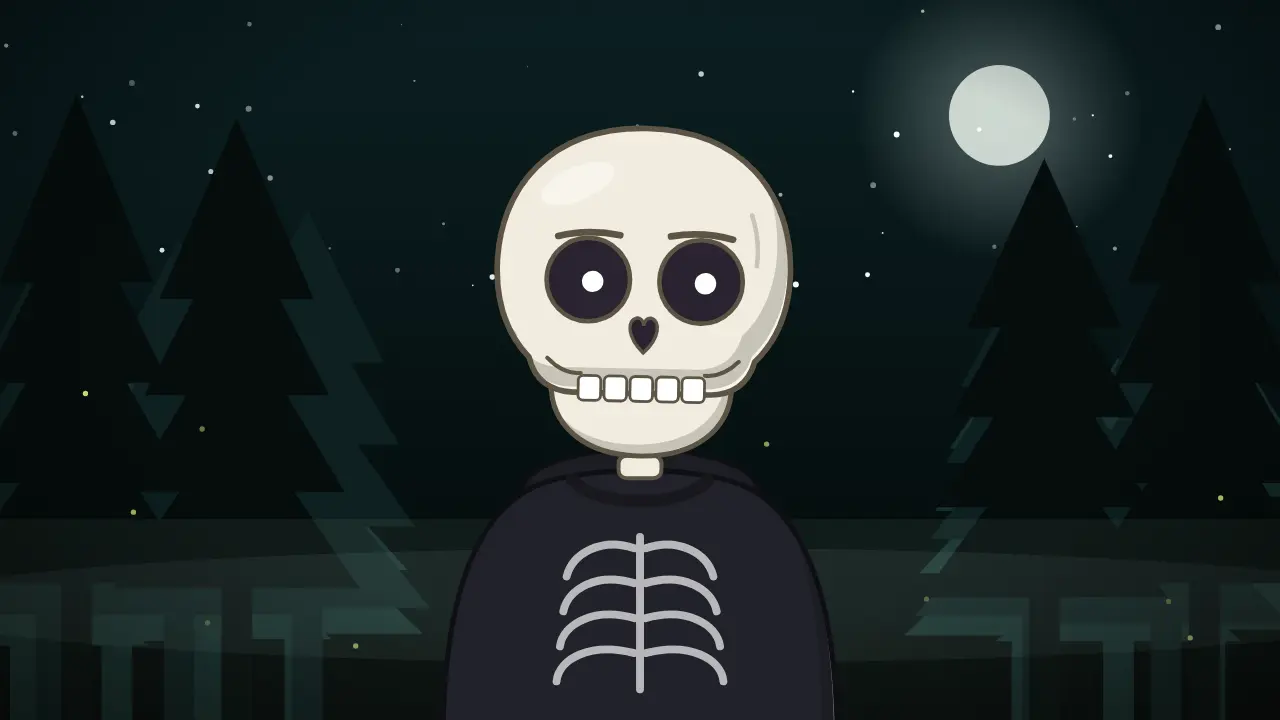
7 expressions, one Bones

- Neutral
- Happy
- Excited
- Surprised
- Serious
- Sad
- Thinking
What a talking skeleton is good for
Skeletons have been the unofficial mascot of short-form horror and dark-humor channels for years: they read as spooky and funny at the same time, so the same host works for a creepy fact, a history fail or a meme reaction. Bones leans into that. His skull is drawn with clean cel shading, the eye sockets carry the expression, and the mouth is not a mouth at all — it is the jaw hinging open, which is exactly what makes a talking skeleton feel right.
Because the jaw follows the sounds of your script (the 'm', 'b' and 'p' close it, open vowels drop it wide), Bones looks like he is really saying your words. Use him full-body standing in the night forest for a storytime, as a close-up for a punchy Short, or as a small corner badge over gameplay while you narrate.
3 script ideas for Bones
Dark history fact
“In 1518, hundreds of people in Strasbourg started dancing in the street… and some of them didn't stop for days. Nobody knows exactly why.”
Say this with Bones →Body fact with a twist
“You are carrying a skeleton right now. Fun fact: you were born with about 300 bones, and by adulthood you have 206. Where did the rest go? They fused.”
Say this with Bones →Spooky Short hook
“Don't look behind you. Okay, you looked. Now let me tell you the story of the house on Elm Street that nobody will buy.”
Say this with Bones →
How it works
- Paste your script. Bones reads it from a karaoke-style teleprompter.
- Record your voice in the browser, or upload an MP3, WAV or M4A.
- Pick a scene, framing and subtitles, then download the video.
Tips for skeleton Shorts that keep people watching
Open with the strangest sentence of the story, not with a greeting: Shorts viewers decide in the first second. Bones' 'surprised' expression on that first line sells it. Keep paragraphs short — the subtitles group three words at a time in 9:16, so punchy lines read best.
Pick the night forest or the sepia archive scene for horror and history, and switch Bones to 'serious' for the reveal. If you edit in CapCut or Premiere, export him on a green screen or as a transparent .mov (up to 30 seconds) and lay him over your own footage.
Templates that pair with Bones
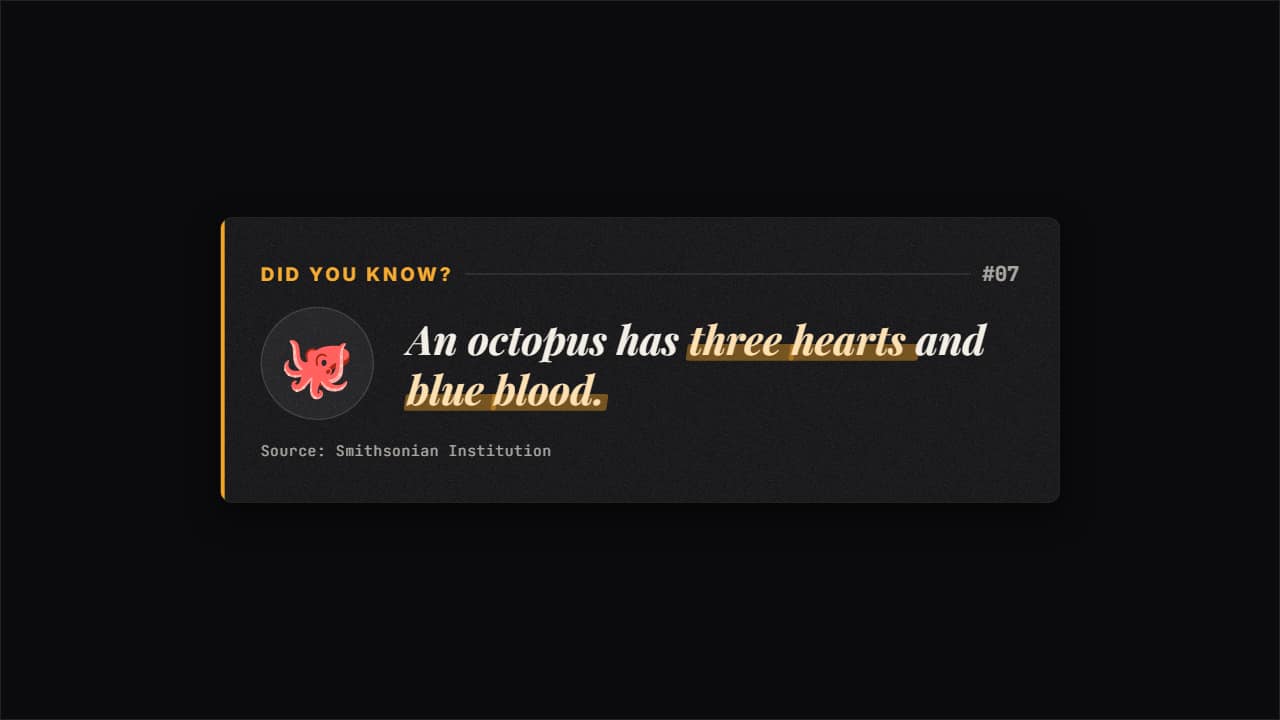 Did you know? fact cardThe card used by fun-fact and faceless channels: «DID YOU KNOW?
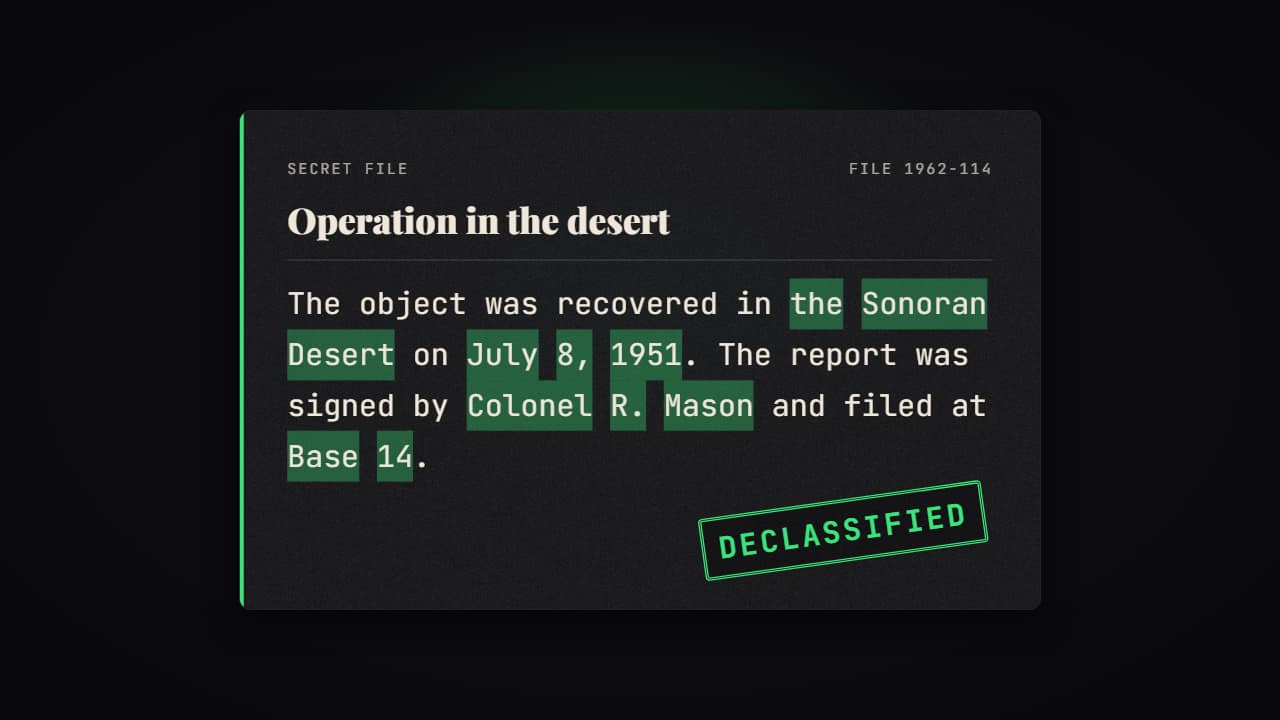 Declassified document revealThe document the other way round: it arrives blacked out and the redaction bars PULL AWAY one by one…
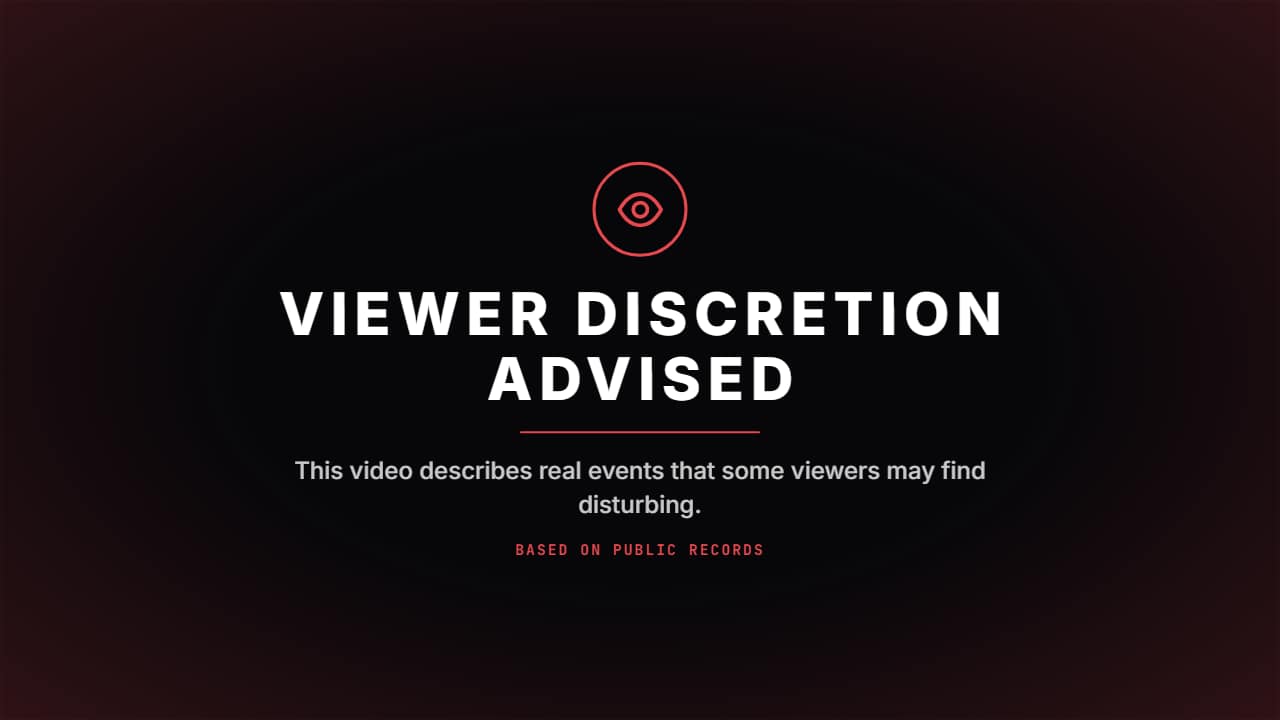 Viewer discretion advisedThe card true crime and documentary channels put before they start: the eye draws itself inside its ring…
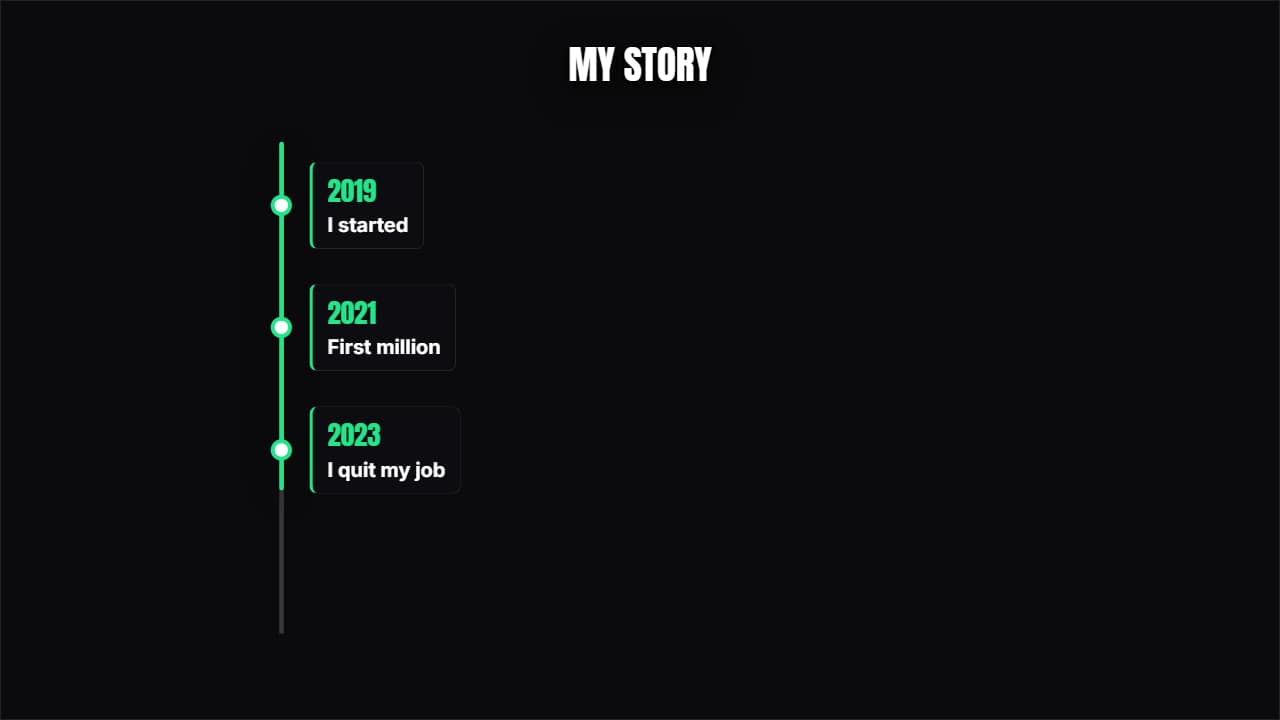 Vertical timelineThe years come down one side and each one opens its card. Built for 9:16 but it works anywhere.
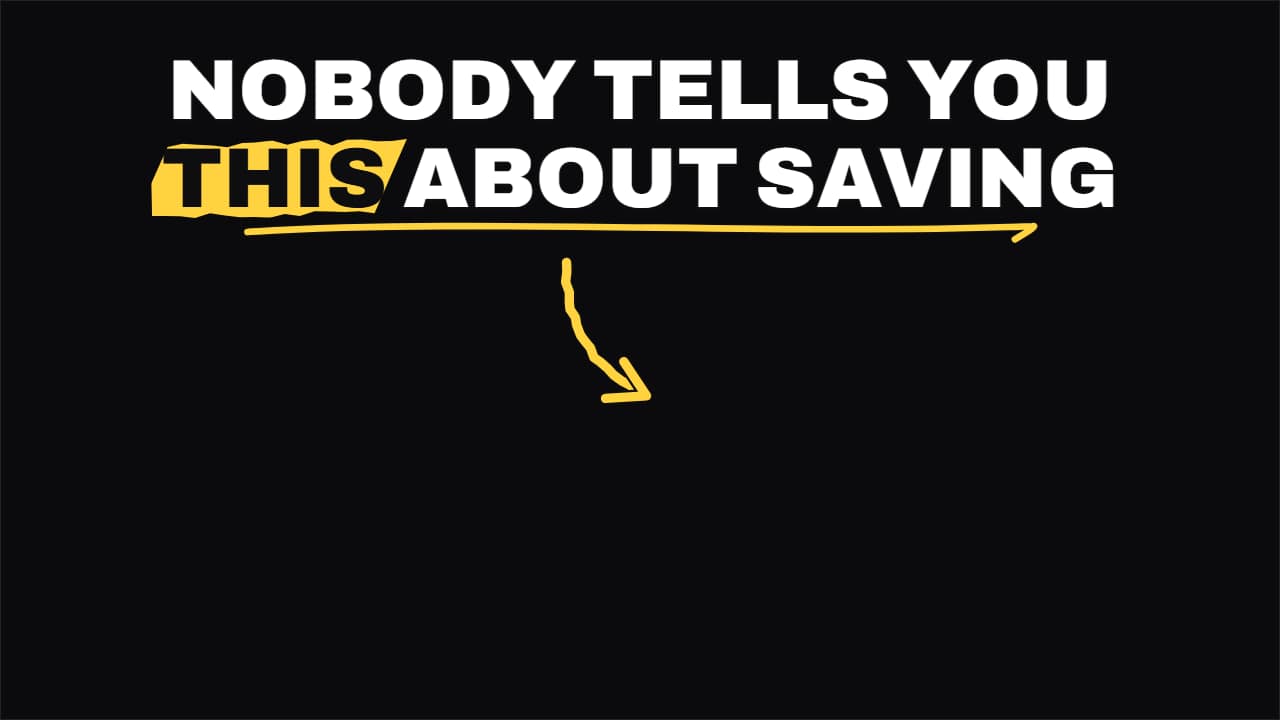 Shorts hook headlineThe headline for the first two seconds of a Short: it comes in word by word in the top safe zone, the key…
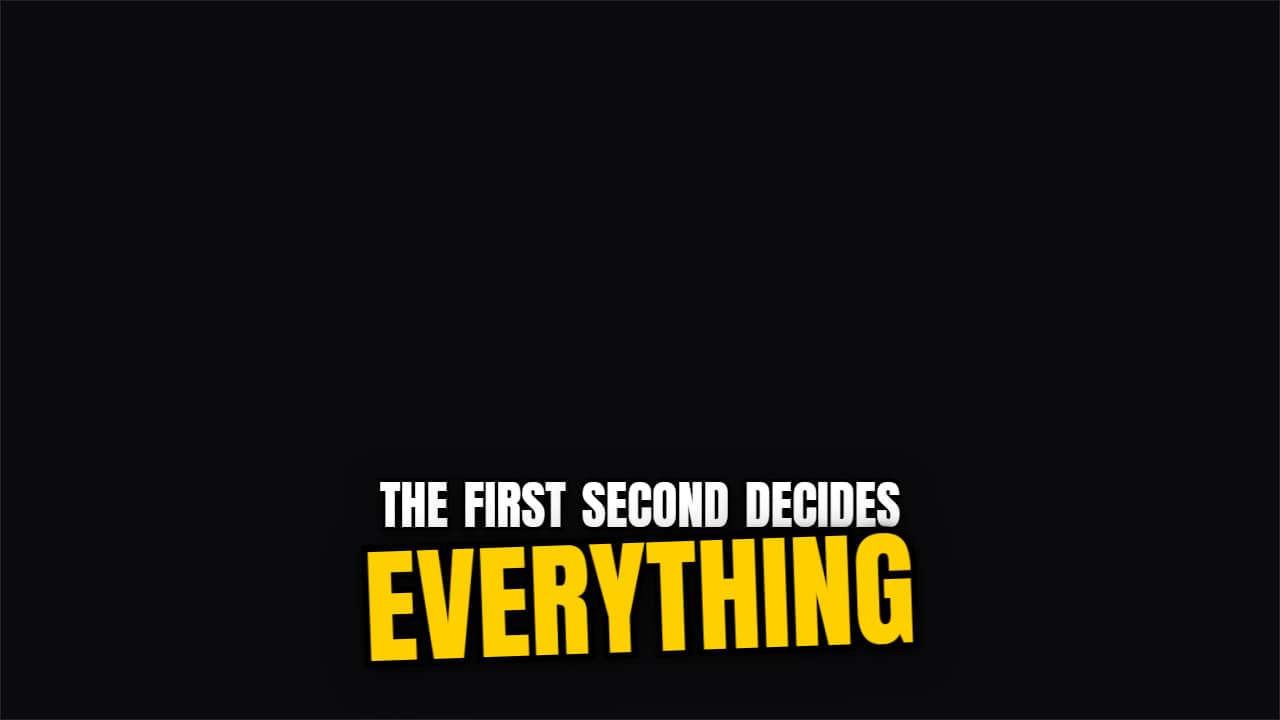 Keyword slam captionsA caption that writes itself word by word and, when the word you mark with *asterisks* arrives, it slams in…
More free tools
Questions
- Can I make a talking skeleton with my own voice for free?
- Yes. Recording and the preview are always free, and during the beta exporting the video is free too. You record in the browser or upload an MP3, WAV or M4A.
- Is Bones a copy of a famous skeleton character?
- No. Bones is an original drawing made for AnimateMyVideo, so you can use him on a monetized channel without borrowing someone else's mascot.
- Can I monetize videos made with a talking skeleton?
- Yes, the video file is yours to publish and monetize. What YouTube's Partner Program does not pay for is inauthentic content: mass-produced or repetitive uploads with little original work. Your own script, voice and point of view are what make a channel eligible, not the drawing.
Meet the other characters
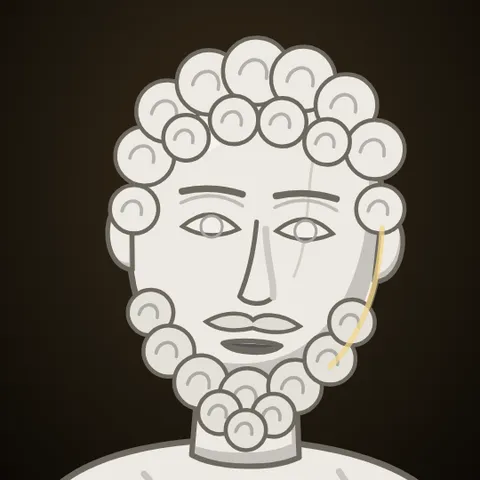 MarcusStoicism
 StixPsychology
 KikoAnime & storytime
 WhisperHorror
 GrayTrue crime
 JoeReddit stories
 NovaTech & AI news
 HootEducation
 PennyPersonal finance
 MarksInvesting
 GlitchCybersecurity
 LunaSleep & calm
 AtlasHistory & travel
 Coach BoltFitness
 RexKids & science
 ByteGaming
 MochiStorytime
 NarratorAny niche
 JelliFacts & kids