Chibi gamer
Talking Gamer Avatar for Gaming Videos — meet Byte
Byte is a chibi gamer with big headphones and a boom mic, made for gaming channels that don't show a face cam. He reacts, gestures and lip-syncs to your voice in tier lists, reviews, patch-note breakdowns and top 10s. Record your take, download the video and drop it over your gameplay.
Free during the beta · preview without an account · MP4 or transparent .mov
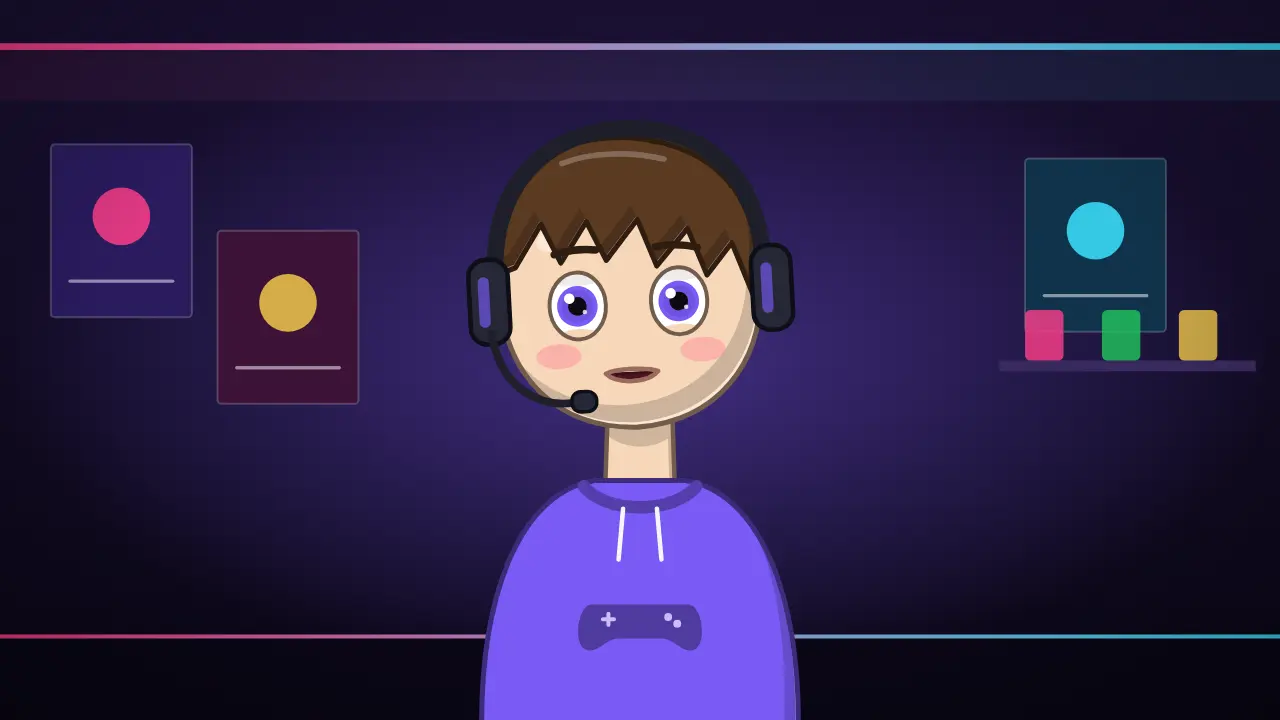
7 expressions, one Byte

- Neutral
- Happy
- Excited
- Surprised
- Serious
- Sad
- Thinking
A host for gaming videos without a face cam
A lot of gaming content is commentary over footage — tier lists, 'top 10 hidden details', patch-note reactions, reviews. Without a face cam, the video can feel like a slideshow. A small animated host in the corner fixes that: it gives the viewer someone to watch while the gameplay runs, and it becomes the channel's mascot over time.
Byte is drawn in a chunky chibi style that stays readable when small, which is what you need in a corner badge over busy footage. His 'excited' and 'surprised' expressions cover the hype moments, and his gestures land on your stressed words — a thumbs up for an S-tier pick, a fist for a big win.
3 script ideas for Byte
Tier list opener
“Every weapon in the new season, ranked from 'delete it' to 'absolutely broken'. And yes, your favourite is lower than you think.”
Say this with Byte →Patch-note reaction
“The patch notes are out and they nerfed exactly the thing nobody asked them to nerf. Let's read the important parts together.”
Say this with Byte →Top 10 hidden details
“Number ten: if you go back to the very first village after the ending, the shopkeeper remembers your name. Number nine is even weirder.”
Say this with Byte →
How it works
- Paste your script. Byte reads it from a karaoke-style teleprompter.
- Record your voice in the browser, or upload an MP3, WAV or M4A.
- Pick a scene, framing and subtitles, then download the video.
Tips for gaming commentary with an avatar
Export Byte in the corner framing on a green screen and key him out in your editor over the gameplay — it keeps the footage the star. Match your energy to the moment: Byte's bounce follows your strongest syllables, so hype moments look hype.
Use the gaming templates for the rest of the screen: a kill feed, a boss health bar or a victory screen around your commentary, and a patch-notes card for update videos. Keep the same colour scheme on Byte so regular viewers recognise him.
Templates that pair with Byte
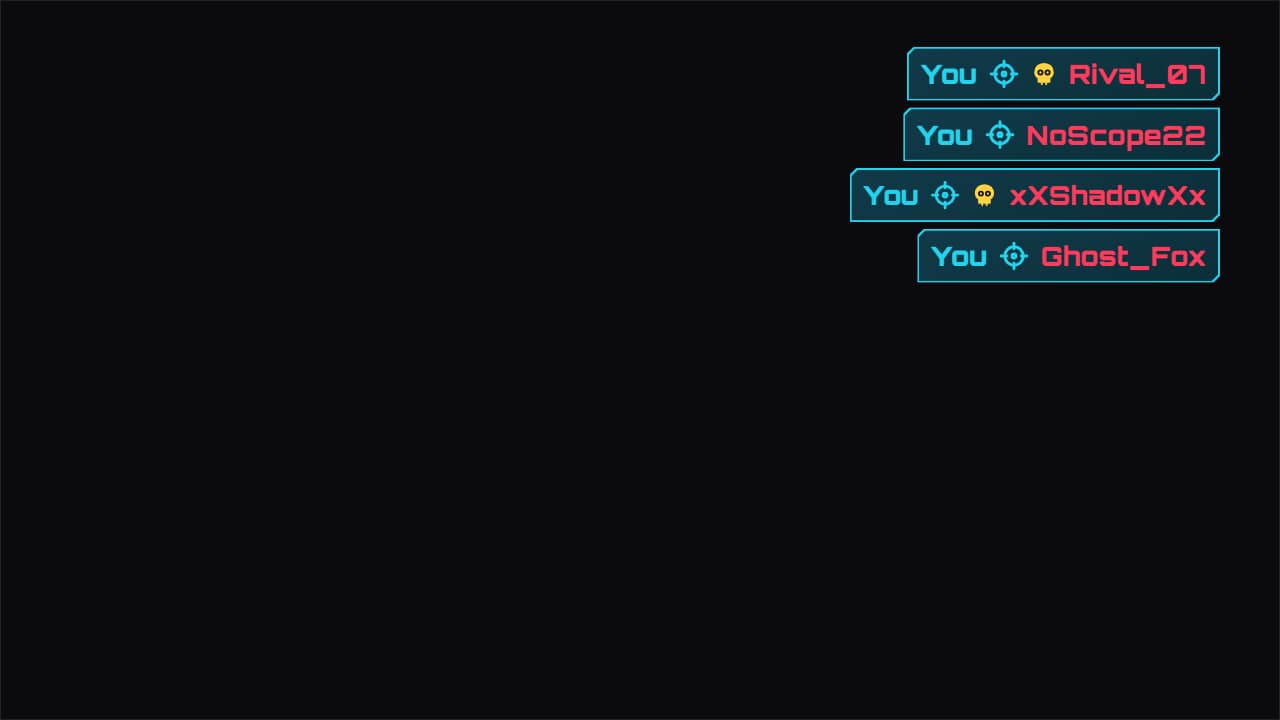 Kill feed overlayThe shooter-style elimination feed, for your best plays: each line slides in from the side, your name is…
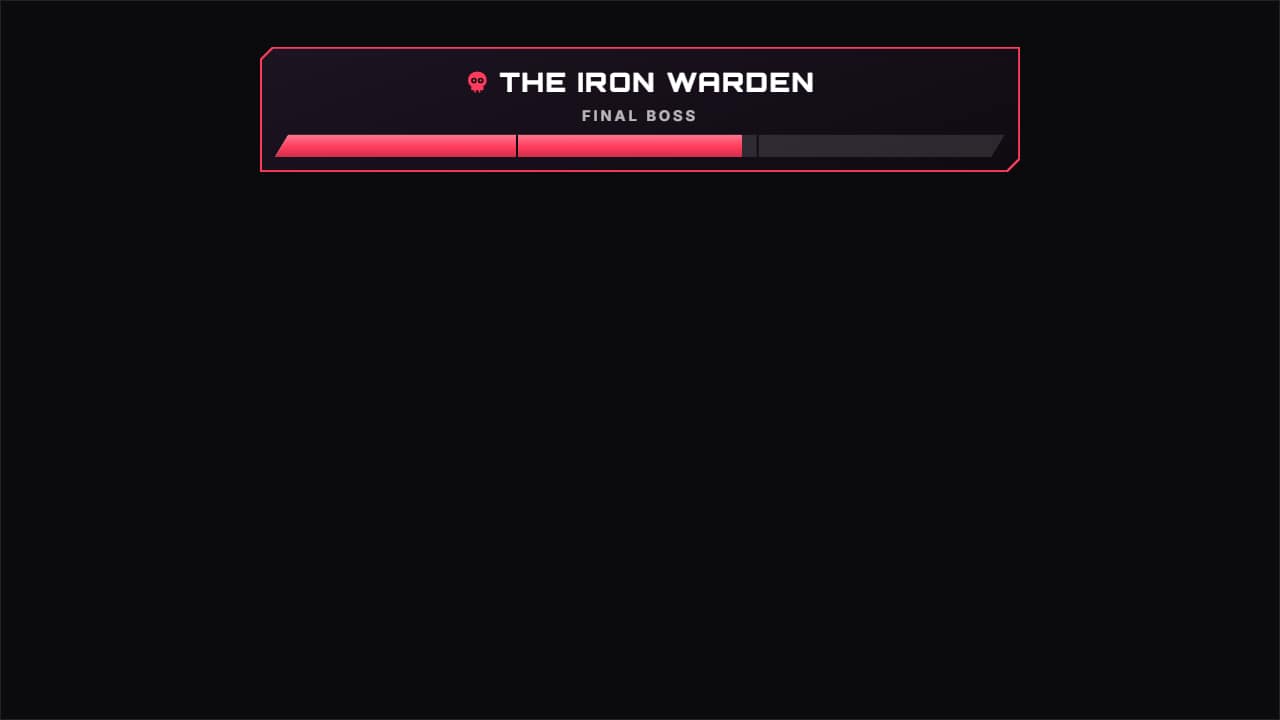 Boss health barThe long final-boss bar at the top, with its name and a subtitle, the phase marks and the hits that drain it…
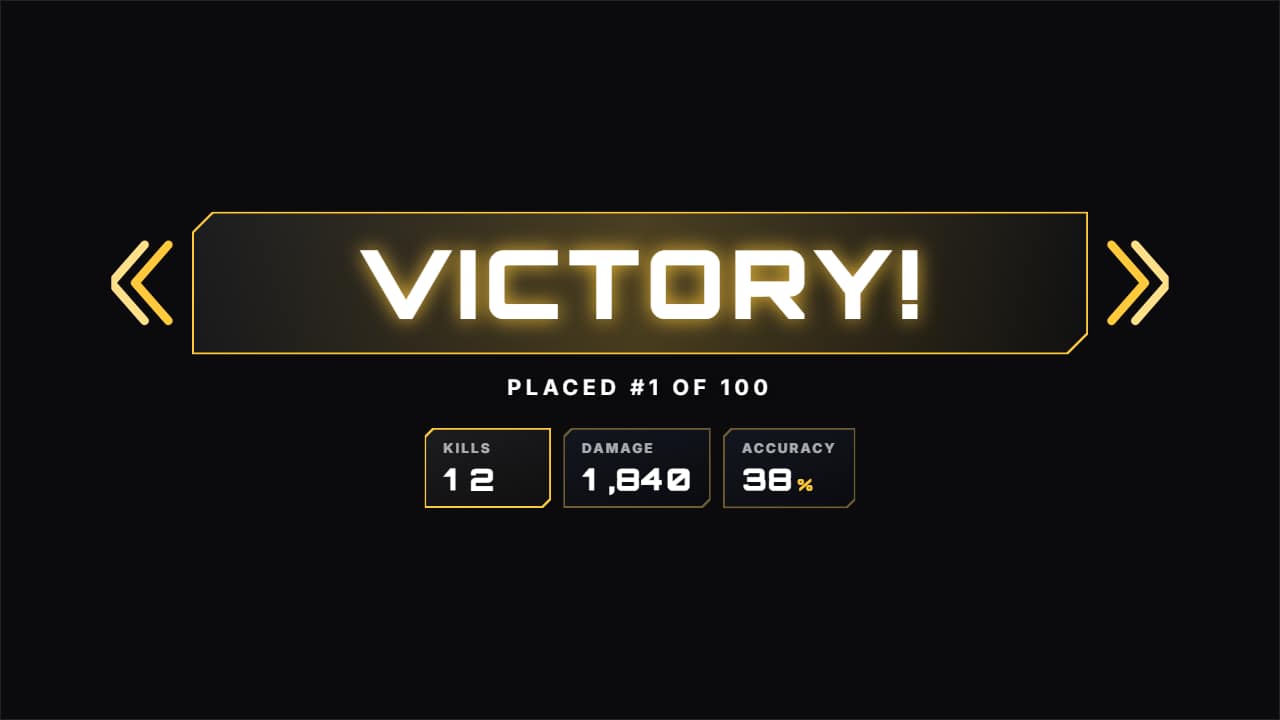 Victory screenEnd of the match: «VICTORY!» slams onto its band with chevrons on the sides and a light sweep, one line…
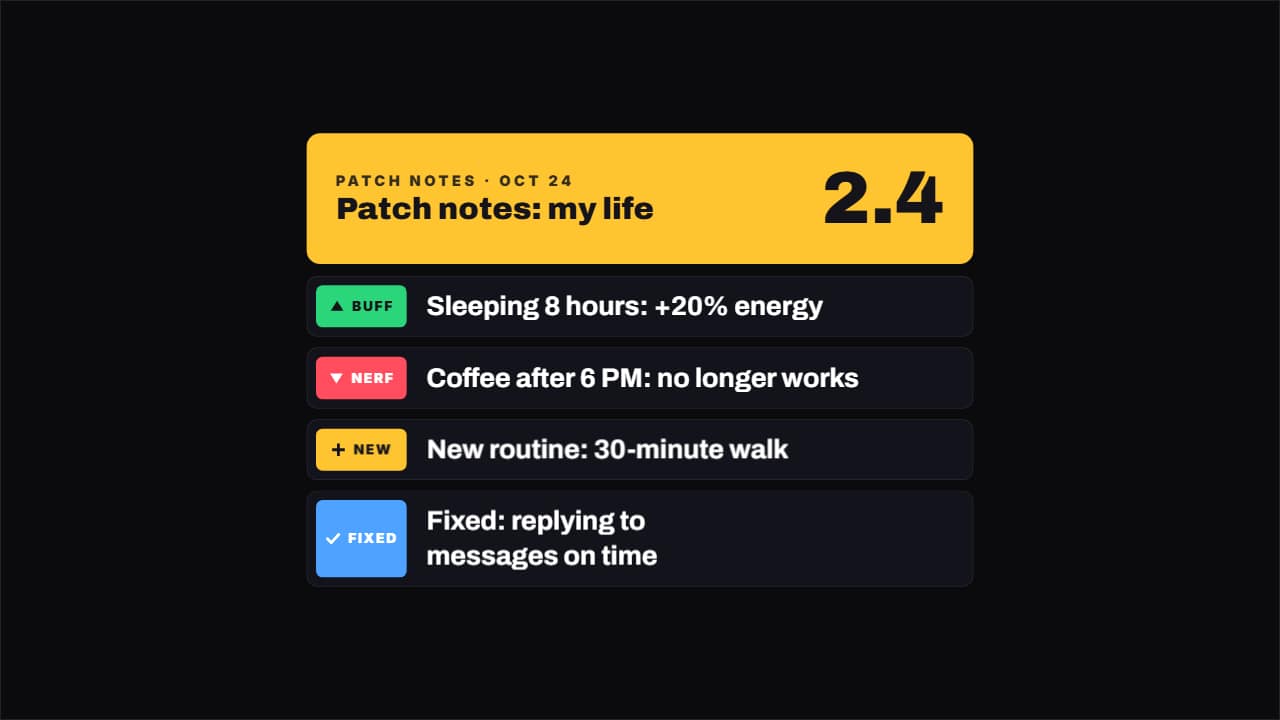 Patch notesThe list of changes in a version, each marked with its type: ▲ buff, ▼ nerf, + new and ✓ fixed.
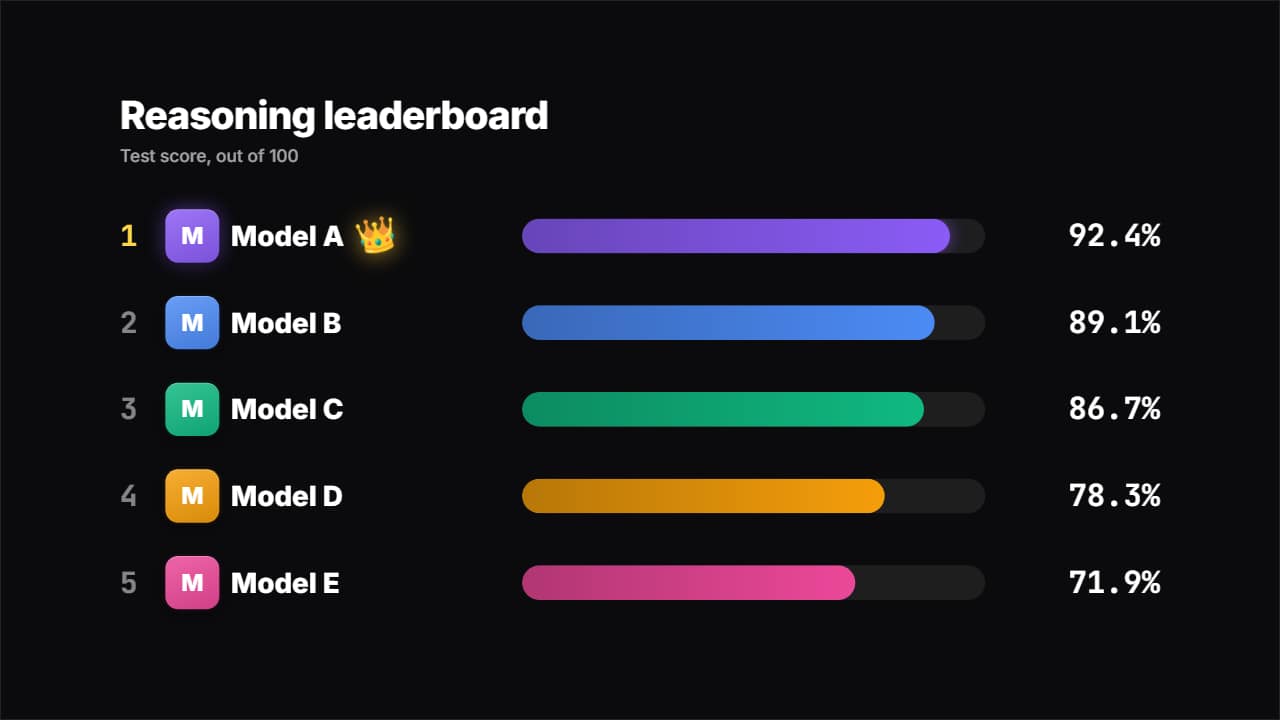 AI model leaderboardA benchmark table: every model with its card, its bar and its score counting up, sorted on their own from…
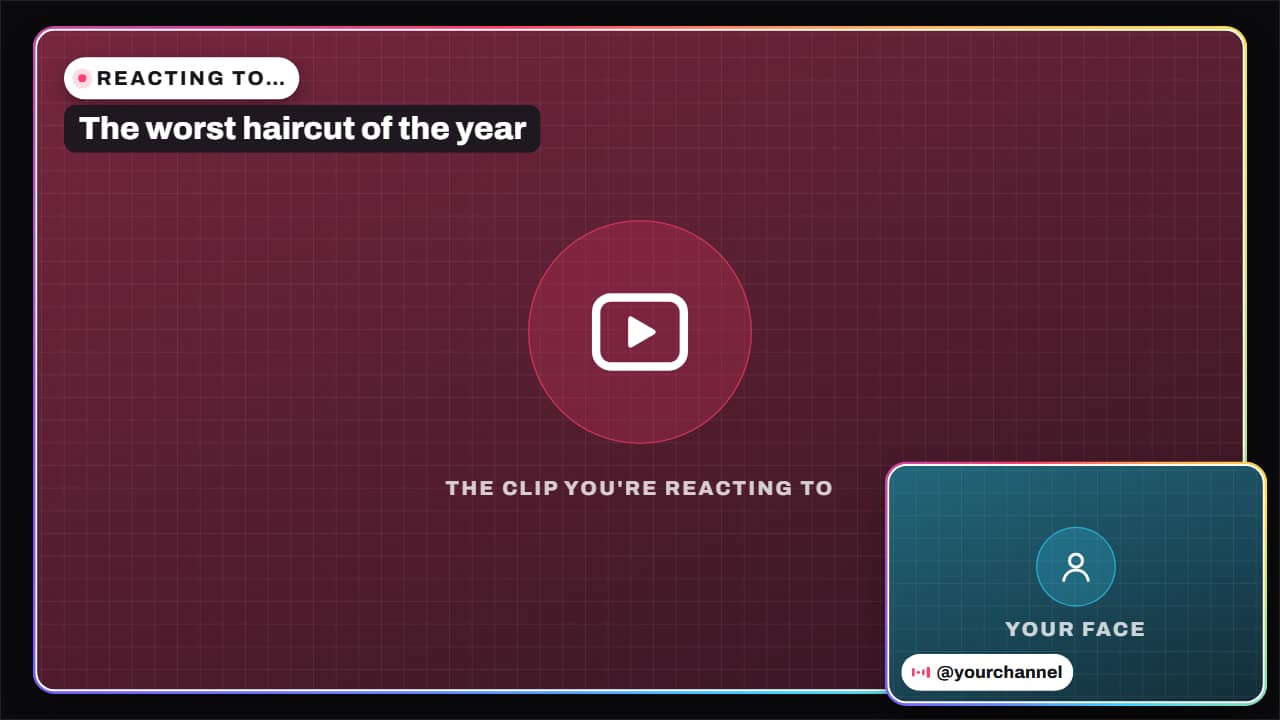 Reaction layoutThe reaction video layout: the clip you're commenting on, big, and your face in a corner, with «REACTING…
More free tools
Questions
- Can I put Byte over my gameplay?
- Yes. The easiest way is the corner badge framing on a green screen (or a transparent .mov up to 30 seconds), placed over your footage in CapCut, Premiere, DaVinci Resolve or Final Cut.
- Is Byte based on a game character?
- No. Byte is an original chibi gamer drawn for AnimateMyVideo, so there are no copyright worries about using him as your channel's host.
- Can I monetize gaming videos that use an animated host?
- Yes, the video file is yours to publish and monetize. What YouTube's Partner Program does not pay for is inauthentic content: mass-produced or repetitive uploads with little original work. Your own script, voice and point of view are what make a channel eligible, not the drawing.
Meet the other characters
 BonesDark humor
 MarcusStoicism
 StixPsychology
 KikoAnime & storytime
 WhisperHorror
 GrayTrue crime
 JoeReddit stories
 NovaTech & AI news
 HootEducation
 PennyPersonal finance
 MarksInvesting
 GlitchCybersecurity
 LunaSleep & calm
 AtlasHistory & travel
 Coach BoltFitness
 RexKids & science
 MochiStorytime
 NarratorAny niche
 JelliFacts & kids