Cyber fox hacker
Hacker Fox Avatar for Cybersecurity and Tech Videos — meet Glitch
Glitch is a sly cyber fox in a black hoodie, with neon circuit marks on his forehead, headphones around his neck and a padlock printed on his chest. Now and then a few pixels flicker next to his ear, as if the video itself glitched. He explains security tips, tech tricks and internet mysteries in your own voice.
Free during the beta · preview without an account · MP4 or transparent .mov
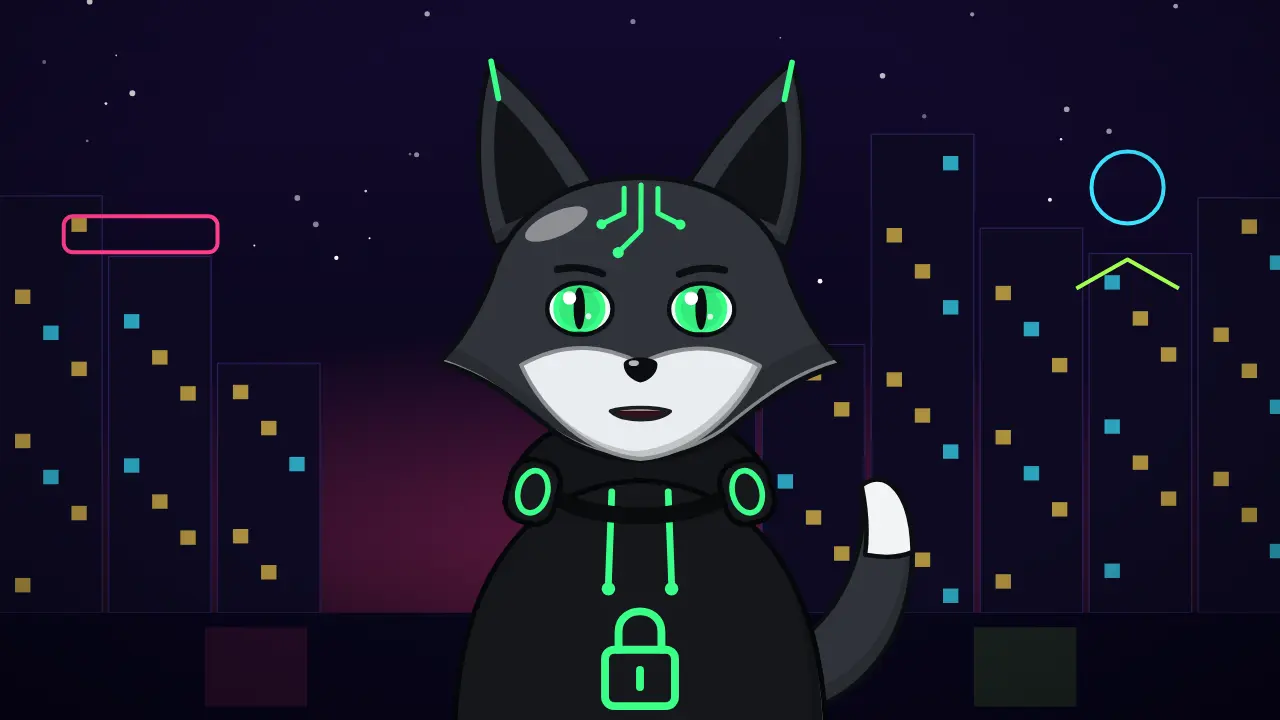
7 expressions, one Glitch

- Neutral
- Happy
- Excited
- Surprised
- Serious
- Sad
- Thinking
A clever host for cybersecurity and tech tips
Tech and cybersecurity channels compete on credibility and style. A faceless channel with a strong mascot reads as 'insider' rather than 'random narrator', and a fox is the classic clever trickster. Glitch's half-closed, side-eyed default and his slit-pupil eyes give him the confident smirk the niche loves, while the neon accent keeps him readable over dark screen recordings.
Use him for password and privacy tips, scam breakdowns, phone and PC tricks, crypto explainers, 'how hackers actually do it' stories and internet mysteries. Four looks: neon green, cyber pink, electric blue and a classic red fox.
3 script ideas for Glitch
Scam breakdown
“This text says your package is stuck and asks for one dollar. That dollar isn't the scam. The card number you type in is. Here's how to spot it in two seconds.”
Say this with Glitch →Password tip
“A long sentence beats a short, weird password. Four random words and a number are harder to crack than one word full of symbols. Let me prove it.”
Say this with Glitch →Hidden phone setting
“Your phone has a setting that hides your exact location from apps that don't need it. It takes ten seconds to turn on. Here's where it lives.”
Say this with Glitch →
How it works
- Paste your script. Glitch reads it from a karaoke-style teleprompter.
- Record your voice in the browser, or upload an MP3, WAV or M4A.
- Pick a scene, framing and subtitles, then download the video.
Tips for tech videos that feel trustworthy
Never show real passwords, keys or personal data on screen, even blurred — use the redacted-document and typing templates with invented examples. Teach defense, not attacks: explain how a scam works so people can avoid it, without step-by-step instructions to hurt anyone.
Glitch reads best over dark footage: choose the neon city scene or a transparent .mov over your screen recording. Keep jargon for the second sentence; open with the problem in plain words.
Templates that pair with Glitch
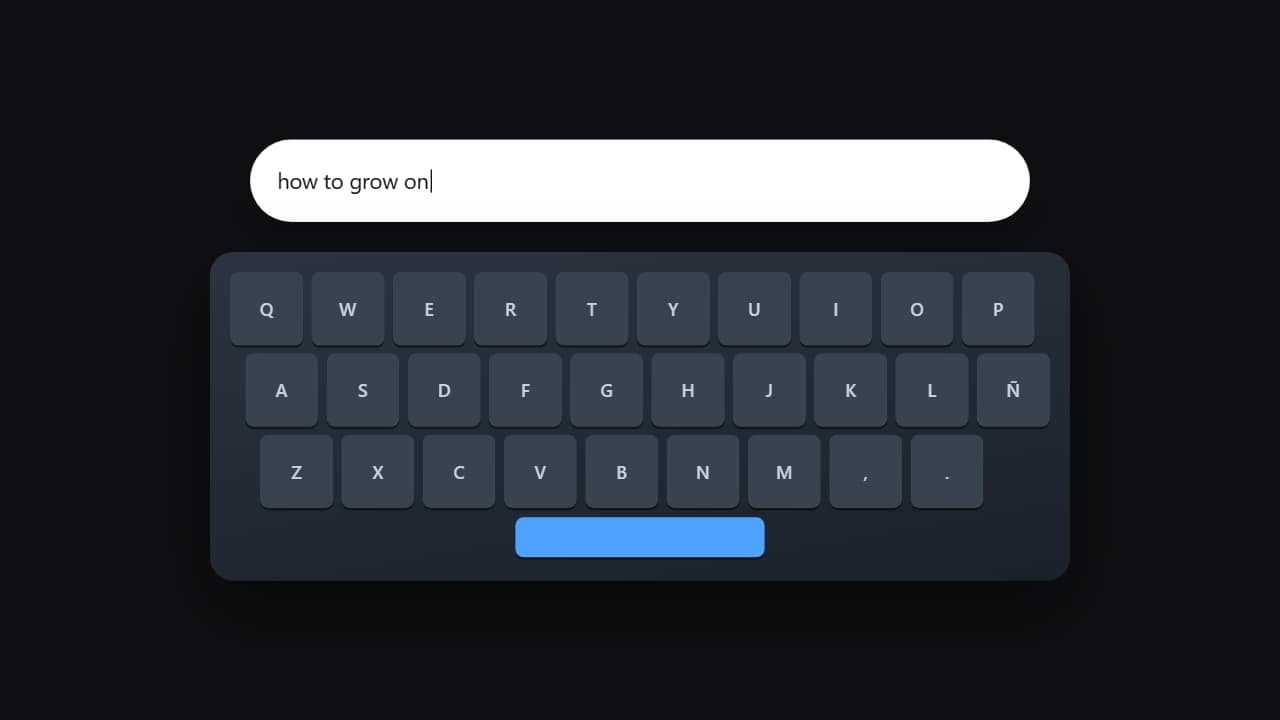 Typing on the keyboardThe keyboard from above with the keys lighting up one by one while the text appears in the field.
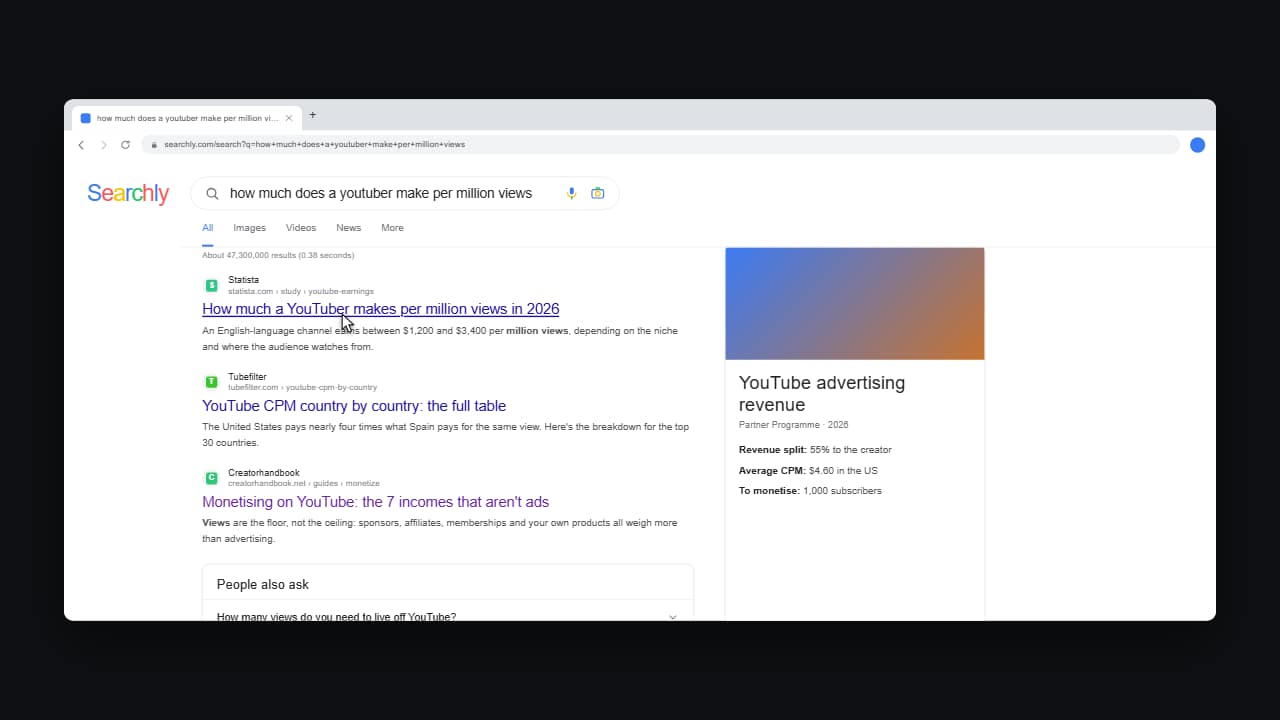 Searching the webThe whole gesture, not a photo of the outcome: the blank page, the query typing itself letter by letter, the…
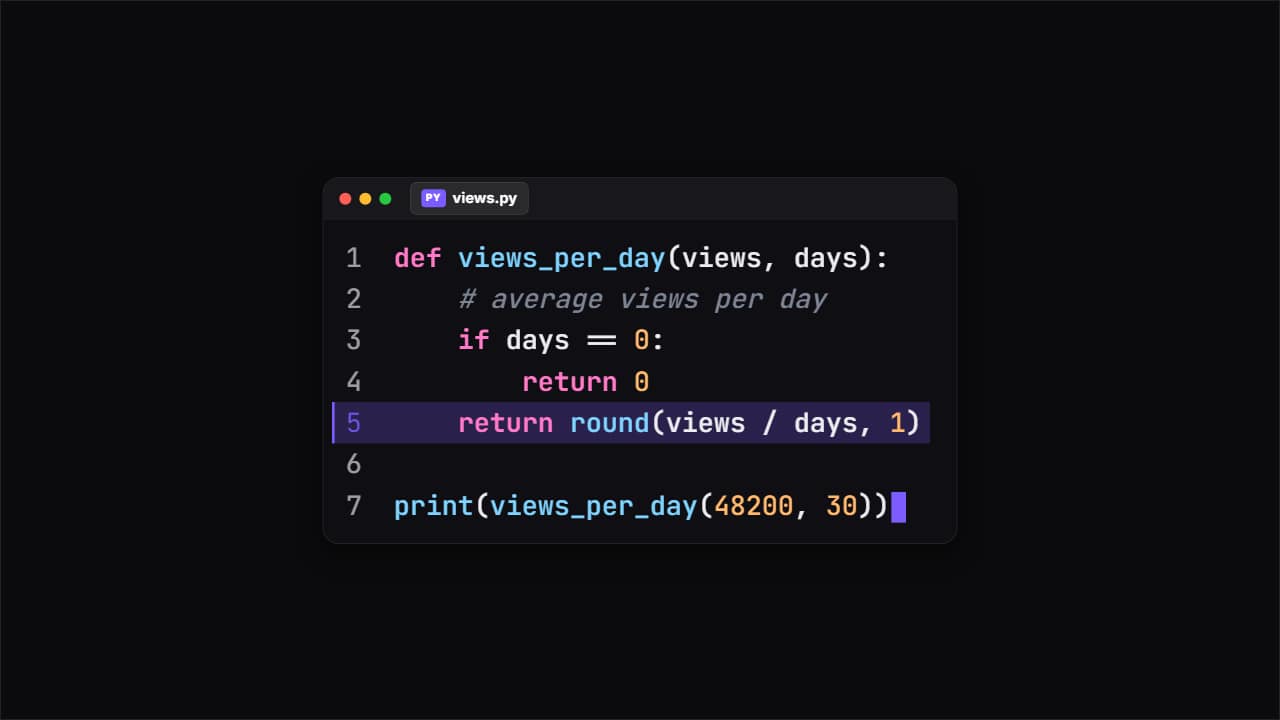 Code snippetThe editor window with your code typing itself, with its colors, the file name and line numbers.
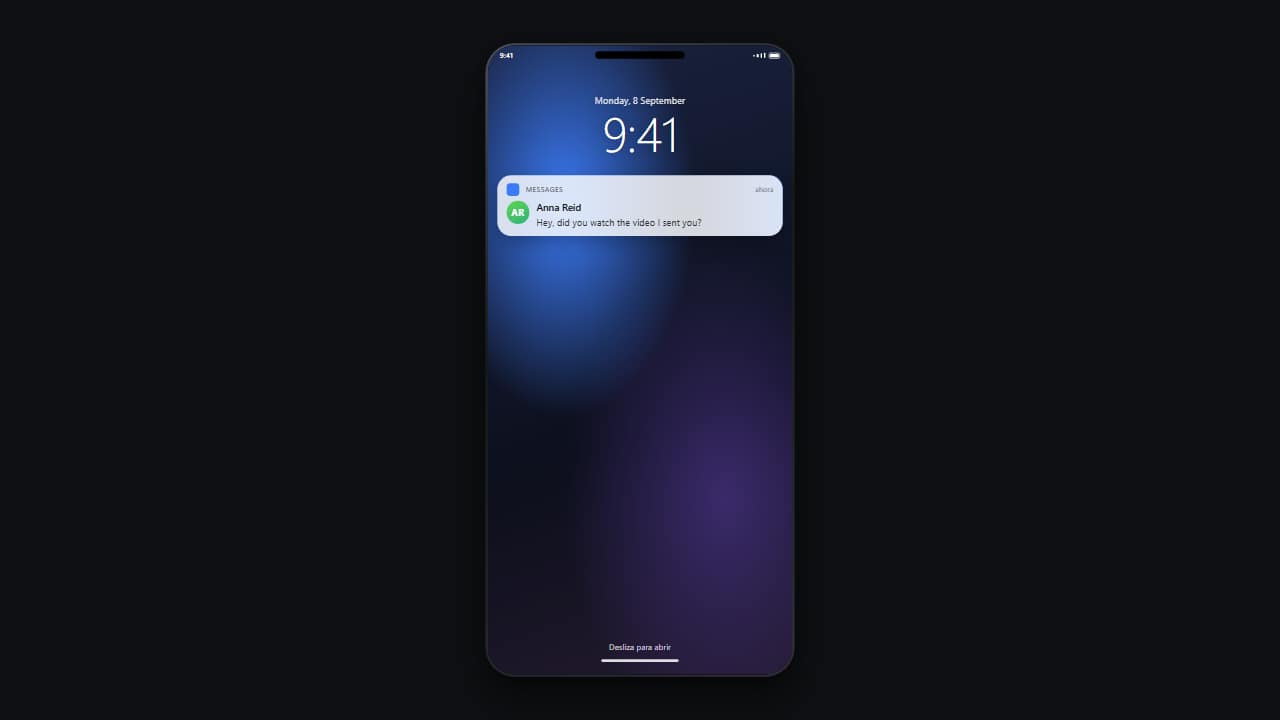 Lock-screen notificationThe locked phone with its big clock, and the notification dropping in from the top with a small bounce.
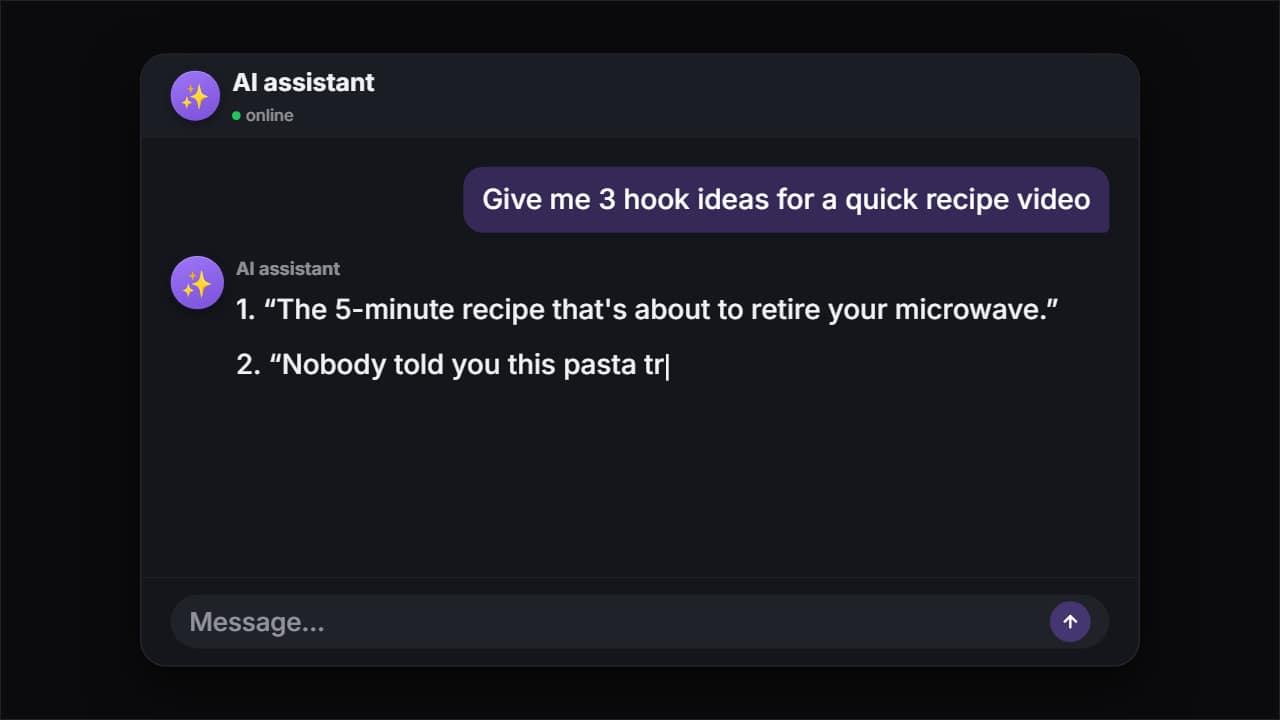 AI chatThe question types itself letter by letter, gets sent, the model thinks and the answer appears word by word…
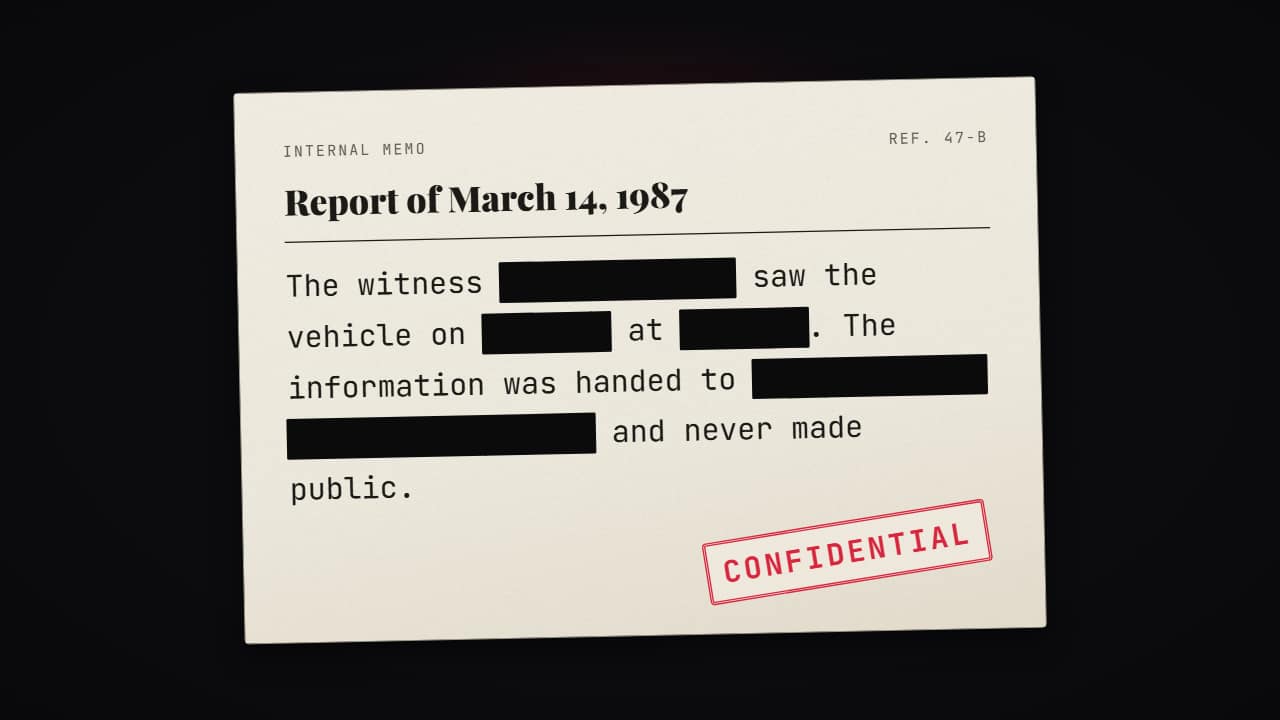 Redacted documentThe document for mystery, history and true crime videos: the header, the title, typewriter text and the…
More free tools
Questions
- Can I put Glitch over my screen recordings?
- Yes. Export a transparent .mov (up to 30 seconds per file) or a green-screen MP4 and place him in a corner of your tutorial in CapCut, Premiere, DaVinci Resolve or Final Cut.
- Is Glitch based on an existing character?
- No. He is an original cyber fox drawn for this tool, with no logos or references to brands, games or hacker groups, so you can use him on a monetized channel.
- Can I monetize a tech channel with a character host?
- Yes, the video file is yours to publish and monetize. What YouTube's Partner Program does not pay for is inauthentic content: mass-produced or repetitive uploads with little original work. Your own script, voice and point of view are what make a channel eligible, not the drawing.
Meet the other characters
 BonesDark humor
 MarcusStoicism
 StixPsychology
 KikoAnime & storytime
 WhisperHorror
 GrayTrue crime
 JoeReddit stories
 NovaTech & AI news
 HootEducation
 PennyPersonal finance
 MarksInvesting
 LunaSleep & calm
 AtlasHistory & travel
 Coach BoltFitness
 RexKids & science
 ByteGaming
 MochiStorytime
 NarratorAny niche
 JelliFacts & kids