Narrator you design
Custom Cartoon Narrator Avatar for Faceless Channels
The Narrator is the customizable human host: choose from 8 skin tones, 8 hair colours, 11 hairstyles (including a hijab and bald), glasses, beard or moustache and 6 outfits. Make an avatar that looks like you — or like nobody in particular — and it explains your topic in your own voice.
Free during the beta · preview without an account · MP4 or transparent .mov
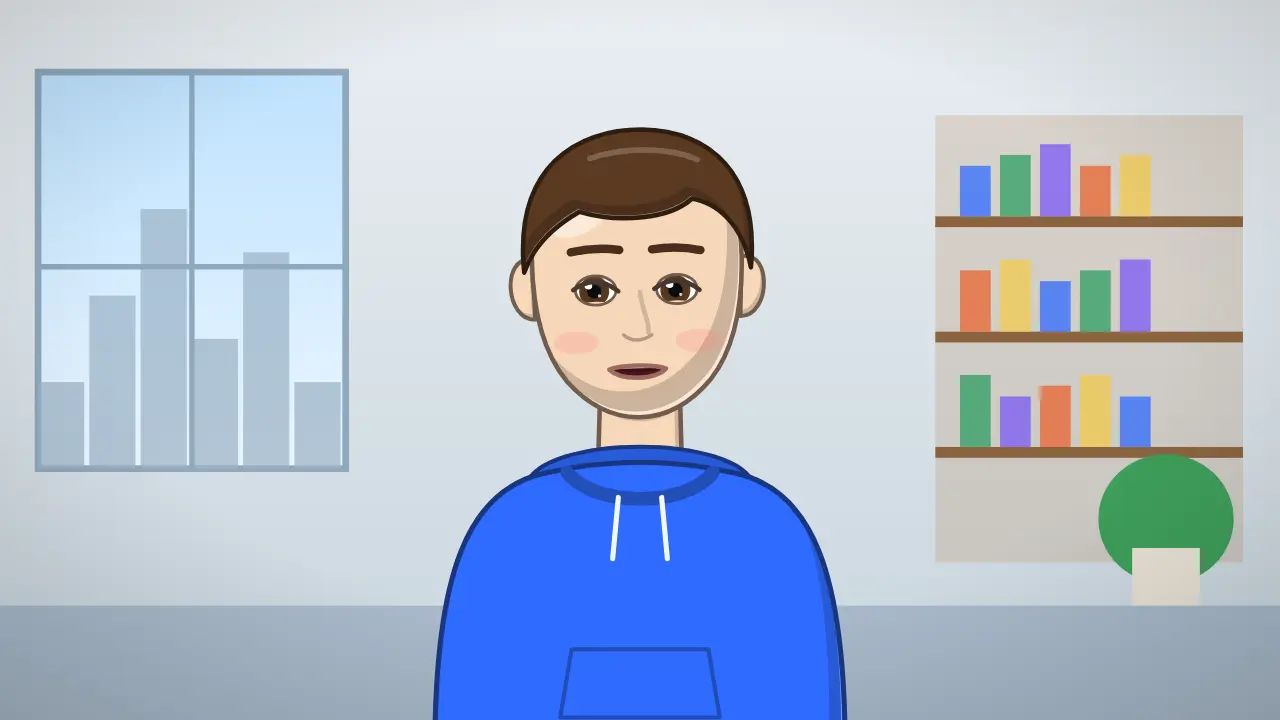
7 expressions, one Narrator

- Neutral
- Happy
- Excited
- Surprised
- Serious
- Sad
- Thinking
A narrator that looks the way you want
Education, personal finance, history and business channels often want a human presenter without putting a real face on camera — for privacy, for consistency, or because the creator simply prefers not to. A cartoon avatar solves it: viewers connect with a face, and you keep your anonymity.
The Narrator is built for that kind of channel. He or she stands in an office, a classroom or a news studio, gestures on your stressed words, blinks and looks around naturally, and lip-syncs from the sounds of your script. Because you choose the look, the same tool works for a calm finance explainer and an energetic history Short.
3 script ideas for Narrator
Personal finance explainer
“If you invest 100 dollars a month from age 25, you'll put in 48,000 by 65. With an average return, it could be worth several times that. The secret isn't the amount; it's the time.”
Say this with Narrator →History in one minute
“The shortest war in recorded history lasted about 38 minutes. It started at 9 in the morning and was over before most people had finished breakfast.”
Say this with Narrator →Course lesson opener
“Welcome to lesson three. Today you'll learn the one spreadsheet formula that replaces ten minutes of copy-paste every single day.”
Say this with Narrator →
How it works
- Paste your script. Narrator reads it from a karaoke-style teleprompter.
- Record your voice in the browser, or upload an MP3, WAV or M4A.
- Pick a scene, framing and subtitles, then download the video.
Tips for an avatar-led educational channel
Design the avatar once and keep it: the same outfit, hair and colours in every video build recognition. Write in short, clear sentences and put numbers on screen with a chart or a counter template while the Narrator explains them.
For courses and long lessons, export 16:9 with the Narrator on one side and leave the other side for slides or a lesson card. For Shorts, the full-body framing in 9:16 keeps hands and gestures inside the frame and the feet above the bottom area the app covers.
Templates that pair with Narrator
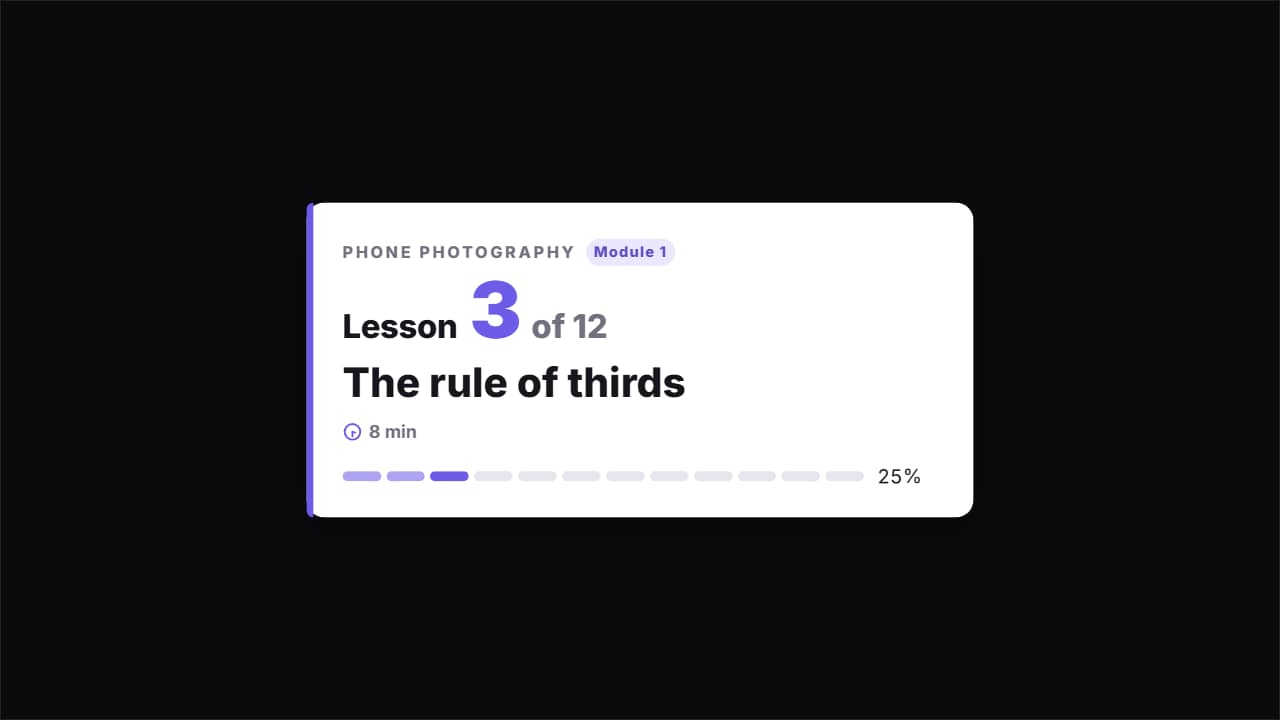 Course lesson card · «Lesson 3 of 12»The card that opens each video in a course or tutorial series: the course and module, «Lesson 3 of 12» with…
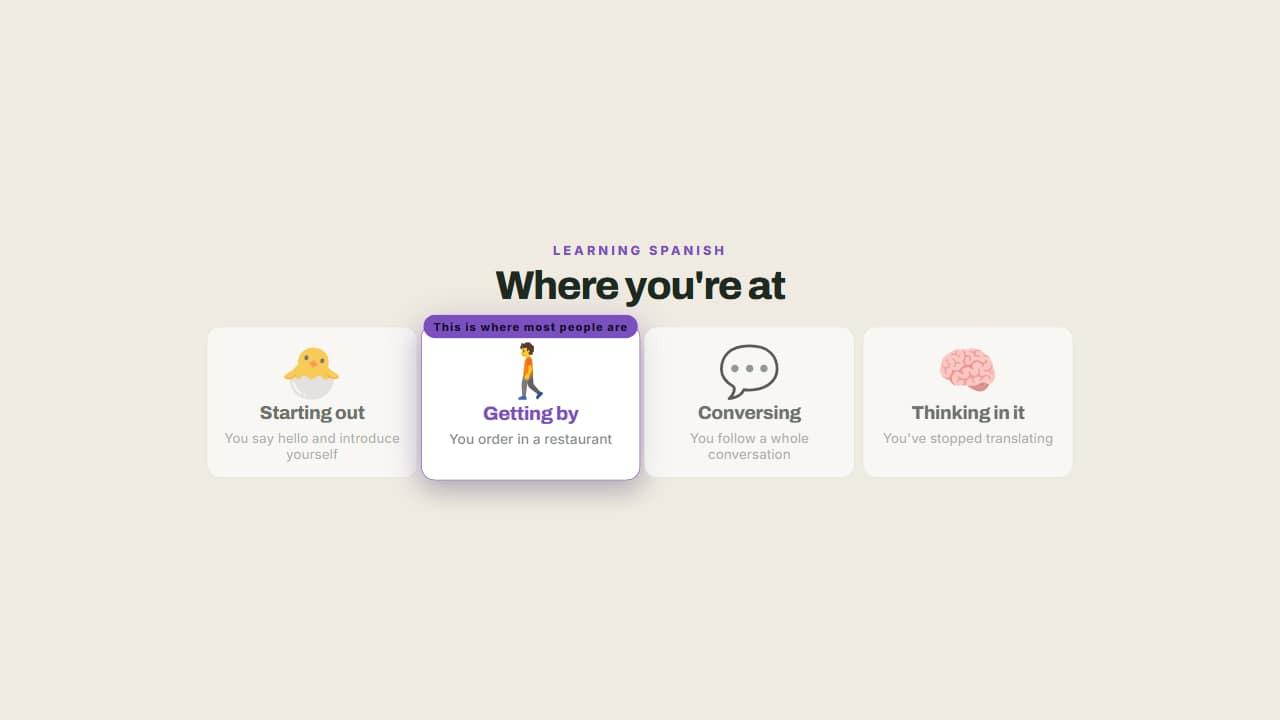 From beginner to expertThe steps of learning something, with a badge marking where the viewer is.
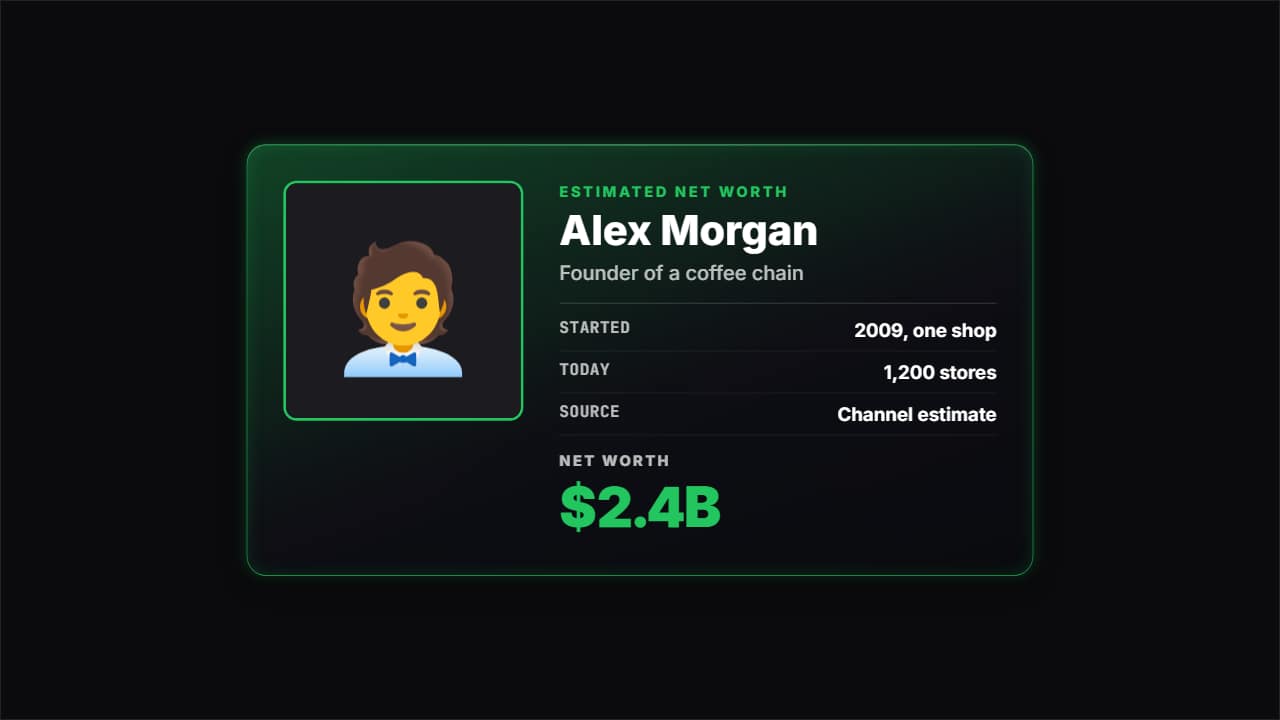 Net worth cardThe card for «how much is X worth» videos and company stories: photo or emoji, the name, what they do, a few…
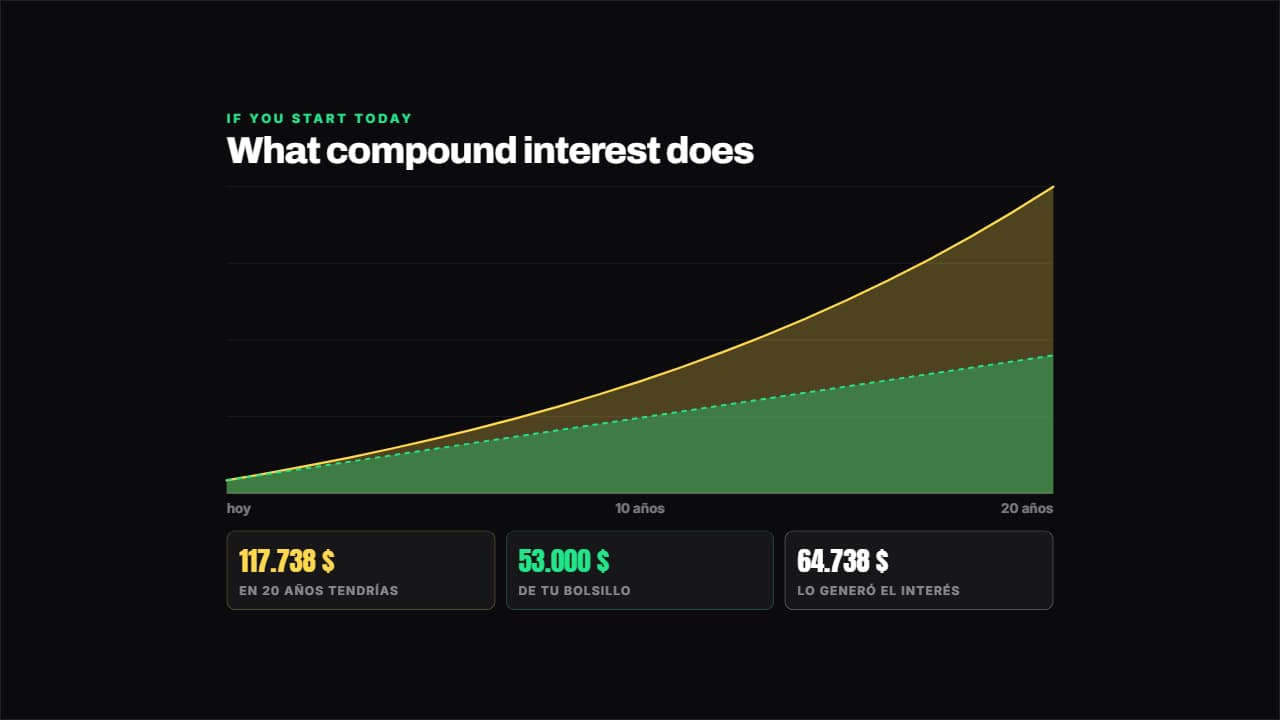 Compound interestWorked out year by year from your numbers: what you put in out of your own pocket goes in one layer and what…
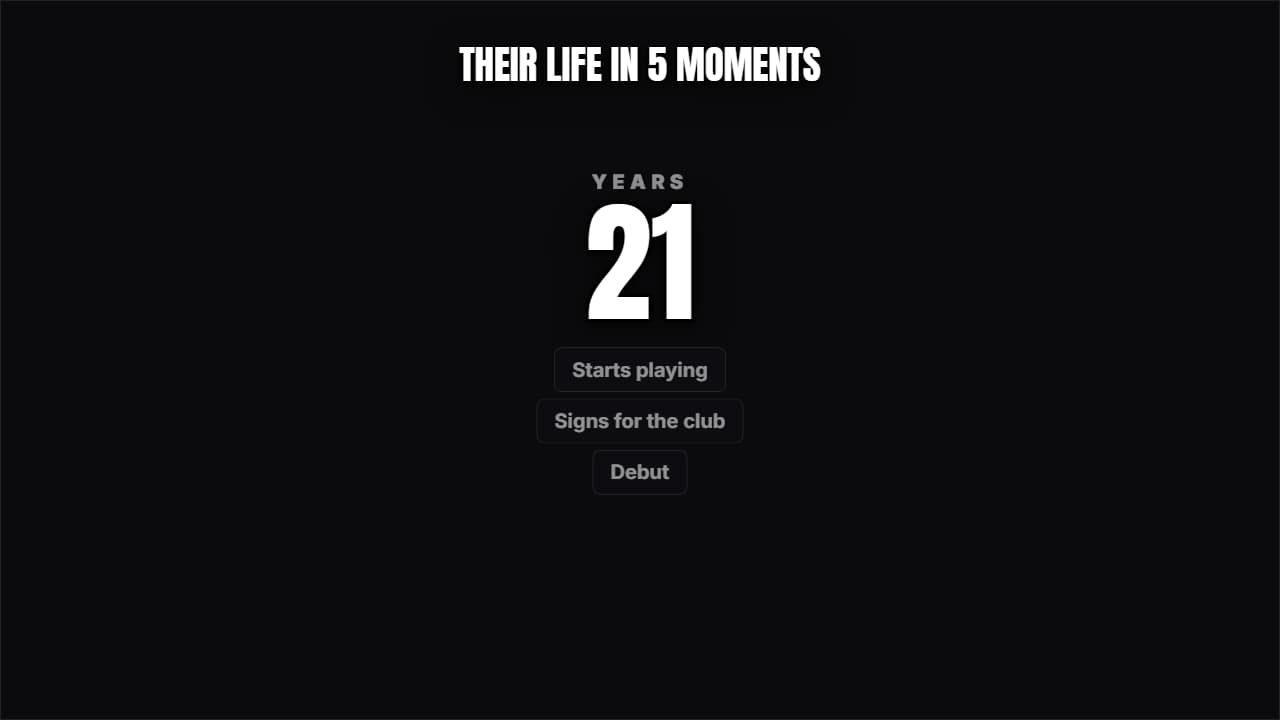 Someone's lifeA giant number (the age or the year) climbing while the milestones pile up underneath.
 Two-speaker captionsFor podcasts and interviews: write each turn as «NAME: what they say».
More free tools
Questions
- Can I make the narrator look like me?
- You can get close: 8 skin tones, 8 hair colours, 11 hairstyles (including hijab and bald), glasses, beards and outfits. It is a cartoon, not a photo-realistic clone.
- Can I use the narrator avatar for an online course?
- Yes. Record each lesson's script, export it in Full HD and place it in your course videos. During the beta each export is up to 3 minutes.
- Can I monetize videos with a cartoon narrator?
- Yes, the video file is yours to publish and monetize. What YouTube's Partner Program does not pay for is inauthentic content: mass-produced or repetitive uploads with little original work. Your own script, voice and point of view are what make a channel eligible, not the drawing.
Meet the other characters
 BonesDark humor
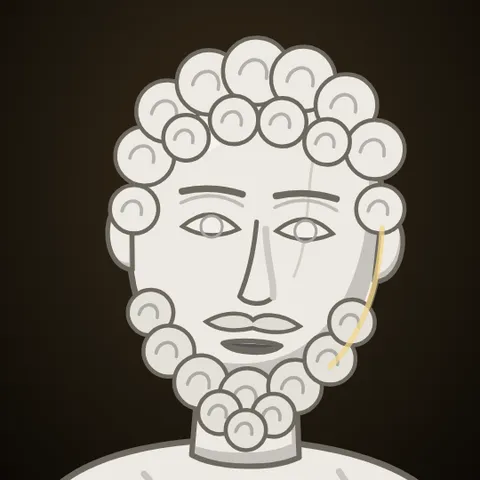 MarcusStoicism
 StixPsychology
 KikoAnime & storytime
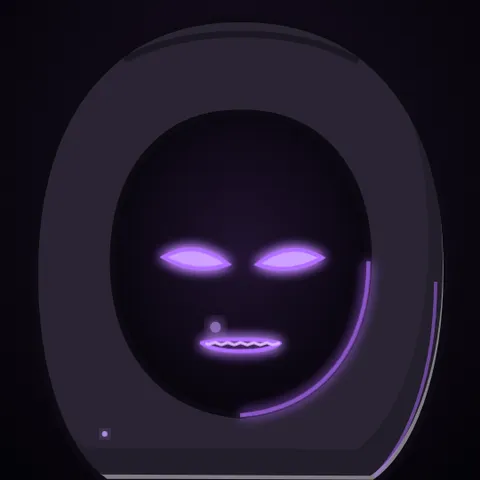 WhisperHorror
 GrayTrue crime
 JoeReddit stories
 NovaTech & AI news
 HootEducation
 PennyPersonal finance
 MarksInvesting
 GlitchCybersecurity
 LunaSleep & calm
 AtlasHistory & travel
 Coach BoltFitness
 RexKids & science
 ByteGaming
 MochiStorytime
 JelliFacts & kids