Social media handle overlay maker
Choose up to four networks — Instagram, TikTok, YouTube, X, Facebook or Twitch — type your @ (or a different one for each) and pick a color. Six animated «follow me» overlays play with your handles right here; open the one you like and export it transparent or on green screen.
Make your social media overlay
The checkerboard is the transparent part: only the animation ends up on top of your video.
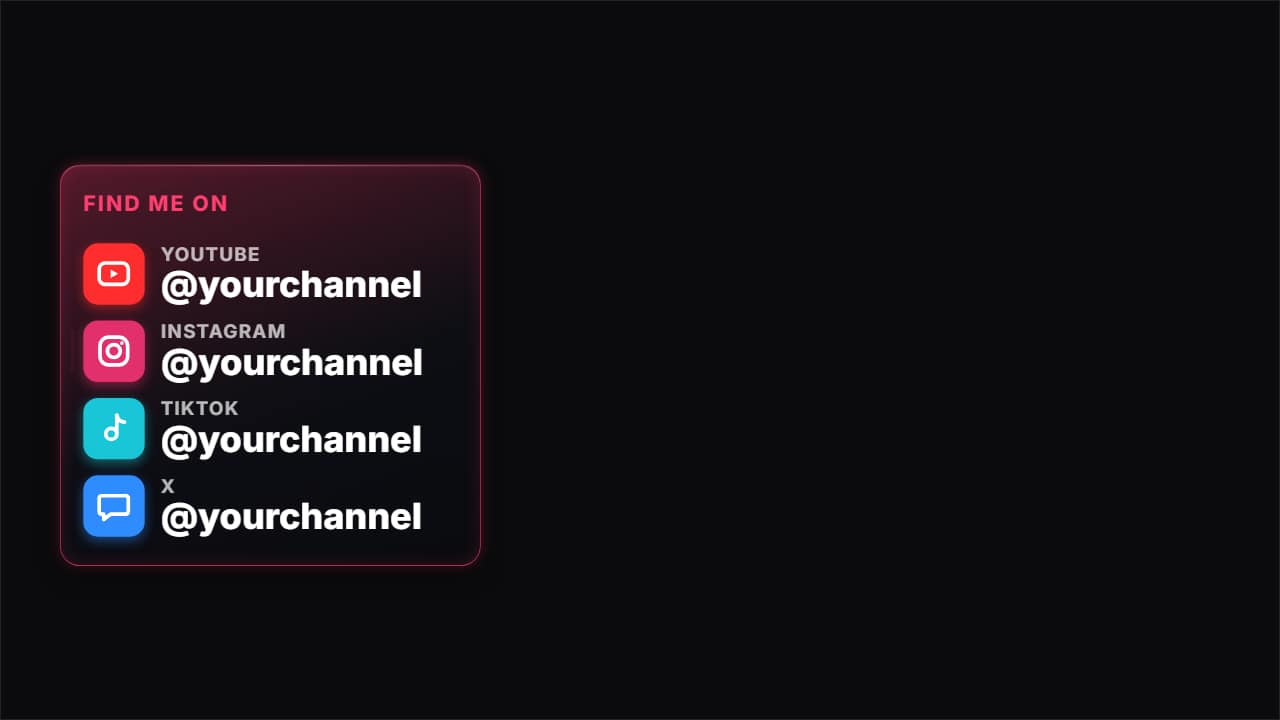
Find me on social media · glass
Customize & export — free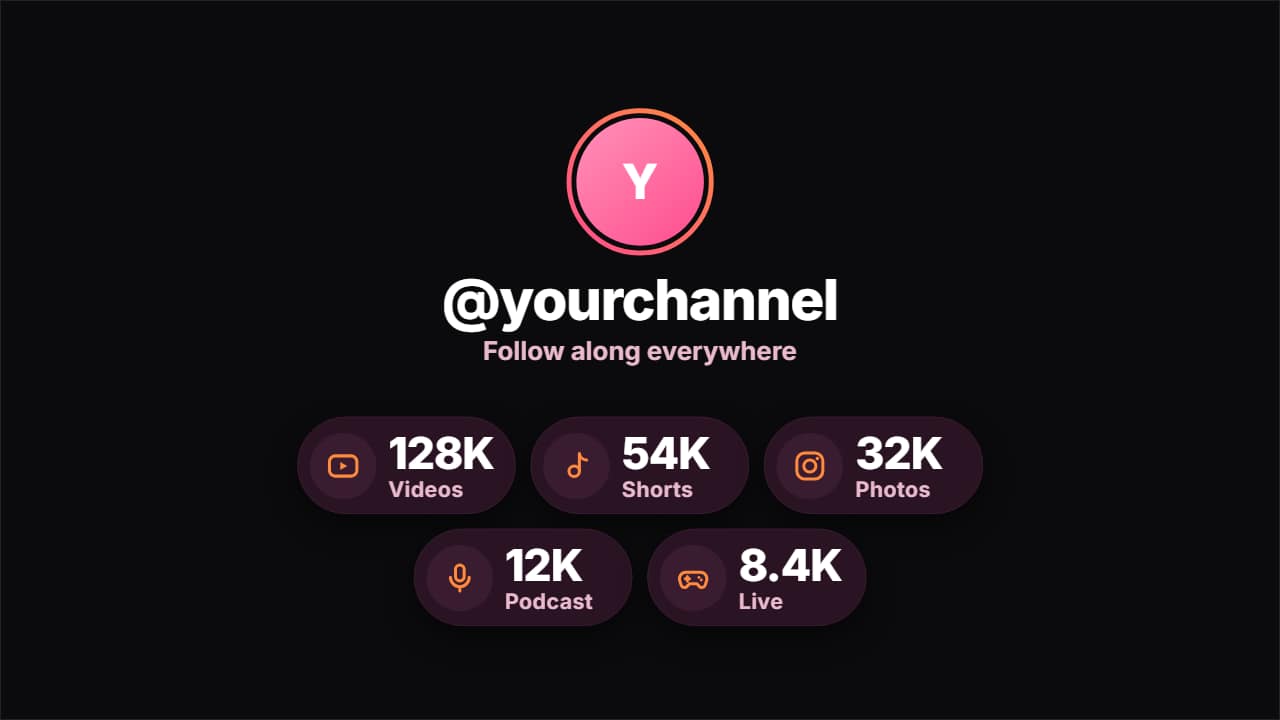
Your social accounts orbiting your @ · glass
Customize & export — free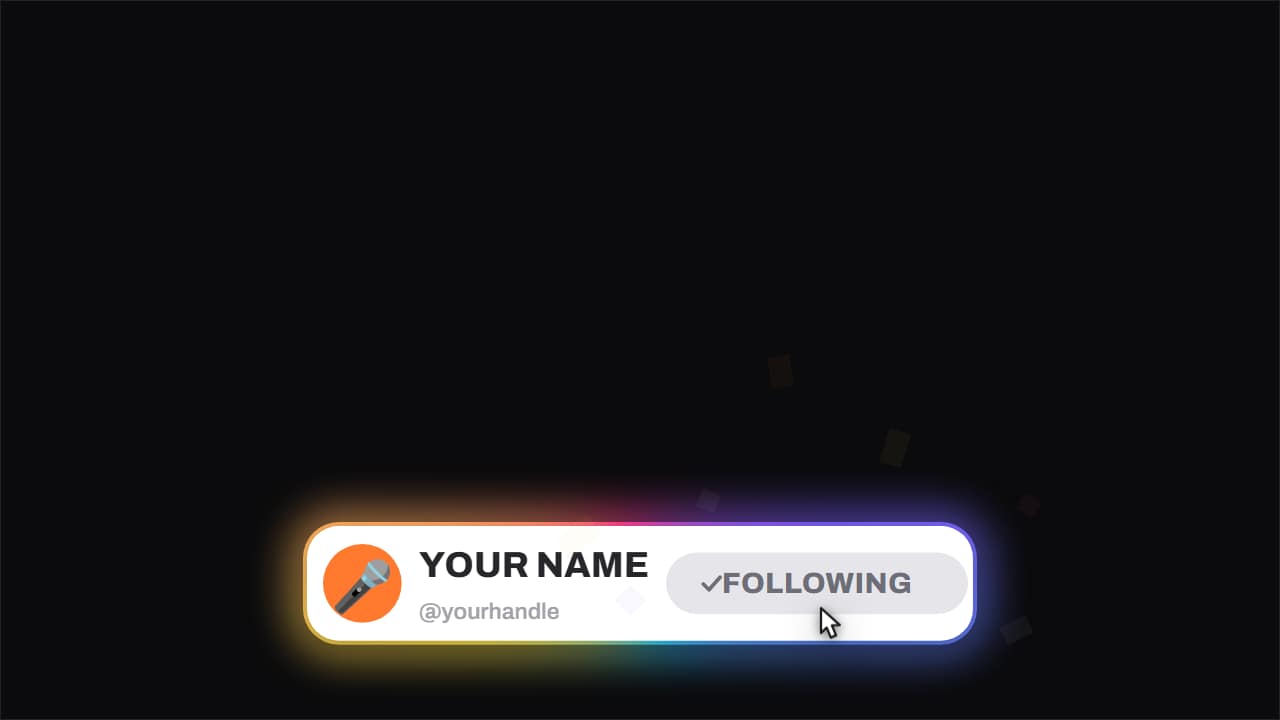
Follow card · with confetti
Customize & export — freeFind me on social media · pills
Customize & export — free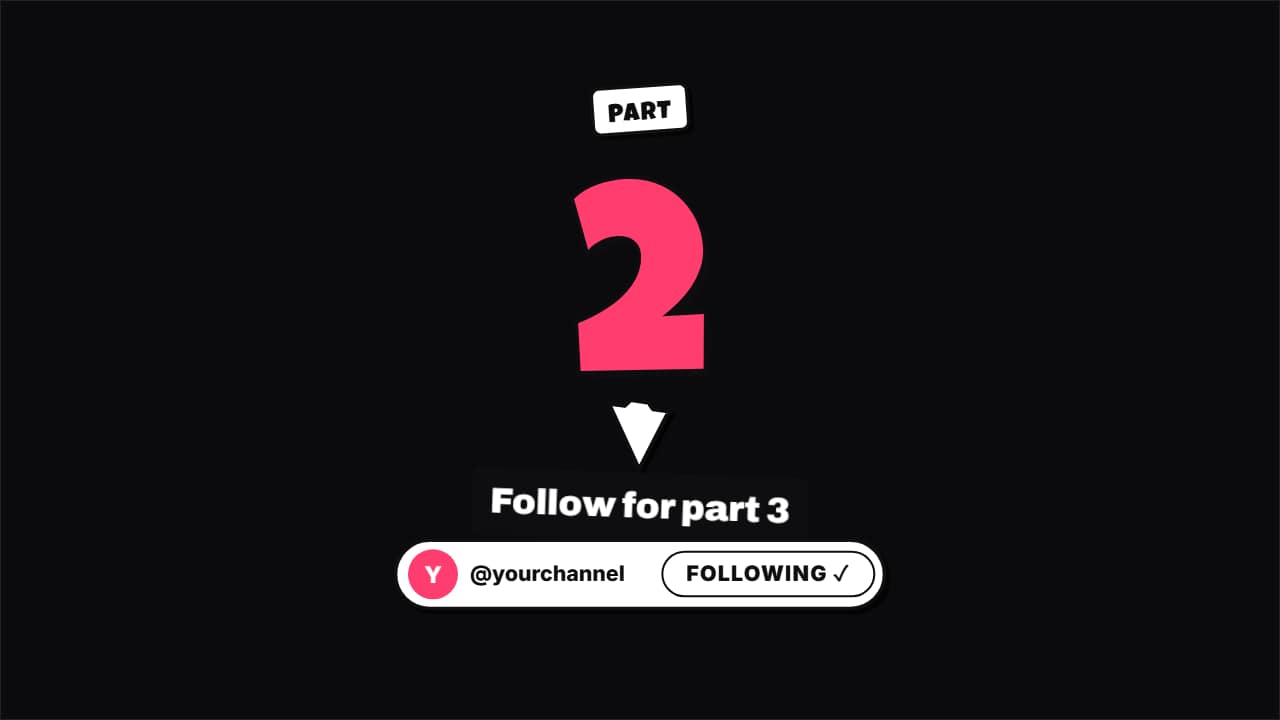
Part 2 · follow for the next one · glass
Customize & export — free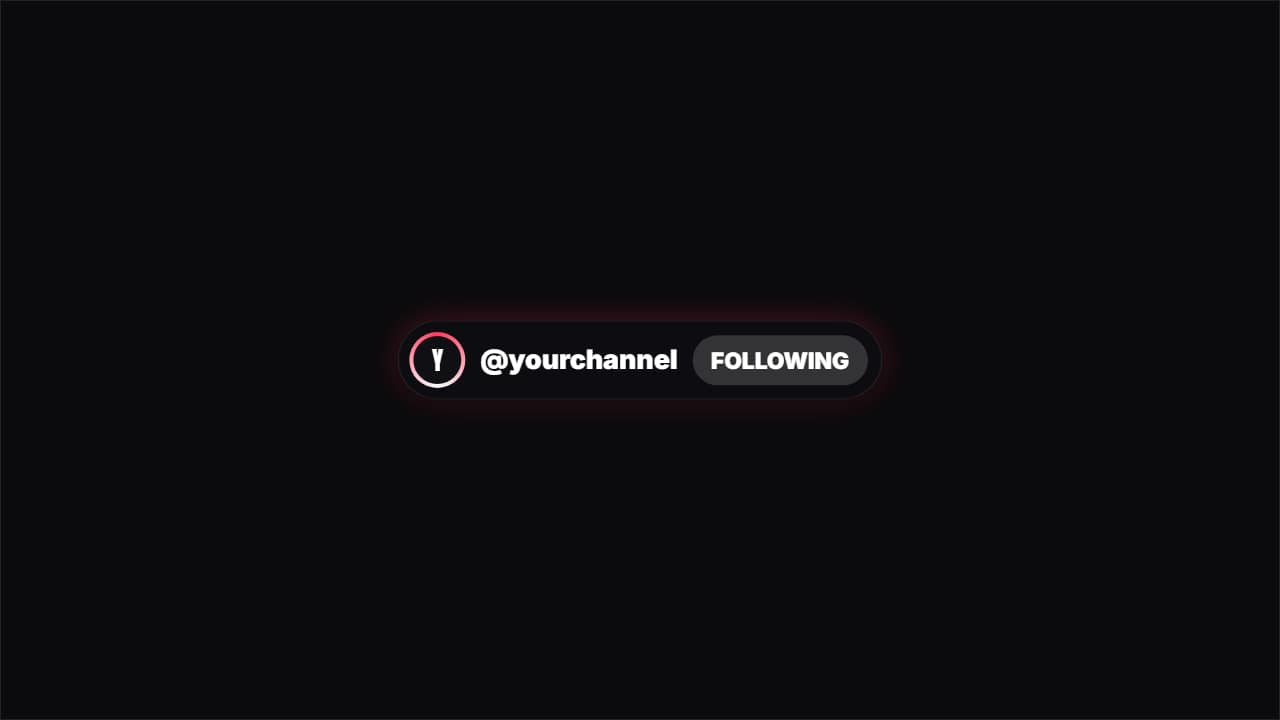
Tell viewers where else to find you
People who enjoy a video often want more of you on another app, and a quick card with your handles is the easiest way to send them there. You get a frosted glass «find me on» card where each network slides in with its icon, the same card as colored pills, your accounts orbiting around your @ before landing in a row, a follow card that bursts into confetti, a «follow for part 2» end card and a compact follow pill.
The icons are simple drawn symbols — a camera, a music note, a play button, a speech bubble — chosen by the network's name, with the name written next to them. No company logos, so the overlay stays clean and safe to use anywhere.
One handle or one per network
If you use the same @ everywhere, type it once. If not, switch on «different @ for each network» and fill them one by one: the list cards show every handle, while the follow buttons use the first network you picked. Everything you write is drawn inside the animation, so it stays sharp at any size.
In the editor you can also change the title line, the position, the size and the format: 16:9, 9:16 for Shorts, TikTok and Reels, or 1:1. Transparent files can be up to one minute long; for longer overlays use the green screen MP4.
How to use it in your editor
CapCut
- On a computer, drag the file onto a track above your clip. On the phone: Overlay → Add overlay.
- If the phone shows a black box, export the green screen MP4 and remove the green with Chroma key.
Premiere Pro
- Import the .mov and drop it on a track above your footage.
- Place it where you mention your other accounts; transparency is kept.
DaVinci Resolve
- Add the .mov to the Media Pool and put it on the track above your clip.
- Seeing black? Right-click the clip → Clip Attributes → Alpha Mode: Premultiplied.
Questions
- Is the social media overlay maker free?
- Choosing your networks, typing your handles and watching the previews is free and needs no account. Exporting asks you to sign in; during the open beta new accounts get export credits at no cost.
- Does it use the official Instagram or TikTok logos?
- No. Each network gets a generic drawn icon and its name as plain text. That keeps the overlay free of anyone's trademark artwork.
- How many networks can I show?
- Up to four at once here. In the editor the «find me on» card takes more lines if you need them.
- Can each network have a different @?
- Yes. Turn on «different @ for each network» and type each one. The single follow buttons show the handle of the first network you chose.
- Will it work at the end of a Short?
- Yes. Every overlay also exports in 9:16, and the «follow for part 2» card was made for the last seconds of a series of Shorts.
Want a different style? See all follow and subscribe templates