Aspect ratio1920×1080this is how it downloads
Preview doesn't change the file
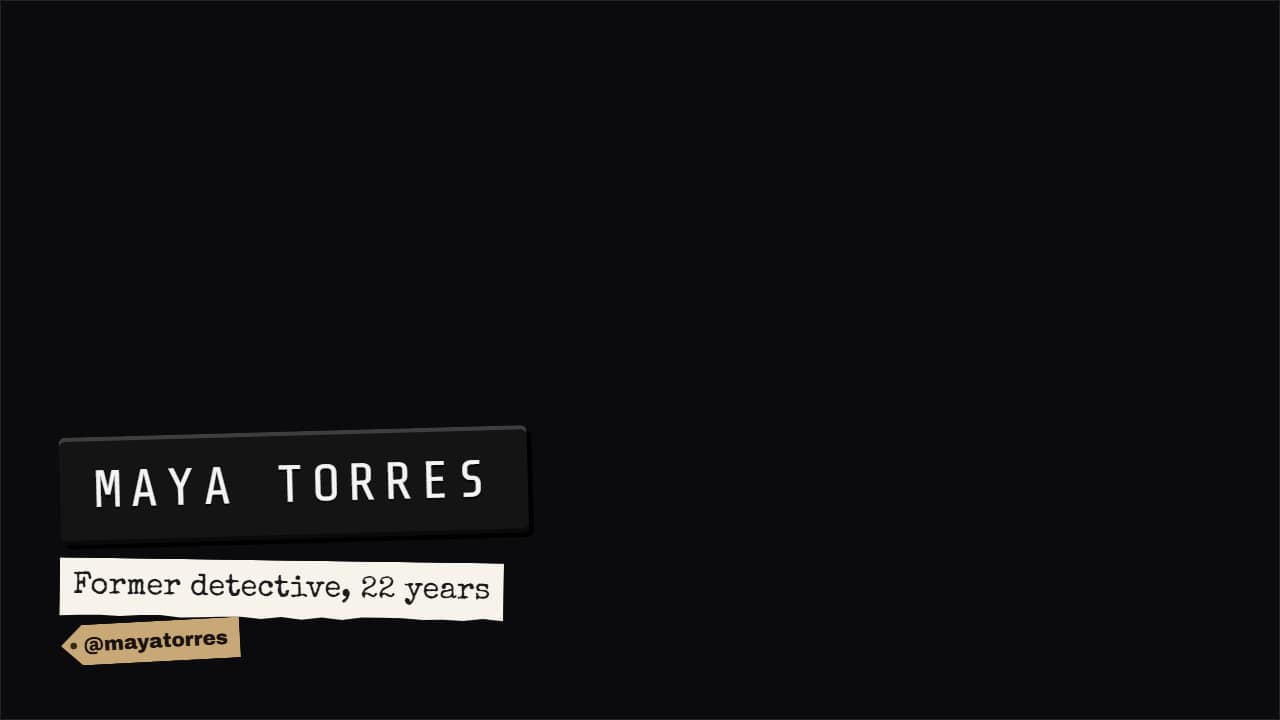
You'll download 1920×1080, 3.5 s, with no background (.mov).
BetaFree during the beta: create an account and export at no cost. No credit card.How it works →Free during the beta · no card →
You'll download 1920×1080, 3.5 s, with no background (.mov).
The name lower third the way documentaries and video essays from big channels do it: in MATERIAL, not a flat bar. Label maker (black tape with embossed letters printing one by one, the role typewritten on a paper strip and your @ on a kraft tag), torn masking tape with the name in marker and a color stroke drawing under it, or a newspaper photo caption with a rule, the name in serif and a color tag. For interviews, true crime and podcasts. Works transparent too.
Plus the typeface and an optional letter outline, in every template.
Export it without background and put it on a track above your clip: the animation plays over your video.
 Source creditThe strap that says where the clip came from. First only the badge with the logo appears, it waits a beat…
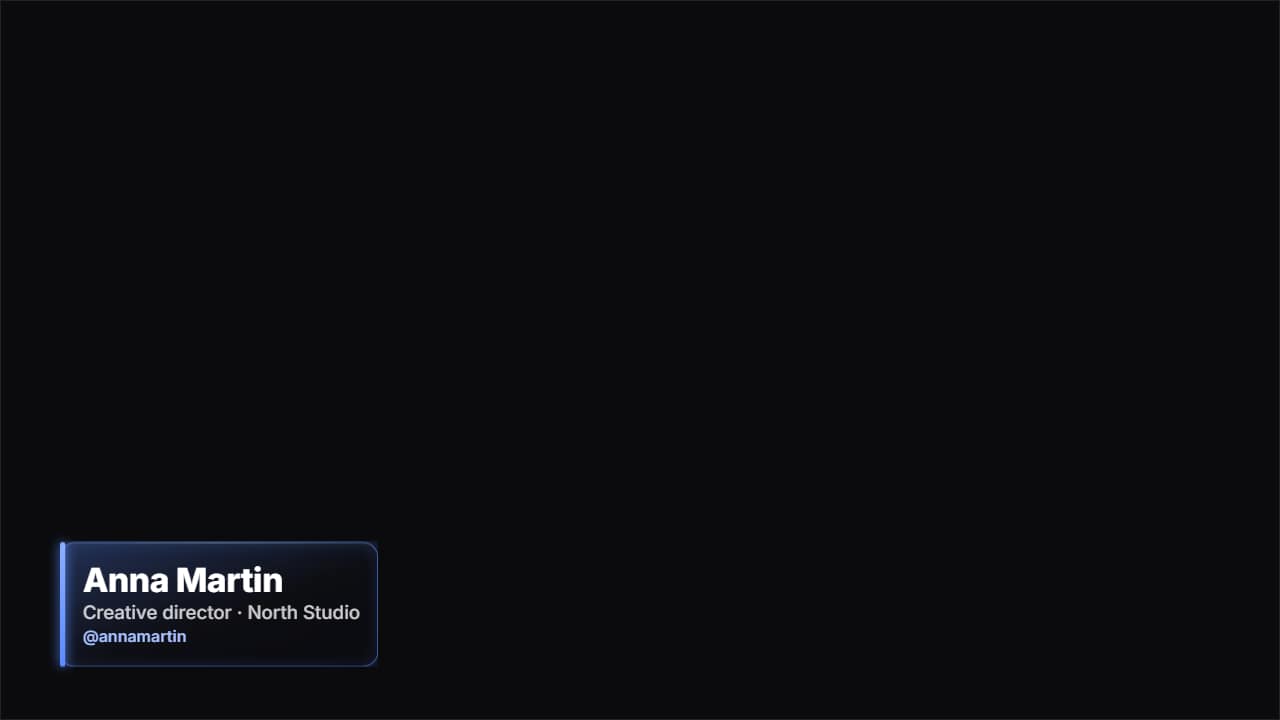 Glass name lower thirdThe «who's talking» strap in glass: name, role and your handle.
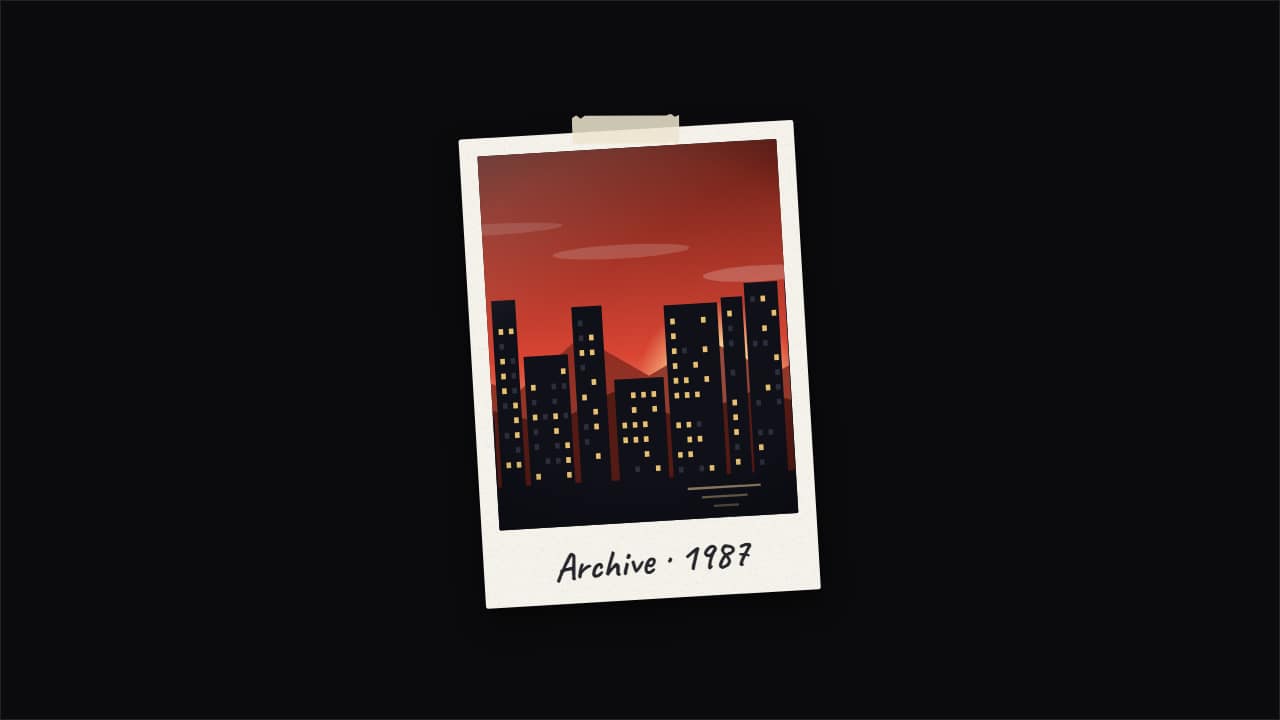 Photo pop-up with echoesThe documentary «pop-up effect»: your photo snaps in and leaves copies that slide out to the sides and fold…
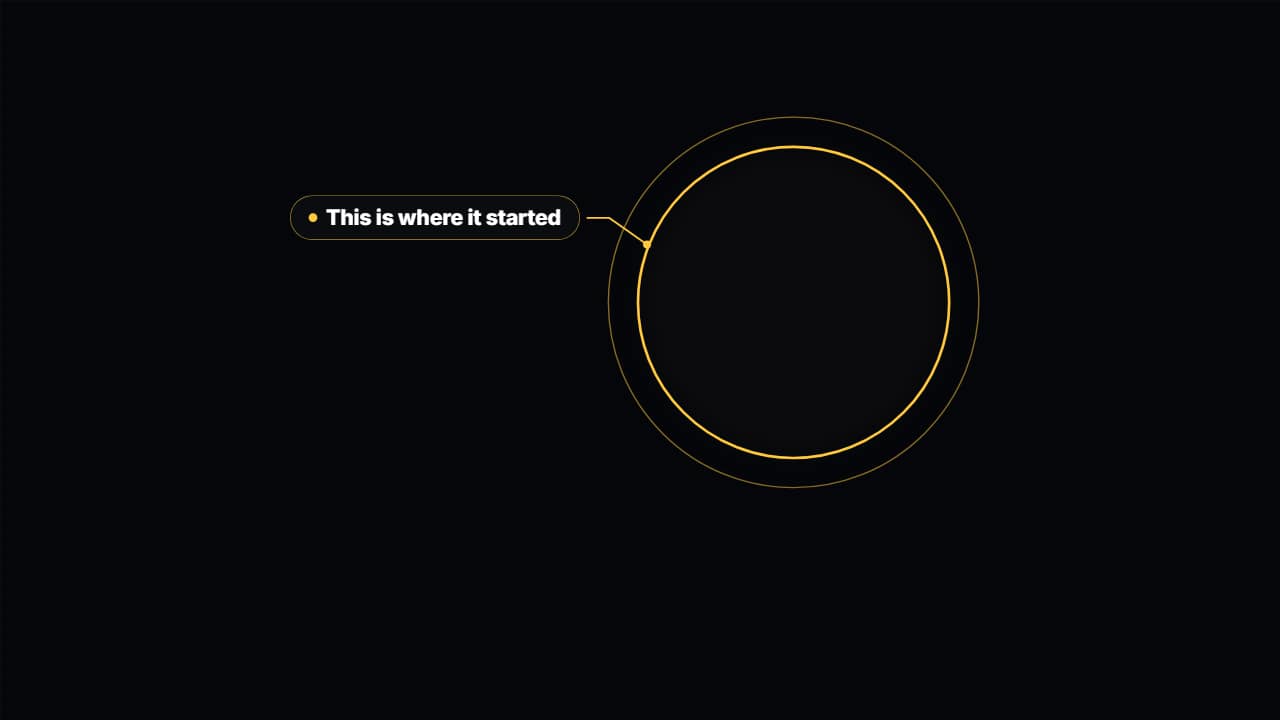 Spotlight on your videoDarkens and drains the color from everything around an area of your video —a face, a number on screen, a…
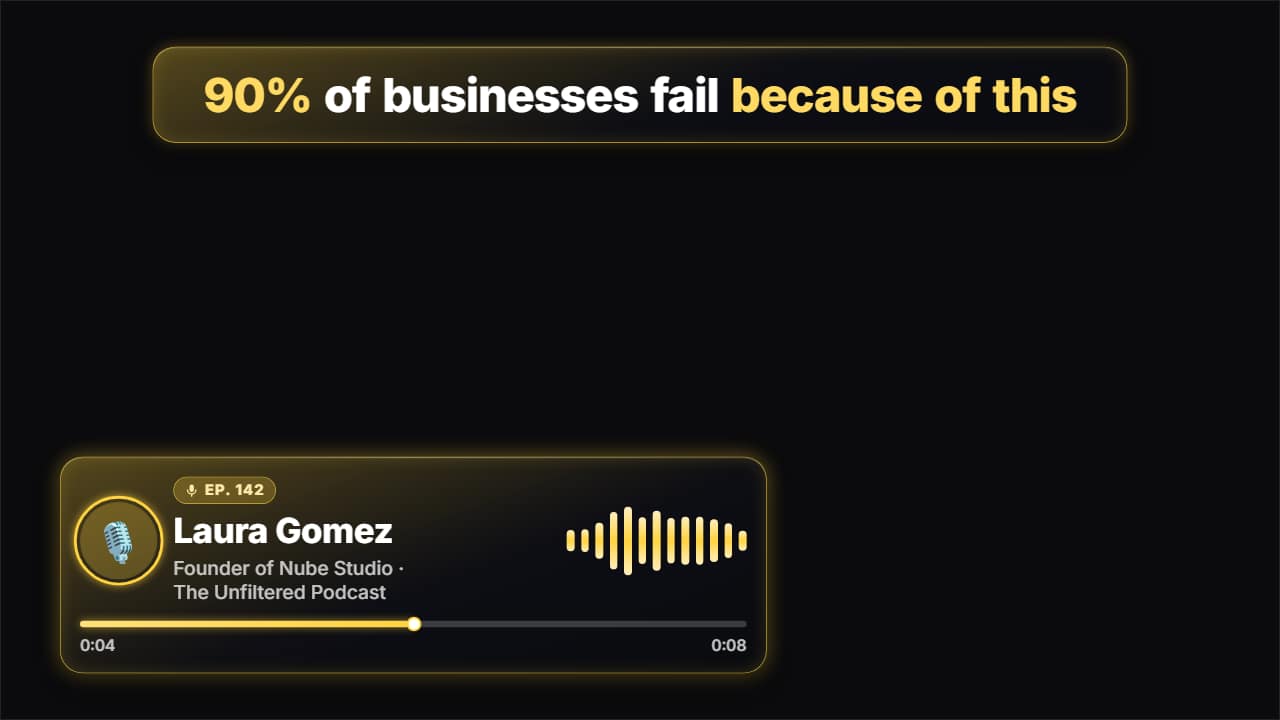 Podcast clipEverything that goes on top of a podcast clip for Shorts, TikTok and Reels: the hook at the top coming in…
 Lower third · BarA dark panel with an accent bar unfolding, name and job title. The classic interview strap, done properly.
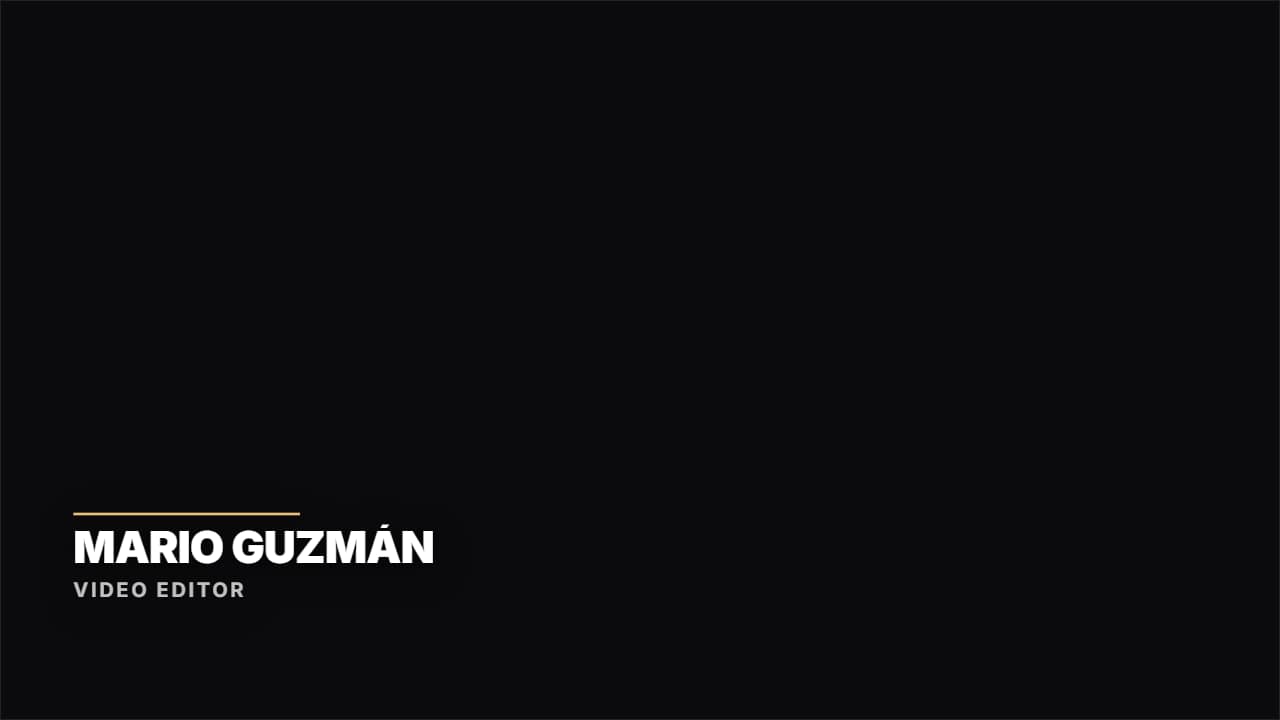 Lower third · HairlineNo box: a colored rule drawing itself and the text rising. Documentary and clean.
 Place and date stampA map pin, the name of the place and the date underneath in monospace, with a colored rule drawing itself.