Free starter kit · 10 templates · 1 character
Gaming channel starter kit — no webcam needed
Gaming channels and streams need a lot of small graphics, and a face is optional. This kit gives you Byte, a chibi avatar who can react and talk over your gameplay, a streamer room, a neon city and a party background, and ten overlays every gaming channel ends up needing: starting soon, be right back, stream ending, goals, follower alerts, a kill feed, a health bar and a game over screen.
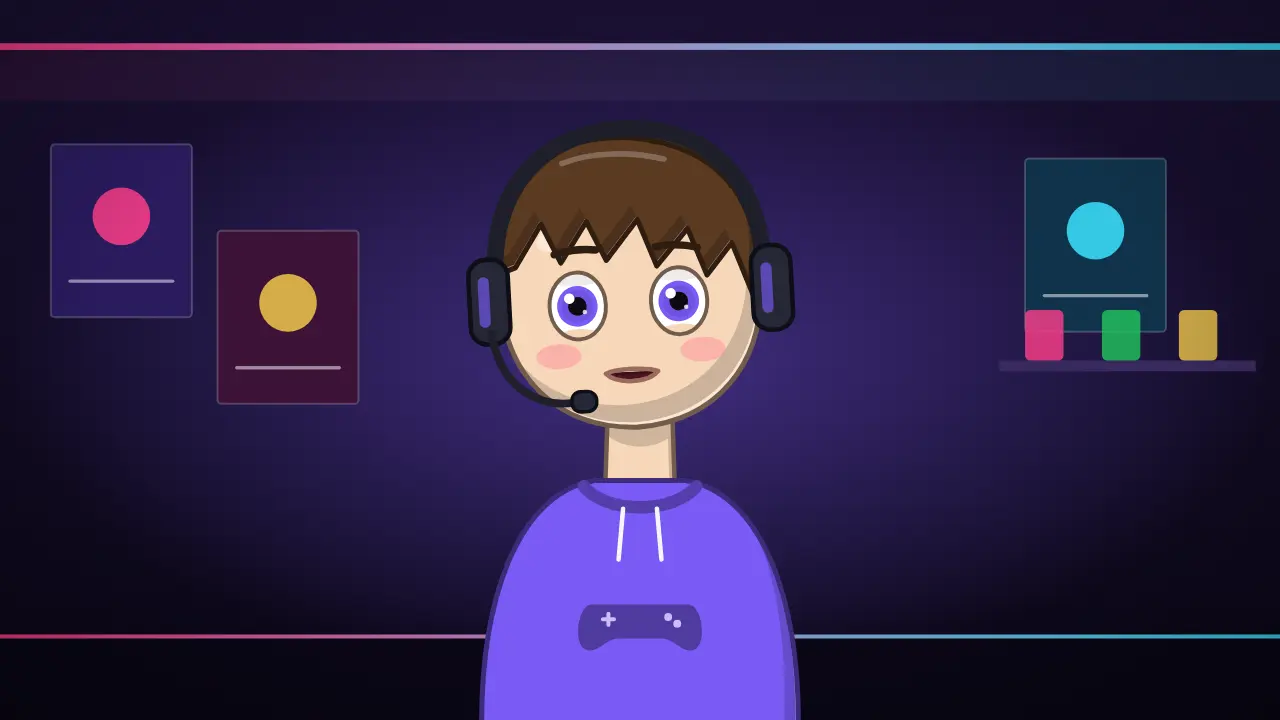
Your host: Byte
Chibi gamer. Read your script out loud and Byte speaks it, with mouth shapes that follow your voice. More about Byte →
- Streamer roomOpen Byte with this background →
- Neon cityOpen Byte with this background →
- PartyOpen Byte with this background →
10 overlays for every episode
In the order they usually appear in a video: Starting soon screen with countdown, Be right back screen, Stream ending screen, Stream goal bar and more. Each one opens in the editor with your text; export it as MP4 or as a transparent .mov.
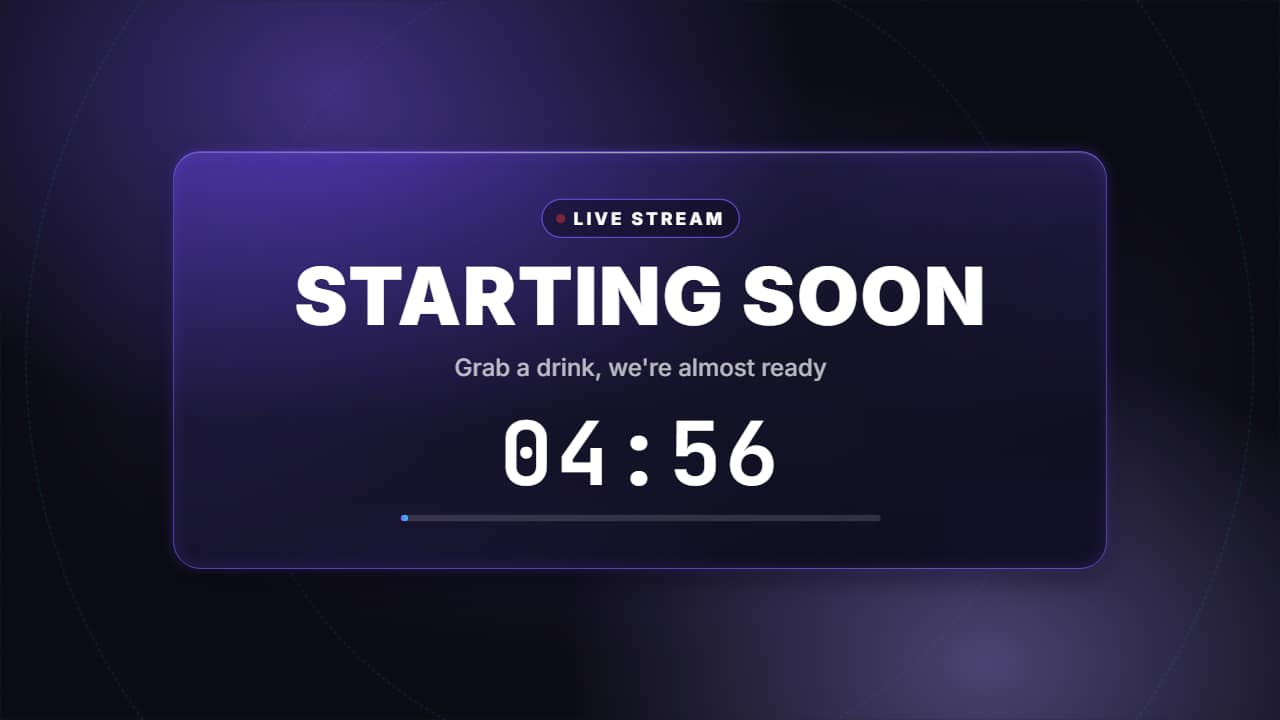 Starting soon screen with countdownThe screen before a stream or a premiere: the «LIVE» pill with its pulsing dot, «STARTING SOON» in big…
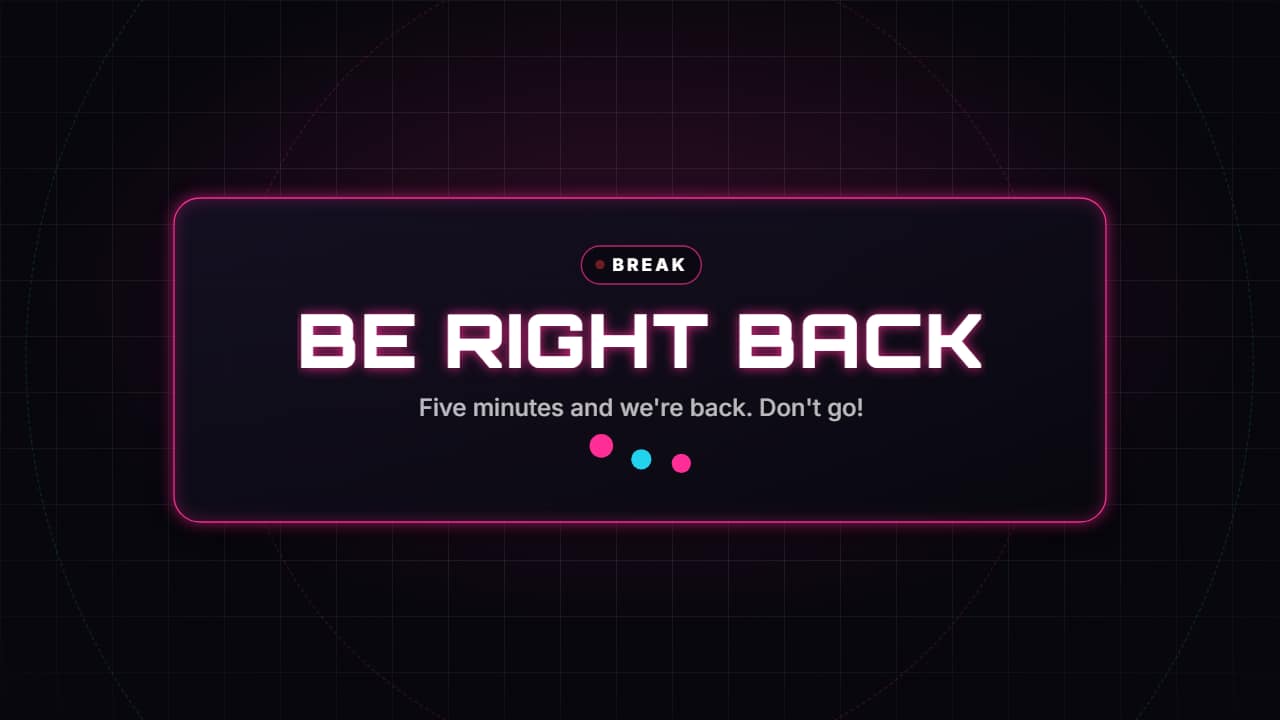 Be right back screenThe break screen: «BE RIGHT BACK» in big letters, one line and three dots bouncing while they wait, over a…
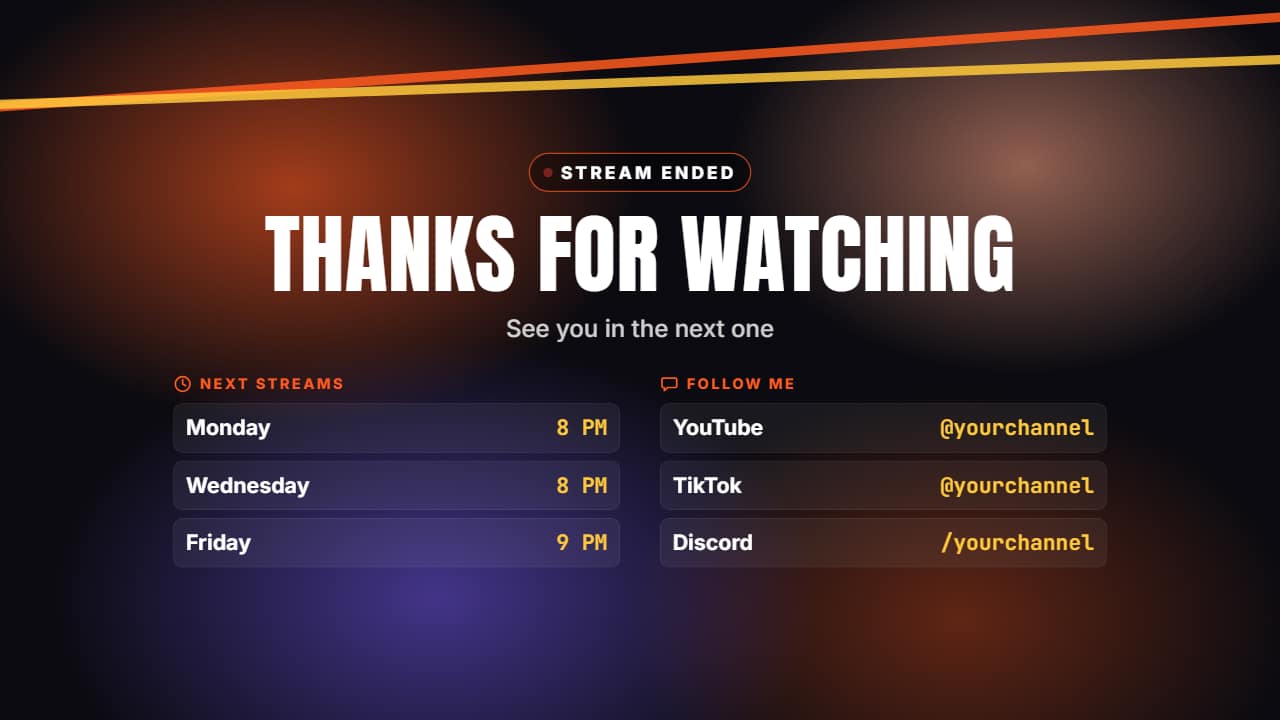 Stream ending screenThe close of a stream or a video: «THANKS FOR WATCHING», one line, the schedule of the next streams and your…
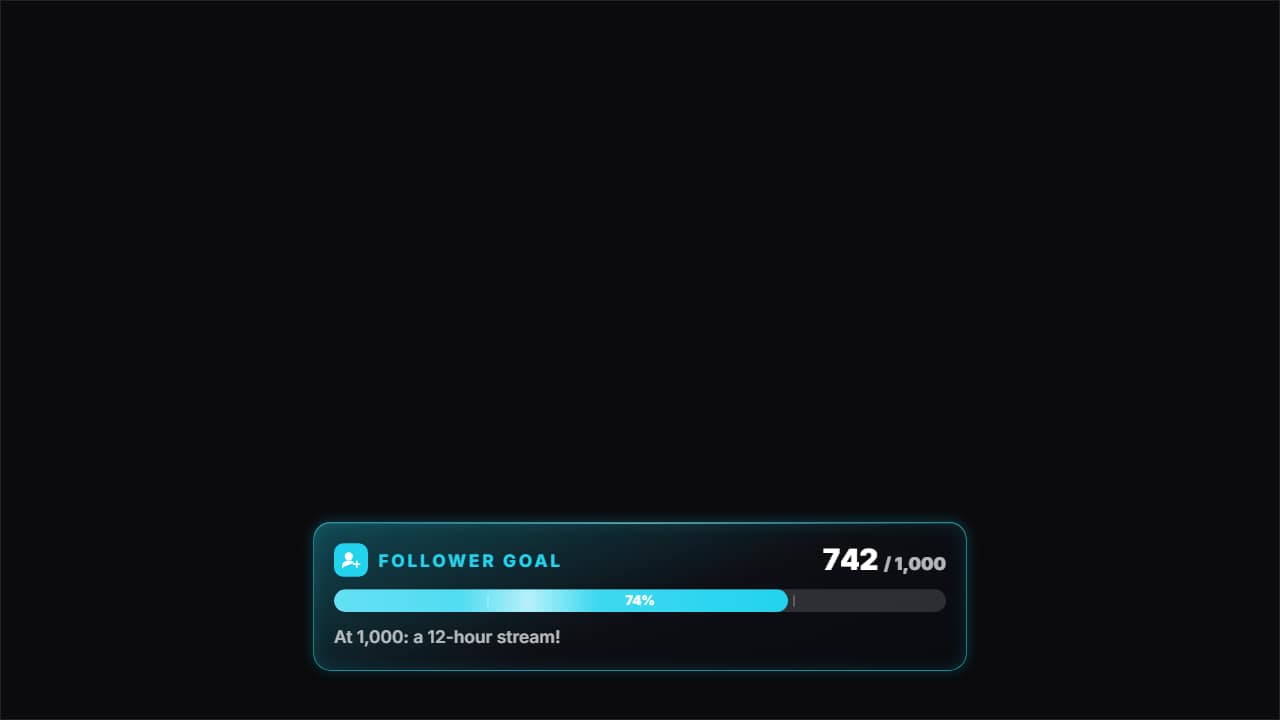 Stream goal barThe goal bar: «FOLLOWER GOAL» with its icon, «742 / 1,000» rolling and the bar filling from where it was to…
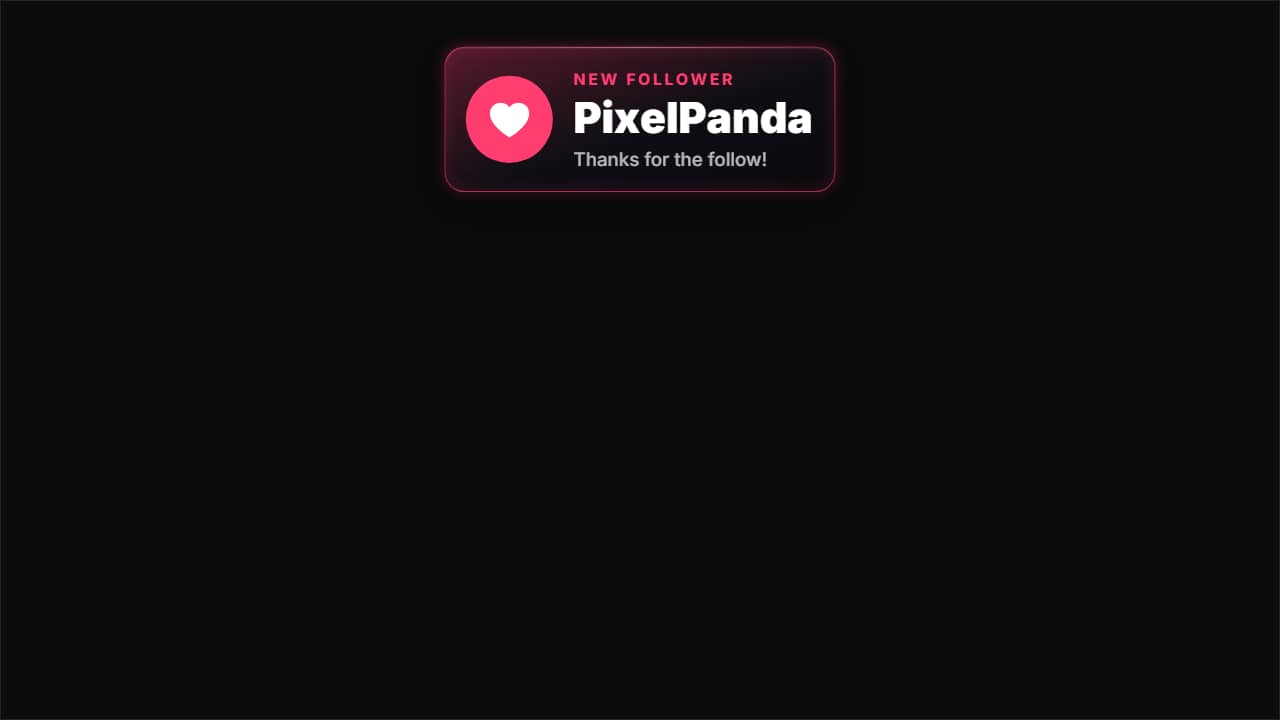 New follower alertThe alert that pops up on streams and in gaming clips: the card drops from the top, the heart bounces on its…
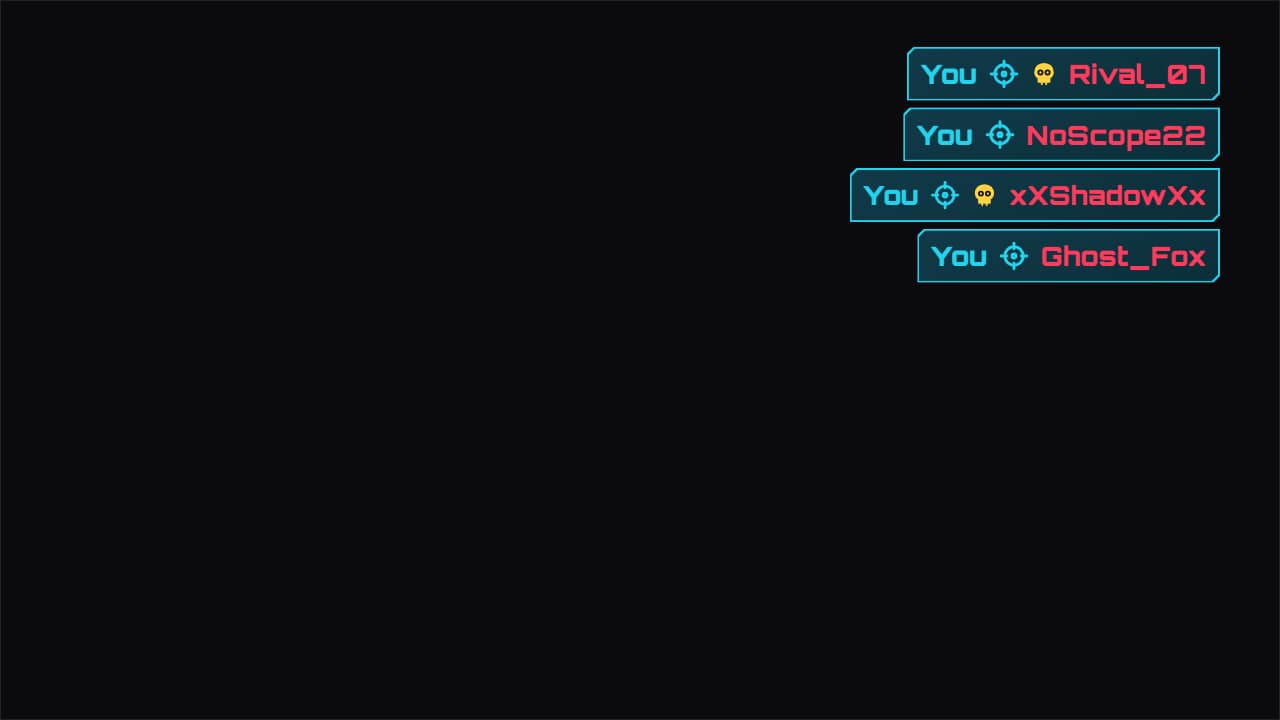 Kill feed overlayThe shooter-style elimination feed, for your best plays: each line slides in from the side, your name is…
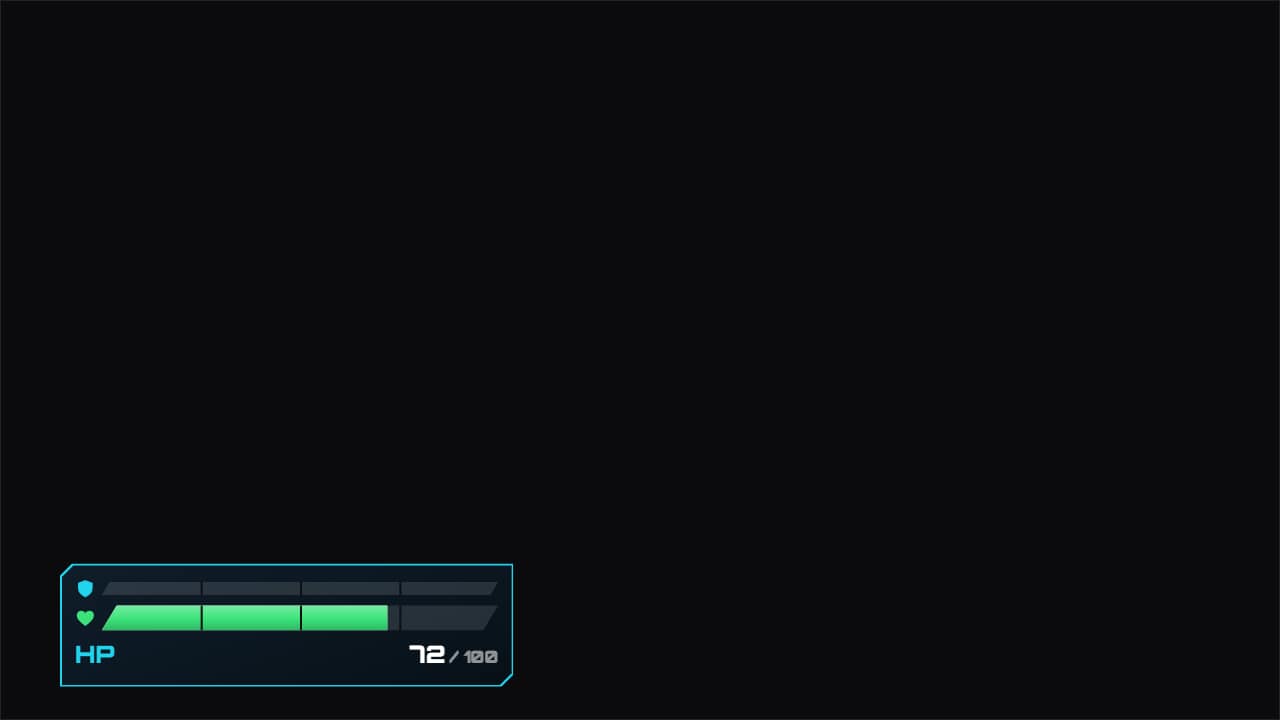 Health and shield barHealth and shield bars that take the hits you write («second | health | shield»): the bar drops instantly, a…
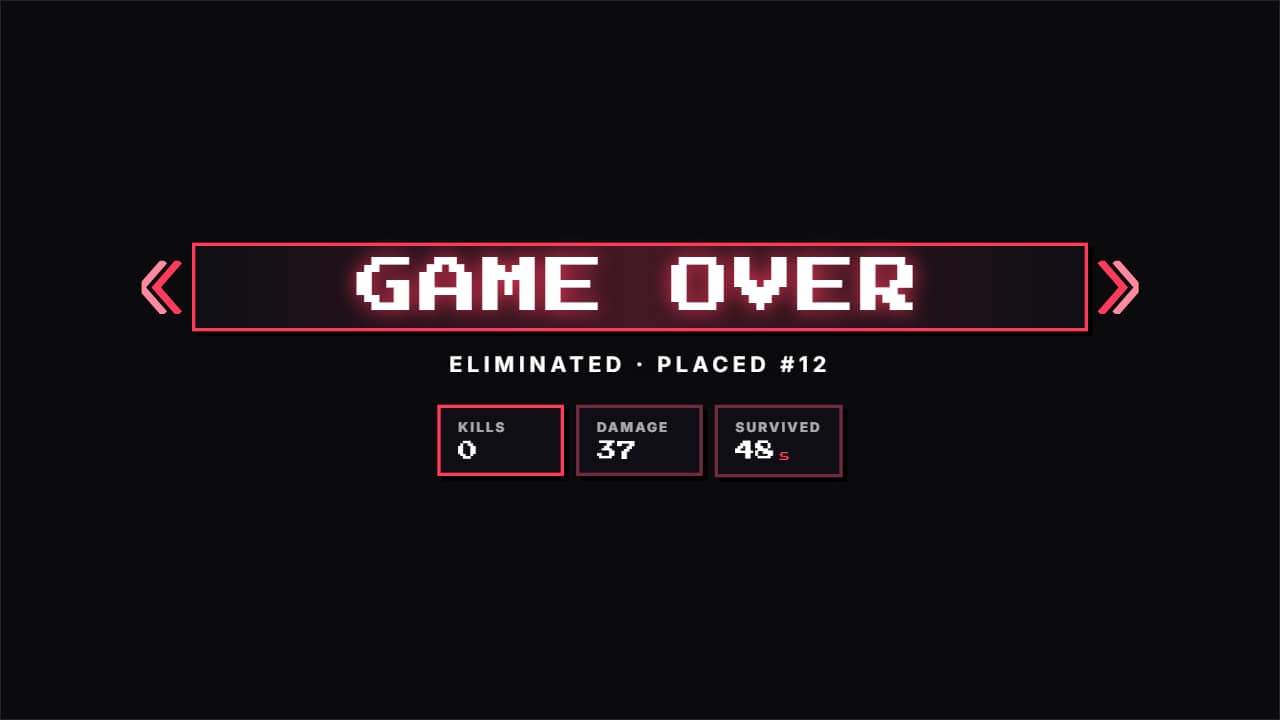 Game over screenThe other ending, for epic fails and funny clips: «GAME OVER» slams in red with its chevrons and light…
 Top 10 number transitionThe transition between entries of a top 10: two color planes sweep the screen diagonally and COVER the cut…
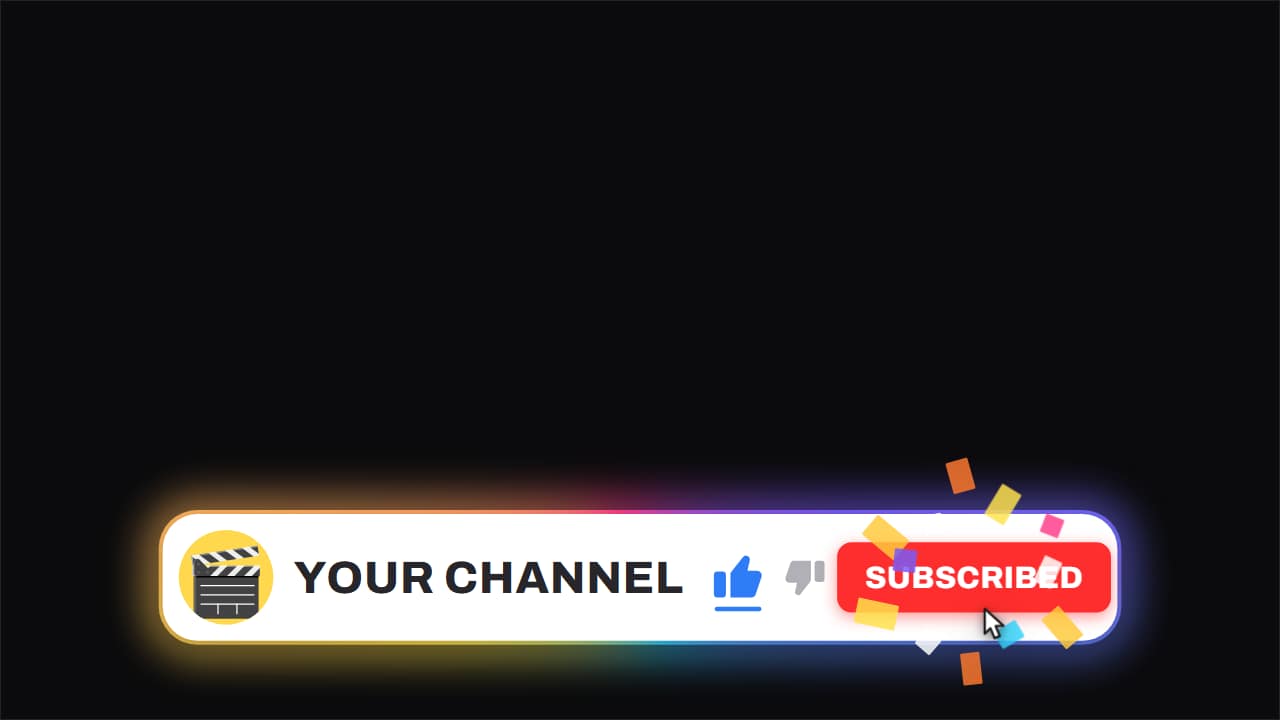 Channel bar · like and subscribeThe white capsule with the ROTATING gradient edge, floating over the video while it keeps running underneath.
5 hooks to open your first videos
- 1
There's a way to beat the hardest boss in under 10 minutes, and almost nobody uses it.
Byte says it → - 2
I tried 10 strategies against the hardest boss. Only one worked.
Byte says it → - 3
What would happen if the hardest boss disappeared tomorrow?
Byte says it → - 4
Why does nobody talk about the hardest boss?
Byte says it → - 5
Is the hardest boss actually worth it for new players? Let's find out.
Byte says it →
What works on gaming channels
A personality, not just gameplay. Thousands of channels upload the same game; the ones that grow add commentary, a running joke or a challenge format viewers can follow. An avatar gives you a face for thumbnails and reactions without turning on a camera.
Polish on the small screens matters more than you'd think. A clean starting-soon screen, a goal bar and on-brand alerts make a small stream look established, and the same overlays can be cut into highlights and Shorts after the stream.
Your first video, step by step
- Choose a format: challenge, tier list, first playthrough or guide.
- Set up the starting-soon, BRB and ending screens in your streaming app or editor.
- Open Byte in the streamer room to record an intro and reactions.
- Cut highlights into Shorts with the kill feed and game over overlays.
5 ideas for your first month
- Beating the first boss with the worst starting weapon.
- Tier list: every character ranked after 50 hours of play.
- First playthrough, no guides: episode one.
- The ten best moments from this week's streams, as Shorts.
- A beginner's guide to the game's hardest mechanic, in five minutes.
Mistakes that slow down gaming channels
- Uploading raw gameplay with no commentary or editing. Content with little original input is hard to monetize and harder to grow.
- Mismatched overlays from five different packs. Pick one style and color and use it everywhere.
- Ignoring the game's own rules. Check each publisher's video policy before monetizing footage of their game.
Sources: YouTube Help — channel monetization policies, disclosing altered or synthetic content (checked Nov 6, 2026).
Estimated long-form RPM
$1 – $3
Per 1,000 views, mostly-US audience. A third-party estimate: YouTube doesn't publish RPM by niche. Run the numbers →
Before every upload
Title, thumbnail, chapters, end screen, hashtags and captions in one list. Open the checklist →
Questions
- Can I start a gaming channel without a webcam?
- Yes. A talking avatar gives viewers a face to connect with while your gameplay stays the focus.
- Do gaming channels earn well?
- Gaming usually has a lower RPM than finance or tech, so many gaming creators rely on memberships, sponsors and streams as well as ads.
- Do these overlays work in OBS?
- Export them as transparent .mov or MP4 and add them as media sources in your streaming software, or use them in your video editor.
 Horror stories
 AI news
 Stoicism
 Facts & explainers
 Personal finance