Aspect ratio1920×1080this is how it downloads
Preview doesn't change the file
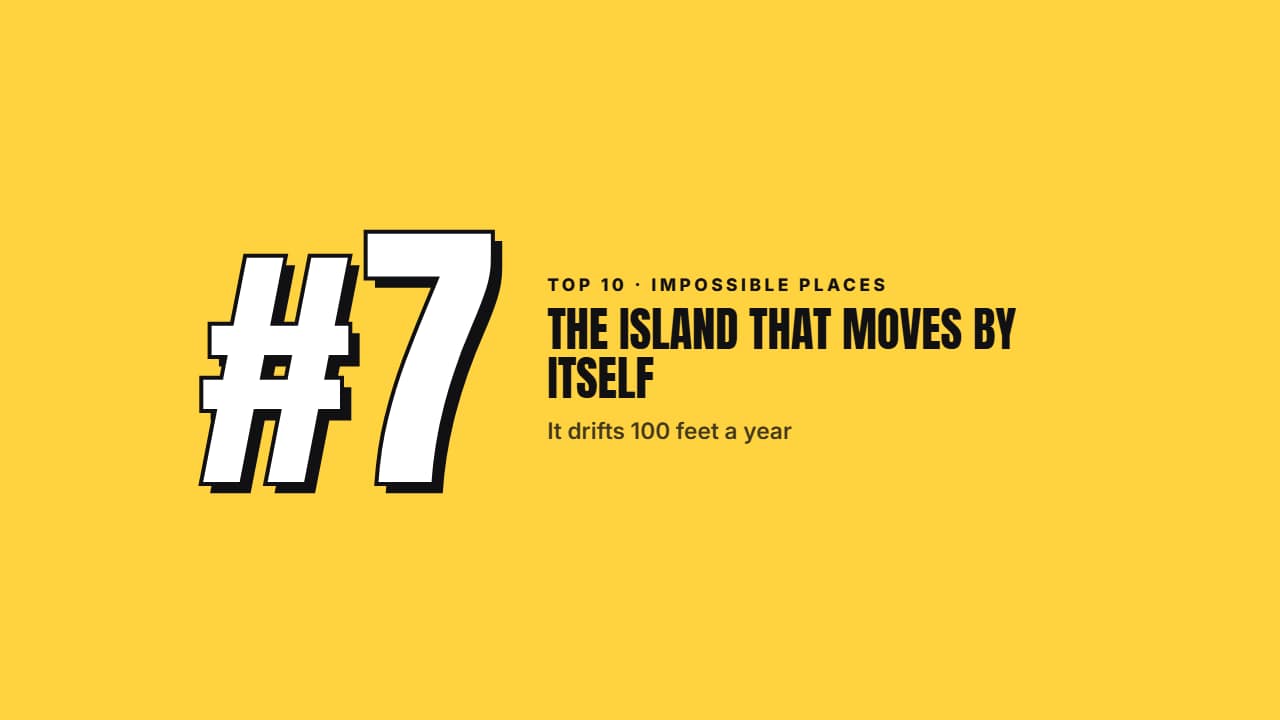
You'll download 1920×1080, 3.5 s, with no background (.mov).
BetaFree during the beta: create an account and export at no cost. No credit card.How it works →Free during the beta · no card →
You'll download 1920×1080, 3.5 s, with no background (.mov).
The transition between entries of a top 10: two color planes sweep the screen diagonally and COVER the cut, the «#7» drops in with its block shadow, the name wipes in with a line underneath; at the end the planes leave and reveal the next clip. Export one per entry by changing the number. Three styles: punch (color blocks), documentary (black and serif) and glass.
Plus the typeface and an optional letter outline, in every template.
Export it without background and put it on a track above your clip: the animation plays over your video.
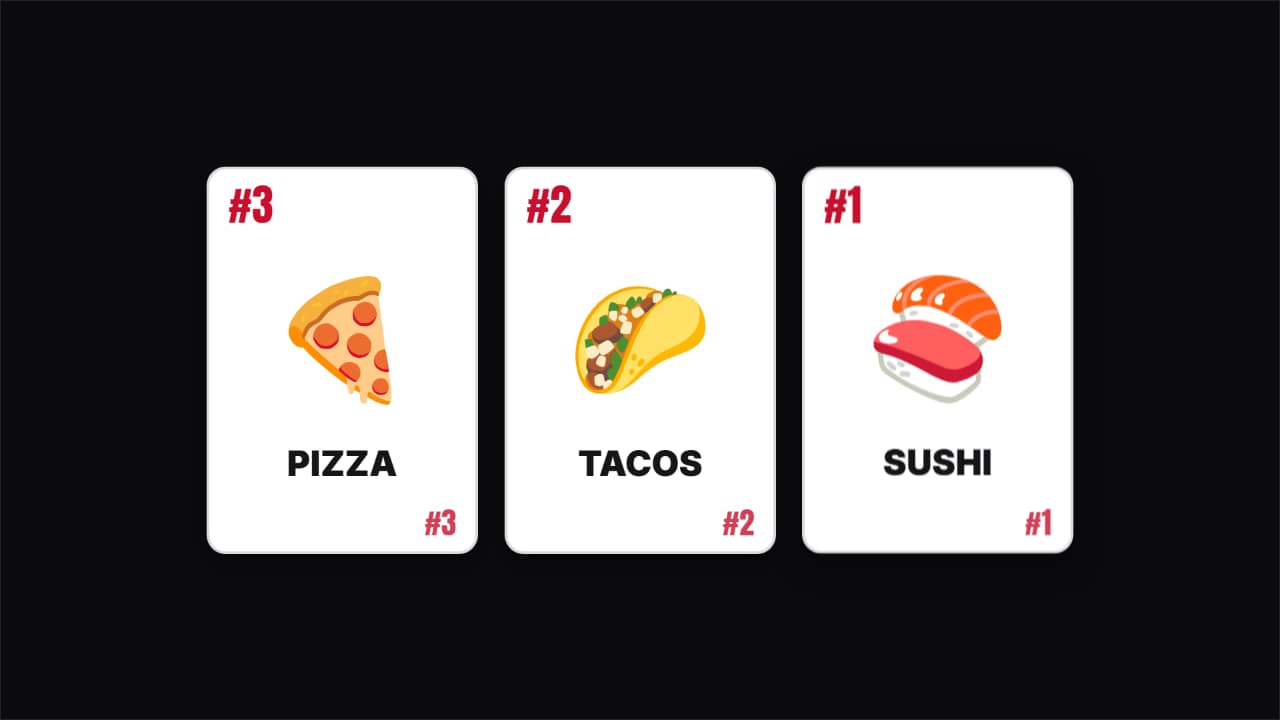 Flipping cards ranking revealThe «and number one is…» of top lists: up to three face-down cards that lift and flip one after another…
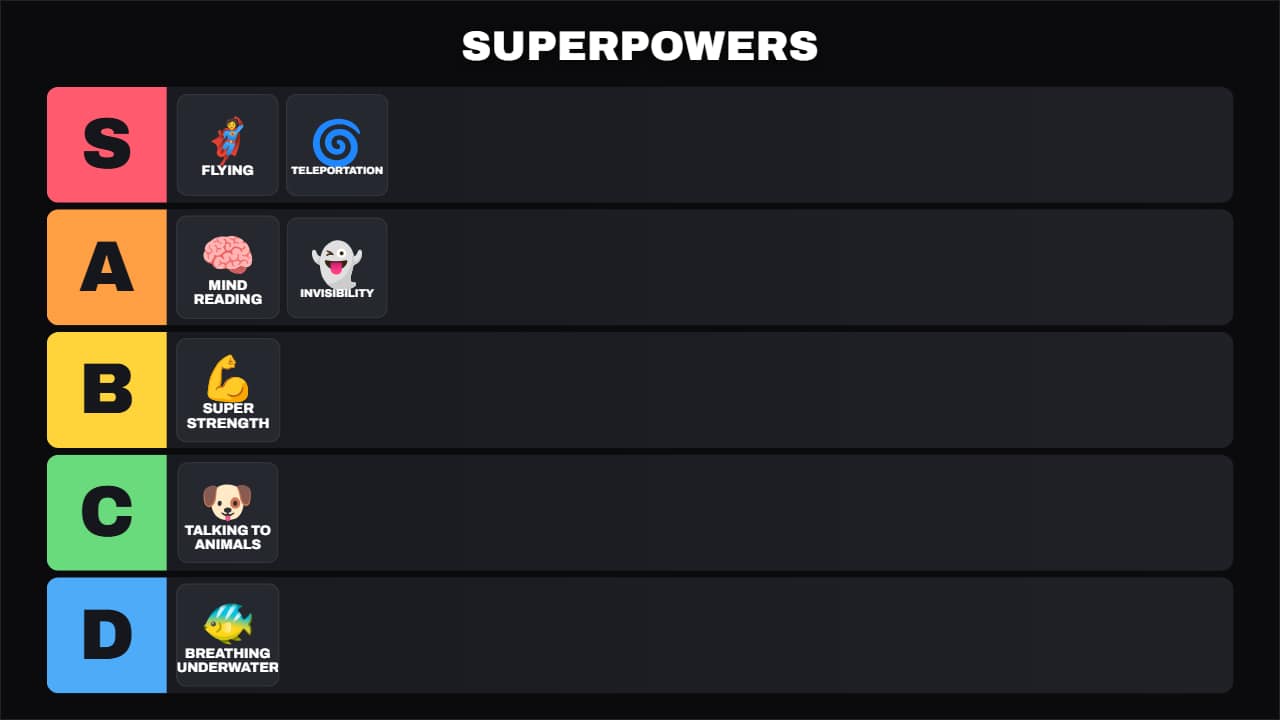 Universal tier listThe S-A-B-C-D tier board for any topic: food, video games, movies, gadgets, travel… Each item first shows up…
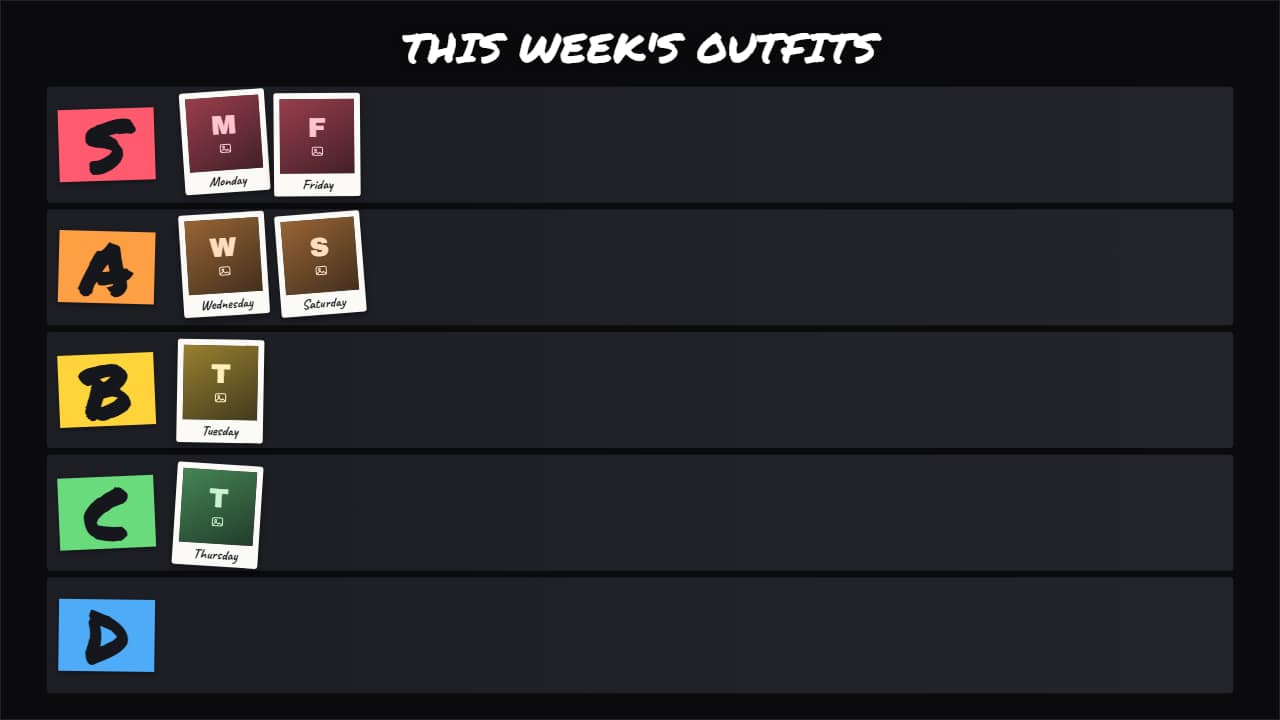 Photo tier listThe tier list with YOUR photos or clips instead of emojis: outfits, dishes you cooked, thumbnails, places…
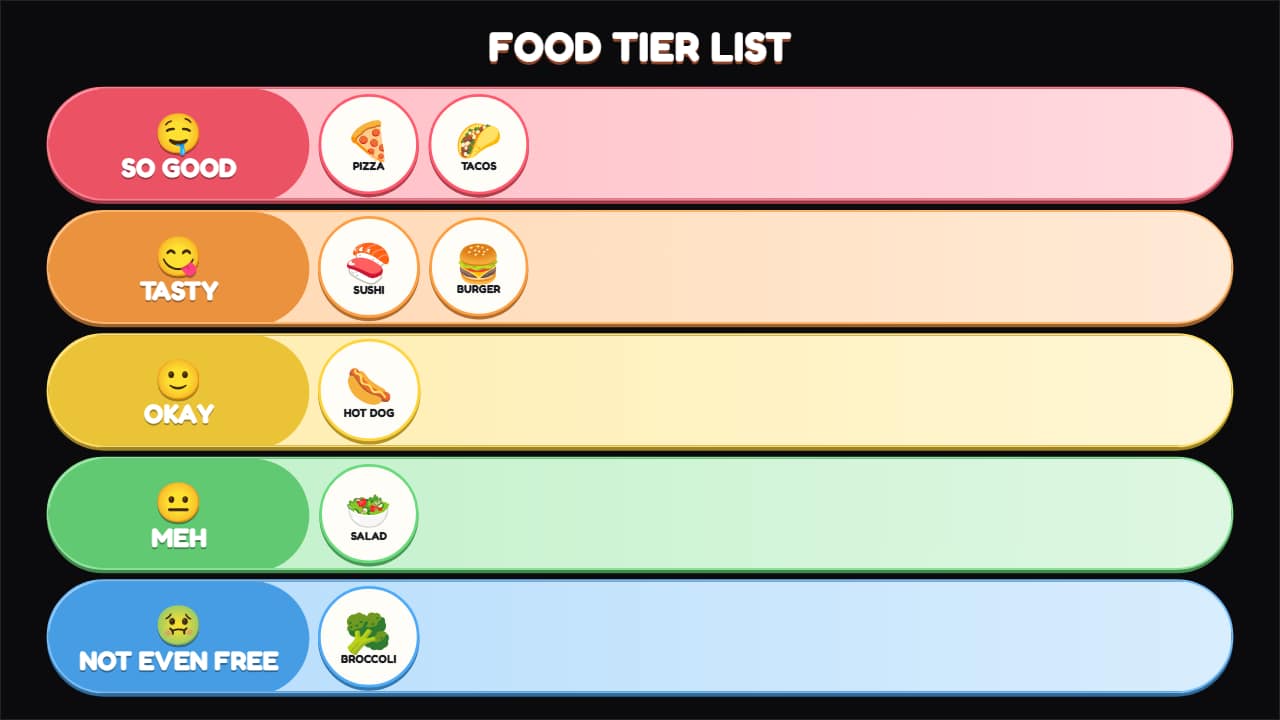 Food tier listA tier list for food, tasting and fast-food channels, with its own scale in words: from «SO GOOD 🤤» to «NOT…
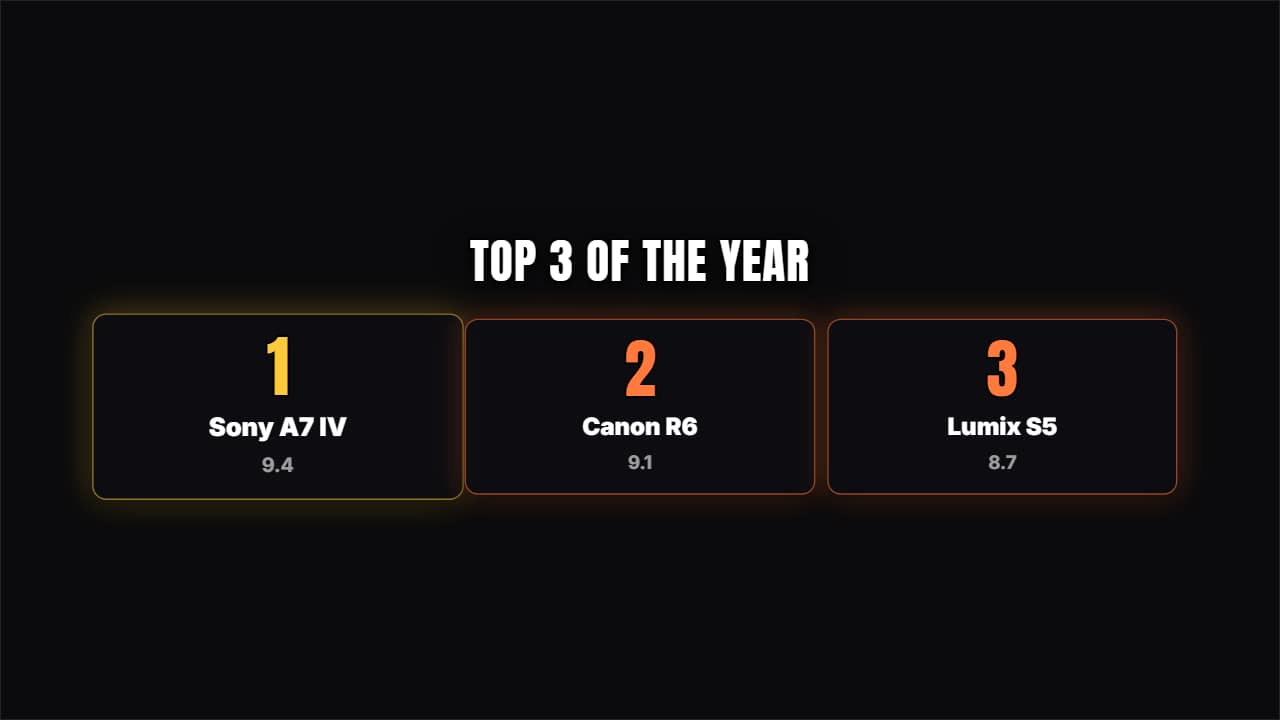 Place cardsNumbered cards rising from below; number 1 stays a notch larger.
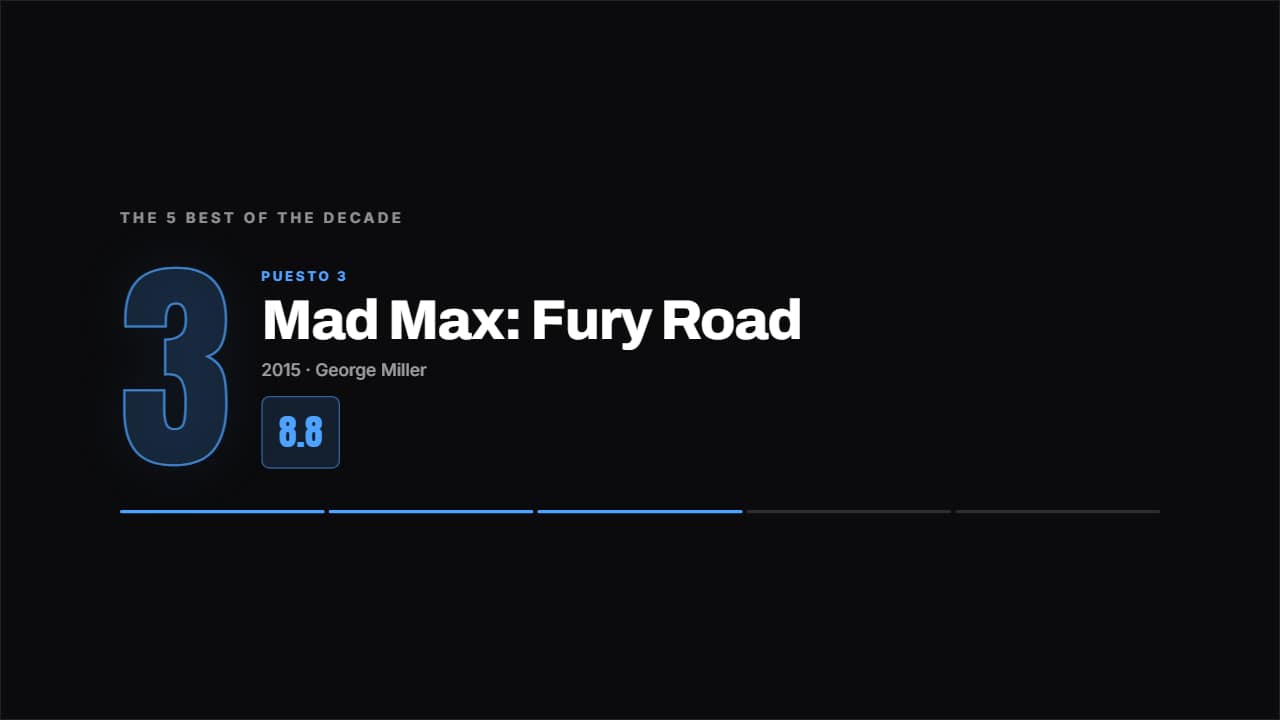 Top countdownOne place per screen, from last to first, with the giant number behind and the figure counting up.
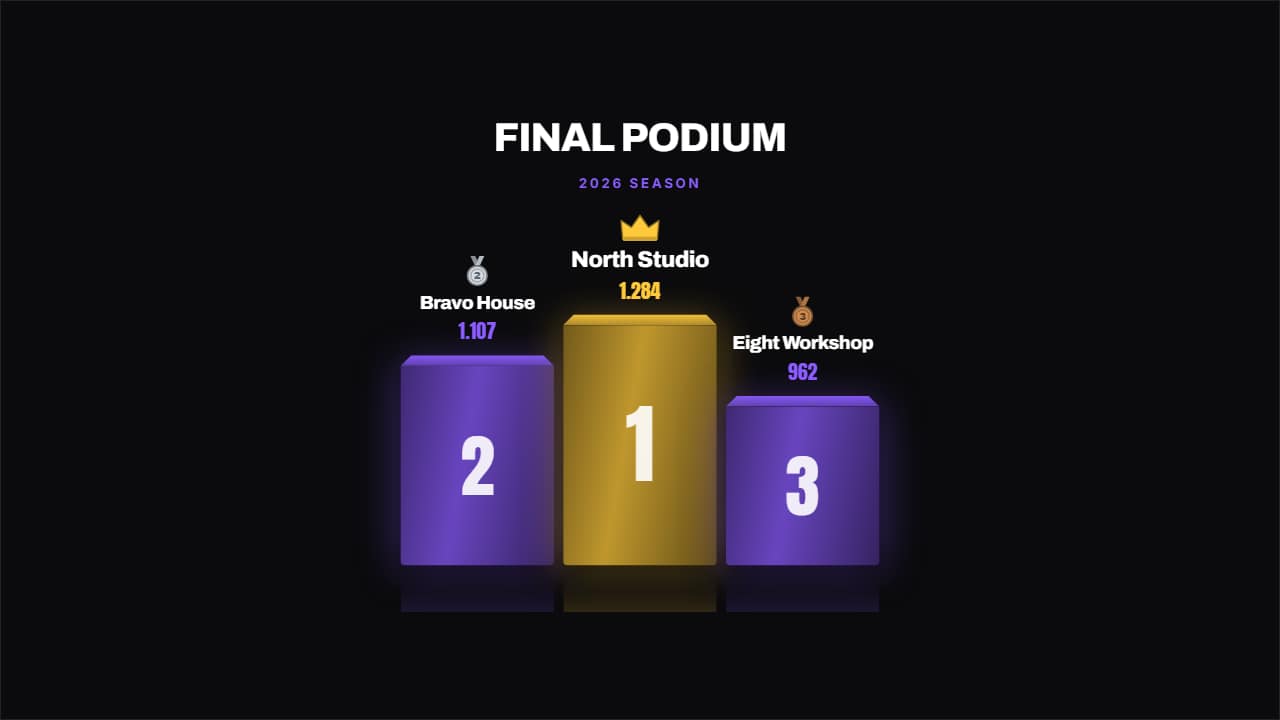 Championship podiumA podium with real depth: perspective on the top face, reflection on the floor, a drawn medal and a crown on…
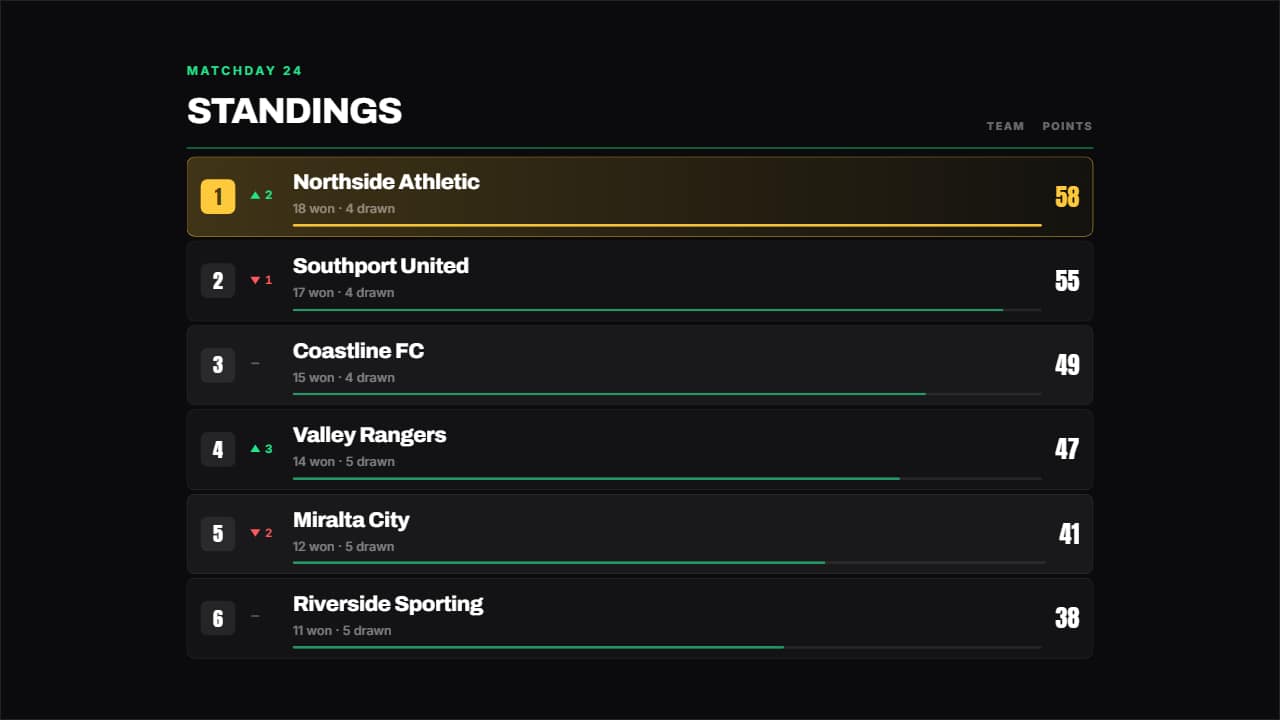 League tableA league table: place, up or down arrow, name, a bar in proportion to the figure and the number counting.