Free starter kit · 10 templates · 1 character
AI news channel starter kit — faceless, with a robot anchor
A weekly AI news show doesn't need a camera or a studio. This kit gives you Nova, a robot anchor who reads your script, a news set and two sci-fi backgrounds, and ten overlays built for tech news: breaking bars, model comparisons, benchmark leaderboards, workflow diagrams and chat mock-ups.
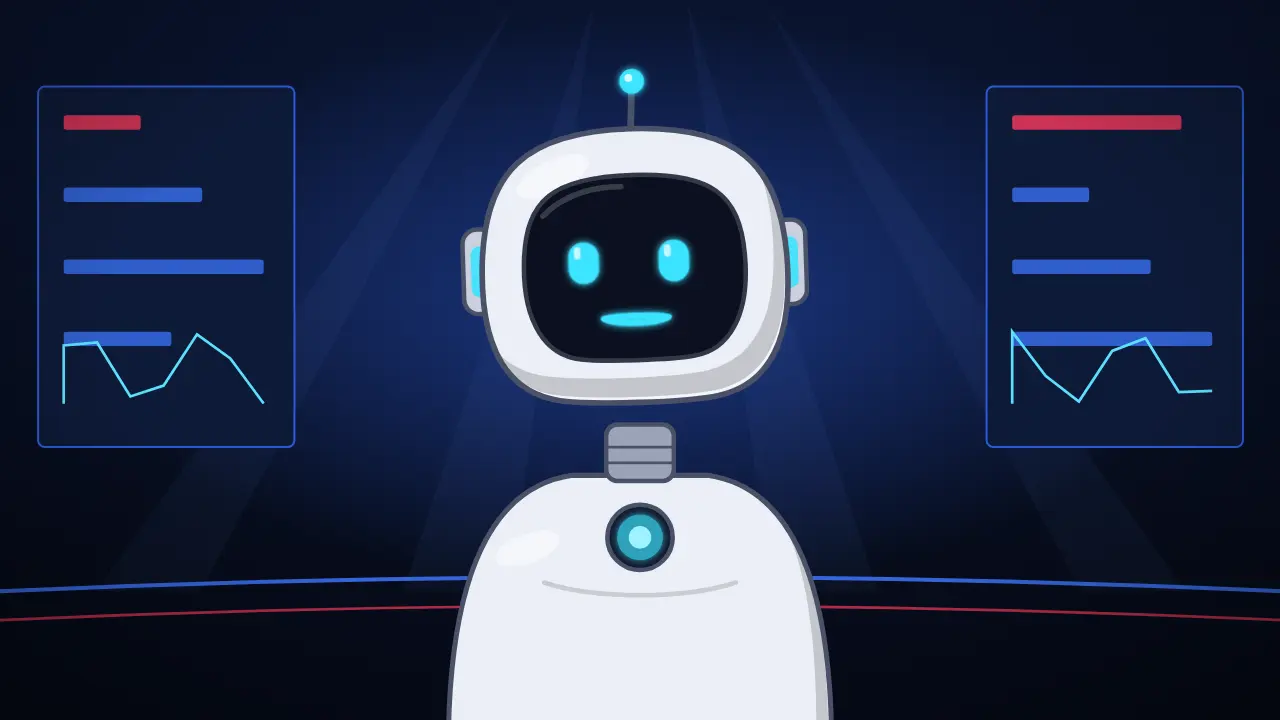
Your host: Nova
AI host robot. Read your script out loud and Nova speaks it, with mouth shapes that follow your voice. More about Nova →
- News studioOpen Nova with this background →
- Neon cityOpen Nova with this background →
- SpaceOpen Nova with this background →
10 overlays for every episode
In the order they usually appear in a video: Breaking news bar with ticker, Breaking news with ticker, Compare models with emojis, AI model leaderboard and more. Each one opens in the editor with your text; export it as MP4 or as a transparent .mov.
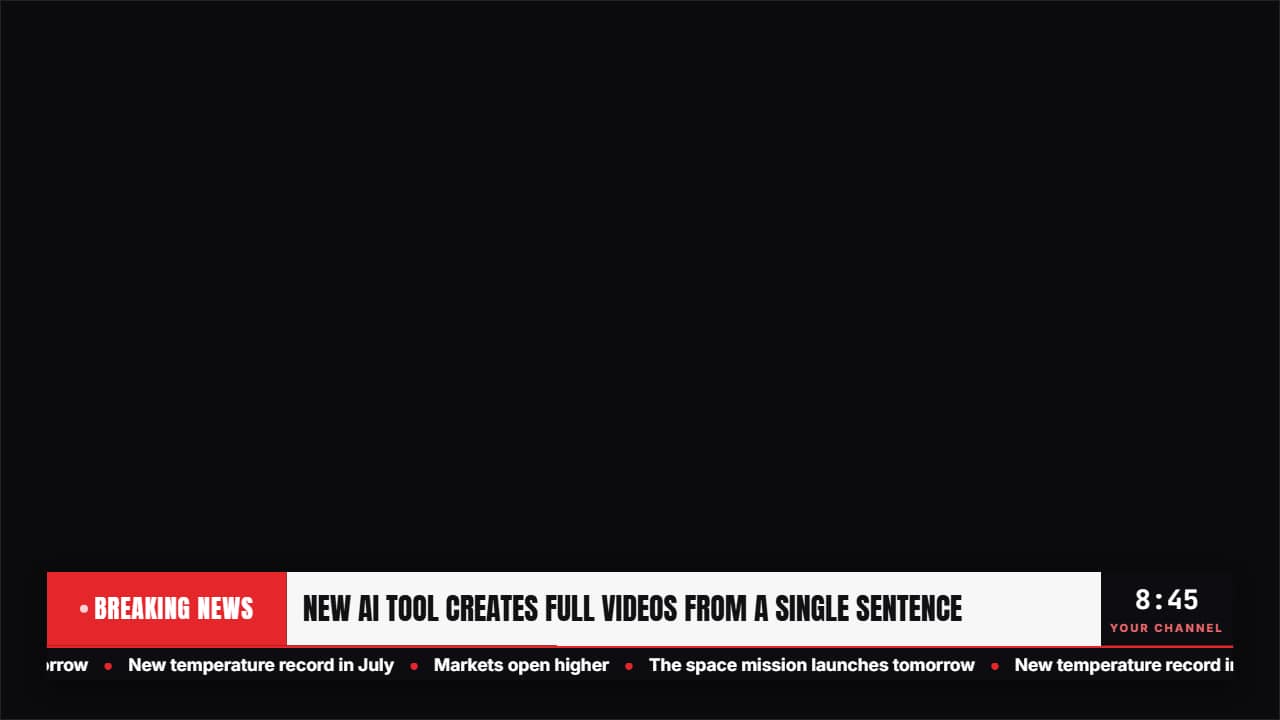 Breaking news bar with tickerThe news bar for current affairs, AI and faceless channels: the «BREAKING NEWS» block with its pulsing dot…
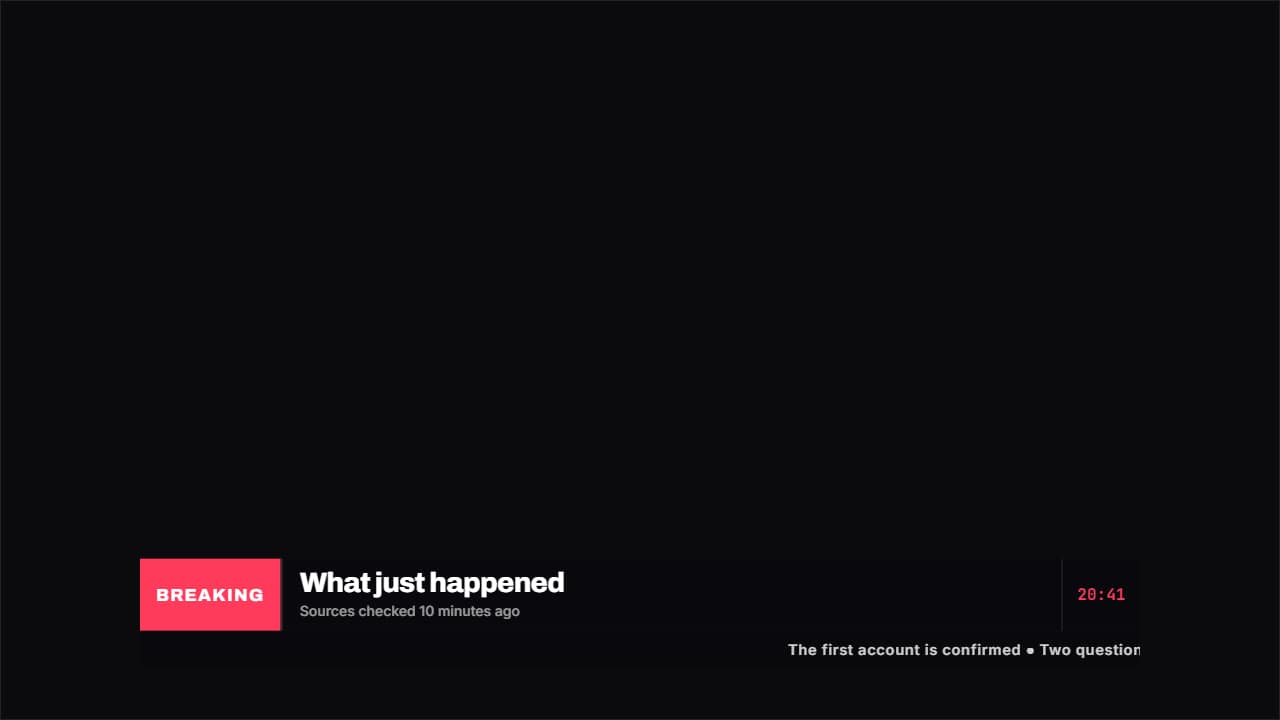 Breaking news with tickerThe news bar: a colored block with the label, a big headline, the time to one side and a ticker of headlines…
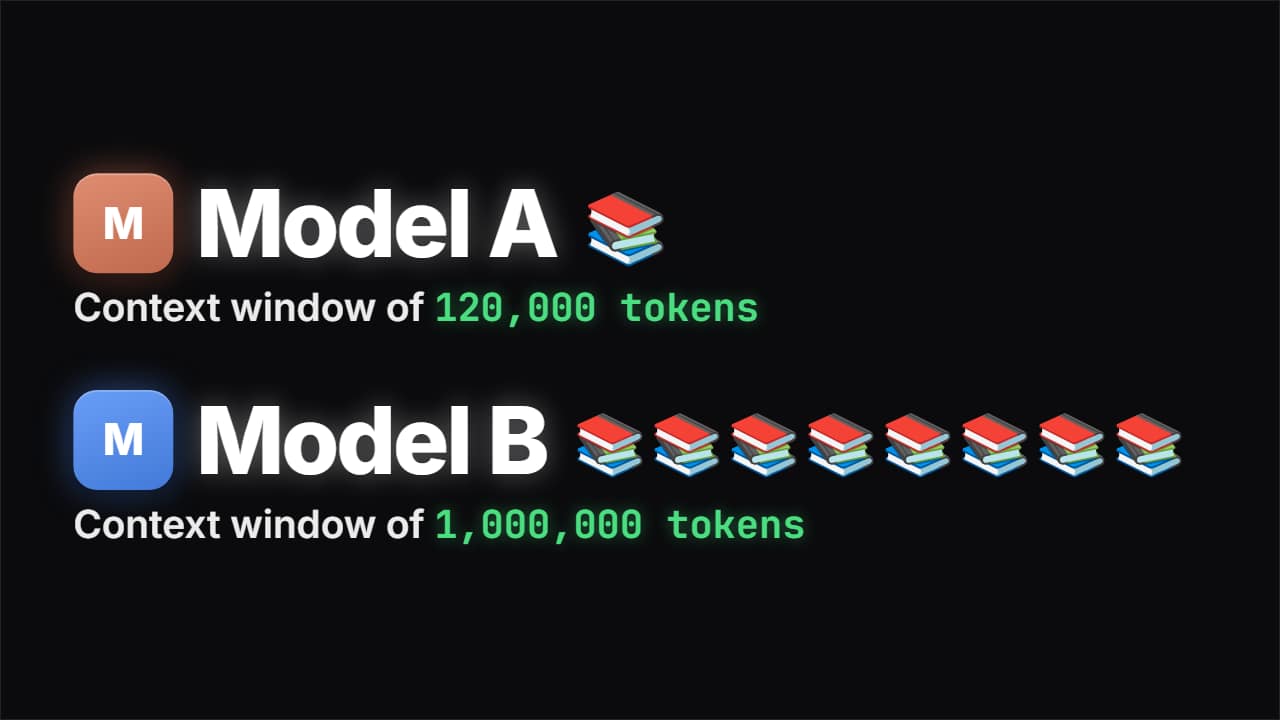 Compare models with emojisEach model with its card, its huge name and its figure counting up, next to a pile of emojis that actually…
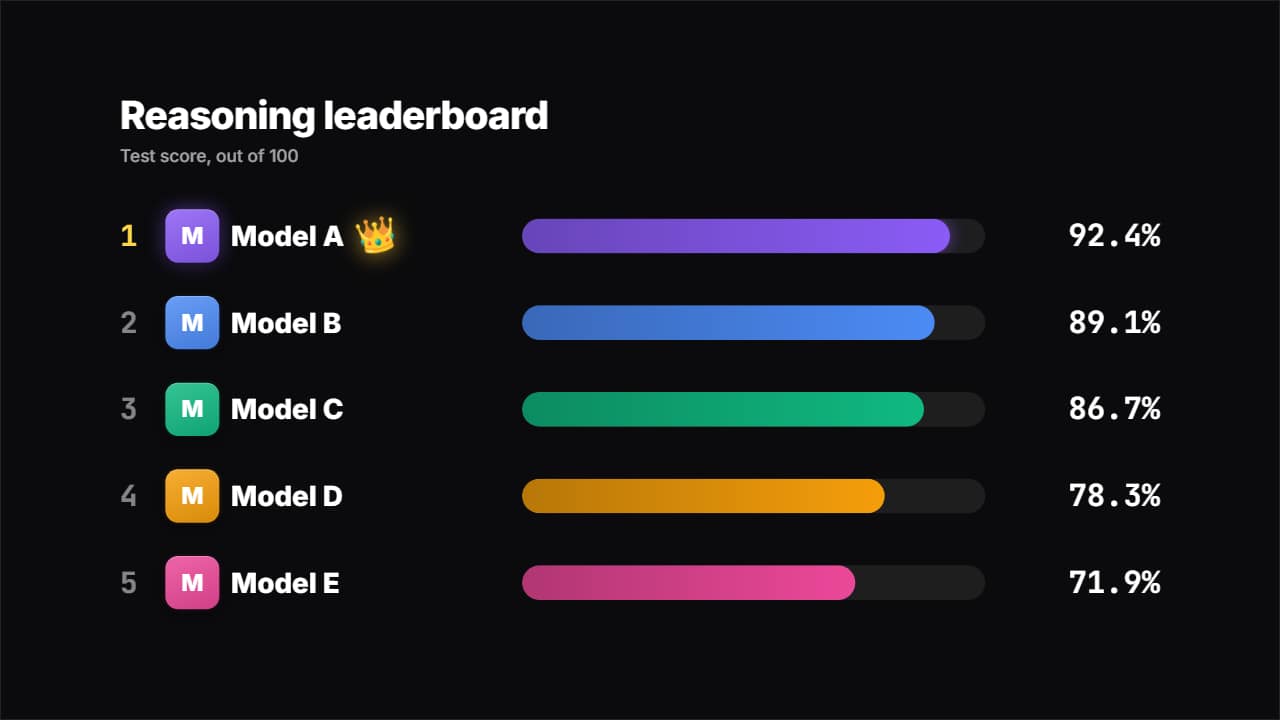 AI model leaderboardA benchmark table: every model with its card, its bar and its score counting up, sorted on their own from…
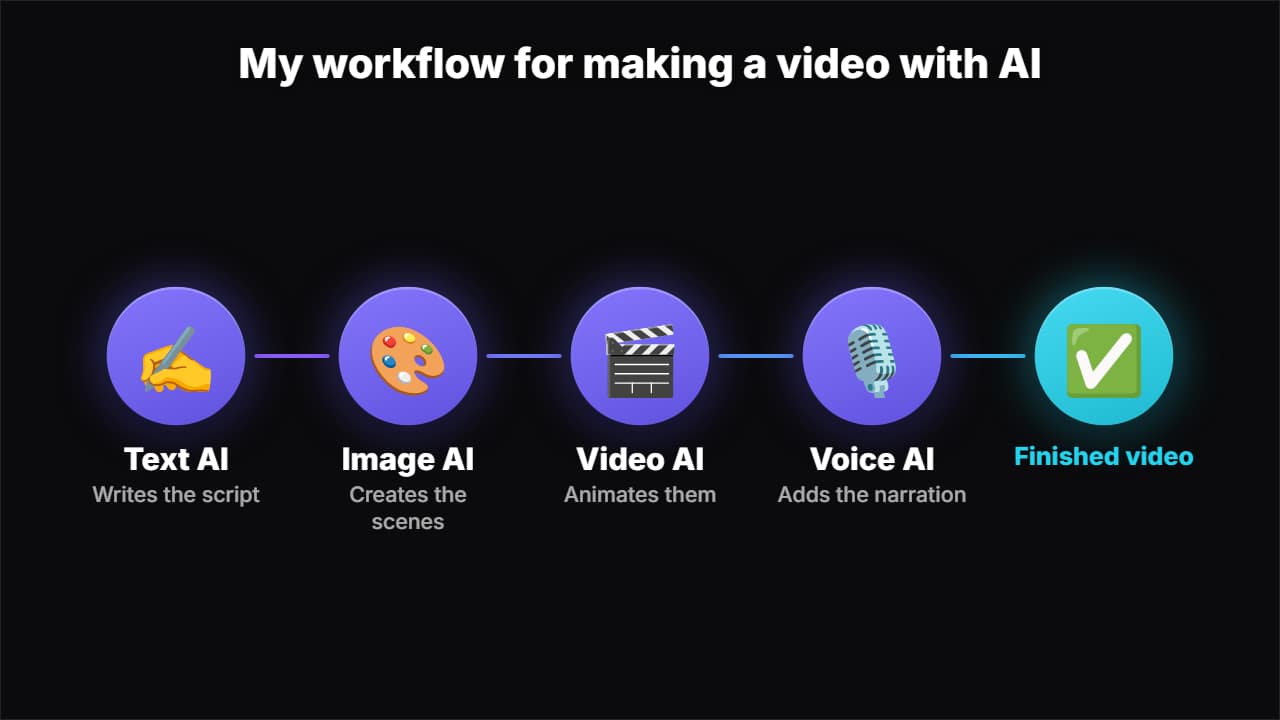 AI workflow chainThe steps of an AI workflow, each with its tool and what it does, linked by a pulse of light traveling from…
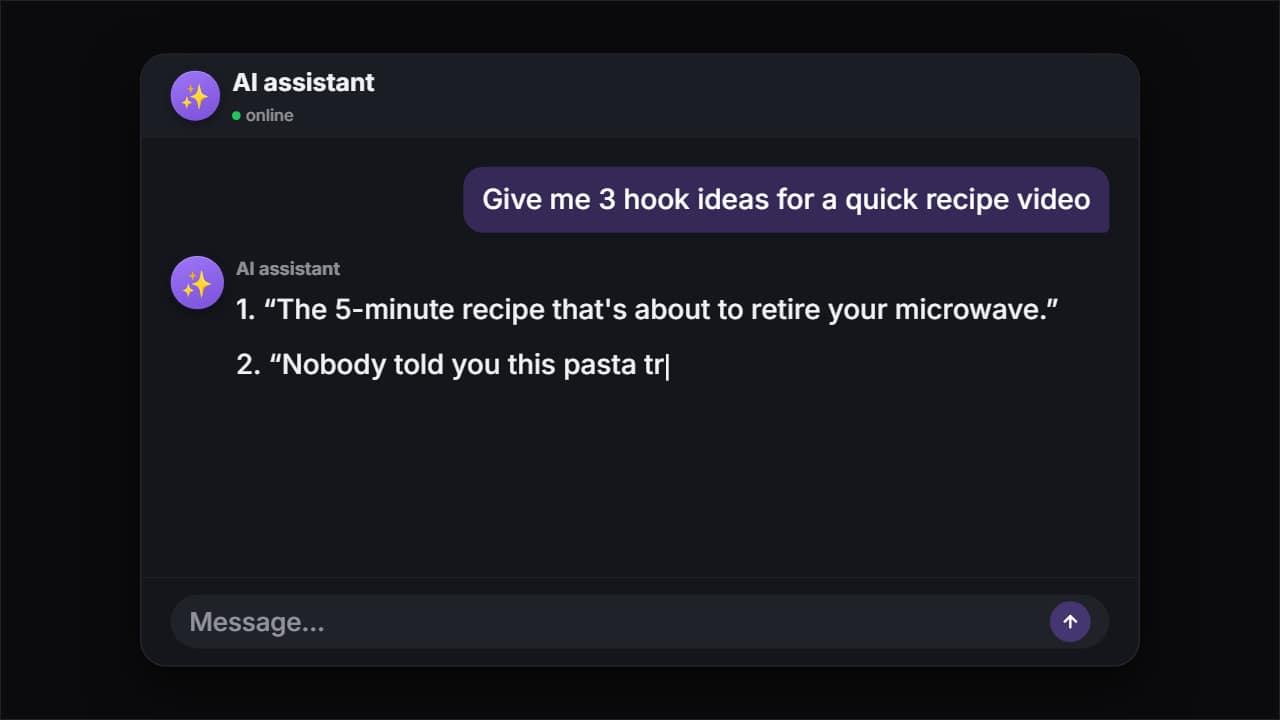 AI chatThe question types itself letter by letter, gets sent, the model thinks and the answer appears word by word…
 Stat PopA huge number landing with a shockwave. For the figure you want remembered no matter what.
 Made with AIThe badge that says the visuals or the voice were made with artificial intelligence: the sparkles on their…
 Glass subscribe cardYour channel card in glass: avatar, name and subscriber count.
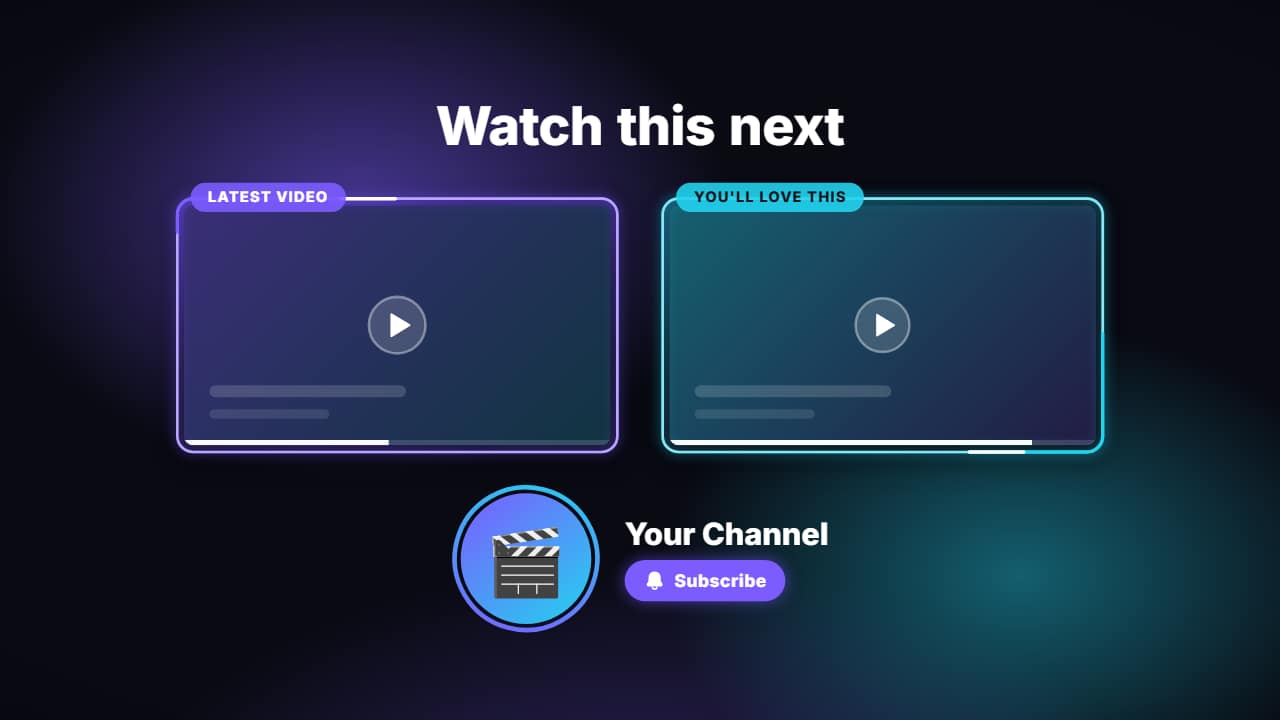 End screenThe last seconds of your video: a title («Watch this next»), two 16:9 slots where YouTube puts its…
5 hooks to open your first videos
- 1
this week's AI update just changed, and creators should care for one reason.
Nova says it → - 2
5 AI updates this week, ranked by how much they affect creators.
Nova says it → - 3
What would happen if this week's AI update disappeared tomorrow?
Nova says it → - 4
Why does nobody talk about this week's AI update?
Nova says it → - 5
Is this week's AI update actually worth it for creators? Let's find out.
Nova says it →
What works in AI and tech news
Speed matters, but clarity wins. The AI news channels that grow explain one update at a time — what changed, who it affects, what to do about it — instead of reading a list of headlines. Viewers come for a trusted filter: say what's hype and what's useful.
Visual comparisons do a lot of the work. Two models side by side, a ranked leaderboard or a step-by-step workflow diagram is easier to follow than a talking head, and your anchor can keep the show consistent from one week to the next.
Your first video, step by step
- Pick the 3 updates of the week that matter most to your audience.
- Write a 5–8 minute script: what changed, why it matters, what to try.
- Open Nova in the news studio, read the script, export.
- Use the comparison and leaderboard overlays for each story.
5 ideas for your first month
- This week in AI: the three updates that change how creators work.
- Two assistants, one task: a side-by-side test with the results on screen.
- Explained in five minutes: what an AI “agent” actually does.
- The AI tools ranking for video editing, updated every month.
- Hype check: one viral AI claim, tested and explained.
Mistakes that hurt AI news channels
- Generating scripts and visuals in bulk with no editorial work. YouTube's monetization policies exclude AI content made with generic templates that feels mass-produced; using AI to help with a script you shape is allowed.
- Showing real company logos and product screenshots without permission. Keep labels generic, or upload assets you have the right to use.
- Blurring opinion and fact. Mark rumors as rumors, and add a “made with AI” badge when you show realistic AI-generated images.
Sources: YouTube Help — channel monetization policies, disclosing altered or synthetic content (checked Nov 6, 2026).
Estimated long-form RPM
$7 – $18
Per 1,000 views, mostly-US audience. A third-party estimate: YouTube doesn't publish RPM by niche. Run the numbers →
Before every upload
Title, thumbnail, chapters, end screen, hashtags and captions in one list. Open the checklist →
Questions
- Is an AI news channel allowed to use an animated anchor?
- Yes. An animated host with your original script and research is creative input. What YouTube excludes is mass-produced content with little originality.
- Do I need to disclose AI use?
- YouTube asks you to disclose realistic altered or synthetic content. A cartoon robot anchor isn't realistic; realistic AI images of real events would need the label.
- How often should an AI news channel upload?
- Weekly is a sustainable start: one show with the week's top updates, plus Shorts for the single biggest story.
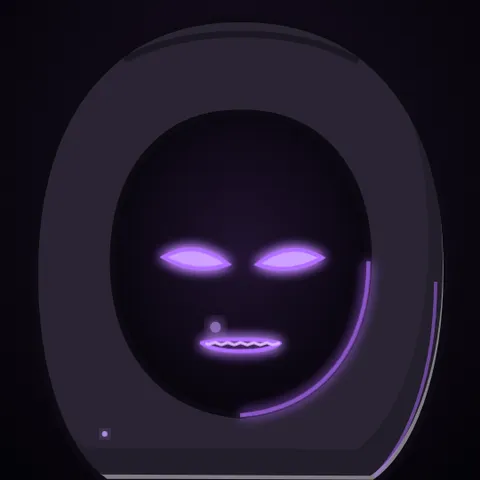 Horror stories
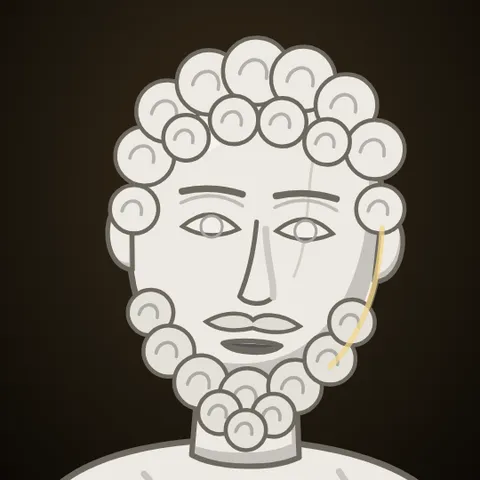 Stoicism
 Facts & explainers
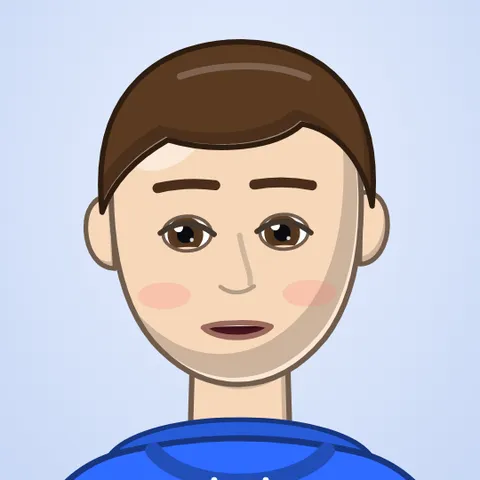 Personal finance
 Gaming