Free starter kit · 10 templates · 1 character
Personal finance channel starter kit — faceless and compliant
Finance is one of the best-paying niches on YouTube, and one of the strictest. This kit gives you the Narrator, a faceless avatar, a stock market screen, an office and a news set, and ten overlays for money videos: compound interest, budget breakdowns, savings goals, price charts and the disclaimers that keep you on the right side of the rules.
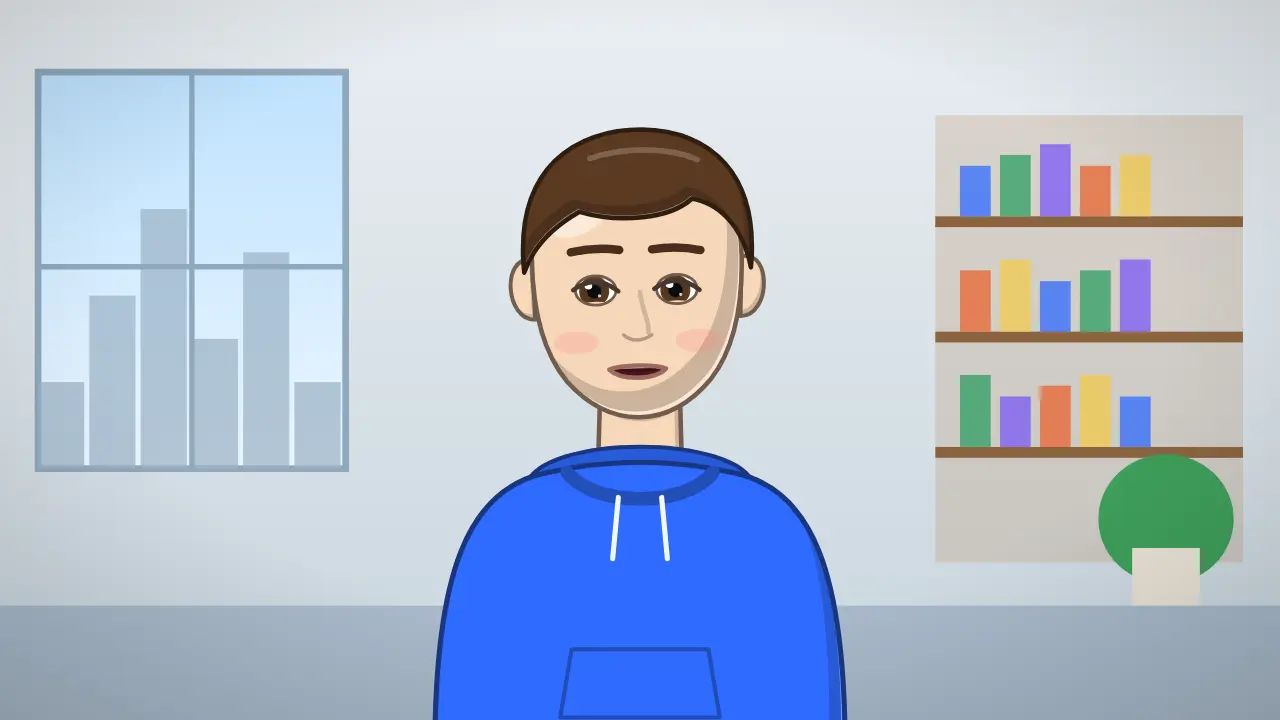
Your host: Narrator
Narrator you design. Read your script out loud and Narrator speaks it, with mouth shapes that follow your voice. More about Narrator →
- Stock marketOpen Narrator with this background →
- OfficeOpen Narrator with this background →
- News studioOpen Narrator with this background →

10 overlays for every episode
In the order they usually appear in a video: Not financial advice, Stock price card, Compound interest, Where the money goes and more. Each one opens in the editor with your text; export it as MP4 or as a transparent .mov.
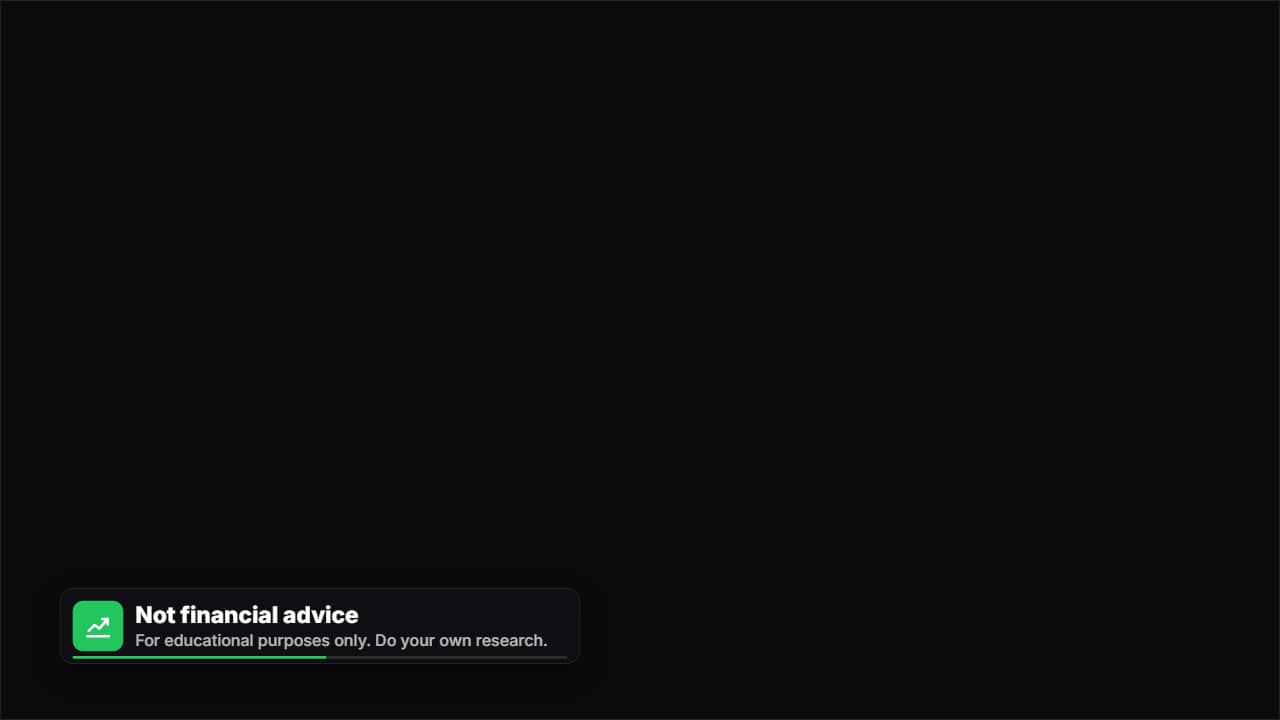 Not financial adviceThe disclaimer used by finance, stock and crypto channels: «NOT FINANCIAL ADVICE» with the chart drawing…
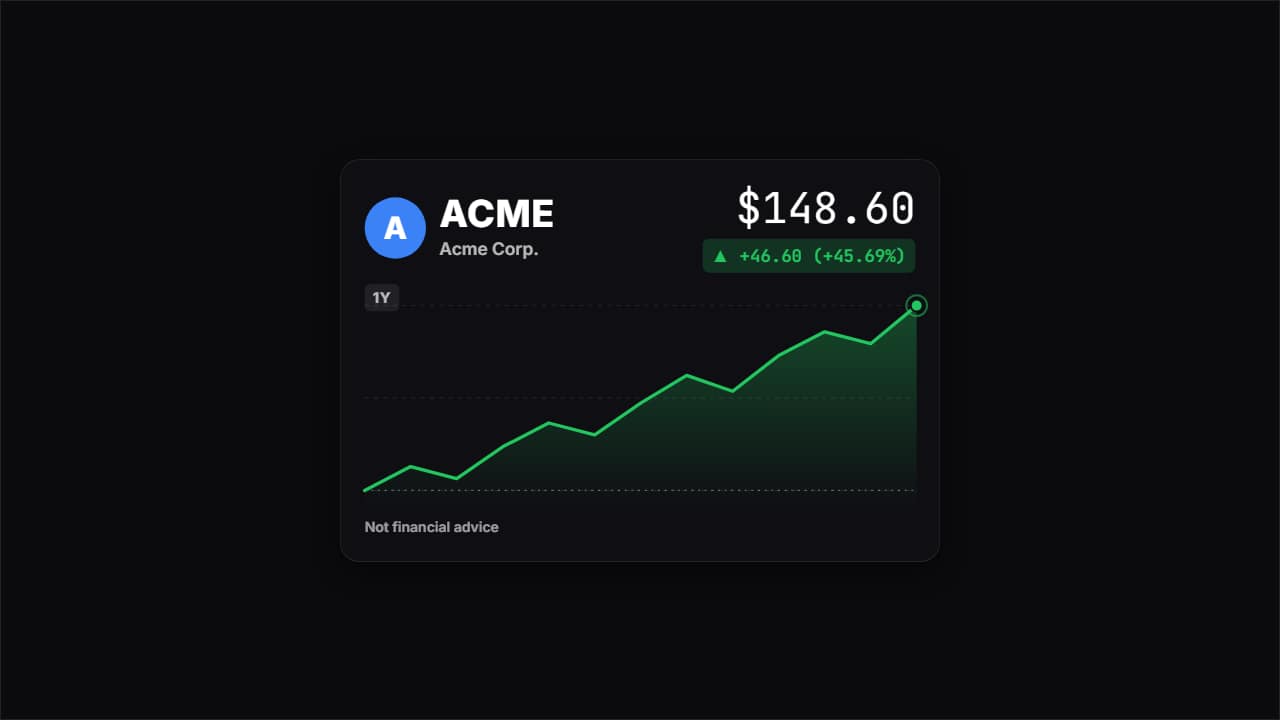 Stock price cardThe card finance channels show when they mention a stock or a crypto: the ticker, the price rolling up, how…
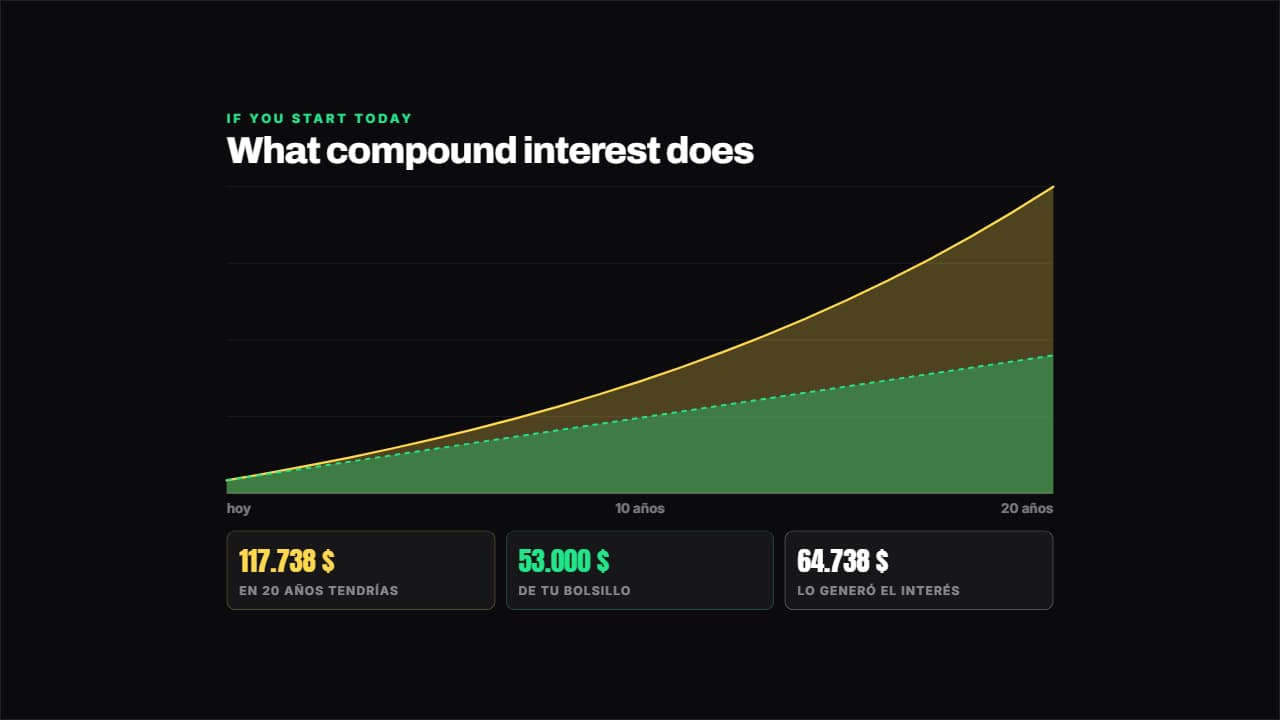 Compound interestWorked out year by year from your numbers: what you put in out of your own pocket goes in one layer and what…
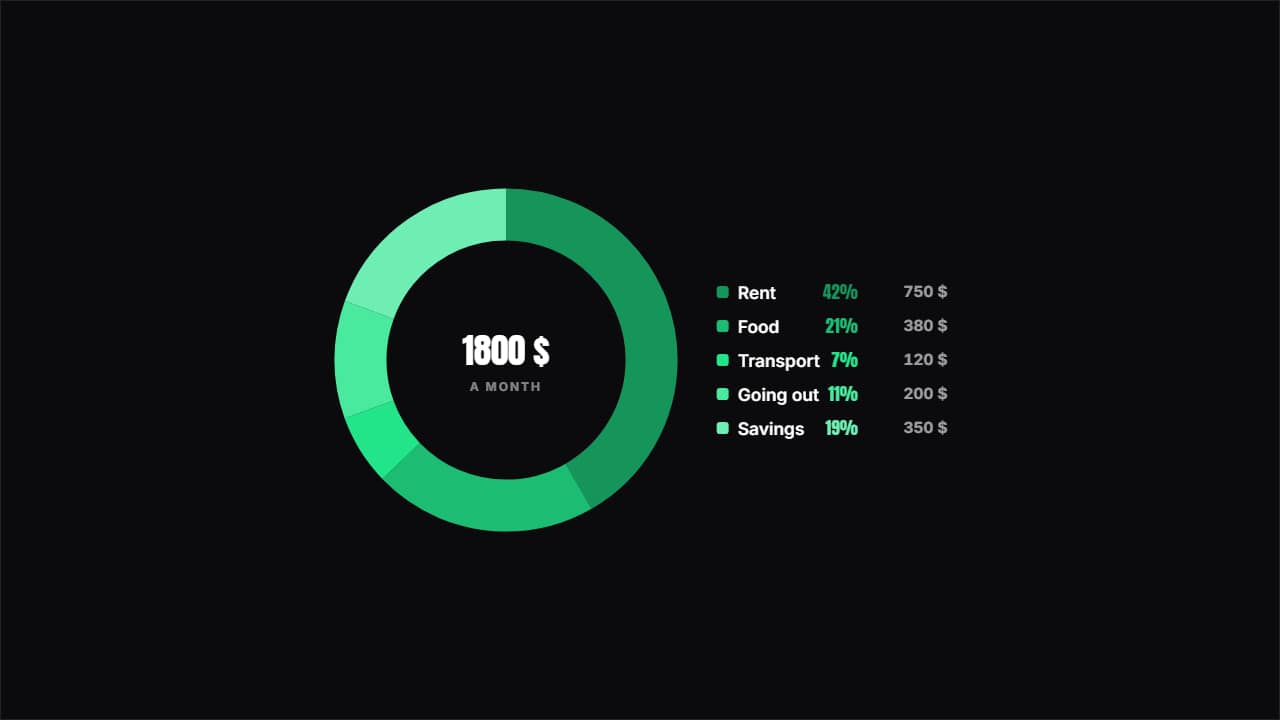 Where the money goesA ring with the split and the key beside it showing each item's percentage and amount.
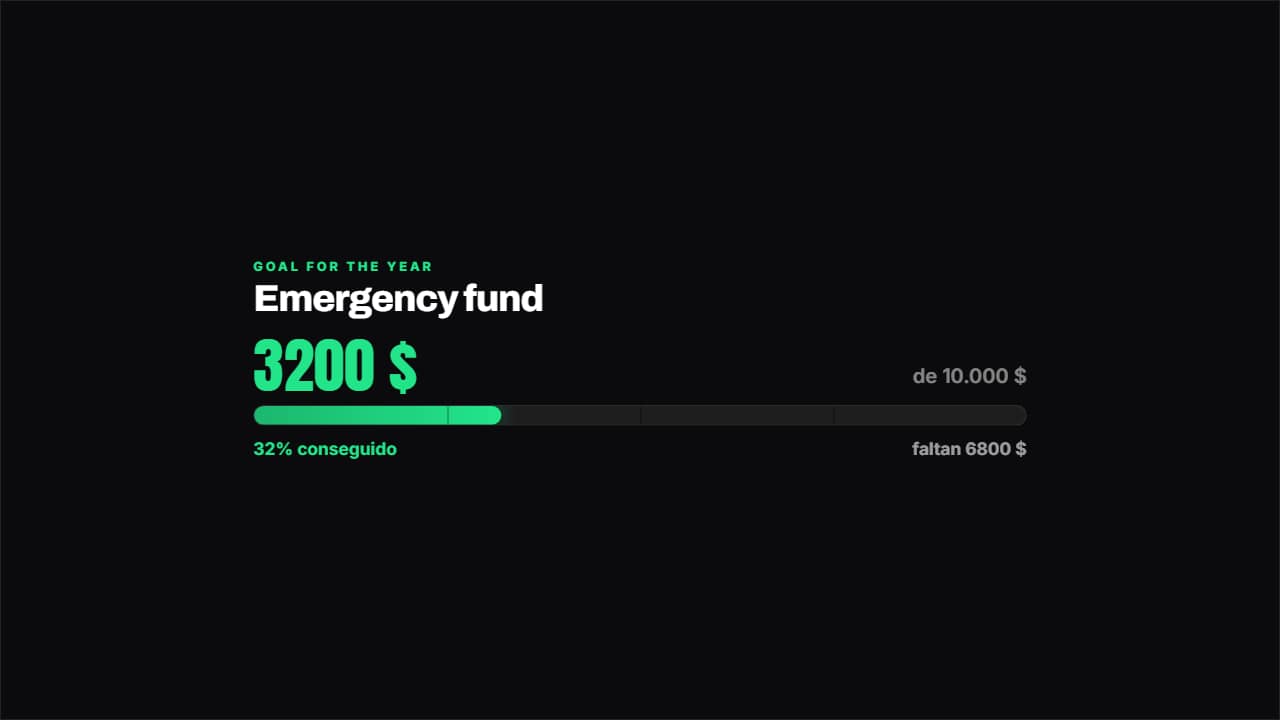 Savings goalHow much you've got, how much is left and what percentage that is, with the bar marked in quarters.
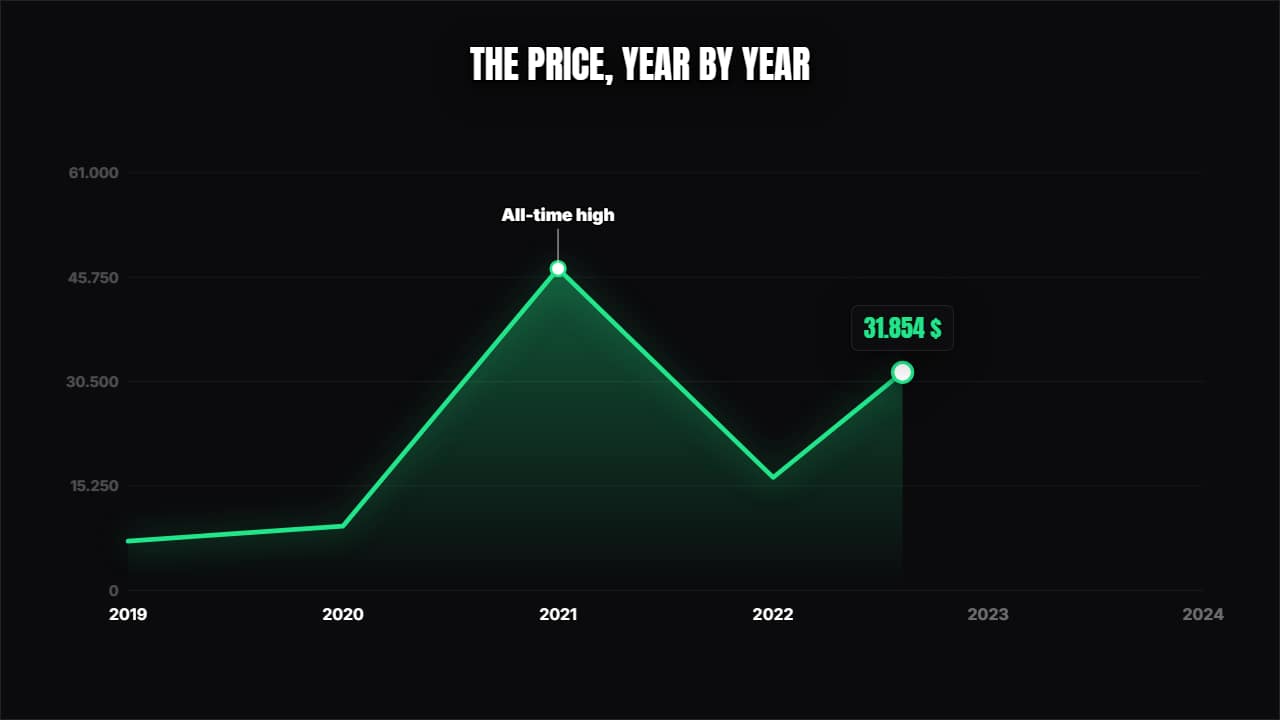 Line chartThe curve draws itself over its axes, a dot travels along showing the value and the annotations pop at the…
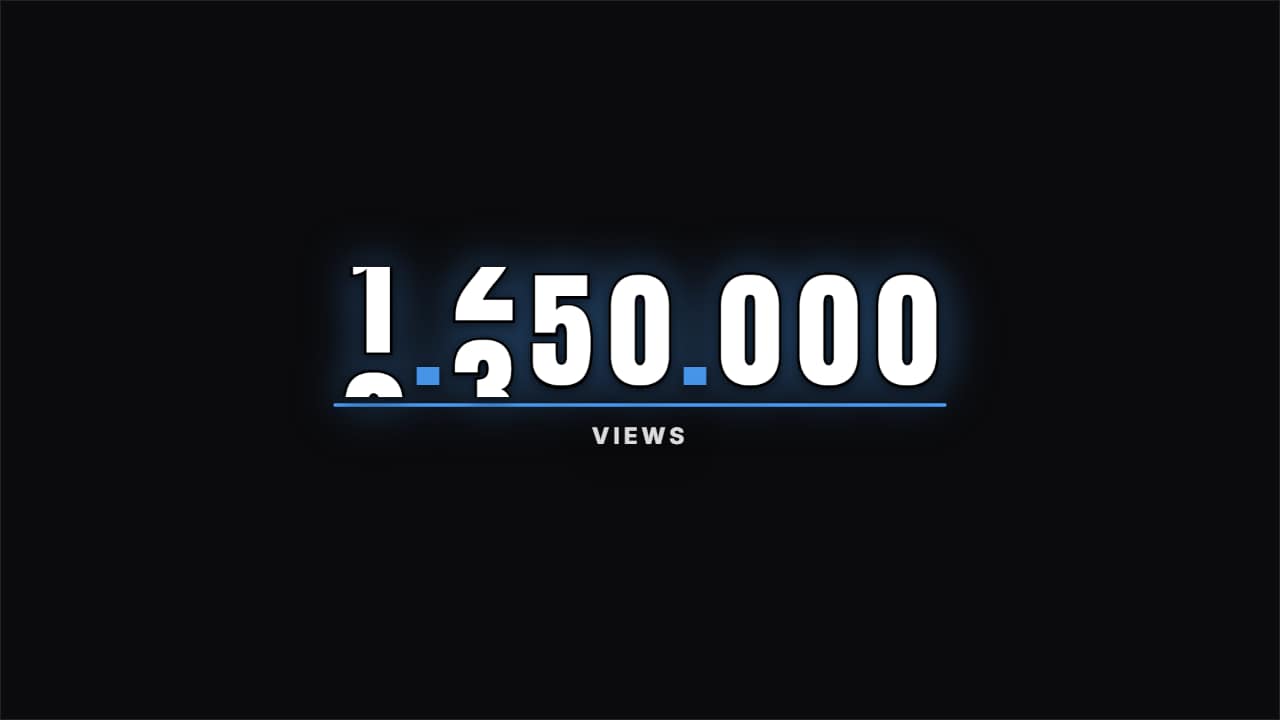 OdometerThe digits roll like a mechanical counter up to the final figure, with a progress bar underneath.
 Includes paid promotionThe corner badge that says the video has a sponsor, with the bag on its colored tile, the title and one…
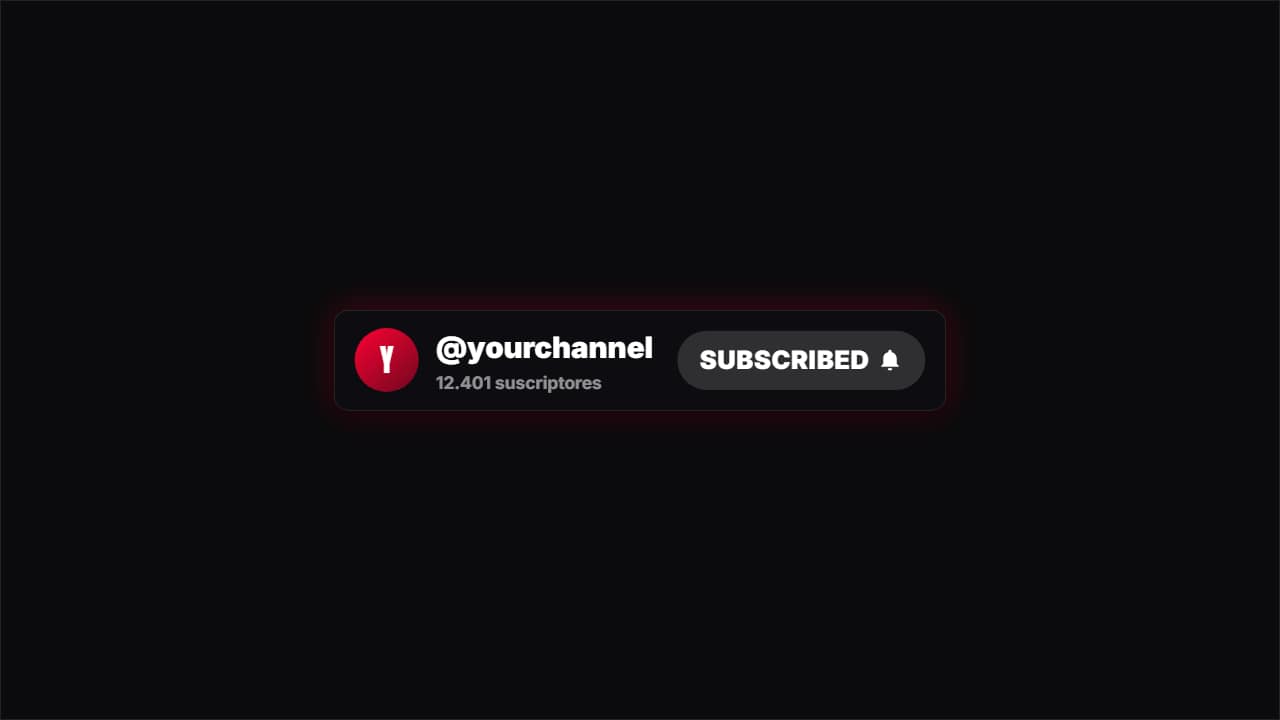 SubscribeA channel card with a red button a cursor presses, turning to "SUBSCRIBED" with the bell.
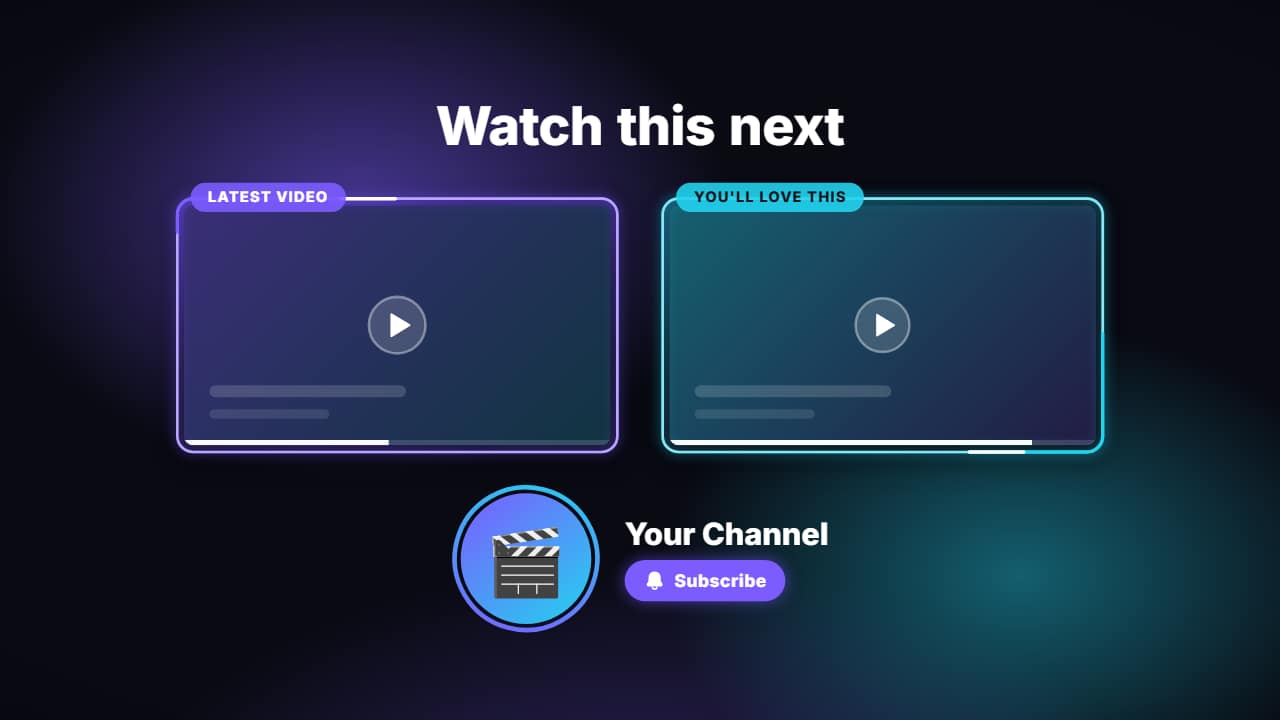 End screenThe last seconds of your video: a title («Watch this next»), two 16:9 slots where YouTube puts its…
5 hooks to open your first videos
- 1
Here's what saving $100 a month turns into after 20 years.
Narrator says it → - 2
The saving $100 a month advice people in their twenties keep hearing is quietly costing them money.
Narrator says it → - 3
What would happen if saving $100 a month disappeared tomorrow?
Narrator says it → - 4
Why does nobody talk about saving $100 a month?
Narrator says it → - 5
Is saving $100 a month actually worth it for people in their twenties? Let's find out.
Narrator says it →
What works on personal finance channels
Numbers people can apply to their own lives. “What $100 a month becomes in 20 years” works because the viewer can picture their own $100. Animated charts that build step by step make compound interest or a debt payoff plan feel real in a way a spreadsheet never does.
Trust is the product. Explain your assumptions, show the math, say what you don't know, and separate education from recommendations. Channels that sound like a sales pitch lose viewers and advertisers.
Your first video, step by step
- Pick one money question with a clear calculation behind it.
- Write a 6–10 minute script and check every number twice.
- Open the Narrator in the stock market scene and record your voice.
- Add the disclaimer first, then the charts where the numbers appear.
5 ideas for your first month
- What $100 a month becomes in 10, 20 and 30 years.
- The 50/30/20 budget, with a real salary broken down on screen.
- Paying off three debts: the snowball and avalanche methods compared.
- Subscriptions: what your monthly apps cost you in a year.
- An emergency fund, explained: how much, where and how fast.
Mistakes that cost finance channels their monetization
- Presenting an AI persona as a human financial expert. YouTube's monetization policies exclude AI-generated personas that present as human experts on financial topics; an obvious cartoon narrator is a host, not a fake advisor.
- Promising returns or telling viewers what to buy. Keep it educational and show a “not financial advice” disclaimer.
- Hiding sponsorships. Tick the paid promotion box in YouTube Studio and show a disclosure badge on screen.
Sources: YouTube Help — channel monetization policies, disclosing altered or synthetic content (checked Nov 6, 2026).
Estimated long-form RPM
$12 – $30
Per 1,000 views, mostly-US audience. A third-party estimate: YouTube doesn't publish RPM by niche. Run the numbers →
Before every upload
Title, thumbnail, chapters, end screen, hashtags and captions in one list. Open the checklist →
Questions
- Why do finance channels earn more?
- Advertisers pay more to reach people making money decisions, so RPMs tend to be higher. Third-party estimates vary widely; your own RPM appears in YouTube Studio.
- Do I need a finance license to make videos?
- Educational content generally doesn't, but rules vary by country. Avoid personal recommendations and always add a disclaimer.
- Can an animated narrator explain finance?
- Yes, as long as it doesn't pretend to be a real human expert and the research is yours.
 Horror stories
 AI news
 Stoicism
 Facts & explainers
 Gaming