Aspect ratio1920×1080this is how it downloads
Preview doesn't change the file
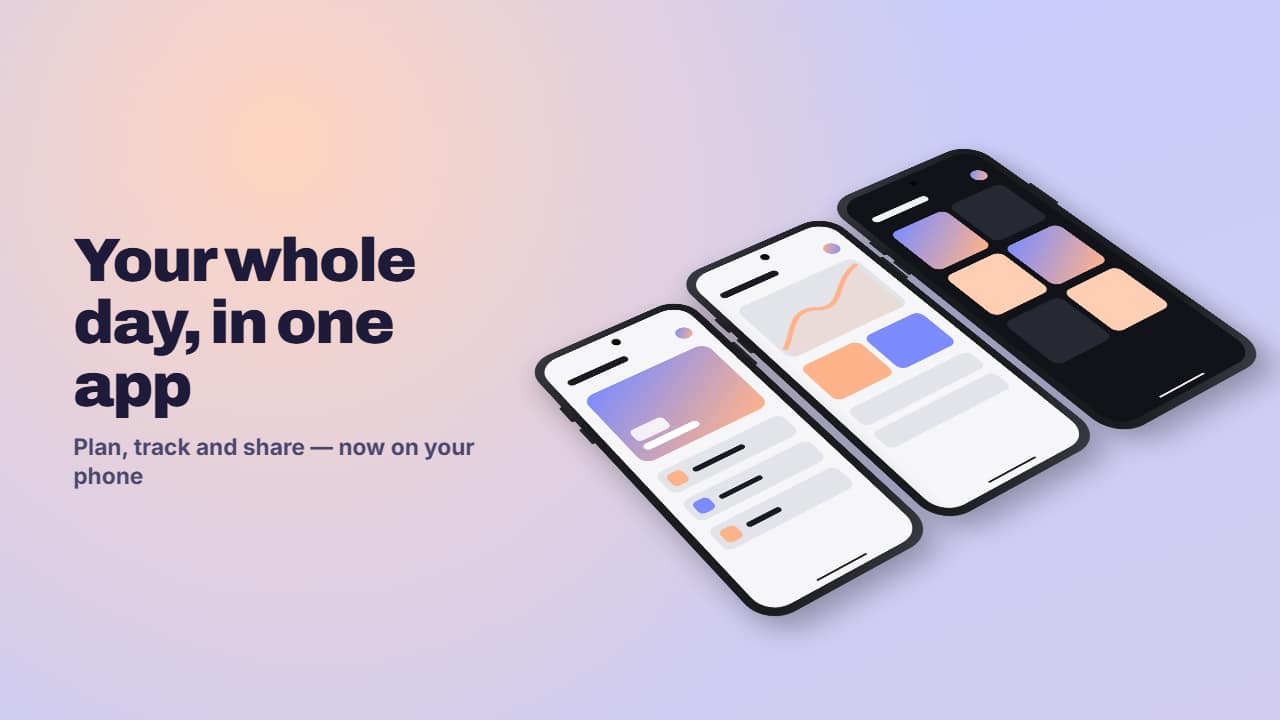
You'll download 1920×1080, 3.5 s, with no background (.mov).
BetaFree during the beta: create an account and export at no cost. No credit card.How it works →Free during the beta · no card →
You'll download 1920×1080, 3.5 s, with no background (.mov).
Three phones (generic, drawn: no brand) with your screenshots: cascading and tilted in 3D, rising with a bounce, floating and reshuffling; fanning open with a spring; or in a 3D carousel that turns in steps. The title sits beside them in landscape and on top in vertical. To present your app, a mobile website or tutorial screens. With no screenshots you get a made-up app in your colors. Graphite, silver or sand frame.
Plus the typeface and an optional letter outline, in every template.
Export it without background and put it on a track above your clip: the animation plays over your video.
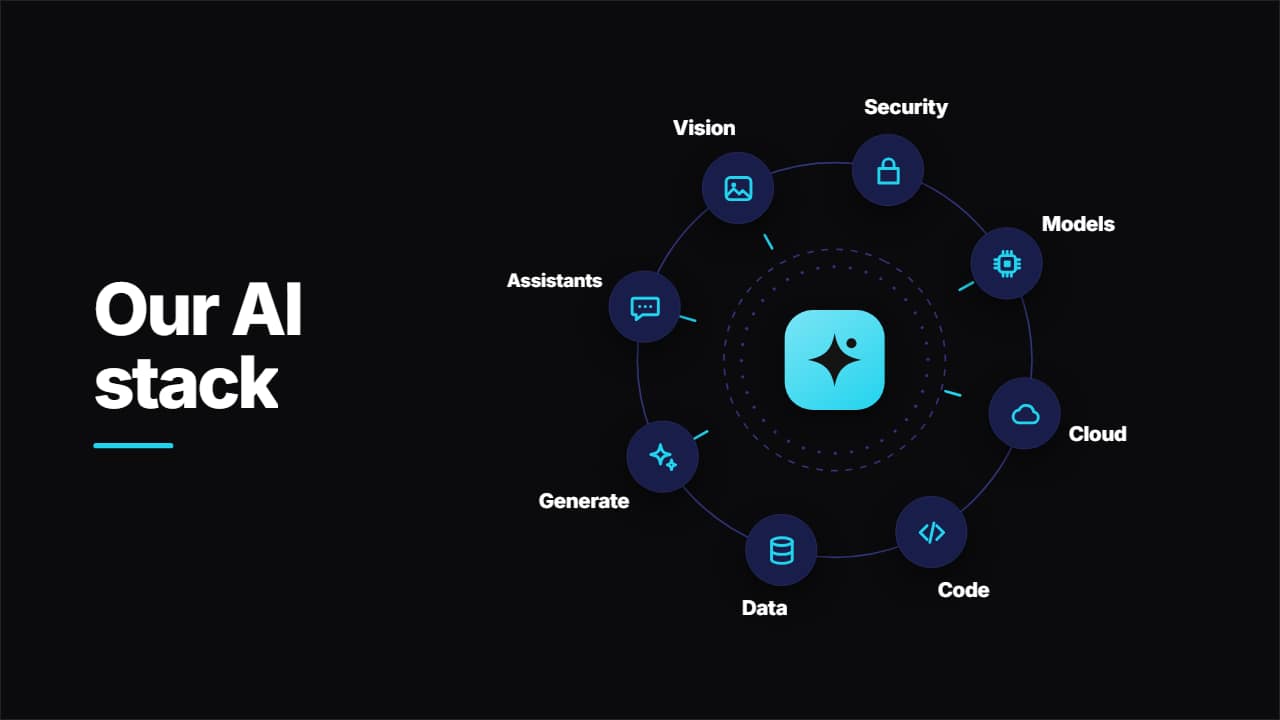 AI tech stack orbit: tools circling your logoYour logo in the middle, the title beside it and up to 8 tools circling on a ring that draws itself, with a…
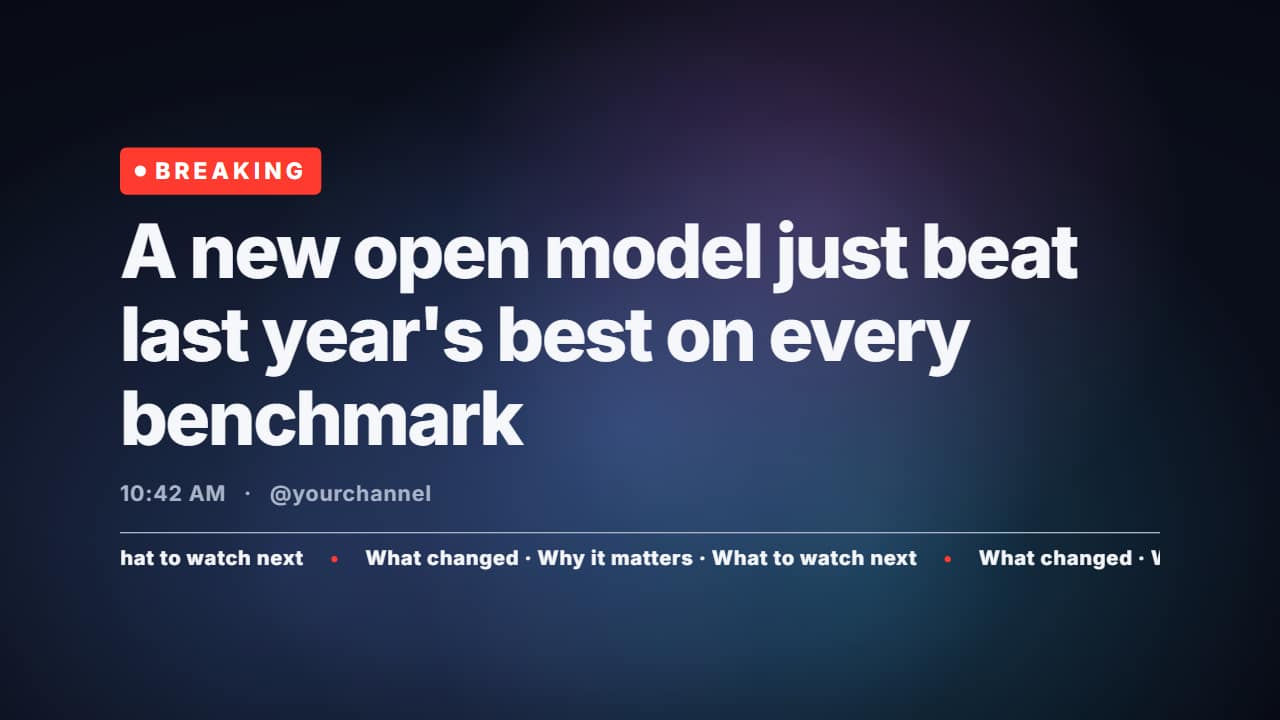 Breaking news headline on a looping gradientFor AI and tech news: the «BREAKING» pill with its pulsing dot, the big headline rising line by line, the…
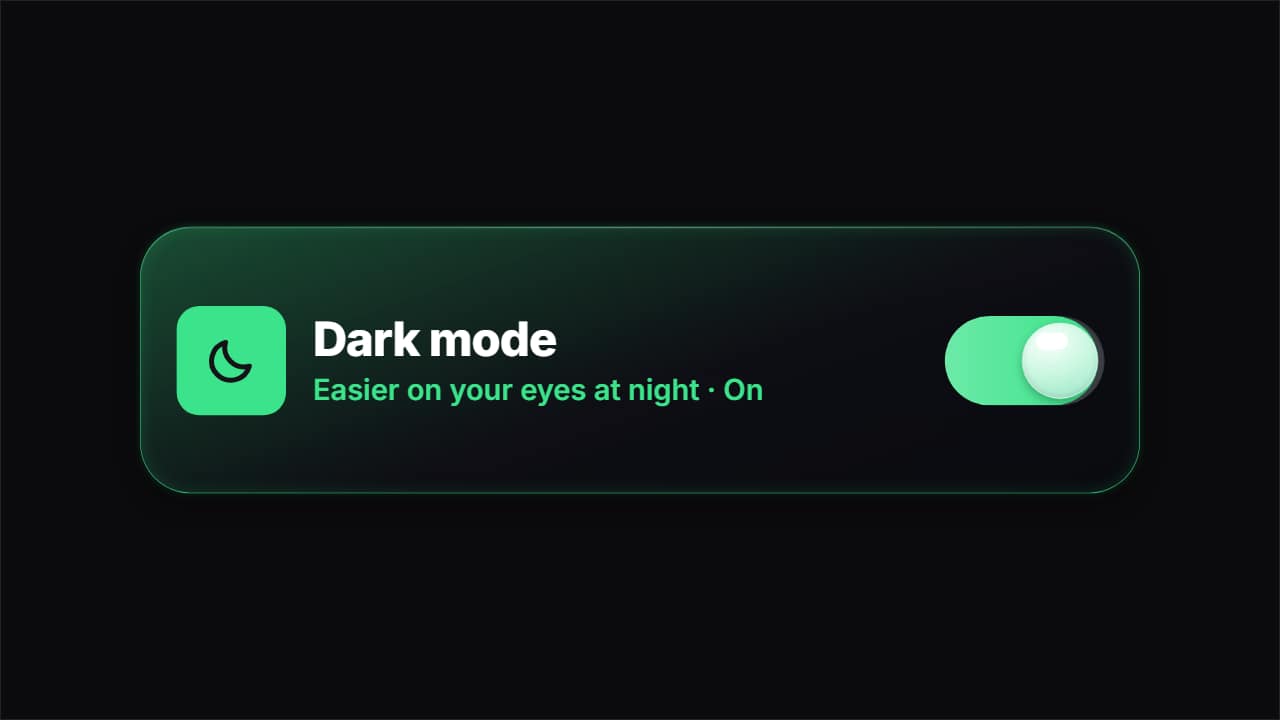 Liquid glass toggle switch turning onA settings row for app tutorials: icon, name, status and switch.
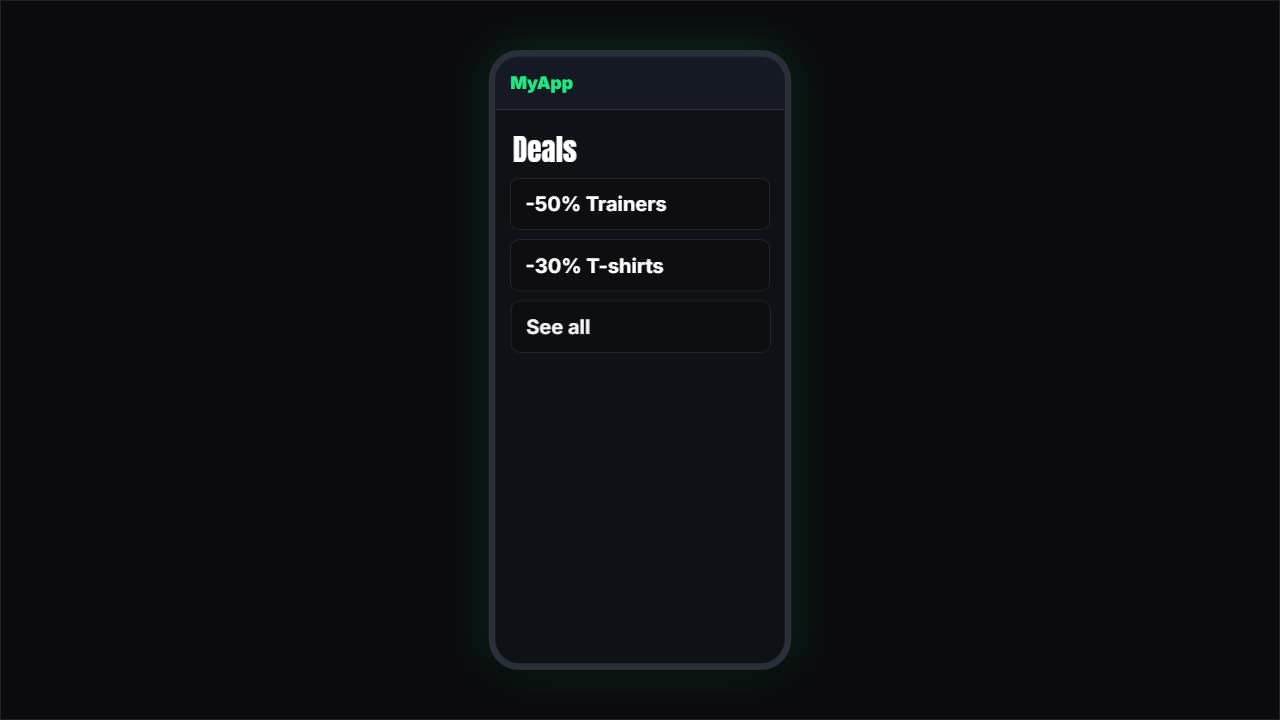 App or web demoA simulated phone (or browser) where a finger taps and the screens change.
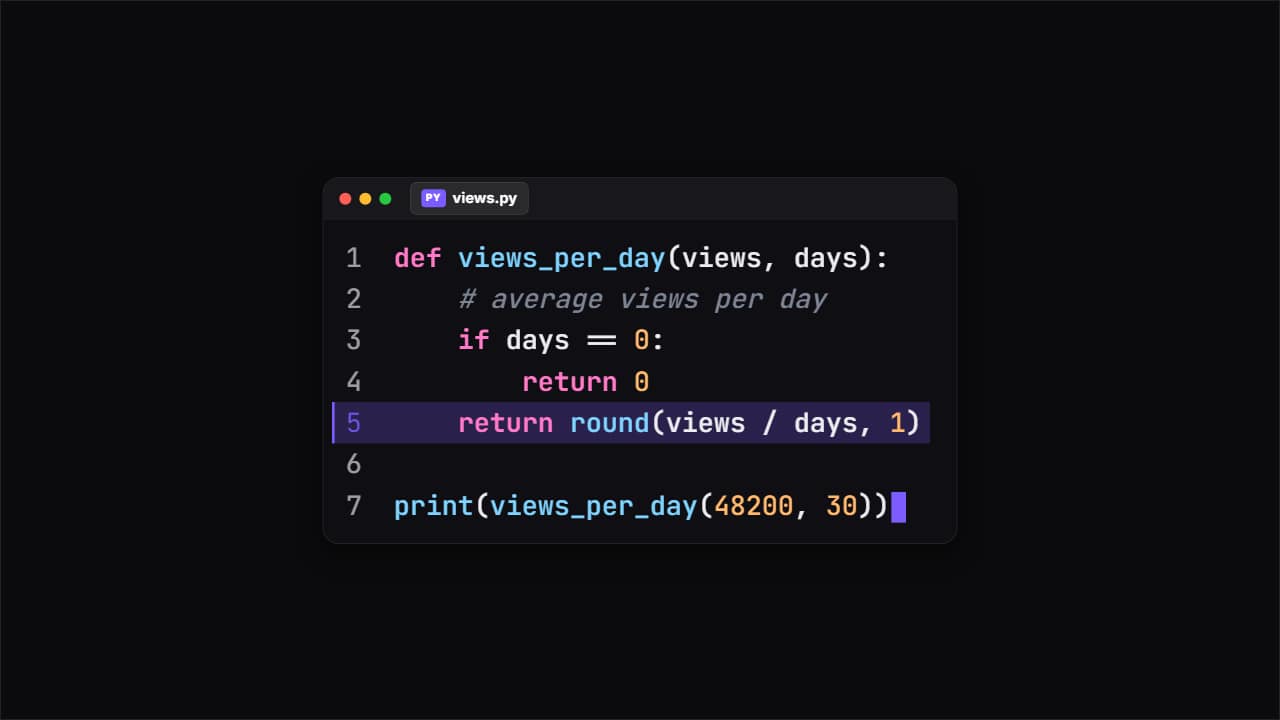 Code snippetThe editor window with your code typing itself, with its colors, the file name and line numbers.
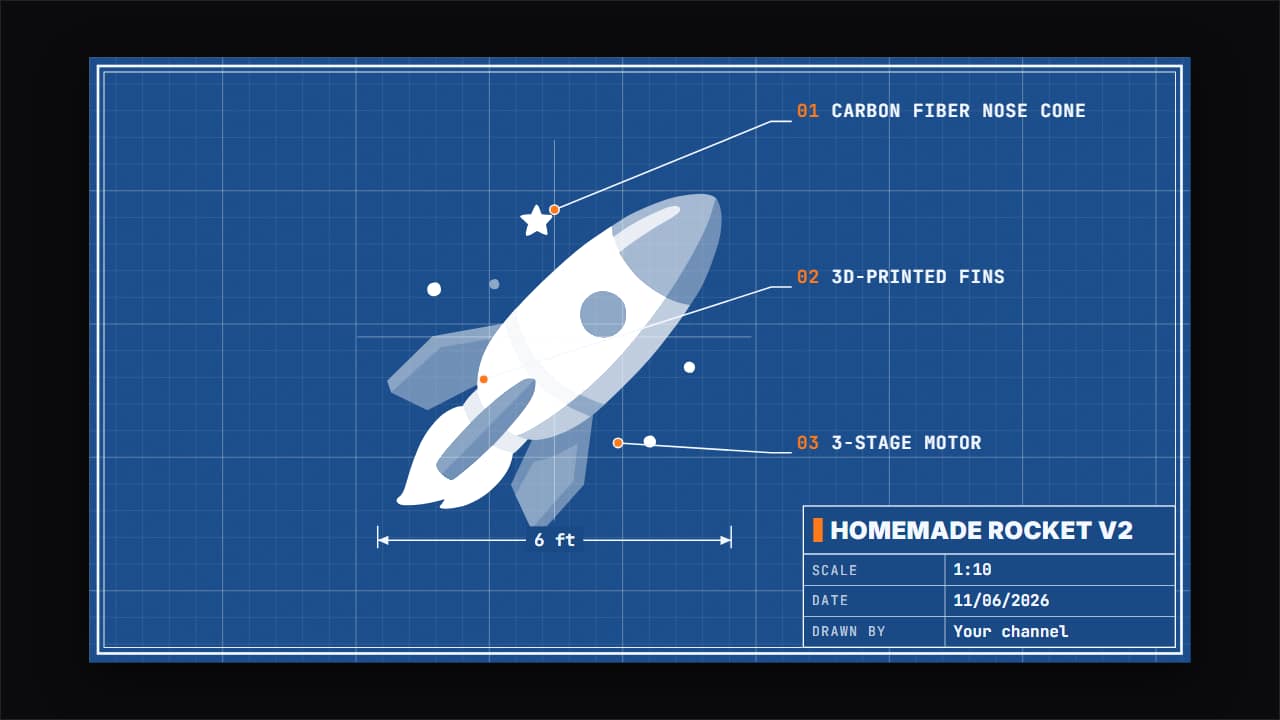 Blueprint of your buildWhat you build, shown as an engineering drawing: the grid draws itself, the double border closes, your photo…
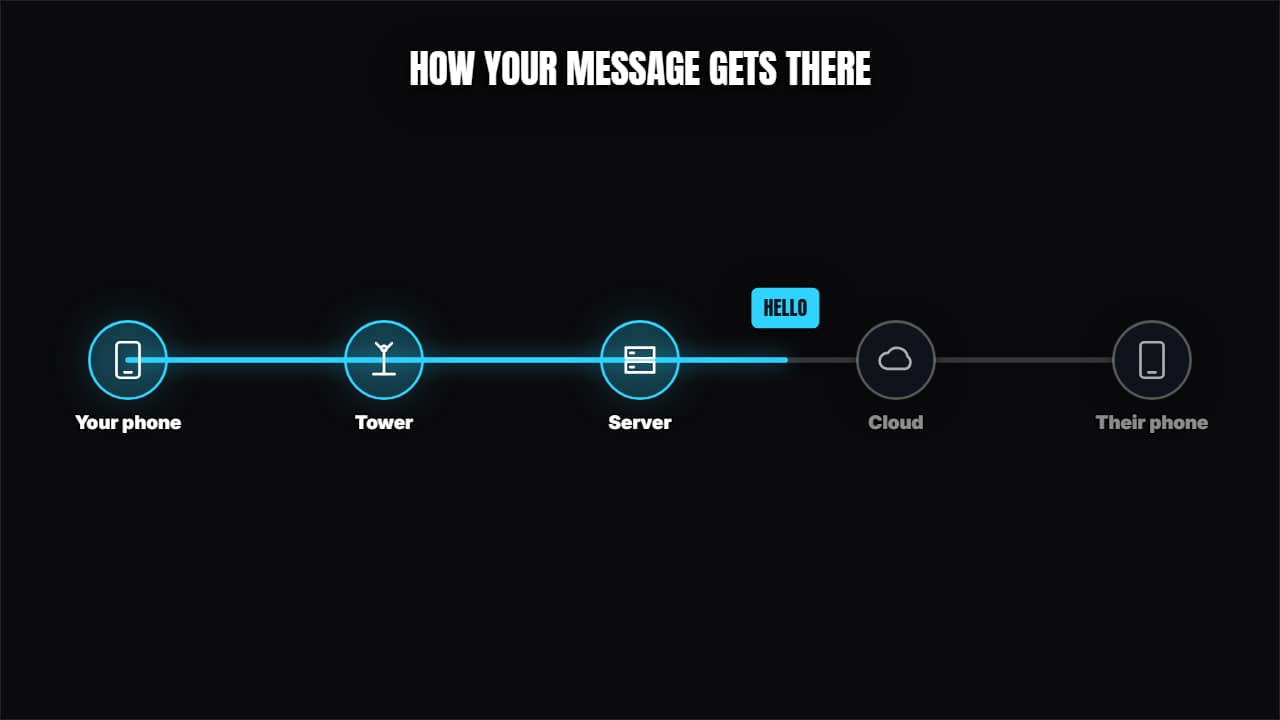 How a message travelsNodes with icons joined by cables and a packet traveling through, lighting them up.
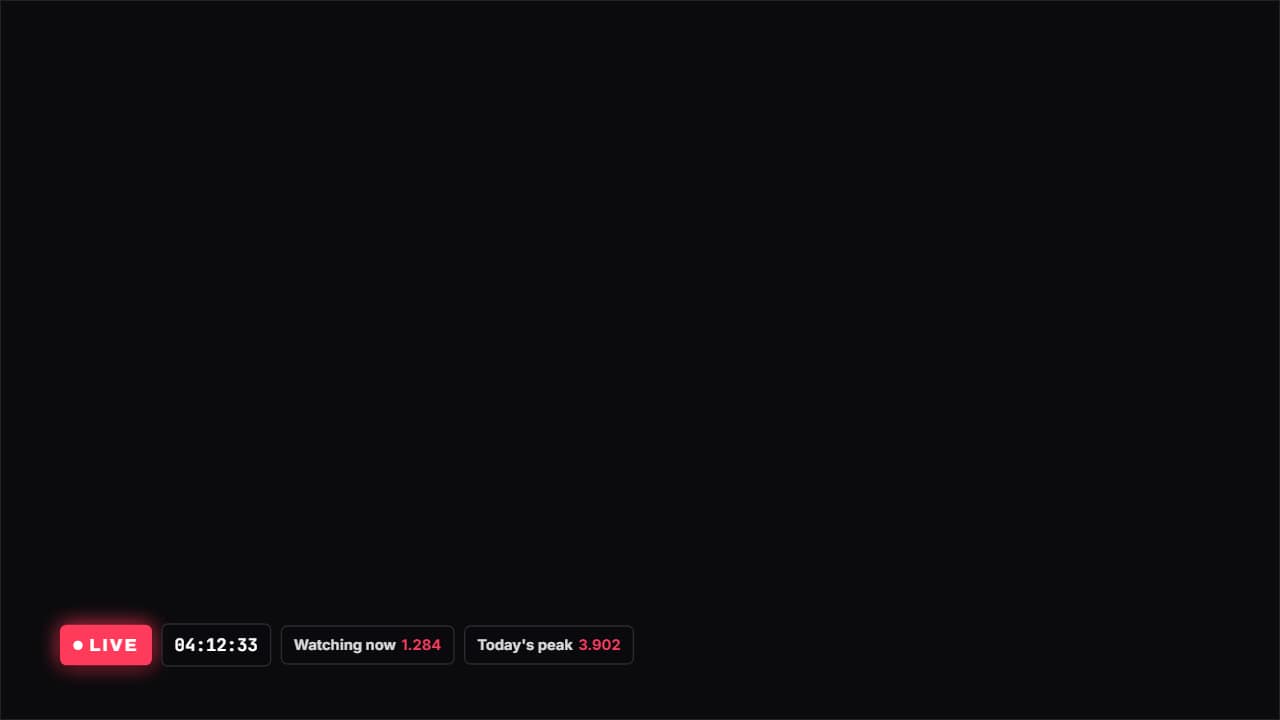 Live with a stopwatchA LIVE badge with the red dot pulsing, a stopwatch and whatever figures you want beside it (viewers…