Aspect ratio1920×1080this is how it downloads
Preview doesn't change the file
You'll download 1920×1080, 3.5 s, with no background (.mov).
BetaFree during the beta: create an account and export at no cost. No credit card.How it works →Free during the beta · no card →
You'll download 1920×1080, 3.5 s, with no background (.mov).
The brand reveal from product videos: your logo leaves in a blurred swipe, your word slams in big, the two halves split to open a gap and the symbol bounces into the middle; then everything blurs sideways, squeezes and the logo comes back, on a loop. Upload your logo (no logo = a generic drawn symbol), type the two halves and the small line under the logo. Black, white or your color; works transparent over your video.
Plus the typeface and an optional letter outline, in every template.
Export it without background and put it on a track above your clip: the animation plays over your video.
 Logo revealYour logo appears in two or three seconds with your channel name and your tagline: the intro or the…
 Logo stingerYour logo crosses the screen and covers the cut between two clips: your brand colors fill it, the logo lands…
 Mask reveal: your photo or clip through a word or shapeYour photo or clip appears through something: a huge word (letters rise one by one, the camera dives in and…
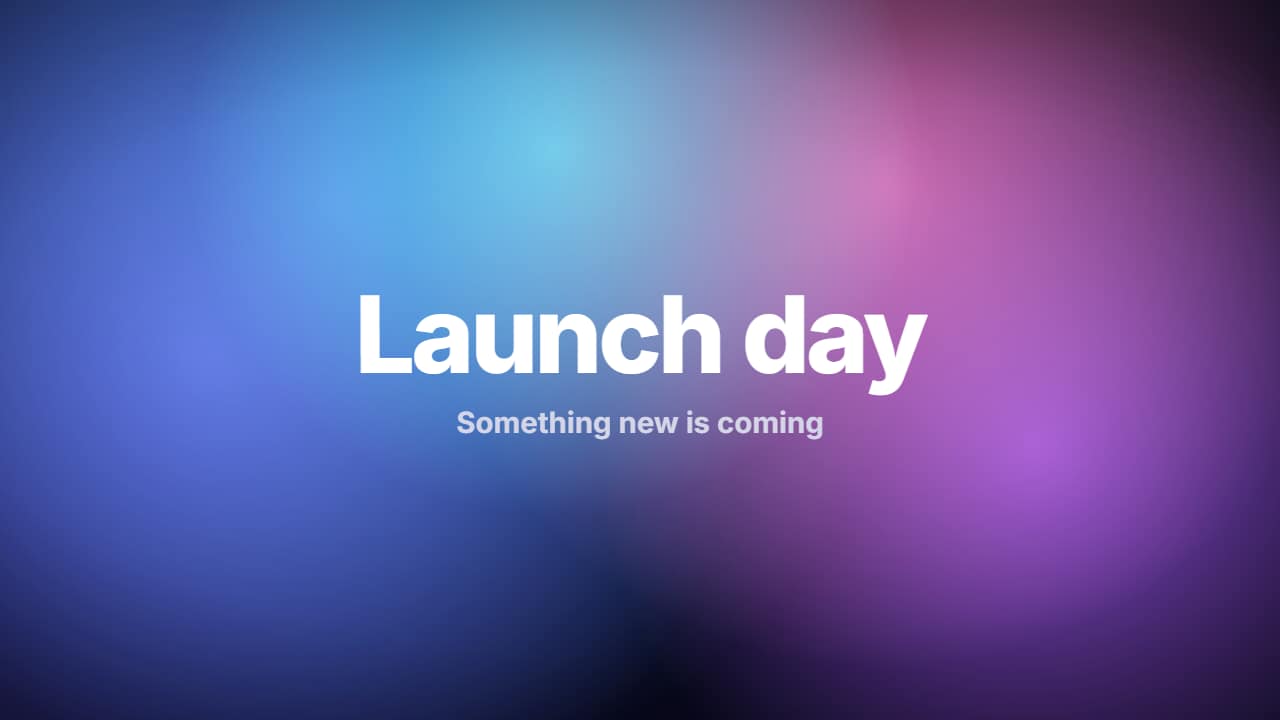 Looping gradient background with titleBig color blobs drifting slowly and blending, on a loop that closes exactly (repeat it with no visible cut).
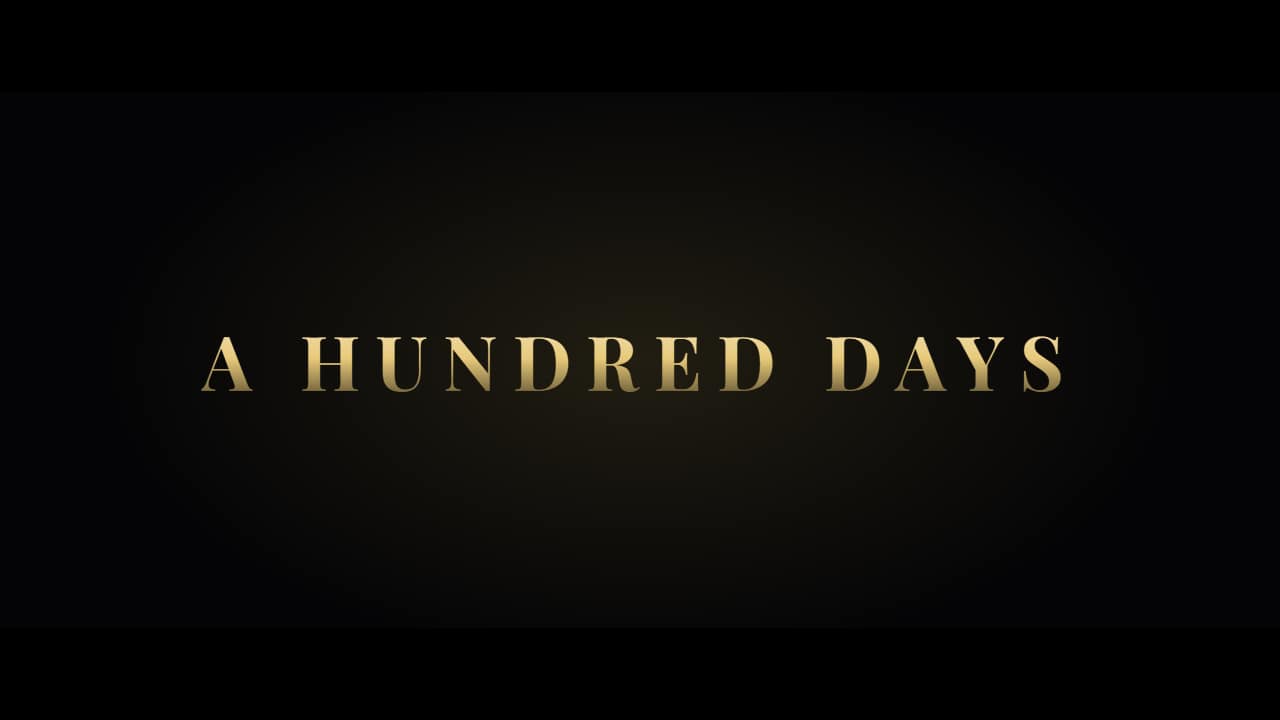 Movie trailer title cardsThe «movie» intro from vlogs and home cinema: short lines on black coming in one by one between light…
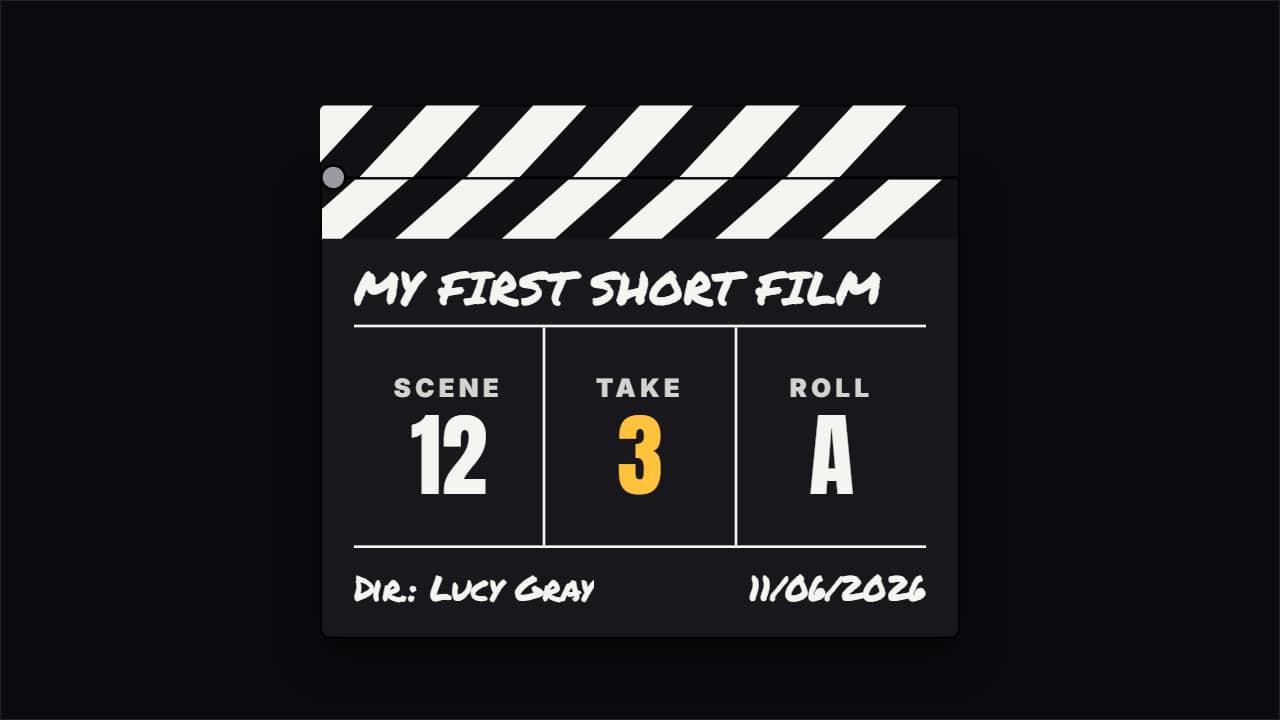 Film clapperboard snapping shutThe clapperboard behind-the-scenes vlogs, short films and movie channels open a scene with: the slate comes…
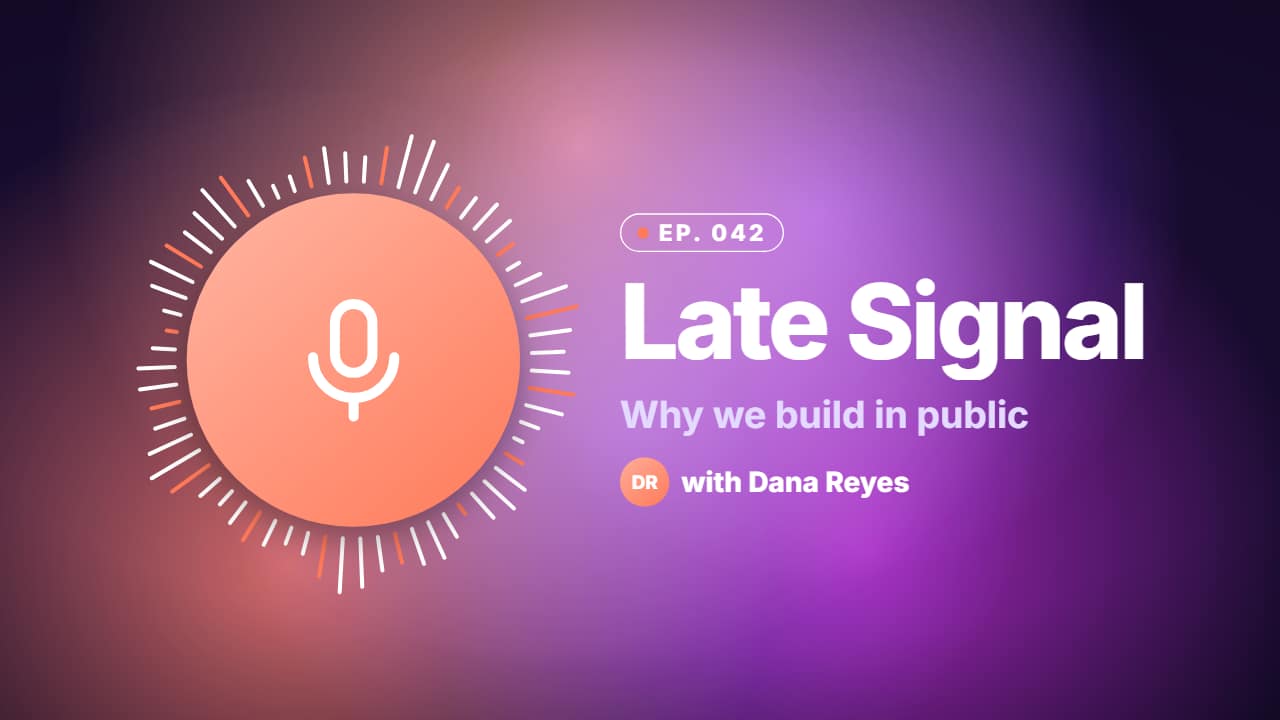 Podcast episode intro on a looping gradientThe animated cover of an episode: a disc with the guest's or your show's photo (no photo = a drawn…
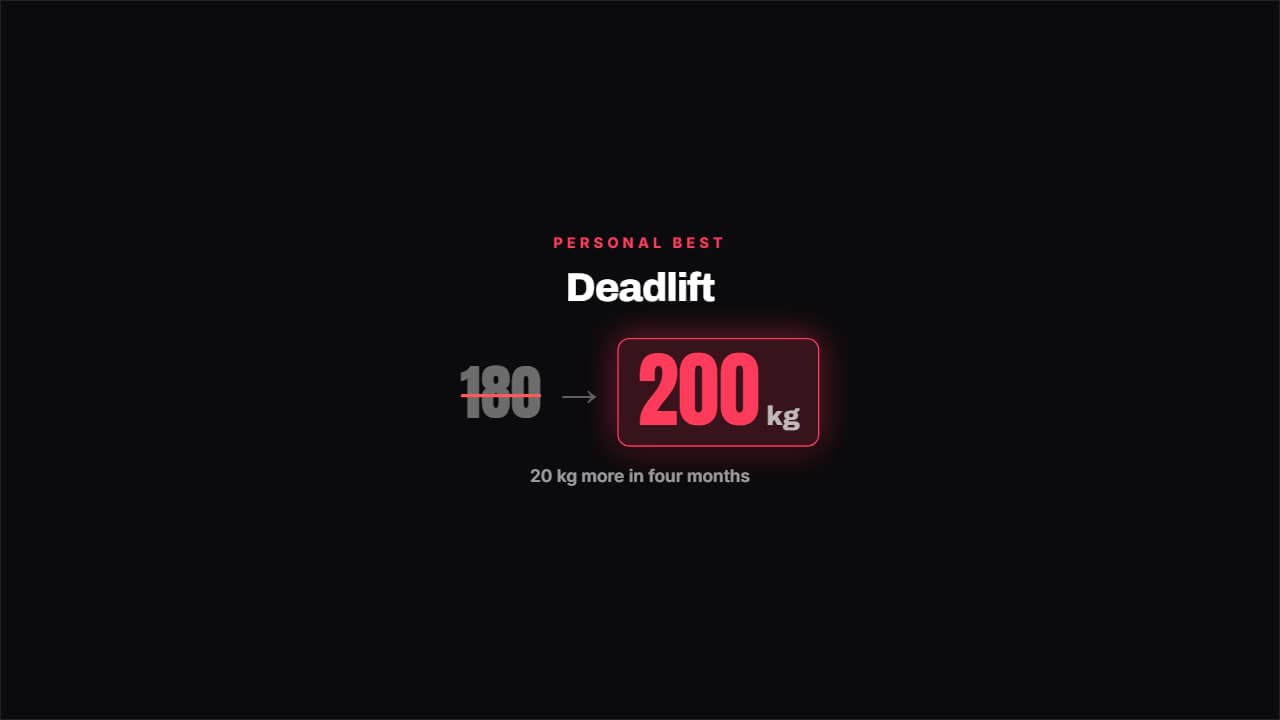 Personal best beatenThe old best gets crossed out in red and the new one bounces in with its unit.