Aspect ratio1920×1080this is how it downloads
Preview doesn't change the file
You'll download 1920×1080, 3.5 s, with a background (.mp4).
BetaFree during the beta: create an account and export at no cost. No credit card.How it works →Free during the beta · no card →
You'll download 1920×1080, 3.5 s, with a background (.mp4).
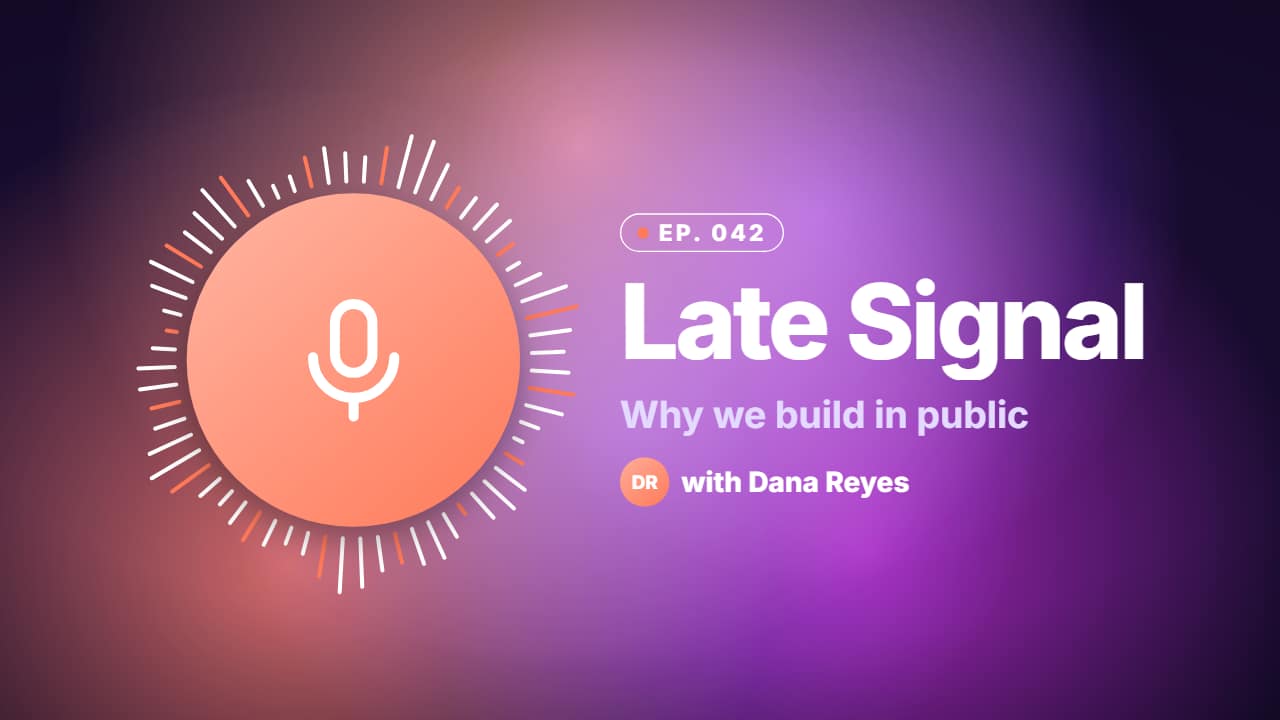
The animated cover of an episode: a disc with the guest's or your show's photo (no photo = a drawn microphone) ringed by a pulsing radial waveform, and beside it the episode number in a pill, the show name, the title and the guest, over color blobs drifting on an exact loop. Violet, coral, midnight or glass. In vertical and square the disc sits on top.
Plus the typeface and an optional letter outline, in every template.
This template is exported with its background, as a regular video.
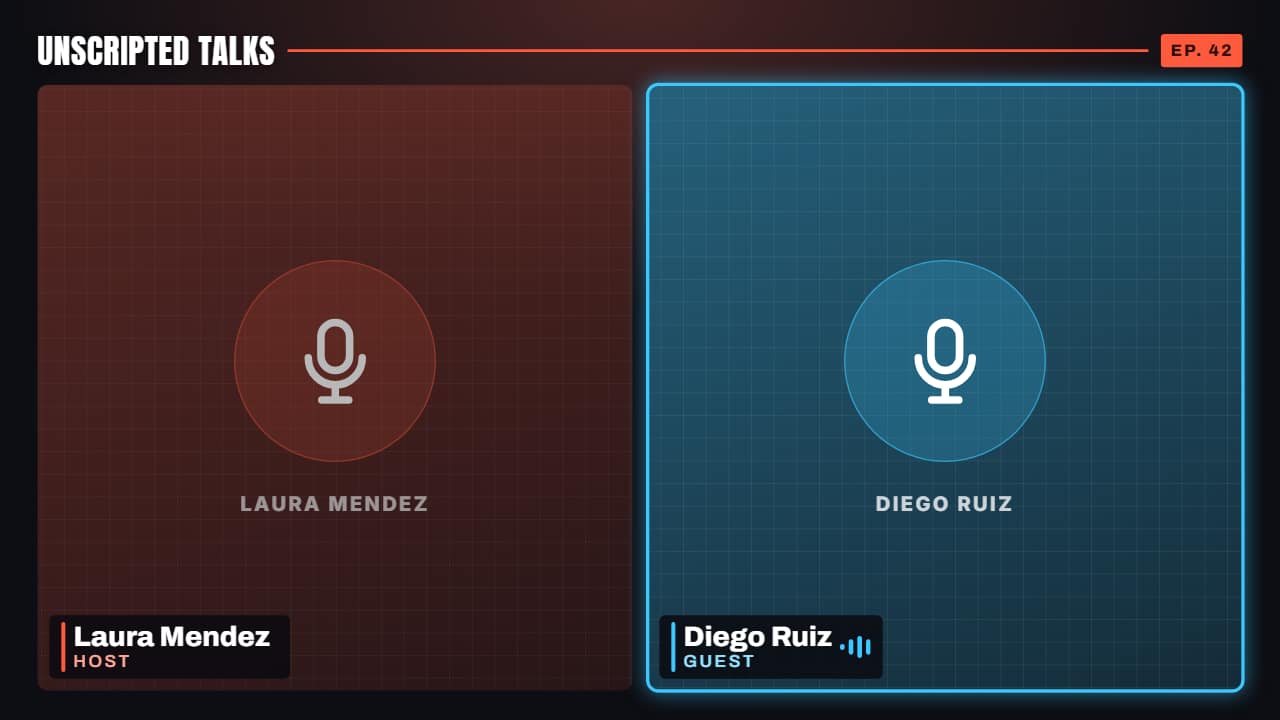 Multi-cam podcast frameTwo or three cameras from your podcast, each with its name and role, plus the show's name and the episode.
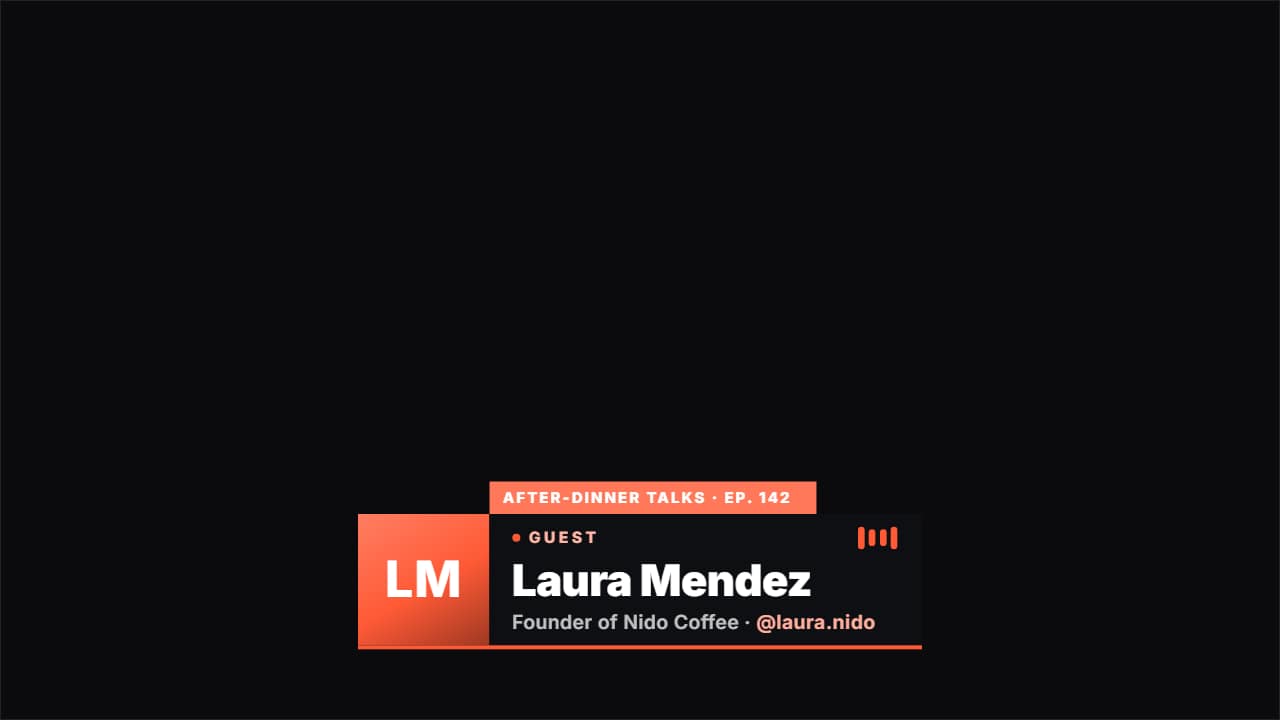 Podcast guest lower thirdIntroduces whoever is on the show: their photo, their name, what they do and their @, with a «GUEST» badge…
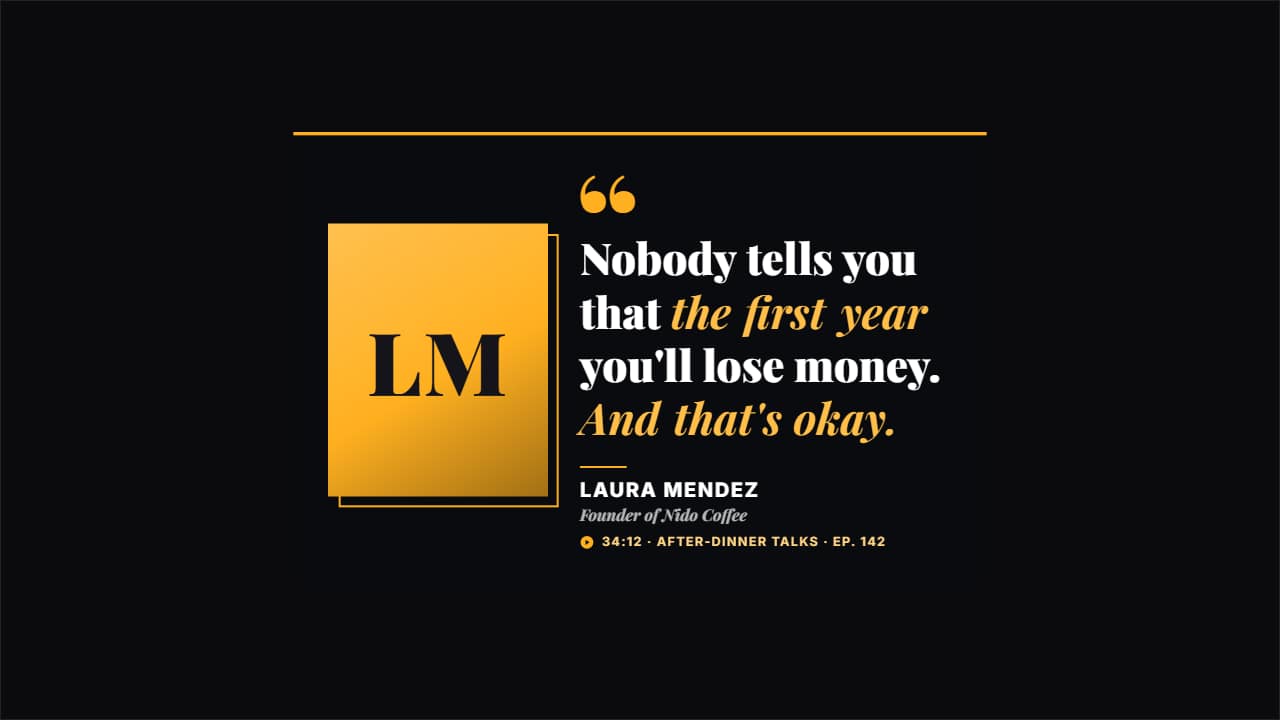 Guest pull quoteThe line from the episode worth clipping, with the photo of who said it, their name, what they do and where…
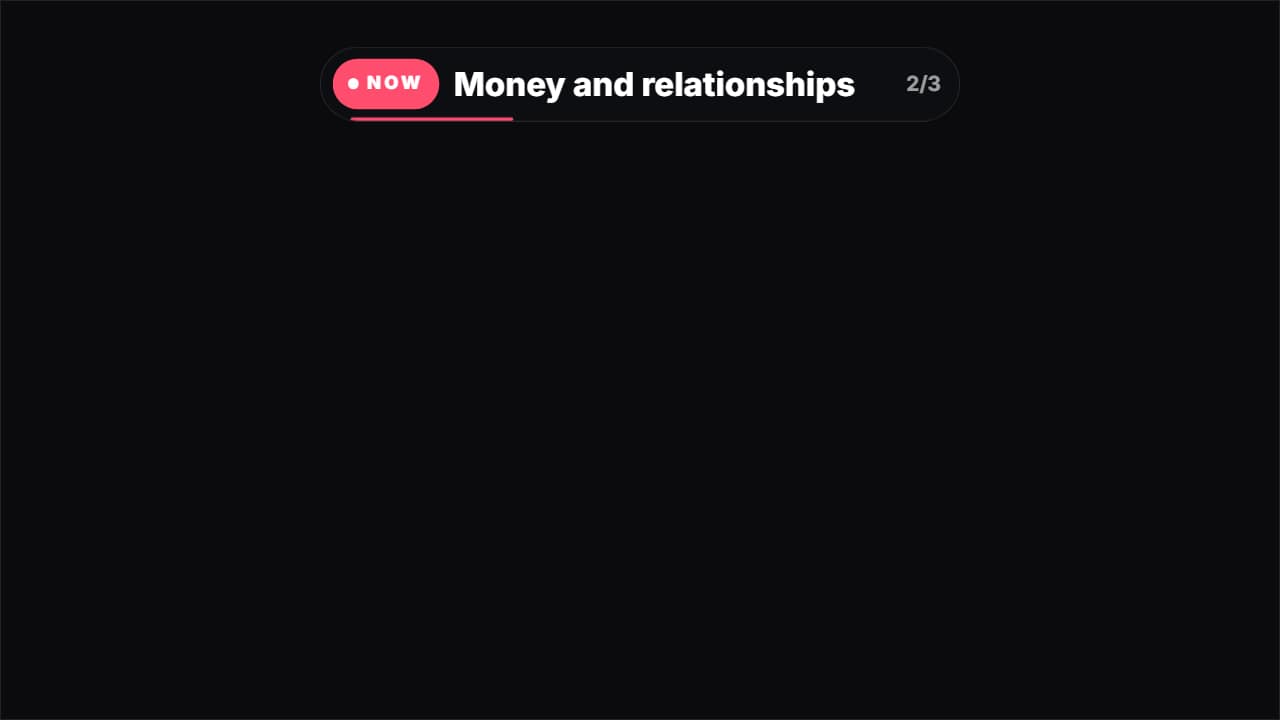 Current topic tagThe tag long podcasts use to say what's being discussed: «NOW · Money and relationships».
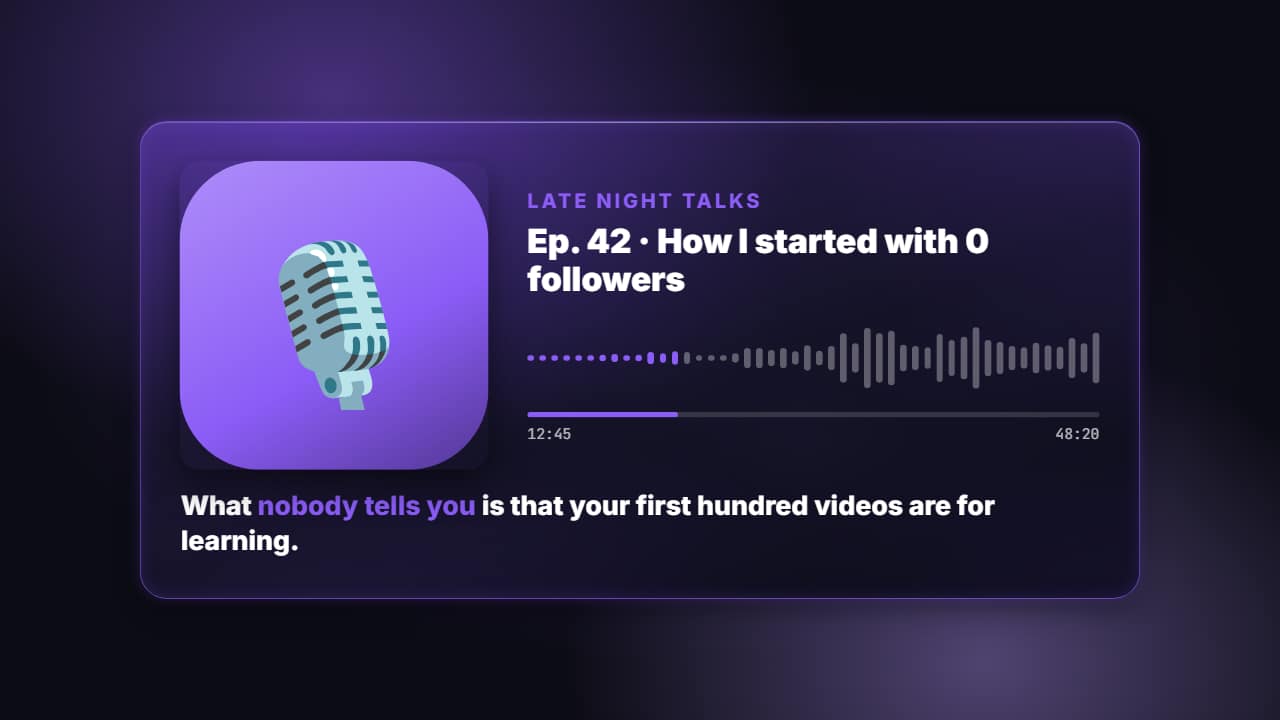 Podcast audiogramTo upload a podcast that only has audio: the cover (your image or an emoji), the show and the episode, a…
 Looping gradient background with titleBig color blobs drifting slowly and blending, on a loop that closes exactly (repeat it with no visible cut).
 Logo to wordmark with motion blurThe brand reveal from product videos: your logo leaves in a blurred swipe, your word slams in big, the two…
 Mask reveal: your photo or clip through a word or shapeYour photo or clip appears through something: a huge word (letters rise one by one, the camera dives in and…