Aspect ratio1920×1080this is how it downloads
Preview doesn't change the file
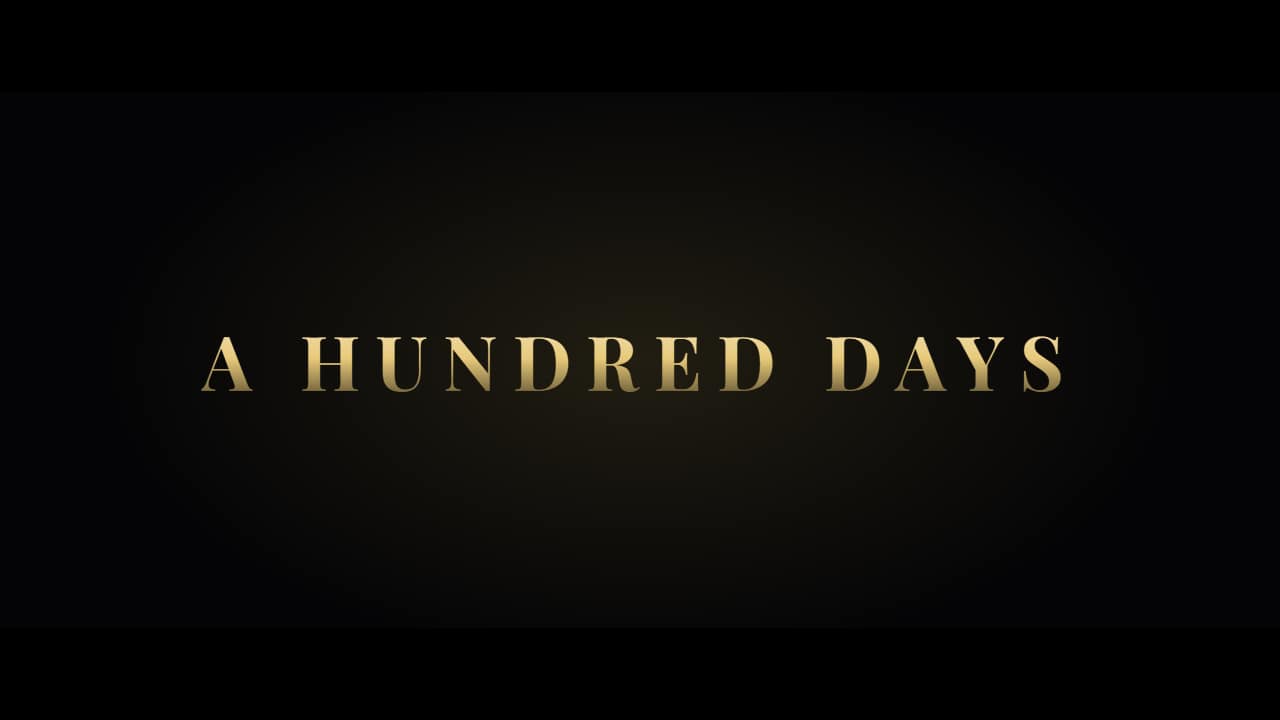
You'll download 1920×1080, 3.5 s, with no background (.mov).
BetaFree during the beta: create an account and export at no cost. No credit card.How it works →Free during the beta · no card →
You'll download 1920×1080, 3.5 s, with no background (.mov).
The «movie» intro from vlogs and home cinema: short lines on black coming in one by one between light flashes («This summer… One guy… One camera…») and at the end the title with its letter spacing closing in and the «Coming soon» line. Cinema bars in landscape. Three styles: epic (wide serif in gold), action (metallic condensed with a zoom punch) and horror (flickering red with film scratches). Make the duration longer in the editor if you add more lines.
Plus the typeface and an optional letter outline, in every template.
Export it without background and put it on a track above your clip: the animation plays over your video.
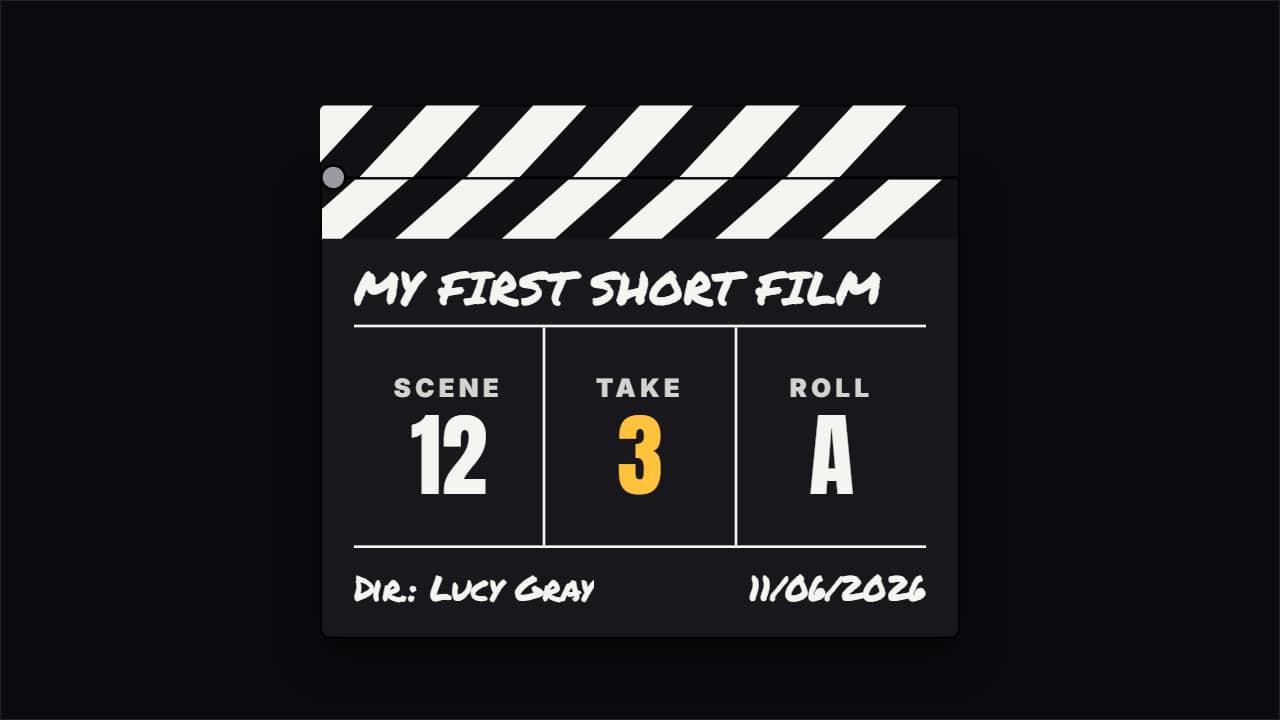 Film clapperboard snapping shutThe clapperboard behind-the-scenes vlogs, short films and movie channels open a scene with: the slate comes…
 Logo revealYour logo appears in two or three seconds with your channel name and your tagline: the intro or the…
 Logo stingerYour logo crosses the screen and covers the cut between two clips: your brand colors fill it, the logo lands…
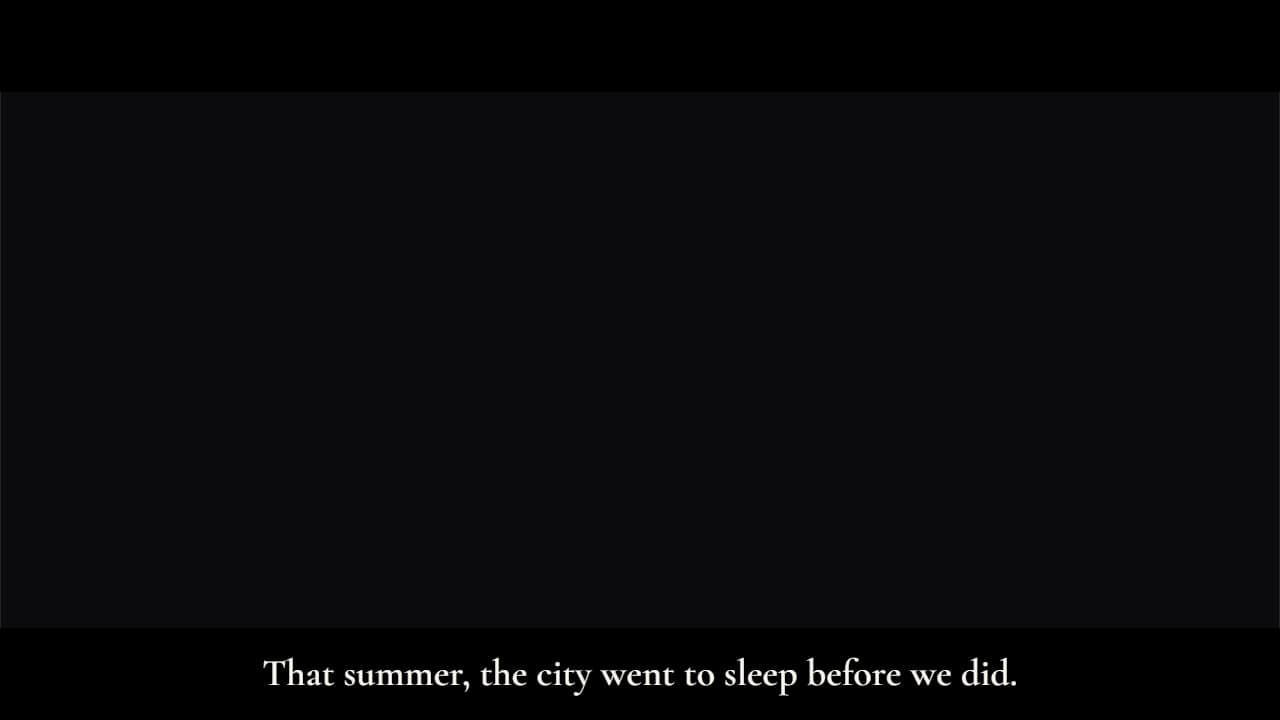 Cinematic subtitlesLike a film: the whole sentence at once, with slow fades, and black letterbox bars that slide in (in 16:9…
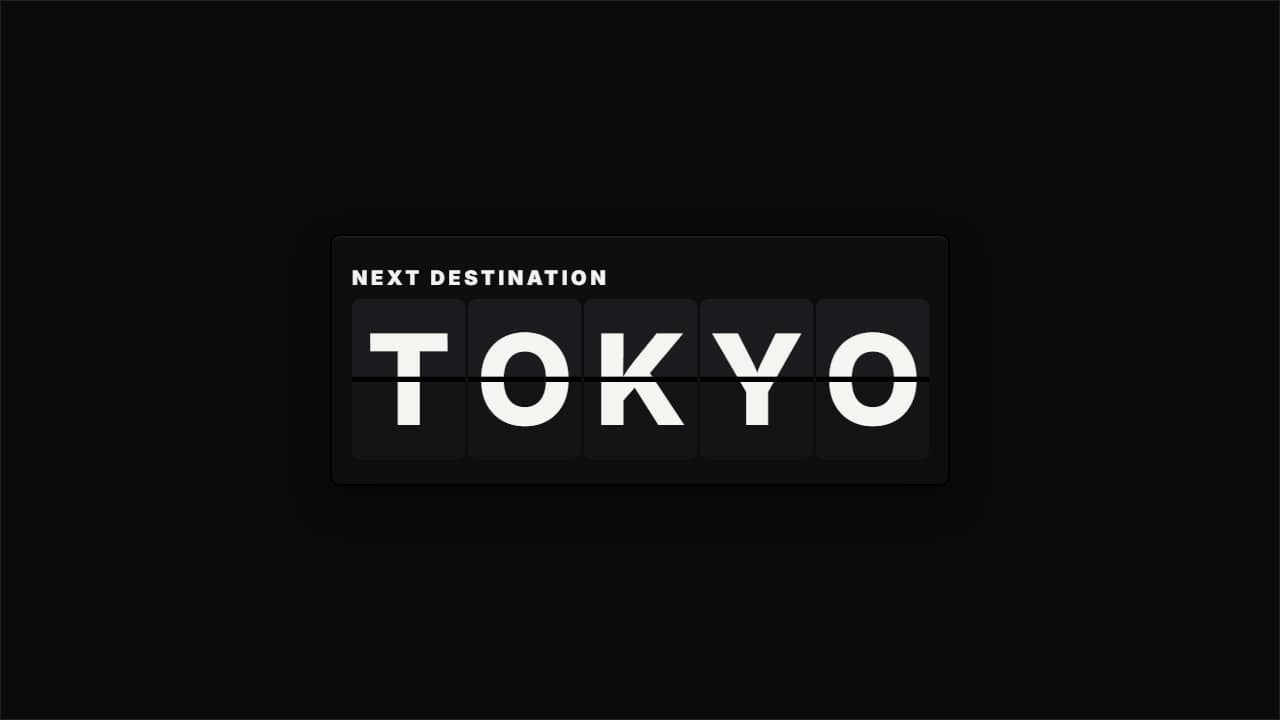 Split-flap word revealA big word or number revealed by flipping flaps, like a station board: the trip's destination («TOKYO»), the…
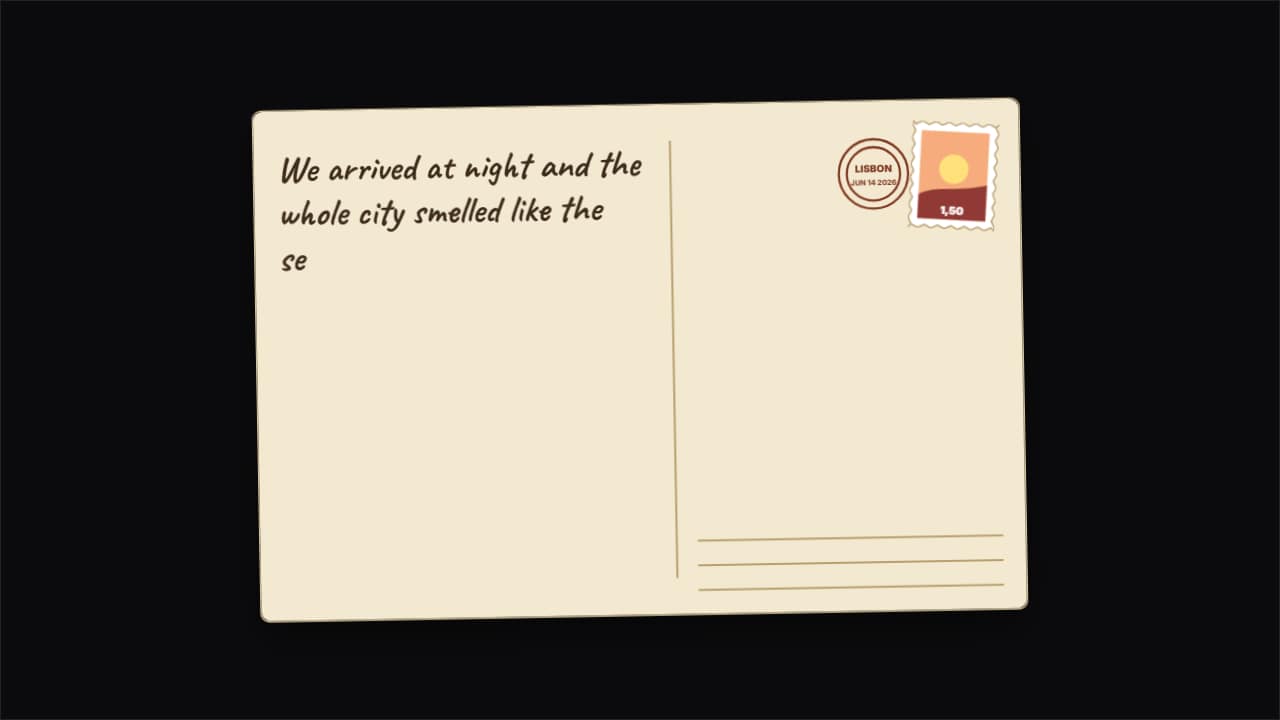 Travel postcard that flips overThe postcard travel vlogs use to open or close a destination: the photo side with a handwritten «Greetings…