Aspect ratio1920×1080this is how it downloads
Preview doesn't change the file
You'll download 1920×1080, 3.5 s, with no background (.mov).
BetaFree during the beta: create an account and export at no cost. No credit card.How it works →Free during the beta · no card →
You'll download 1920×1080, 3.5 s, with no background (.mov).
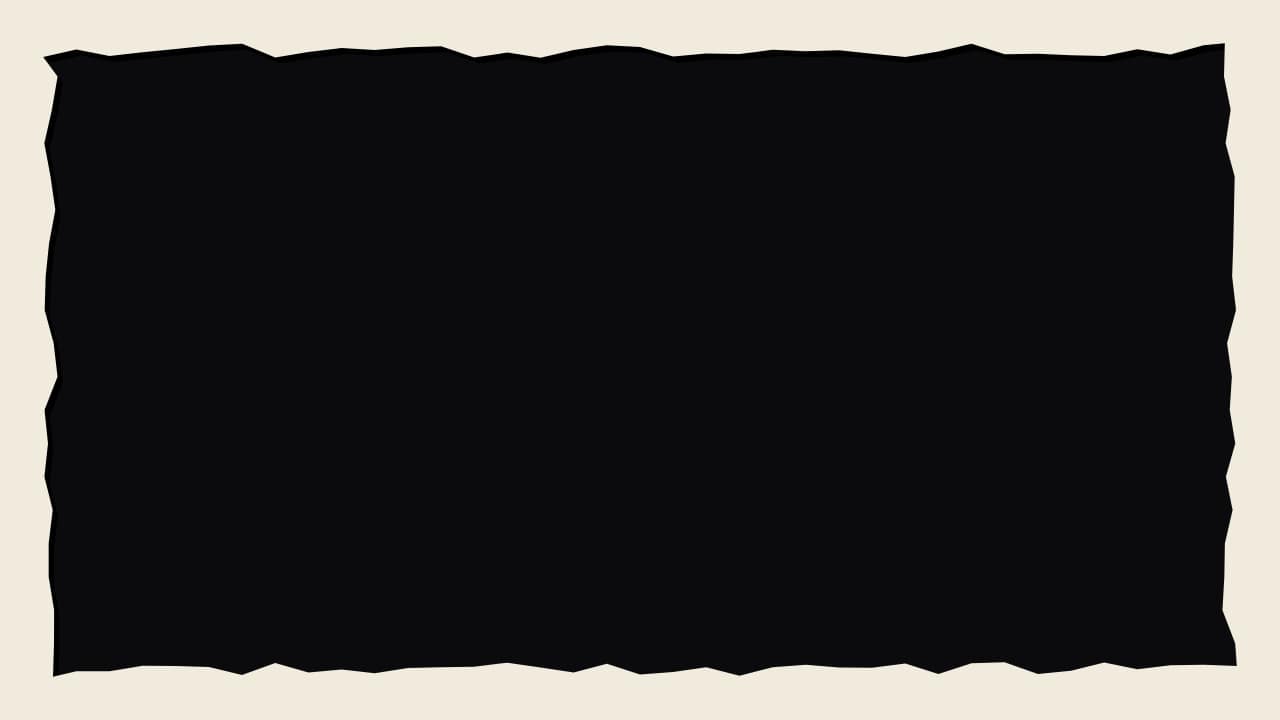
Your whole video inside a frame, the vlog and video-essay trick: a torn paper edge all around, a film strip with sprocket holes down the sides, a giant polaroid with its handwritten caption, or a cream margin with a 3D bevel and a label (Editorial). The center is truly transparent: your video shows through. Border thickness, caption or label and an optional sticker. It eases in and stays for the whole duration.
Collection: Facecam and video frames
Plus the typeface and an optional letter outline, in every template.
Export it without background and put it on a track above your clip: the animation plays over your video.
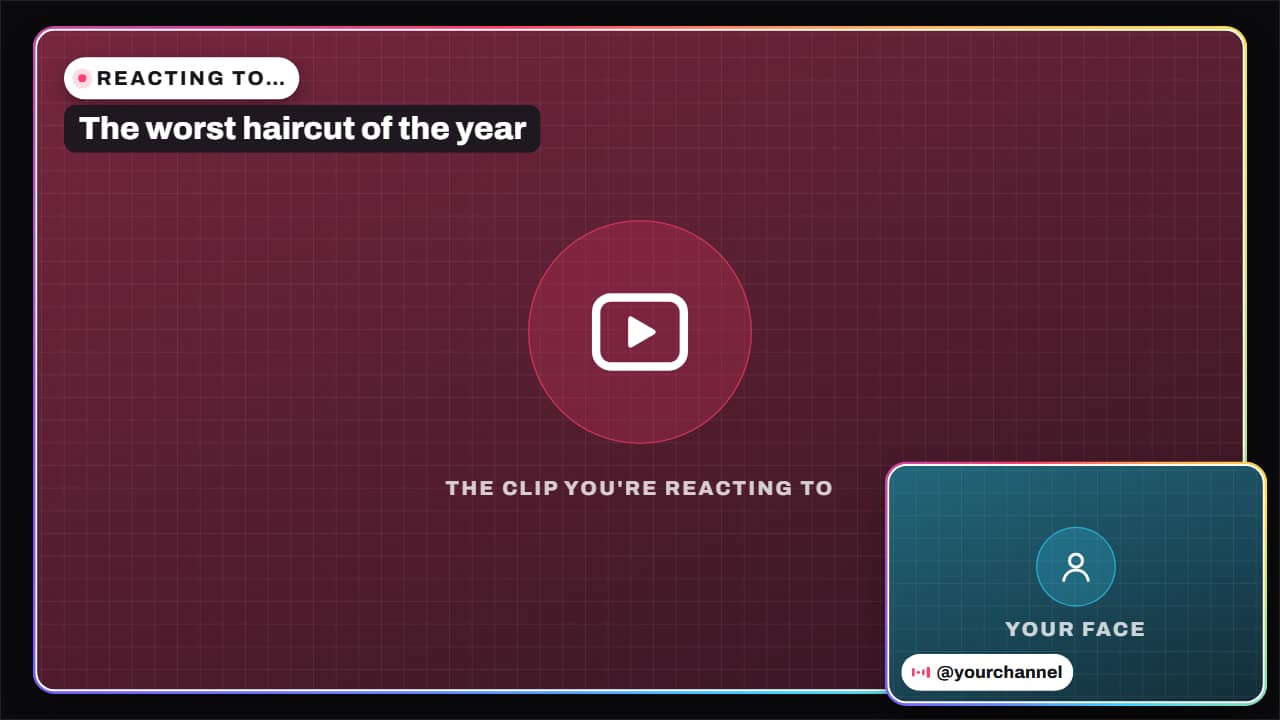 Reaction layoutThe reaction video layout: the clip you're commenting on, big, and your face in a corner, with «REACTING…
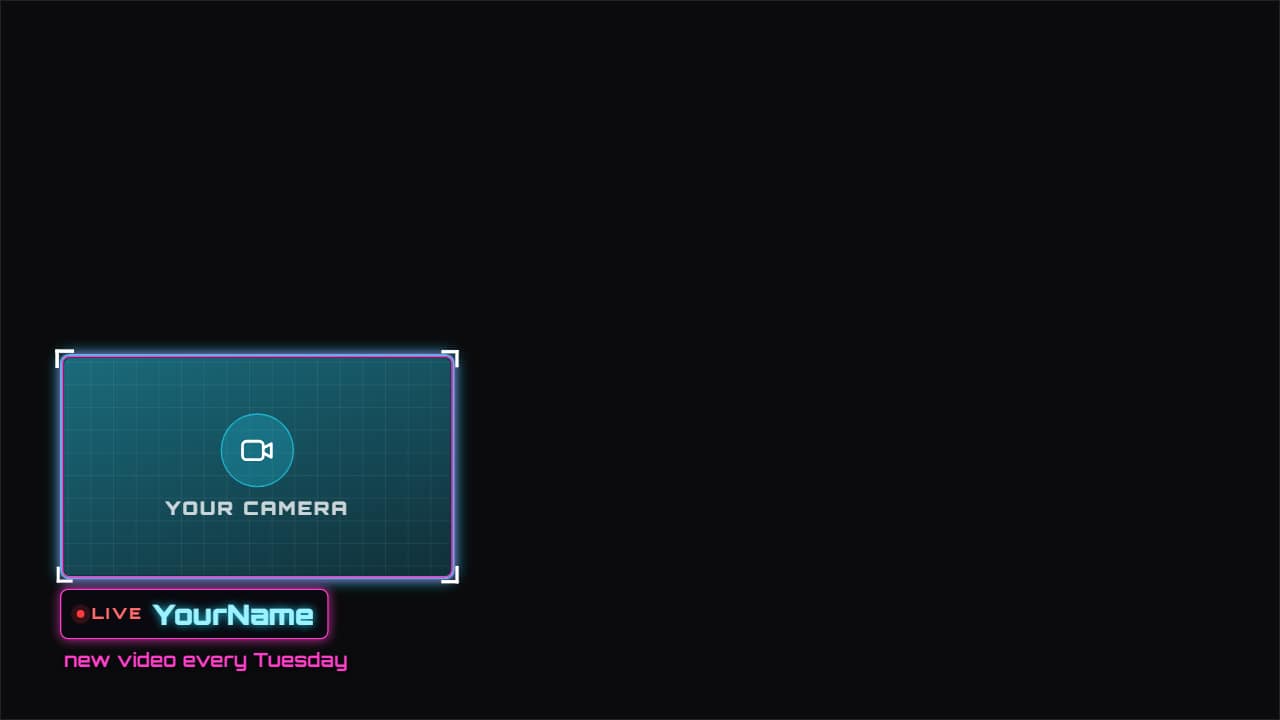 Facecam frameAn animated frame for your camera, in whichever corner you want, with your name, «LIVE» and a line of…
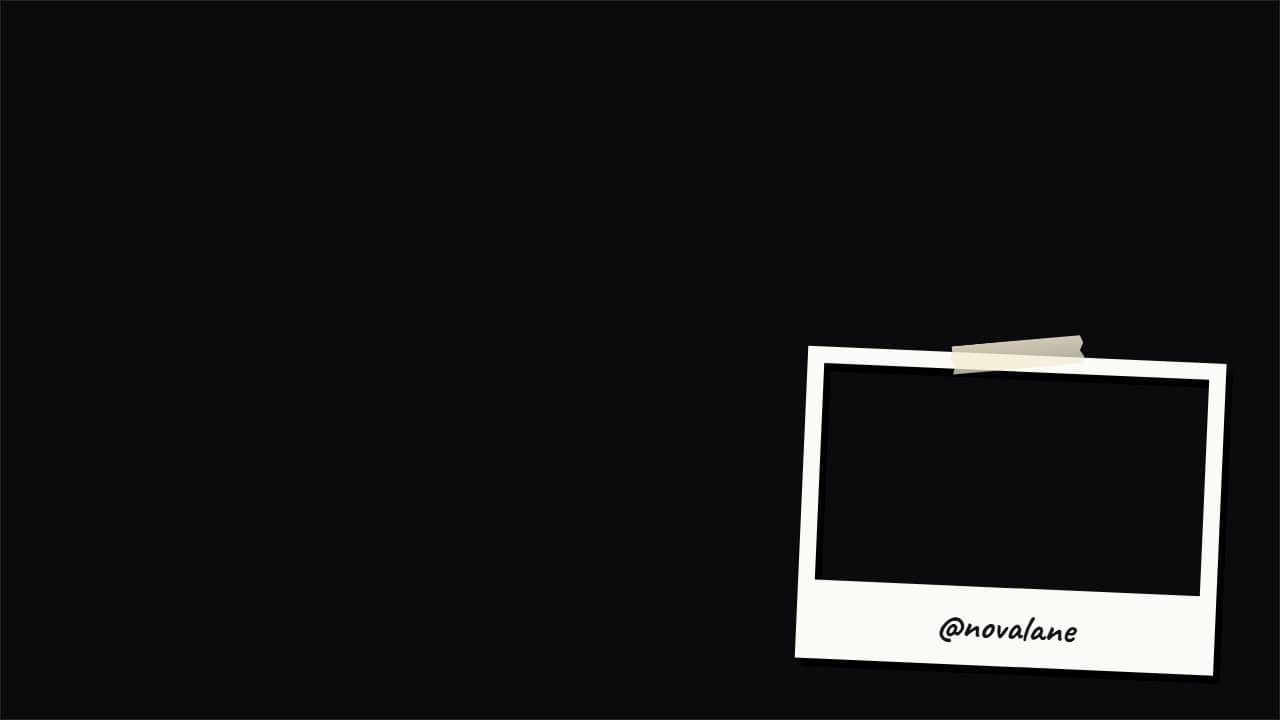 Facecam frame: polaroid, tape, film or 3DThe frame for your camera in a corner, made into an object like big channels do: a polaroid with your name…
 Verdict stamp«FALSE», «TRUE», «EXAGGERATED»… it lands like a rubber stamp over your video right when you give the…
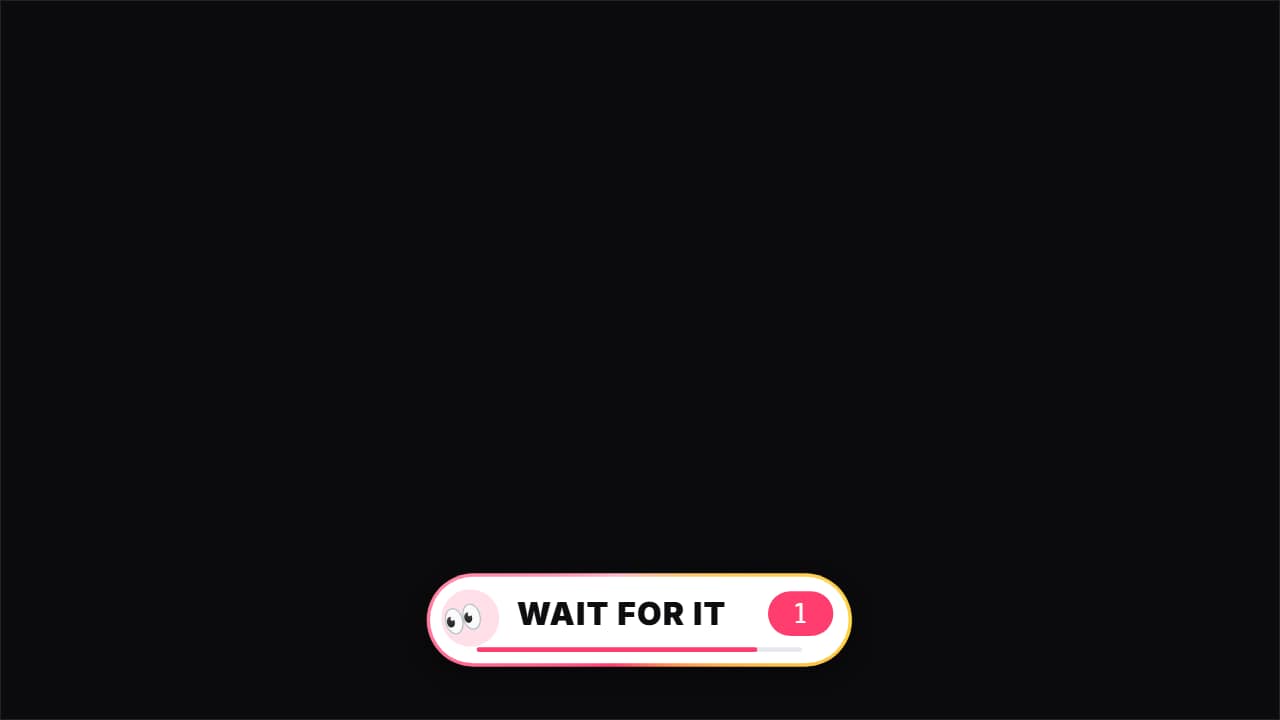 Wait for it«👀 Wait for it…»: a bar that fills up to THE second of the key moment (the fail, the twist, the hit), with…
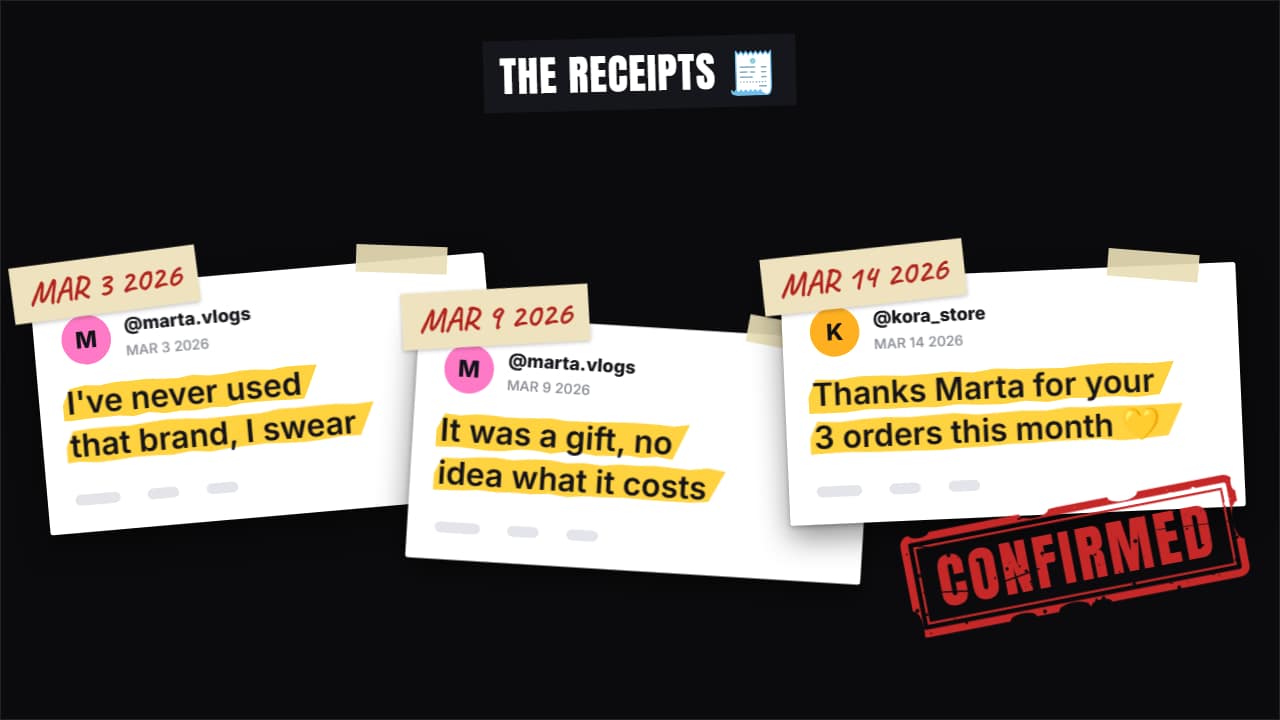 Receipts stack«Here are the receipts»: up to four screenshots drop in one after another and stack up (fanned out in…
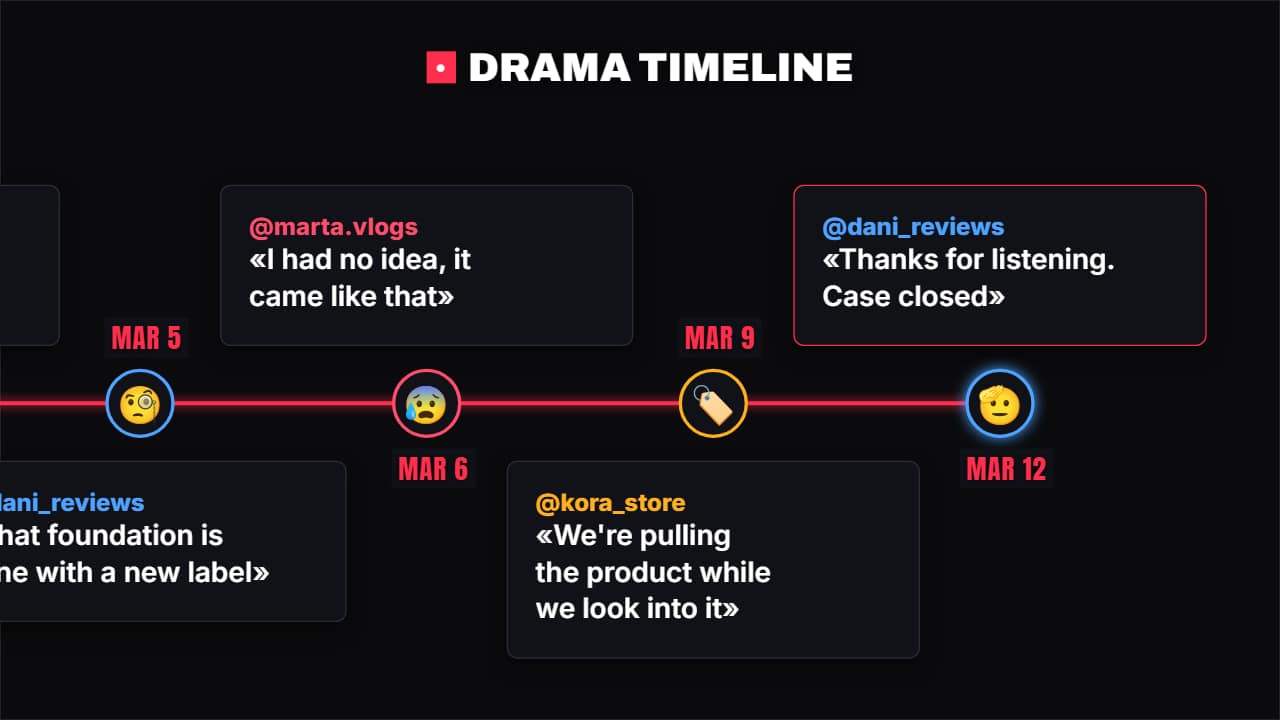 Drama timelineWho said what and when: each point has the date, the @, what they said and their avatar (emoji or photo)…
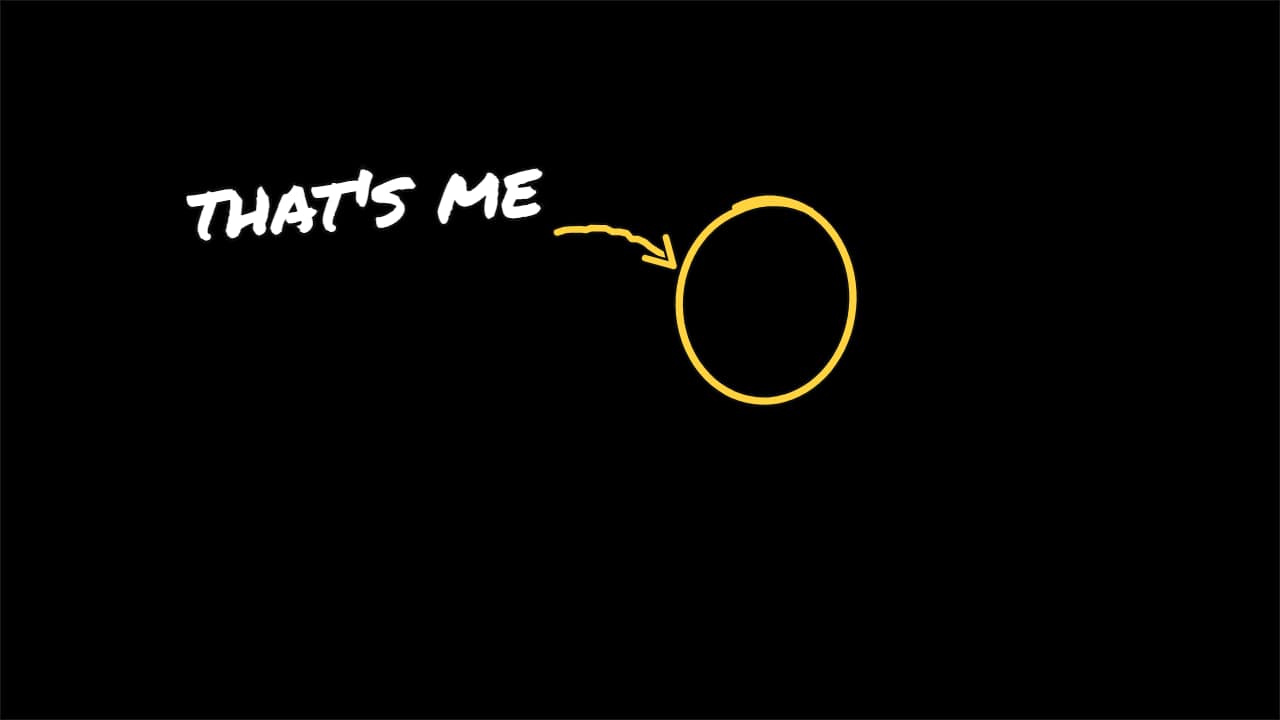 «That's me» arrowThe vlog and comedy move: a circle goes around the person, a hand-drawn arrow comes out of the label and…