Aspect ratio1920×1080this is how it downloads
Preview doesn't change the file
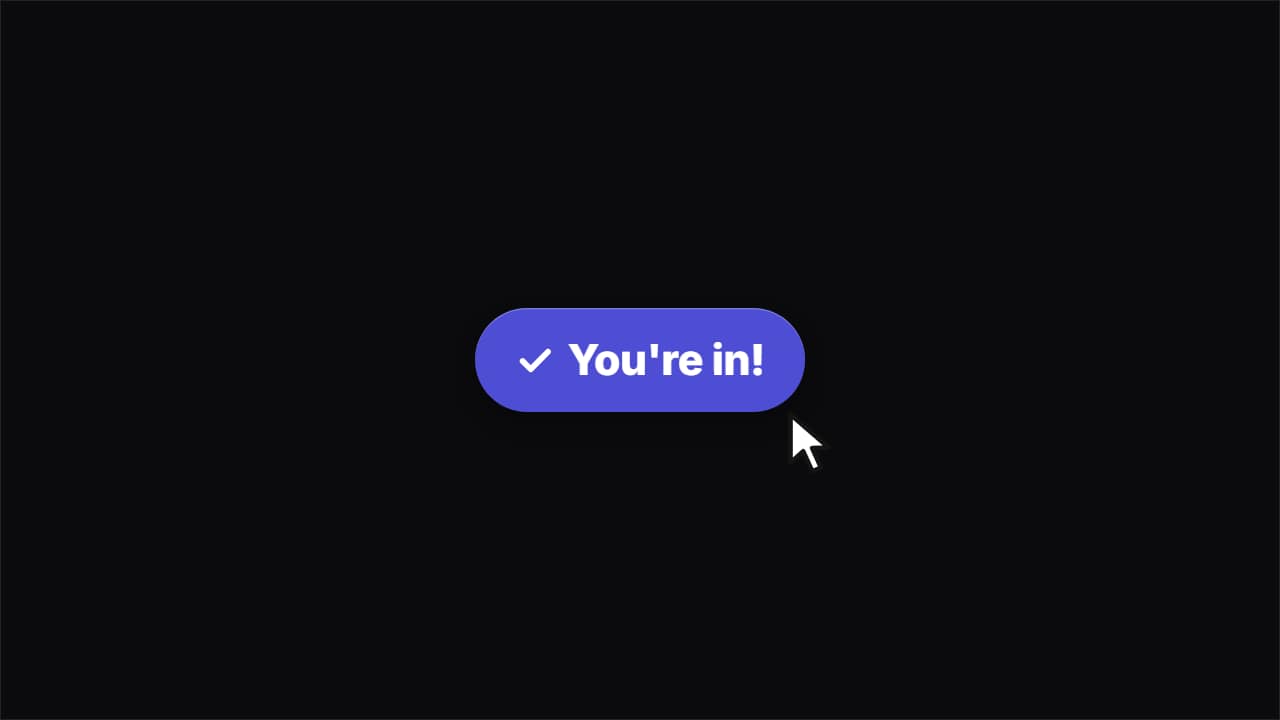
You'll download 1920×1080, 3.5 s, with no background (.mov).
BetaFree during the beta: create an account and export at no cost. No credit card.How it works →Free during the beta · no card →
You'll download 1920×1080, 3.5 s, with no background (.mov).
The click from product videos: the button bounces in, the cursor glides in on a curve and clicks, the button sinks and springs back elastically, a ripple goes out and the text rolls to the final state with its check drawing itself. Type the button text and the final one («You're in!»). Light, dark, your color or glass.
Plus the typeface and an optional letter outline, in every template.
Export it without background and put it on a track above your clip: the animation plays over your video.
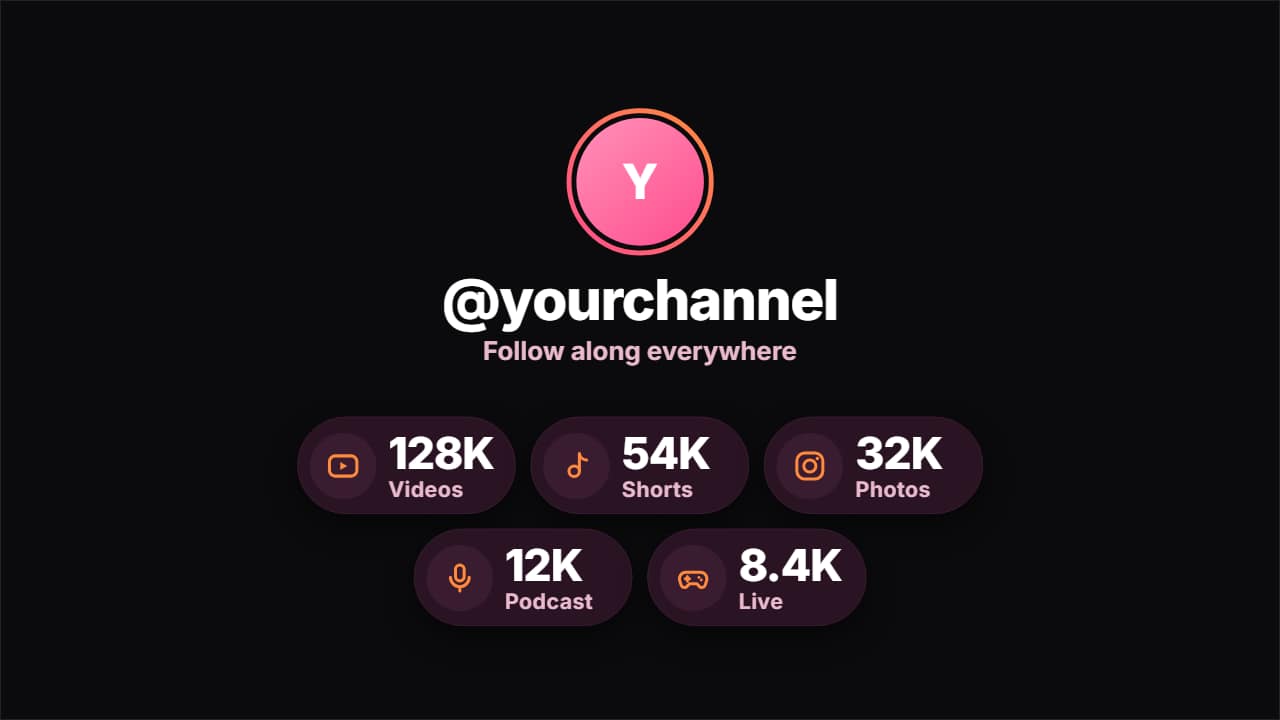 Your social accounts orbiting your @Your photo (or initials) with a pink-orange ring that draws itself, your @ and a line in the middle; your…
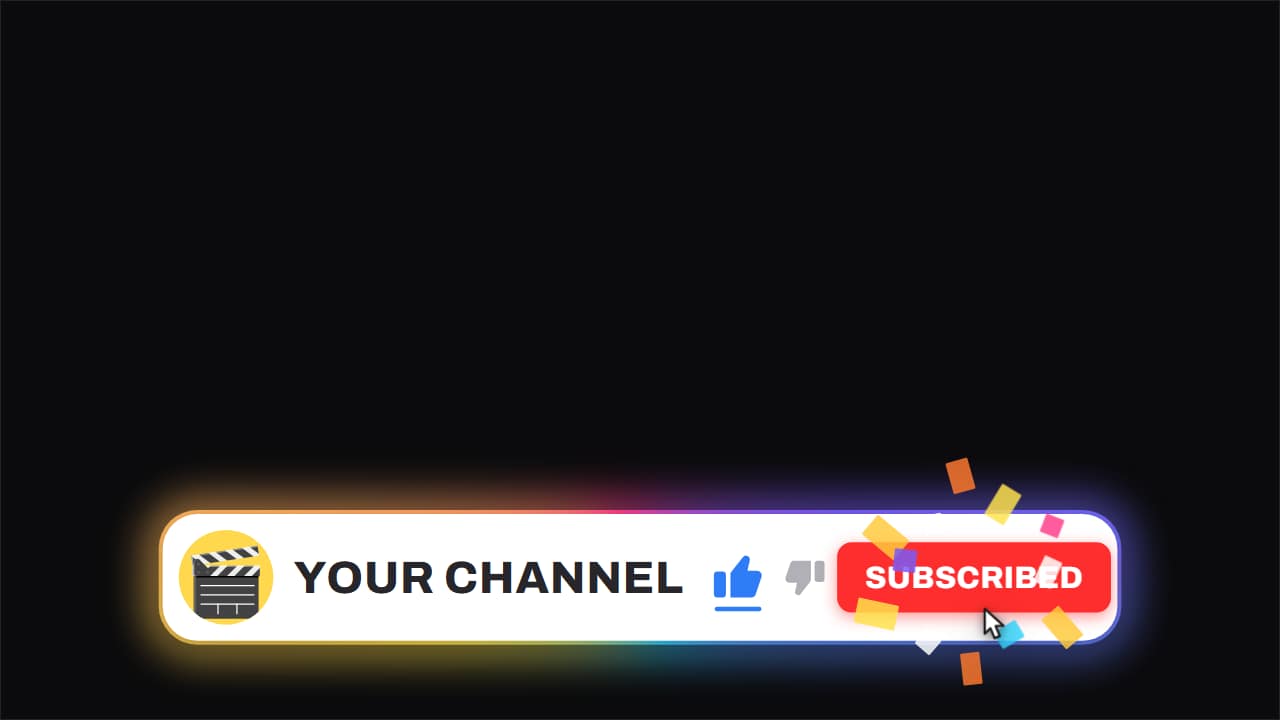 Channel bar · like and subscribeThe white capsule with the ROTATING gradient edge, floating over the video while it keeps running underneath.
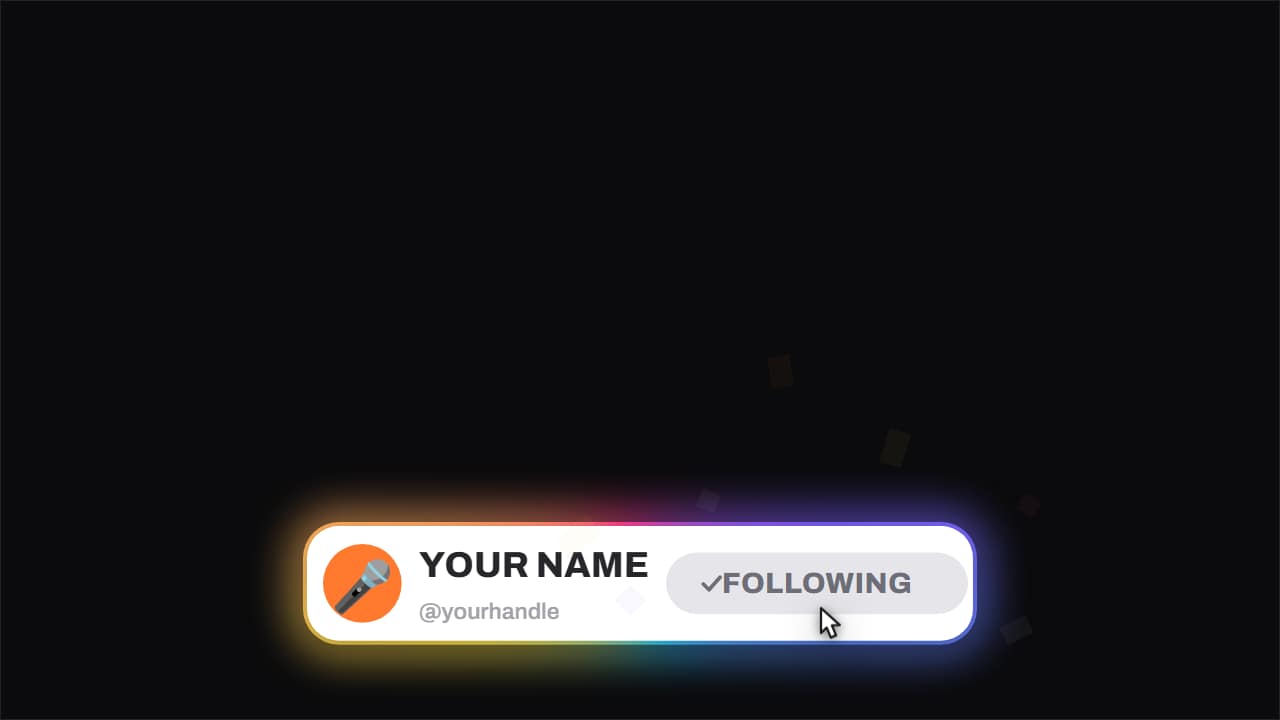 Follow card · with confettiThe short version of the channel bar, the one built for vertical feeds: avatar, name, handle and a button…
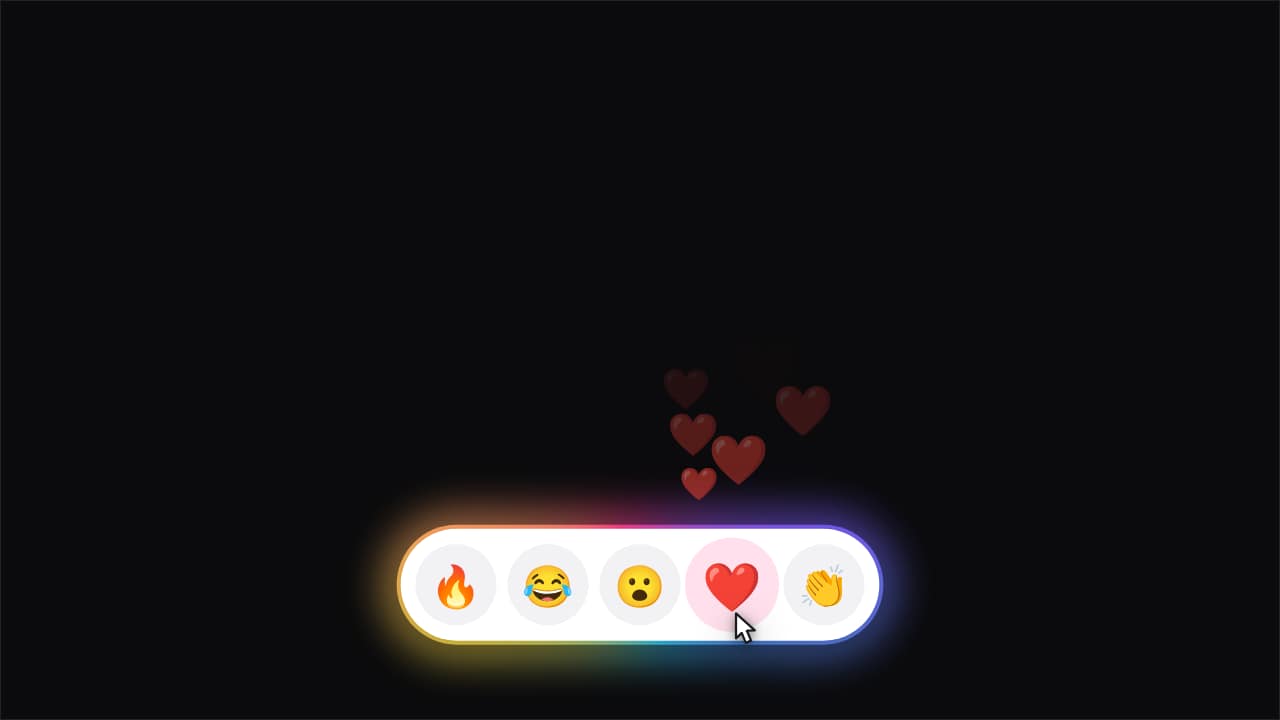 Reactions · the one you tap pours outA row of emoji inside the capsule. The cursor reaches one, taps it, and a stream of copies of that emoji…
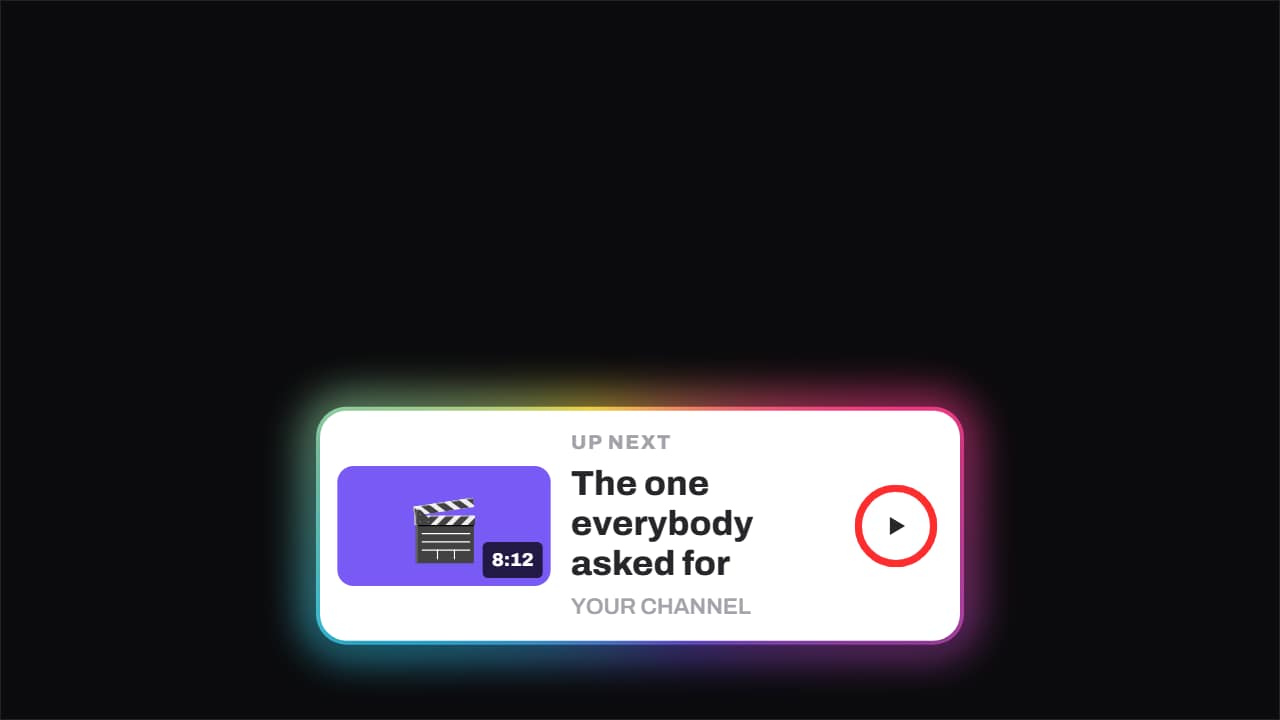 Up next · the ring runs outThe up-next card: thumbnail with its runtime, title, channel and a ring that fills until it fires on its own.
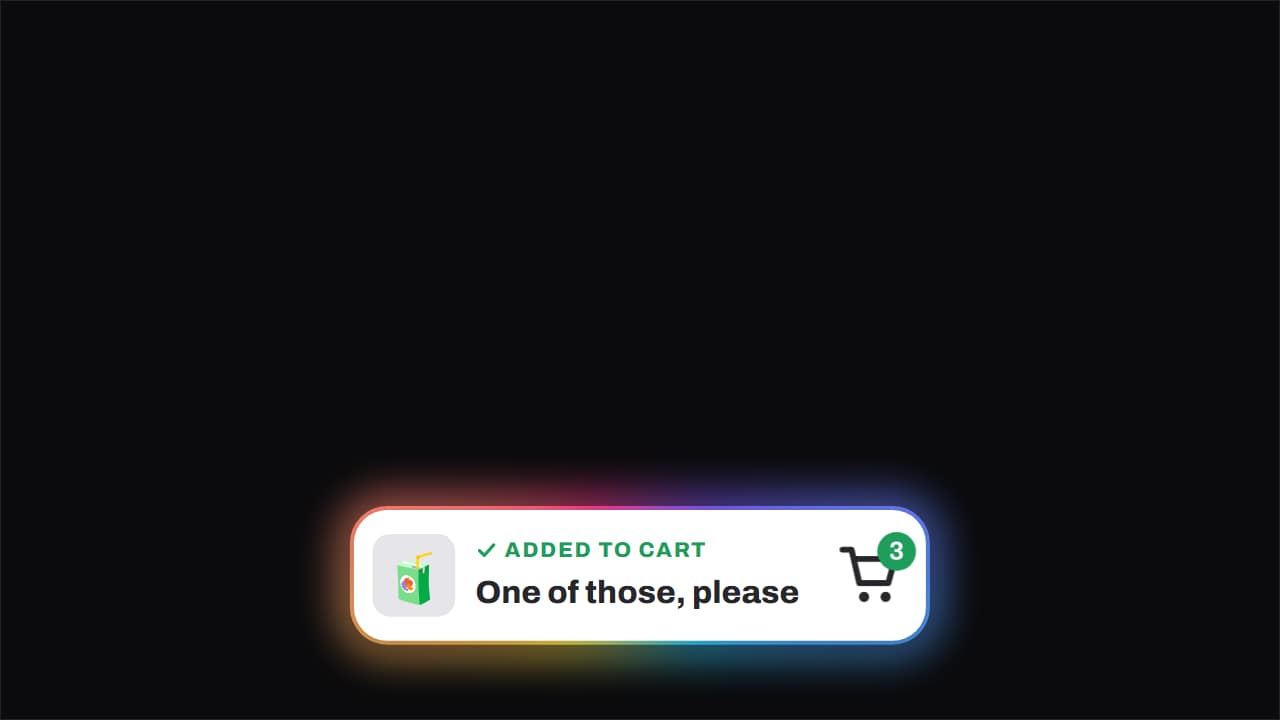 Added to cart · the item flies inThe item arcs across into the cart, the badge ticks up with a pop and the green tick appears.
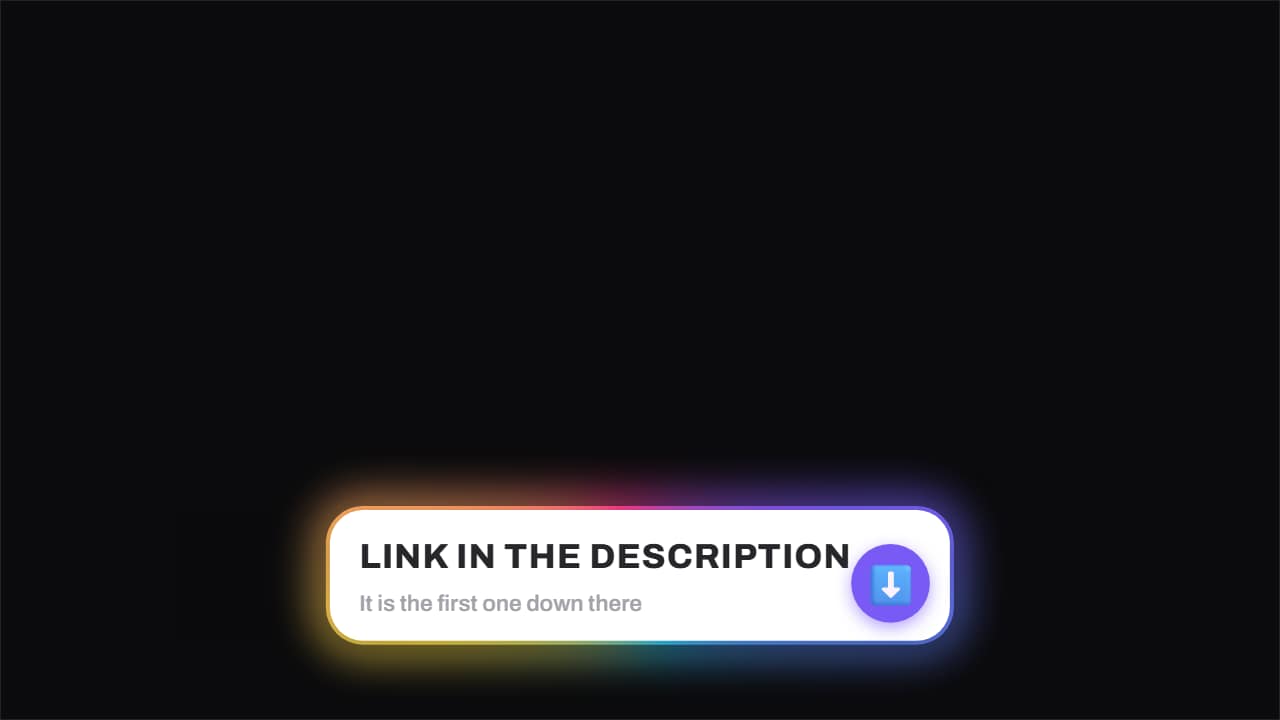 Link in the description · the arrow won't stopThe notice that the link is down there, with the arrow bouncing and a highlight sweeping very slowly across…
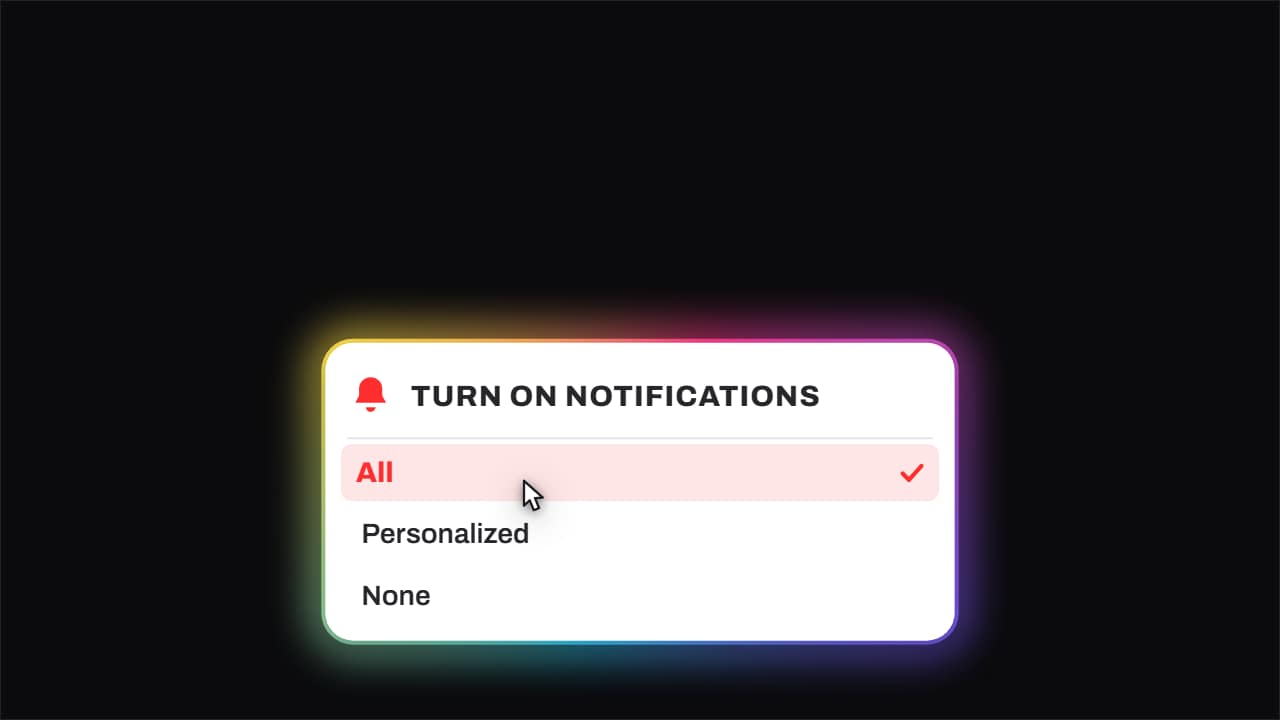 Bell · it rings and «All» gets pickedThe bell genuinely shakes with its sound arcs, the notifications menu opens, and the cursor comes down to…