Aspect ratio1920×1080this is how it downloads
Preview doesn't change the file
You'll download 1920×1080, 3.5 s, with no background (.mov).
BetaFree during the beta: create an account and export at no cost. No credit card.How it works →Free during the beta · no card →
You'll download 1920×1080, 3.5 s, with no background (.mov).
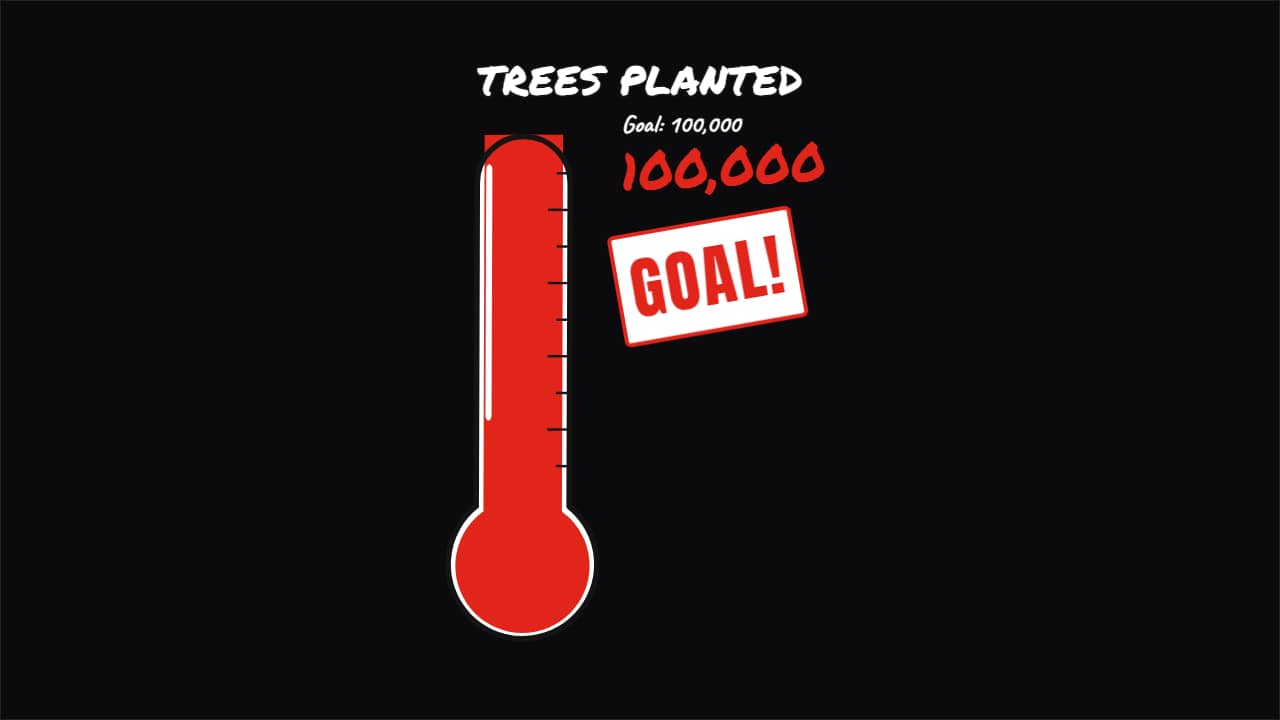
Challenge or fundraiser progress the way big channels show it: a drawn object. A marker thermometer on a whiteboard (the outline draws itself and the red rises with its wobbly edge), a charity-poster thermometer with a thick outline and hard shadow, or a glass jar filling with coins that drop in time with the number. The number climbs with the bar, and at the goal it shakes and «GOAL!» stamps in. For challenges, charity streams, savings and channel goals. Works transparent too.
Collection: Progress bar overlays
Plus the typeface and an optional letter outline, in every template.
Export it without background and put it on a track above your clip: the animation plays over your video.
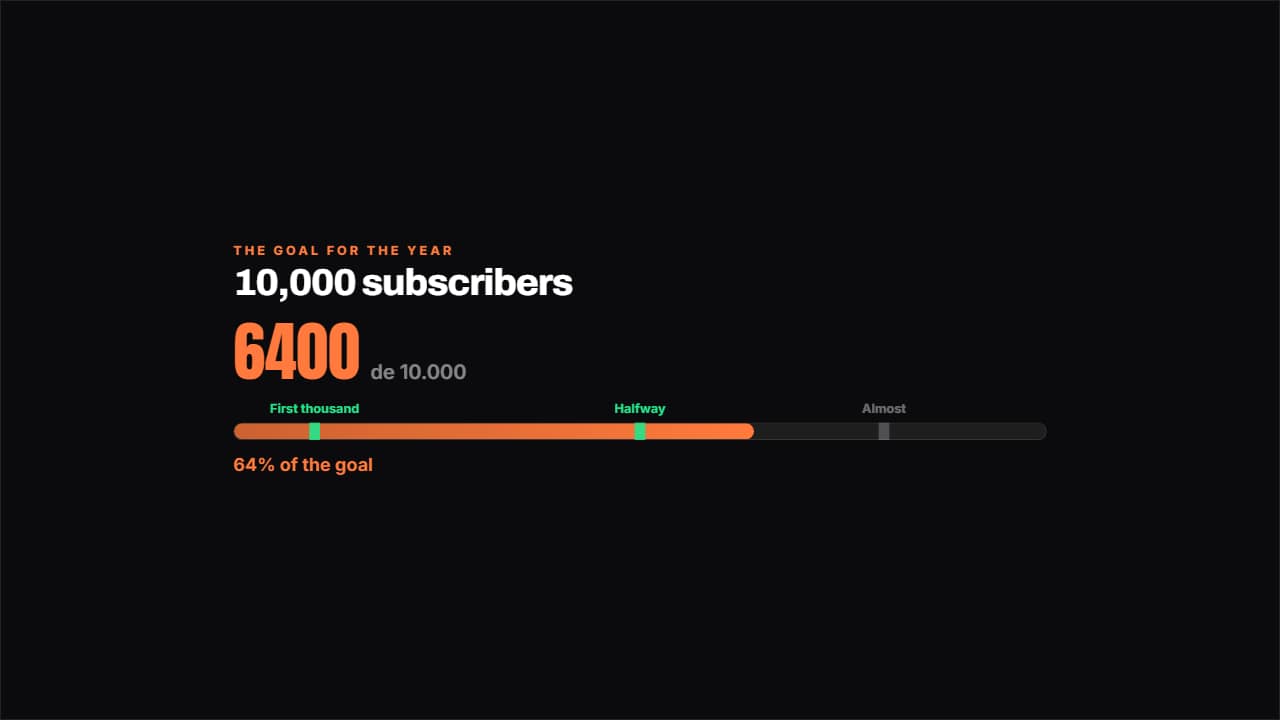 Road to the goalA bar towards the goal with the milestones marked along it: the ones you've passed light up.
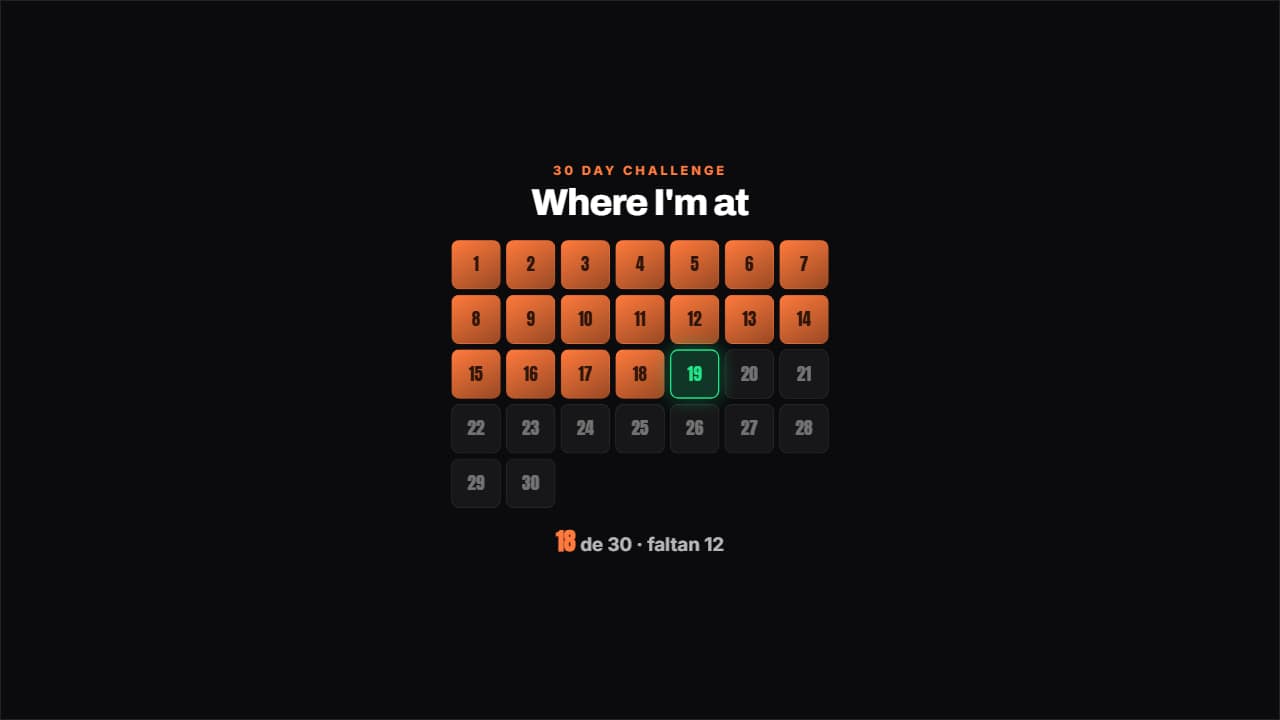 Challenge gridThe days of the challenge in a grid: the done ones filled, today pulsing with its outline and the ones left…
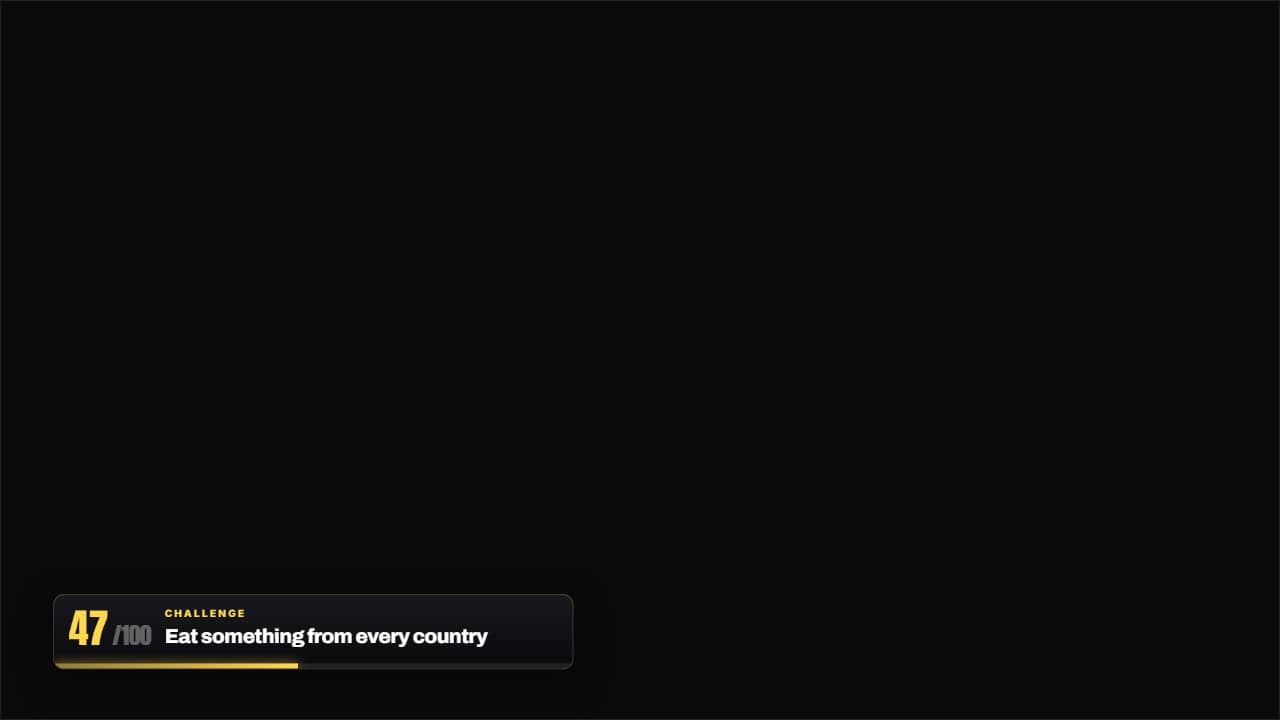 Challenge 47 of 100The thin bar with the number of the challenge you're on and the name of the current one.
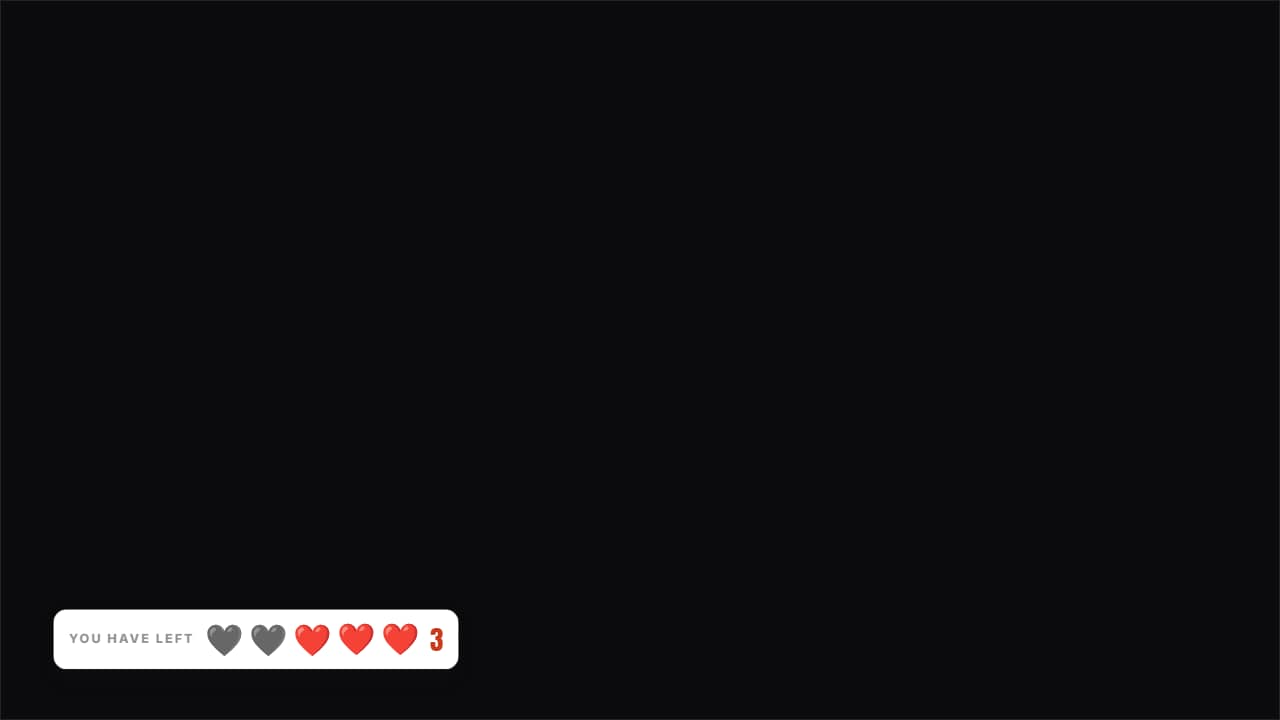 Lives you have leftHearts (or whatever you like) over the video: the used ones stay on screen in gray, they don't disappear.
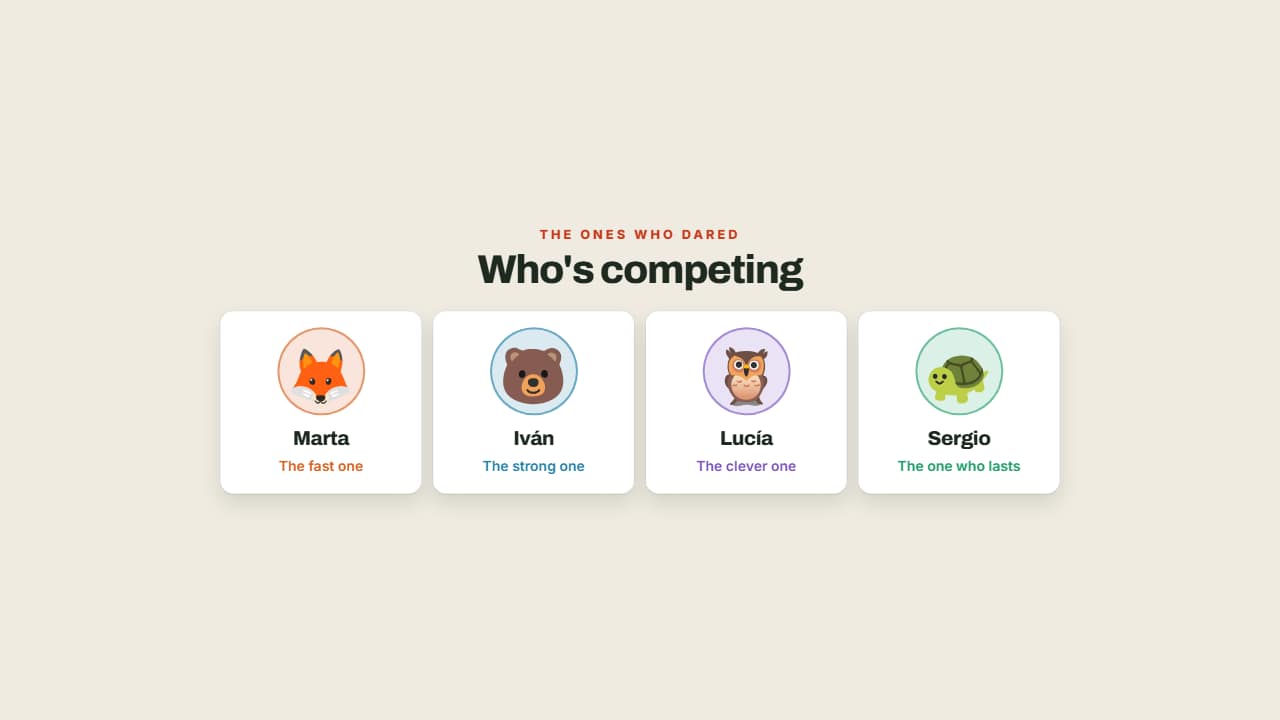 Who's competingThe contestants with their face, their name and their role, each in their own color.
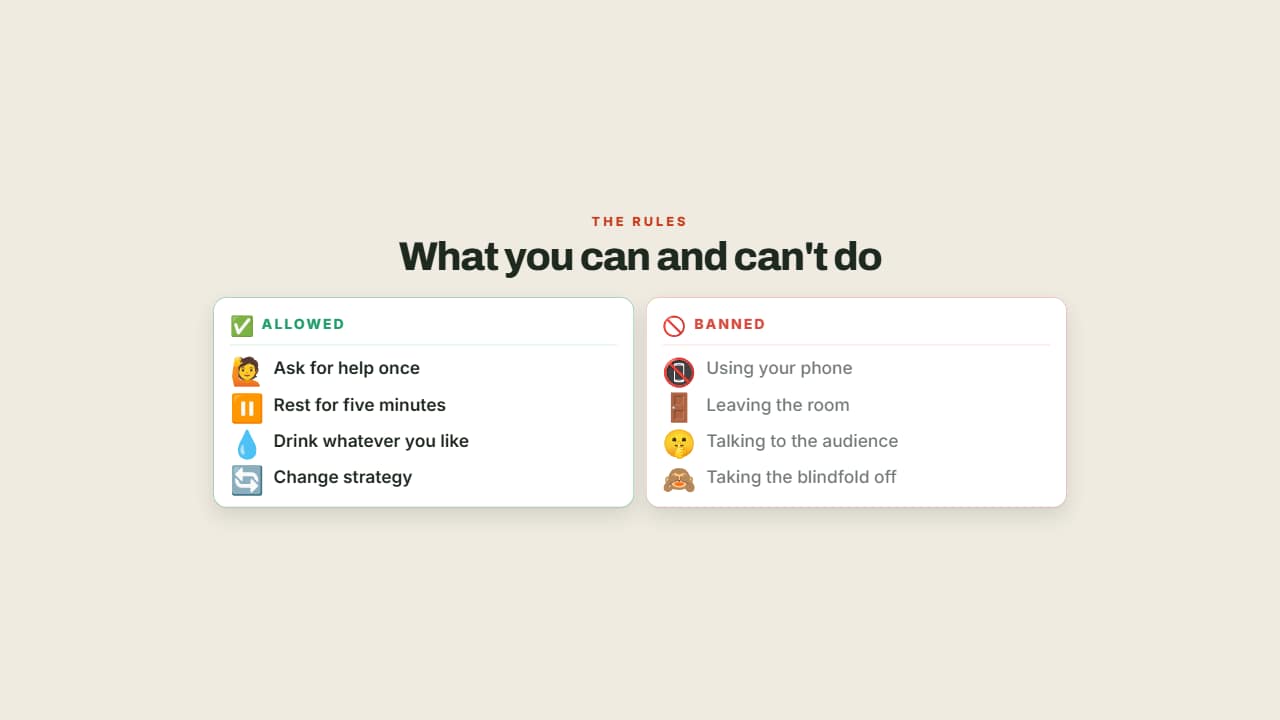 What you can and can't doThe rules in two columns, allowed in green and banned in red.
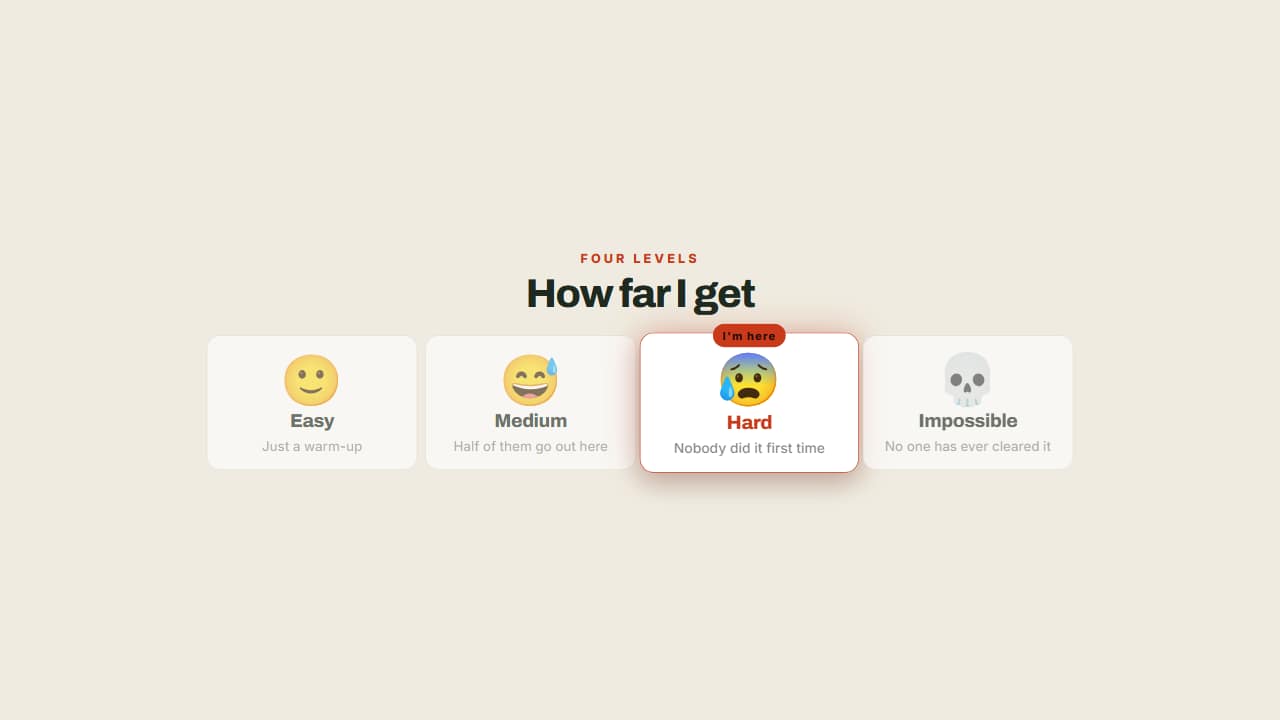 The levels of the challengeFrom easy to impossible, with a badge marking which one you're on.
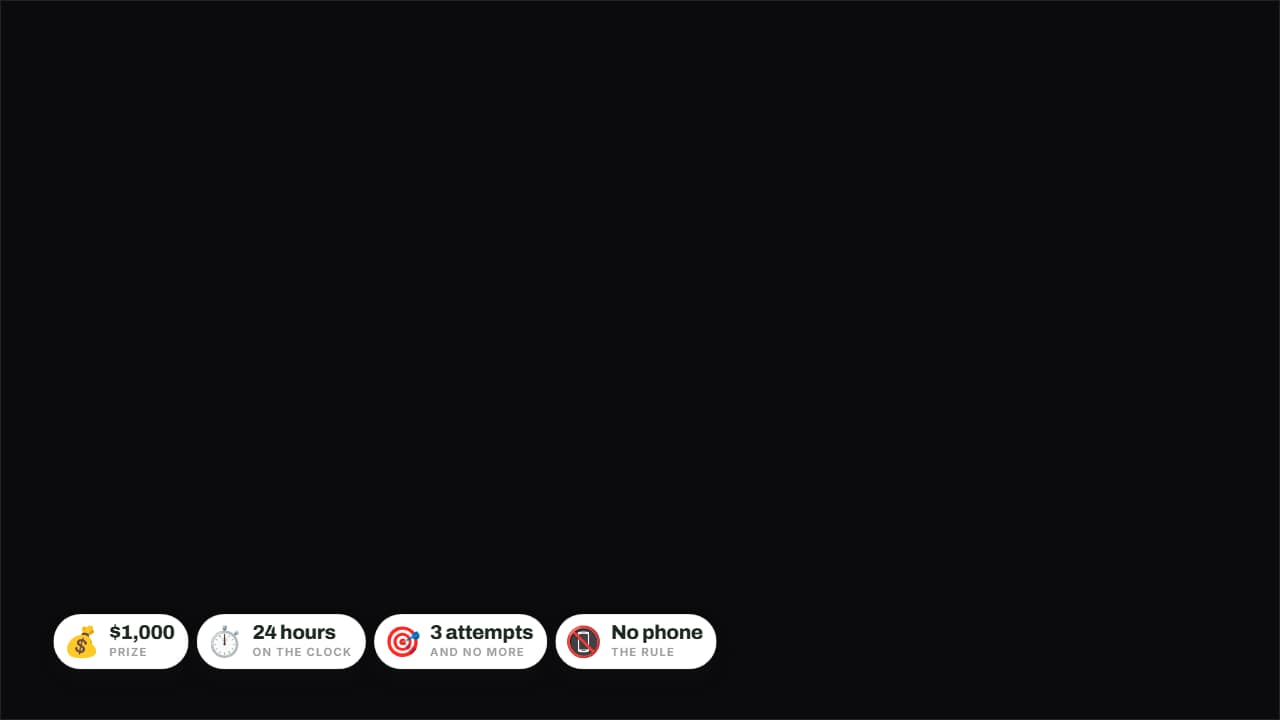 The rules in badgesPrize, time, attempts and forfeit on badges over the image.