Aspect ratio1920×1080this is how it downloads
Preview doesn't change the file
You'll download 1920×1080, 3.5 s, with no background (.mov).
BetaFree during the beta: create an account and export at no cost. No credit card.How it works →Free during the beta · no card →
You'll download 1920×1080, 3.5 s, with no background (.mov).
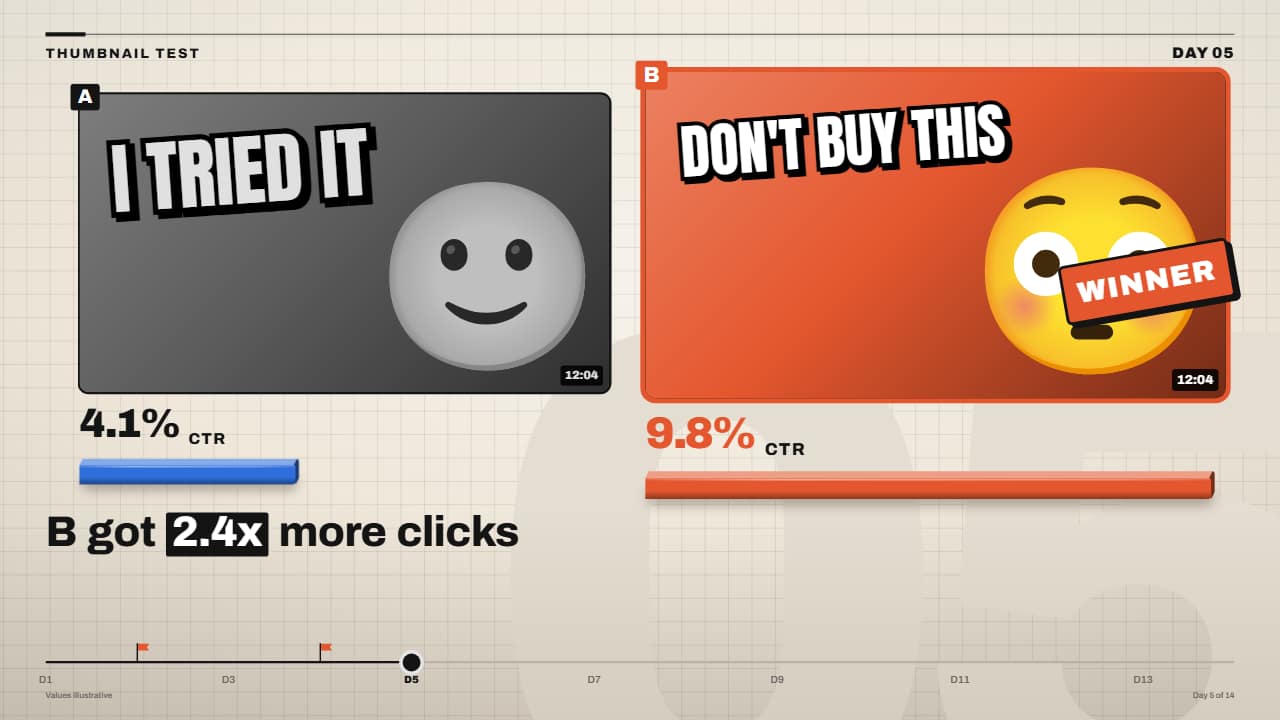
Two thumbnails side by side: each click-through rate rolls on its wheels, a 3D bar per thumbnail, and at the end the winner gets the stamp and the shards while the other turns gray. Upload your two thumbnails or keep the sample ones (color background, fat text and emoji). In the Editorial 3D style, with its header and caption. For channels that teach YouTube growth.
Plus the typeface and an optional letter outline, in every template.
Export it without background and put it on a track above your clip: the animation plays over your video.
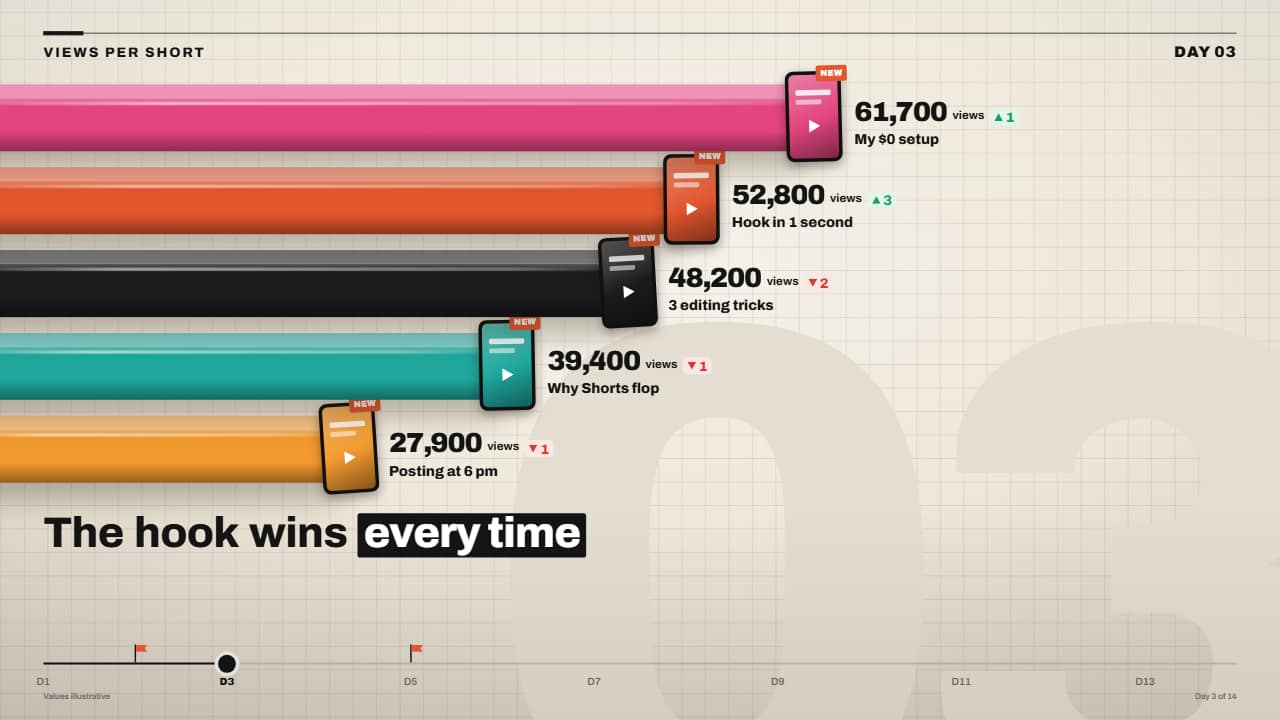 3D bar race with rolling numbersChunky, glossy 3D bars that grow from the edge and overtake each other in a tenth of a second, each with its…
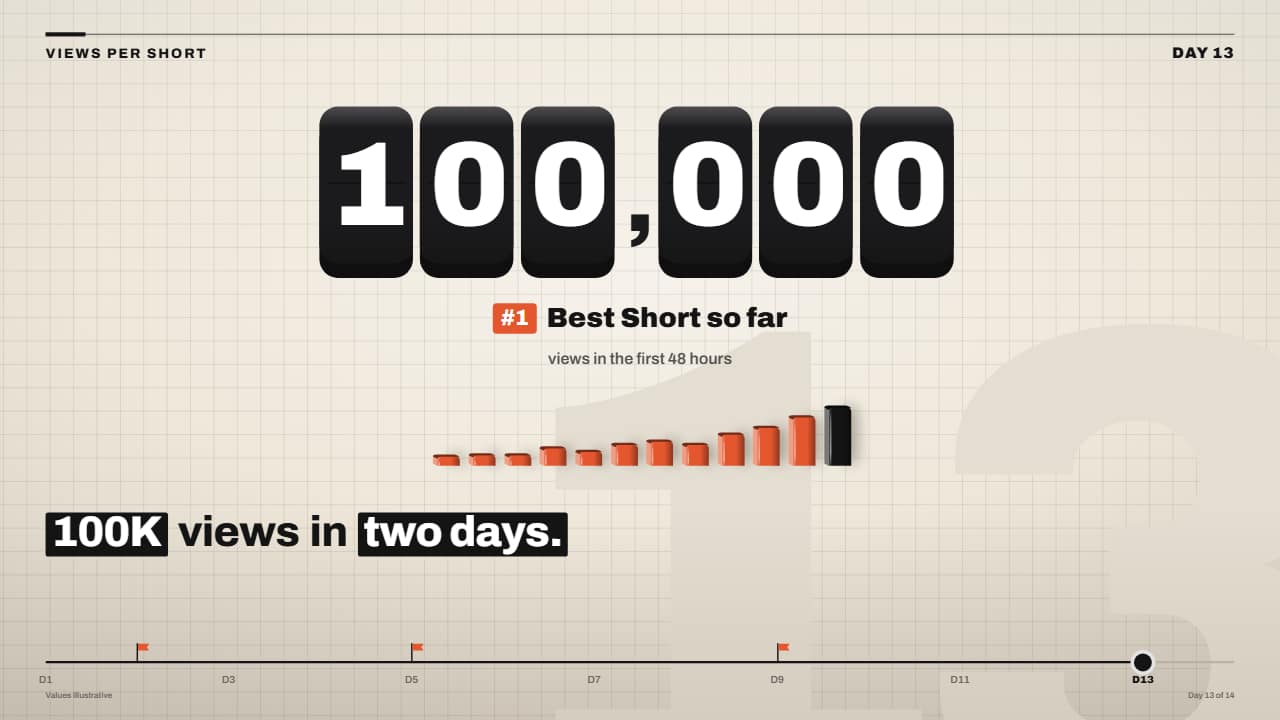 Giant odometer counter on 3D keysThe big number on black 3D keys, one rolling wheel per key: the right ones spin so fast they blur and the…
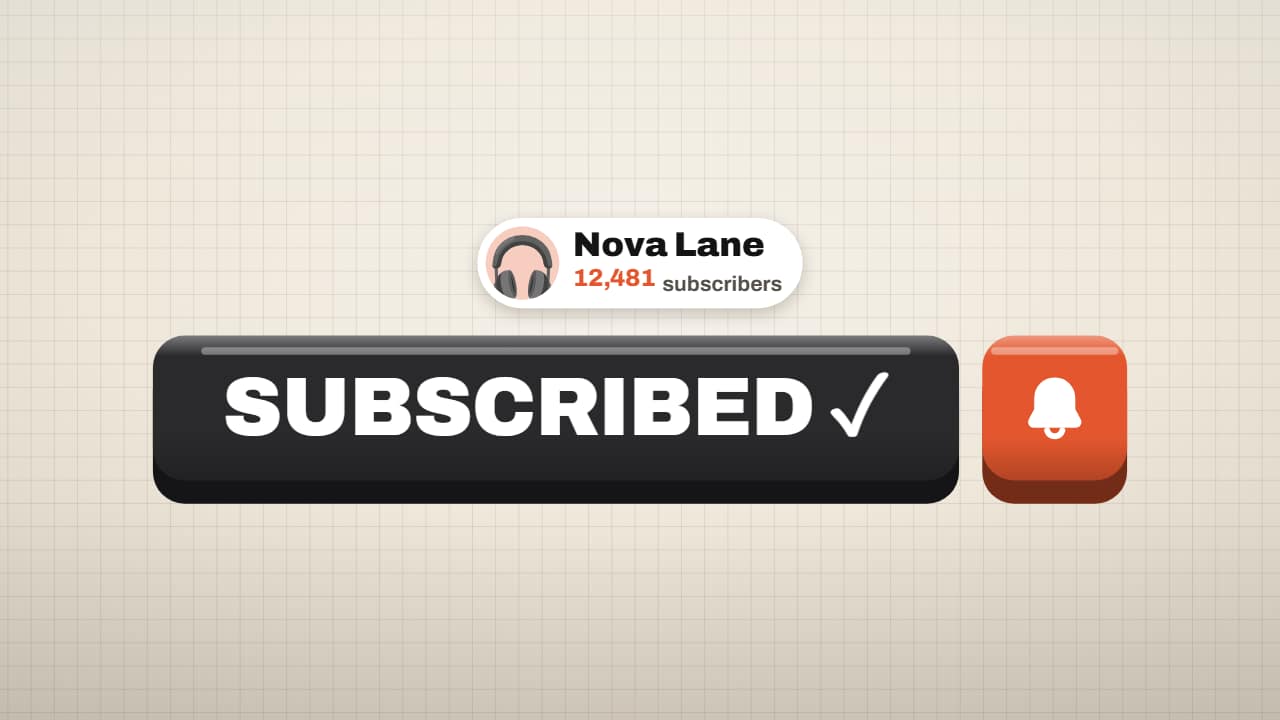 Subscribe button on a 3D keyThe subscribe button in the Editorial 3D style: the giant orange key, the cursor arrives in an arc, the key…
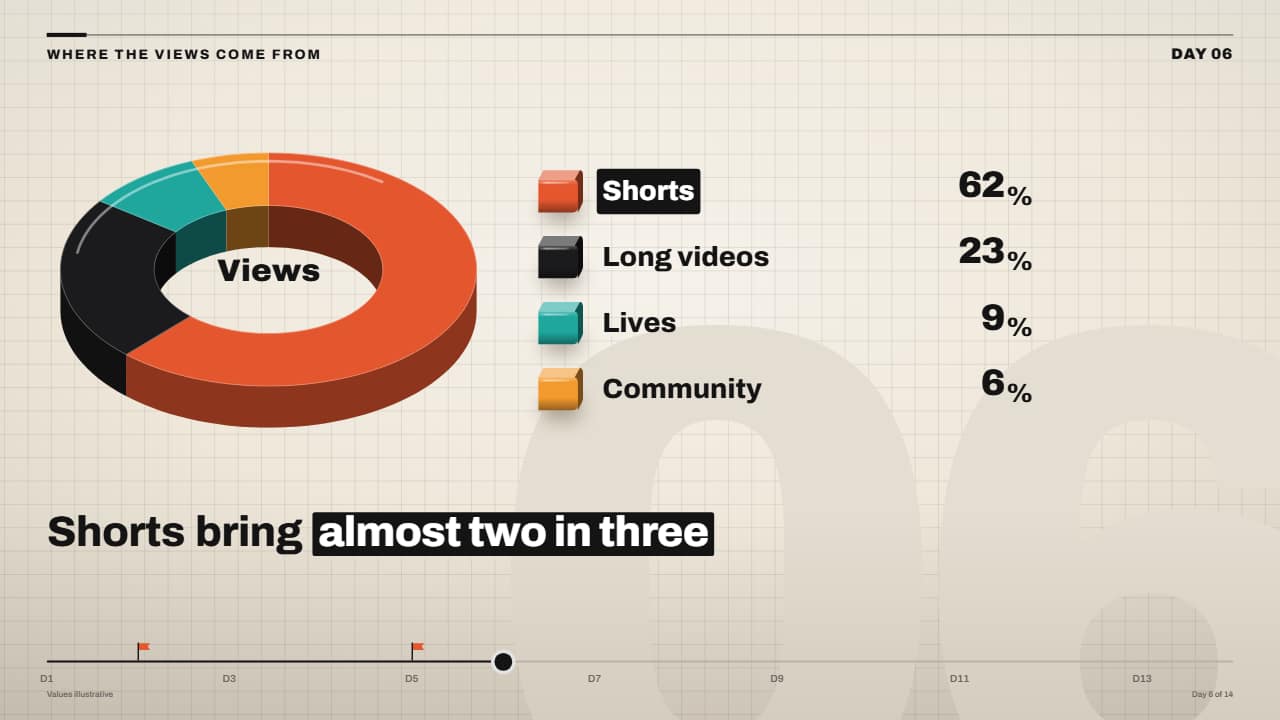 3D pie (donut) chart with rolling percentagesThe missing pie chart: a 3D donut with an edge where each slice sweeps its angle one after another, a legend…
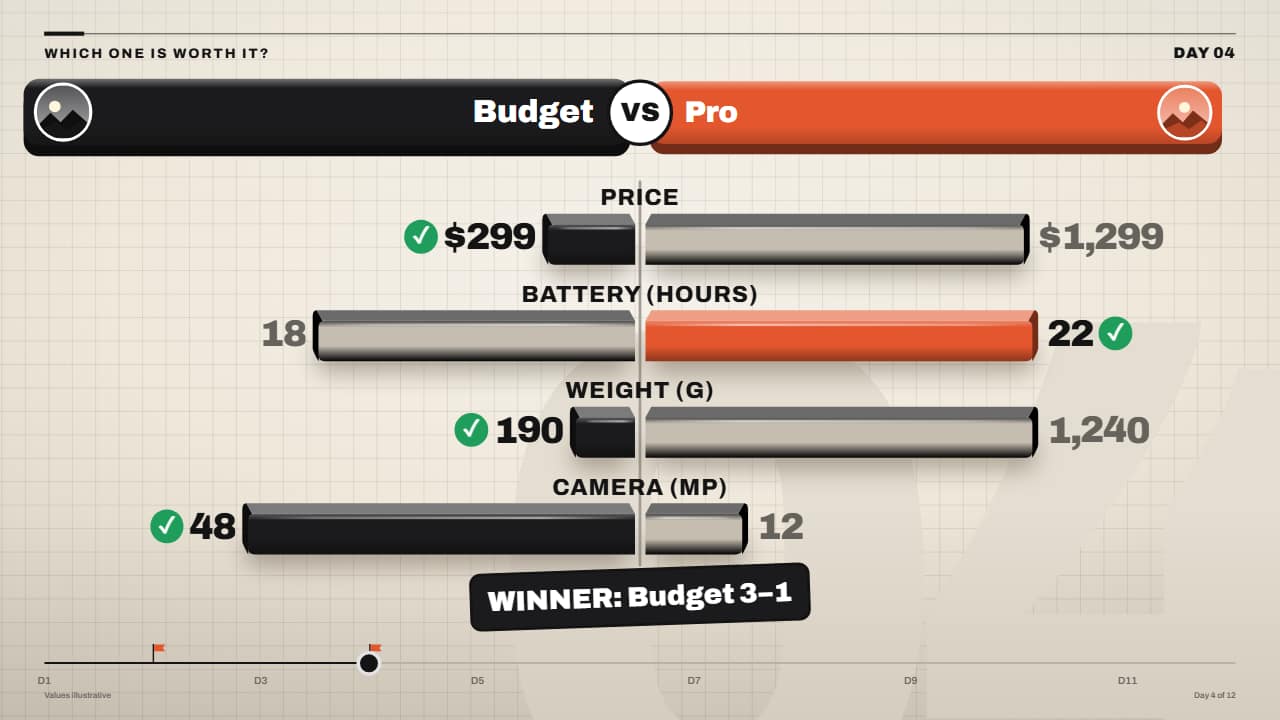 3D versus: head-to-head bars with a winnerThe comparison in the Editorial 3D style: two slab headers with a photo or emoji and the «VS» in the middle…
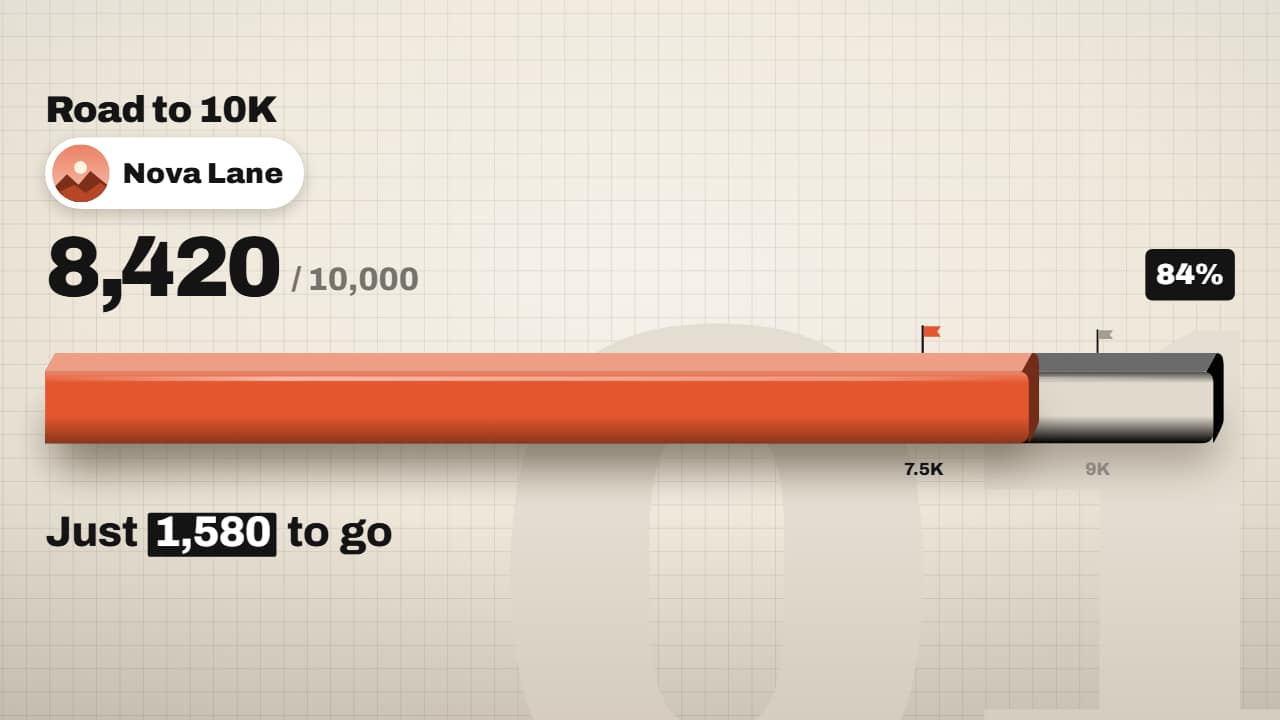 3D subscriber goal (road to 10K)Your road to 1,000, 10,000 or 100,000 subscribers in the Editorial 3D style: your channel card (photo or…
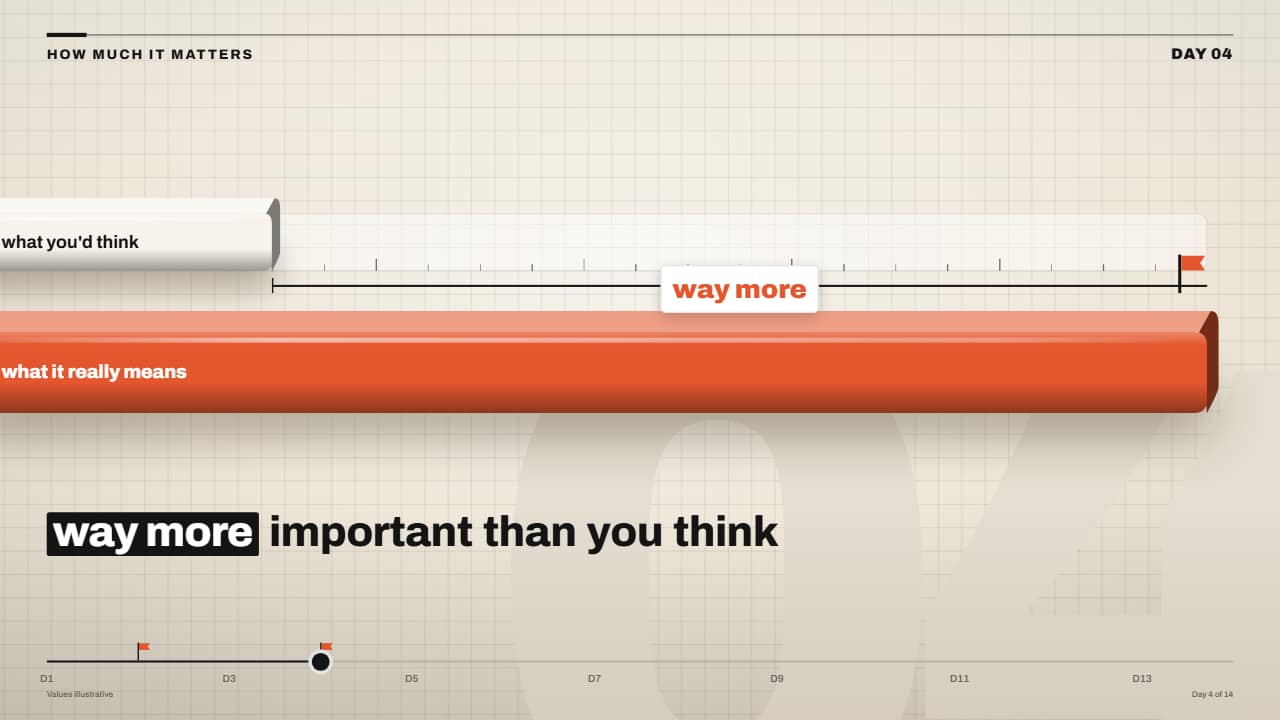 Expectation vs reality ruler that shattersA short light bar with a dashed marker («what you'd think») and a chunky orange bar («what it really means»)…
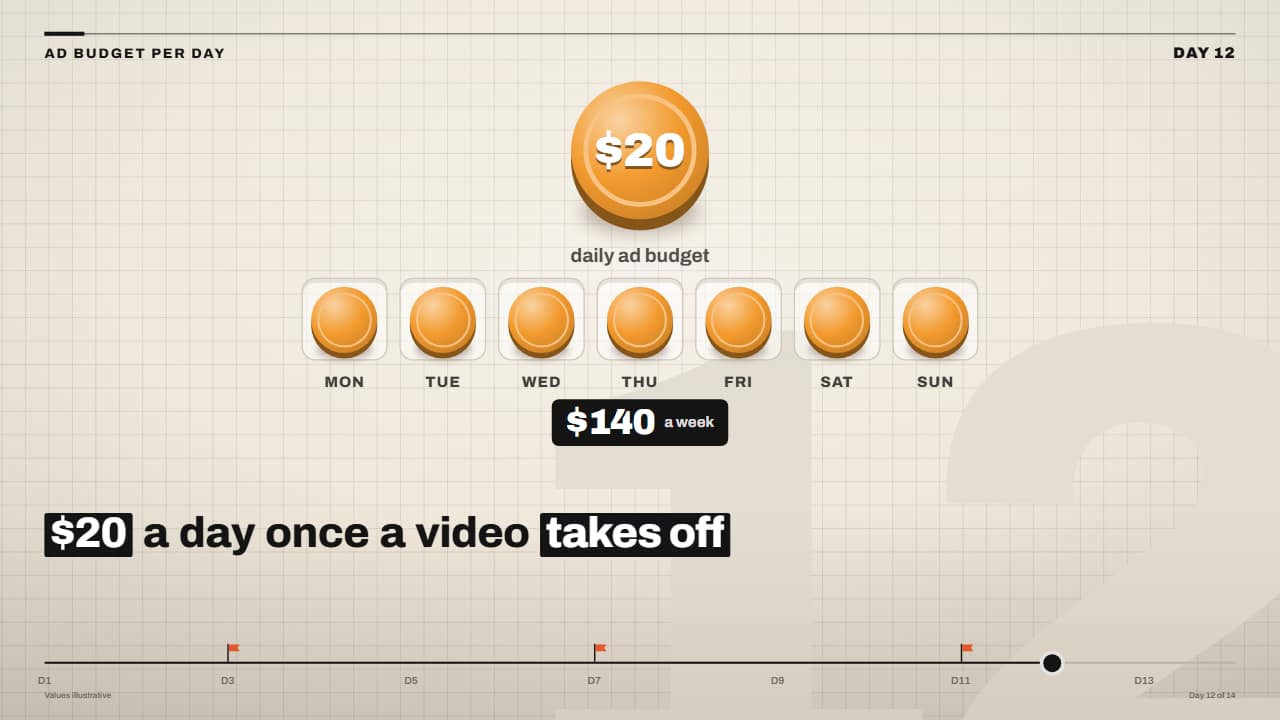 Daily budget coins filling the weekThe big coin with the amount drops in spinning and, one after another, a coin jumps into each slot of the…