Format (important)1920×1080this is how it downloads
Preview doesn't change the file
You'll download 1920×1080, 3.5 s, with no background (.mov).
You'll download 1920×1080, 3.5 s, with no background (.mov).
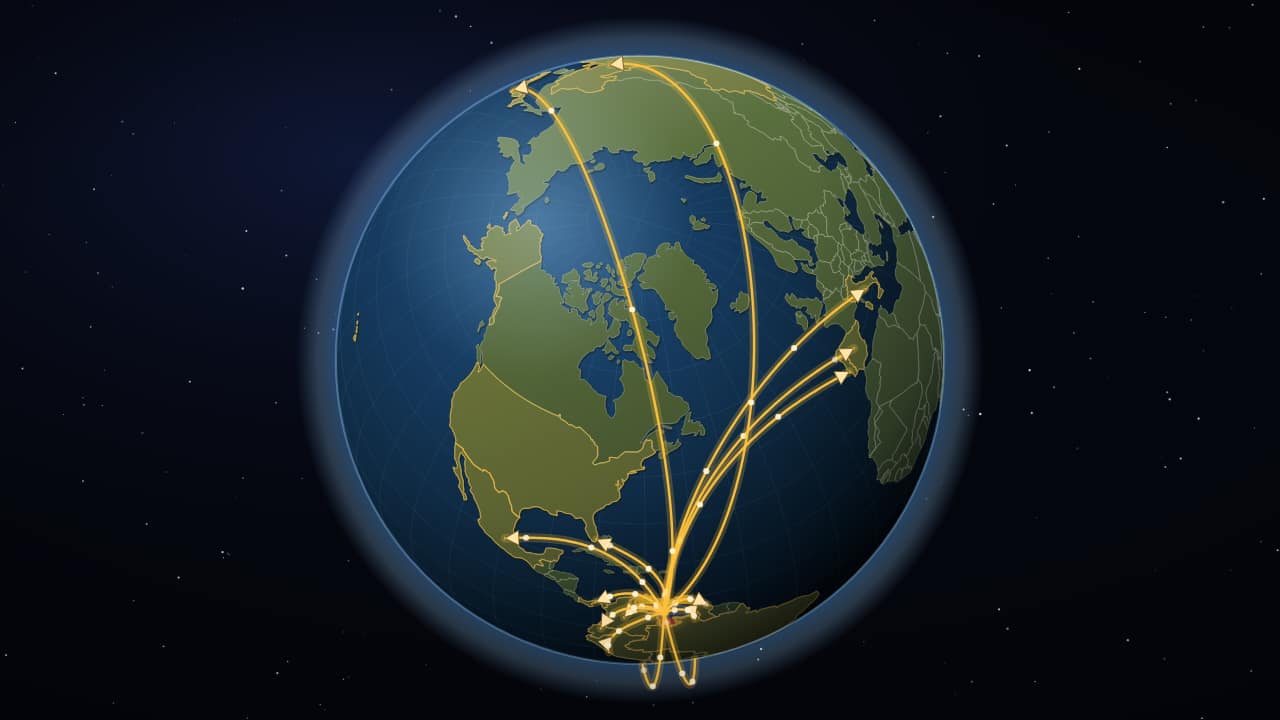
The same trip from space down to your country, and from there arcing arrows go out in three waves: first to the neighbors, then across the continent and finally to the rest of the world, while the camera pulls back. Each country lights up as its arrow lands, and people keep crossing along them. For a migration, exports, a brand's expansion or where your audience comes from. Type the destinations and the camera frames itself.
Plus the typeface and an optional letter outline, in every template.
Export it without background and put it on a track above your clip: the animation plays over your video.
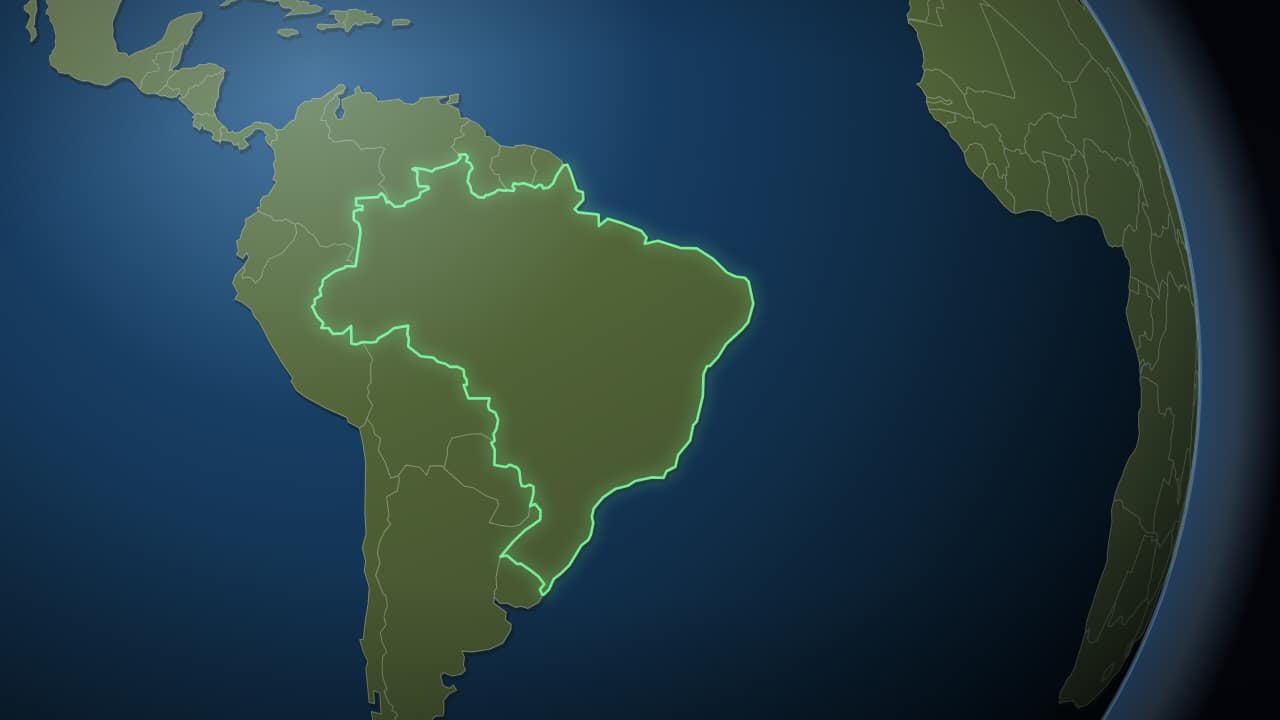 From space to your countryThe Earth small against the black, turning slowly, and then the camera pushes in to the country: its border…
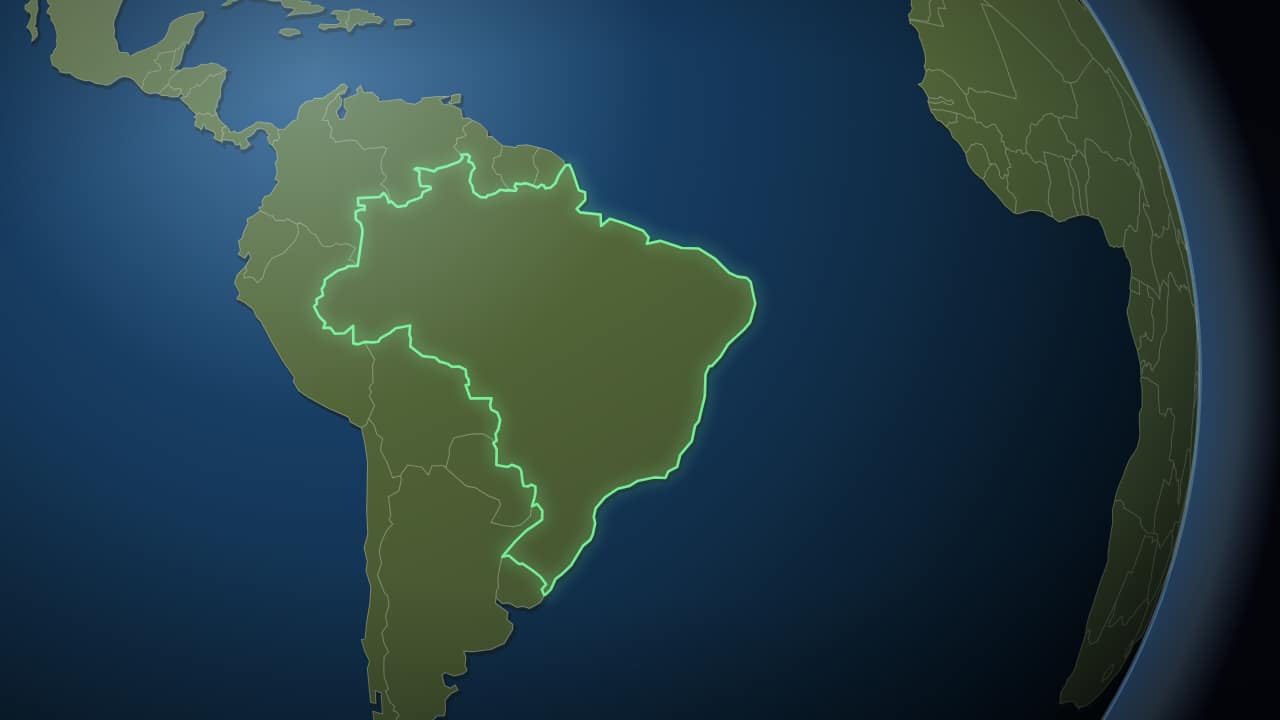 To the country, in two secondsThe same trip without the wait: the camera sets off almost immediately and lands on the country in a little…
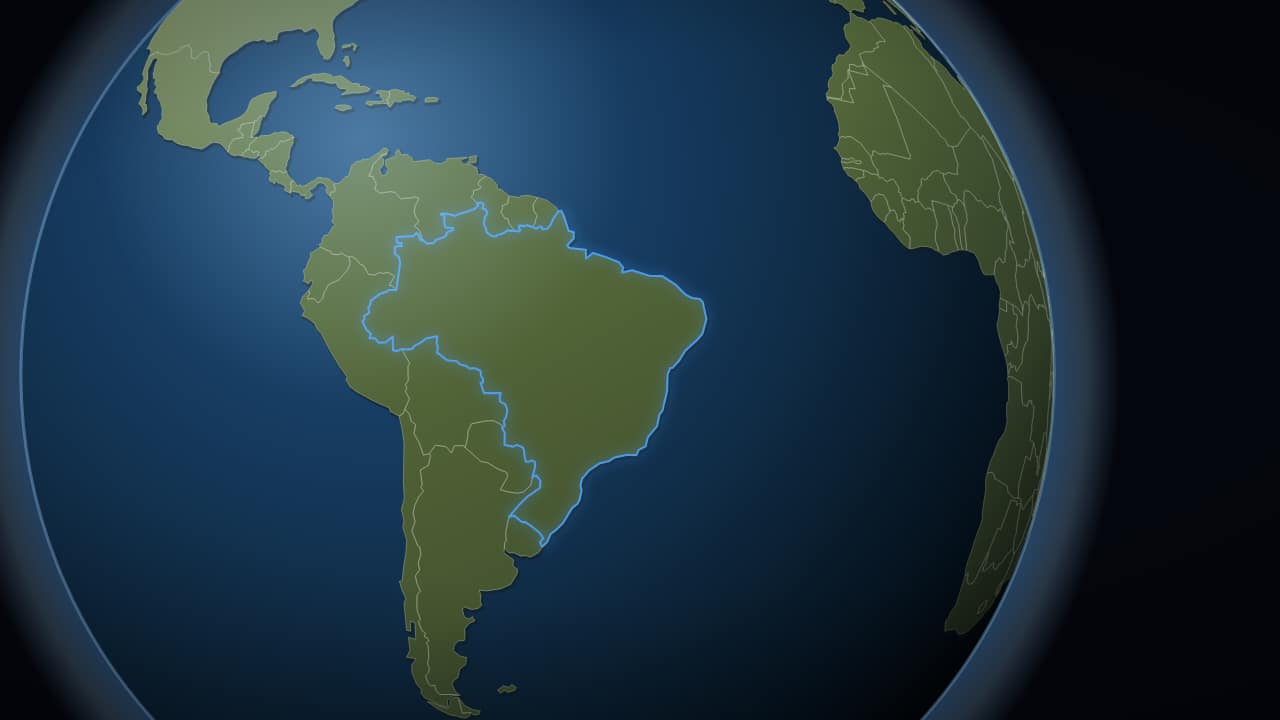 The globe, with no space behind itJust the planet, no stars and no background, to export with an alpha channel and drop over your own footage.
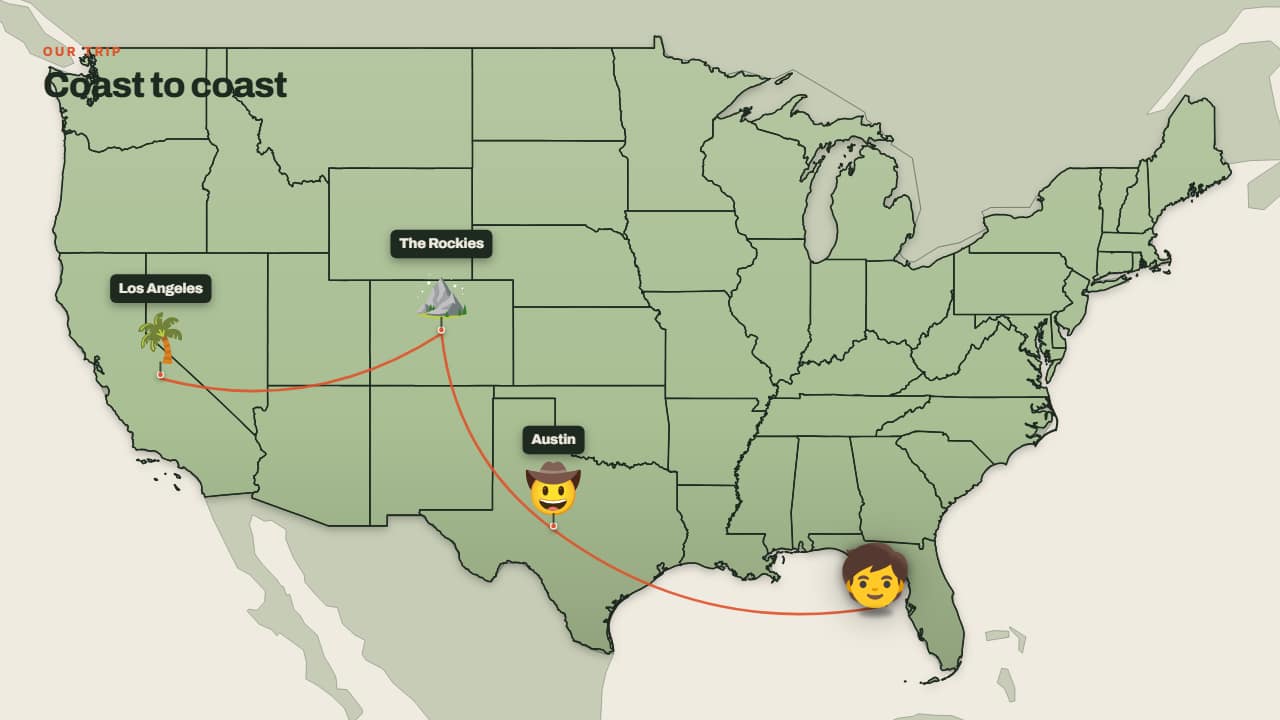 Trip across the mapThe little face walks from one stop to the next, with its hop, its shadow on the ground and the trail…
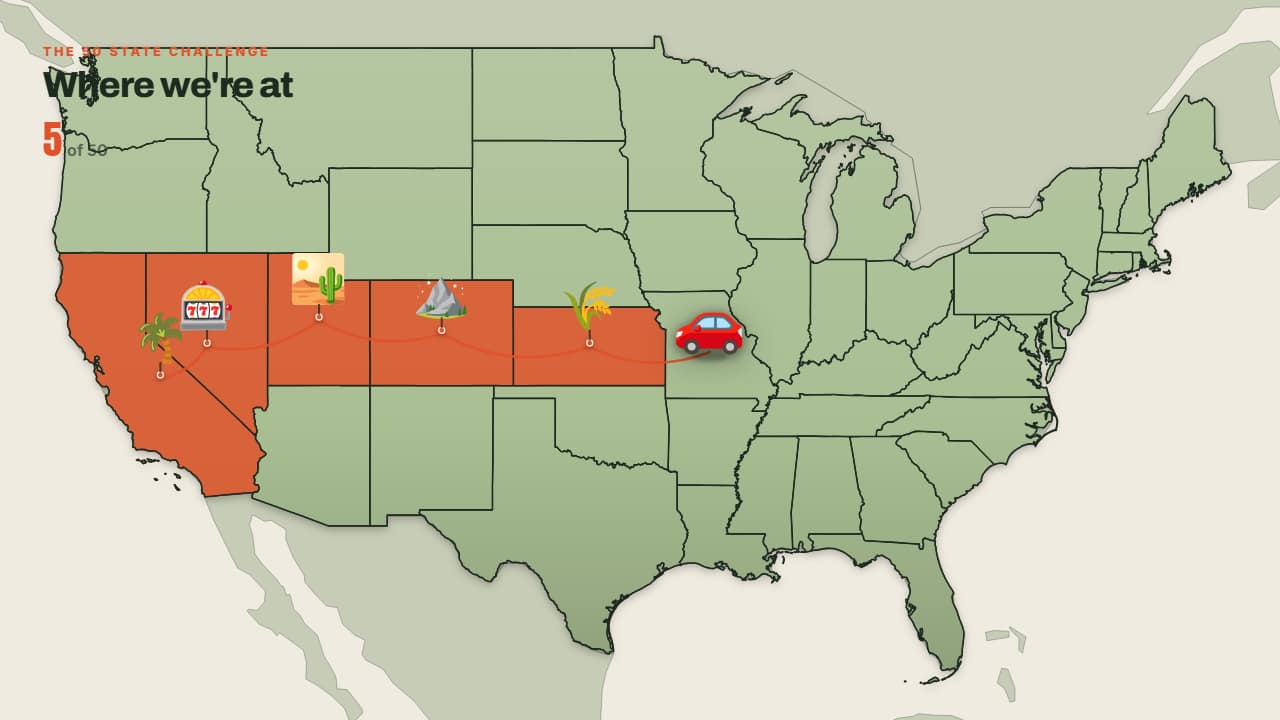 States I'm coloring inSame as the trip, but each state (or country) is COLOURED IN on arrival and the counter at the top climbs on…
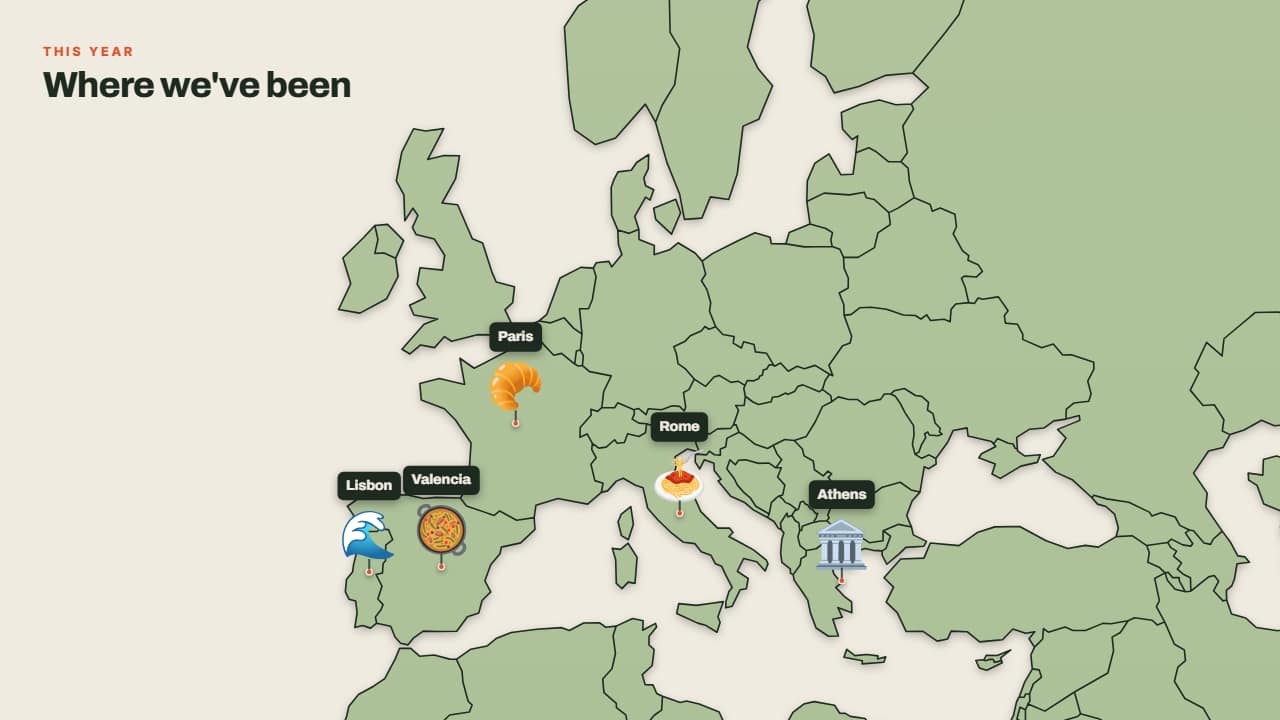 Where I've beenNo journey: the pins drop one after another onto the map, each with its emoji and its label.
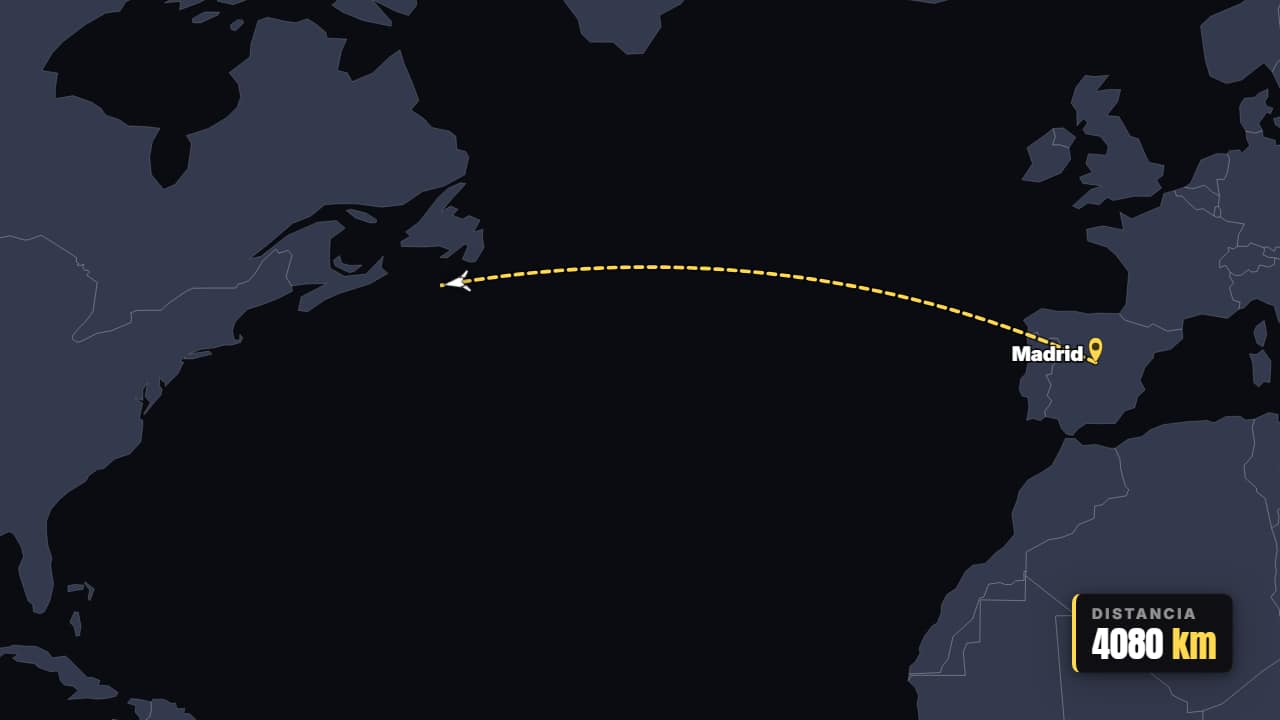 Flight A → BThe plane takes off and traces the real great-circle route between two cities, with the pins dropping and…
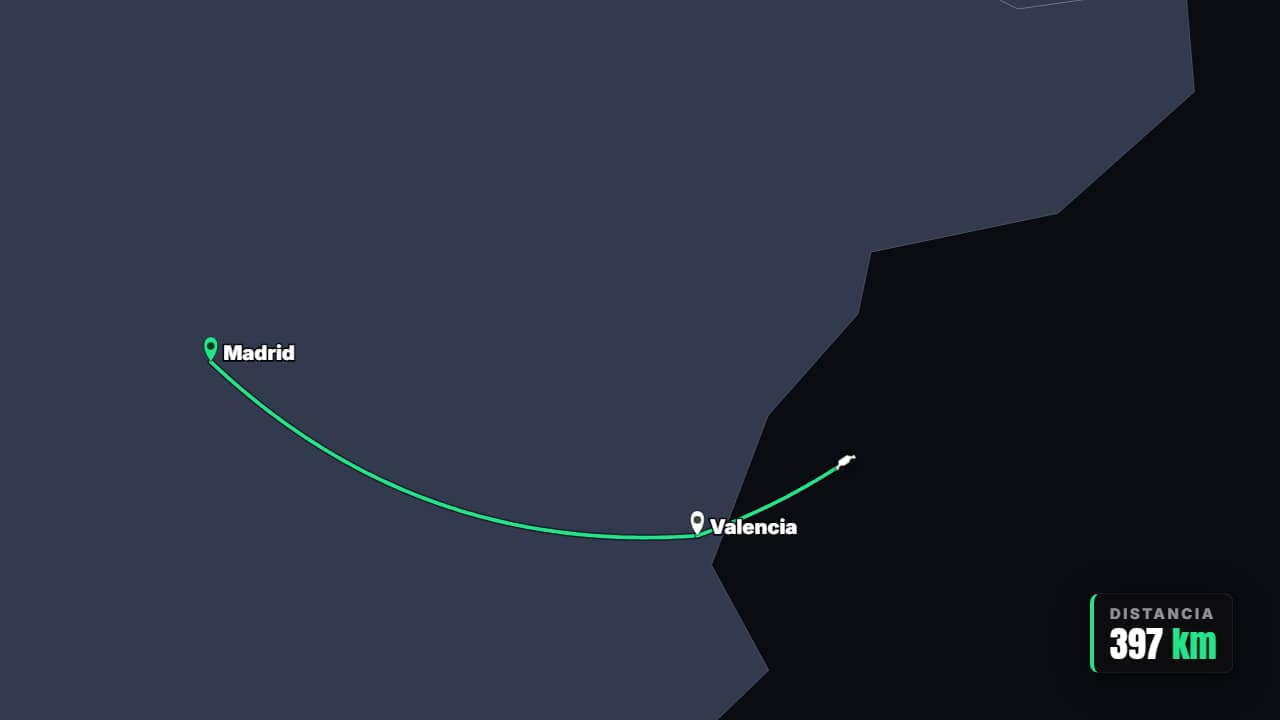 Multi-stop itineraryRoad trip or tour: the route advances leg by leg through every stop and the counter adds up the total…