How to make a 3D globe zoom to country animation (no After Effects)
5 min · 8 steps
The shot is a classic in documentaries, history channels and travel videos: the Earth turning in space, the camera diving toward one country, the border lighting up and the flag filling the shape. It tells the viewer where the story happens before you say a word.
Making it usually means After Effects with a 3D map plugin, or keyframing Google Earth Studio by hand. This guide makes it in the browser with an editable template: you type the country, set the timing and export a Full HD video for any editor.
The short answer
Open the 3D globe template, choose the format, type the country in the Country field and set when the camera starts moving in and how long the move takes (60 frames is one second). Pick your colors and whether the flag fills the country, then export: an MP4 with space behind it to use as its own shot, or a transparent .mov to lay over your footage.
Try it now: 3D Globe Zoom to Country Animation — From Space
Editing and the live preview are free and need no account.
What you need
- The country your story is about, and roughly the second in your video where it should appear.
- An AnimateMyVideo account to download the video (you sign in with Google).
- CapCut, Premiere Pro, DaVinci Resolve, Final Cut Pro or any other editor.
The templates in this guide
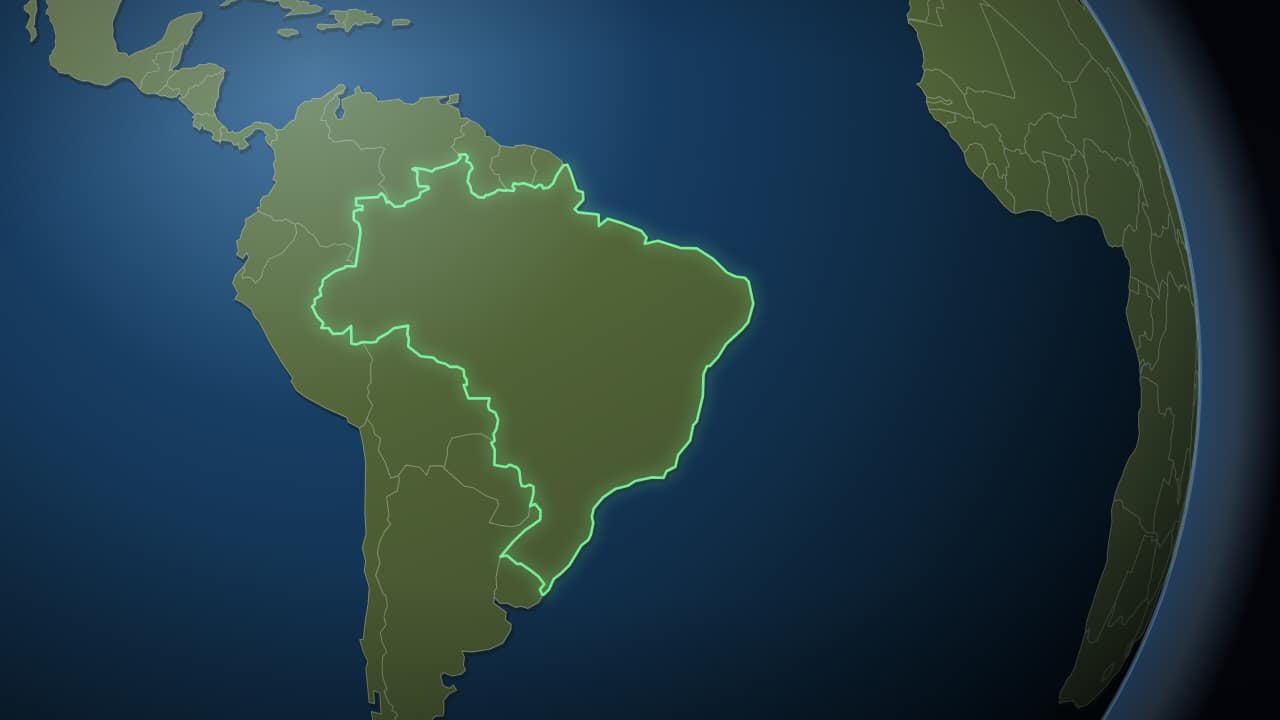 From space to your countryThe Earth small against the black, turning slowly, and then the camera pushes in to the country: its border…
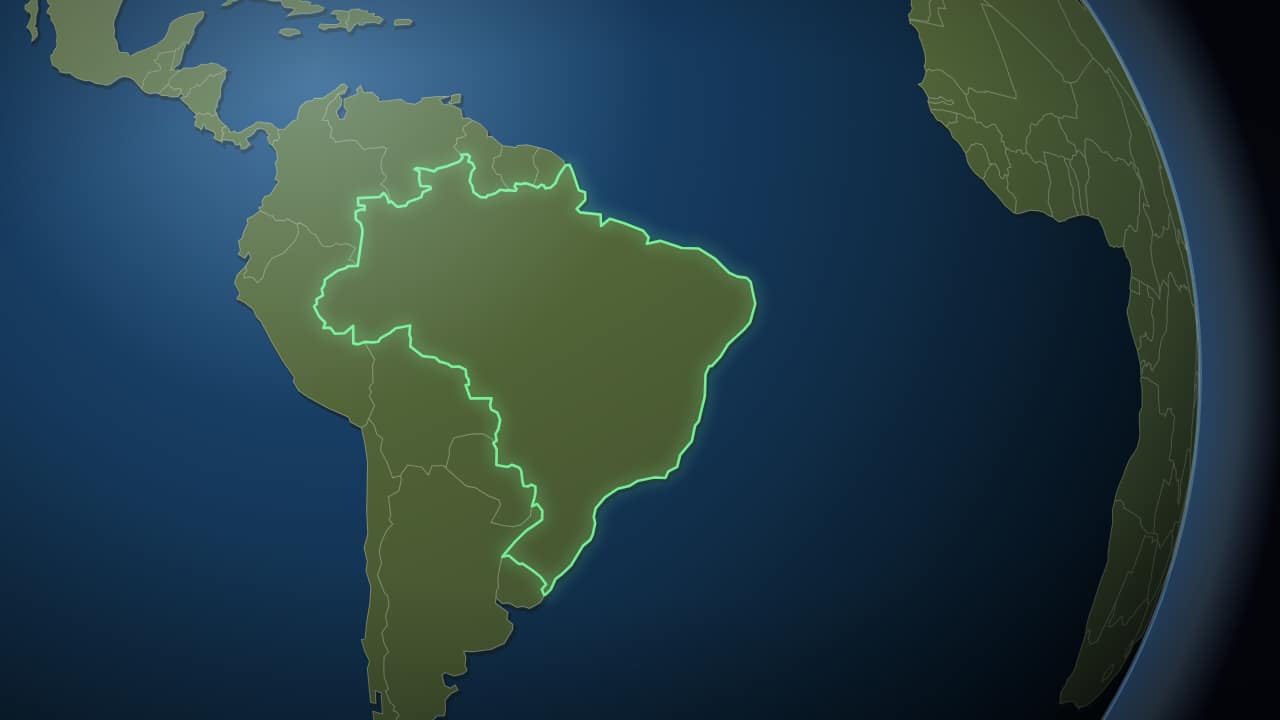 To the country, in two secondsThe same trip without the wait: the camera sets off almost immediately and lands on the country in a little…
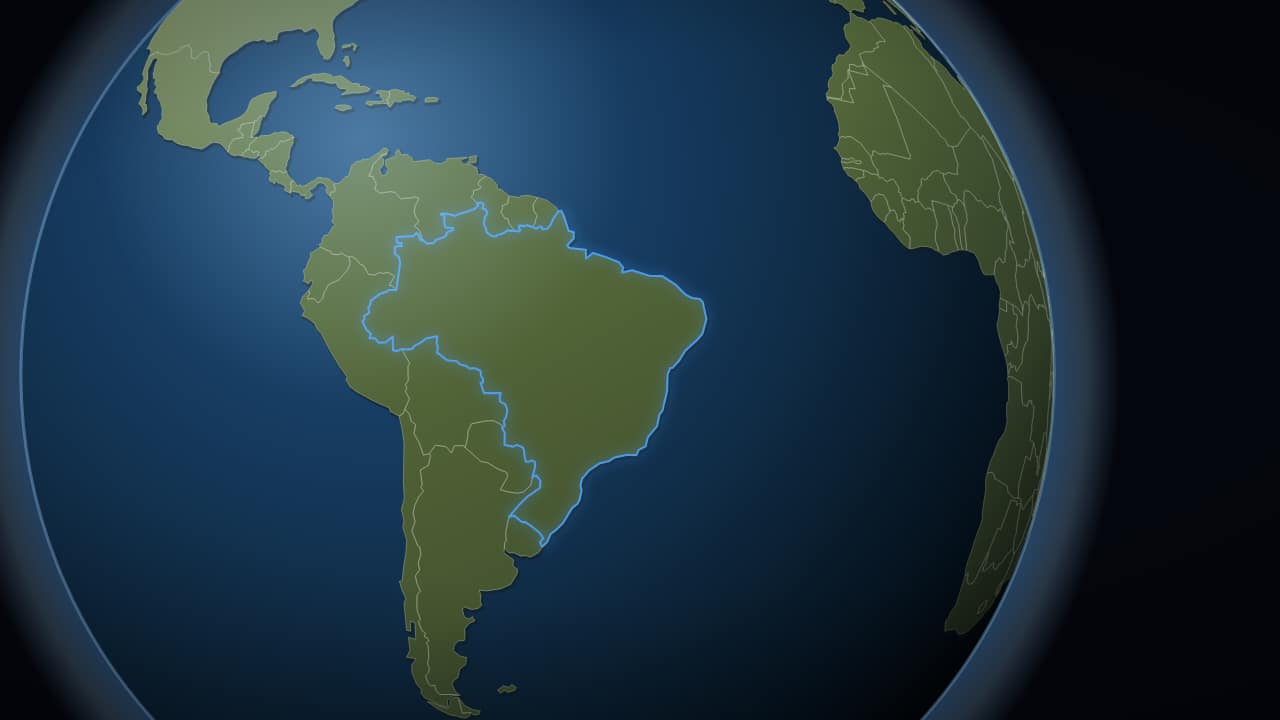 The globe, with no space behind itJust the planet, no stars and no background, to export with an alpha channel and drop over your own footage.
Step by step
Step 1: Pick the right globe
There are four globe templates. «From space to your country» takes about eight seconds, which suits an intro or a documentary opening. The two-second version lands almost at once, to drop in mid-sentence. The loose globe has no stars or background, for a turning Earth in a corner of your shot. «From one country to the world» sends arrows out to other countries in three waves.
Step 2: Open it and choose the format
Open the template and set the format at the top first: 16:9 for YouTube, 9:16 for Shorts, TikTok and Reels, 1:1 for a square post. The globe is laid out for each one rather than cropped.
Step 3: Decide how you'll use it
The first step of the editor asks «How do you want it?». For a globe, the choice depends on your edit:
- With a background: an MP4 with the starfield behind the Earth. Use it as its own shot between two scenes.
- No background: a ProRes 4444 .mov with transparency: space and stars are removed and only the Earth plays over your footage.
- On my video: upload your clip and get an MP4 with the globe already on it, from the second you choose.
Step 4: Type the country
Write the country's name in the Country field. English names work, and so do common Spanish ones. The camera finds the country and frames it on its own, and its border draws itself as it arrives.
With «Fill with the flag» on, about forty common countries (listed under the field) get their flag filling the shape. For any other country you get the lit border without a flag, which reads just as clearly.
Step 5: Set the timing to your voice-over
Two fields control the move. «Starts moving in on frame» is the wait before the camera dives: at 60 frames per second, 60 is one second. «Frames the move-in takes» is how long the dive lasts; lower is snappier. If you name the country at a certain moment in your narration, start the move about a second earlier so the flag lands as you say it.
If your edit needs the globe to stay on screen longer, raise «Duration (seconds)». The camera holds on the country until the end.
Step 6: Style the planet
«How close it gets» sets the final framing: at 1 the country fills about half the screen, lower shows more of the continent, higher gets tighter. Change the border, ocean and land colors to match your channel, and turn «Meridians and parallels» off if the grid feels busy over footage.
Step 7: Export and download
Go to the download step and export. You sign in with Google to download; during the open beta, new accounts get export credits at no cost.
Full HD is enough for a 1080p project. Choose 2× (4K) if your timeline is 4K or you plan to push in on the globe in your editor.
Step 8: Put it in your edit
The MP4 goes on your timeline like any clip. The transparent .mov goes on a track above your footage:
- CapCut: on desktop, drag it to a track above your clip; on the phone, Overlay → Add overlay. If you see black, use the «On my video» MP4 instead.
- Premiere Pro: File → Import, then drag it to V2, above your footage on V1.
- DaVinci Resolve: place it on Video 2; if you see black, Clip Attributes → Alpha Mode: Premultiplied.
- Final Cut Pro: connect it above the primary storyline (Q). The transparency is read on its own.
When Google Earth Studio is the better choice
If you need real satellite imagery, terrain and city buildings, Google Earth Studio is the tool for it. It's free, runs in the browser and is driven by keyframes, so expect some time to learn it, and the footage has to carry the Google Earth attribution. After Effects plugins such as GEOlayers do similar work inside After Effects.
The template here is a different look: an illustrated globe with clean borders and a flag, made to read at a glance on a phone and ready in minutes.
Going from one country to the world
To show how something spread from a country, use «From one country to the world». Type the origin and up to three waves of destinations: the neighbors, the rest of the continent and the rest of the world. Arrows arc out wave by wave and each country lights up as its arrow lands, while the camera pulls back. It works for migrations, exports or where your viewers come from.
Questions
- Can the globe zoom to a city instead of a country?
- The globe templates go to countries. To end on a city, use the world-to-city zoom, or a route map with its map type set to Globe.
- Can I use it in YouTube Shorts?
- Yes. Choose 9:16 before exporting: the globe is laid out for a vertical screen, not cropped from the landscape version.
- Is the 3D globe animation free?
- Editing and the live preview are free and need no account. To download you sign in with Google; during the open beta, new accounts get export credits at no cost.
- Why is there no flag on my country?
- Flags are drawn for about forty common countries, listed under the Country field. Other countries get the lit border without a flag.
Try it now: 3D Globe Zoom to Country Animation — From Space
Editing and the live preview are free and need no account.