Aspect ratio1920×1080this is how it downloads
Preview doesn't change the file
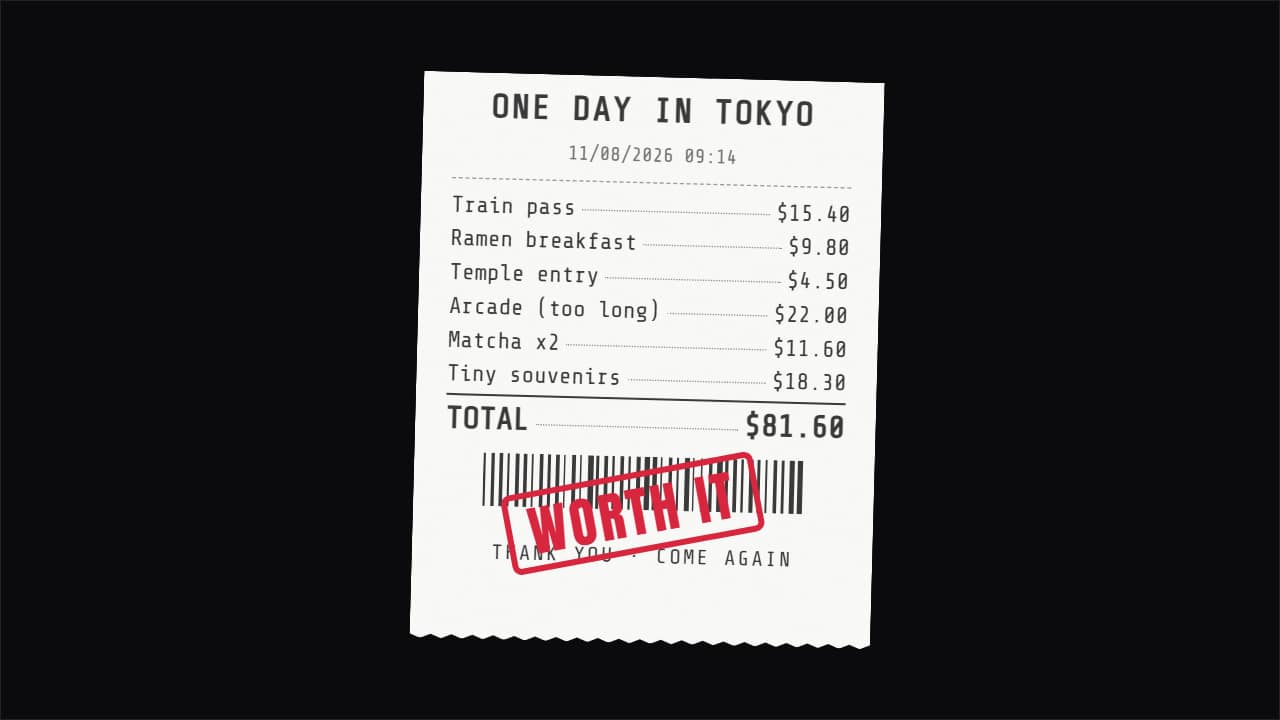
You'll download 1920×1080, 3.5 s, with no background (.mov).
BetaFree during the beta: create an account and export at no cost. No credit card.How it works →Free during the beta · no card →
You'll download 1920×1080, 3.5 s, with no background (.mov).
«What I spent in a day»: the receipt prints out line by line, each item with its dotted leader and price, the total adds up as it goes, barcode, zigzag torn edge and the final stamp («WORTH IT», «PAID», «OVER BUDGET»). Up to 12 items, optional tax, currency and number format by language. Three styles: thermal, old with violet ink and invoice in your color. For travel vlogs, budget challenges and money channels. Works transparent too.
Plus the typeface and an optional letter outline, in every template.
Export it without background and put it on a track above your clip: the animation plays over your video.
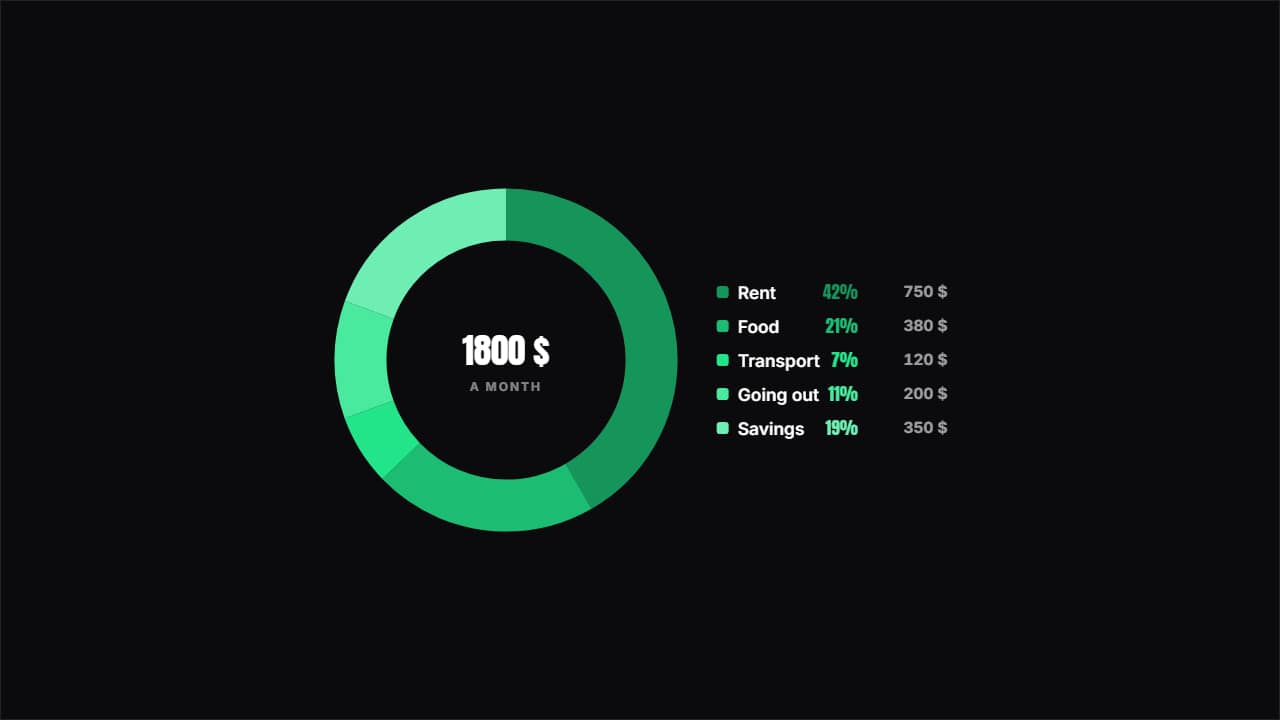 Where the money goesA ring with the split and the key beside it showing each item's percentage and amount.
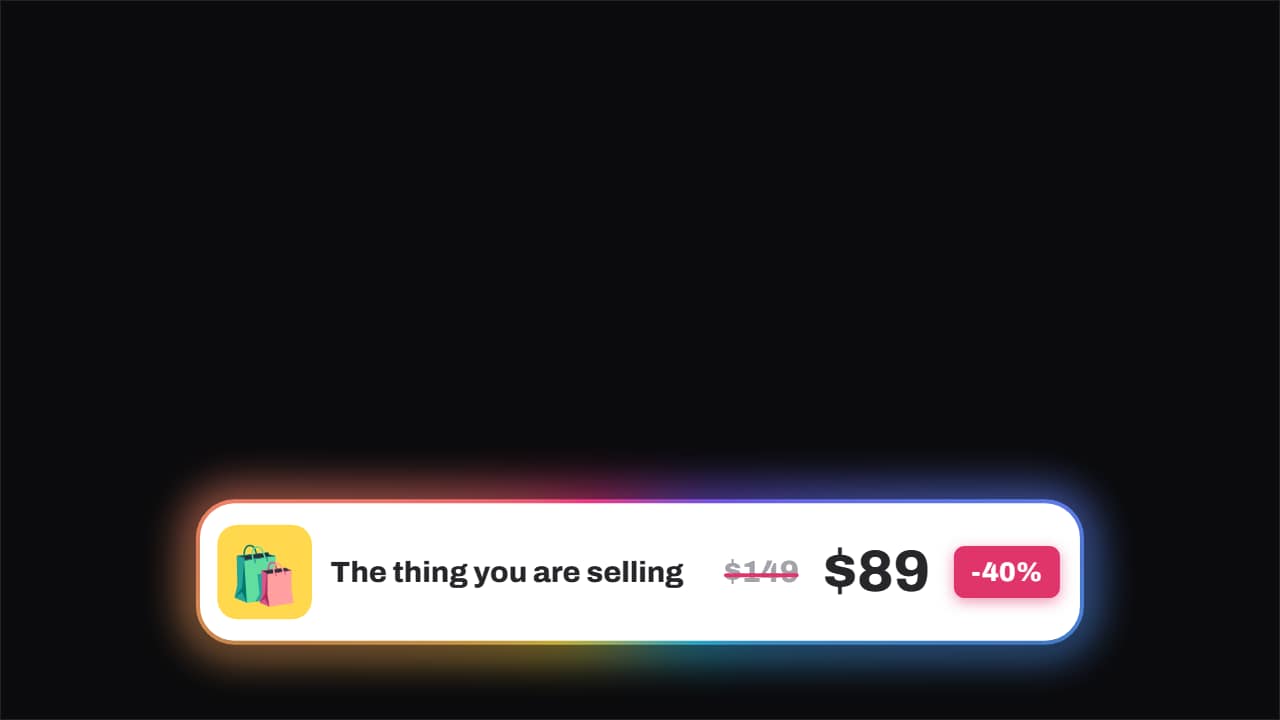 Price · struck through, and the new one slamsThe old price gets struck through by a line that draws itself and, a beat later, the new one slams in beside…
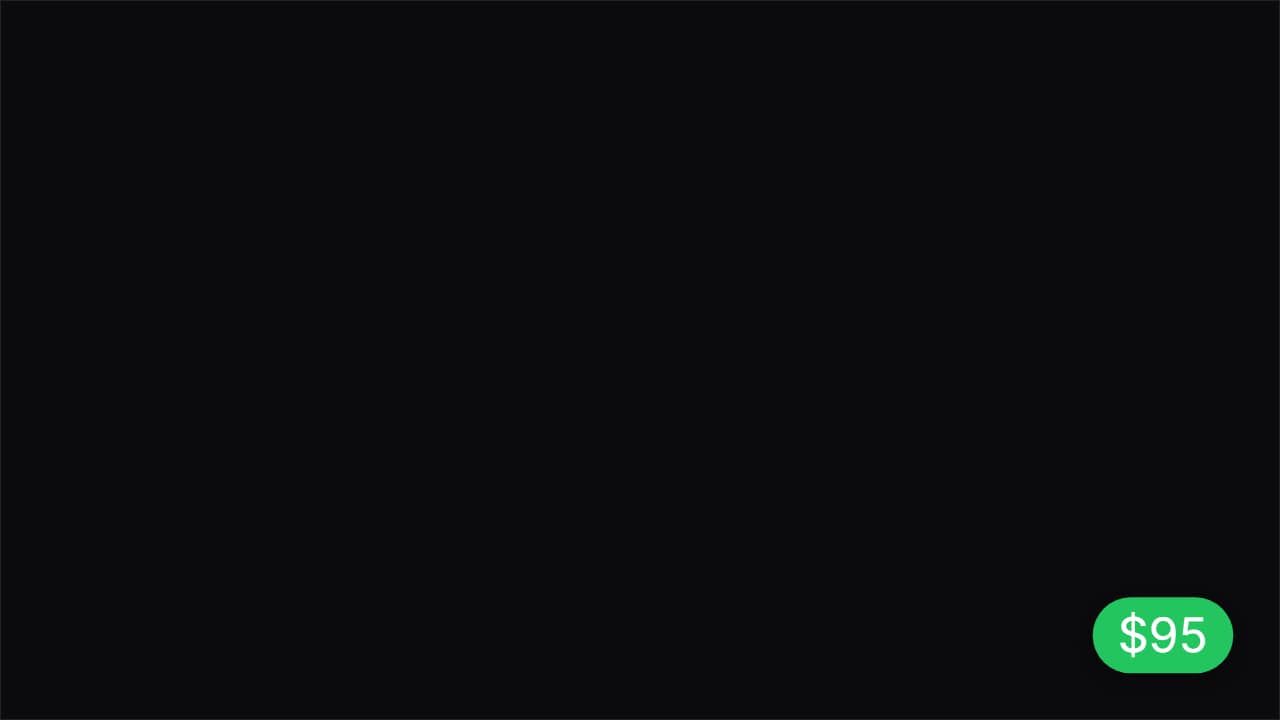 How much you've spentThe corner badge that keeps adding up while you buy: you show the plate, the total climbs.
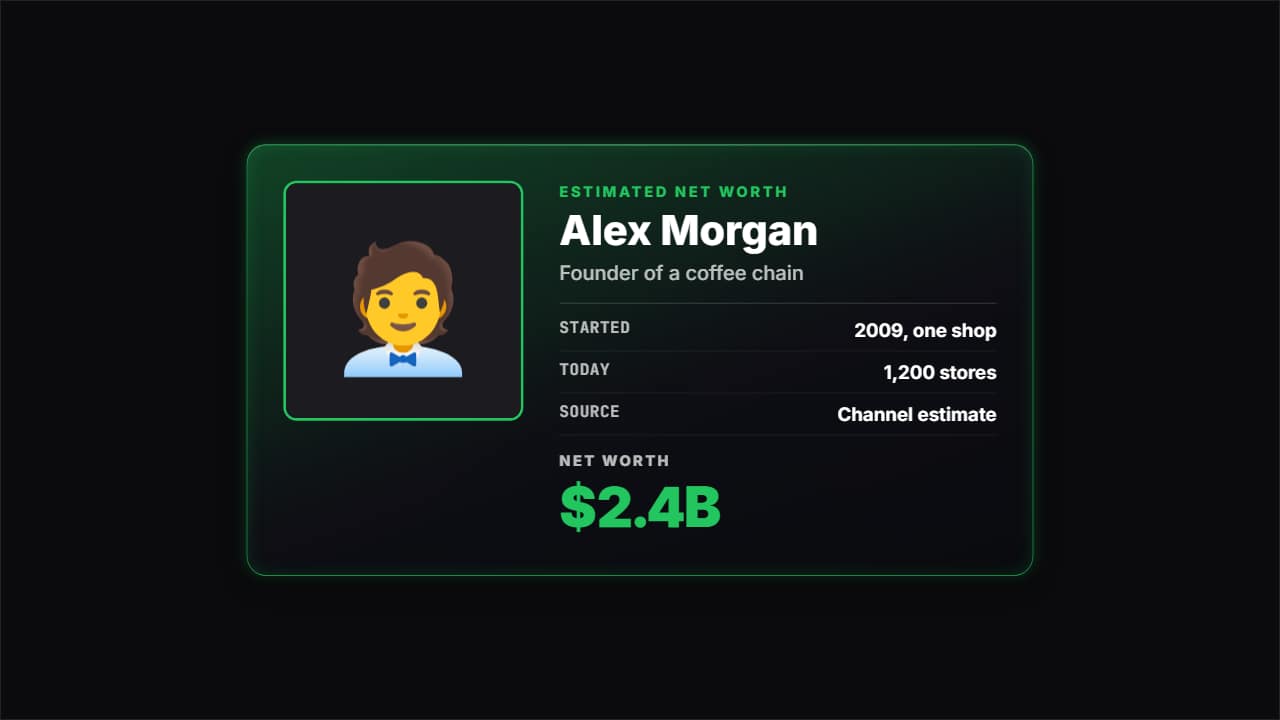 Net worth cardThe card for «how much is X worth» videos and company stories: photo or emoji, the name, what they do, a few…
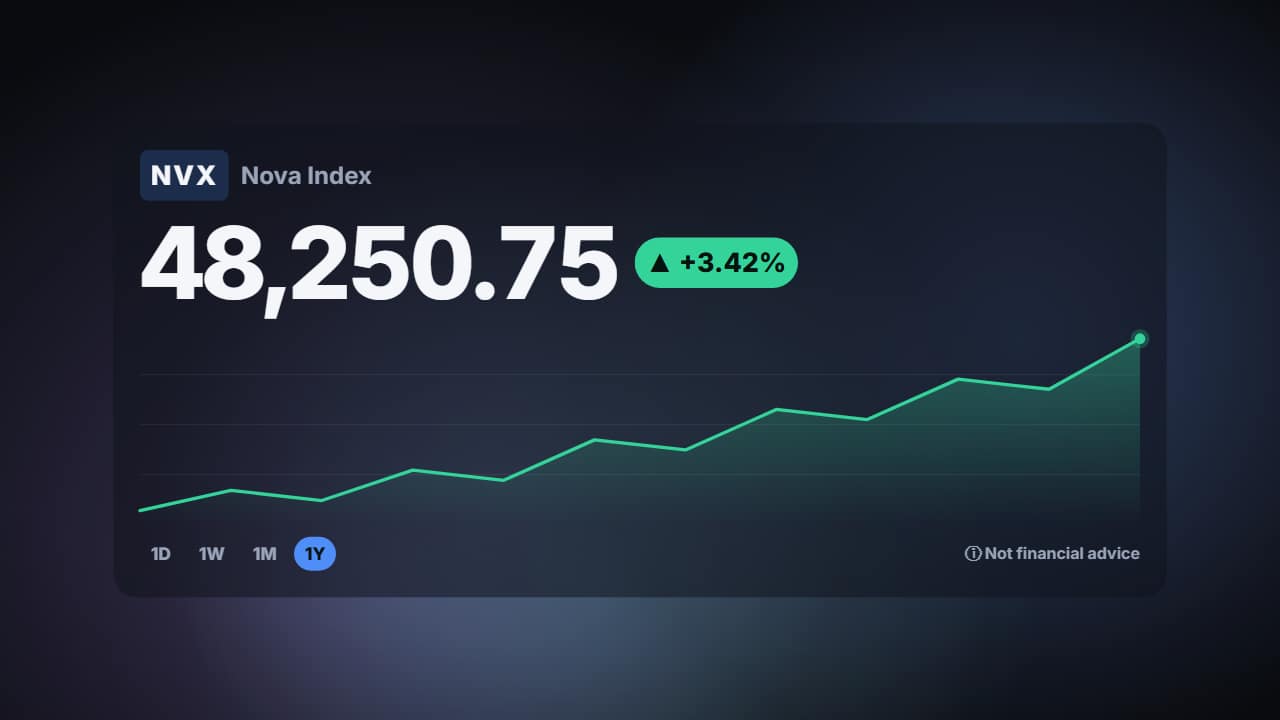 Stock and crypto price card with chart on a looping gradientFor finance and crypto videos: the symbol and the name (make up your own), the big price counting up to its…
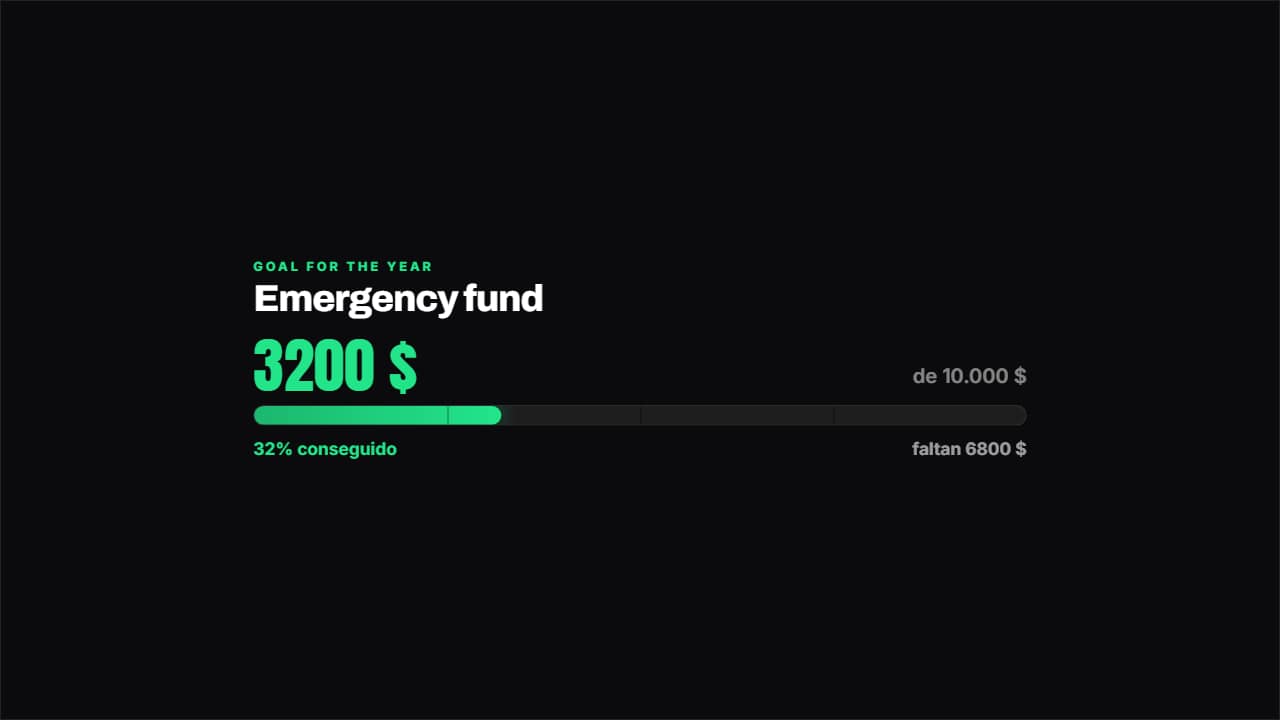 Savings goalHow much you've got, how much is left and what percentage that is, with the bar marked in quarters.
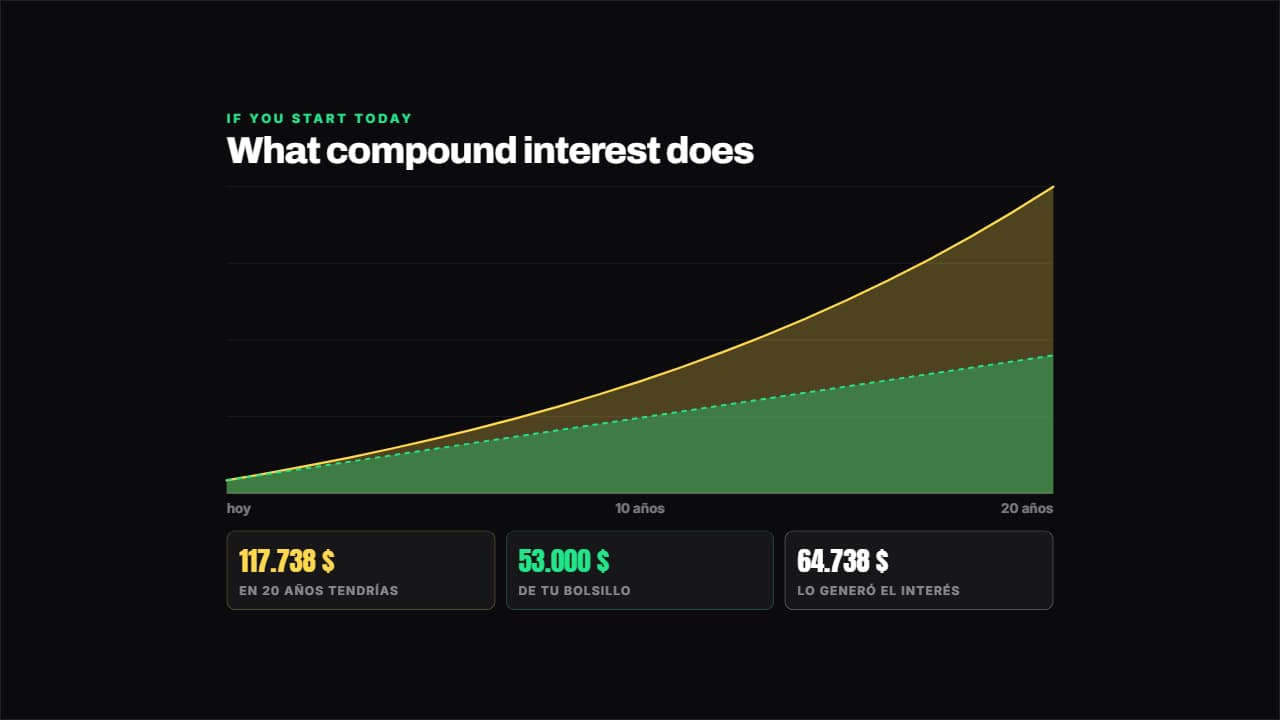 Compound interestWorked out year by year from your numbers: what you put in out of your own pocket goes in one layer and what…
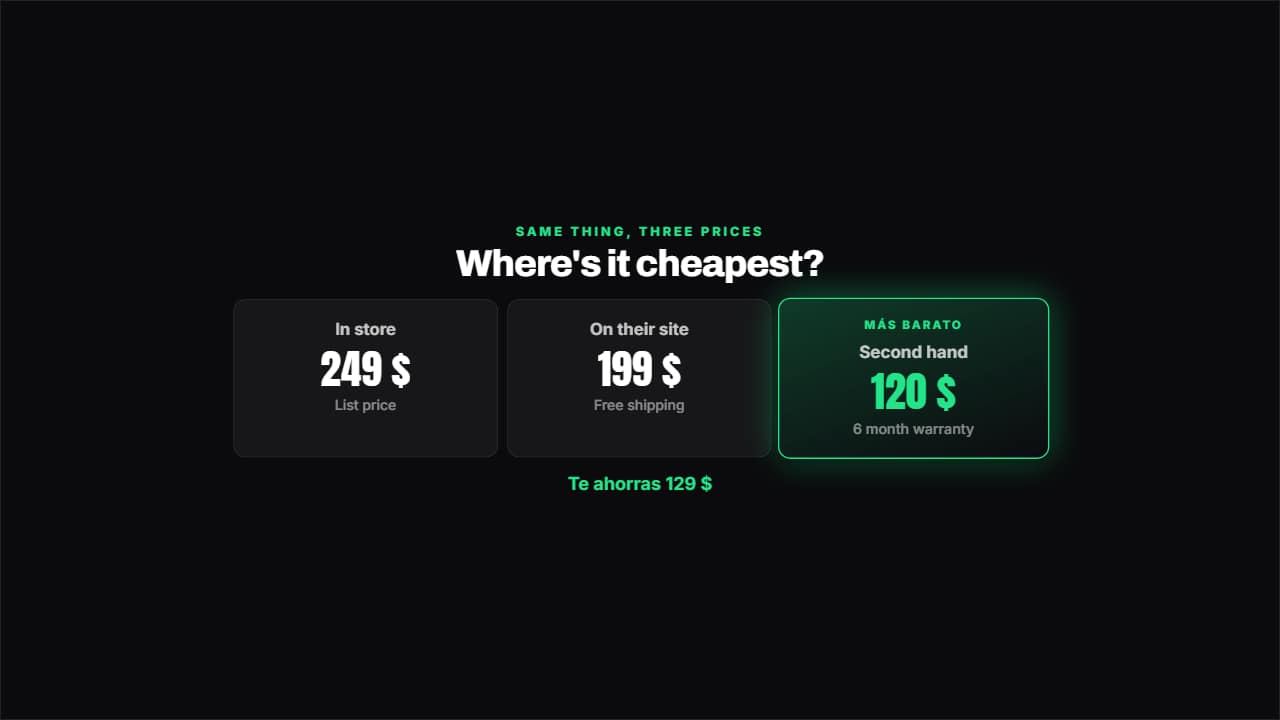 Price comparisonTwo, three or four options side by side: the cheapest lights up on its own and underneath you get how much…