Aspect ratio1920×1080this is how it downloads
Preview doesn't change the file
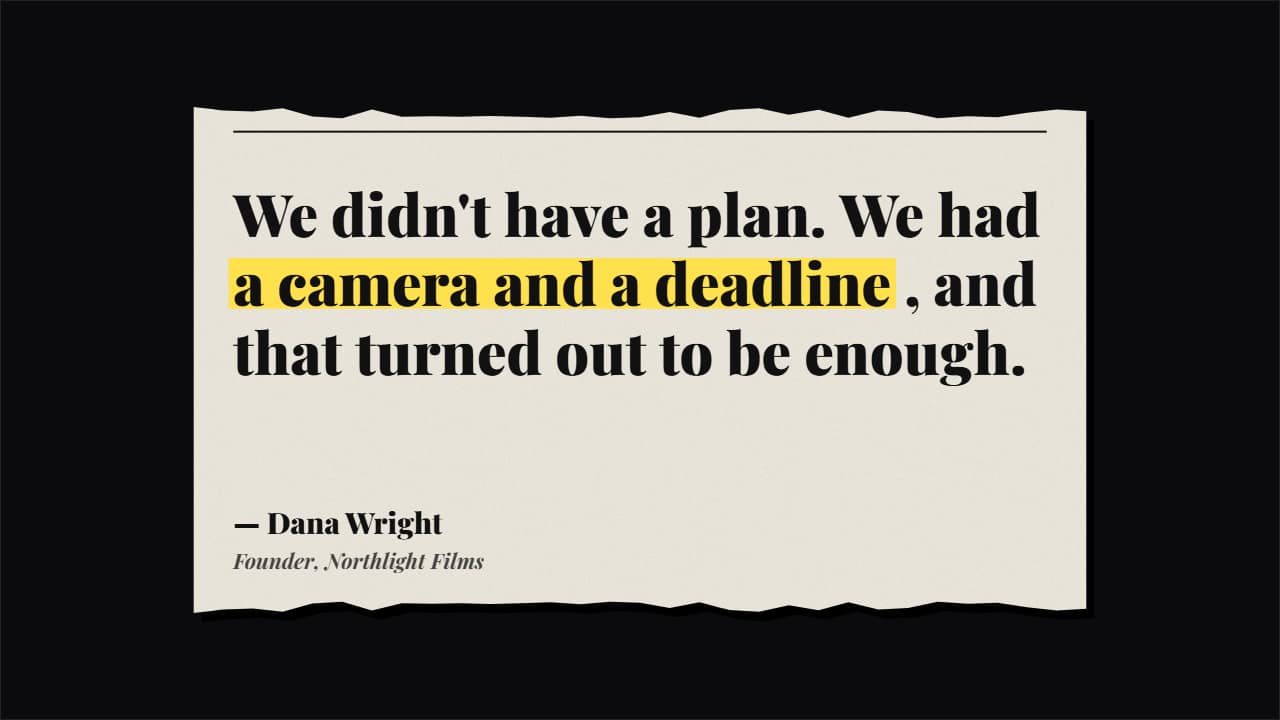
You'll download 1920×1080, 3.5 s, with no background (.mov).
BetaFree during the beta: create an account and export at no cost. No credit card.How it works →Free during the beta · no card →
You'll download 1920×1080, 3.5 s, with no background (.mov).
The quote from documentaries and video essays, made into an object. Four styles: a torn newspaper clipping with the line in serif and the *marked* words in a sweeping highlighter; a typewritten index card typing letter by letter with the *marks* underlined in red and a handwritten signature; a PRINTED post taped down (avatar, name, date and counters; generic, no real network); or giant 3D quote marks on a white card with words going grey → ink and *marks* in a black box (Editorial). The type size adjusts itself to the length. Works transparent too.
Plus the typeface and an optional letter outline, in every template.
Export it without background and put it on a track above your clip: the animation plays over your video.
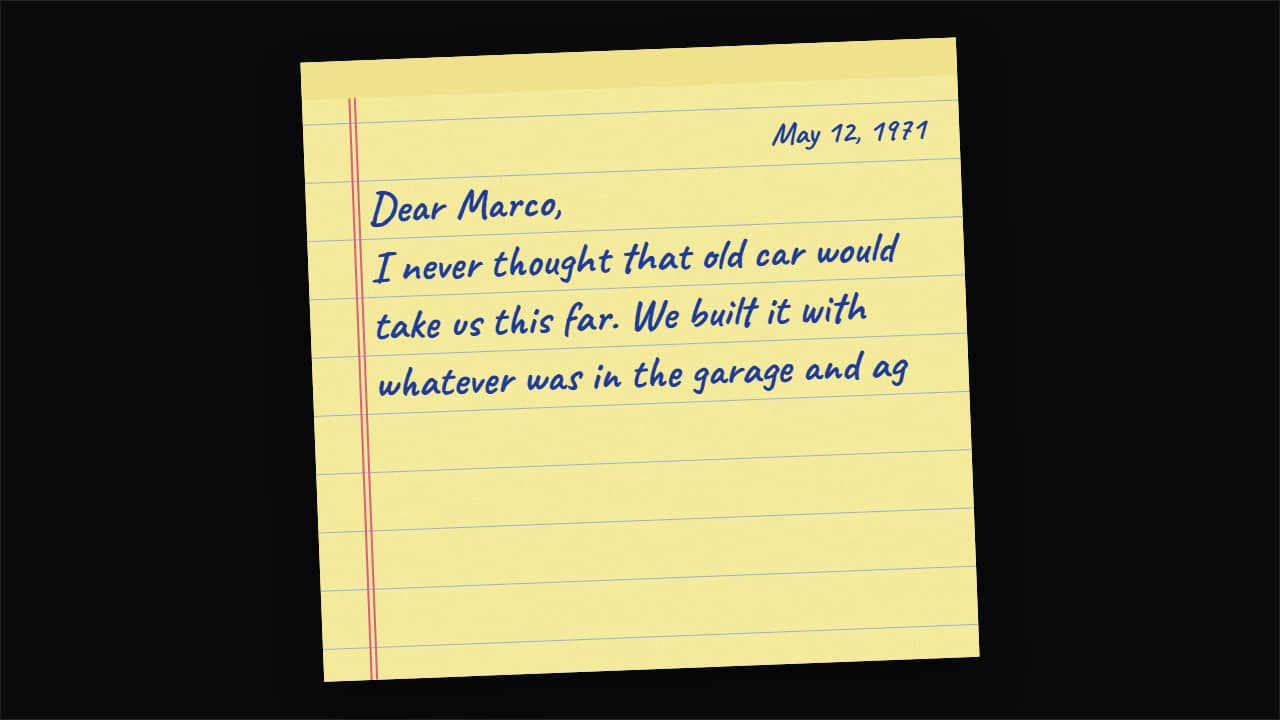 Letter that writes itself as you read itFor when your narration reads a letter, a message or a diary, like car and history documentaries do: the…
 Stacked testimonialsYour customers' reviews on cards that fly up with a twist, land in front and push the previous ones back.
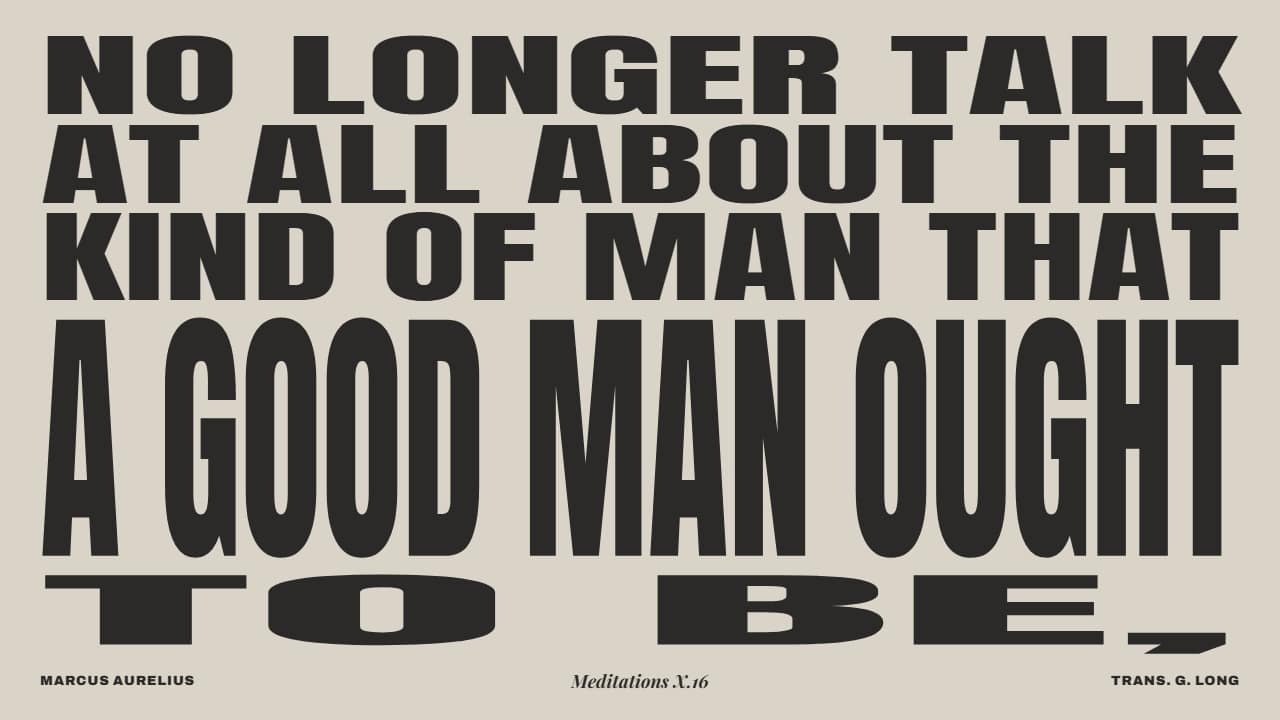 Stoic quote kinetic type poster, word by wordA public-domain quote (for example Marcus Aurelius, Meditations X.
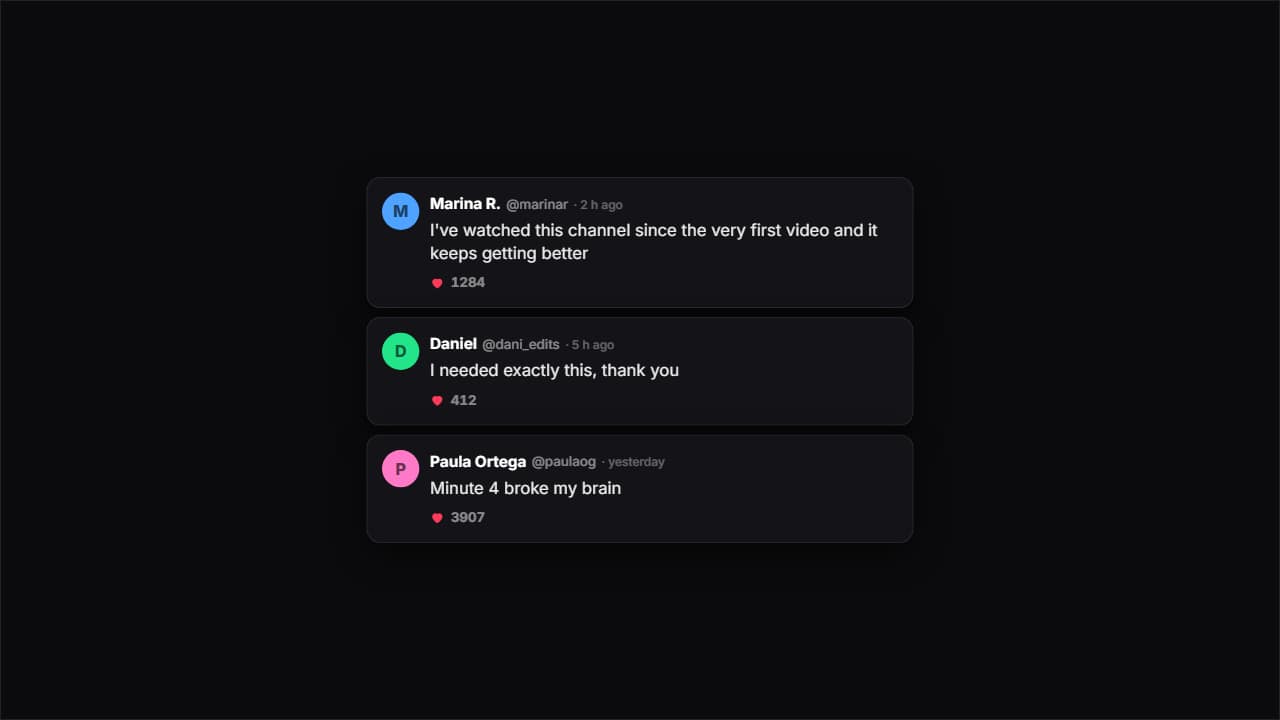 Comments on a dark cardDark cards with an avatar, a handle, a time and likes. Each one bounces in and the heart counter climbs on…
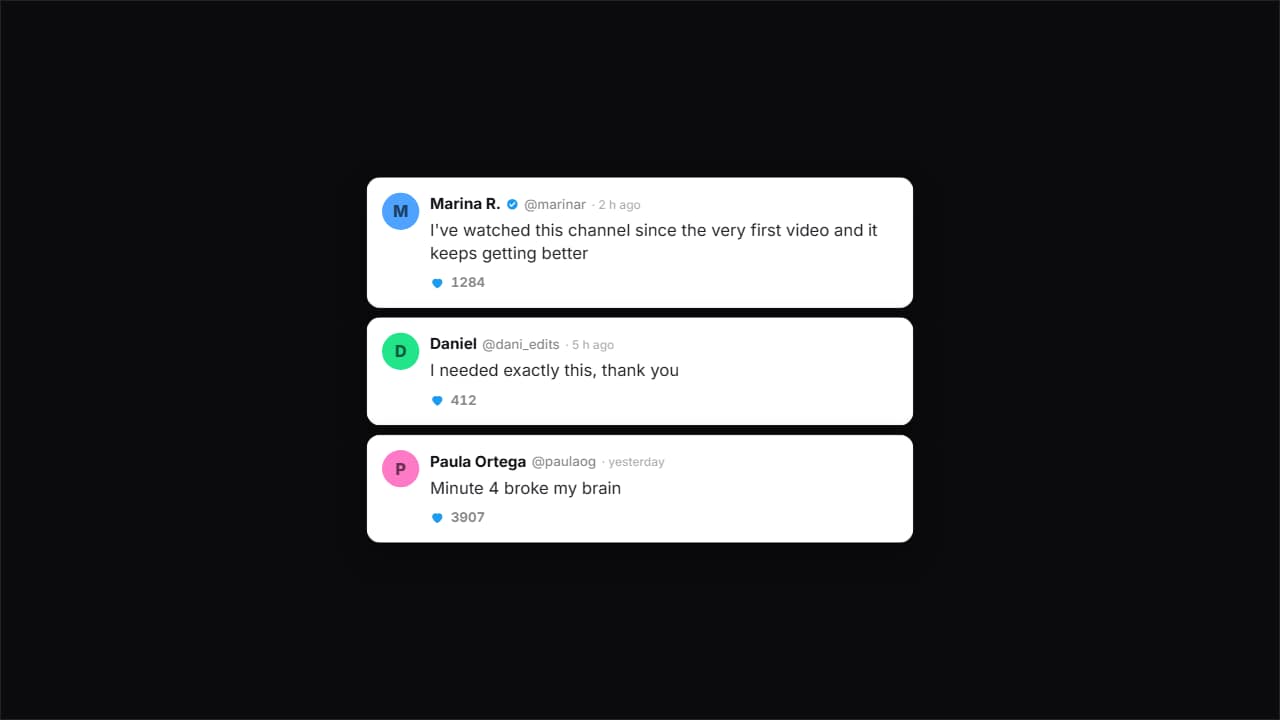 Comments on a light cardThe same idea on white, with more air and the verified tick.
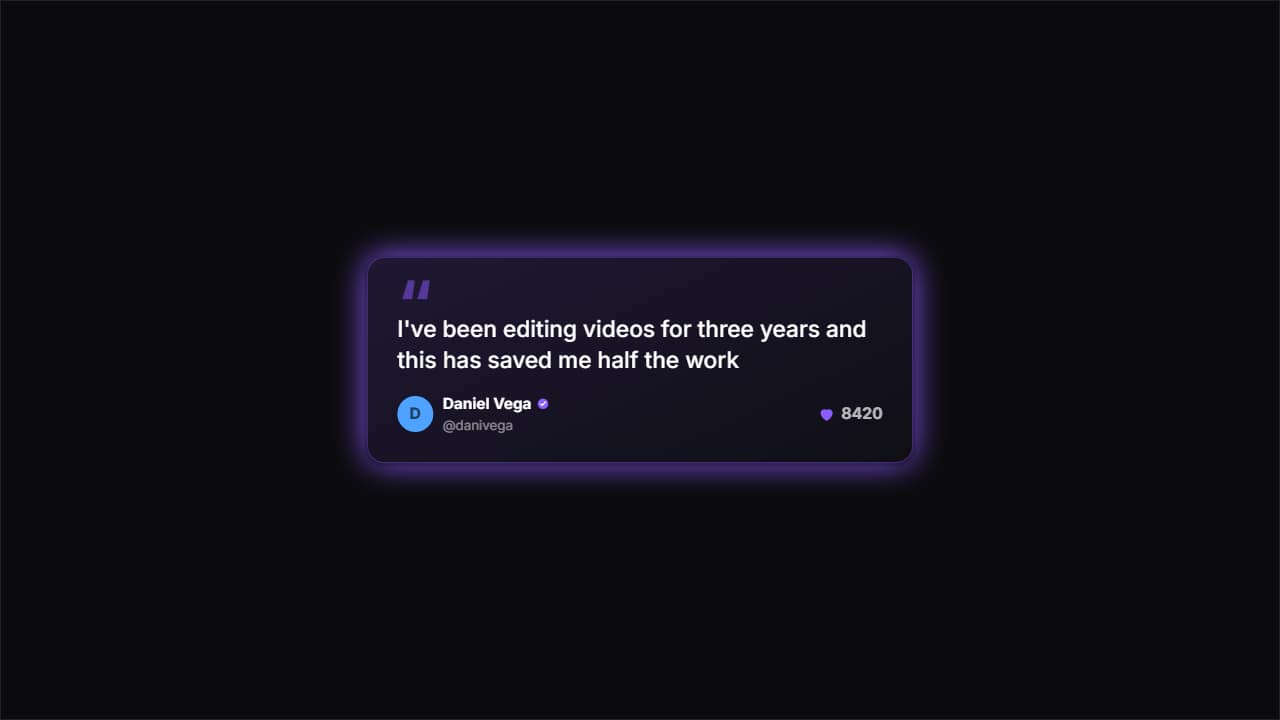 One featured commentA big card with huge quote marks for ONE single comment — the one you really want read.
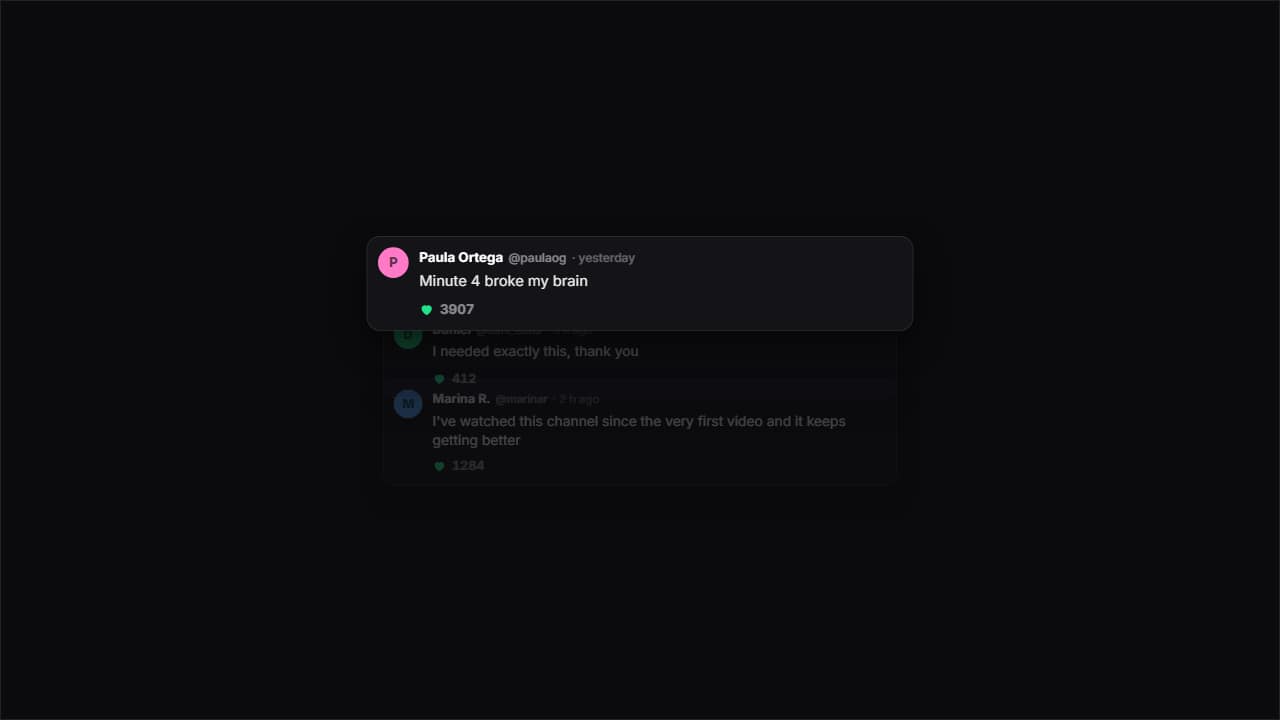 Cascading commentsThey come in one after another from below and the previous ones dim and shrink, so attention always lands on…
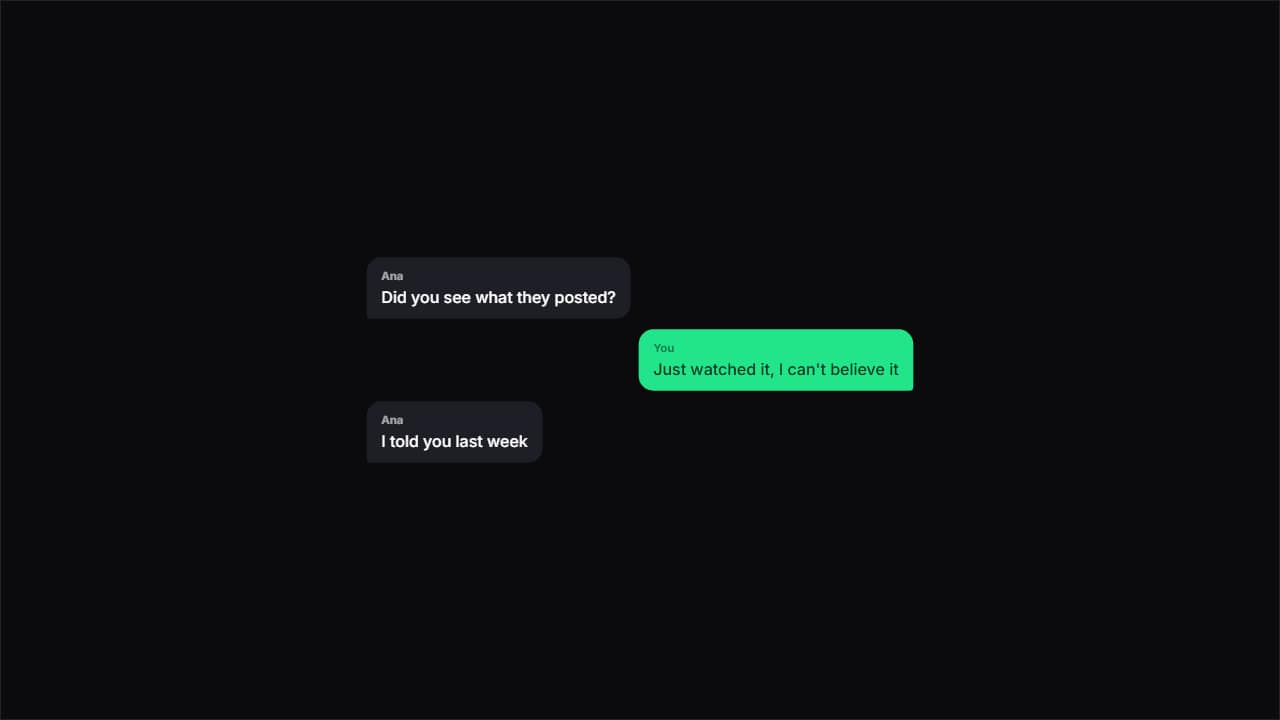 Chat bubblesChat bubbles alternating sides, with the tail pointing at whoever's talking.