Aspect ratio1920×1080this is how it downloads
Preview doesn't change the file
You'll download 1920×1080, 3.5 s, with no background (.mov).
BetaFree during the beta: create an account and export at no cost. No credit card.How it works →Free during the beta · no card →
You'll download 1920×1080, 3.5 s, with no background (.mov).
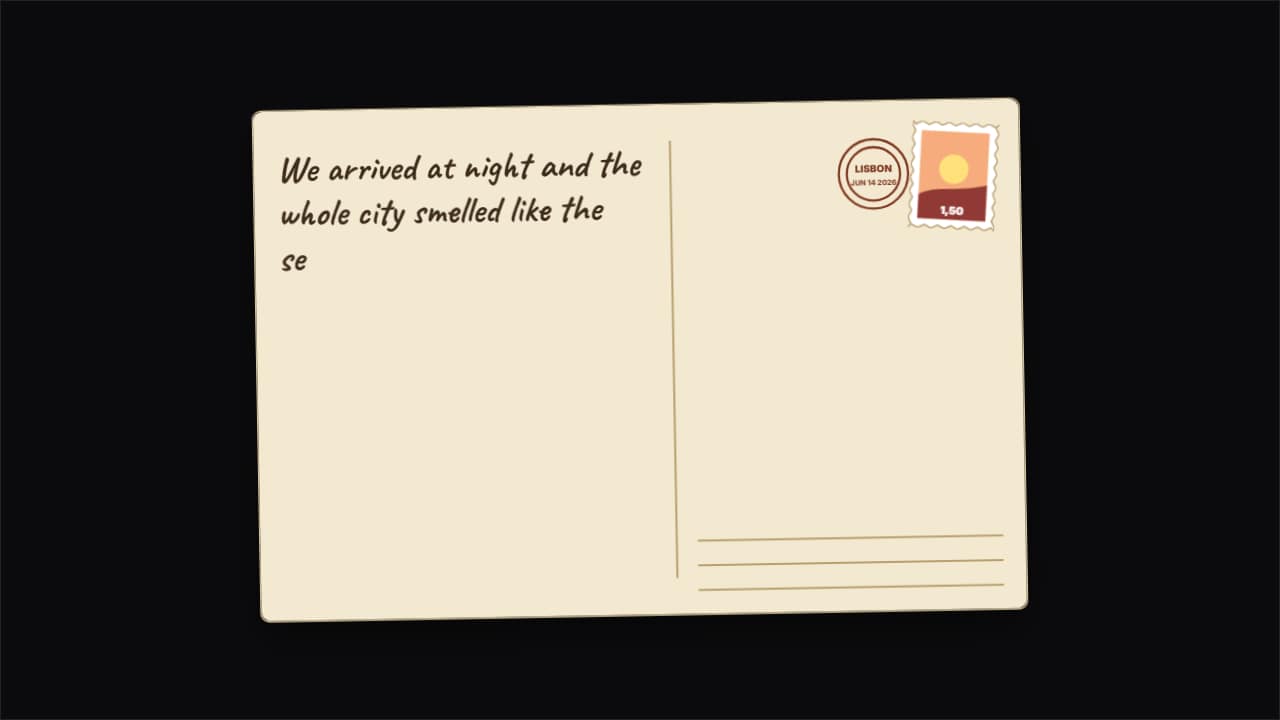
The postcard travel vlogs use to open or close a destination: the photo side with a handwritten «Greetings from» and the CITY in big letters with a hard shadow; it flips over in 3D and on the back the message writes itself by hand, the signature appears, the stamp drops with its perforated edge and the postmark prints the city and date. Without a photo, a drawn sunset landscape in your color. In vertical the postcard is portrait. Three styles: vintage, modern and kraft.
Plus the typeface and an optional letter outline, in every template.
Export it without background and put it on a track above your clip: the animation plays over your video.
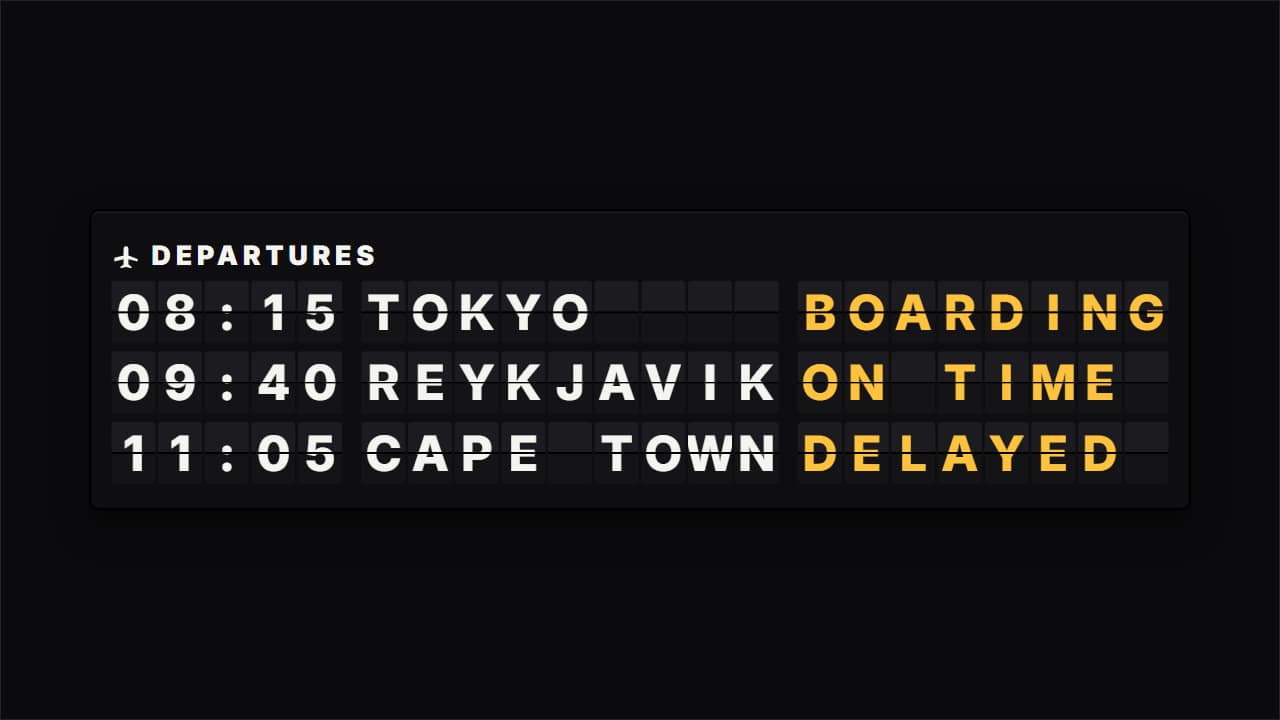 Split-flap departures boardThe airport or train station board from travel vlogs: each cell flips its flaps letter by letter until it…
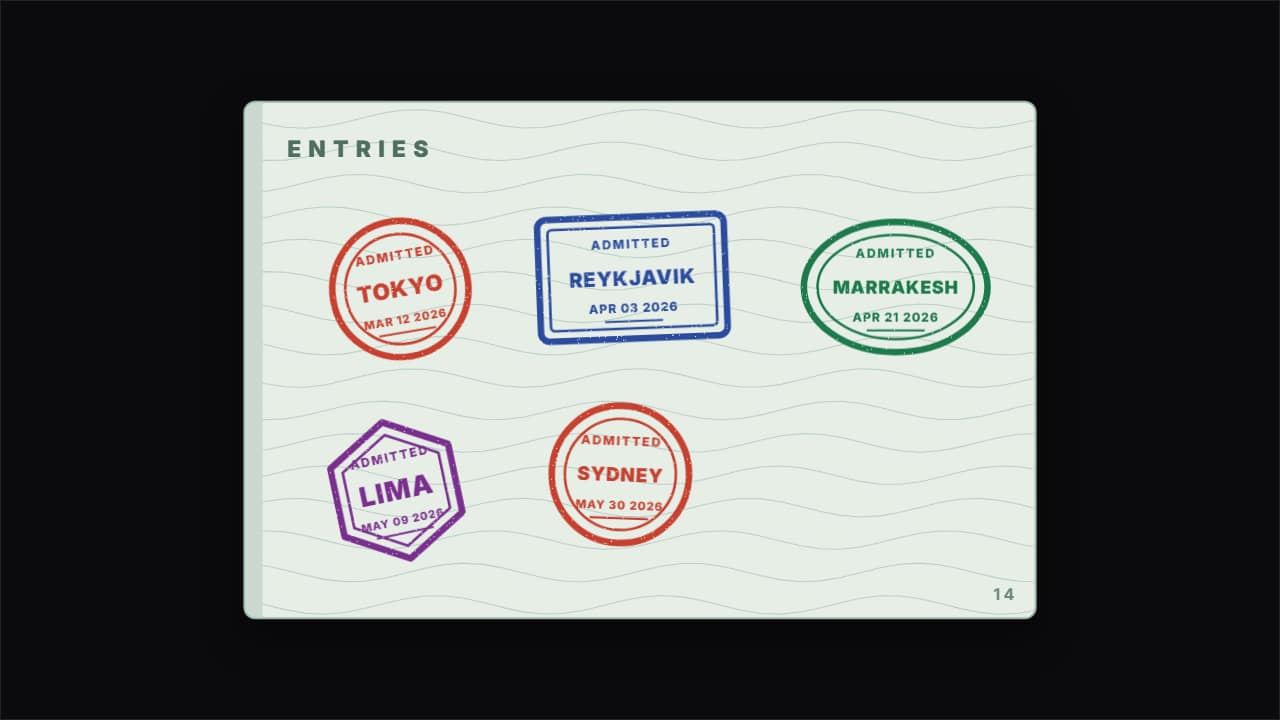 Passport stamps slamming inHow travel vlogs count the countries they visited: the passport page and, one after another, the stamps that…
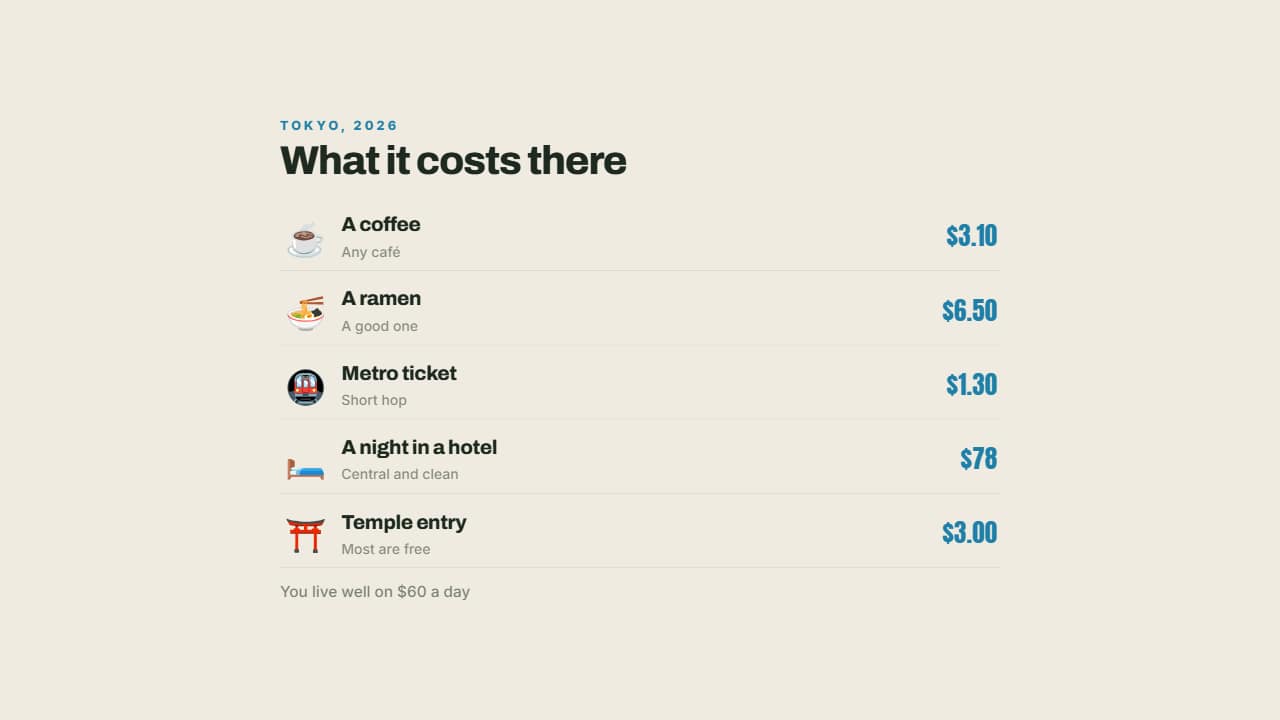 What it costs thereA coffee, the metro, a dinner, a night in a hotel: each with its emoji and its price aligned right.
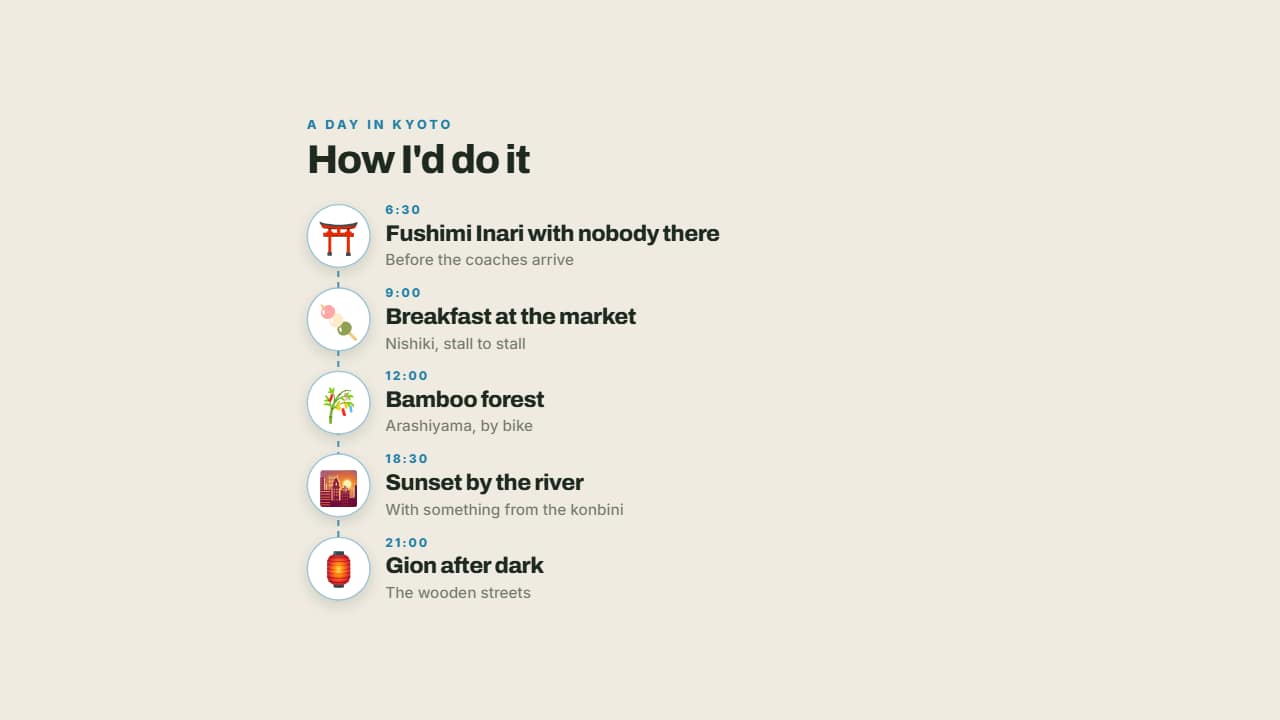 The perfect dayMorning, midday, afternoon and night on a line with their emoji: a day's itinerary told the way it's lived…
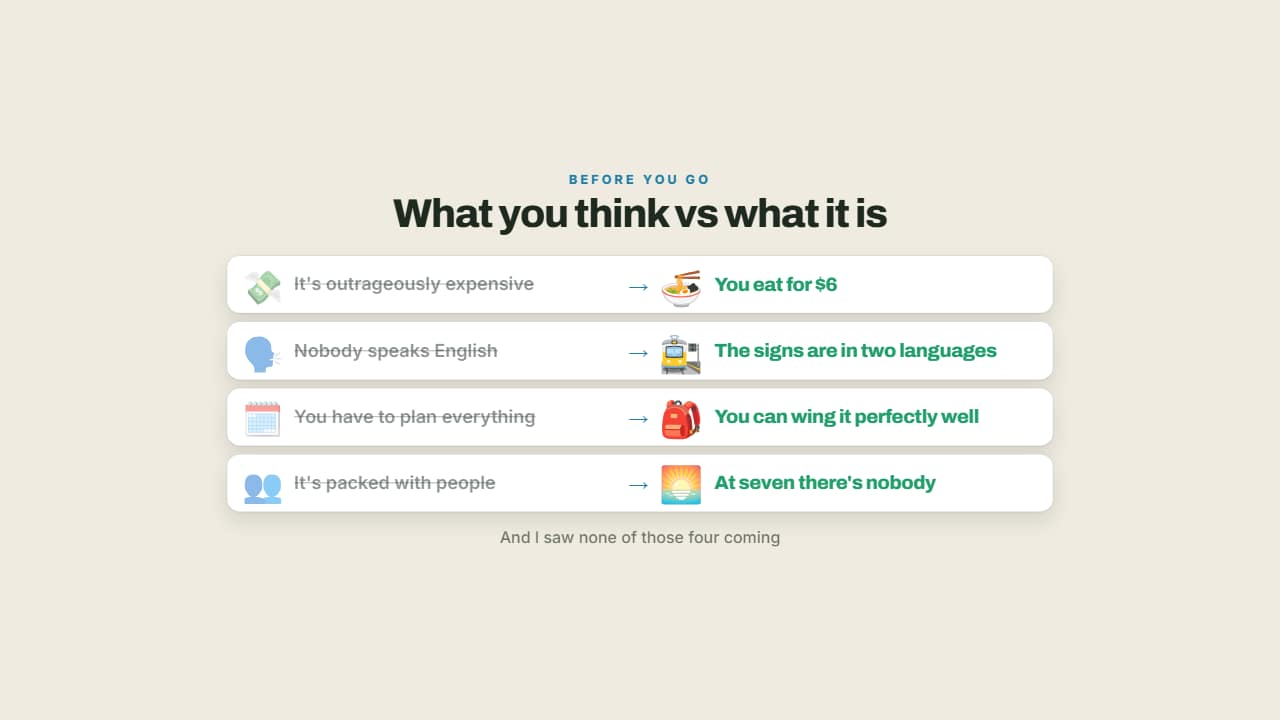 What you think vs what it isThe idea everyone arrives with, crossed out on the left, and the reality lit up on the right.
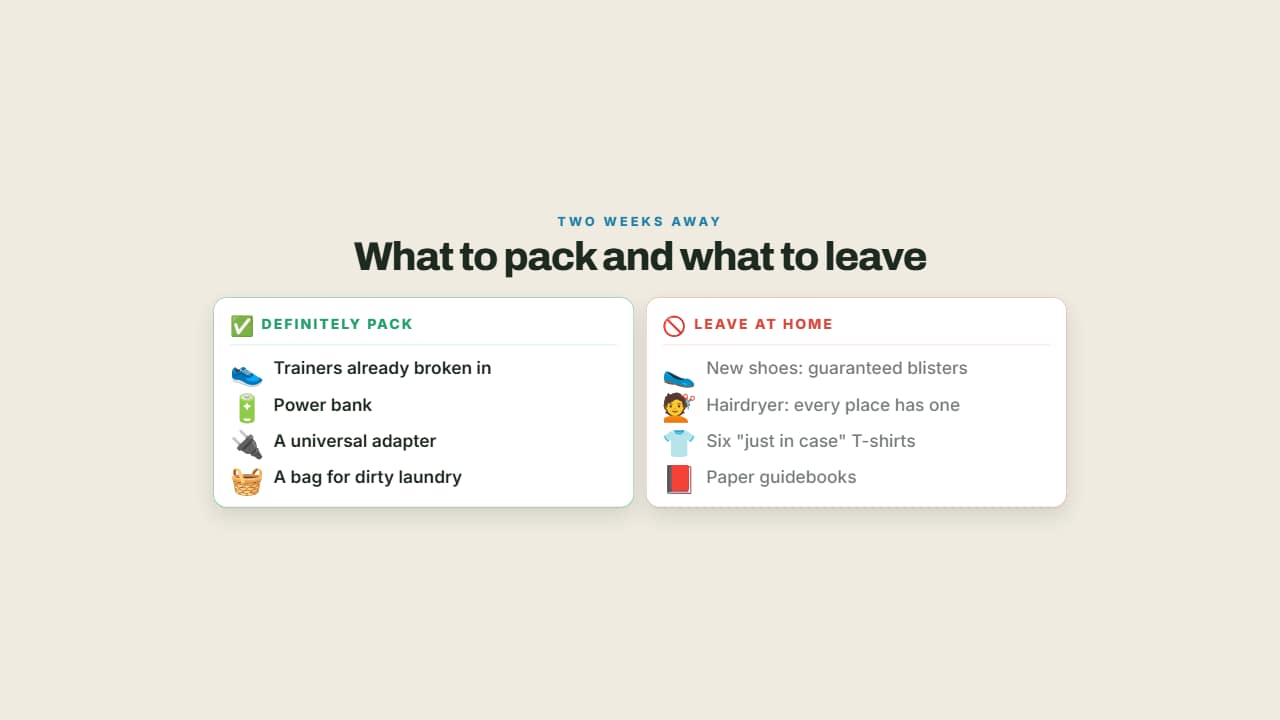 What to pack and what not toTwo columns: what you'll be glad you brought in green and what's dead weight in red.
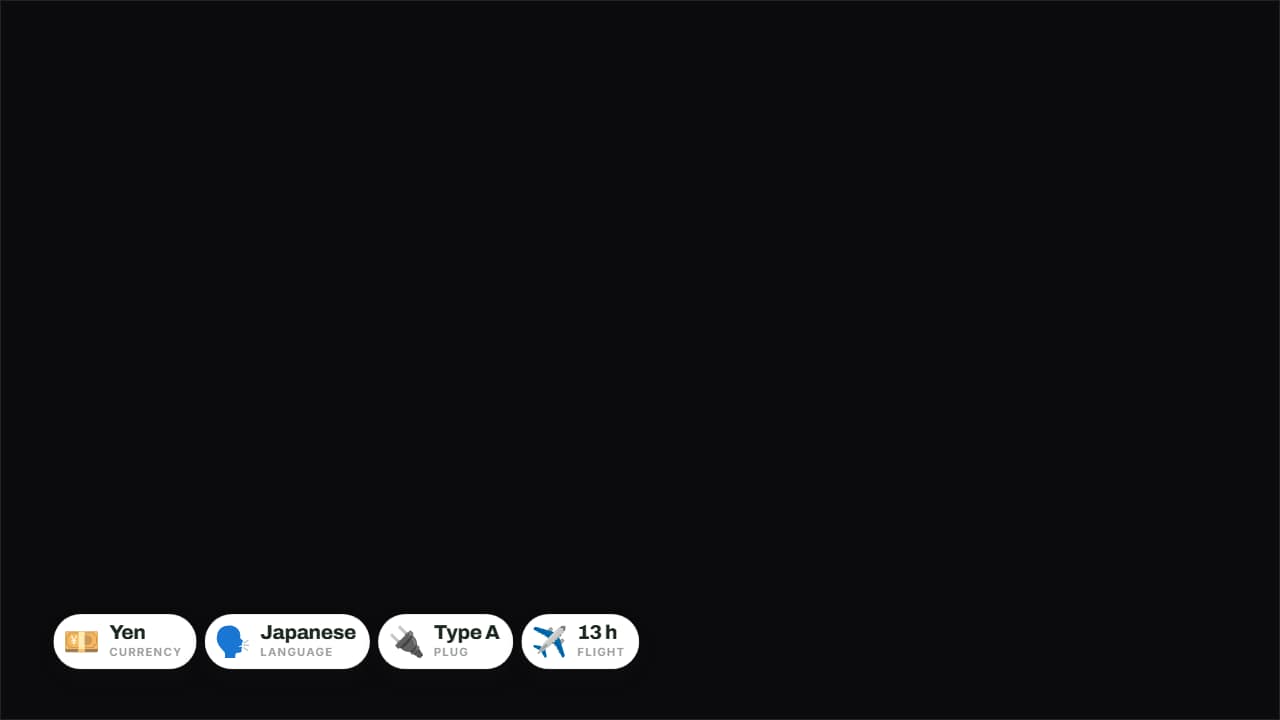 The destination in four badgesCurrency, language, plug and flight time on badges over the image.
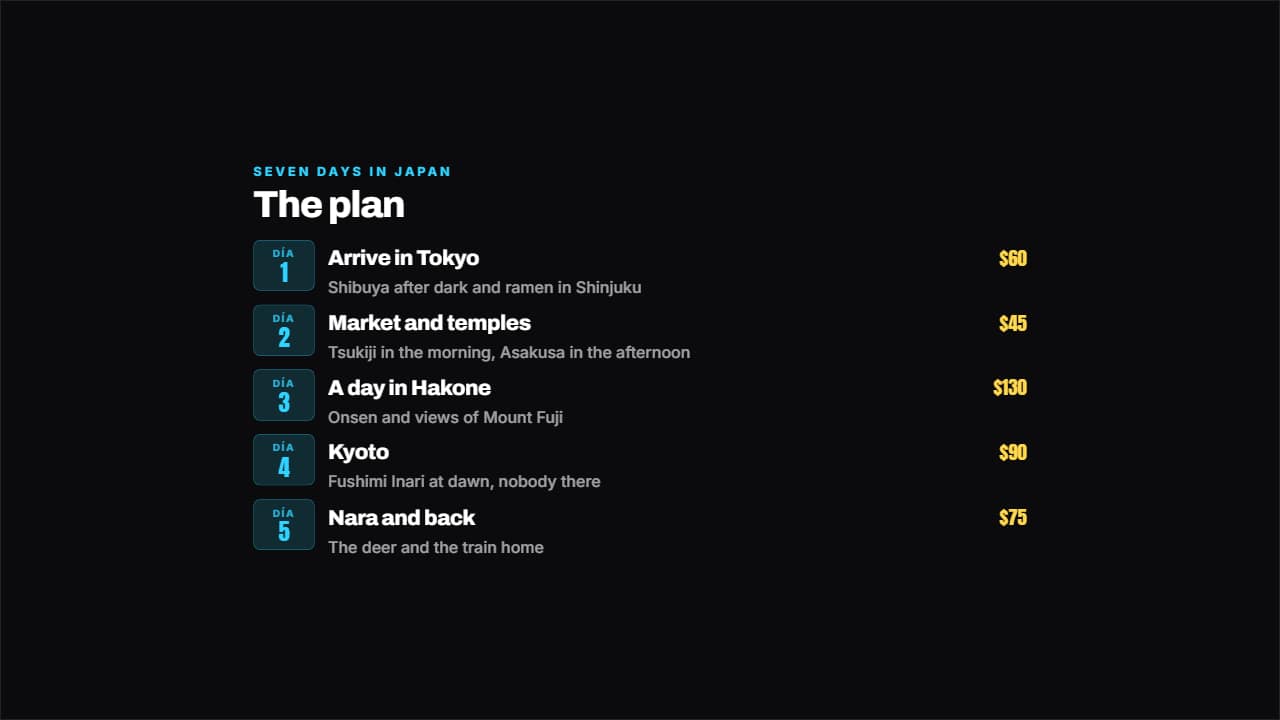 Day by day itineraryEach day on its badge, with the plan beside it and the spend on the right if you want it.