Aspect ratio1920×1080this is how it downloads
Preview doesn't change the file
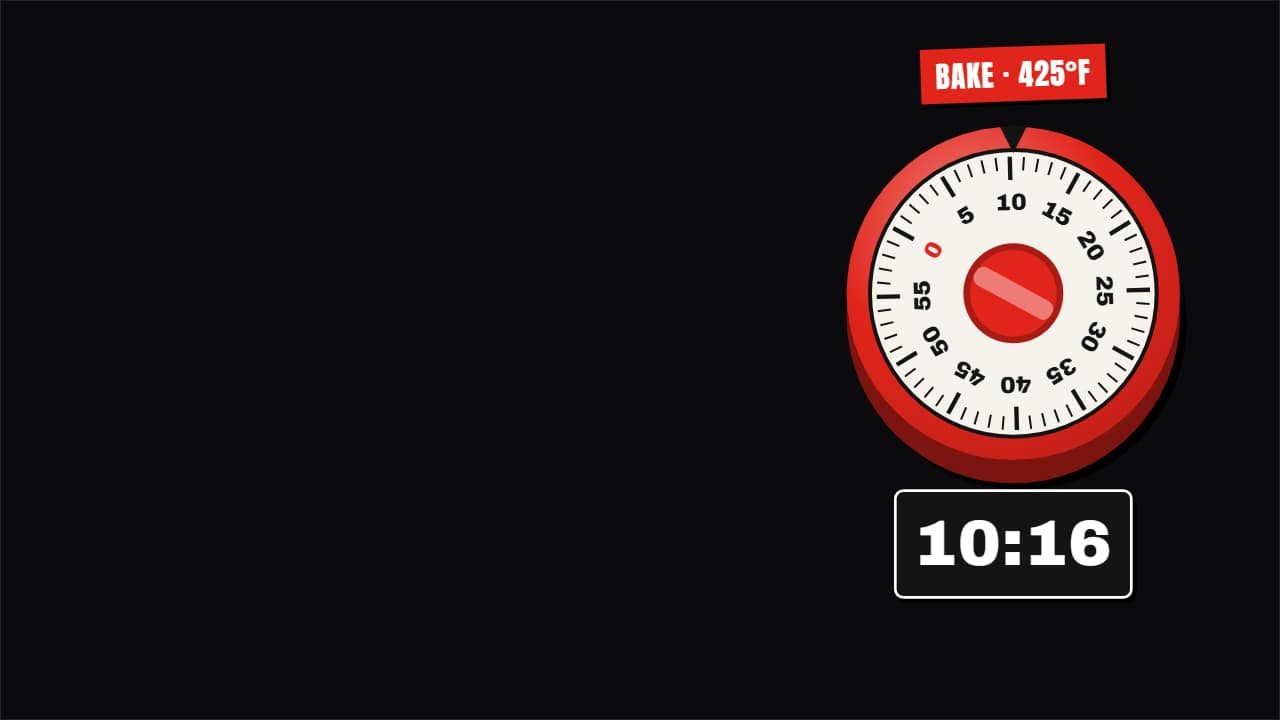
You'll download 1920×1080, 3.5 s, with no background (.mov).
BetaFree during the beta: create an account and export at no cost. No credit card.How it works →Free during the beta · no card →
You'll download 1920×1080, 3.5 s, with no background (.mov).
A timer that looks like a real object and really counts: the twist kitchen timer whose number ring turns down to 0 under the mark, the hourglass emptying with its thin stream, or the chunky Editorial 3D ring with rolling digits. Type the time (25:00, 0:45…): in real time it ticks down second by second; otherwise the whole time passes within the template, like an oven time-lapse. At zero it shakes, the lines burst and «DONE!» slams in. For recipes, workouts, challenges and study sessions. Works transparent too.
Collection: Countdown timer overlays
Plus the typeface and an optional letter outline, in every template.
Export it without background and put it on a track above your clip: the animation plays over your video.
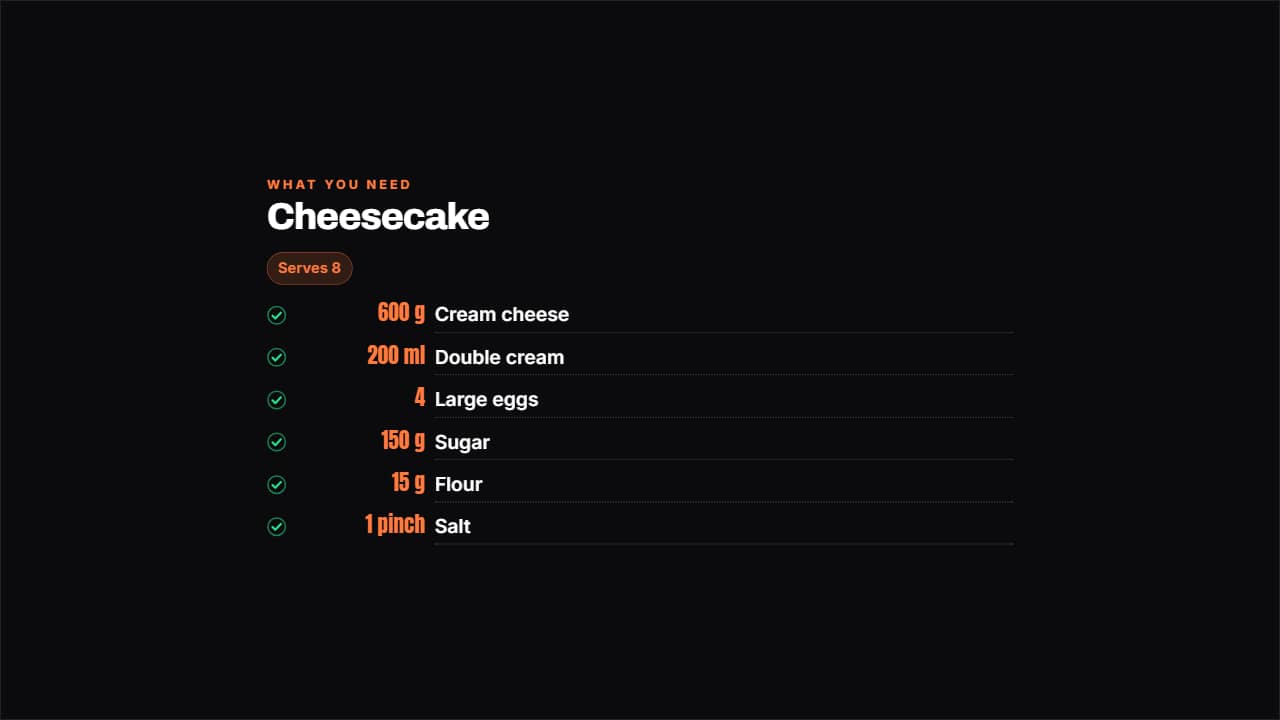 Ingredients with amountsThe amount in its own aligned column, the ingredient beside it and a dotted rule joining them; each line…
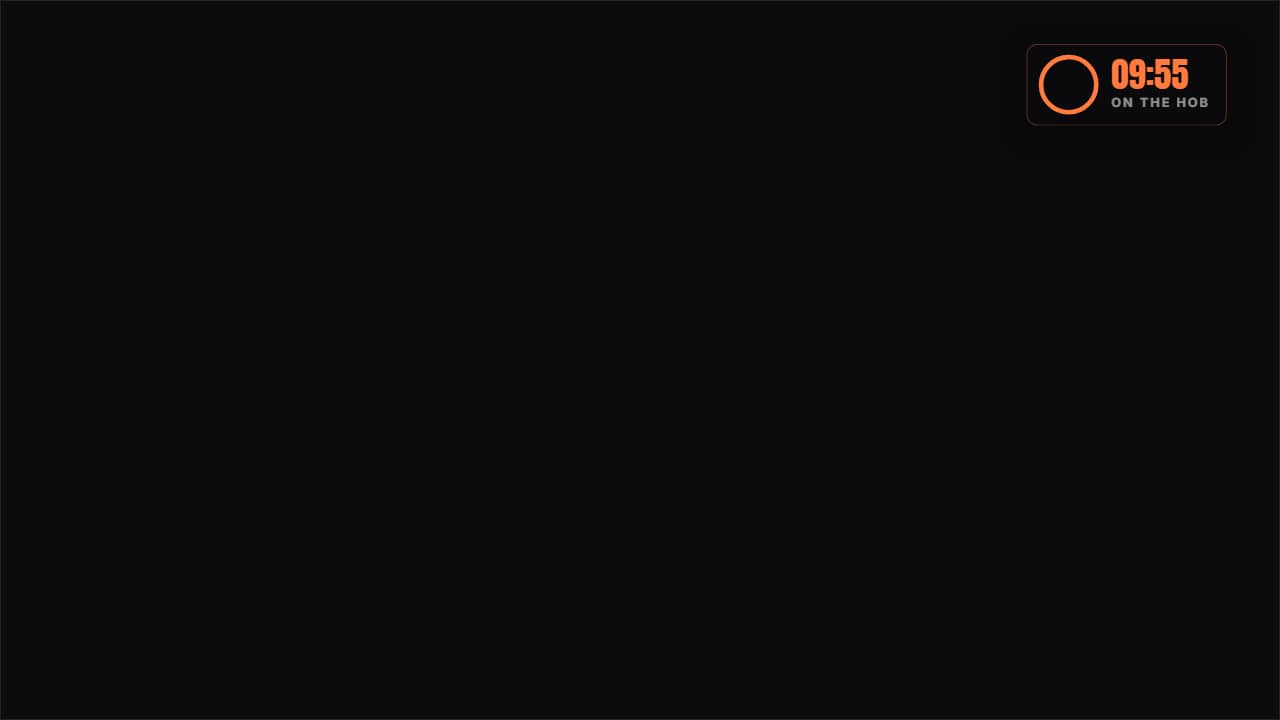 Cooking timerA real countdown in a corner: the ring empties at actual speed and the last stretch turns red, which is when…
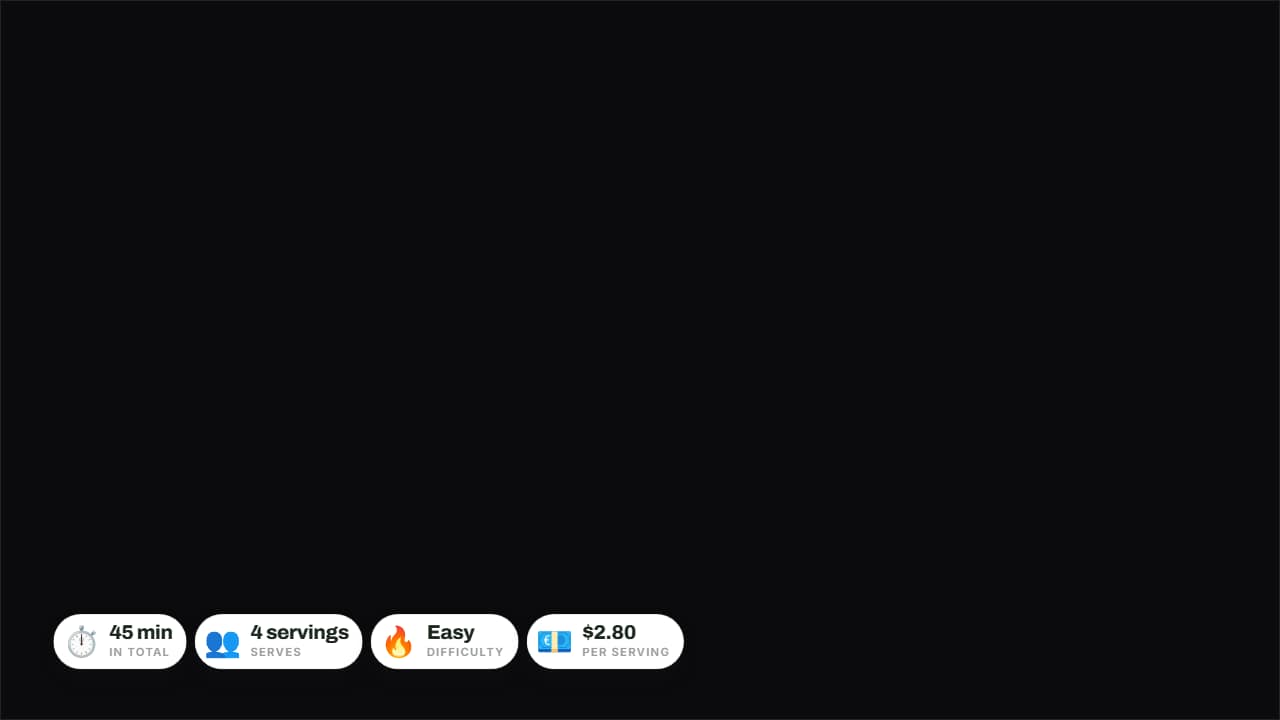 Quick dish cardThe four things people check at a glance — time, servings, difficulty and cost — on rounded badges over the…
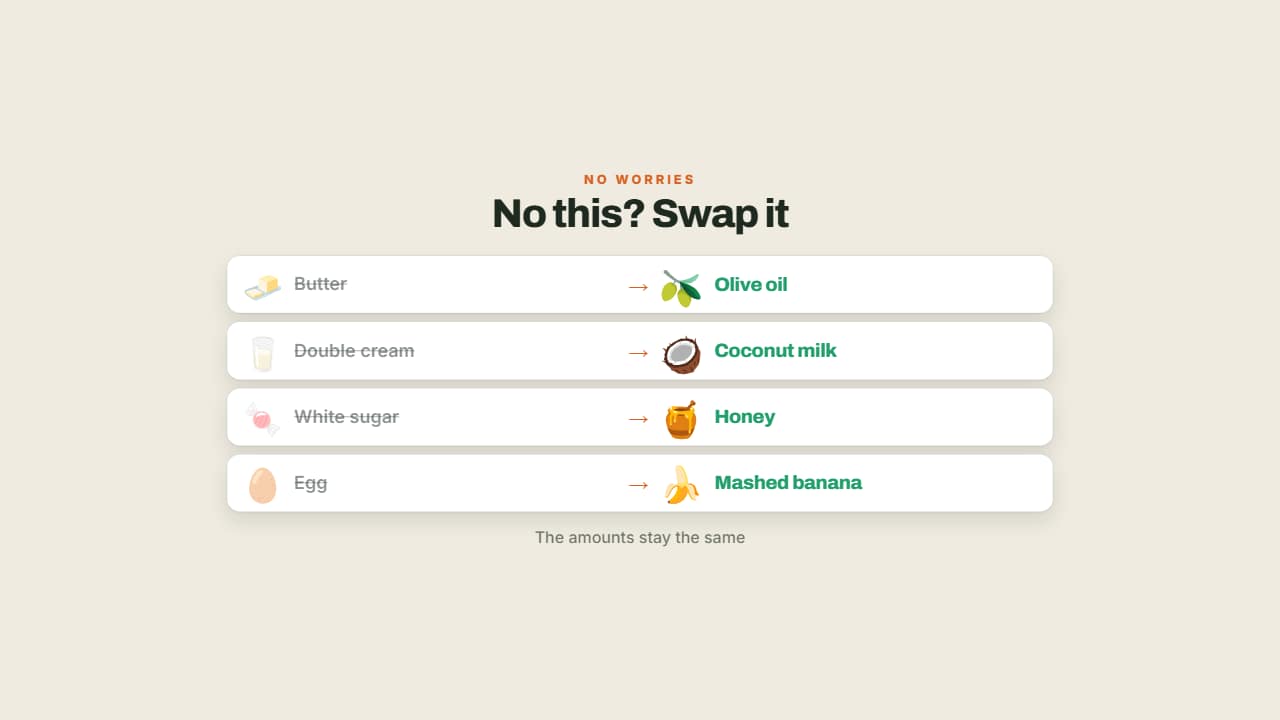 No this? Use thatWhat you're missing crossed out on the left and the workaround lit up on the right.
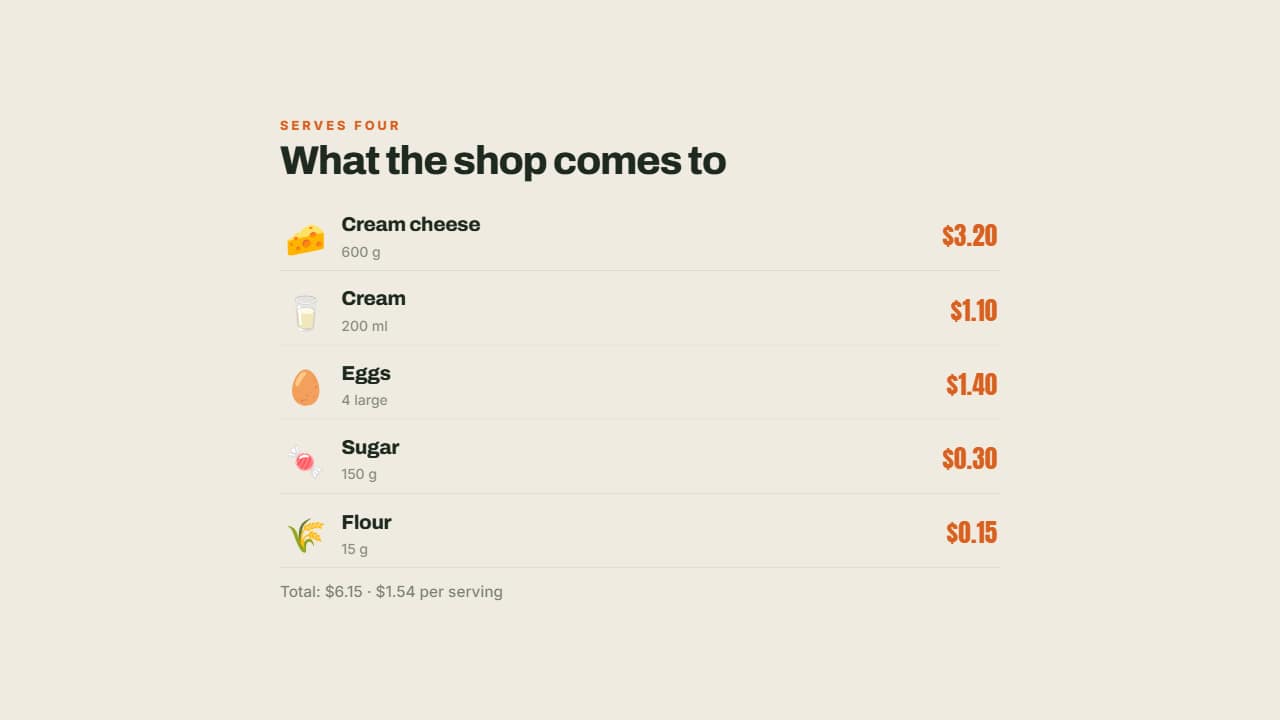 Shopping list with pricesEach ingredient with its emoji, its amount and what it costs on the right, aligned.
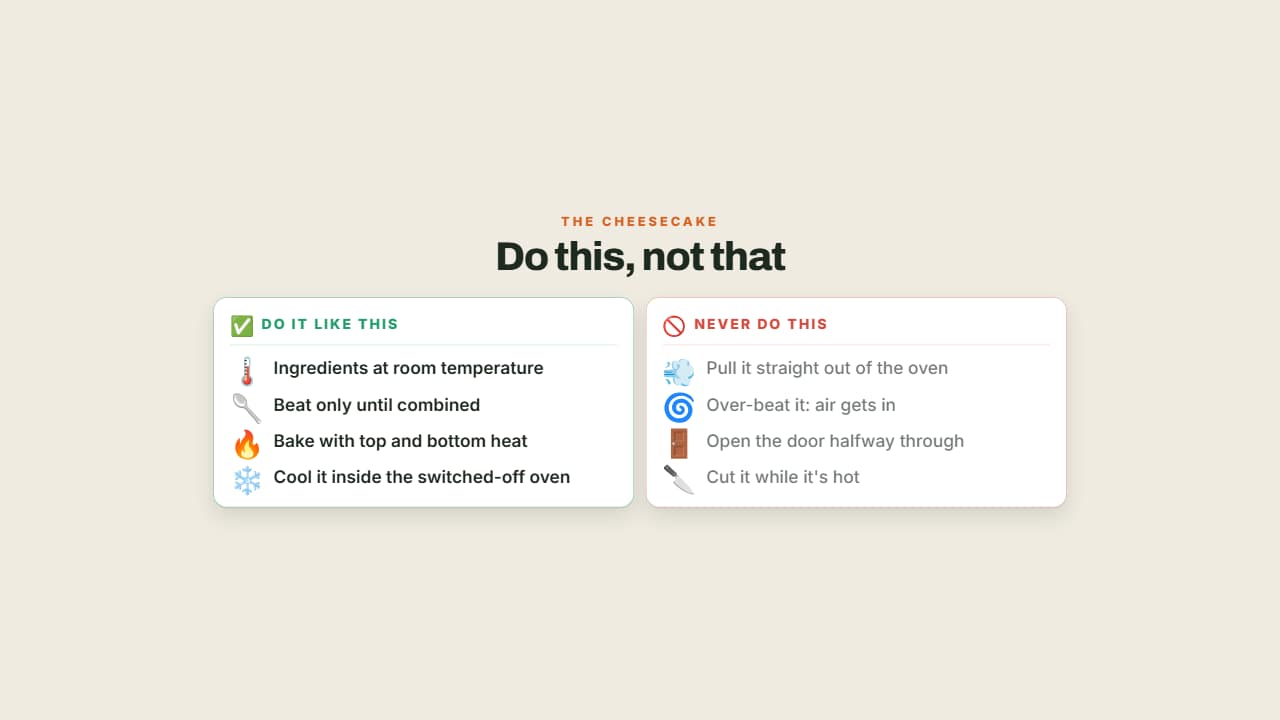 Do this, not thatTwo columns facing off with their emoji: what to do in green and the classic mistake in red and dimmed.
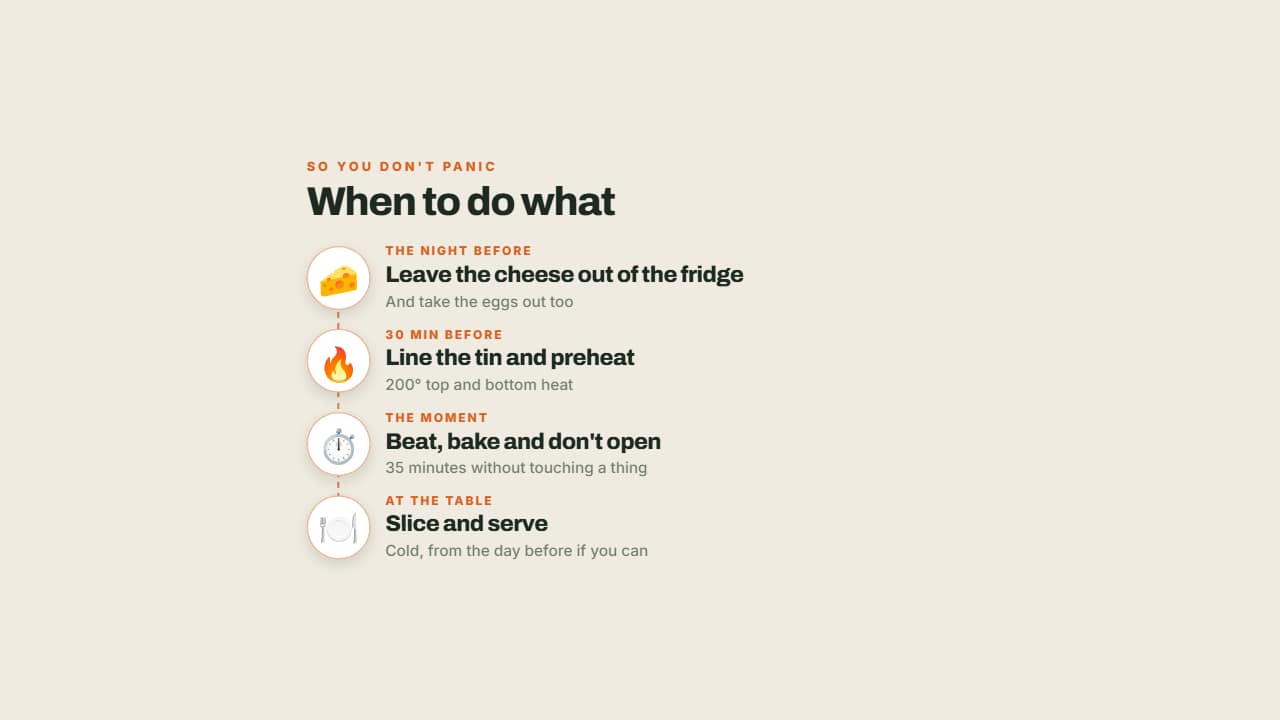 The order of the recipeThe night before, right before, and when serving: the moments on a vertical line with their emoji in a circle.
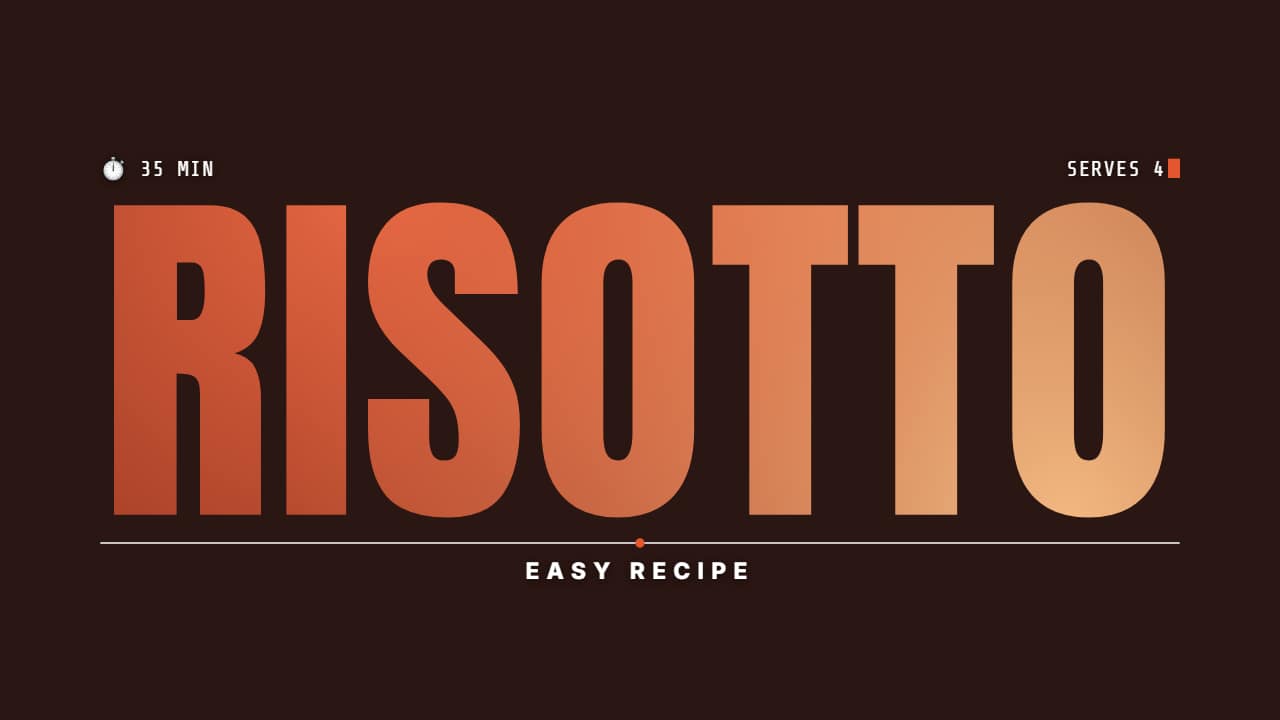 Dish name with your cooking clip inside the lettersThe dish name in giant condensed type with your cooking clip INSIDE the letters; the time and servings type…