Aspect ratio1920×1080this is how it downloads
Preview doesn't change the file
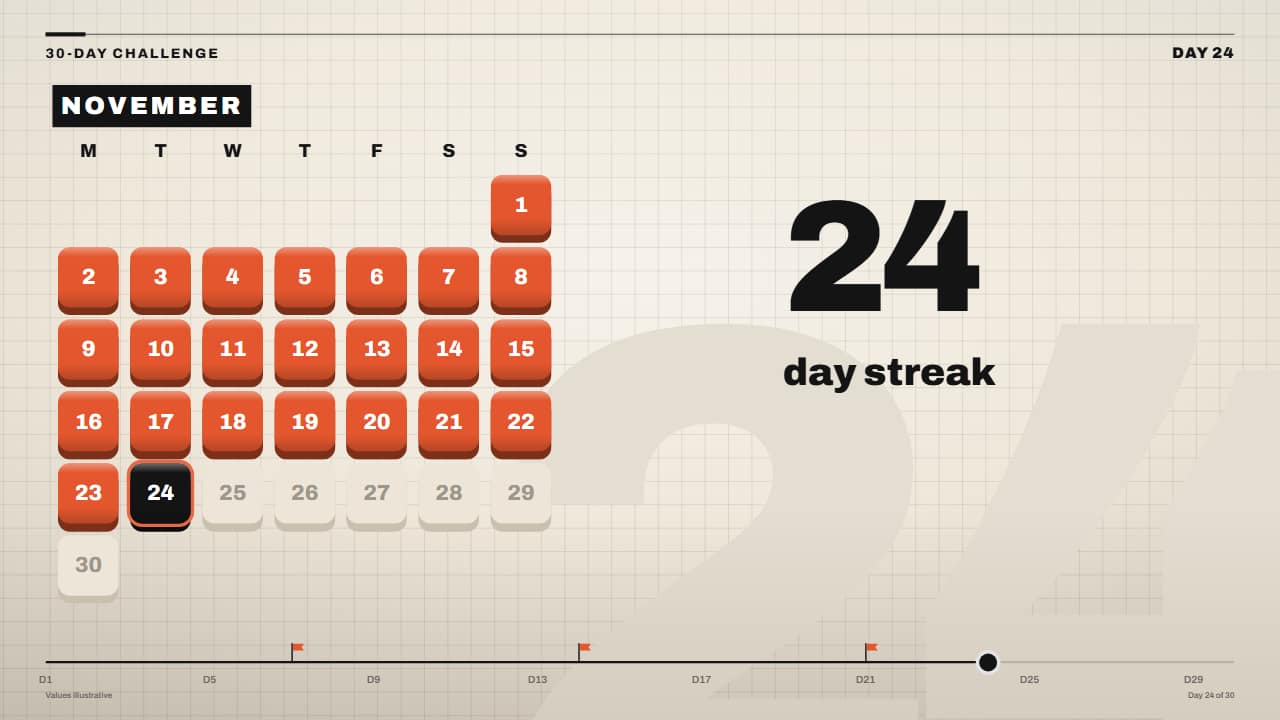
You'll download 1920×1080, 3.5 s, with no background (.mov).
BetaFree during the beta: create an account and export at no cost. No credit card.How it works →Free during the beta · no card →
You'll download 1920×1080, 3.5 s, with no background (.mov).
The month in tiles: each done day pops like a 3D key in your color, missed days stay gray with a drawn cross, today is black with its ring, and the streak rolls on its wheels («24 day streak»). You choose how many days the month has, which weekday it starts on, how many you've done and which ones you missed. For 30-day challenges, habits, gym and posting daily. In the Editorial 3D style.
Plus the typeface and an optional letter outline, in every template.
Export it without background and put it on a track above your clip: the animation plays over your video.
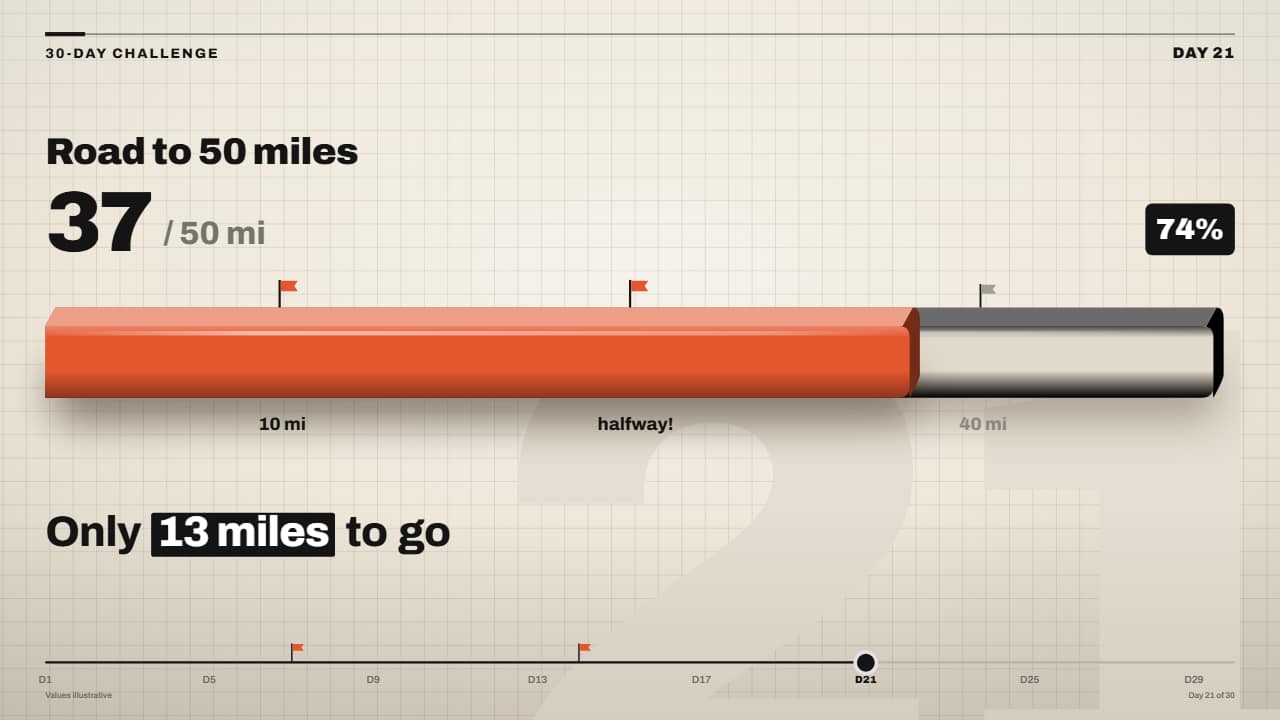 3D progress bar toward a goalProgress toward a goal in the Editorial 3D style: a chunky 3D bar (grey channel and a glossy color slab)…
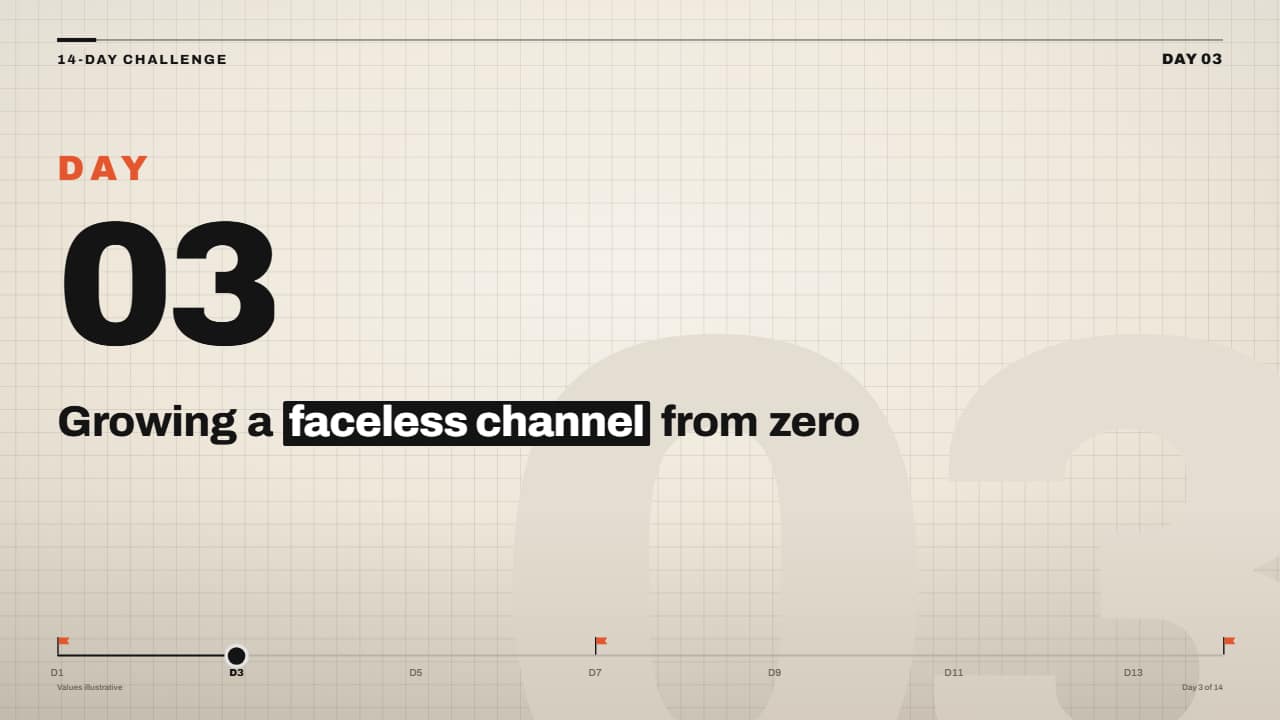 «Day 3 of 14» series frame with timelineFor challenge series and «I did X for 30 days» videos: the header with your label and «DAY 03» over the…
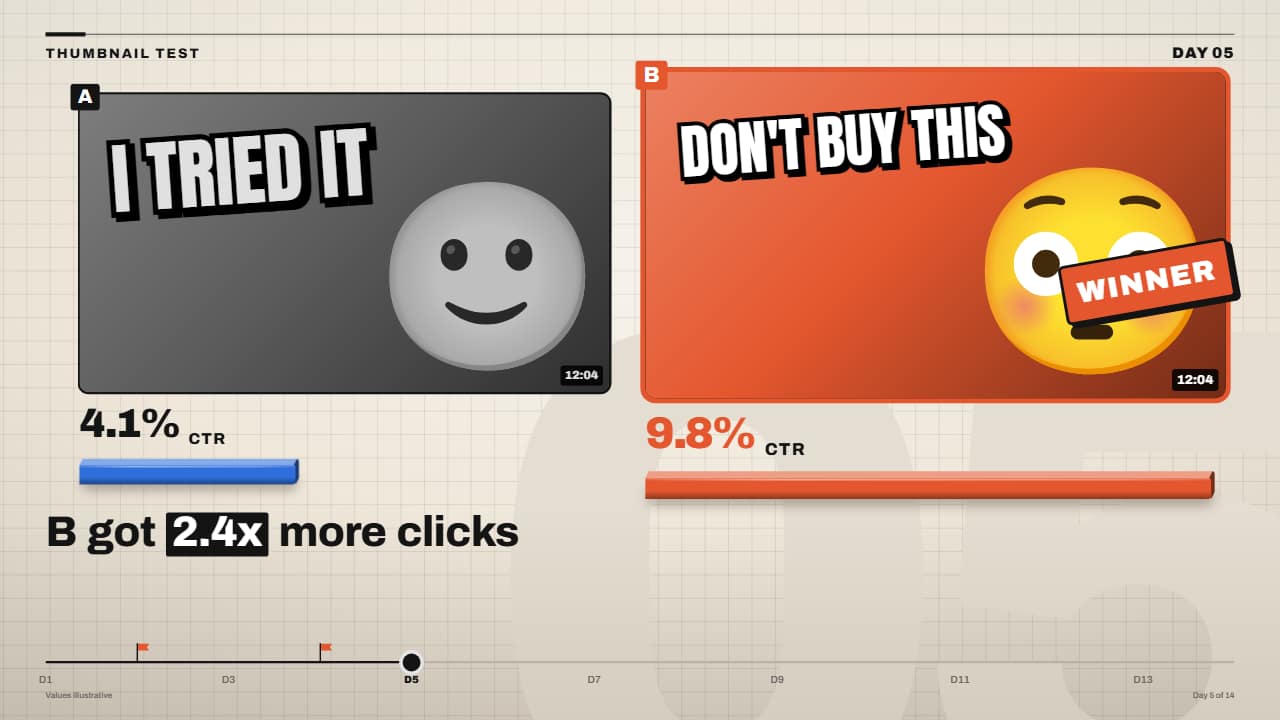 Thumbnail A/B testTwo thumbnails side by side: each click-through rate rolls on its wheels, a 3D bar per thumbnail, and at the…
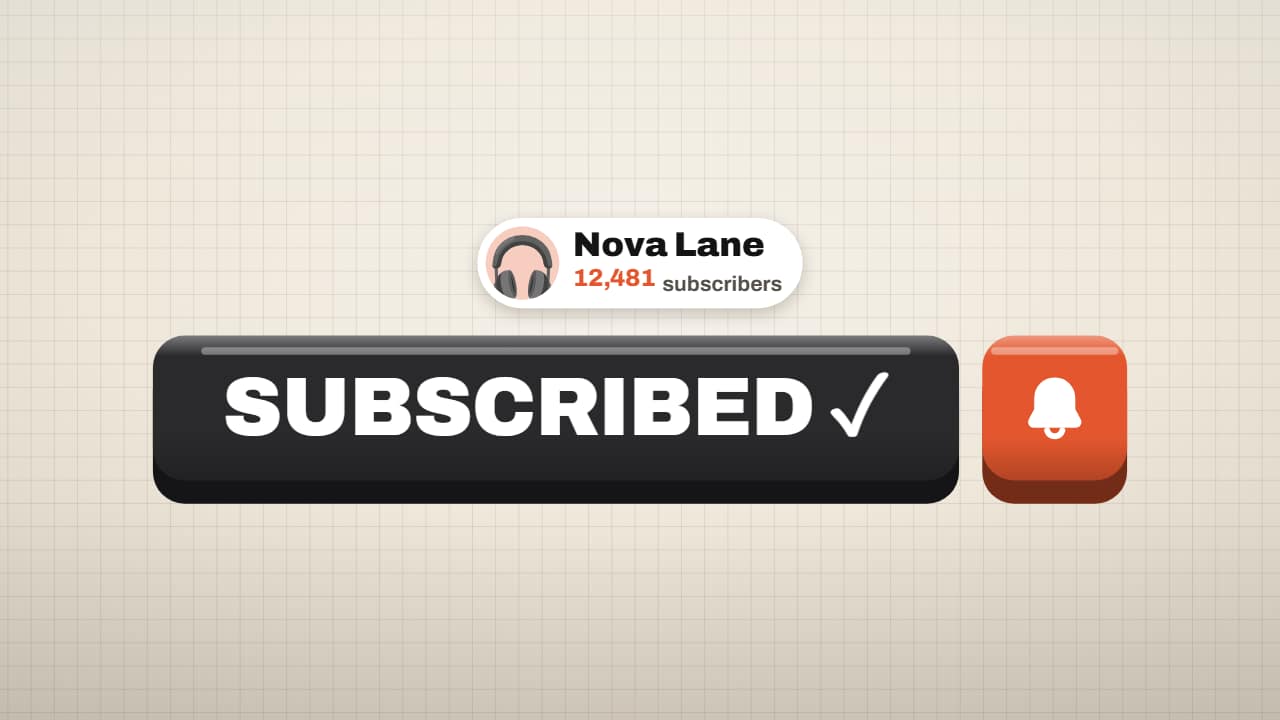 Subscribe button on a 3D keyThe subscribe button in the Editorial 3D style: the giant orange key, the cursor arrives in an arc, the key…
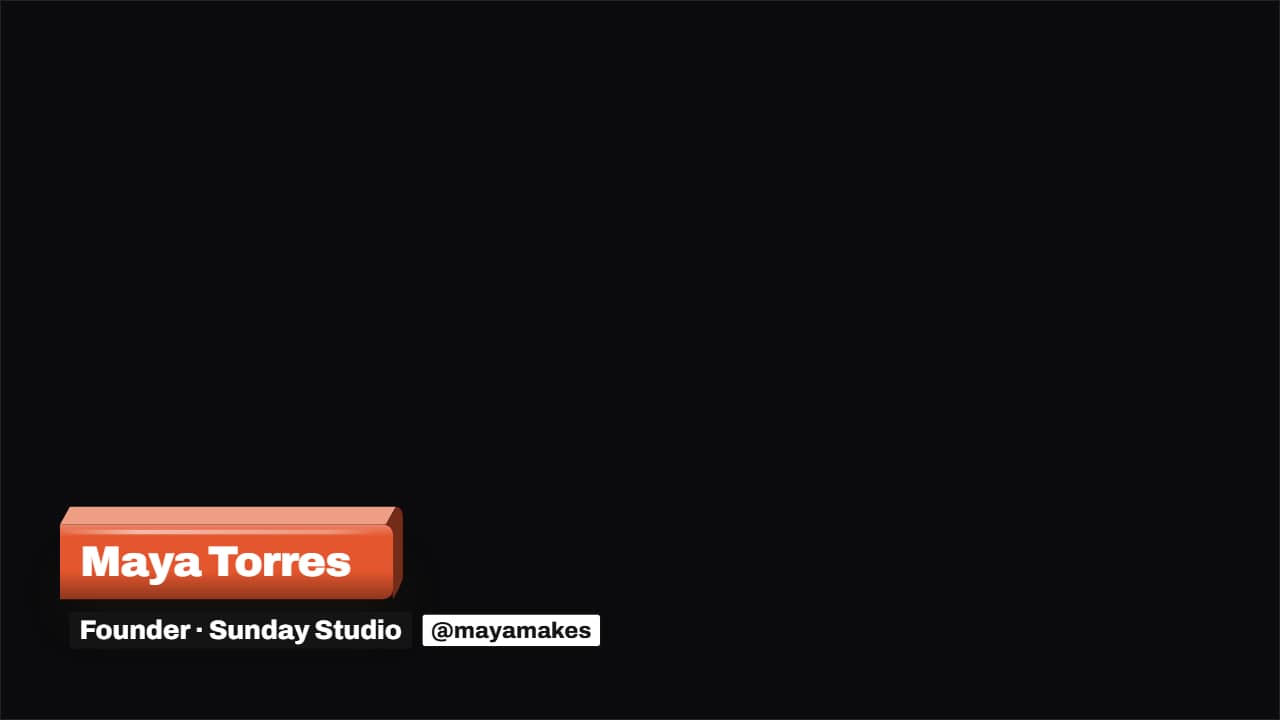 3D lower third: slab, stack or cardThe name lower third in the Editorial 3D style. Three styles: the slab in your color that whips in with the…
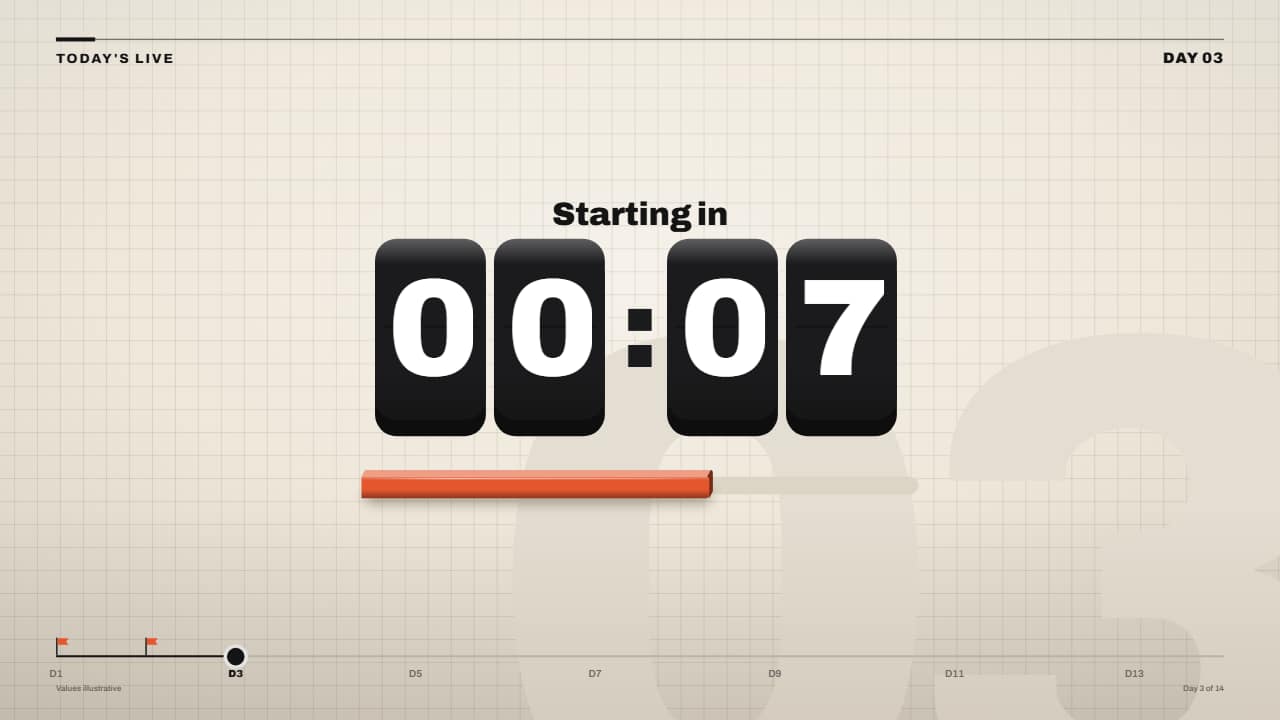 Countdown timer on 3D keysMinutes and seconds on black 3D keys: each wheel rolls down at the last instant of its second (with motion…
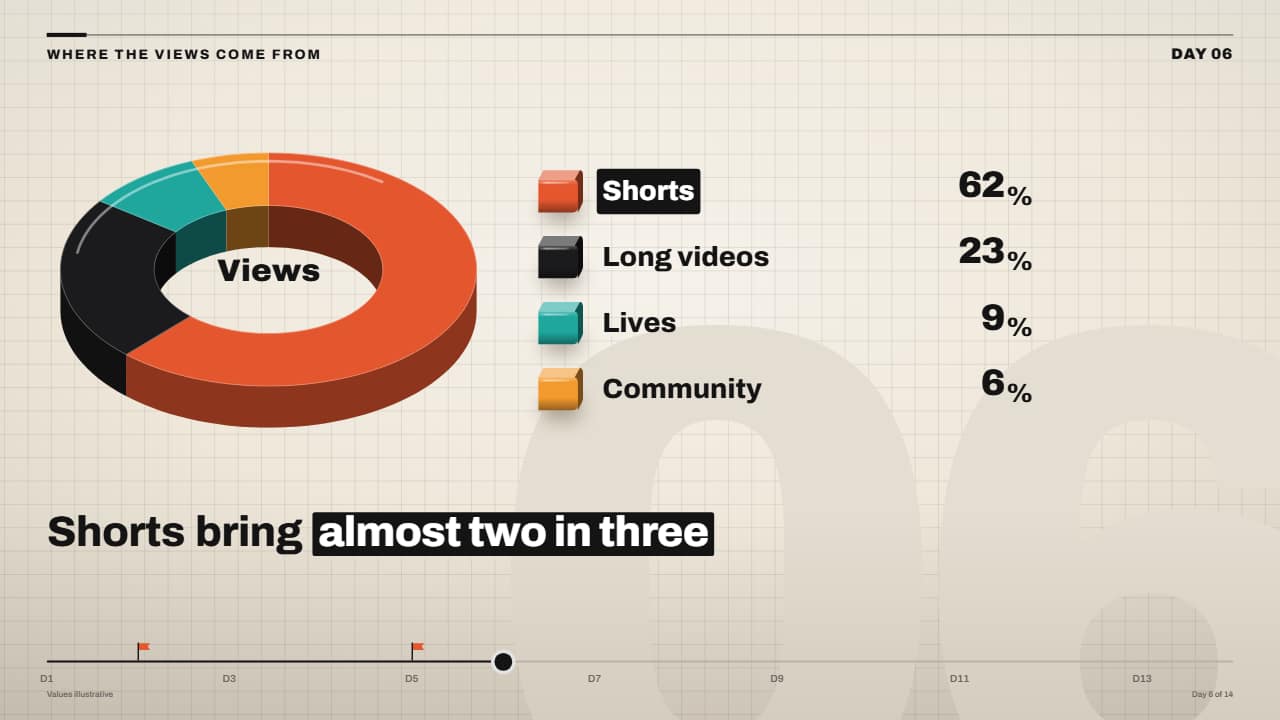 3D pie (donut) chart with rolling percentagesThe missing pie chart: a 3D donut with an edge where each slice sweeps its angle one after another, a legend…
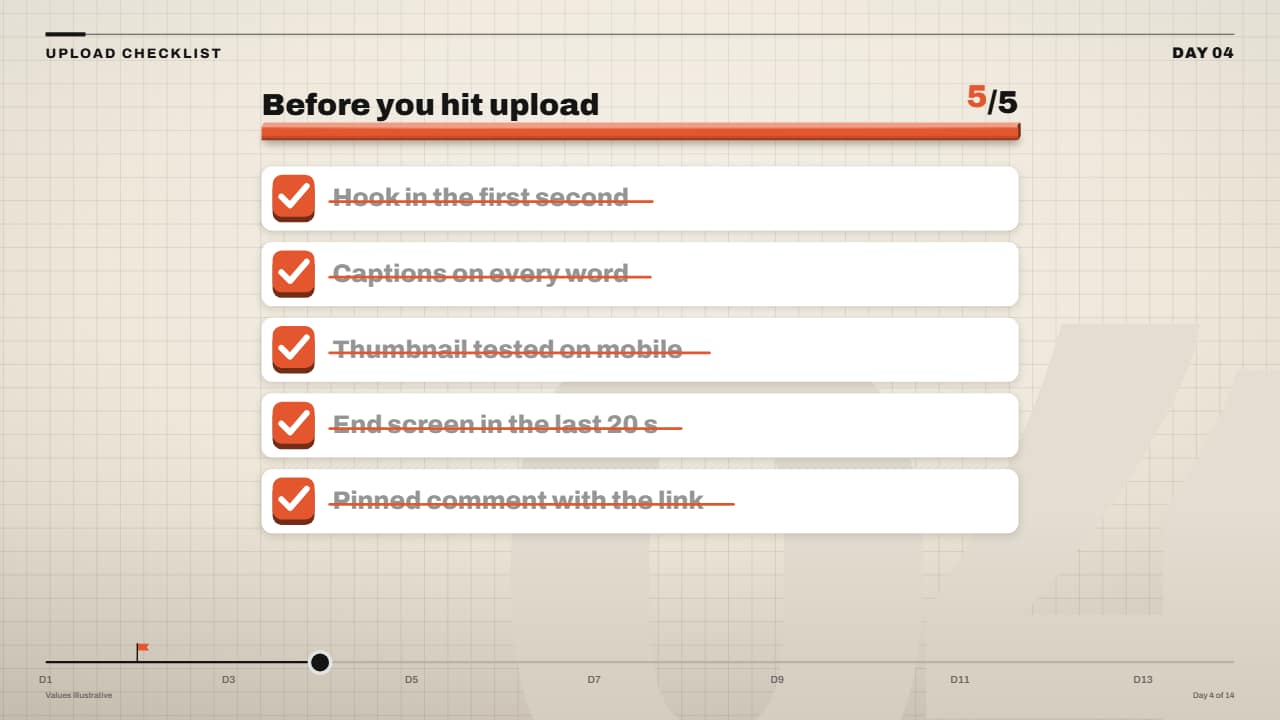 Checklist that ticks off (3D checkboxes)Each task on its white card with a checkbox that is a 3D key: on its turn it sinks, the tick draws itself, a…