Aspect ratio1920×1080this is how it downloads
Preview doesn't change the file
You'll download 1920×1080, 3.5 s, with no background (.mov).
BetaFree during the beta: create an account and export at no cost. No credit card.How it works →Free during the beta · no card →
You'll download 1920×1080, 3.5 s, with no background (.mov).
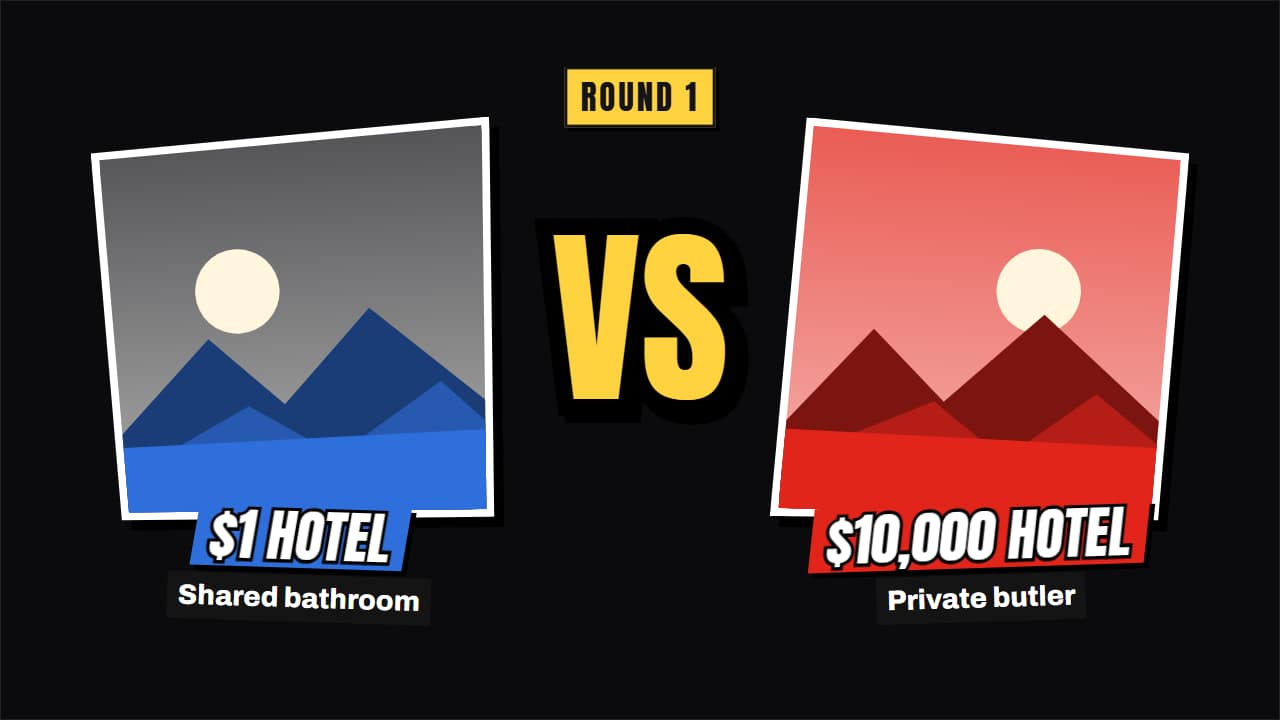
The big channels' «cheap vs expensive», presented as a fight poster: both photos slide in from the sides and slam, the «VS» drops in the middle with rays and the screen shakes, the names stick on their color strips and each gets its line underneath. Three styles: fight-night poster (tilted frames with white borders), torn-paper collage with tape and cut-out letters, or 3D cards with the VS on a key (Editorial). In vertical, one on top and one below. Upload your photos or keep the drawn examples. Works transparent too.
Plus the typeface and an optional letter outline, in every template.
Export it without background and put it on a track above your clip: the animation plays over your video.
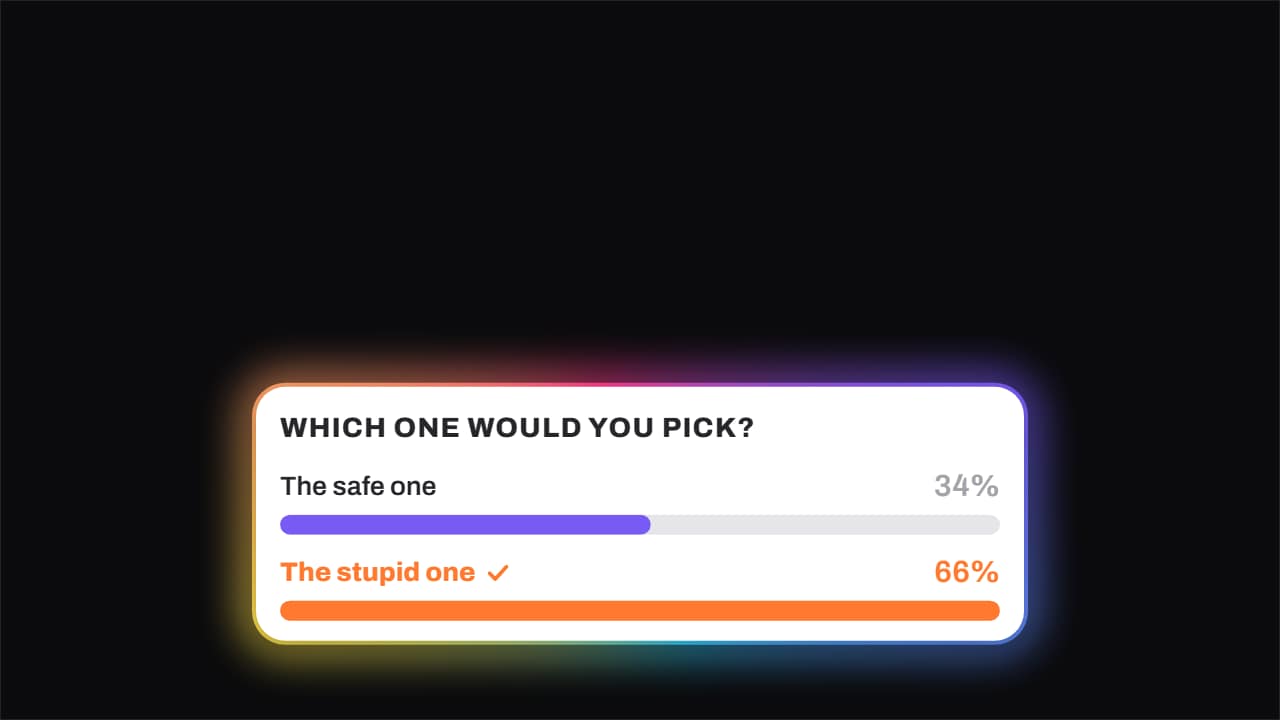 Poll · the bars fill and one winsThe question on top and the options below, each with its bar filling and its percentage rolling.
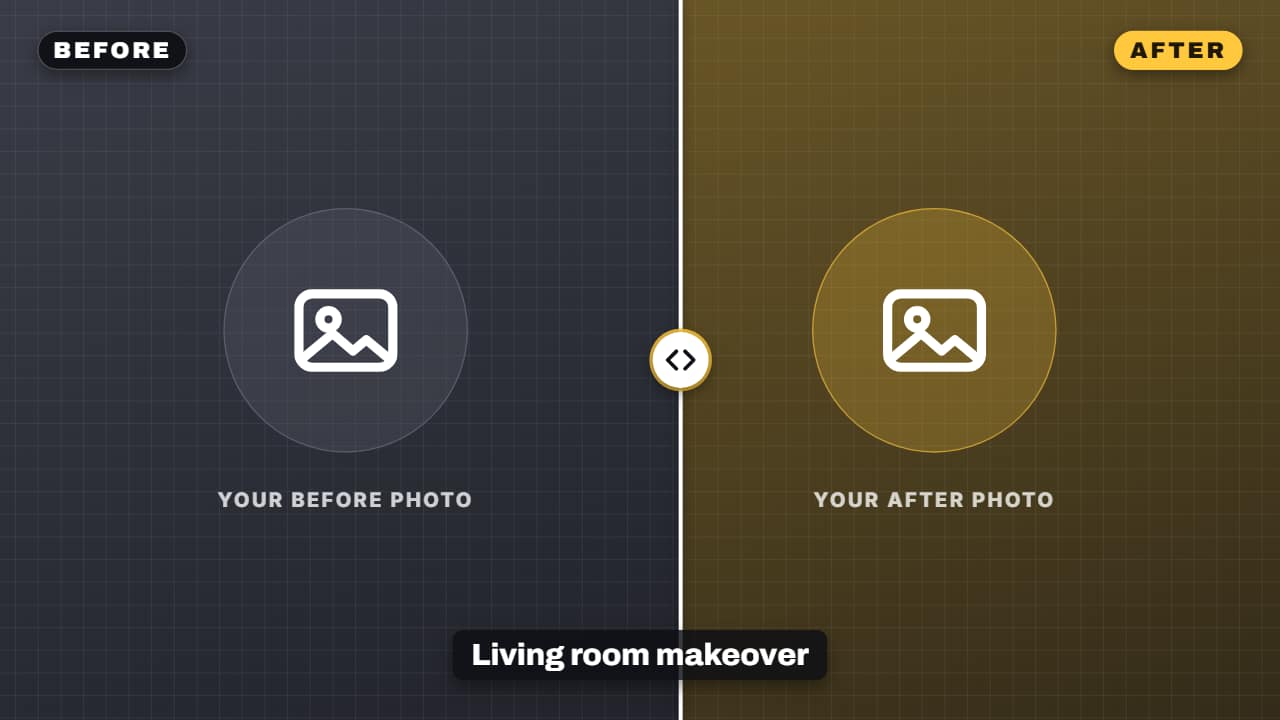 Before-after sliderYour before and after photo or clip, split by a curtain that sweeps across them: renovations, cleanups…
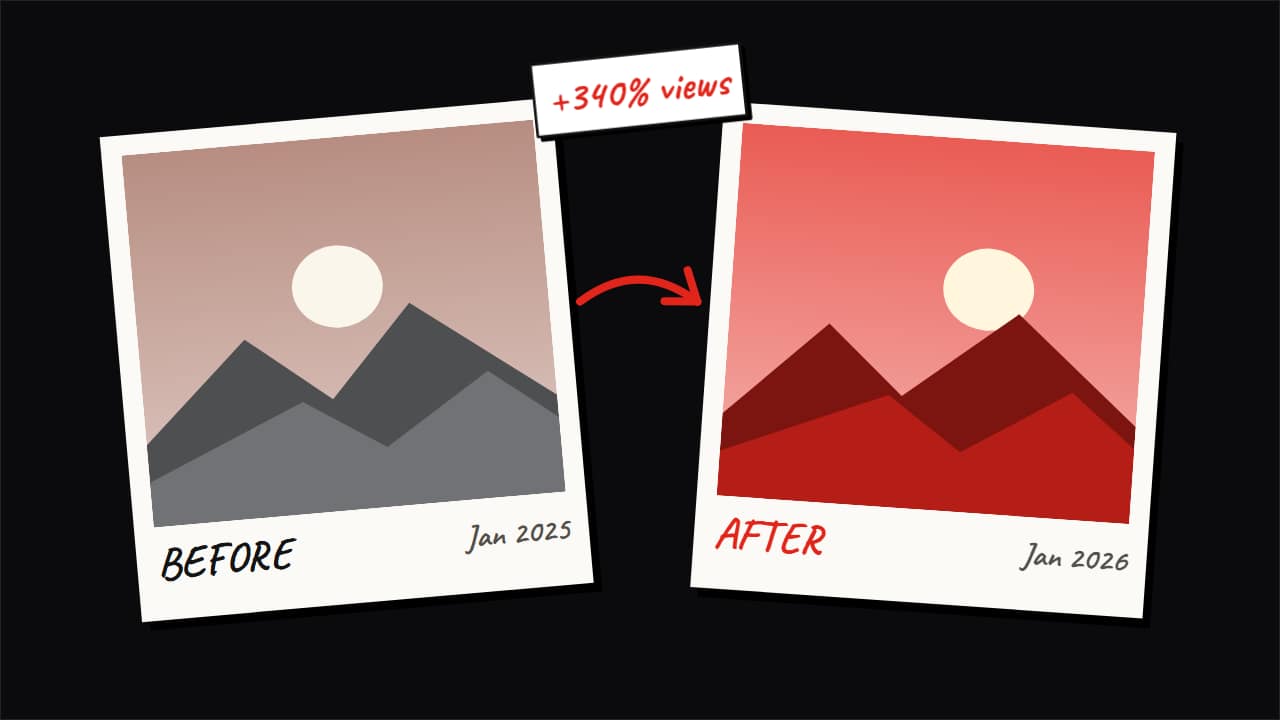 Before and after: polaroids, cut-outs or 3D cardsBefore/after with both photos made into objects, like the big channels: two polaroids dropping and settling…
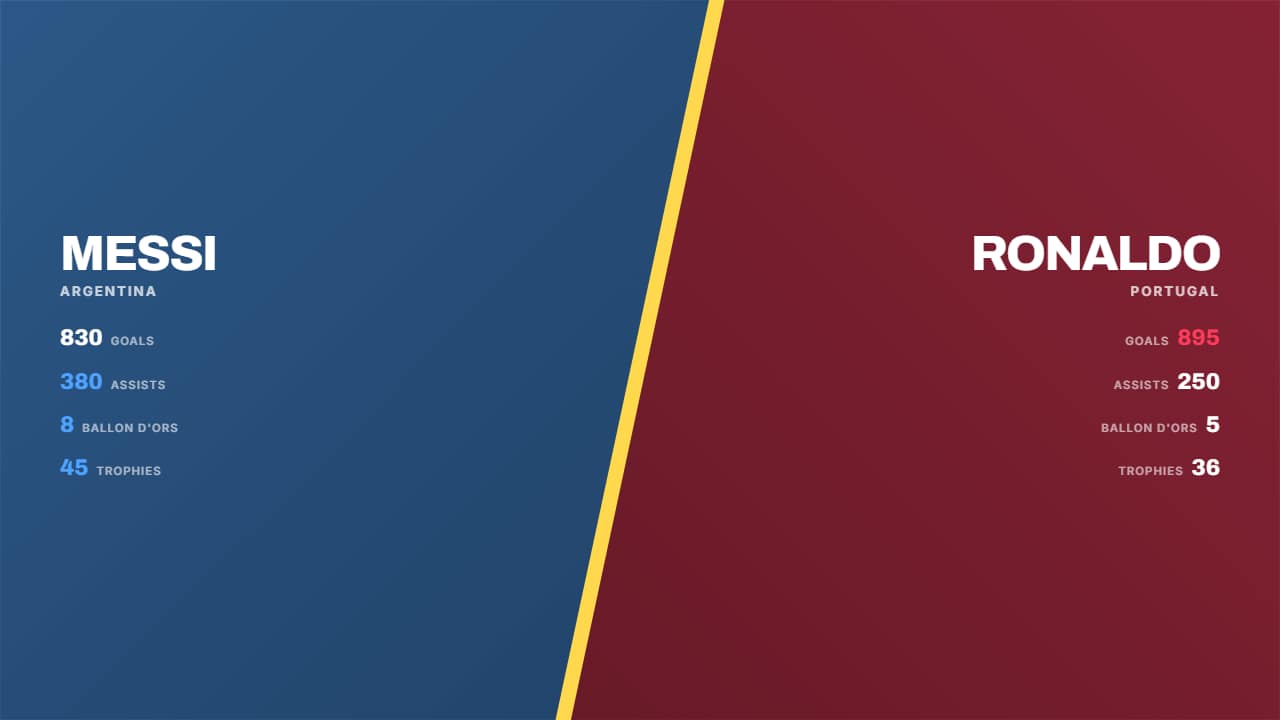 Split screenThe screen splits on the diagonal with a glowing seam: each half carries its color, its background photo and…
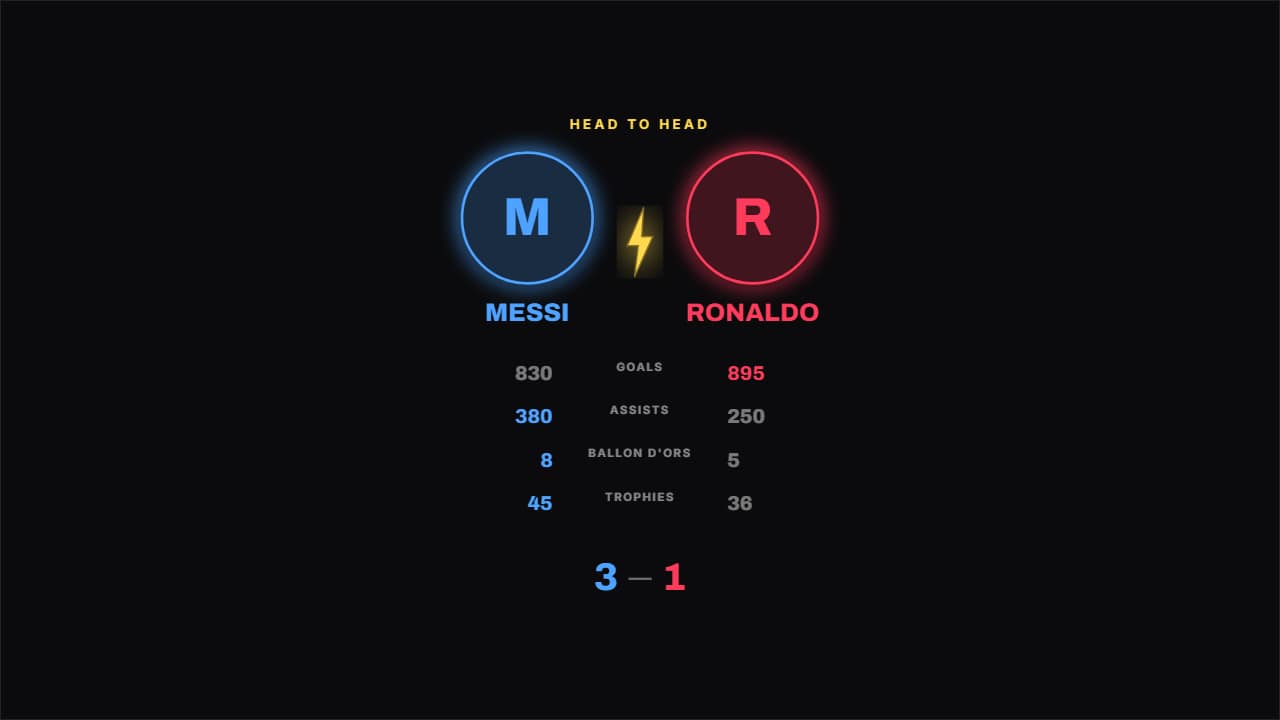 Crests head to headTwo round crests coming in from the sides with a bolt between them, and the figures underneath.
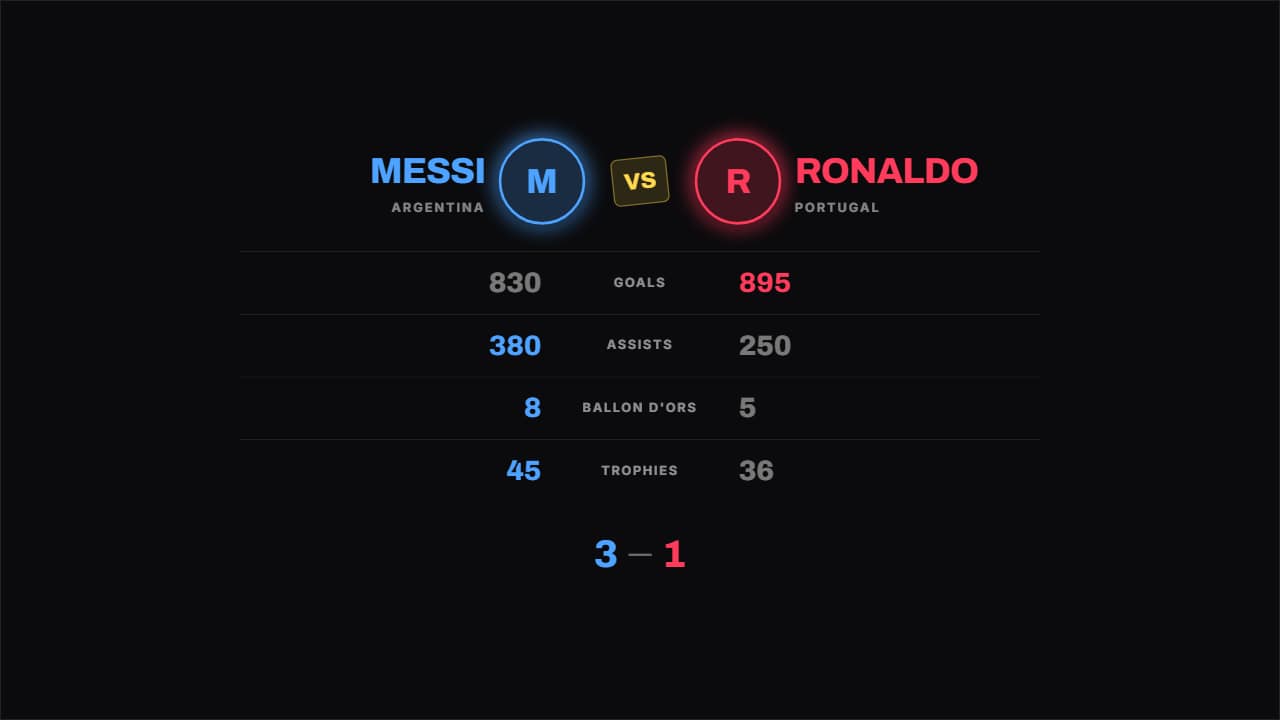 Boxing tale of the tapeThe tale of the tape from a fight night: figure on the left, what's being compared in the middle, figure on…
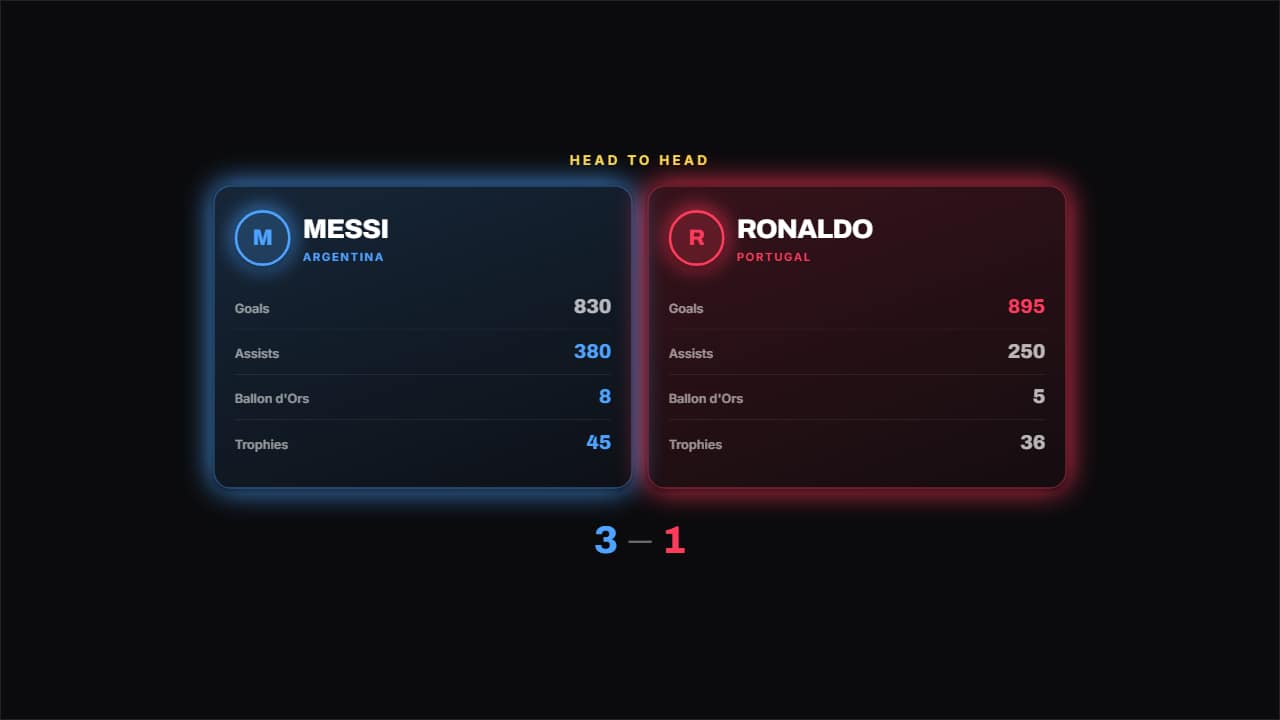 Two cardsOne card per side with its logo, its name and its list of figures, and the better of each row highlighted.
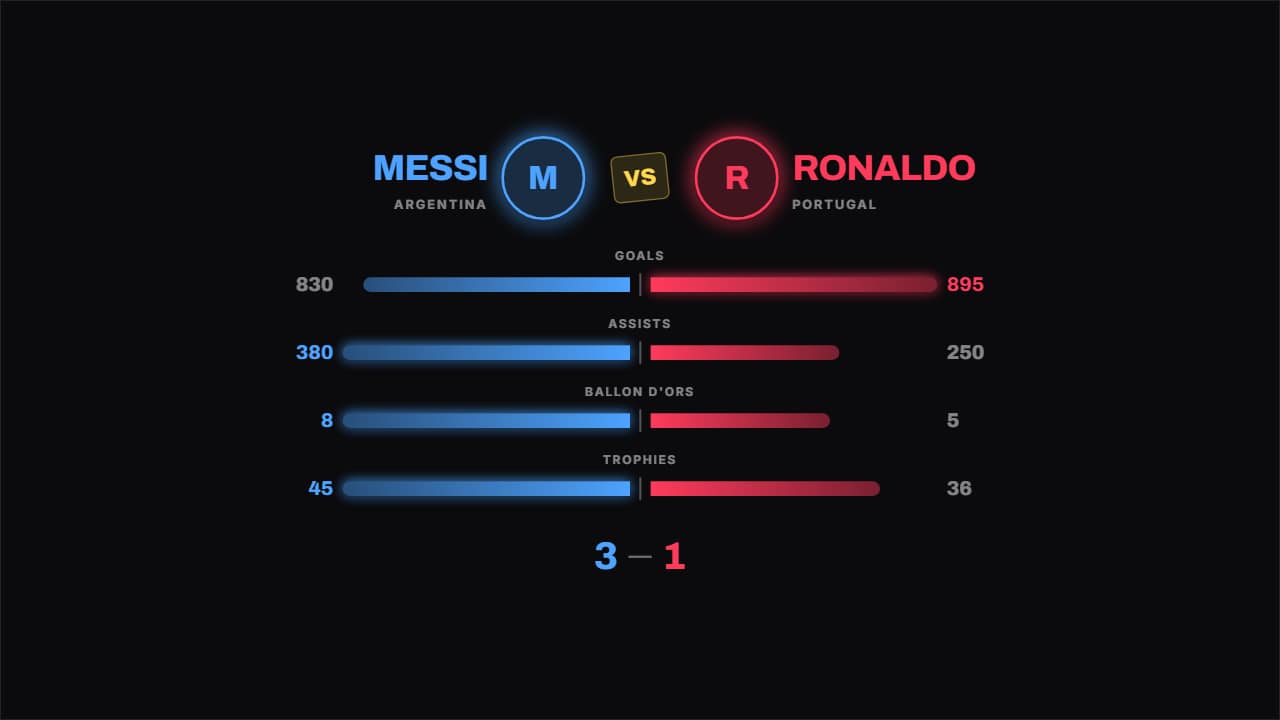 Bars head to headThe bars grow from the middle out to each side, so the difference reads without looking at the numbers.