Aspect ratio1920×1080this is how it downloads
Preview doesn't change the file
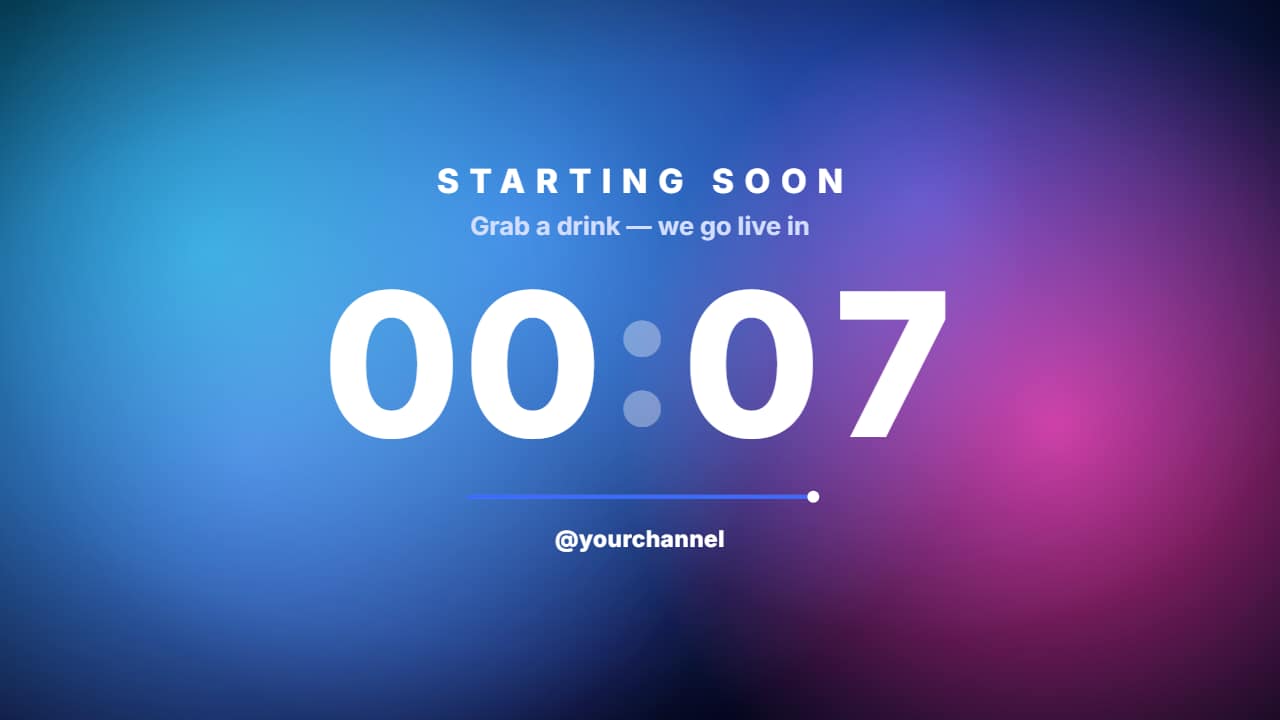
You'll download 1920×1080, 3.5 s, with a background (.mp4).
BetaFree during the beta: create an account and export at no cost. No credit card.How it works →Free during the beta · no card →
You'll download 1920×1080, 3.5 s, with a background (.mp4).
The waiting screen for your stream or premiere: «STARTING SOON» spaced out on top, a real giant countdown (one second per second from the time you set, each digit rolls in its slot), a track a dot runs every second and your @ underneath, over looping color blobs. At zero the digits shrink away and «WE'RE LIVE» lands with the red dot. Make the duration longer in the editor to count more. Electric, magenta, ice or glass.
Plus the typeface and an optional letter outline, in every template.
This template is exported with its background, as a regular video.
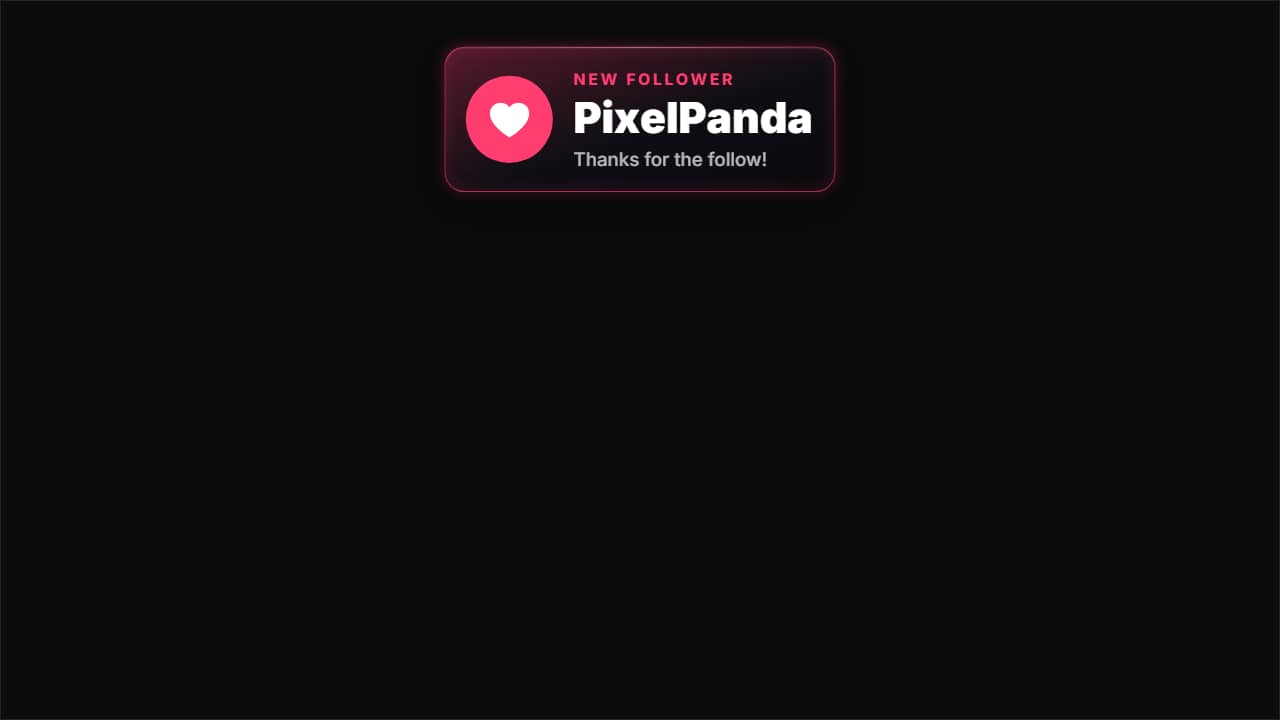 New follower alertThe alert that pops up on streams and in gaming clips: the card drops from the top, the heart bounces on its…
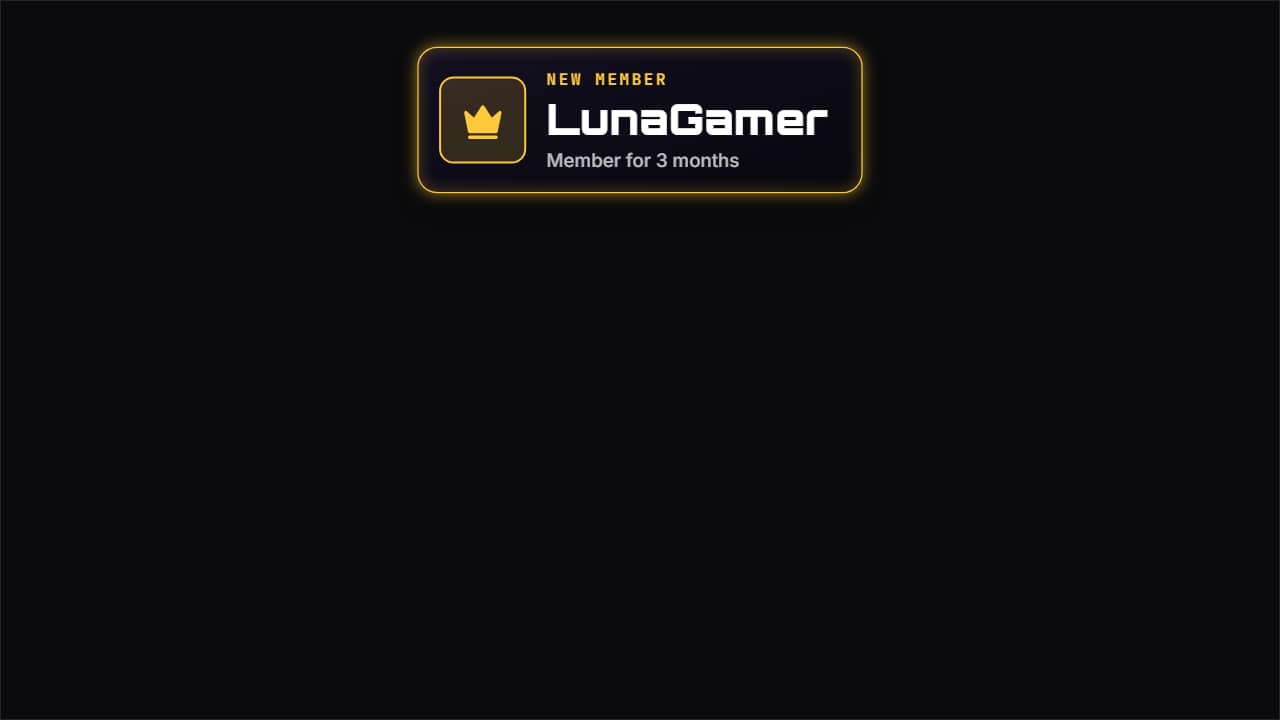 New member alertTo thank someone who joins as a member or paid subscriber: the crown bounces on its tile with a burst, «NEW…
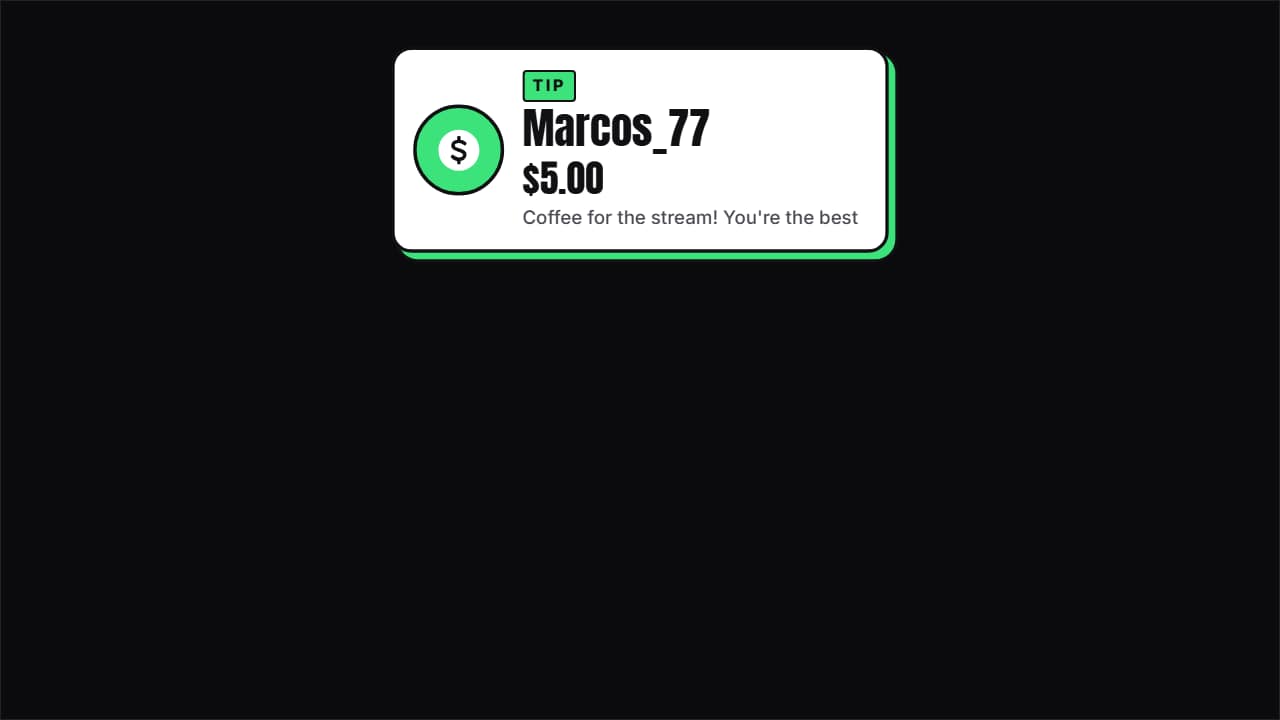 Tip and donation alertThe donation with its amount: the coin bounces, the name comes in letter by letter, the amount ROLLS up to…
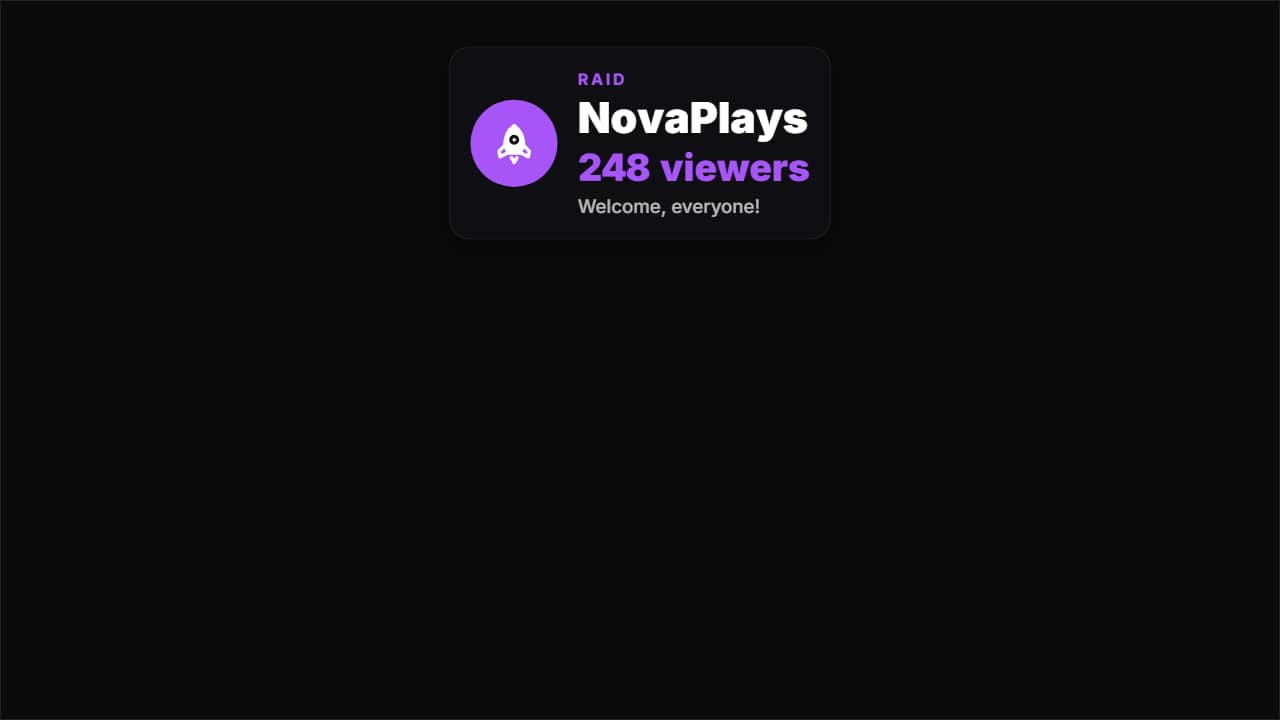 Raid alertWhen another channel shows up with its viewers: the rocket bounces, «RAID», the channel name letter by…
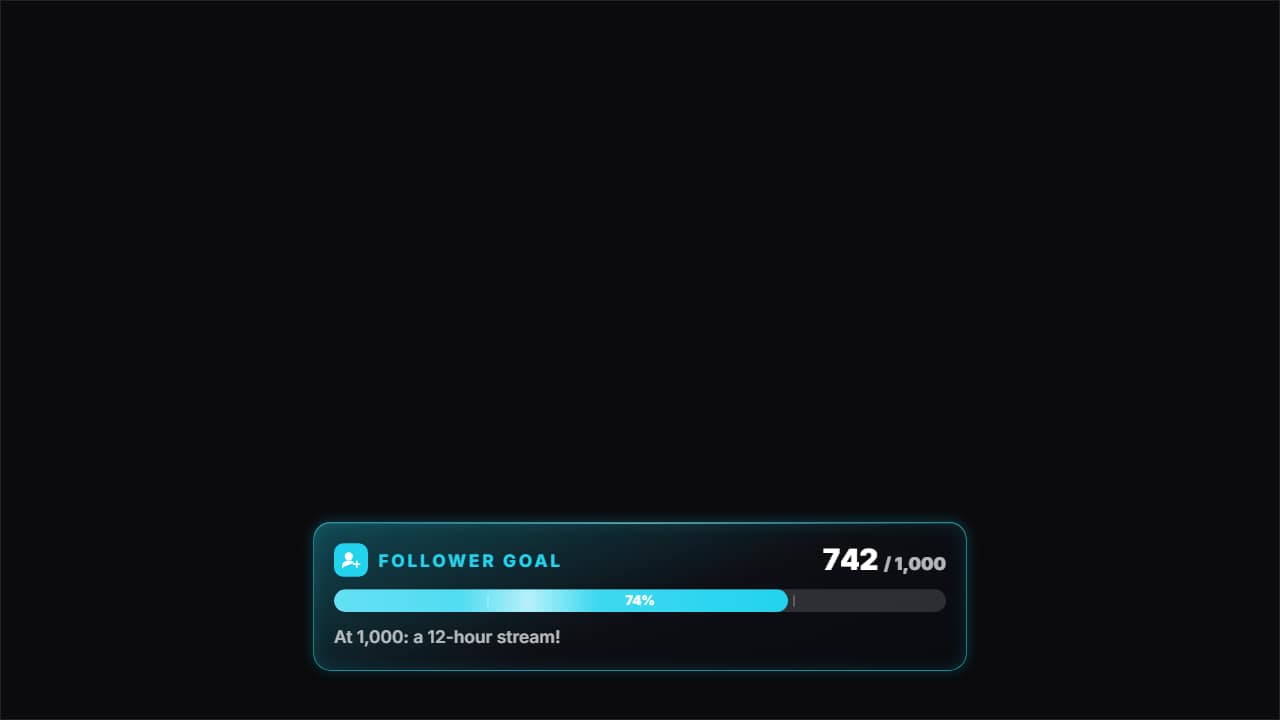 Stream goal barThe goal bar: «FOLLOWER GOAL» with its icon, «742 / 1,000» rolling and the bar filling from where it was to…
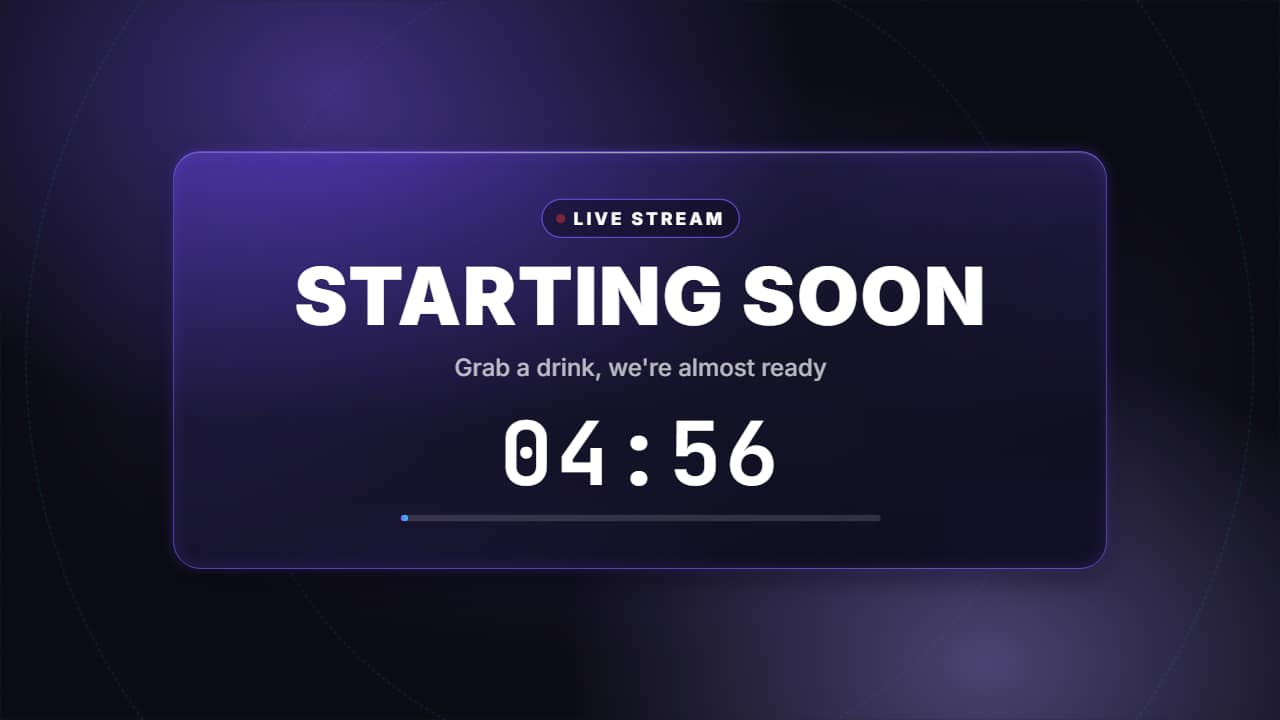 Starting soon screen with countdownThe screen before a stream or a premiere: the «LIVE» pill with its pulsing dot, «STARTING SOON» in big…
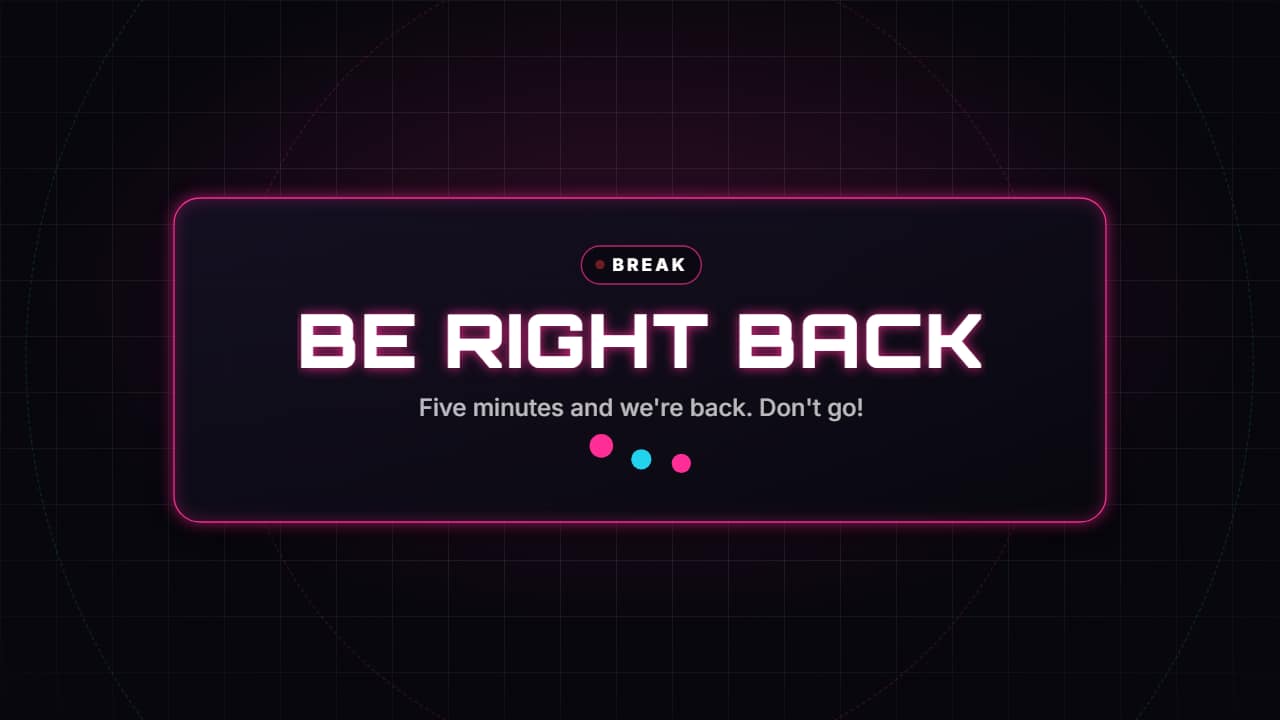 Be right back screenThe break screen: «BE RIGHT BACK» in big letters, one line and three dots bouncing while they wait, over a…
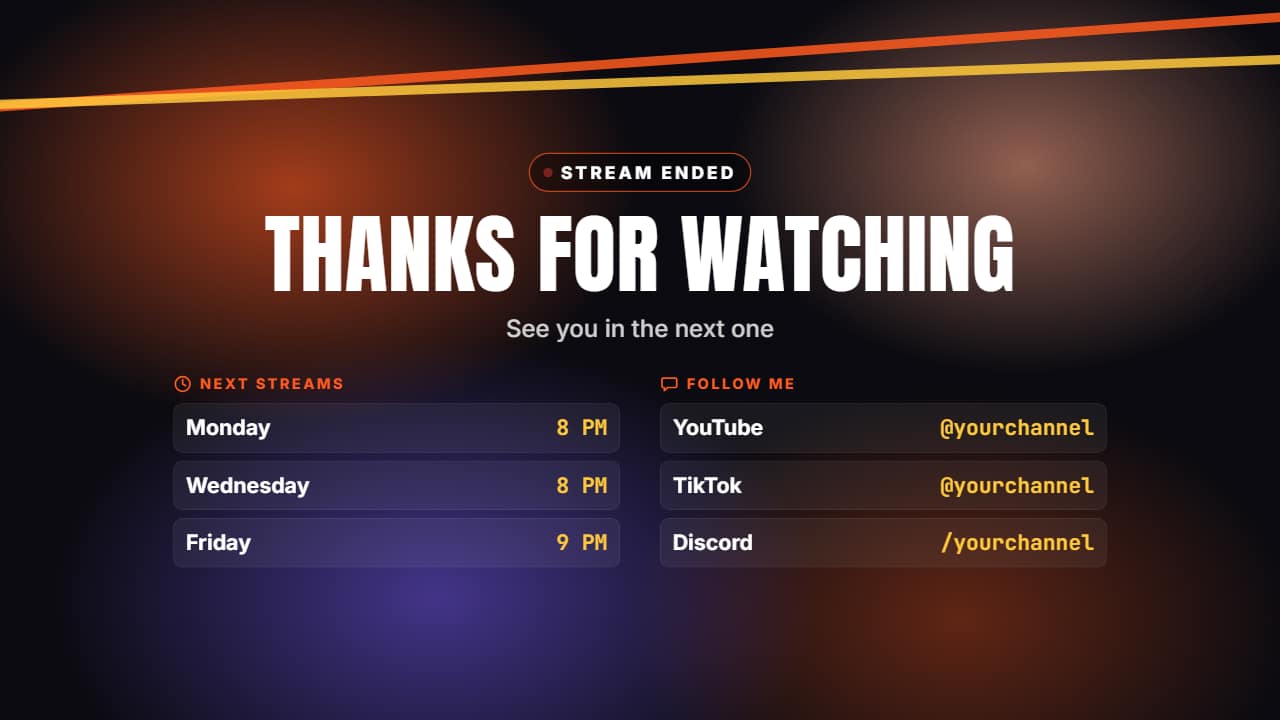 Stream ending screenThe close of a stream or a video: «THANKS FOR WATCHING», one line, the schedule of the next streams and your…