Aspect ratio1920×1080this is how it downloads
Preview doesn't change the file
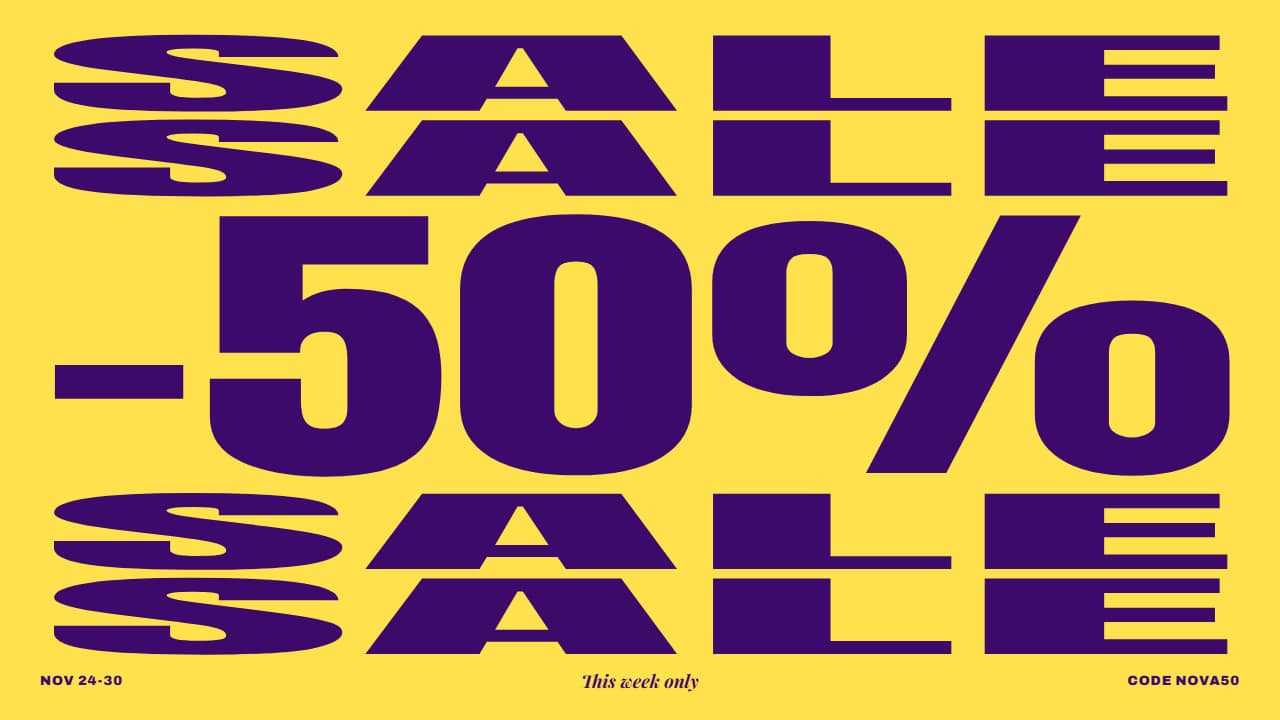
You'll download 1920×1080, 3.5 s, with no background (.mov).
BetaFree during the beta: create an account and export at no cost. No credit card.How it works →Free during the beta · no card →
You'll download 1920×1080, 3.5 s, with no background (.mov).
For shops and deals: «SALE» repeated in full-width rows and, in the middle, your discount growing and counting up to its figure while squashing the rest; then three color hits, like a shop-window sign, and it stays inverted. Footer with the dates, an italic line and your site or code. Purple and yellow.
Plus the typeface and an optional letter outline, in every template.
Export it without background and put it on a track above your clip: the animation plays over your video.
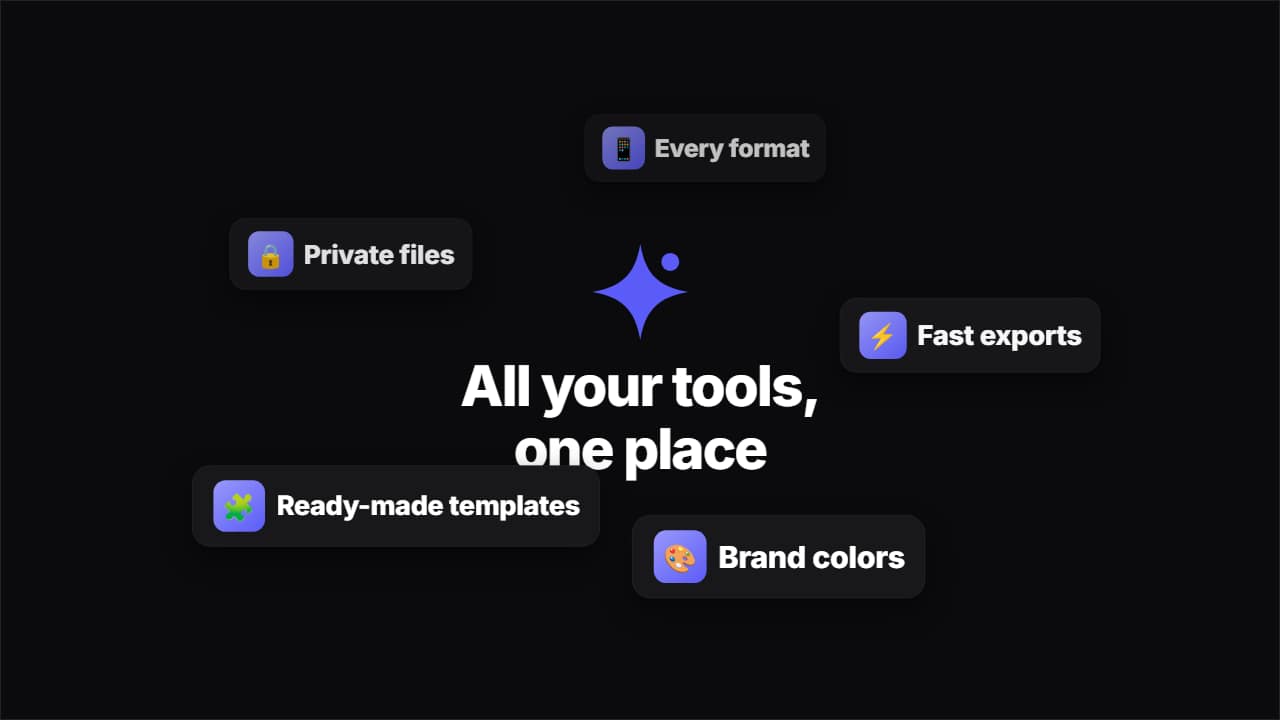 Cards orbiting your logoYour logo and a title in the middle, and 3 to 6 cards (emoji or image + text) that pop out of it and orbit…
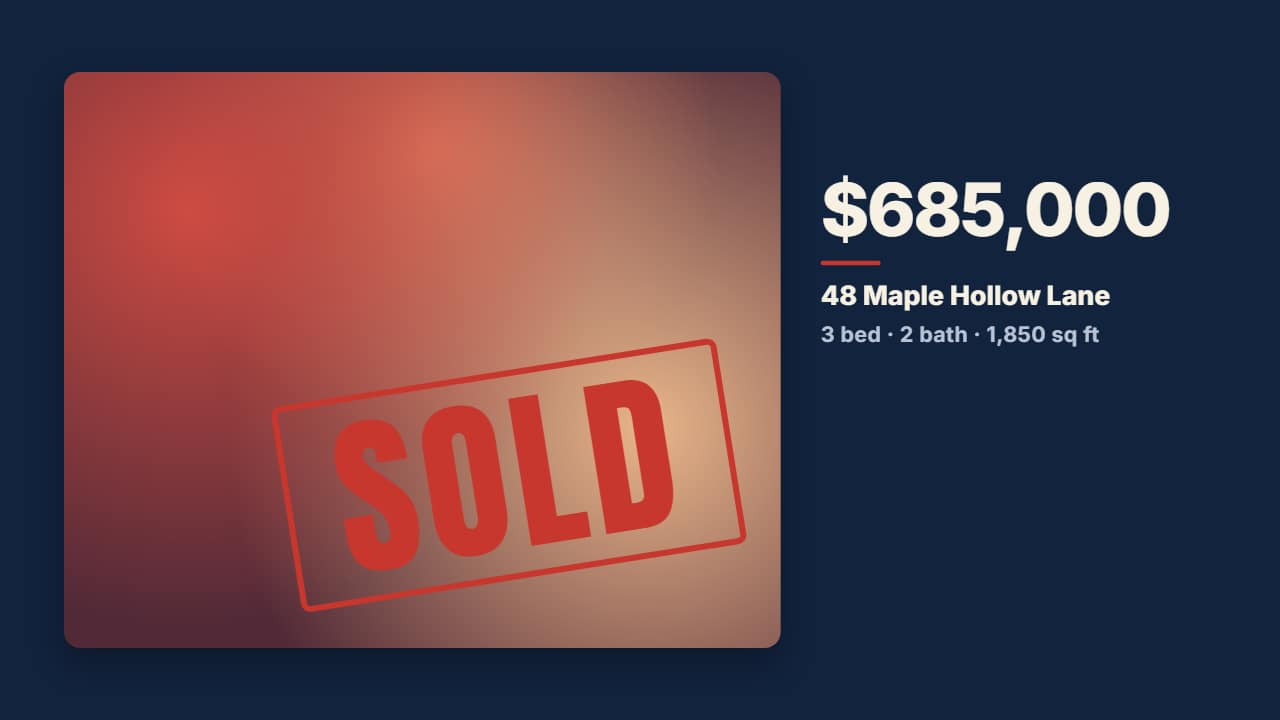 SOLD real estate reveal: house photo in the word and an ink stampFor real estate: the house photo appears inside «SOLD», the word opens into a window with the full photo and…
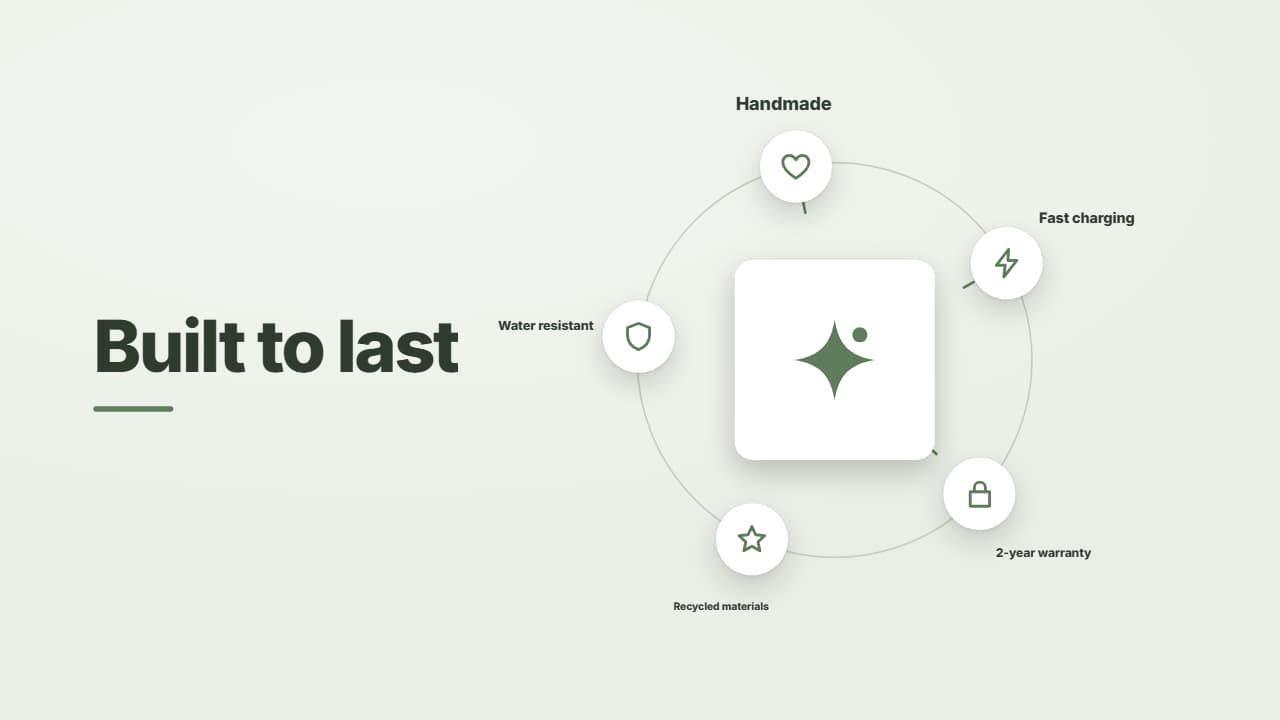 Product photo in the middle with its features orbitingFor shops and ads: your product photo in the middle and up to 8 features on tiles circling around, every…
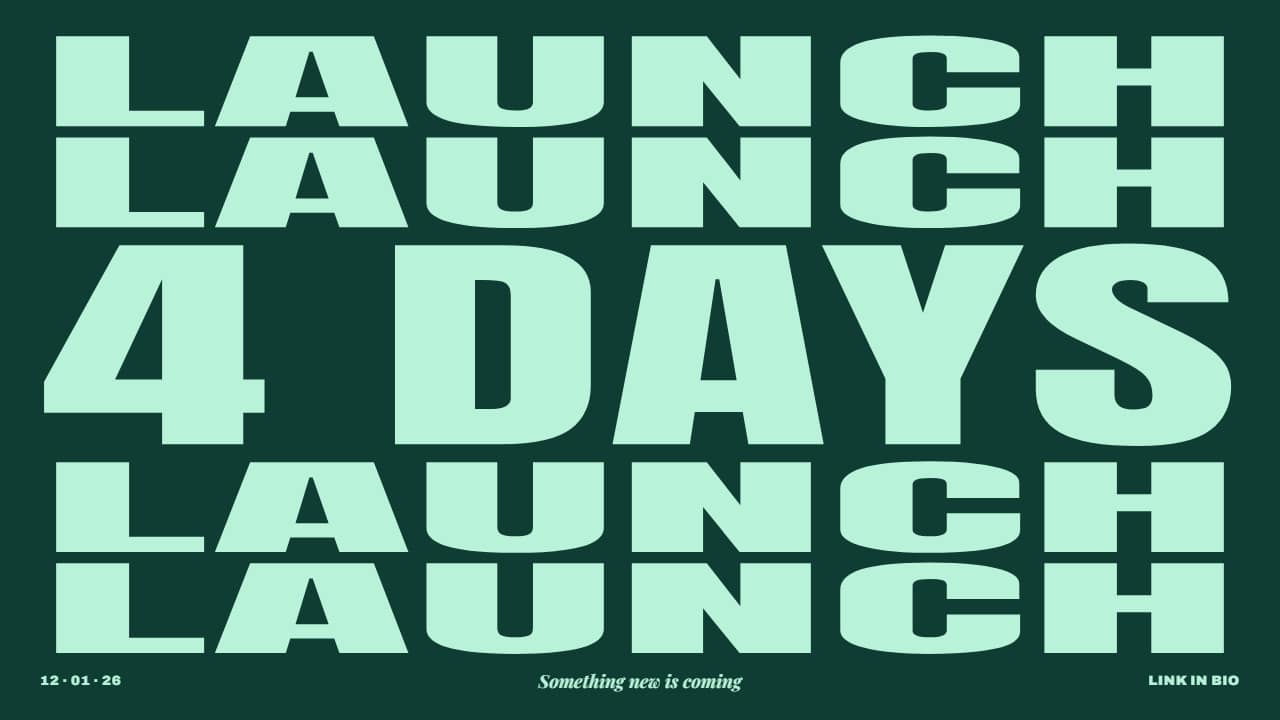 Launch countdown poster: days ticking downFor launches: the word repeated in full-width rows and, in the middle, the countdown ticking down («7 DAYS»……
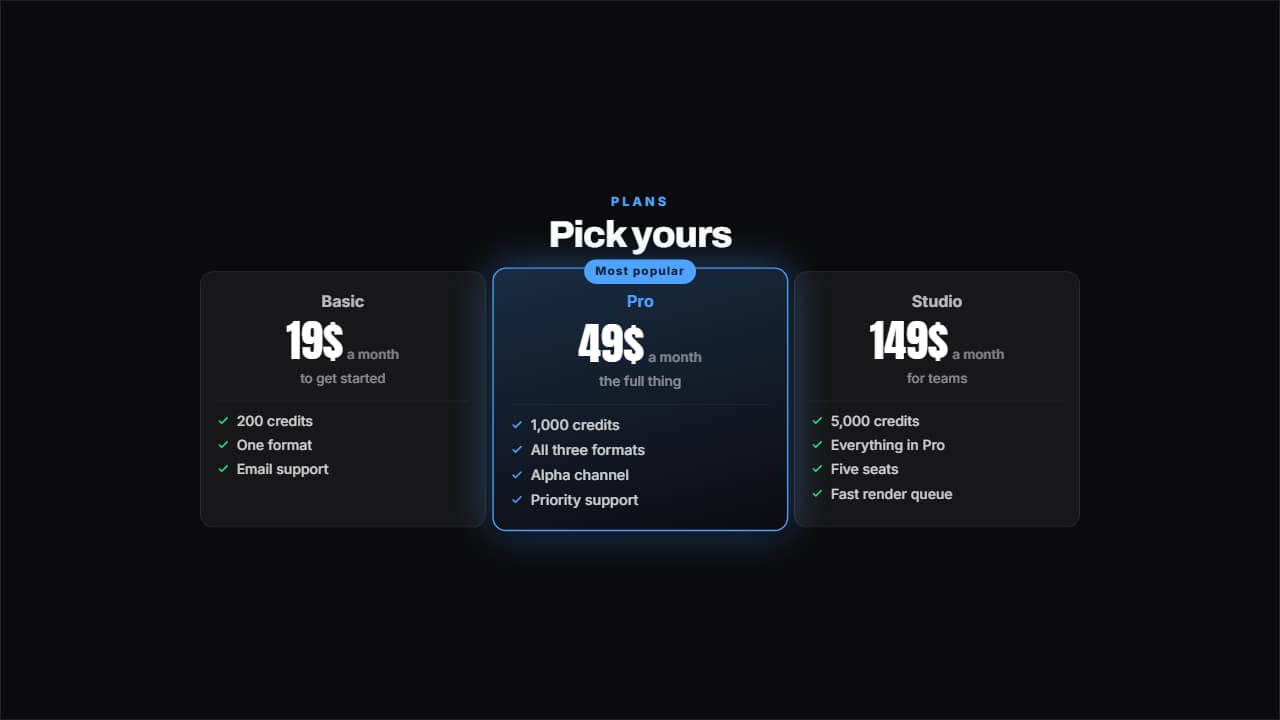 Pricing tableTwo, three or four plans with their price counting, their benefits ticked and one featured with its badge.
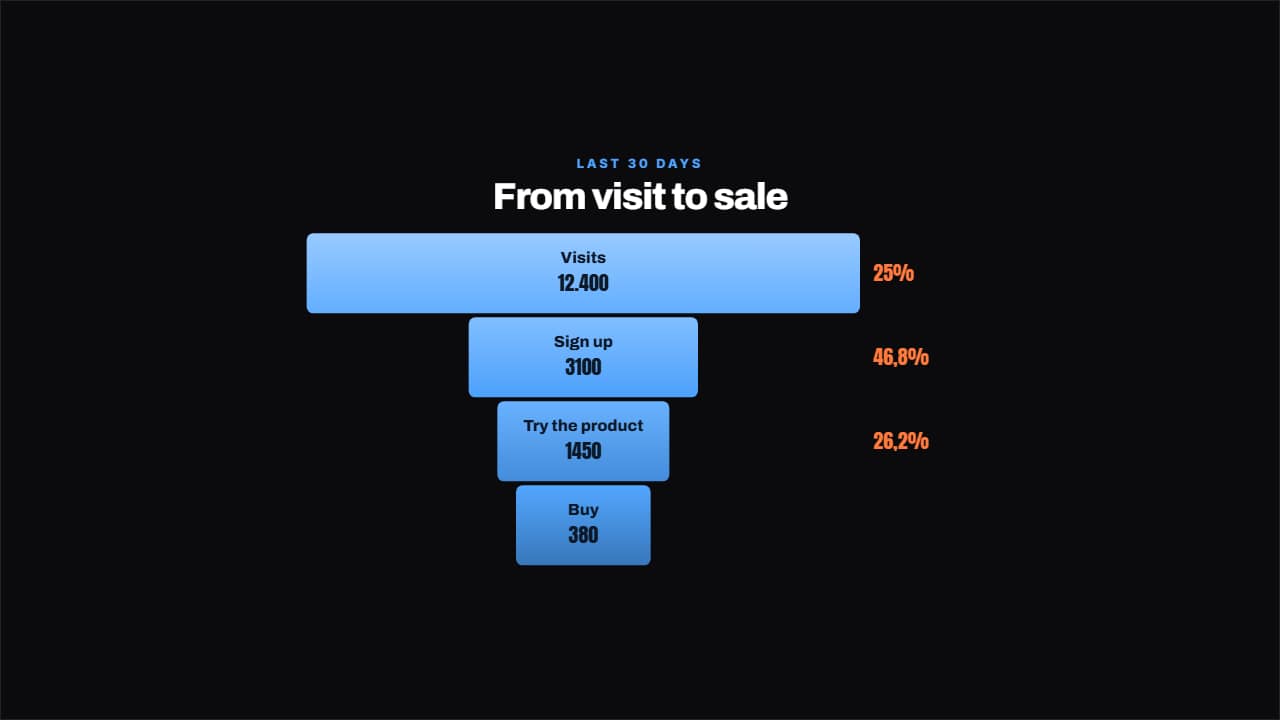 Conversion funnelEach step narrower than the last and, beside it, the percentage that makes it through, worked out for you.
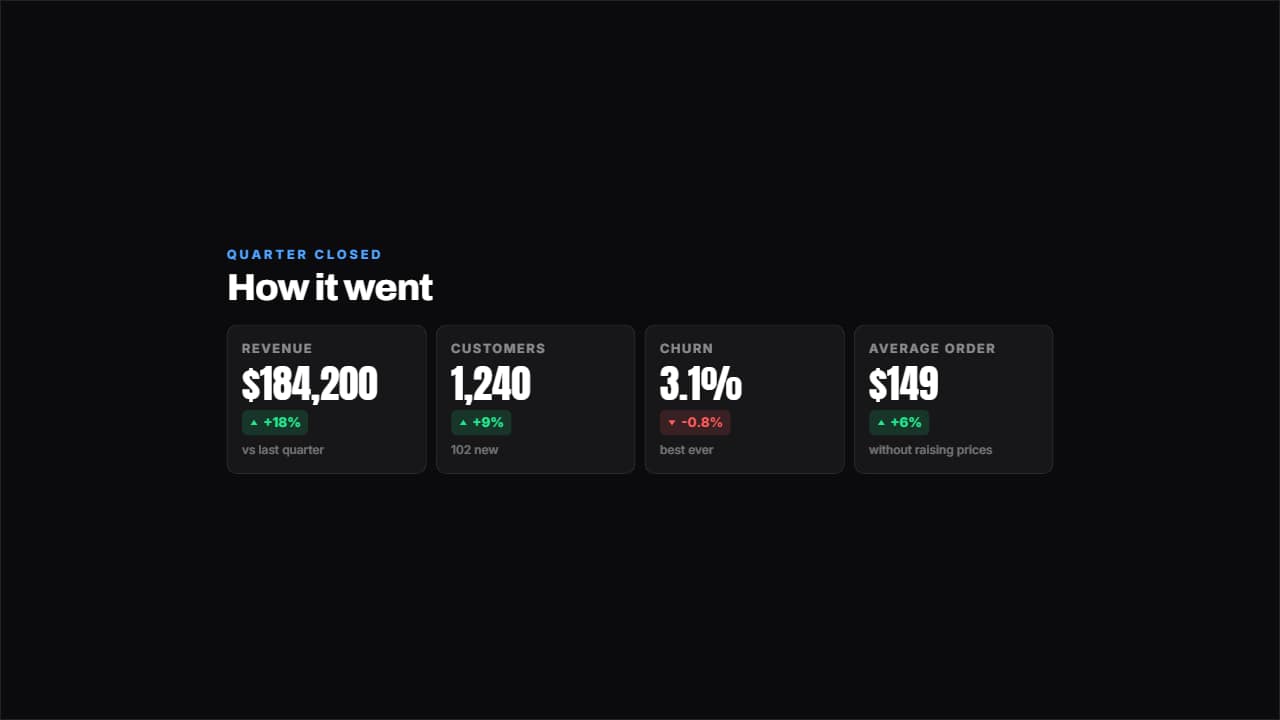 Results dashboardFour figures with their change in green or red and a footnote each.
 Customer reviewThe stars come in one at a time, the quote after and the signature last, with an avatar if you have one or…