Aspect ratio1920×1080this is how it downloads
Preview doesn't change the file
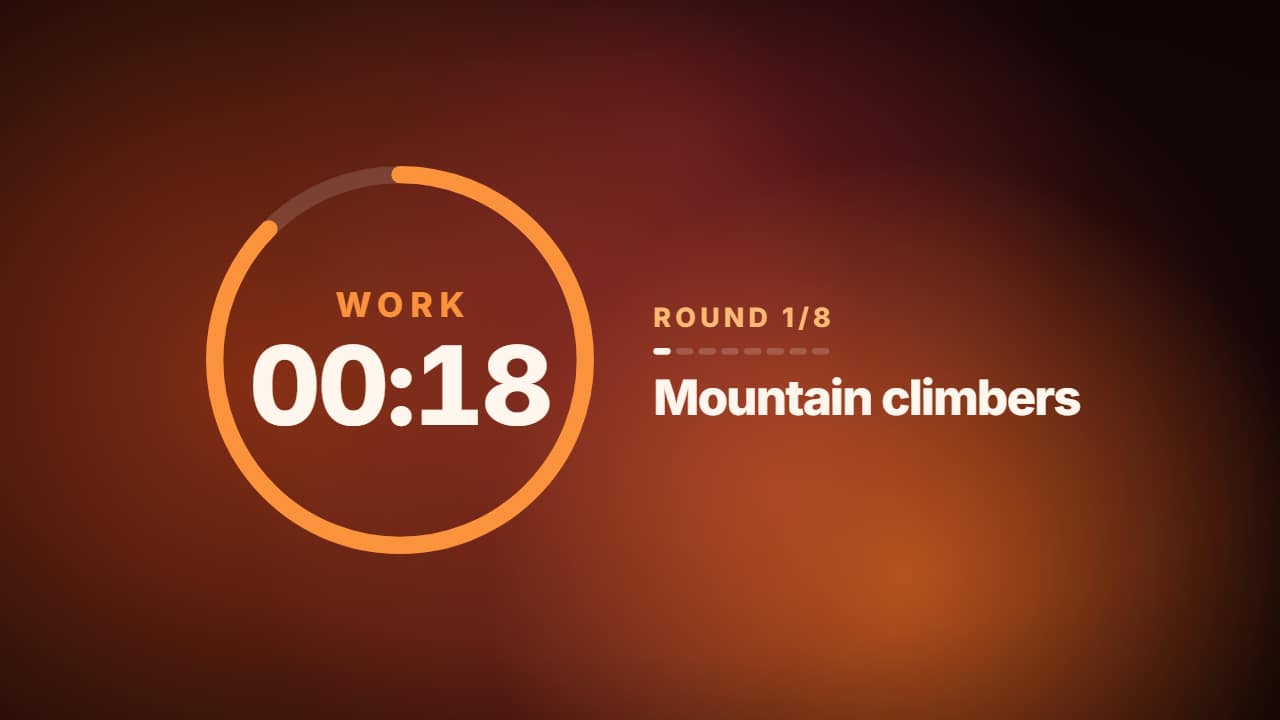
You'll download 1920×1080, 3.5 s, with a background (.mp4).
BetaFree during the beta: create an account and export at no cost. No credit card.How it works →Free during the beta · no card →
You'll download 1920×1080, 3.5 s, with a background (.mp4).
A real workout timer over looping blobs: a ring that empties, the WORK or REST phase with its own color, the time counting down one second per second, the round with its marks and the exercise. Set work seconds, rest seconds and rounds; make the duration longer in the editor to see them all. Lava, glacier, forest or glass.
Plus the typeface and an optional letter outline, in every template.
This template is exported with its background, as a regular video.
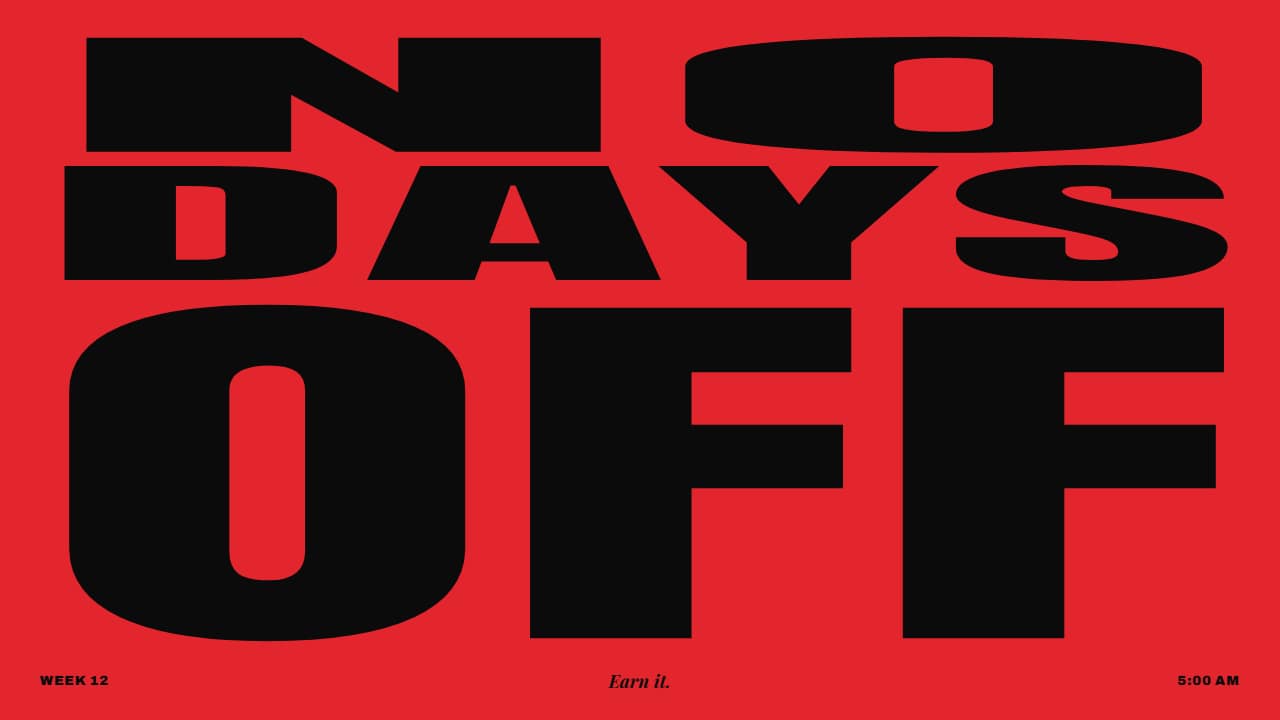 Motivational phrase poster, word by wordYour phrase («NO DAYS OFF») as a type poster: every word is a full-width row of condensed type and they read…
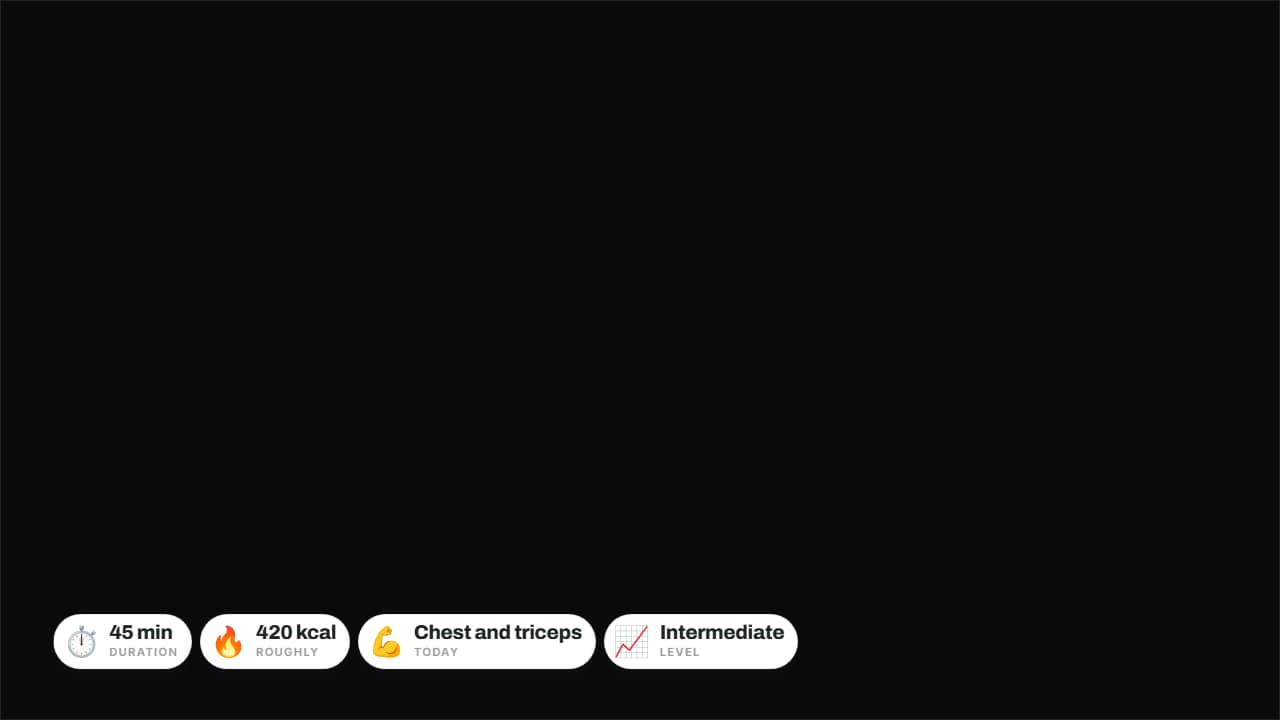 Today's sessionDuration, calories, muscle group and level on badges over the video.
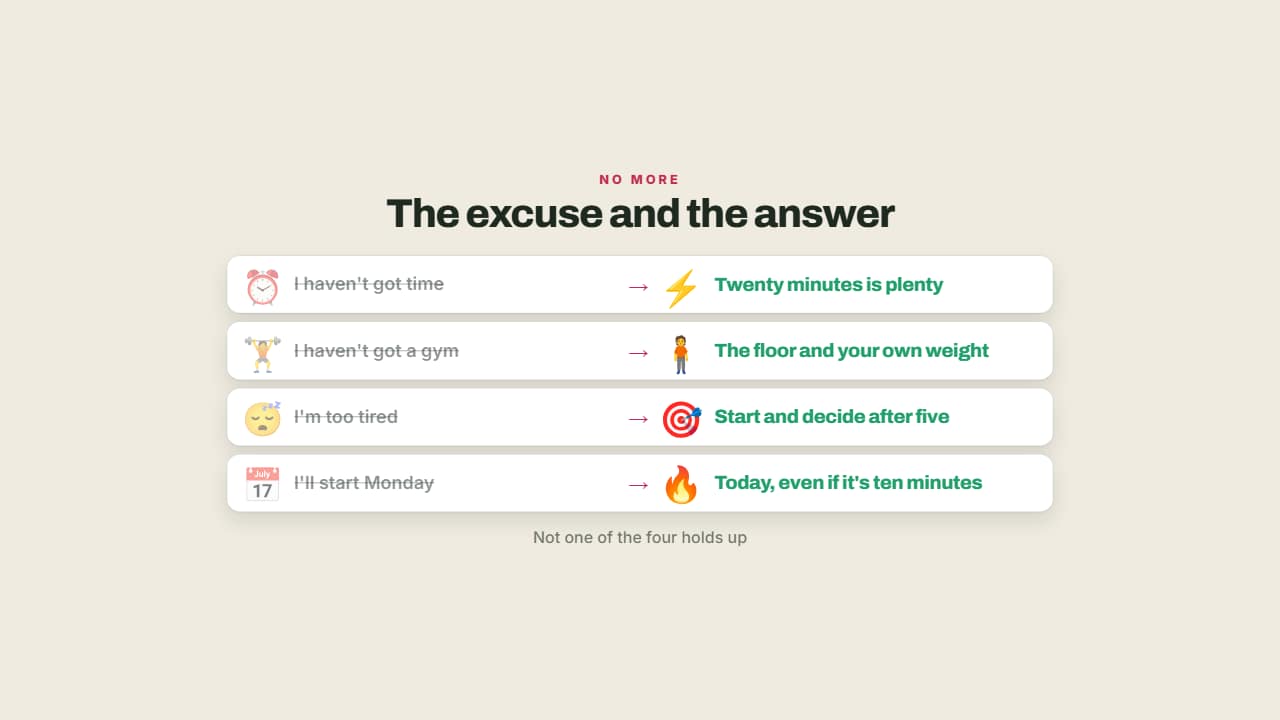 The excuse and the answerThe usual excuse crossed out and what you can do instead lit up.
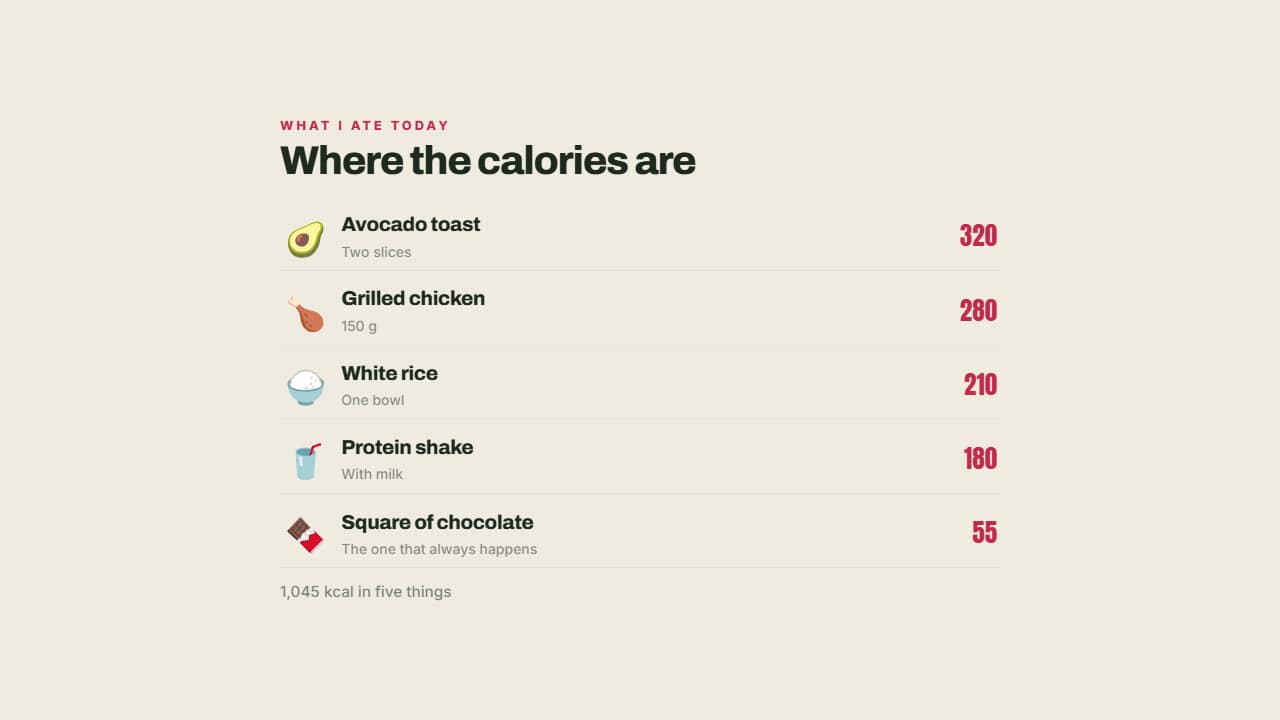 What you're carryingEach food with its emoji, its portion and its calories aligned right.
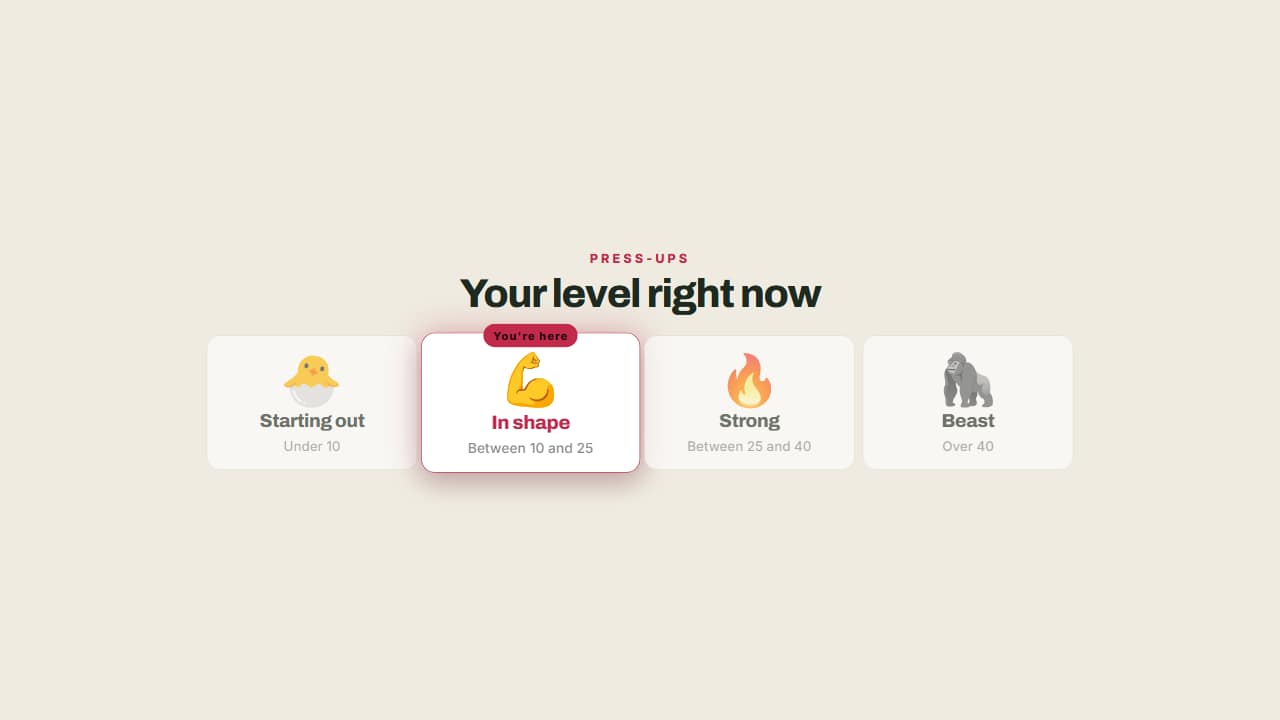 Your level right nowFrom beginner to advanced, with a badge marking where you are and what each step involves.
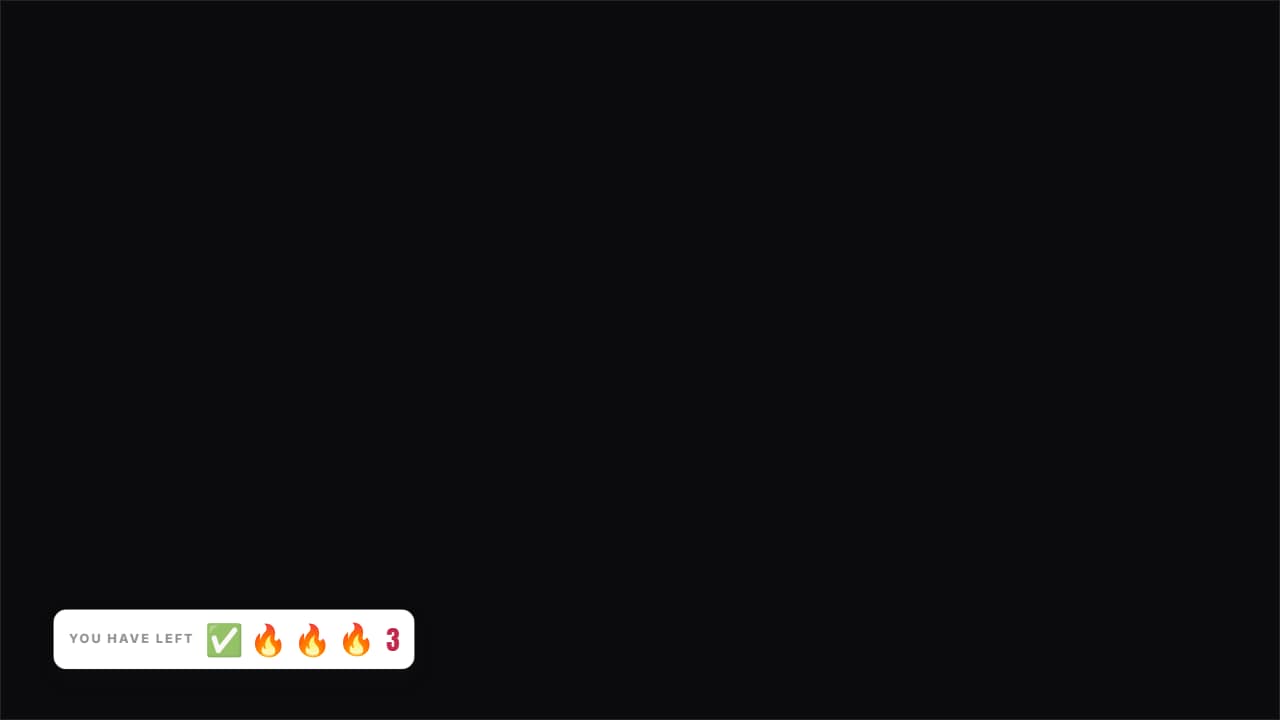 Sets you have leftThe icons for the sets you've done stay gray and the ones left stay lit, with the count beside them.
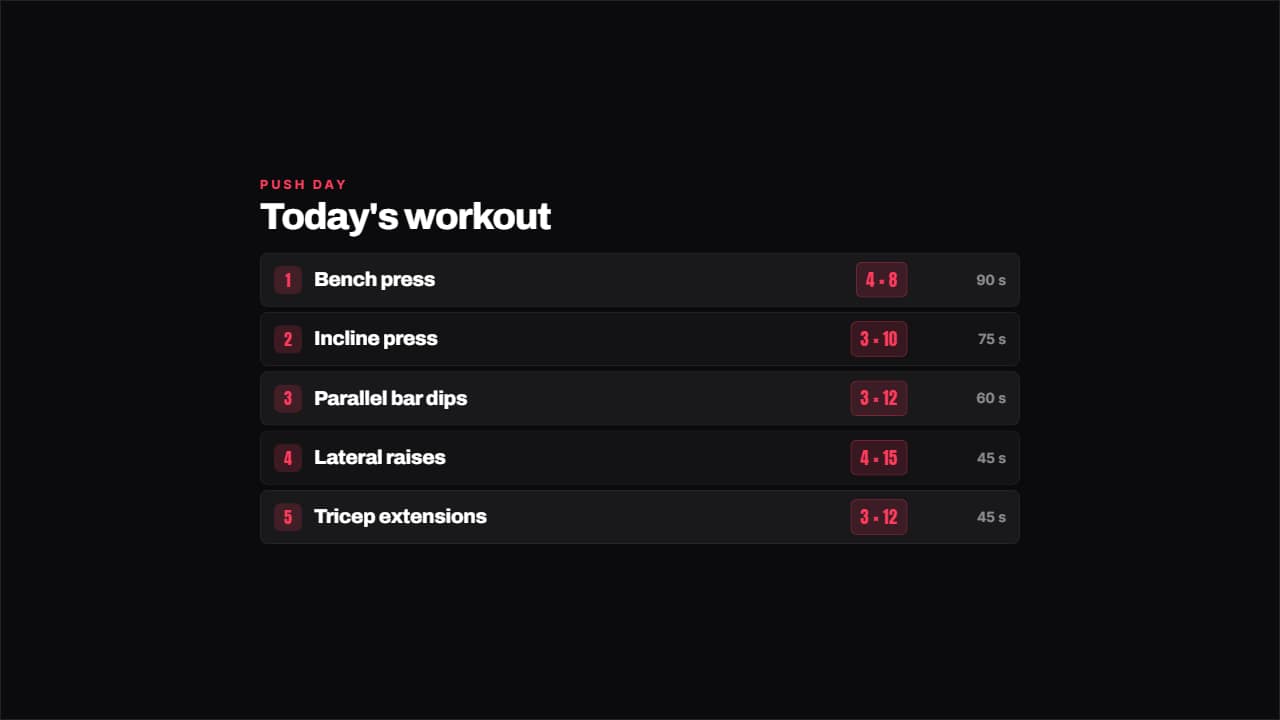 Workout with setsThe day's exercises with their sets by reps on a colored badge and the rest on the right.
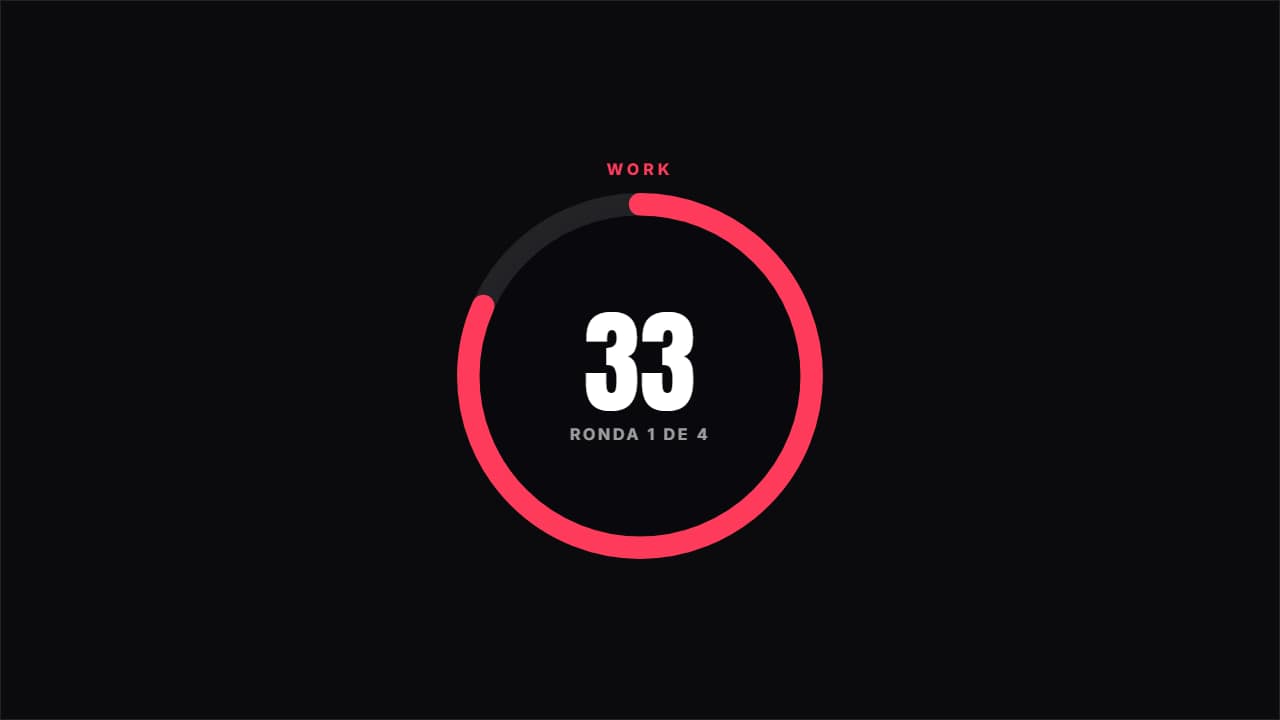 Circuit timerAlternates work and rest at real speed, with the ring emptying, the color changing and the round you're on.