Aspect ratio1920×1080this is how it downloads
Preview doesn't change the file
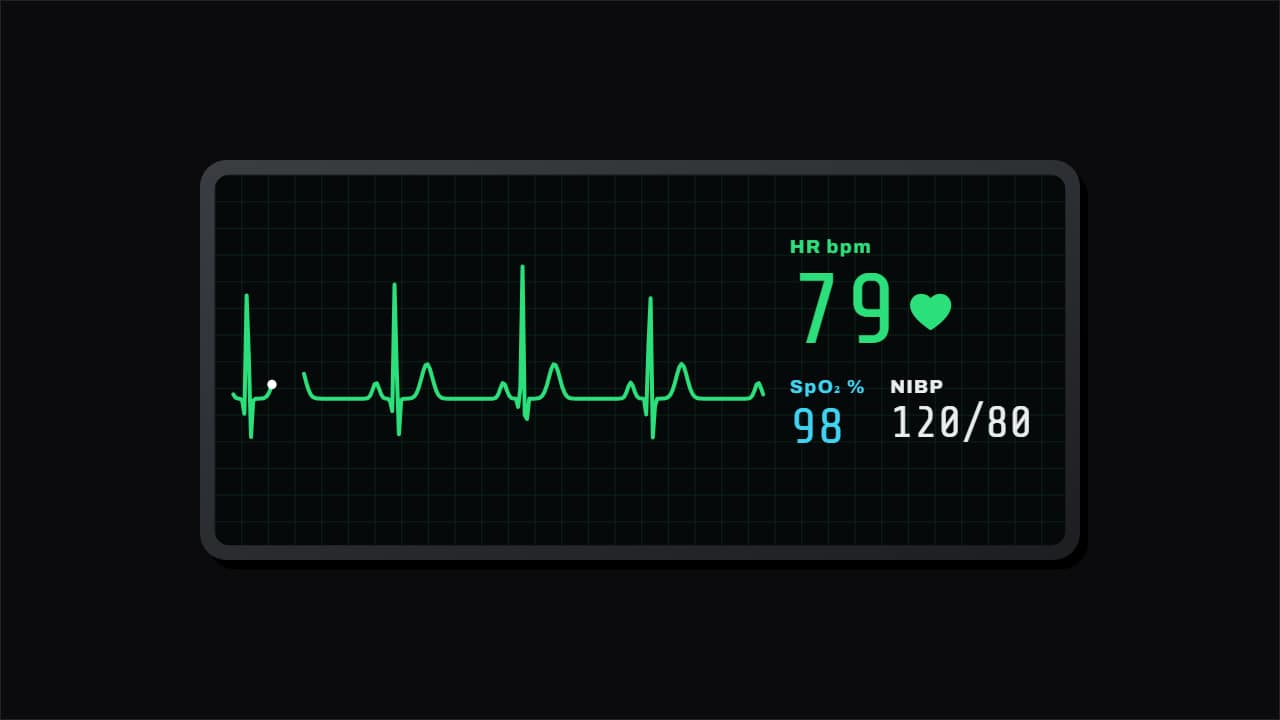
You'll download 1920×1080, 3.5 s, with no background (.mov).
BetaFree during the beta: create an account and export at no cost. No credit card.How it works →Free during the beta · no card →
You'll download 1920×1080, 3.5 s, with no background (.mov).
The hospital monitor for nursing, medical, health, fitness and drama channels: the ECG really draws itself at the heart rate you set (P wave, QRS and T wave on every beat), the heart beats with it and you get heart rate, SpO₂ and blood pressure. Three styles: ICU monitor with a green sweep, a pink grid-paper strip printing out, or a 3D ribbon on a white card with the heart rate on rolling wheels (Editorial). Optional «flatline at the end» with a red alarm. Works transparent too.
Plus the typeface and an optional letter outline, in every template.
Export it without background and put it on a track above your clip: the animation plays over your video.
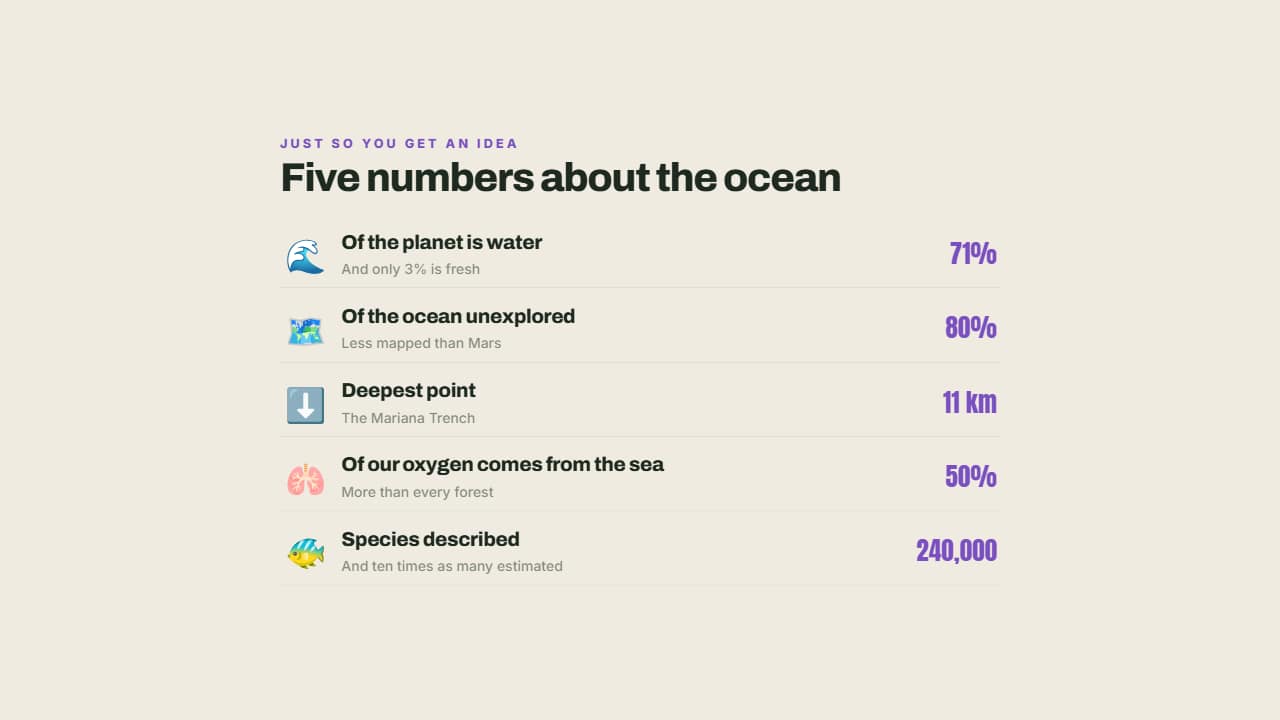 The facts you need to knowEach fact with its emoji, its small explanation and the figure large on the right.
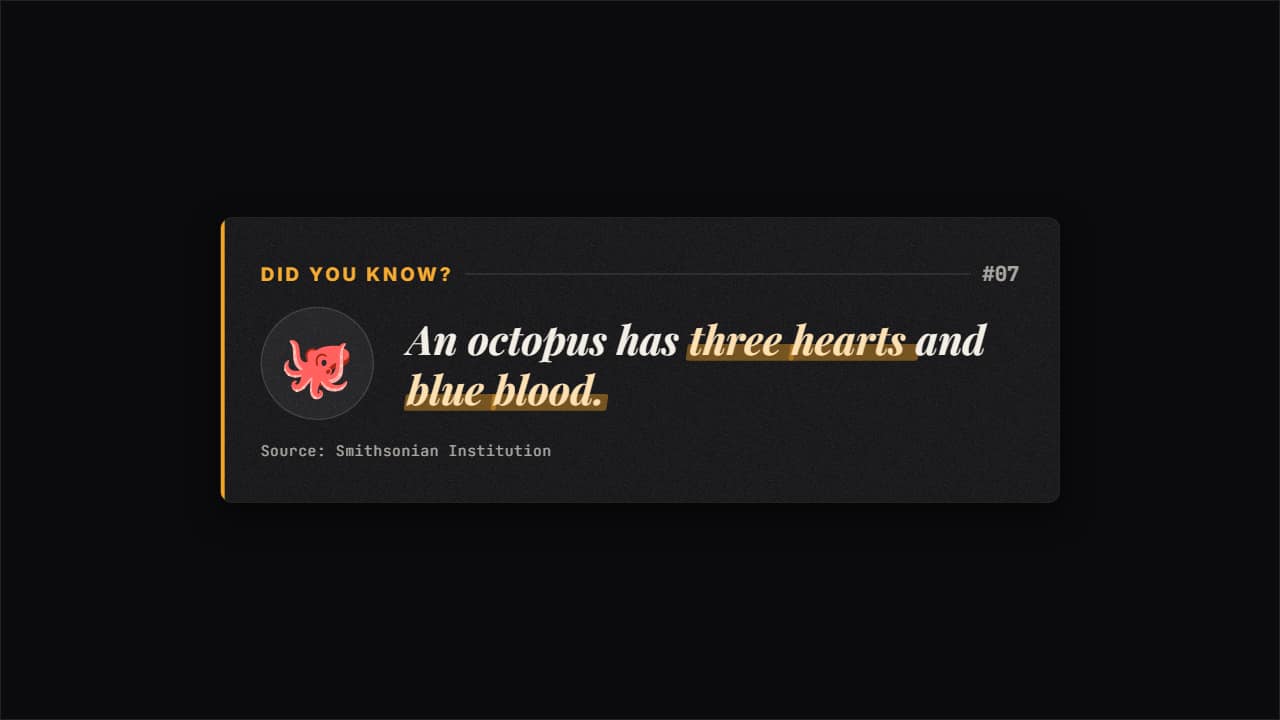 Did you know? fact cardThe card used by fun-fact and faceless channels: «DID YOU KNOW?
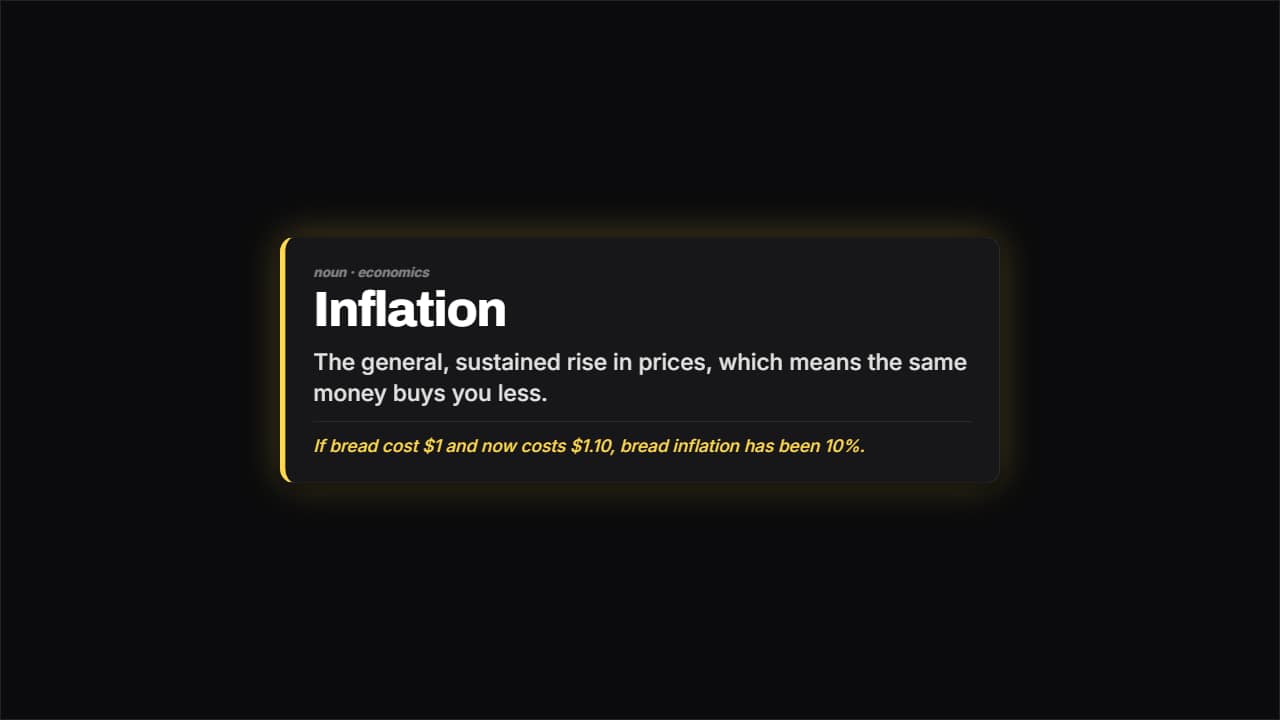 Definition cardThe word large, the meaning underneath and an example separated by a rule.
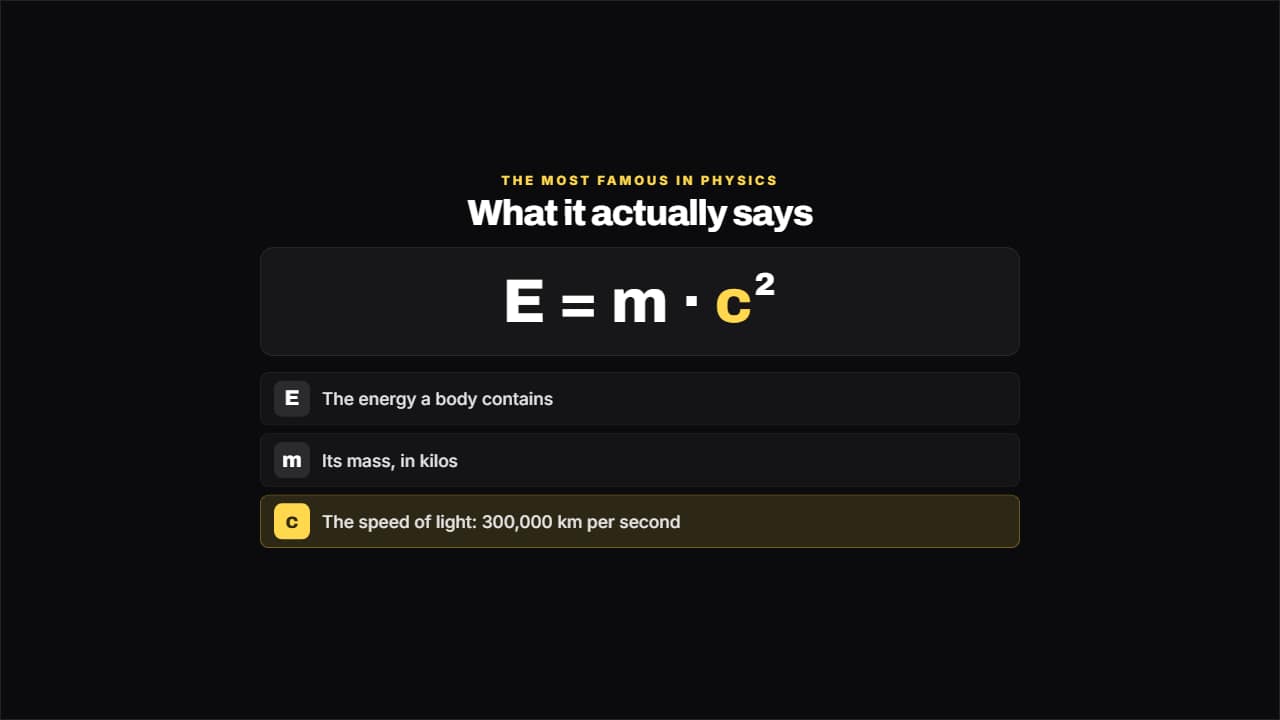 Formula explainedThe formula large and, underneath, what each term means.
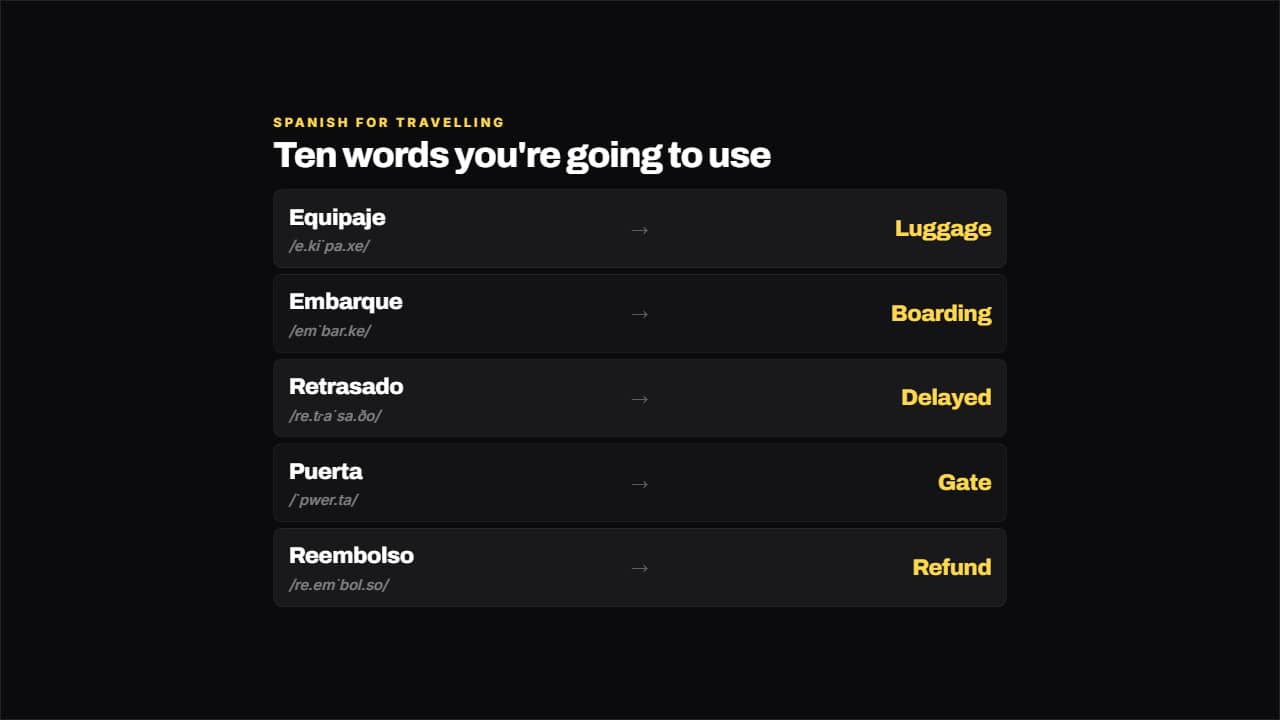 Language vocabularyWord on the left, translation on the right and the pronunciation small underneath.
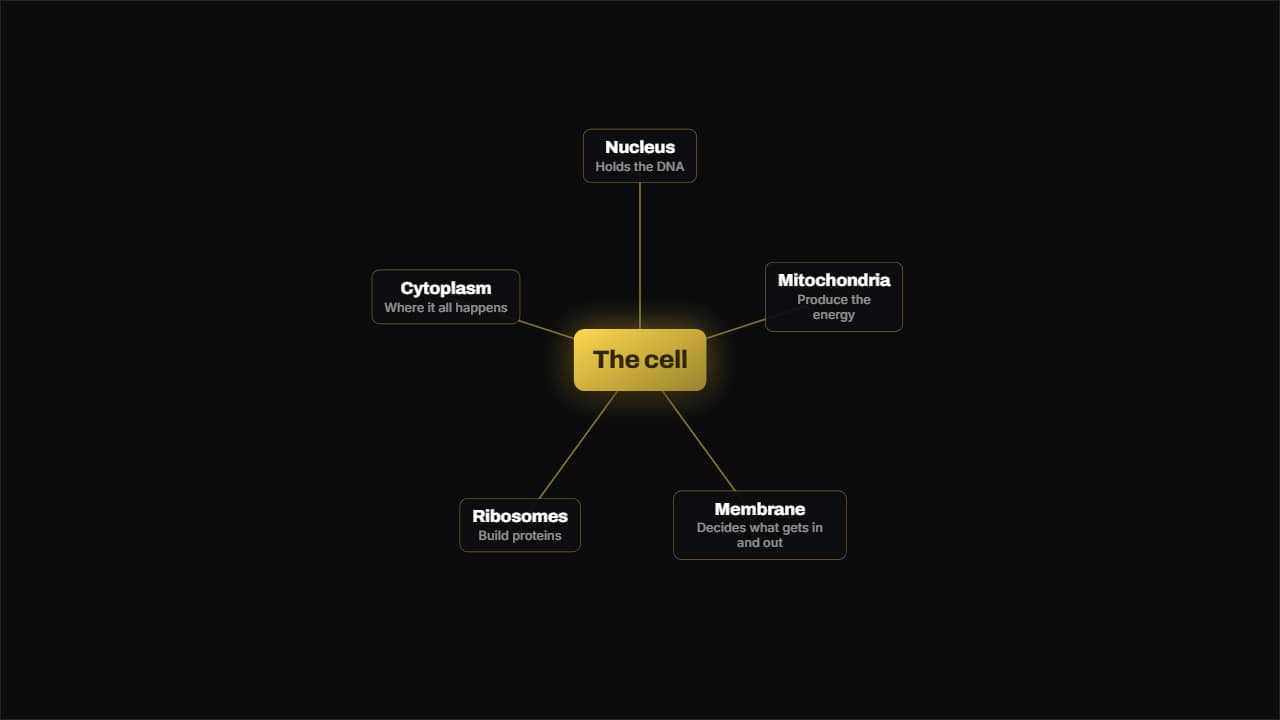 Mind mapOne idea in the middle and its branches spread around it; the lines draw outwards from the center instead of…
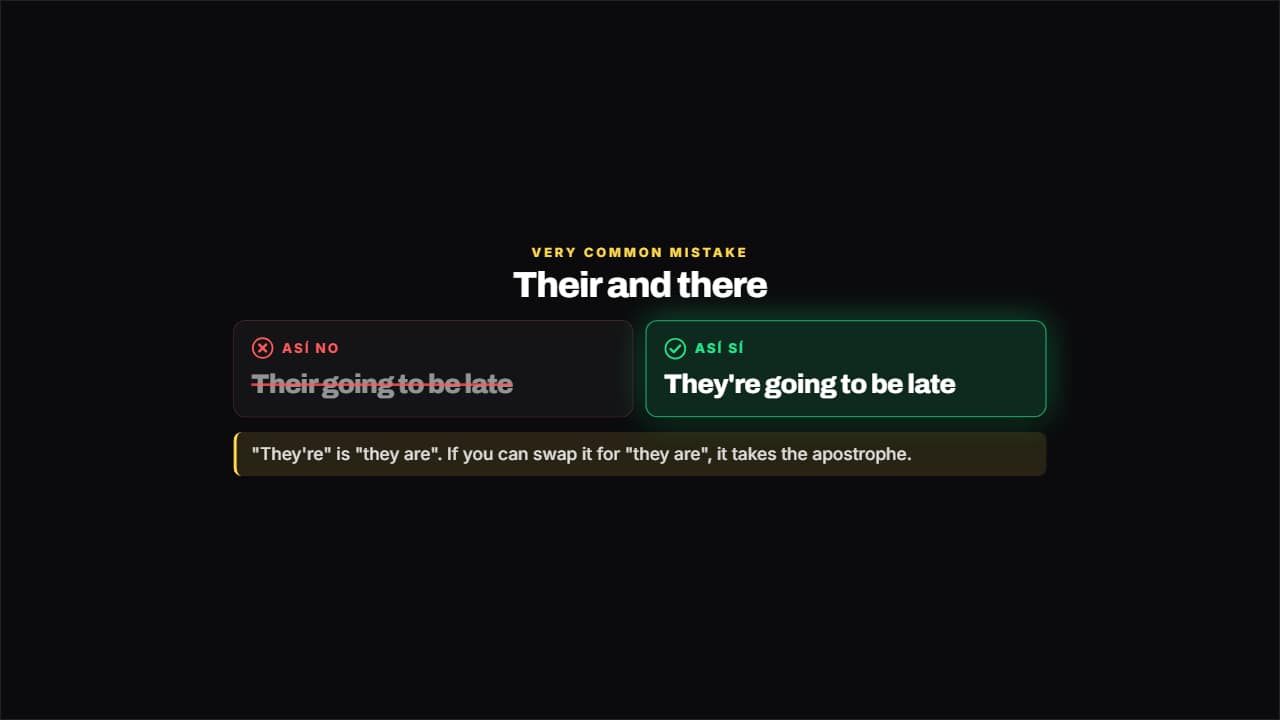 Not like this, like thisThe mistake crossed out and gray on the left, the right way lit on the right and the why underneath.
 Write this downA side badge for the fact worth keeping: it slides in from the edge, reads, and leaves.