Aspect ratio1920×1080this is how it downloads
Preview doesn't change the file
You'll download 1920×1080, 3.5 s, with no background (.mov).
BetaFree during the beta: create an account and export at no cost. No credit card.How it works →Free during the beta · no card →
You'll download 1920×1080, 3.5 s, with no background (.mov).
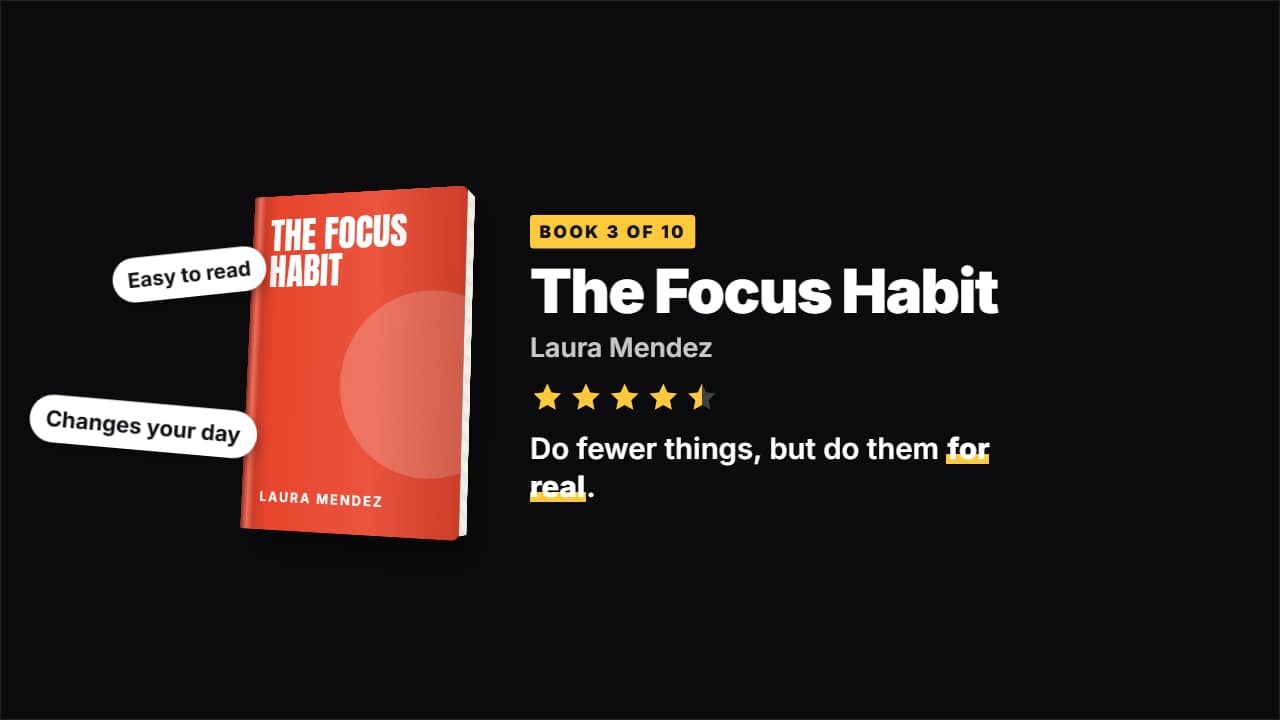
The book card from productivity and «books that changed my life» channels: the book floats in in 3D (cover, shaded spine and page edge), its title and author, stars that fill one by one, the key takeaway with the main phrase underlined and white pills with what you thought of it. Upload the cover or let it draw one in your color. Three styles: desk (no panel), white card and dark.
Plus the typeface and an optional letter outline, in every template.
Export it without background and put it on a track above your clip: the animation plays over your video.
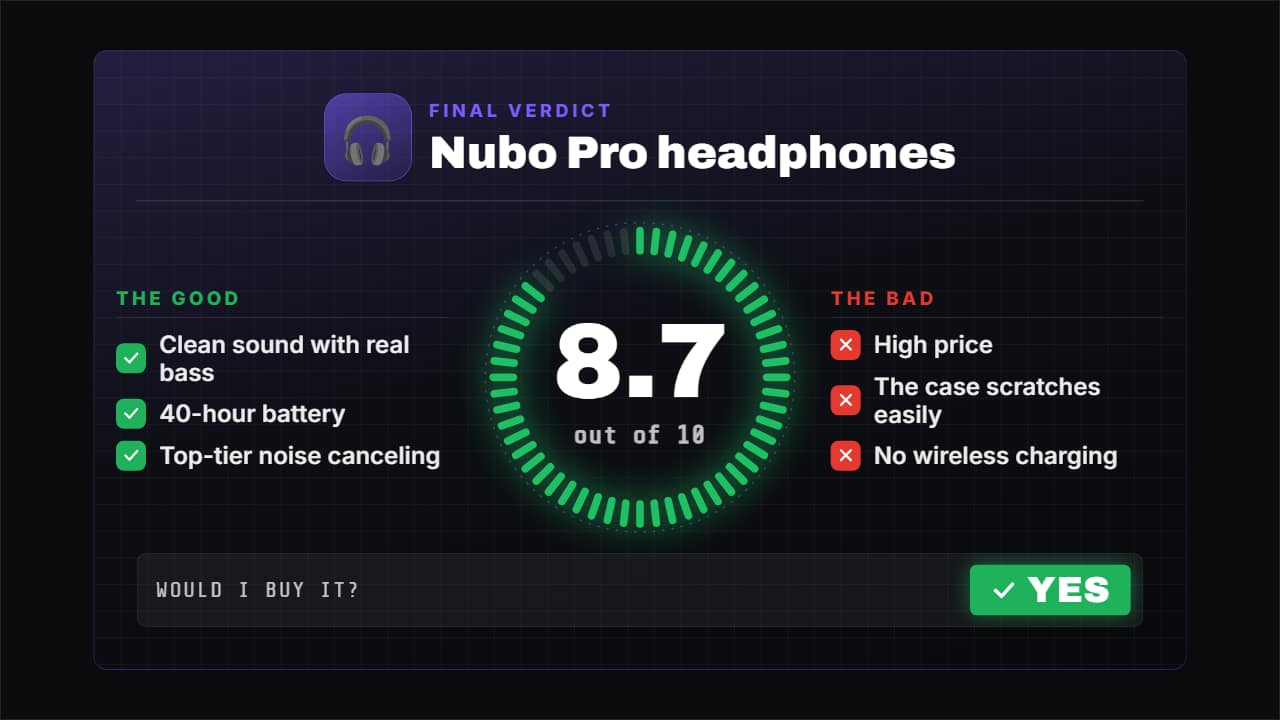 Review verdict with scoreThe closer for your review: the score fills its ring while the number rolls («8.
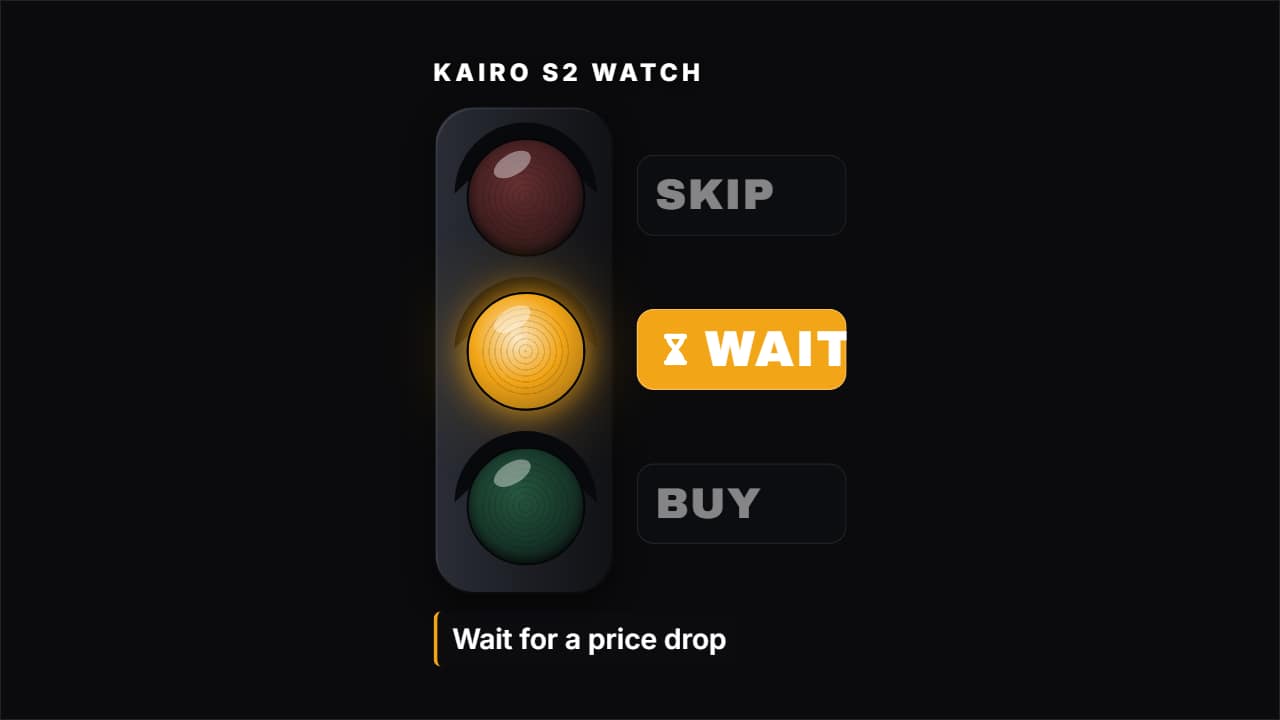 Buy, wait or skipThe short verdict of a review: three options (BUY, WAIT, SKIP) and one lights up, with the product and the…
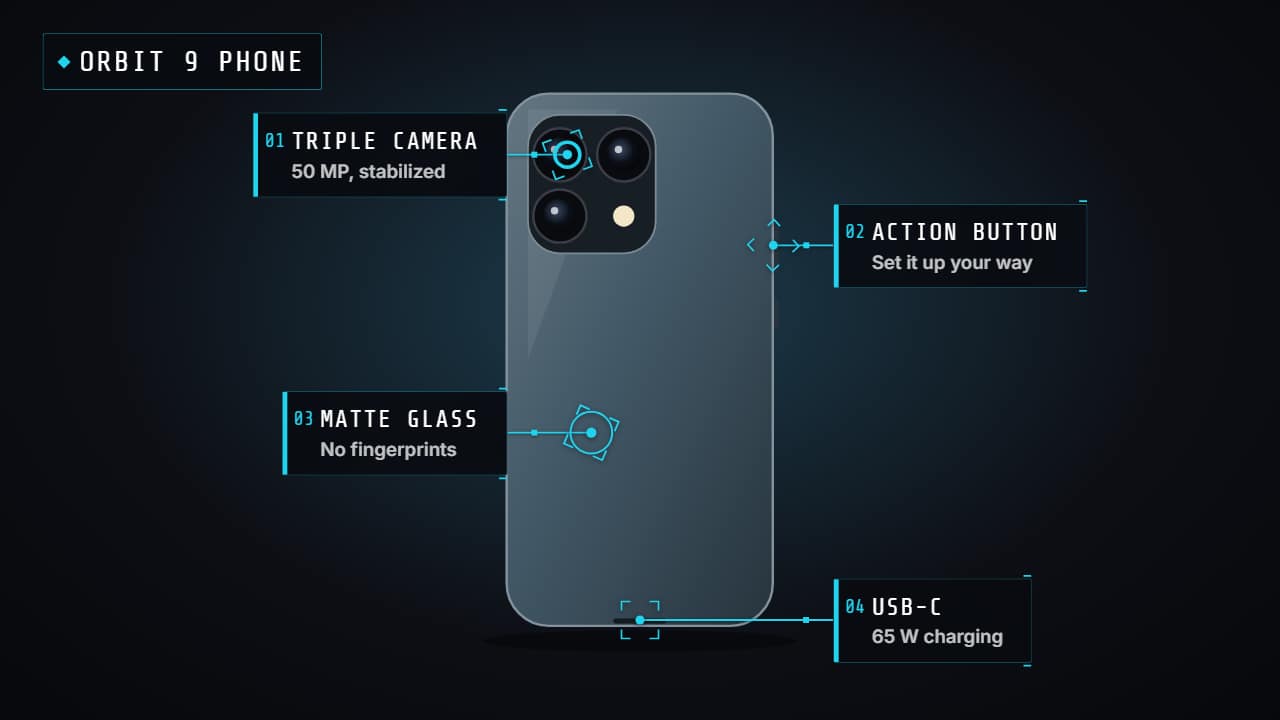 Product hotspotsPoints that pulse over your video (or the product photo) and open their label one by one with a line: the…
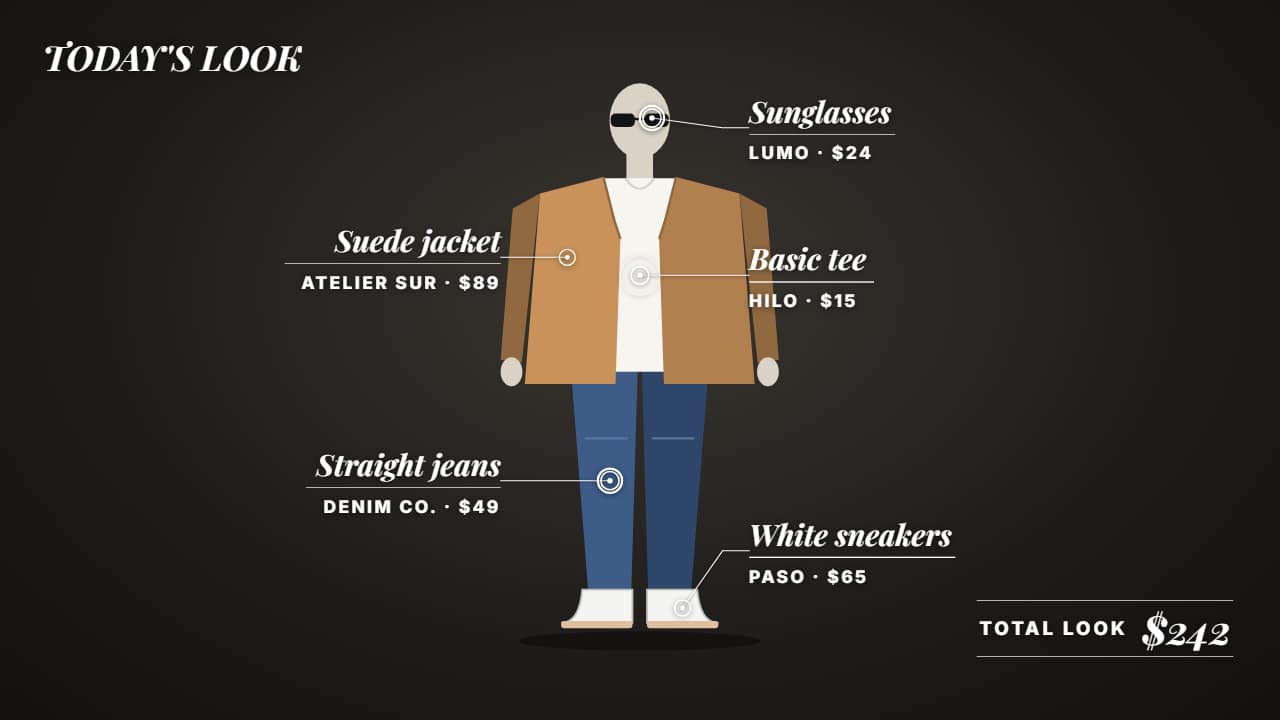 Outfit breakdownFor fashion: each piece of your outfit pointed out over your video with its name, price and where to buy it…
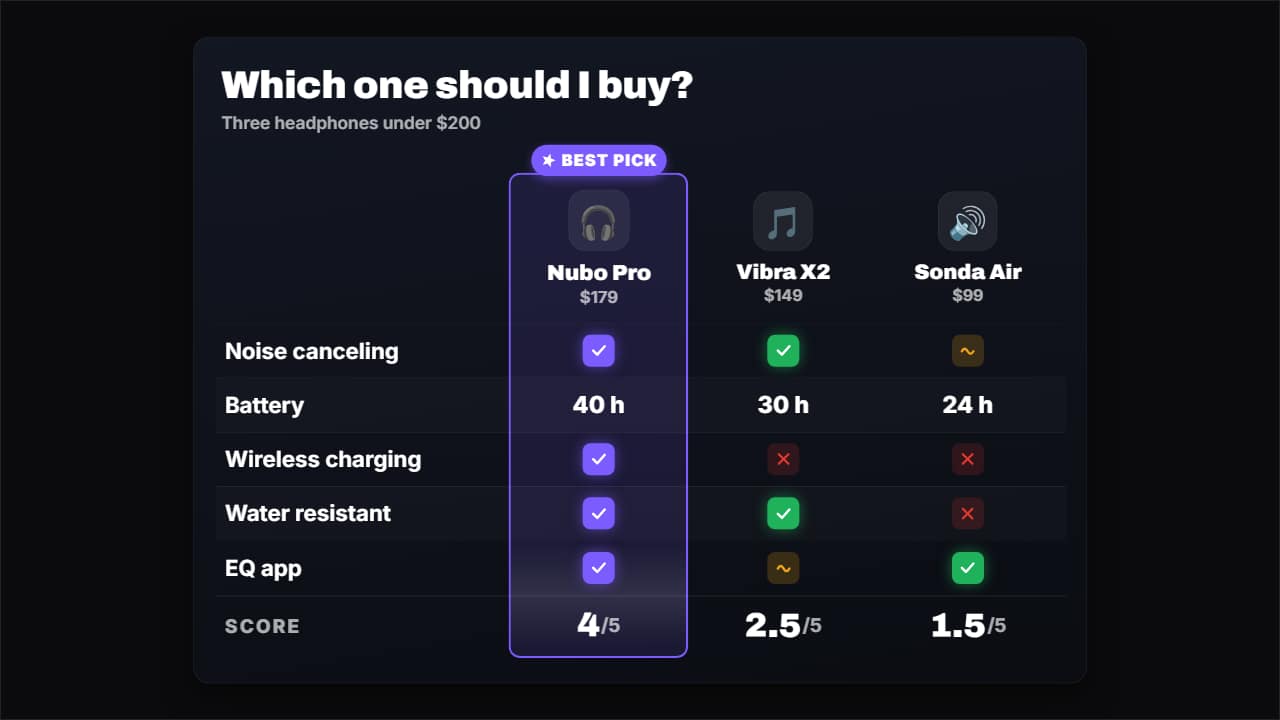 Comparison tableCompare 3 or 4 products (or plans, or apps) in a table: the columns come in with their photo or emoji and…
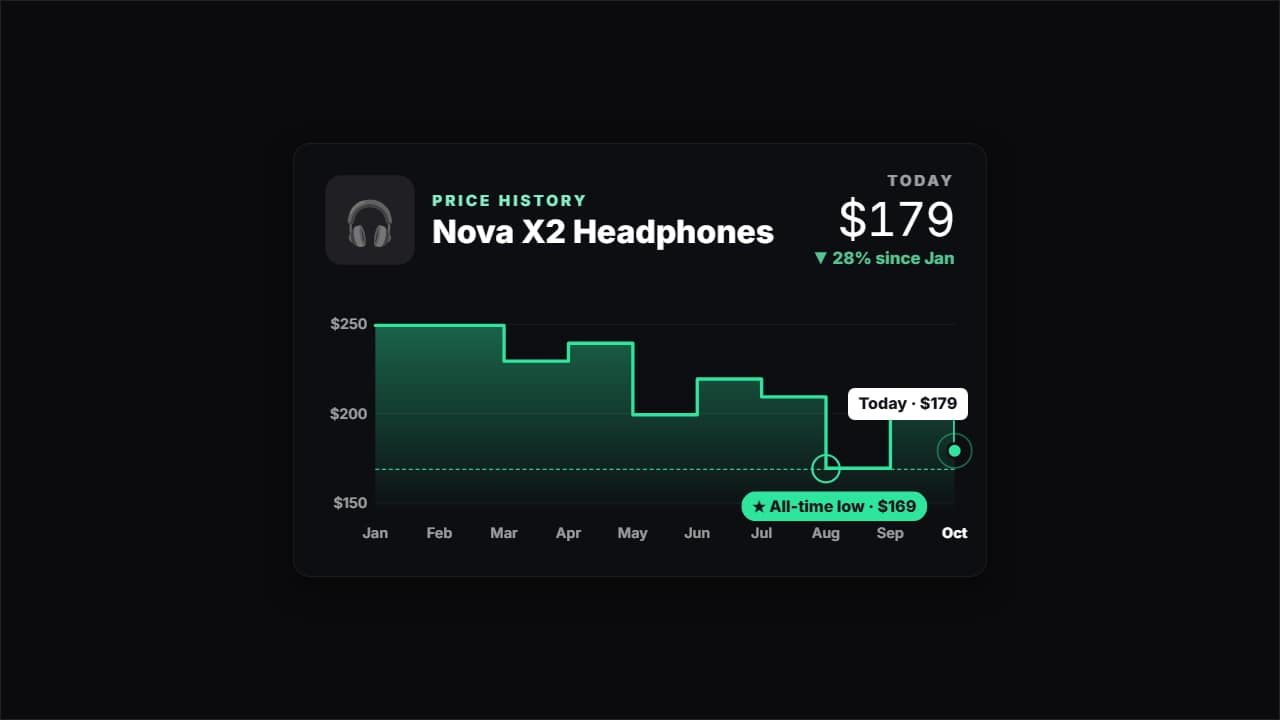 Price historyHow much a product has cost month by month, for deal and tech channels: the line draws itself, the all-time…
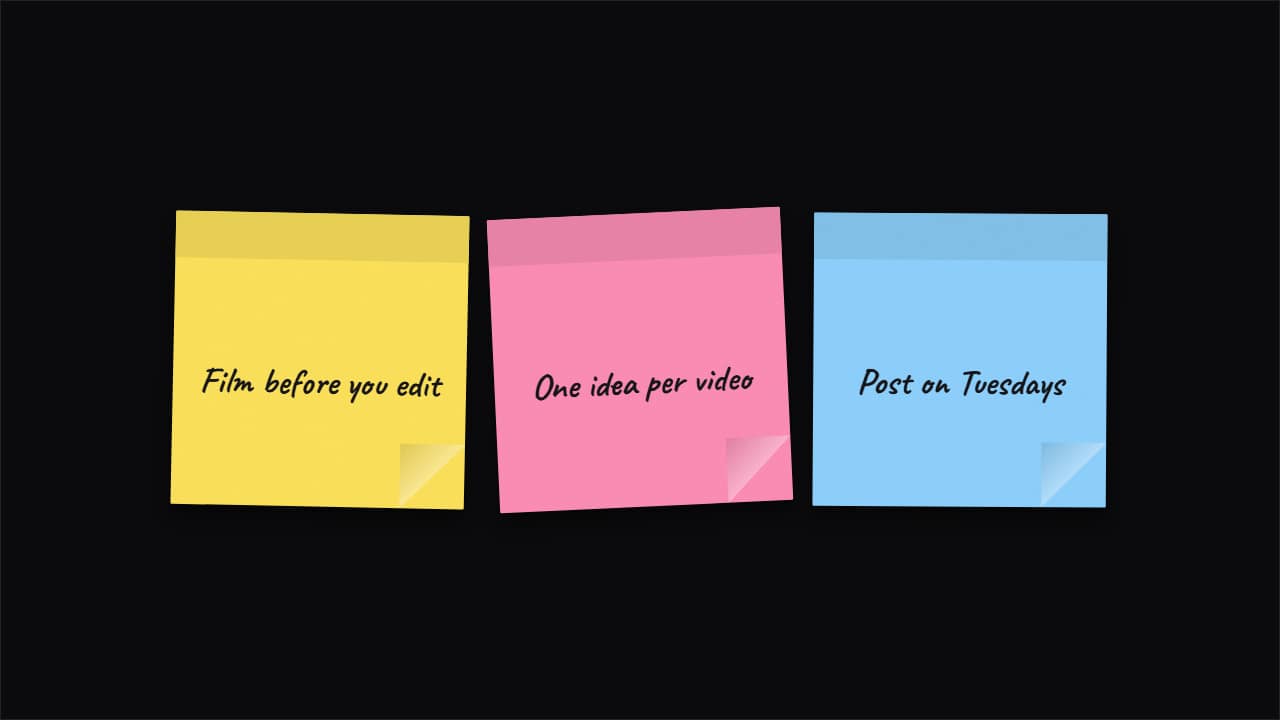 Sticky notes on screenThe notes that productivity and study channels stick on screen: they drop in one by one with a slap, tilt…