Aspect ratio1920×1080this is how it downloads
Preview doesn't change the file
You'll download 1920×1080, 3.5 s, with no background (.mov).
BetaFree during the beta: create an account and export at no cost. No credit card.How it works →Free during the beta · no card →
You'll download 1920×1080, 3.5 s, with no background (.mov).
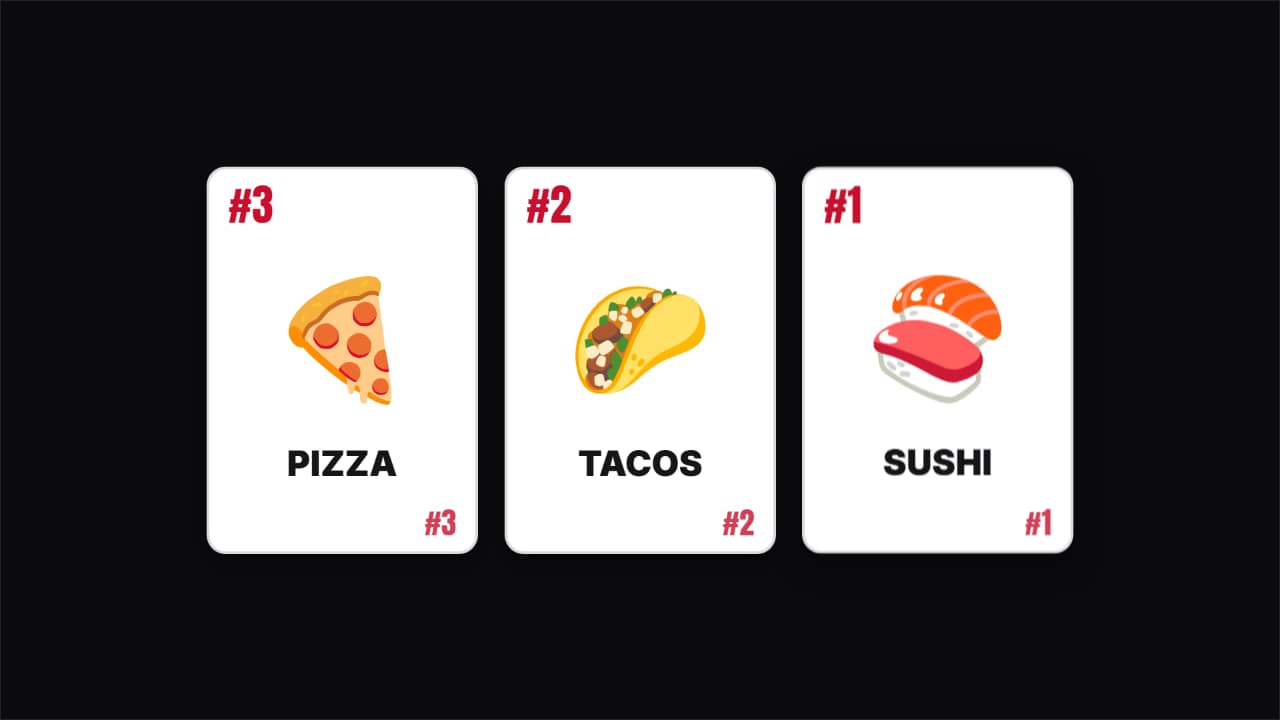
The «and number one is…» of top lists: up to three face-down cards that lift and flip one after another, showing the rank in the corners, the big figure (emoji or your image) and the name. The last one is the winner: it waits a little longer, lands harder and throws rays. In vertical, three cards go two on top and one below. Three styles: classic (white with a back in your color), gold (black and gold) and pastel.
Plus the typeface and an optional letter outline, in every template.
Export it without background and put it on a track above your clip: the animation plays over your video.
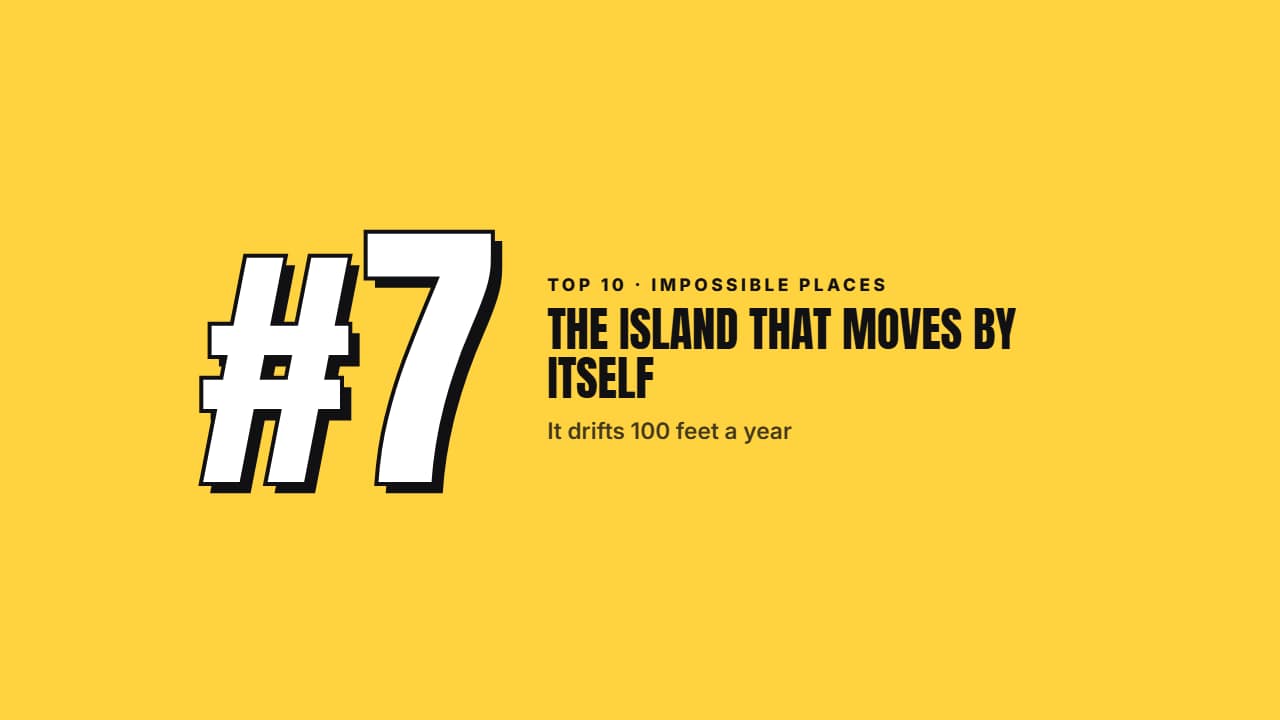 Top 10 number transitionThe transition between entries of a top 10: two color planes sweep the screen diagonally and COVER the cut…
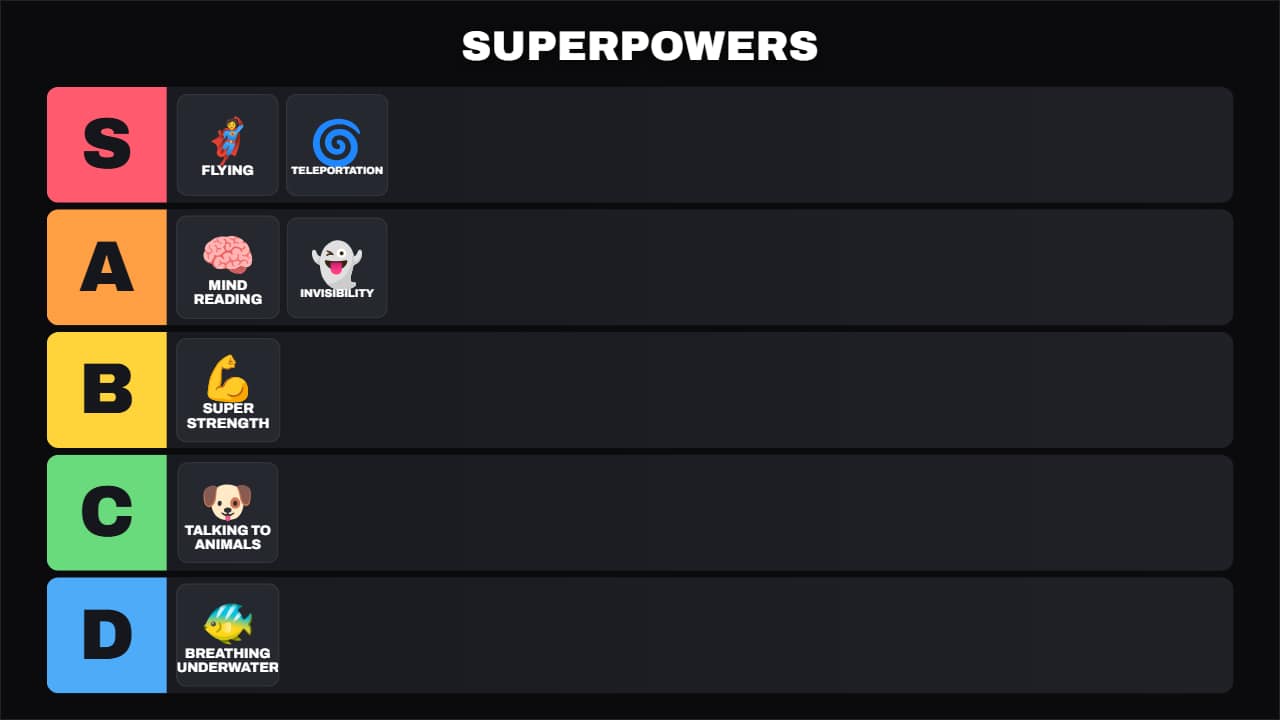 Universal tier listThe S-A-B-C-D tier board for any topic: food, video games, movies, gadgets, travel… Each item first shows up…
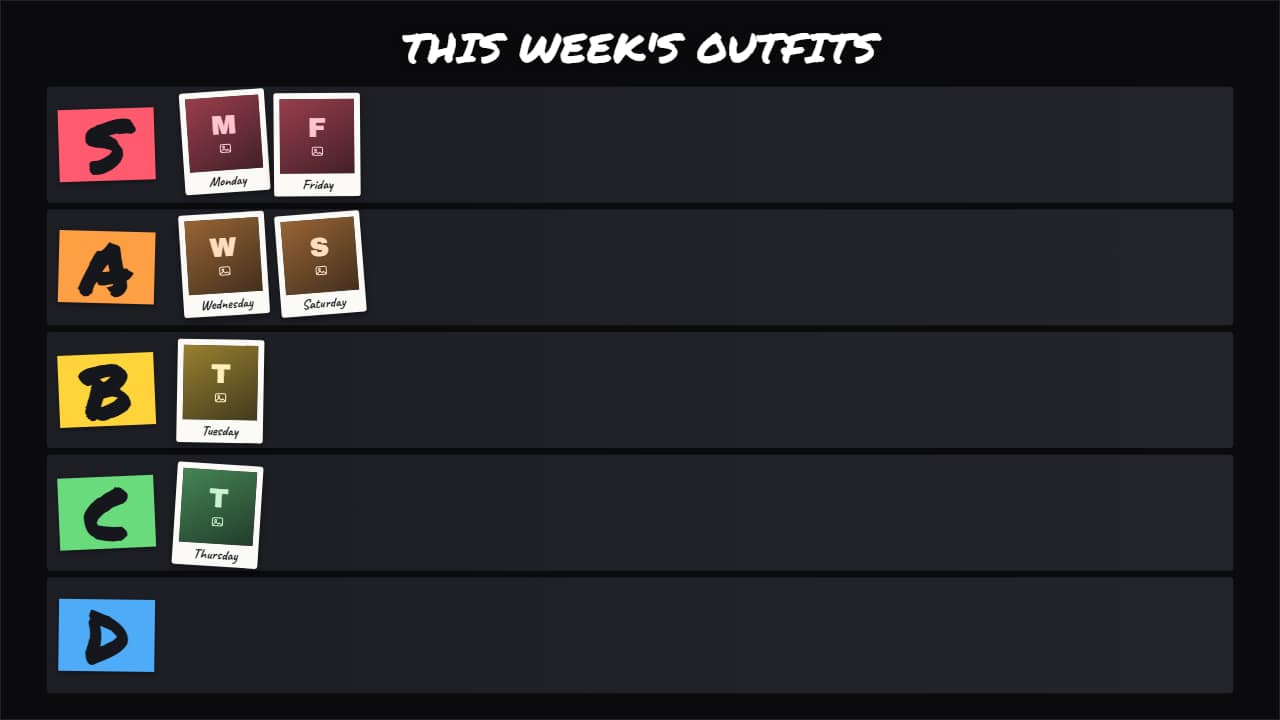 Photo tier listThe tier list with YOUR photos or clips instead of emojis: outfits, dishes you cooked, thumbnails, places…
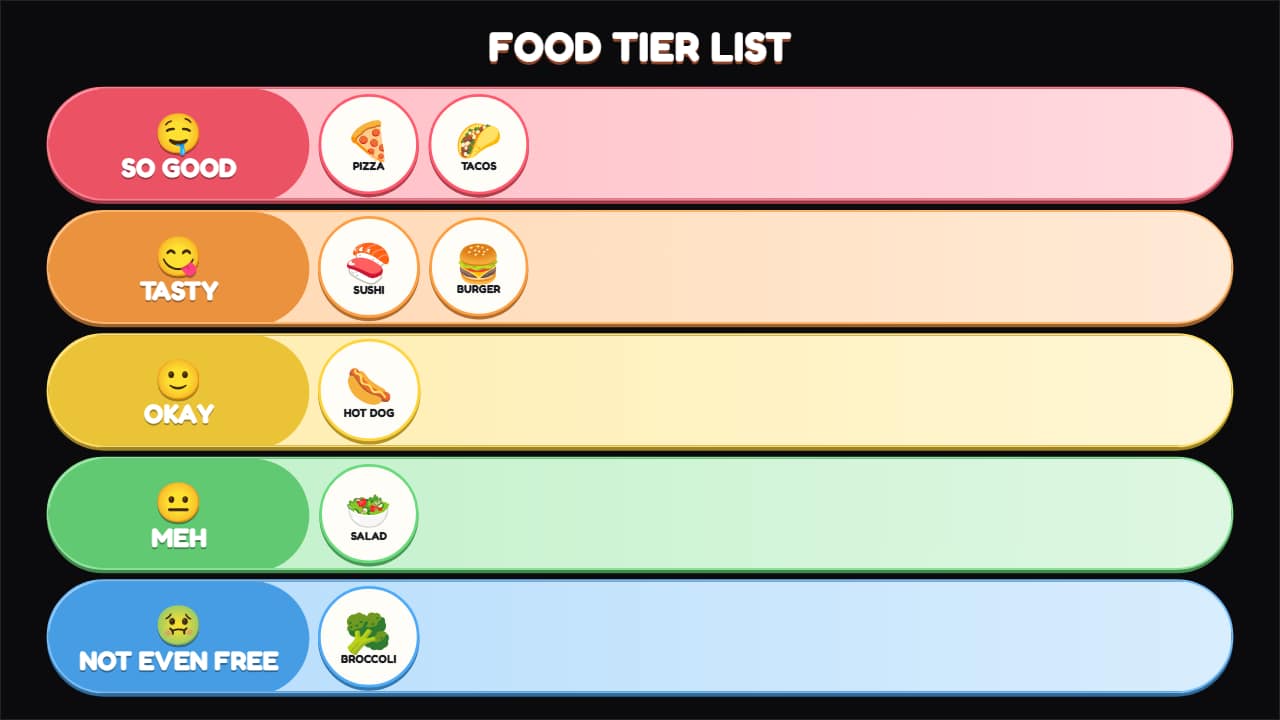 Food tier listA tier list for food, tasting and fast-food channels, with its own scale in words: from «SO GOOD 🤤» to «NOT…
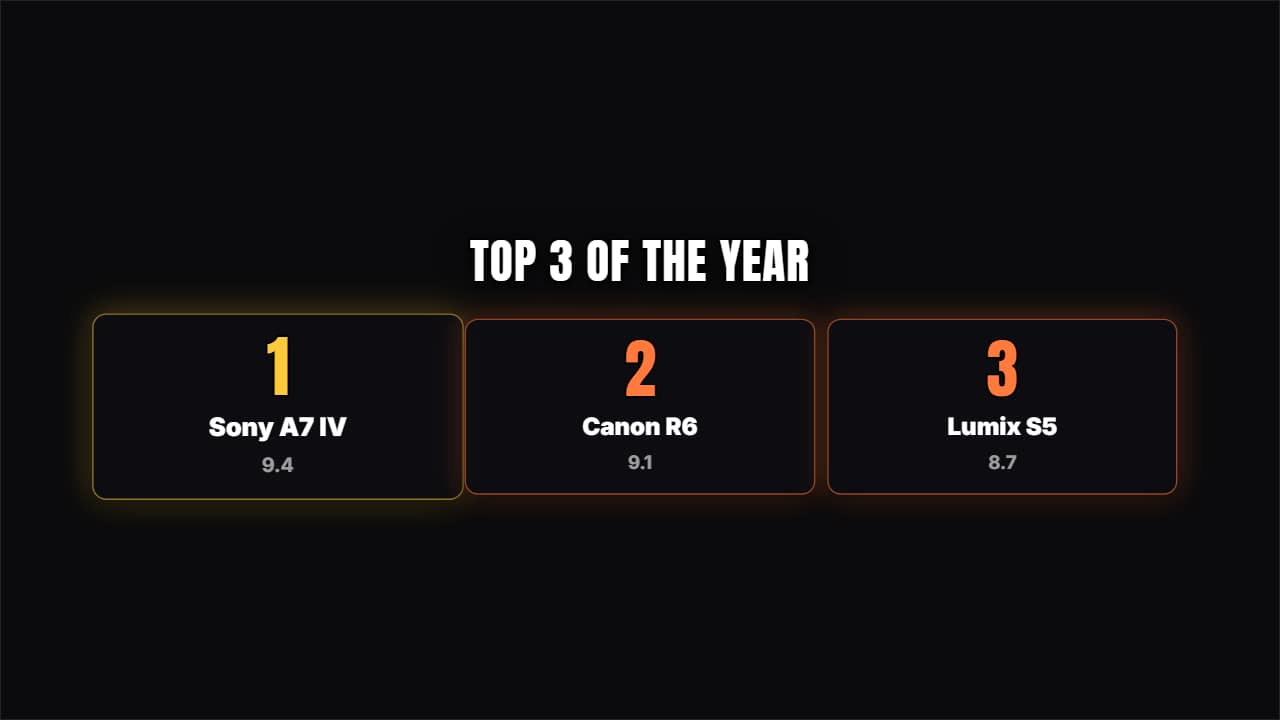 Place cardsNumbered cards rising from below; number 1 stays a notch larger.
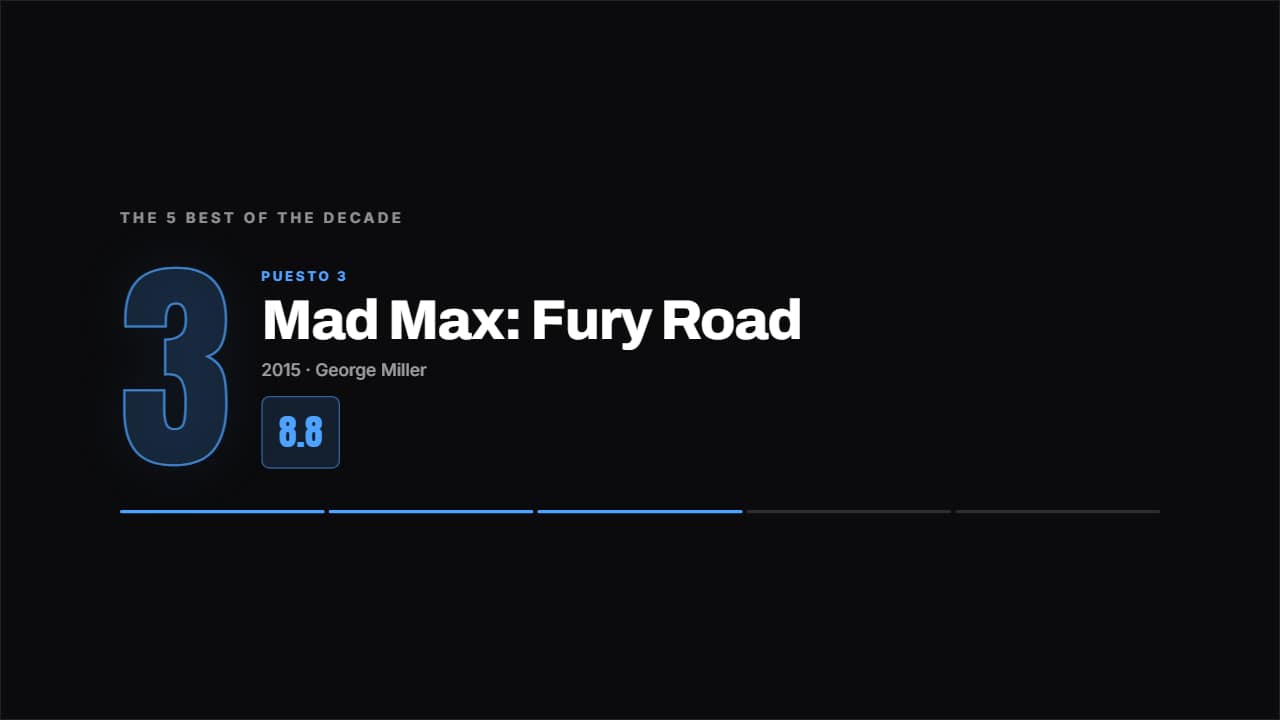 Top countdownOne place per screen, from last to first, with the giant number behind and the figure counting up.
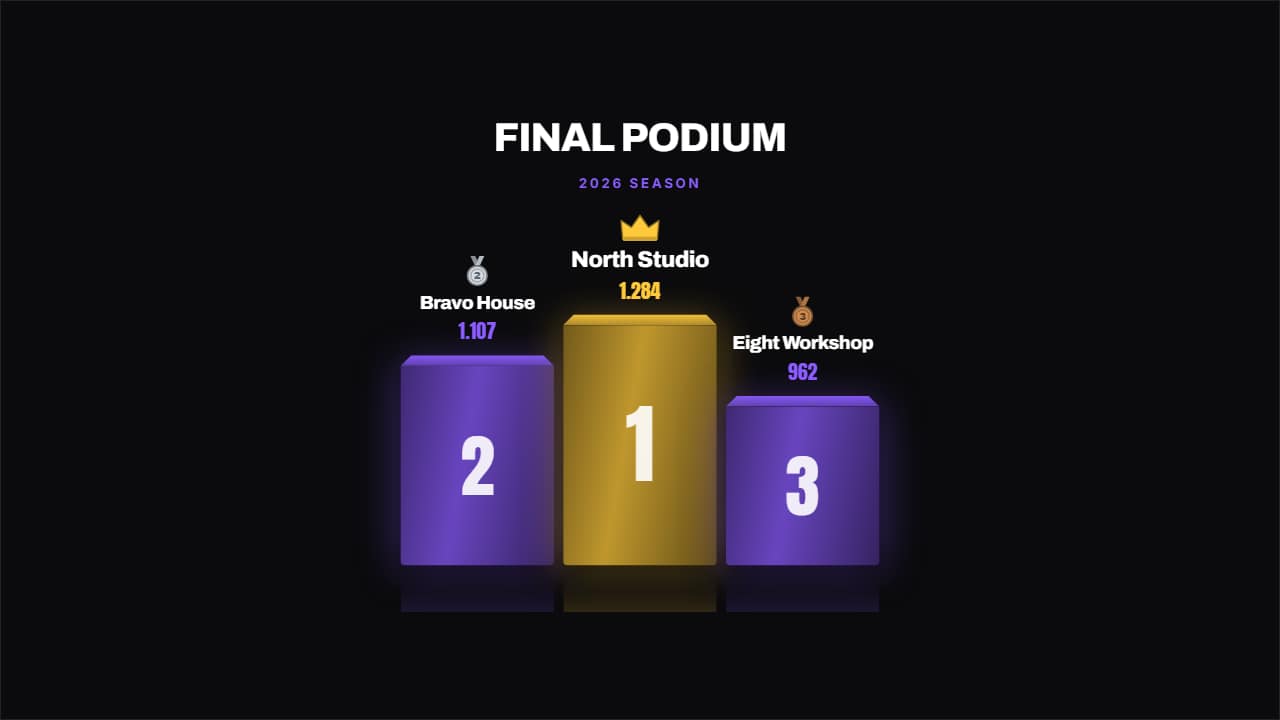 Championship podiumA podium with real depth: perspective on the top face, reflection on the floor, a drawn medal and a crown on…
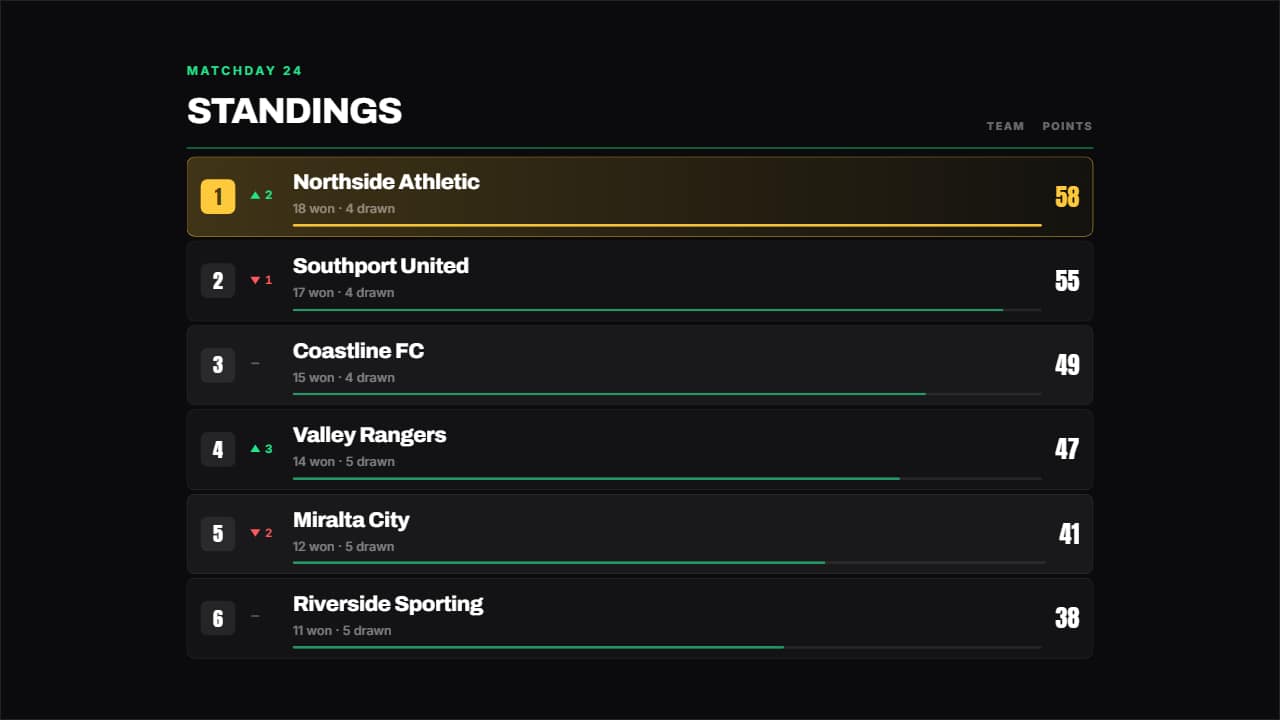 League tableA league table: place, up or down arrow, name, a bar in proportion to the figure and the number counting.