Aspect ratio1920×1080this is how it downloads
Preview doesn't change the file
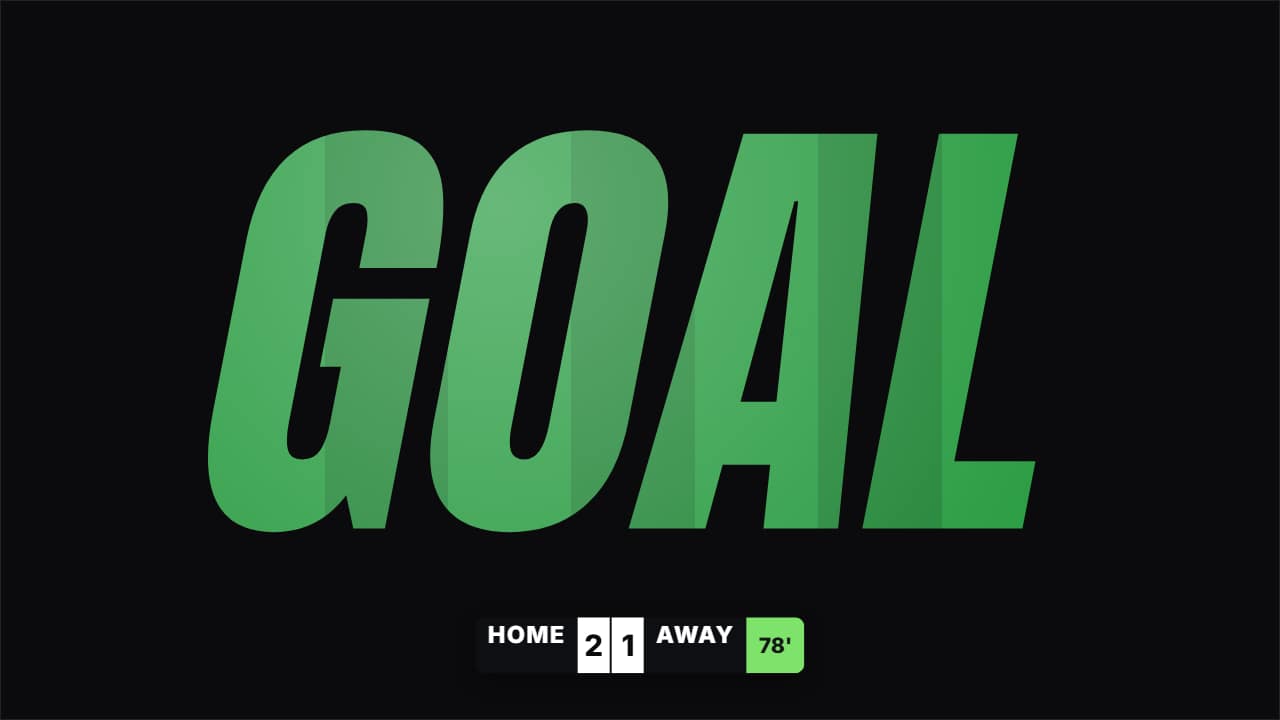
You'll download 1920×1080, 3.5 s, with no background (.mov).
BetaFree during the beta: create an account and export at no cost. No credit card.How it works →Free during the beta · no card →
You'll download 1920×1080, 3.5 s, with no background (.mov).
The word you type («GOAL», «WIN», «GOLAZO») in slanted condensed type with your play INSIDE the letters. In «impact» the letters fly in from the right with motion blur and speed streaks, flash white, the camera shakes and three outline echoes burst outwards; in «bounce» they drop one by one and bounce. Underneath, a small scoreboard (teams, goals and minute) where the scoring side's number rolls up. No clip = striped grass. Pitch green and white.
Plus the typeface and an optional letter outline, in every template.
Export it without background and put it on a track above your clip: the animation plays over your video.
 Goal cardThe big card that bounces in on a goal, with the scorer, the minute and the assist.
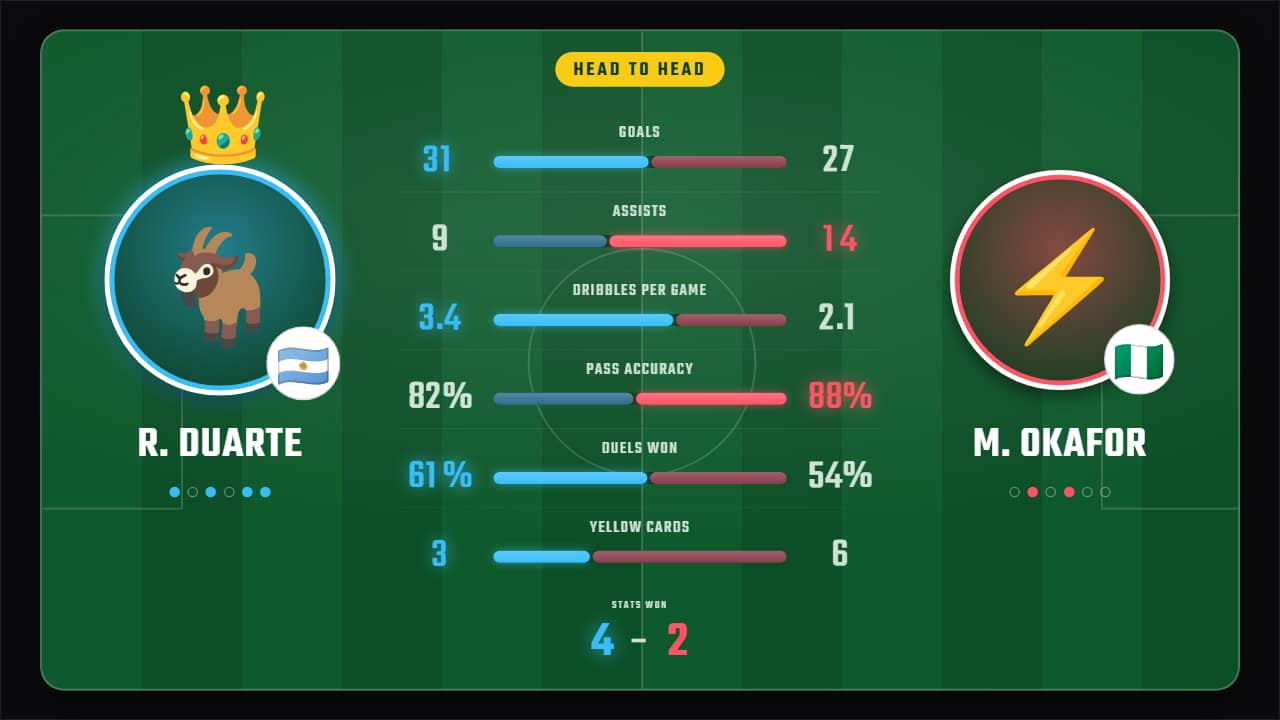 Stats battleTwo players or two teams head to head —photo or emoji, name and flag— and their stats row by row: each one…
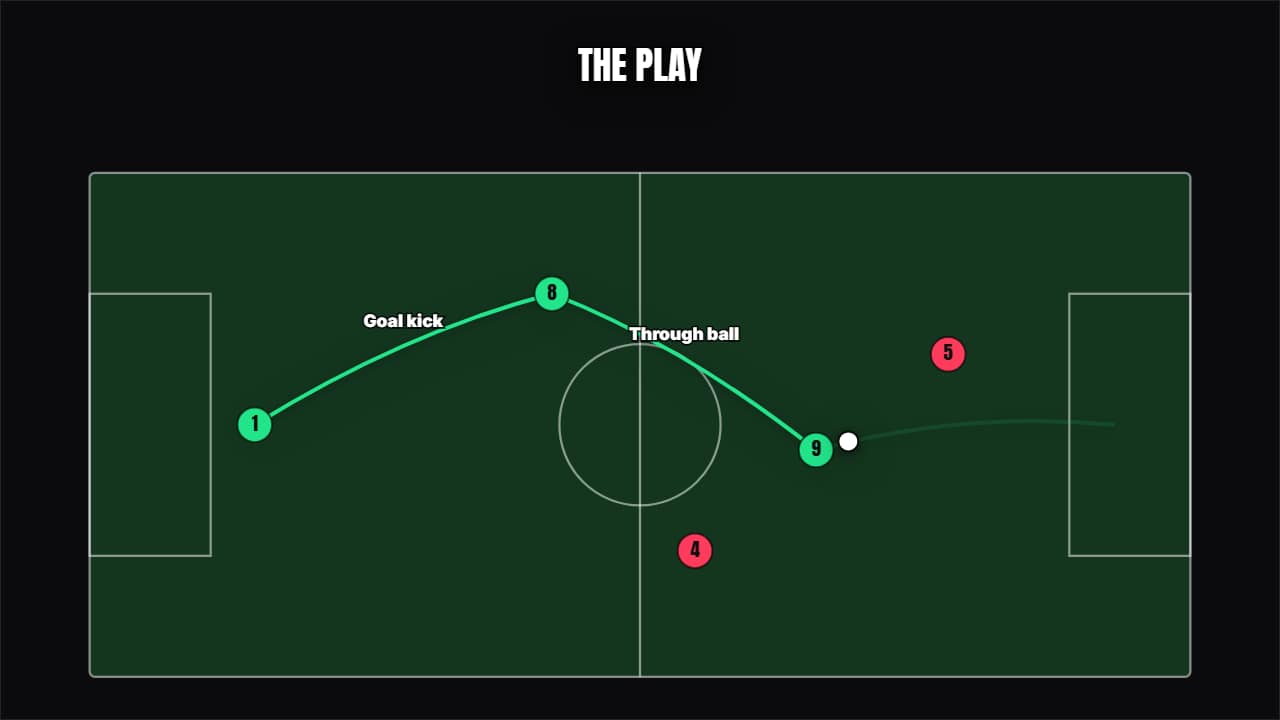 Play on the pitchAn animated tactics board: the players in position, the ball traveling and the passes drawing themselves one…
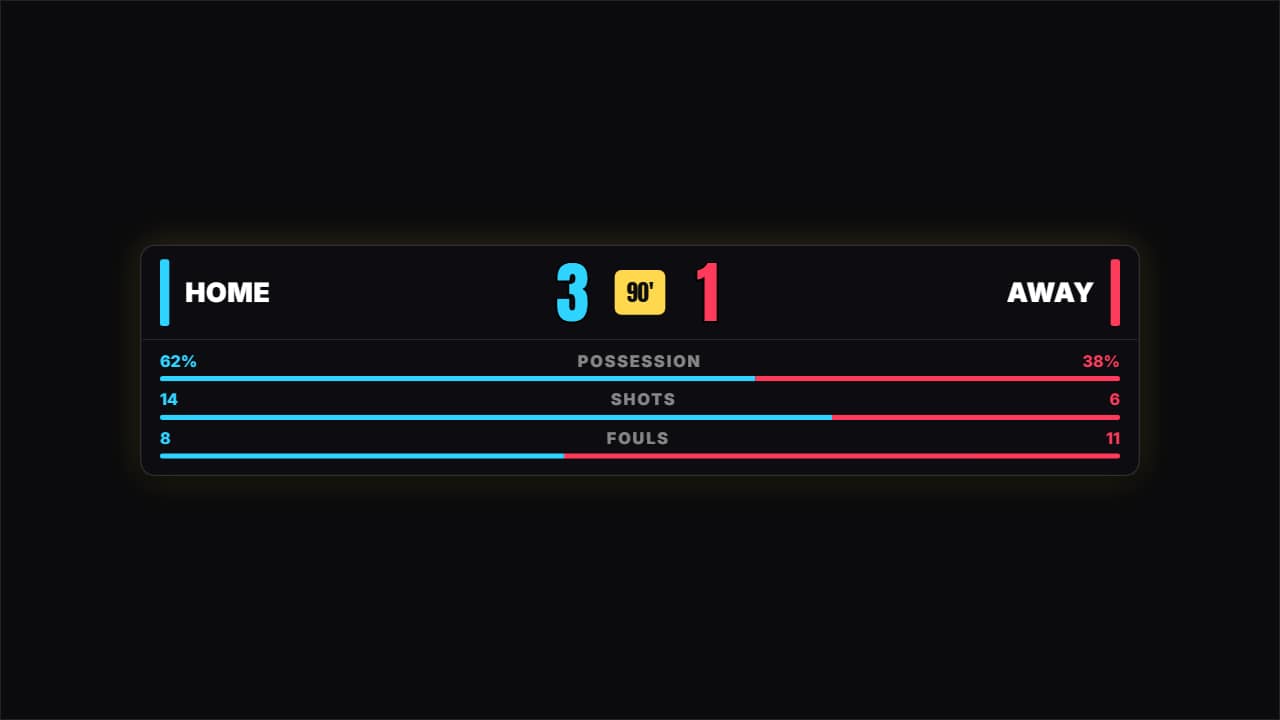 Scoreboard with statsTwo teams, the score climbing, the minute and the stats split into bars.
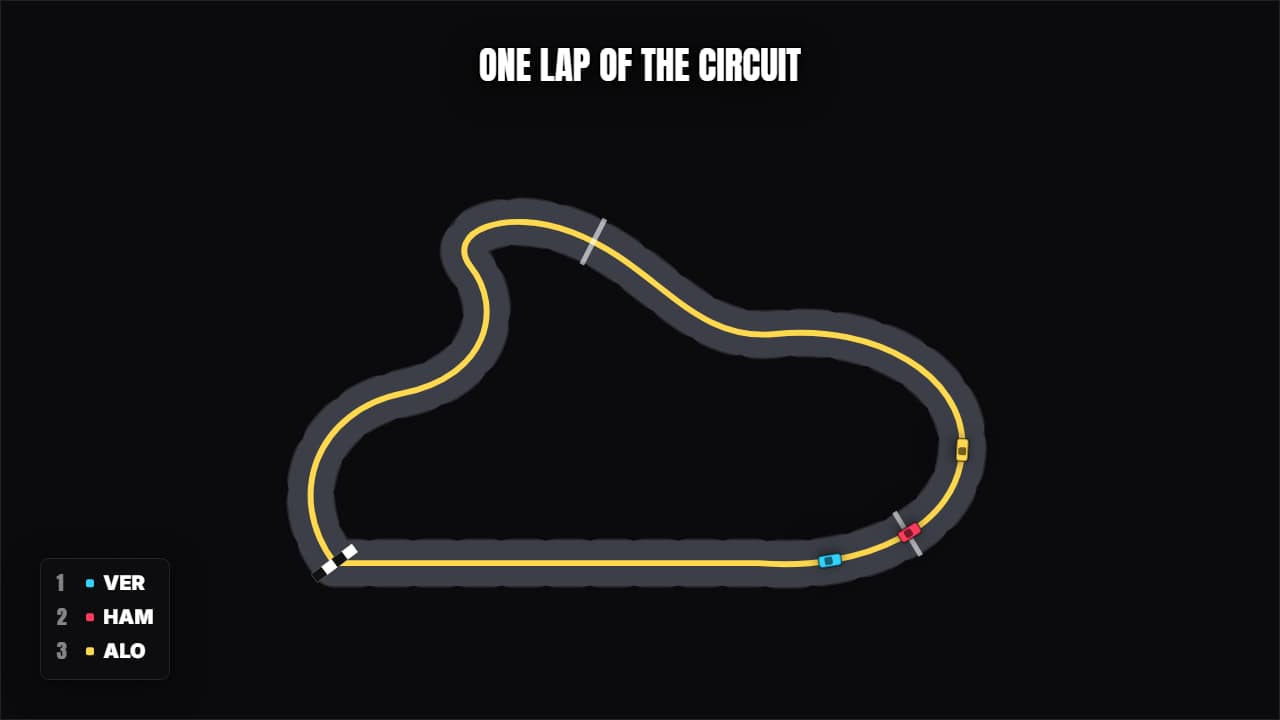 Lap of the circuitThe track draws itself and the cars go round it with their standings.
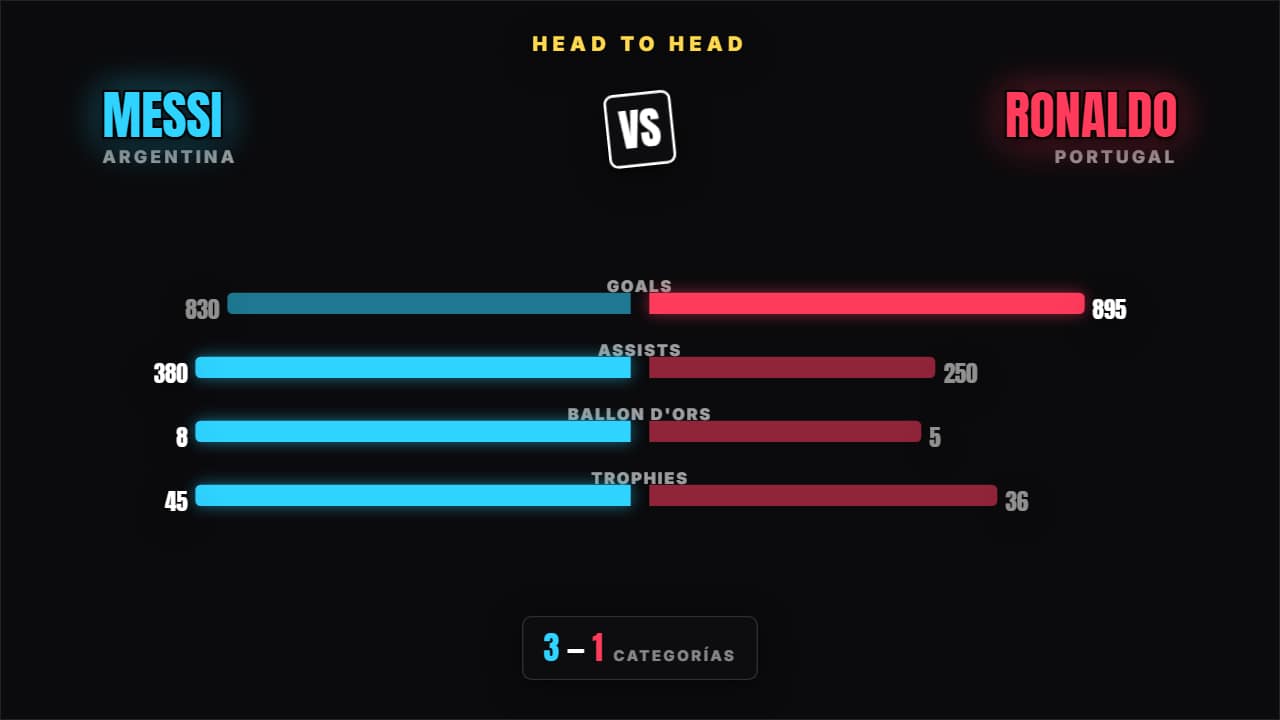 Head to headTwo names facing off and the stats growing towards their side; whoever wins each category lights up and the…
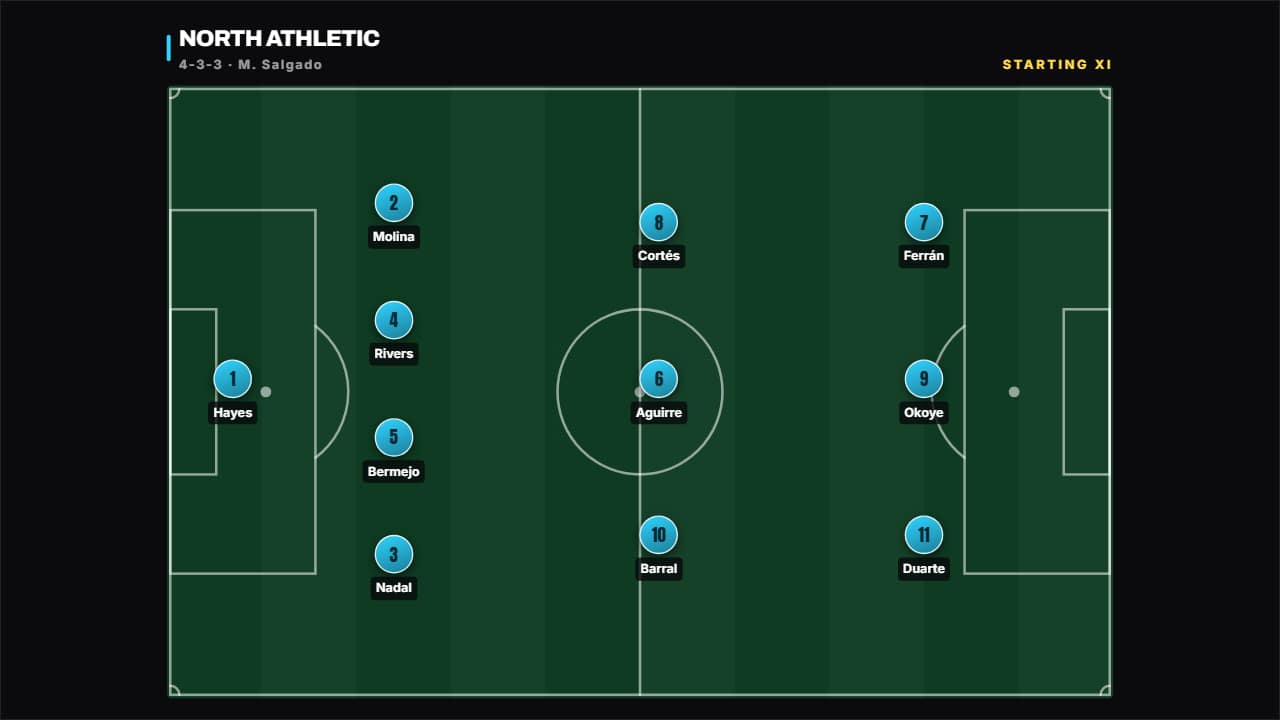 Line-up (editable formation)You type "4-3-3" and the eleven place themselves in their lines; switch to "4-2-3-1" or "3-5-2" and they…
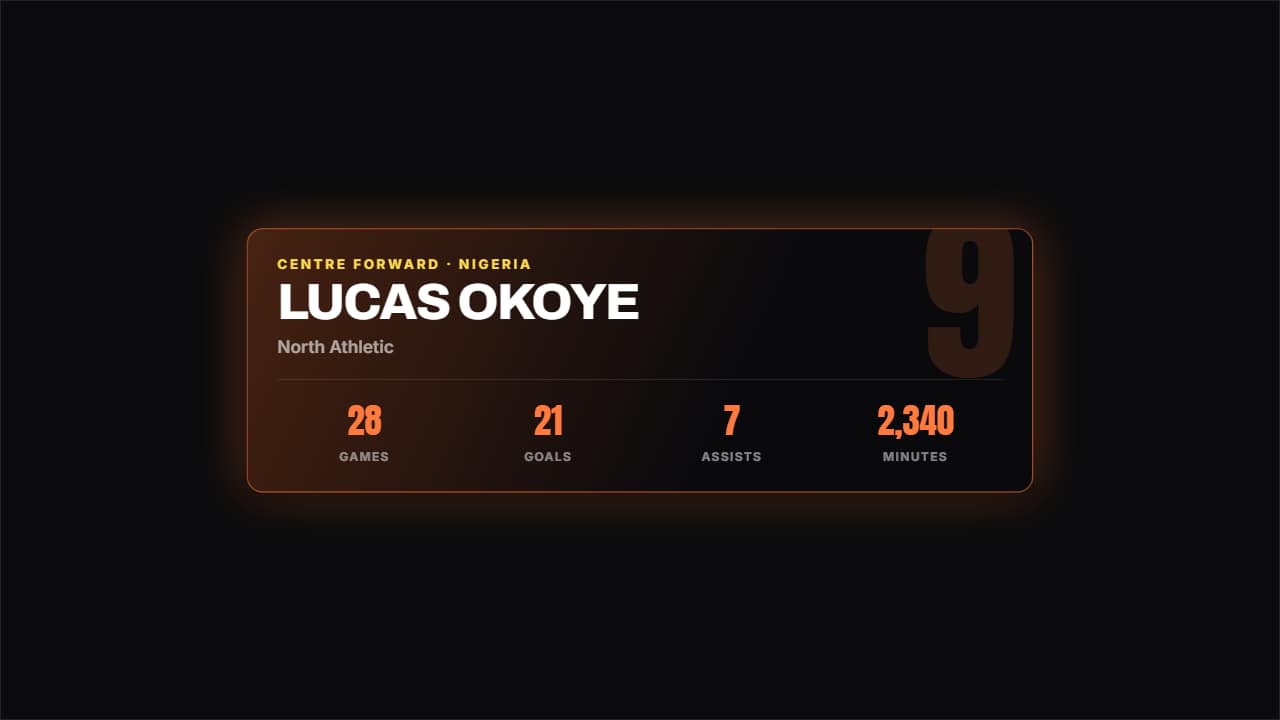 Player cardThe card that comes up before kick-off: giant watermark squad number, name, position, country and up to four…