Aspect ratio1920×1080this is how it downloads
Preview doesn't change the file
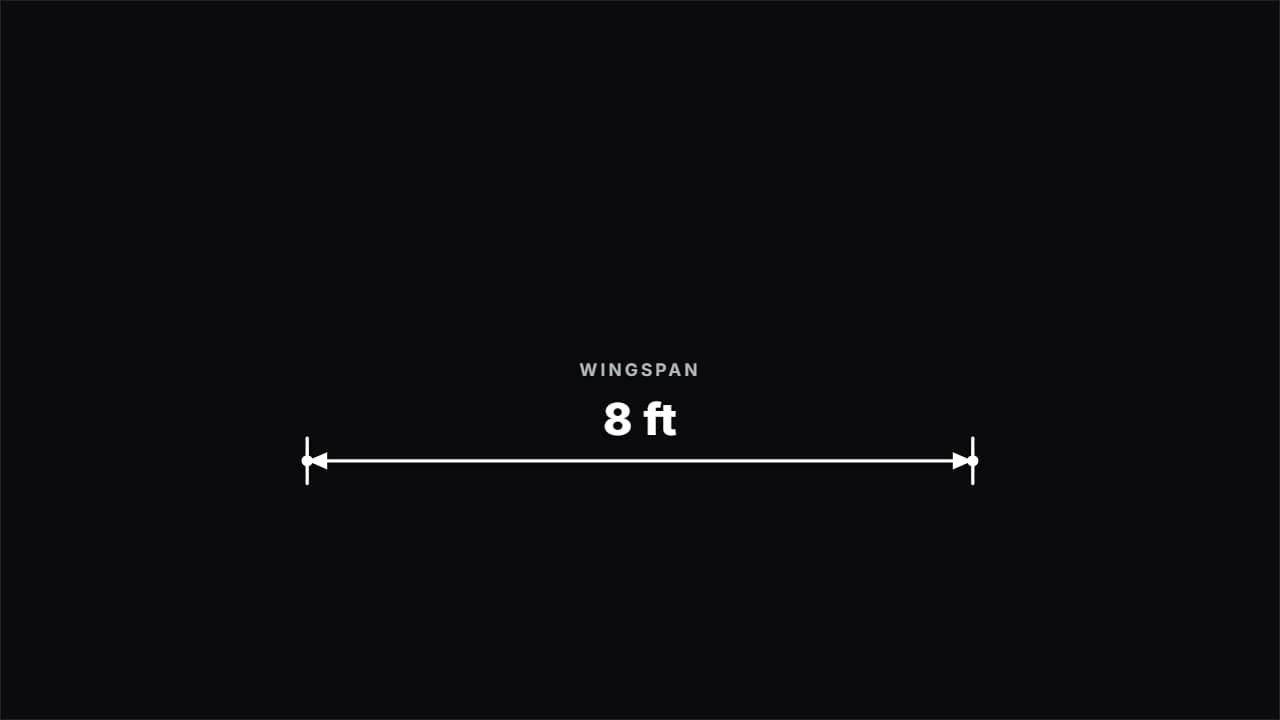
You'll download 1920×1080, 3.5 s, with no background (.mov).
BetaFree during the beta: create an account and export at no cost. No credit card.How it works →Free during the beta · no card →
You'll download 1920×1080, 3.5 s, with no background (.mov).
The dimension line from engineering and science channels: the two end ticks appear, the line opens from the center with its arrows and the number counts up to the measurement («8 ft») with its label. You give it the two points in % of the frame, so it measures whatever is in your clip. Three styles: drafting (white technical line), tape measure (the yellow tape stretching from A to B) and HUD (targeting brackets and terminal type).
Plus the typeface and an optional letter outline, in every template.
Export it without background and put it on a track above your clip: the animation plays over your video.
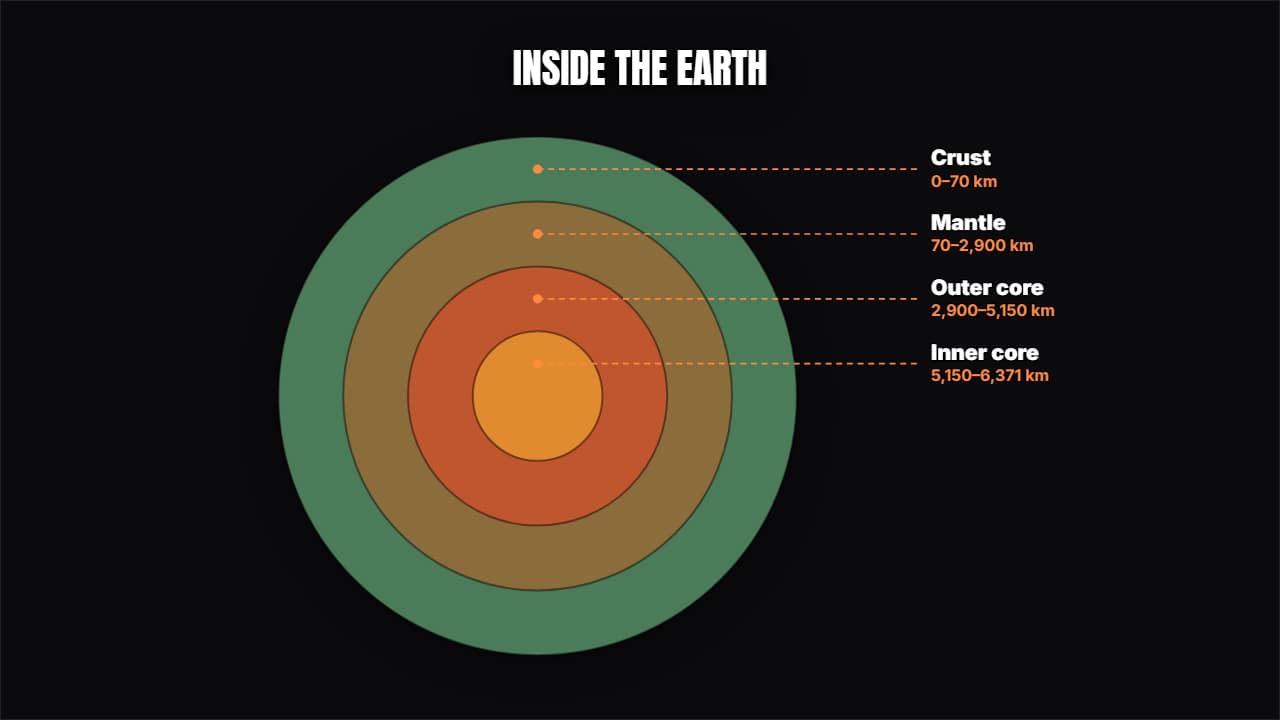 Layers in cross-sectionConcentric circles opening from the middle with their label and their measurement: the inside of the Earth…
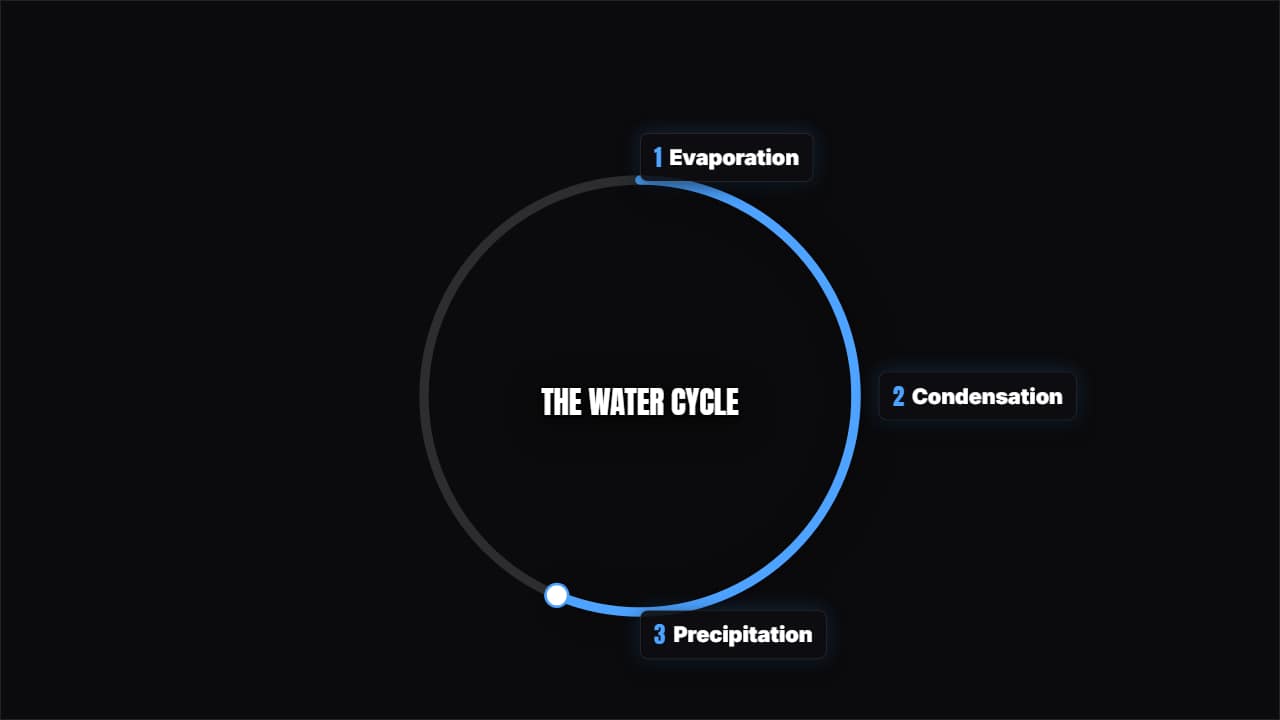 Cycle with stepsThe steps around a ring that completes itself, with a marker going round.
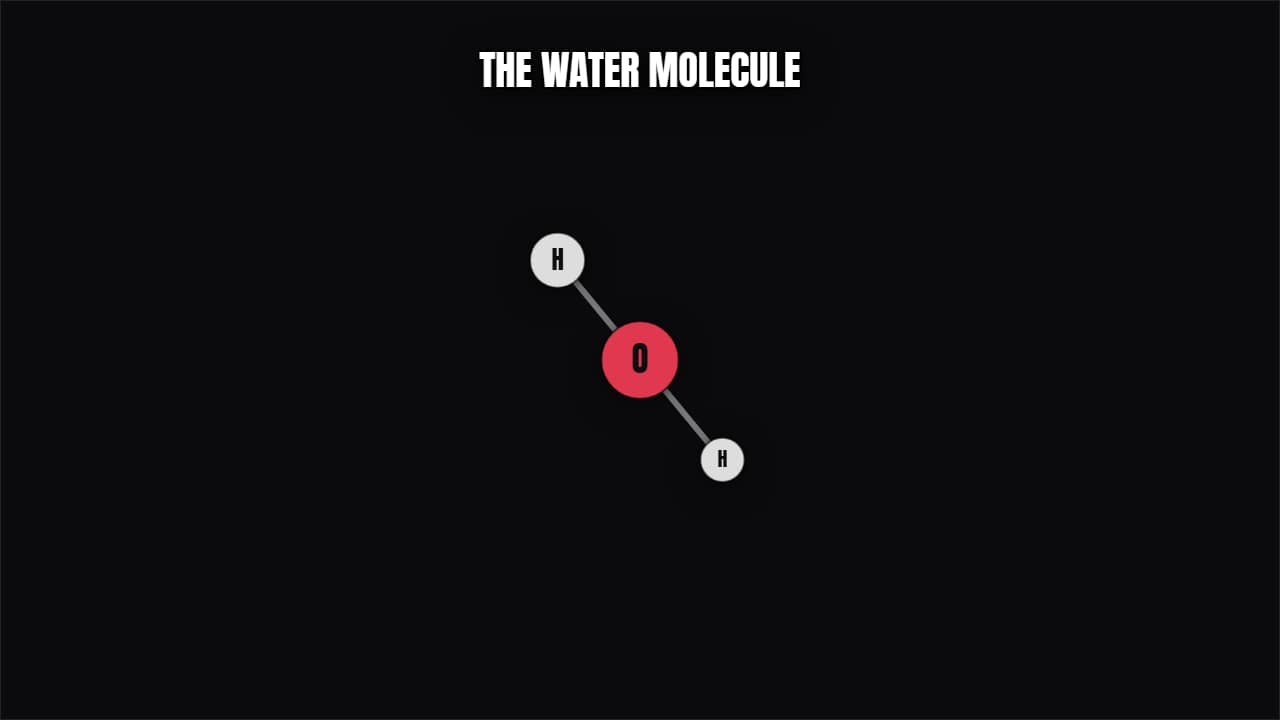 Molecule / atomAtoms joined by bonds spinning in perspective, or an atom with its electrons in orbit. Chemistry and physics.
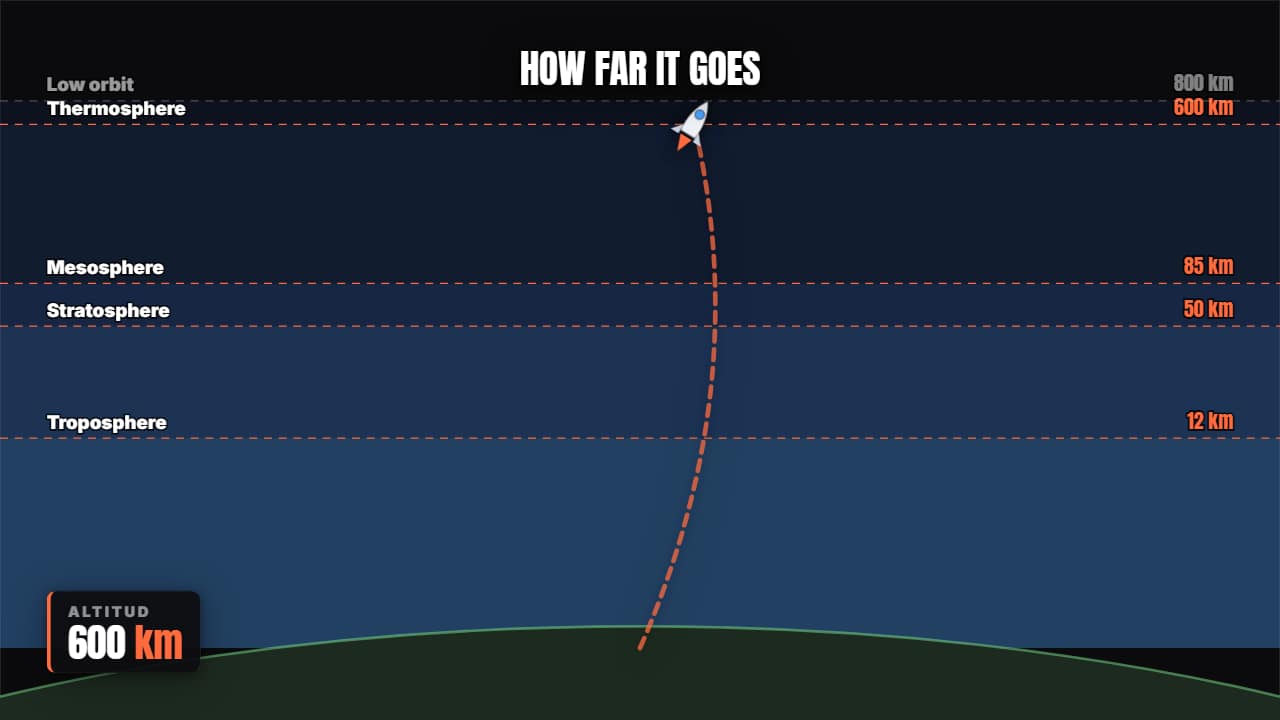 Rocket trajectoryLifts off, climbs through the layers of the atmosphere with the altimeter counting, and reaches orbit.
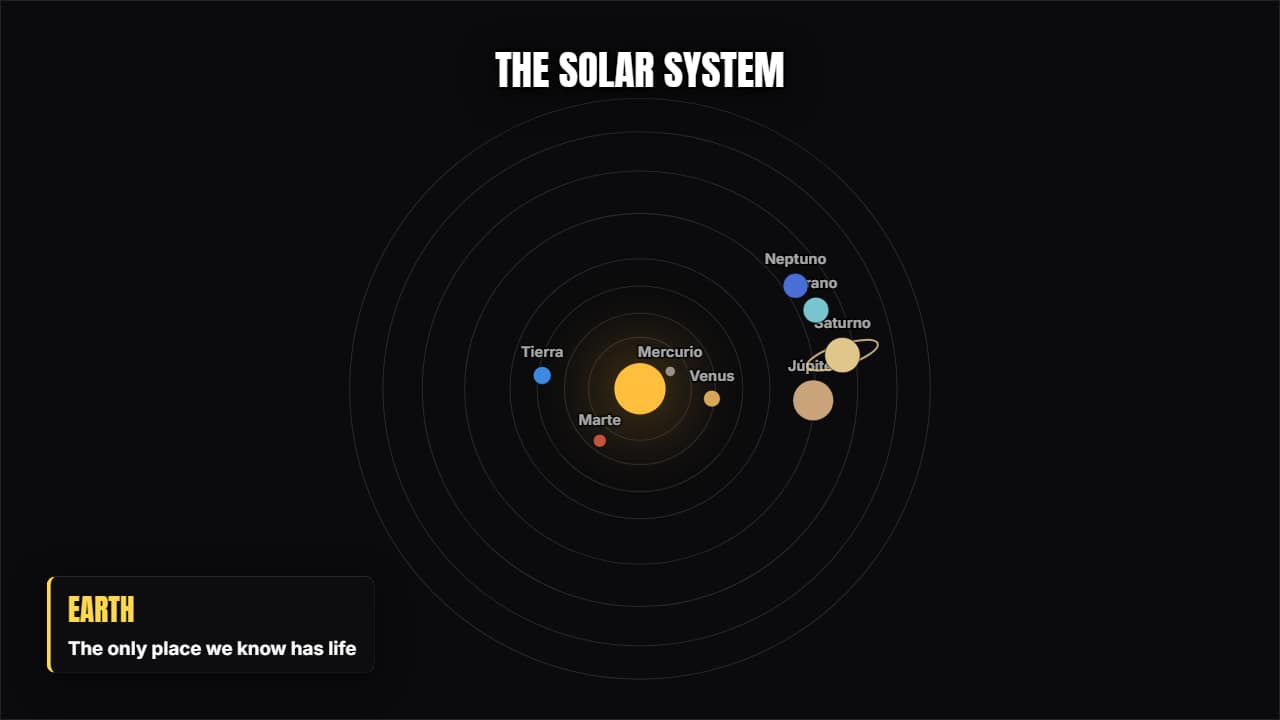 Solar systemThe eight planets orbiting at their relative sizes; the one you pick is highlighted and pulls out its card.
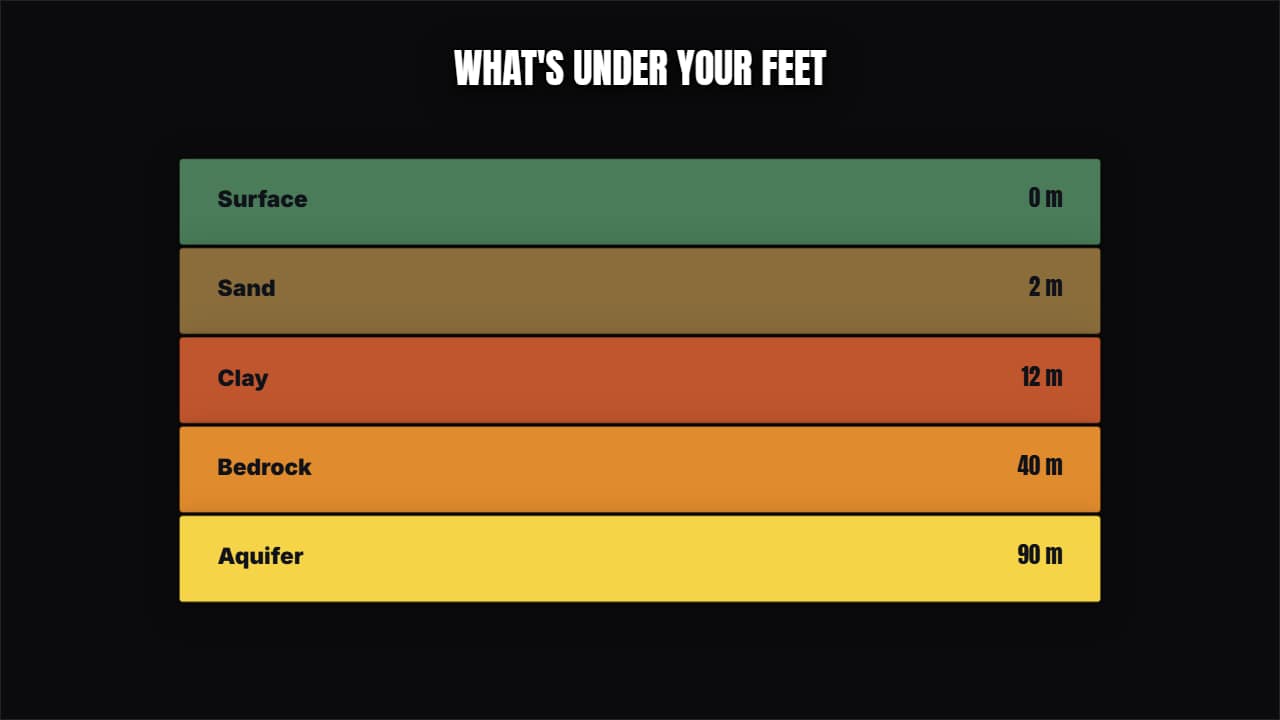 Stacked strataThe same idea in horizontal bands: soil layers, sea levels, price tiers or any "this sits on top of this".
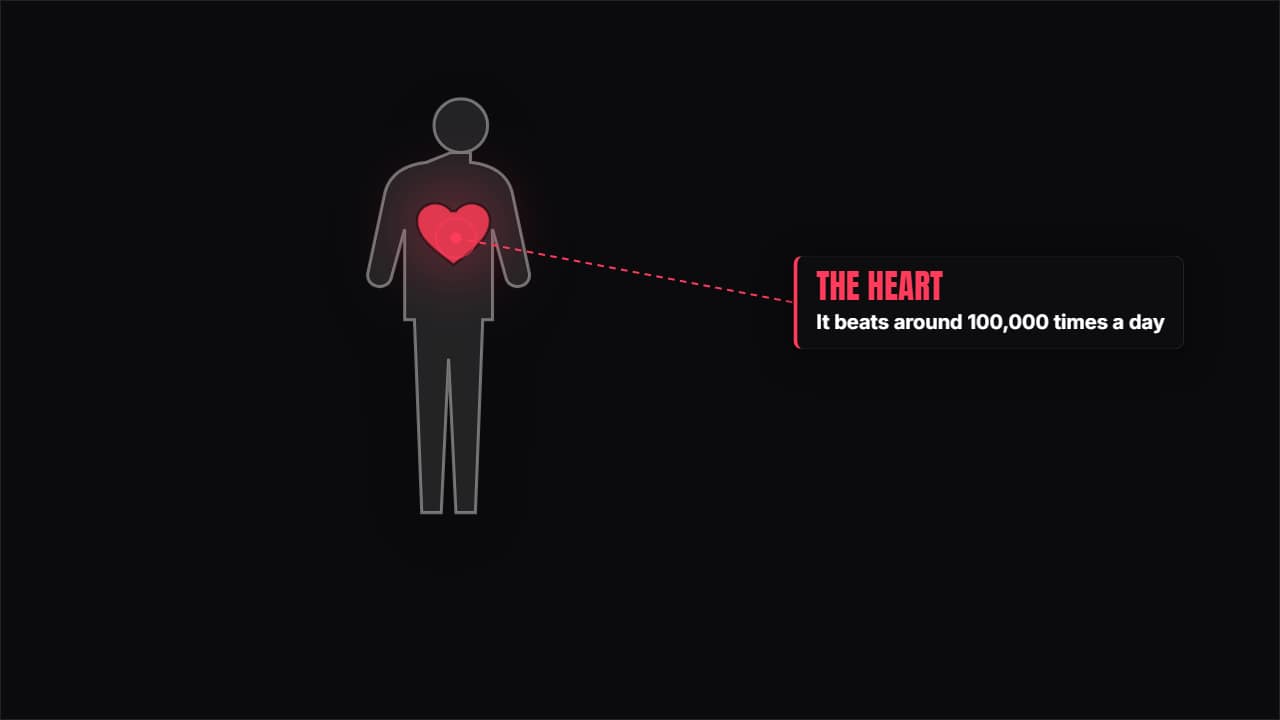 Human bodyA silhouette with the organ you choose highlighted, beating, and its card beside it.
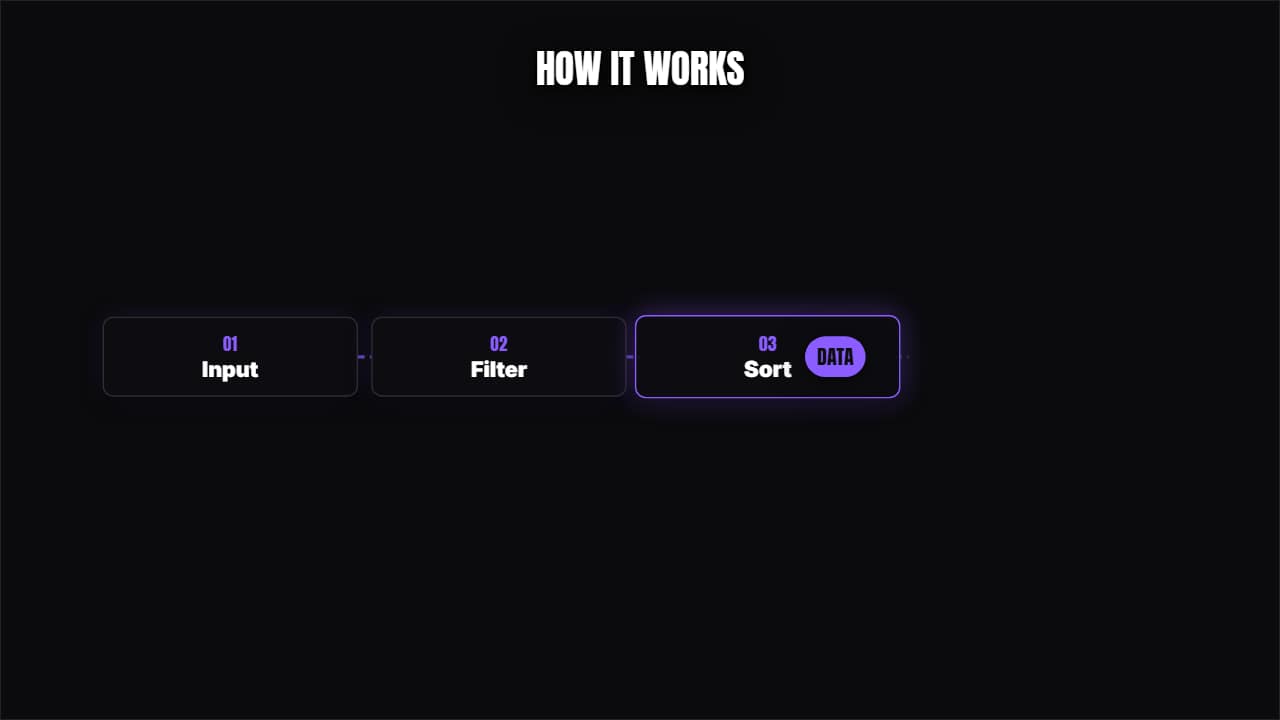 Chain processBoxes connected with a piece of data traveling from one to the next.